
In this post I'll be looking at the Canon EF-S 10-18mm f/4.5-5.6 IS STM and EF-S 10-22mm f/3.5-4.5 USM lenses when used on a full frame camera. I'll be looking at their native performance and also how well they work with a teleconverter and the Laowa Magic Shift converter, both of which enlarge the image circle of the lens.
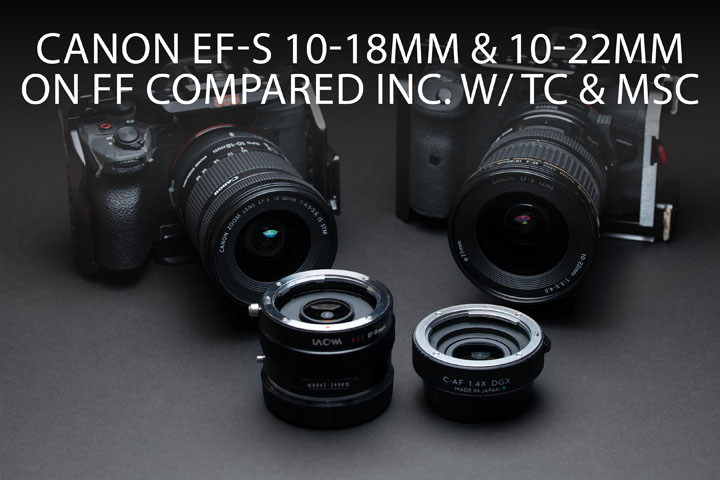

A video version of this blog post is available here if you'd prefer: Canon EF-S 10-18mm and 10-22mm lenses on FF inc. w/ MSC & TC
To start with, why would you want to use one of these lenses, designed for APS-C sized sensors, on a full frame camera? Well, they are smaller, lighter, and much cheaper than full frame lenses. The main reason for me though is that both my Sony cameras have better videos specs when used in APS-C crop mode than they do when used without a crop. If these lenses work well on FF, it would allow using them both for wide-angle APS-C crop video and wide-angle FF stills or video.
This post is rather long with all the test images, so I've made an index to hopefully make it easier to jump between sections:
- EF Mount conversion
- Vignetting pre versus post mount conversion
- Using with dumb adapters / avoiding forced APS-C crop on Canon
- Focus drift when changing focal length
- Image quality
- Versus APS-C / Lack of lens profile corrections
- Laowa Magic Shift converter
- EF-S lenses with a teleconverter
- Comparison between all - Lateral CA
- Flare
- Lens hood
- Conclusion
EF Mount conversion
Now, at least with the Sigma MC-11 adapter I use to mount Canon EF lenses on my Sony E mount cameras, you cannot attach an EF-S lens. This will probably vary depending on the adapter you are using. So I purchased EF mounts for both these lenses to convert them to EF mount. I thought that possibly these may also allow for a slightly wider image circle than the native EF-S mounts.
10-18mm EF mount modification
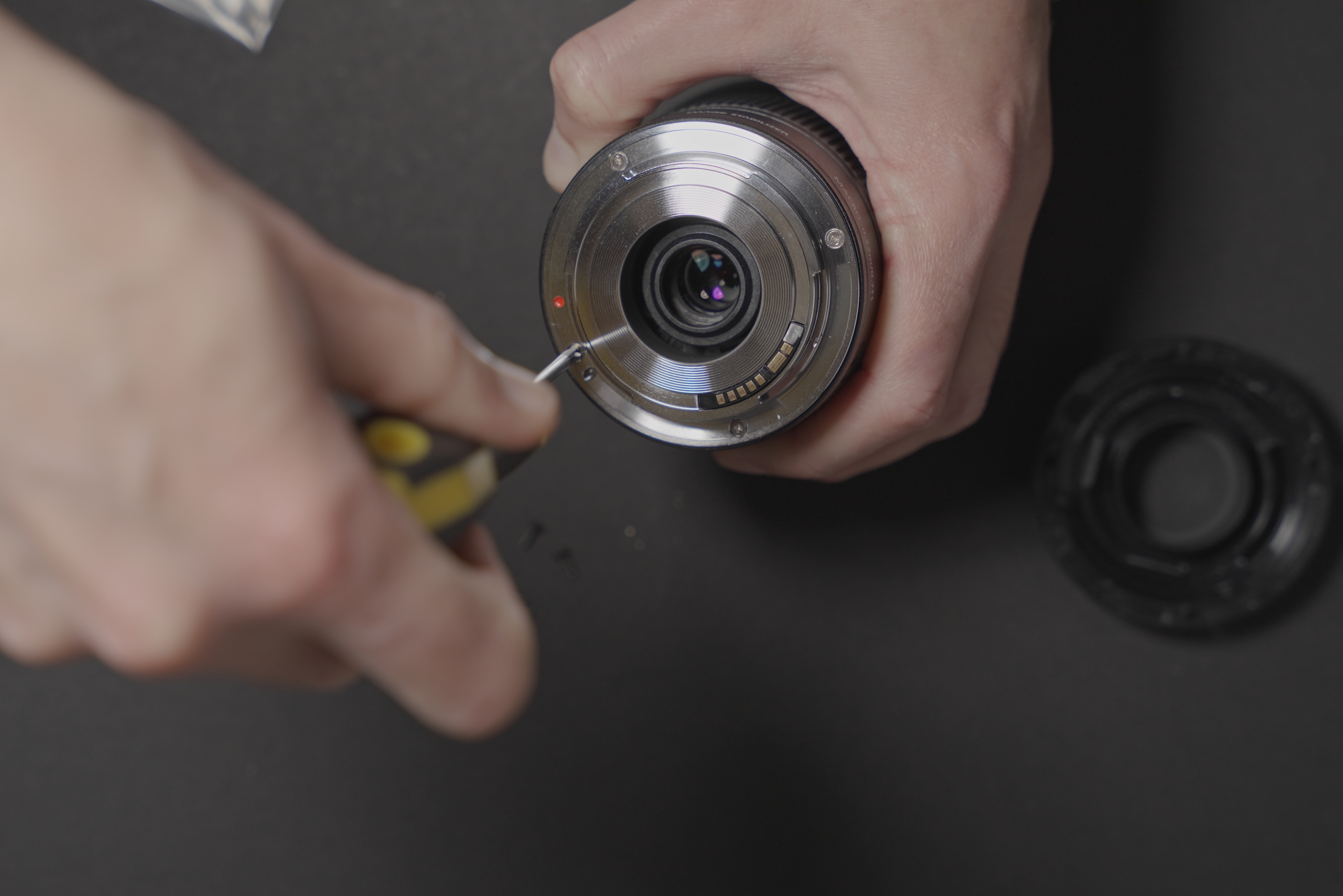
Remove the 4 mount screws and 2 small screws that secure the electrical contacts block to the mounting ring.
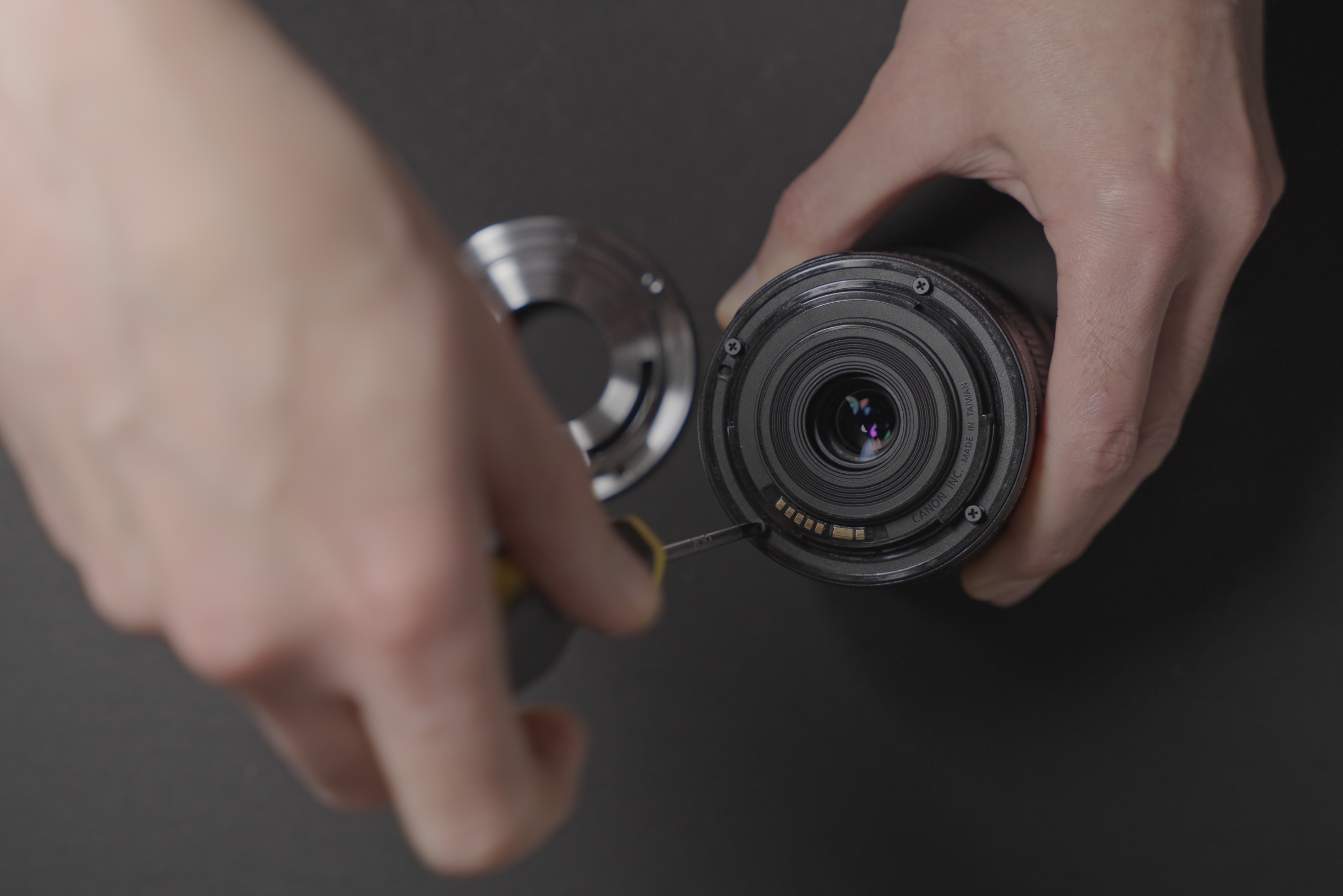
Remove the mount screws
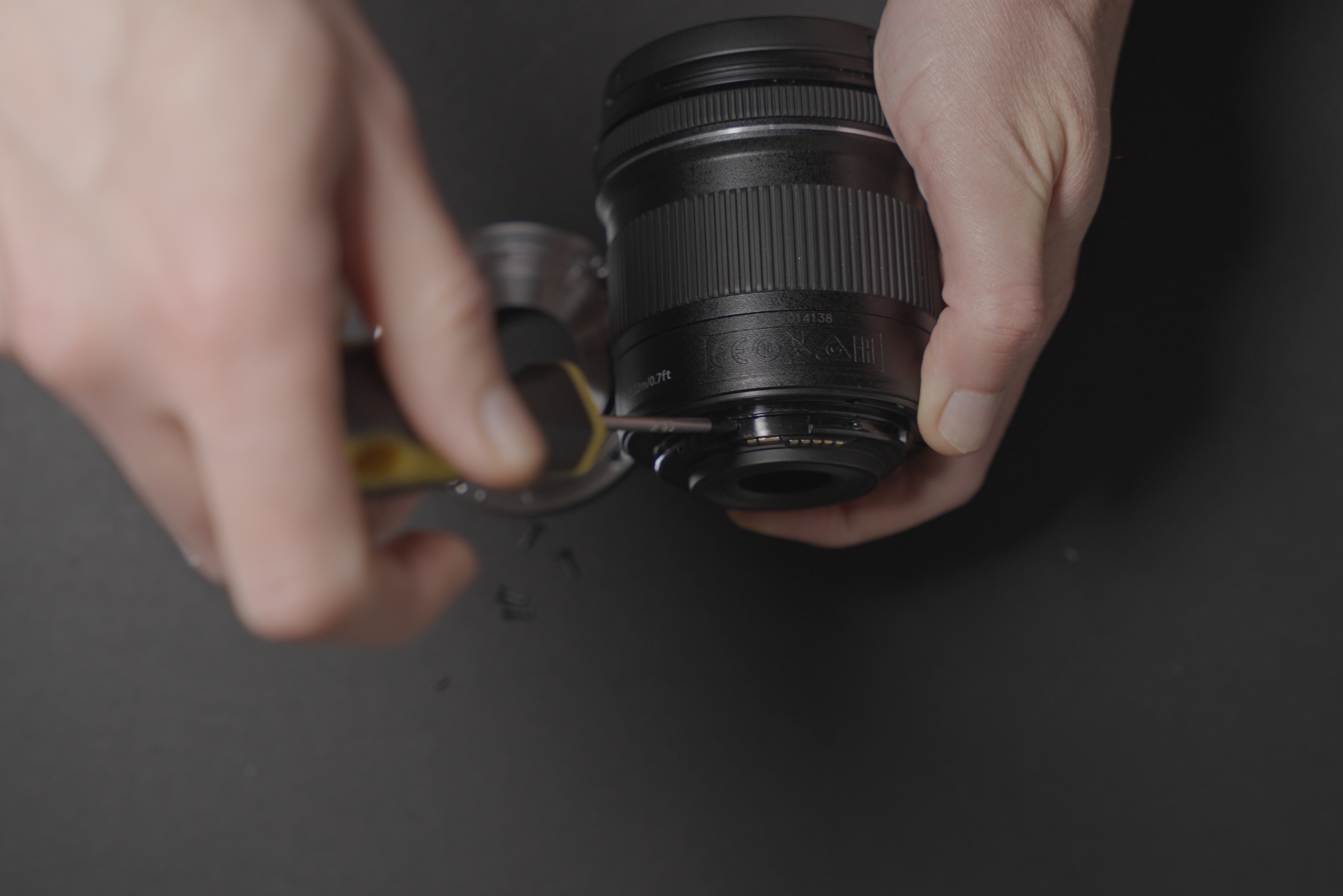
Remove the contacts block screws
Remove the mounting ring and replace with the new ring. Re-use the existing screws for re-attaching the electrical contacts block to the new mounting ring.
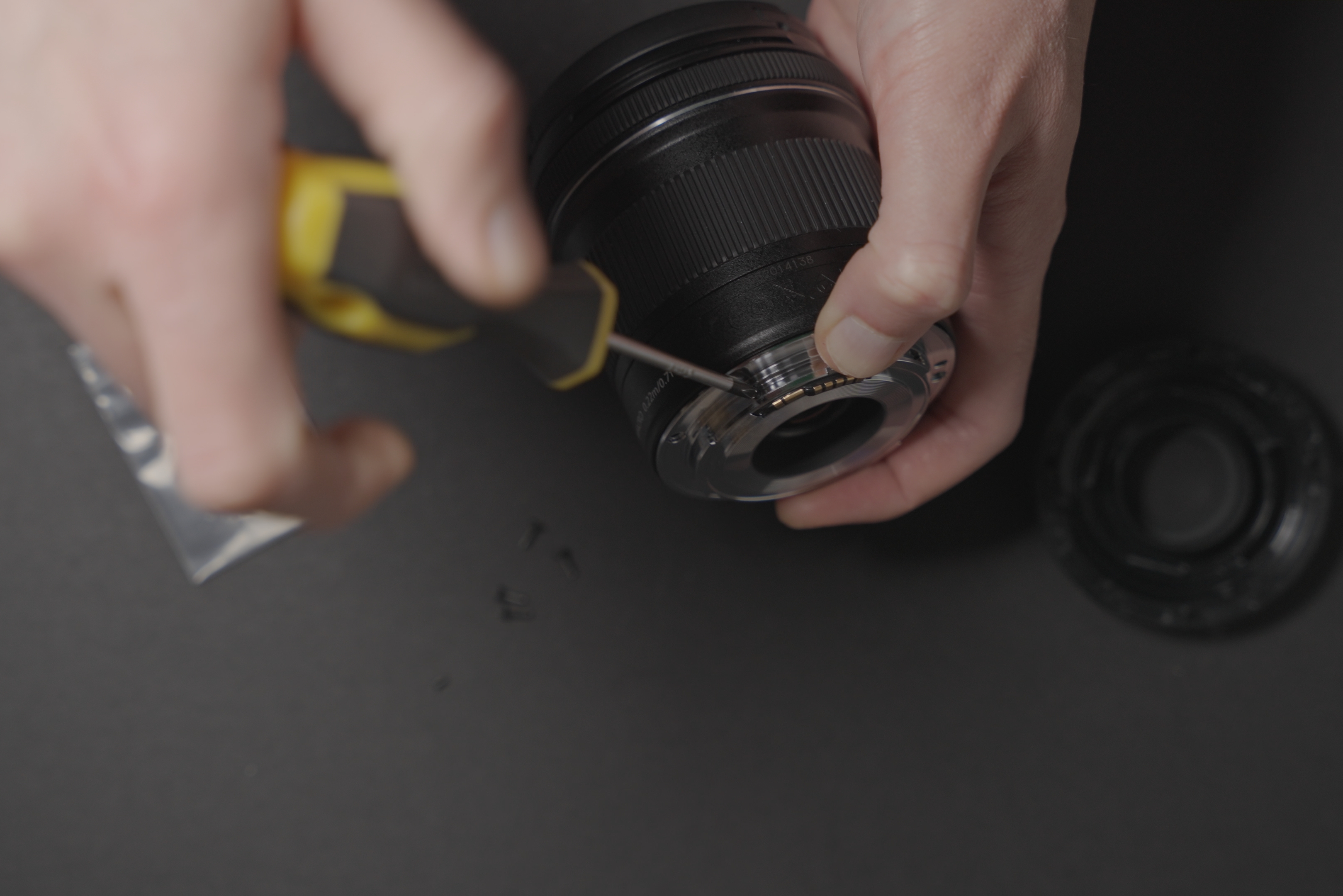
Re-screw the contacts block to the new mount
Screw the new mount on
Use the screws provided with the new mount for screwing down the mount. (Probably doesn't actually matter but the provided silver coloured screws do match the new silver coloured mount).
The new mount is very tight when mounting the lens on an adapter, but it does fit. It is so tight that it does make lens swapping much more difficult than it should be, and on the Laowa MSC it is a real struggle to mount or dismount the lens. As I only bought one of these mounts I don't know if I just got one where the tolerances are off, or if they're all like this. While there are multiple sellers of the EF mount kit, I'm not sure if they are all from the same manufacturer or there are different manufacturers where one may be better than the other.
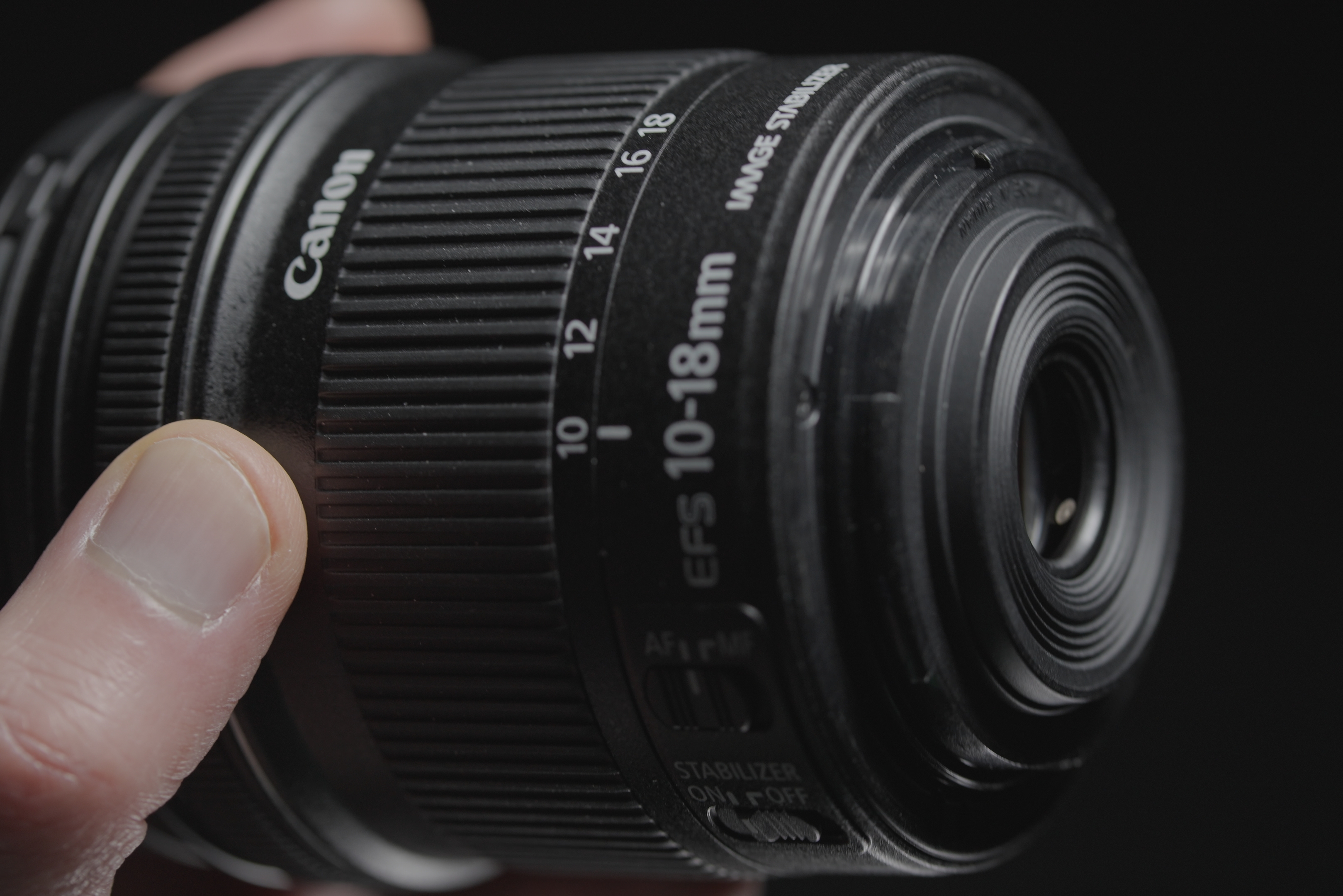
Original EF-S mount
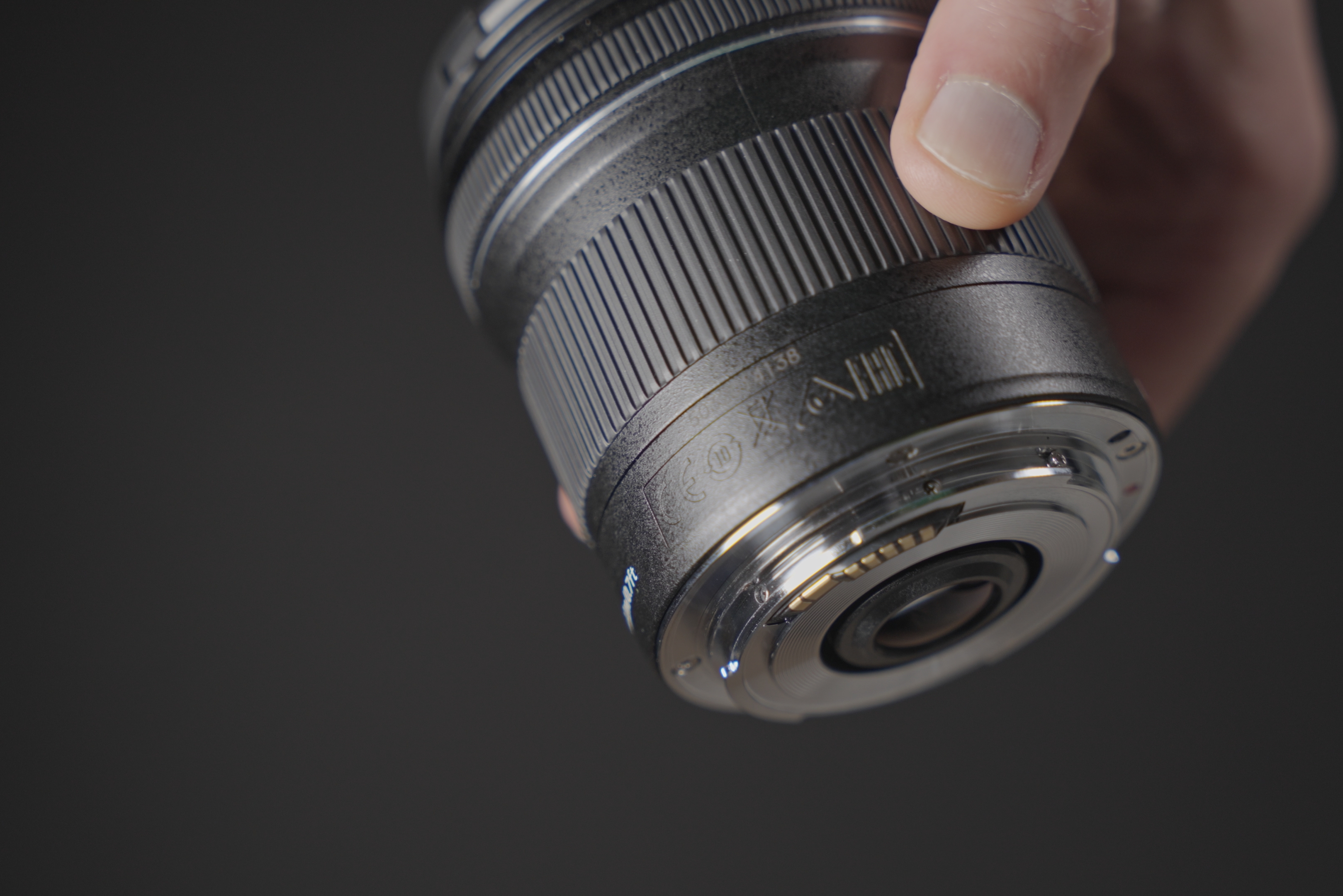
Replacement EF mount
10-22mm EF mount modification
This one is a lot more complicated. Remove the 4 mount screws and 2 small screws that secure the electrical contacts block, as before.
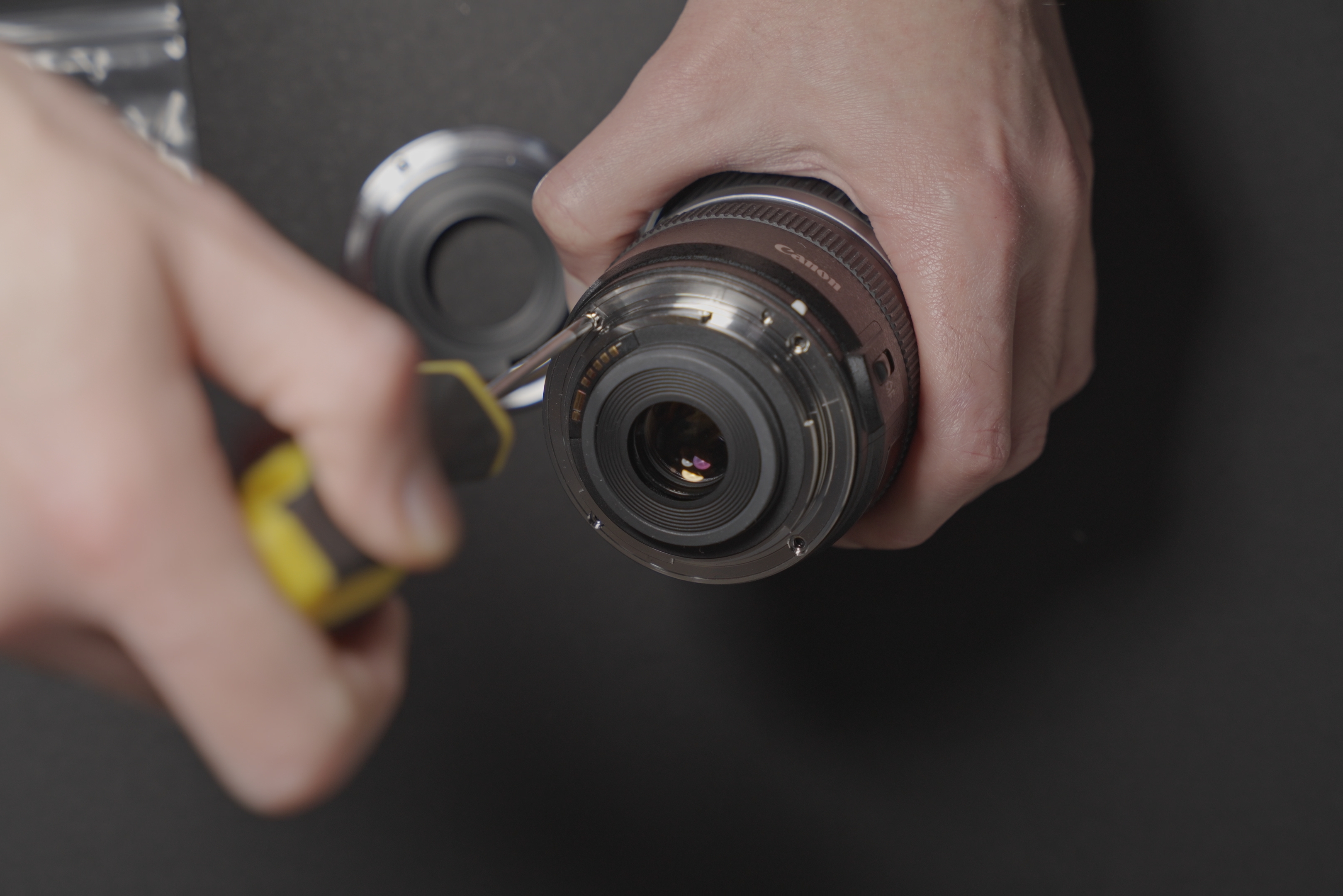
Remove mount screws
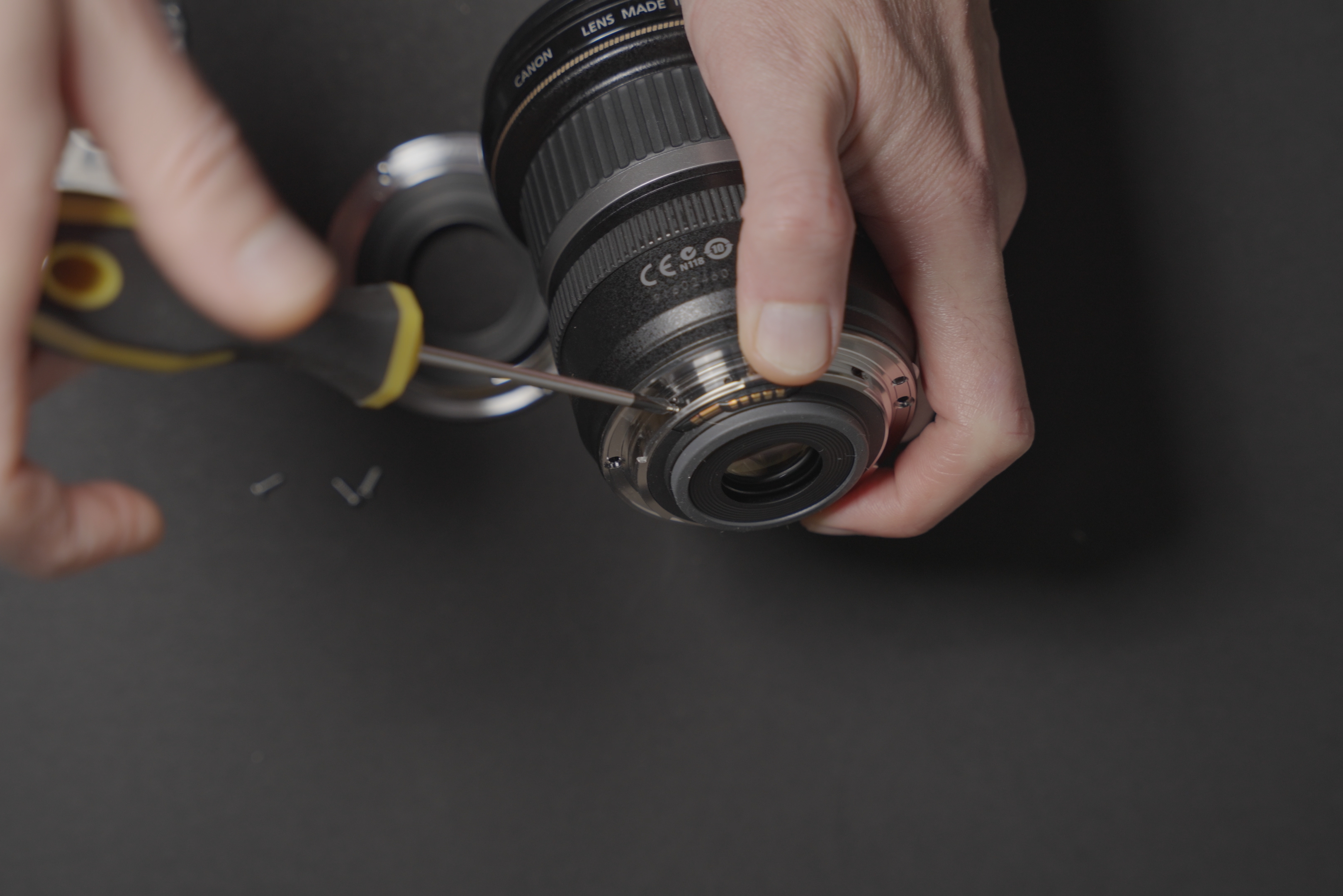
Remove contacts block screws
I then spent ages trying to remove the mount before I realised the inner ring needed removing to release the electrical contacts block from the metal mount ring.
To do this, gently lift up the mount at an angle so you can see underneath it. The black plastic inner ring of the lens mount is secured to the metal part with clips. You need to try and prise this inner ring off, pushing it up through the hole in the metal mount. I actually broke one of the plastic clips when trying this.
Once you've done this then hopefully both the inner black plastic ring and the metal mount will remove easily while leaving the electrical contacts block in place.
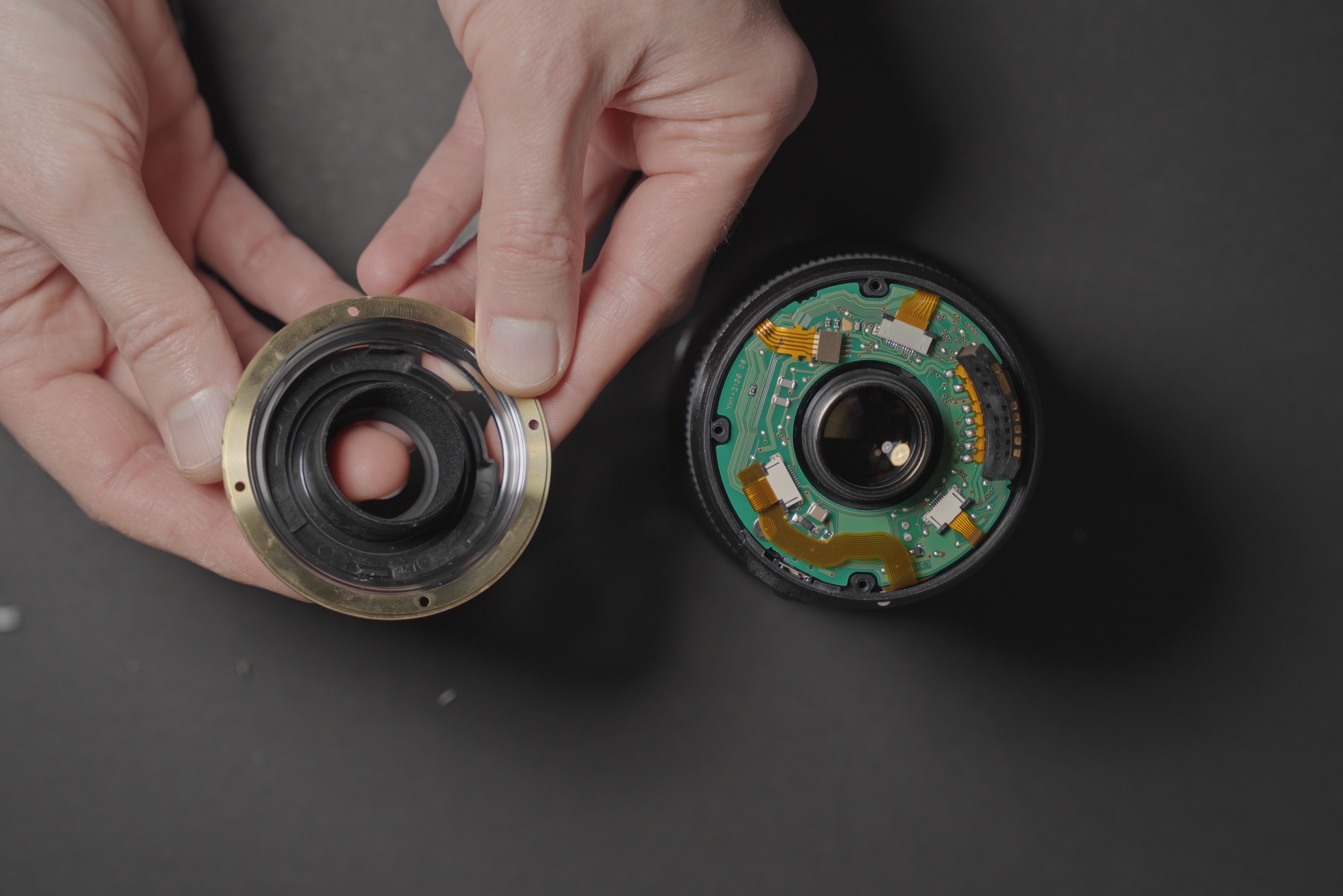
The EF-S mount removed with the black plastic inner ring and metal mount ring separated
Next I spent ages trying to get the contacts block to fit correctly in the new mount, when all that was needed was just to do the opposite of what was needed to disassemble the old mount.
So, undo the 3 small screws holding the middle plastic part onto the metal part of the new mount. When doing this, try to keep the metal mount aligned to the lens so everything will line up correctly when screwing it back together.
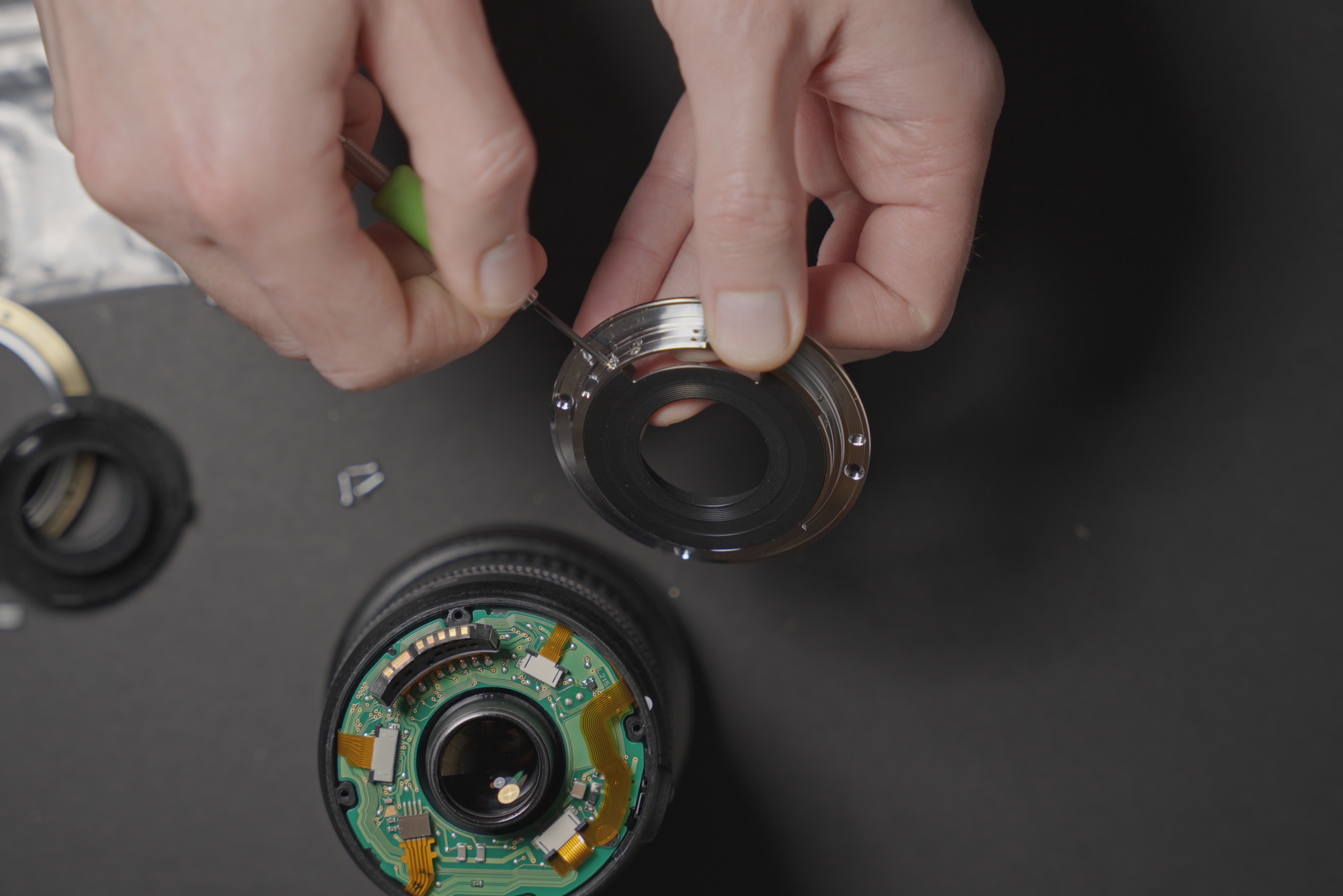
Seperate inner and outer parts of the new mount
With the metal mount on the lens, screw in the electrical contacts block. Then add the inner plastic piece, and screw that back in.
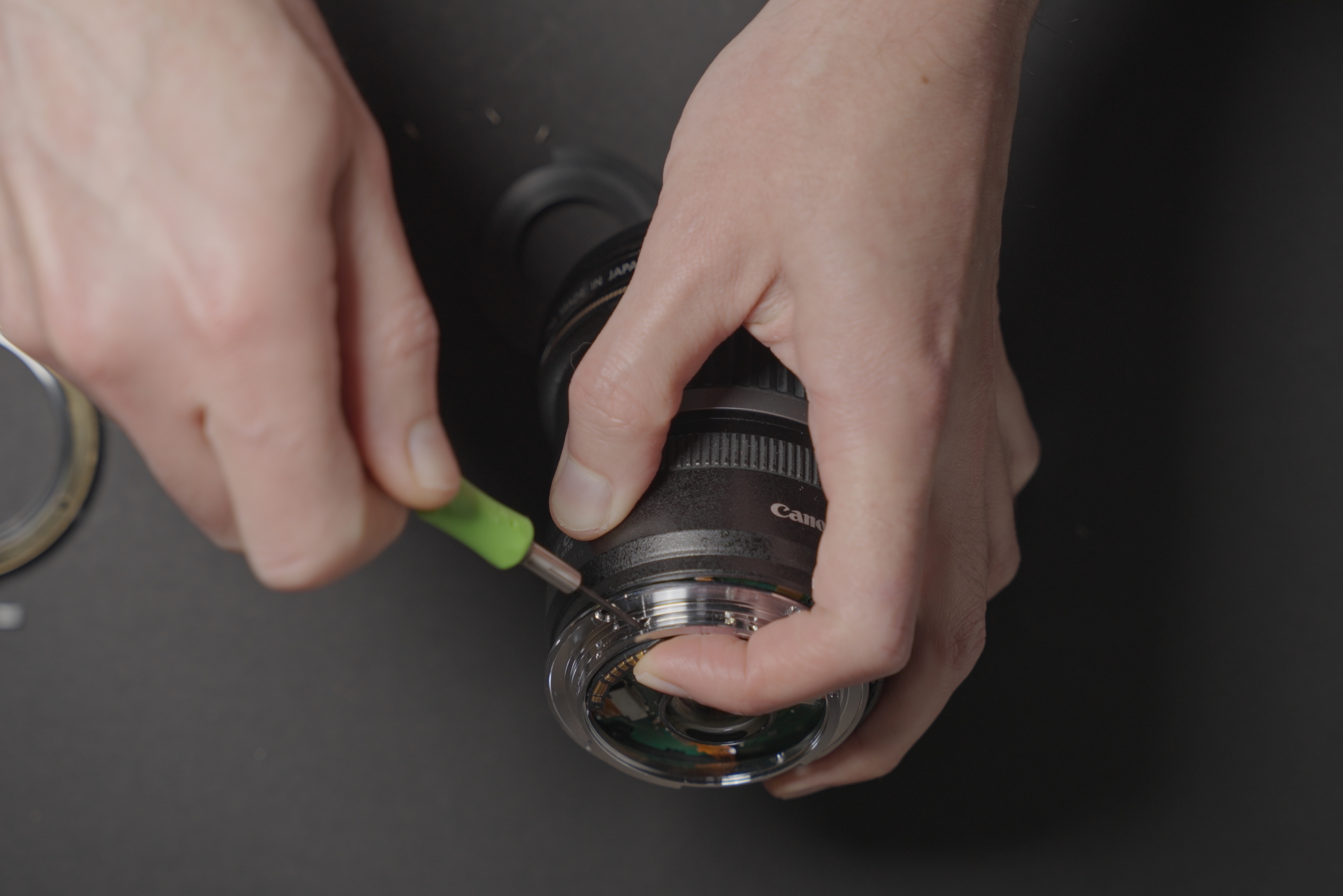
Screw contacts block into new mount ring
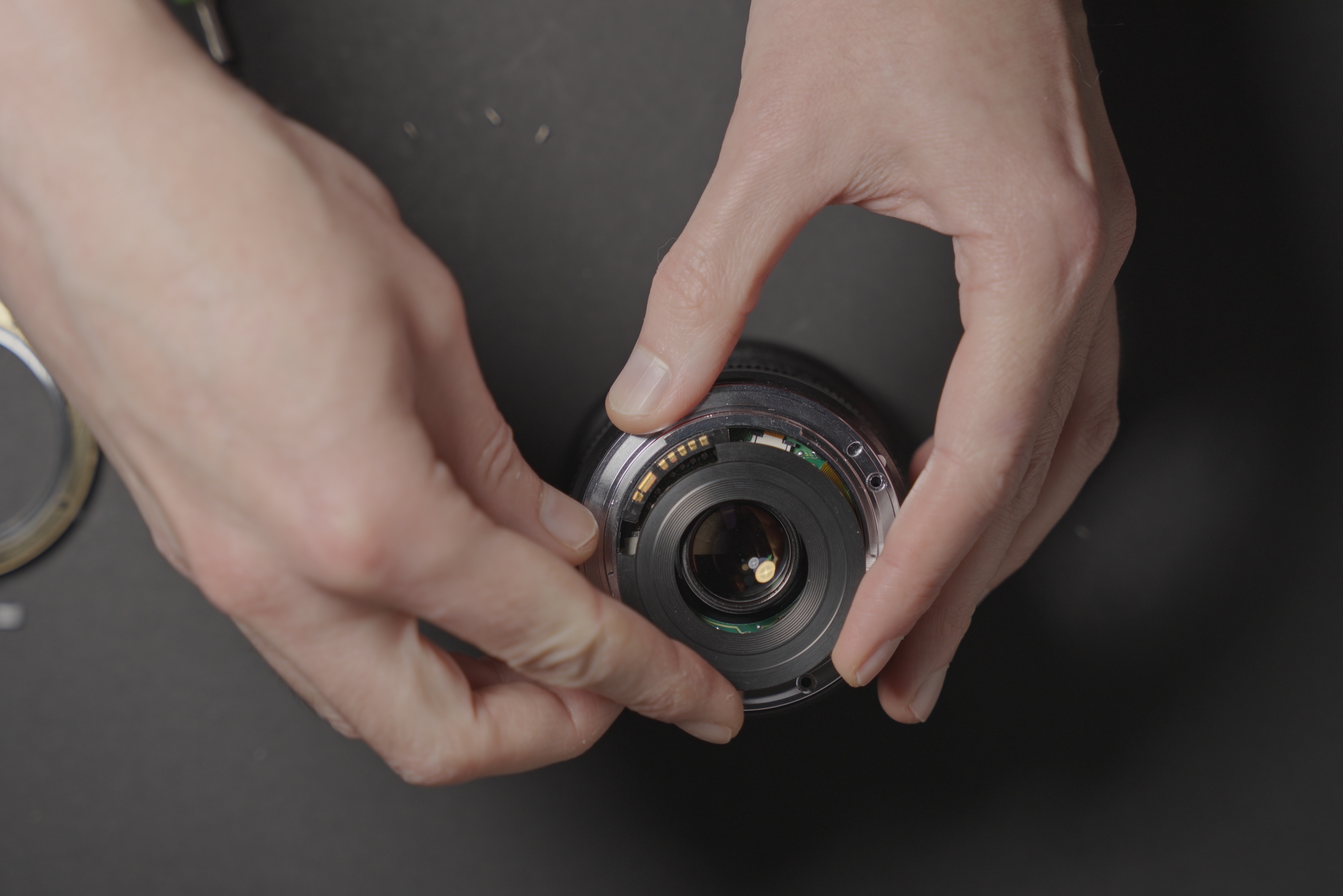
Fit the inner ring
Finally, screw the mount onto the lens using the screws the original mount came with, not the ones supplied with the new mount. I found the supplied screws stuck out slightly, (even though they are shorter than the originals), and this made it so the lens couldn't be mounted on a camera / adapter.
With the original screws the lens mounts fine and doesn't suffer from an extra tight fit like the 10-18mm with the replacement mount does.
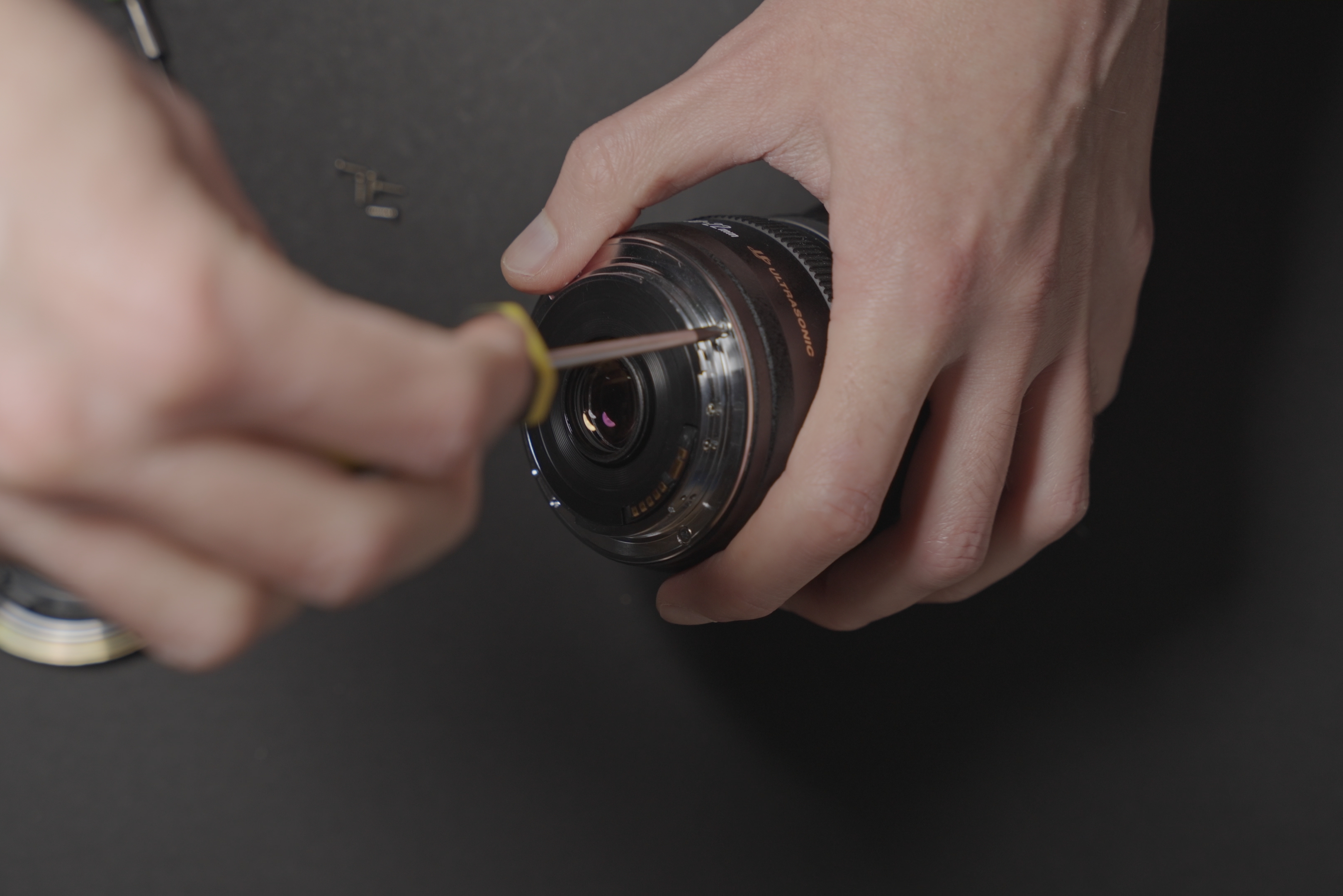
Screw new mount in
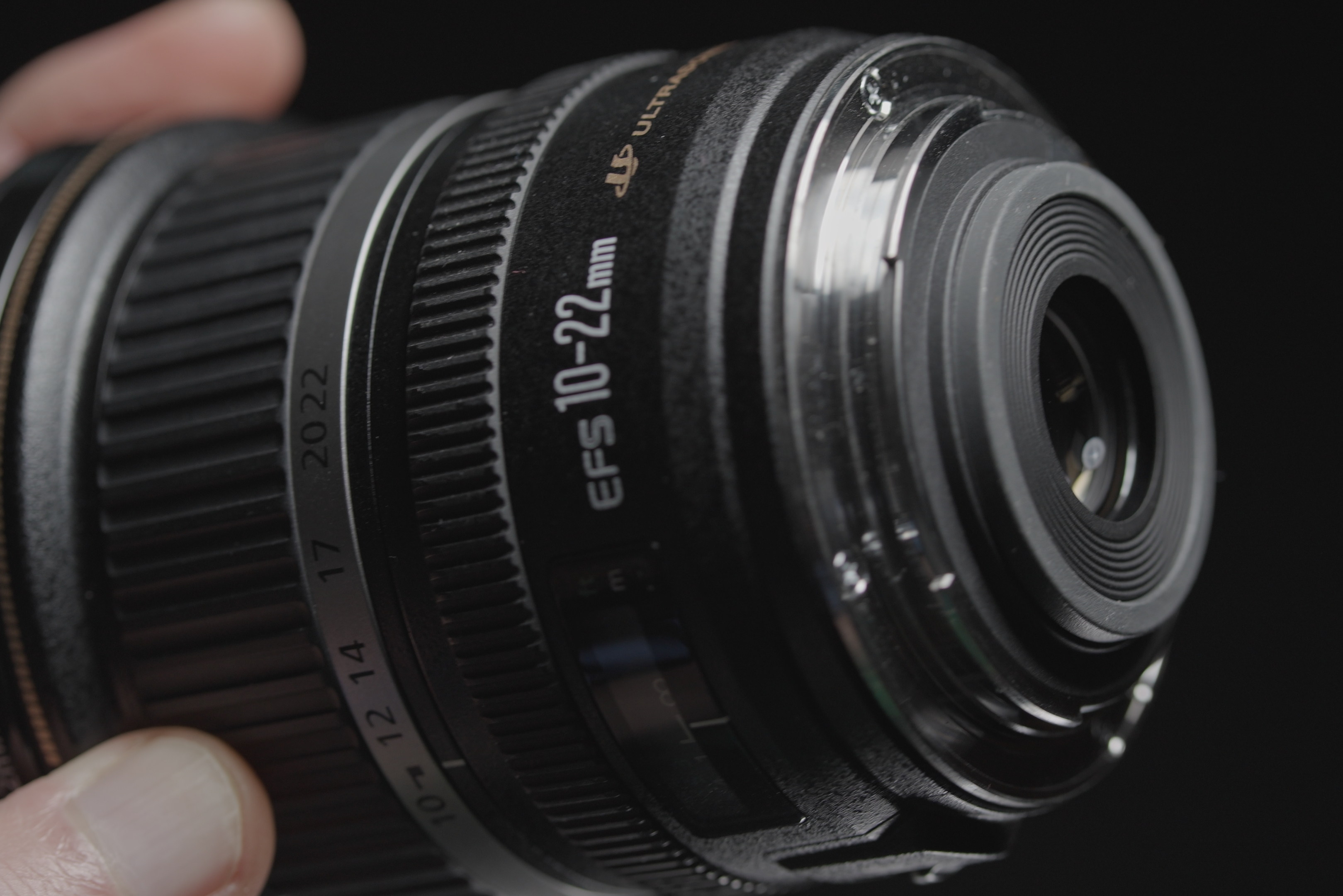
Original EF-S mount
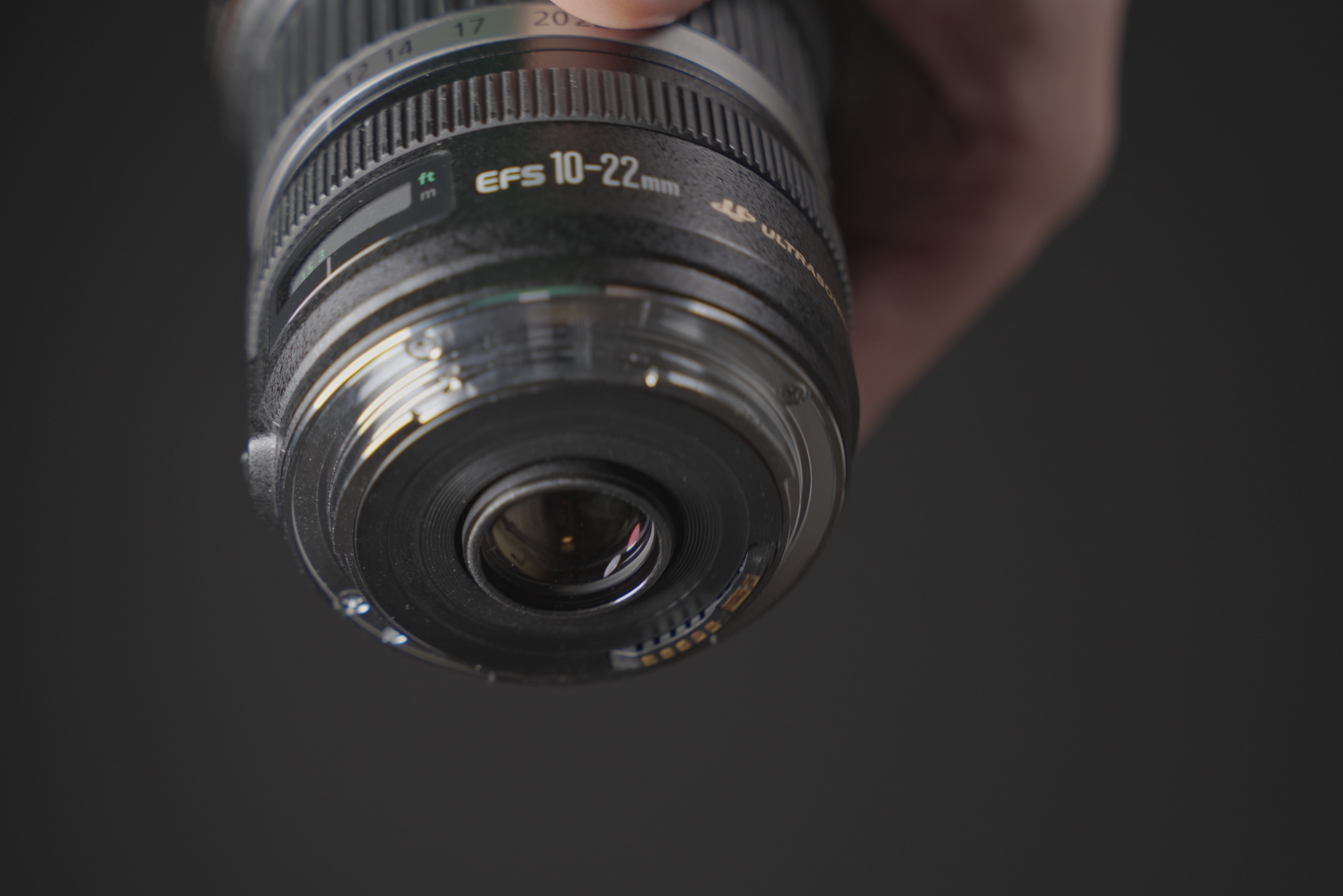
Replacement EF mount
Vignetting pre versus post mount conversion
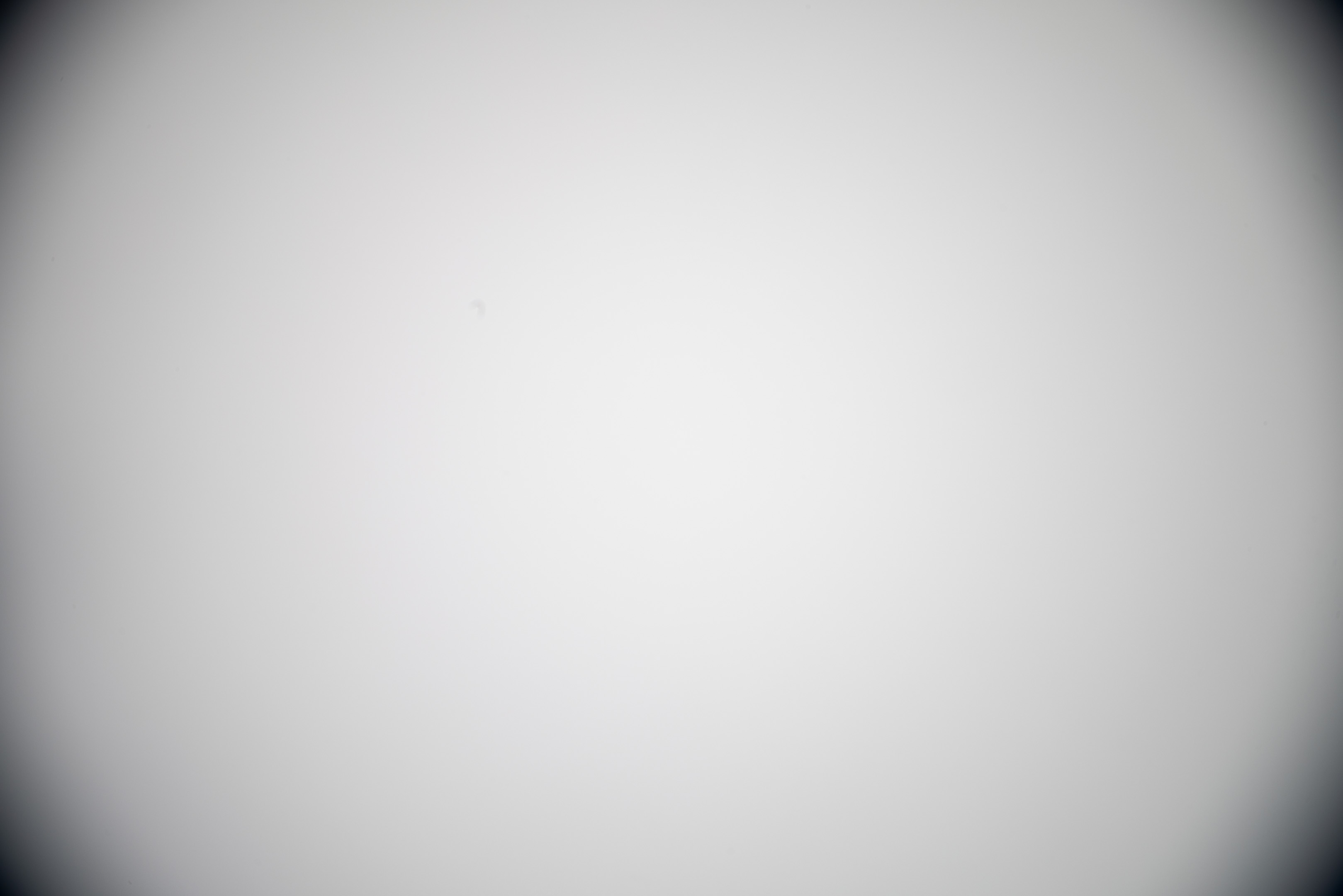
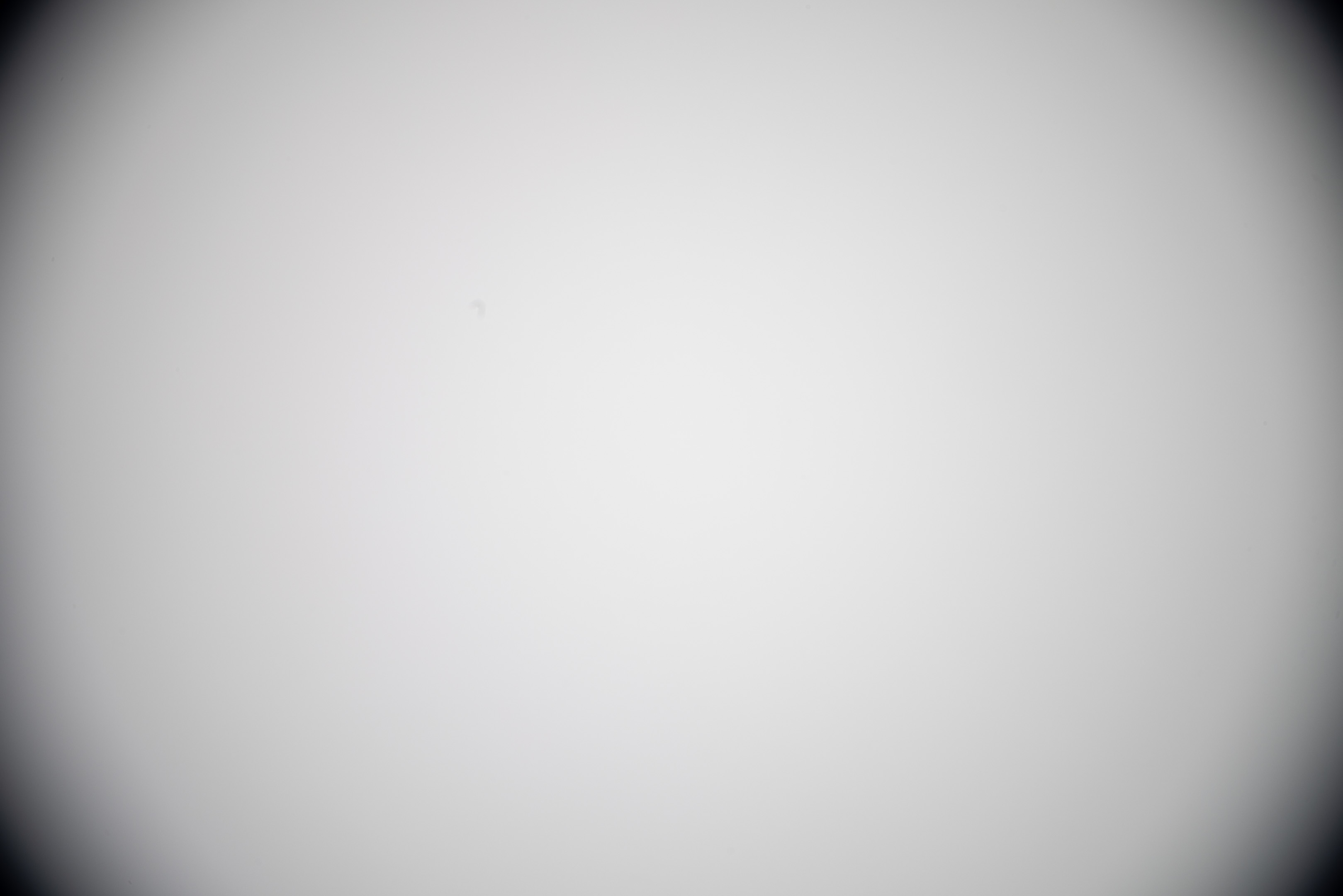
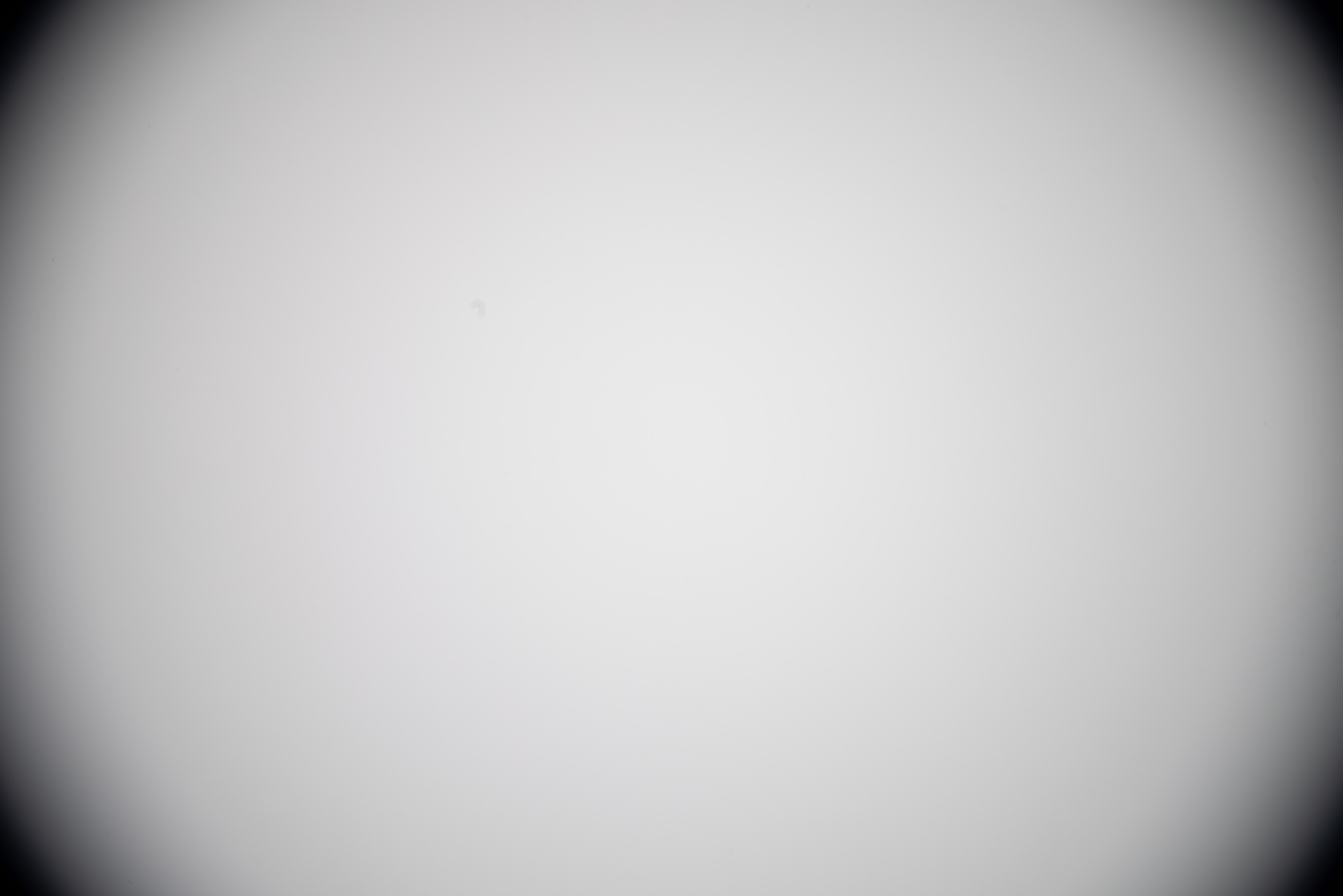
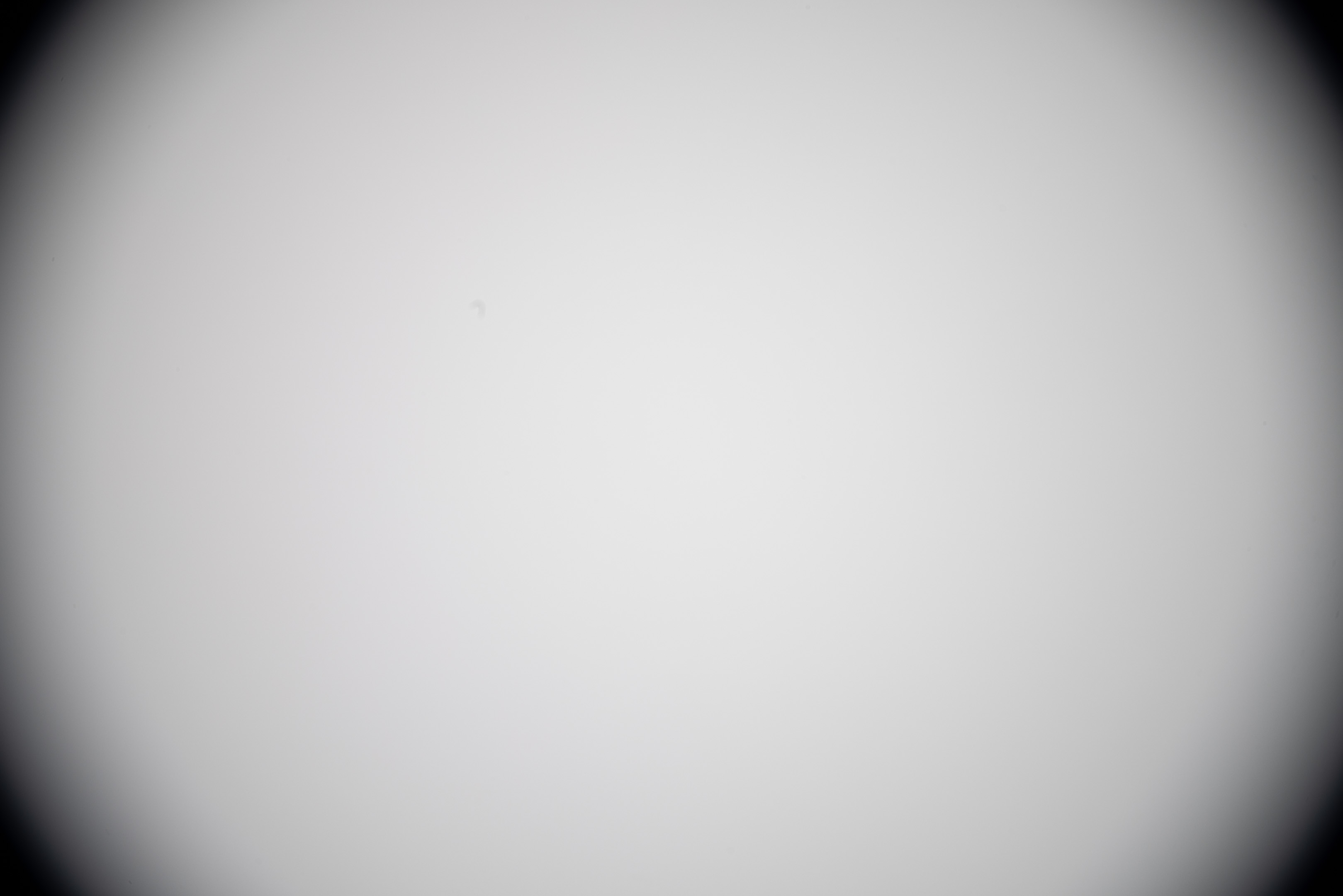
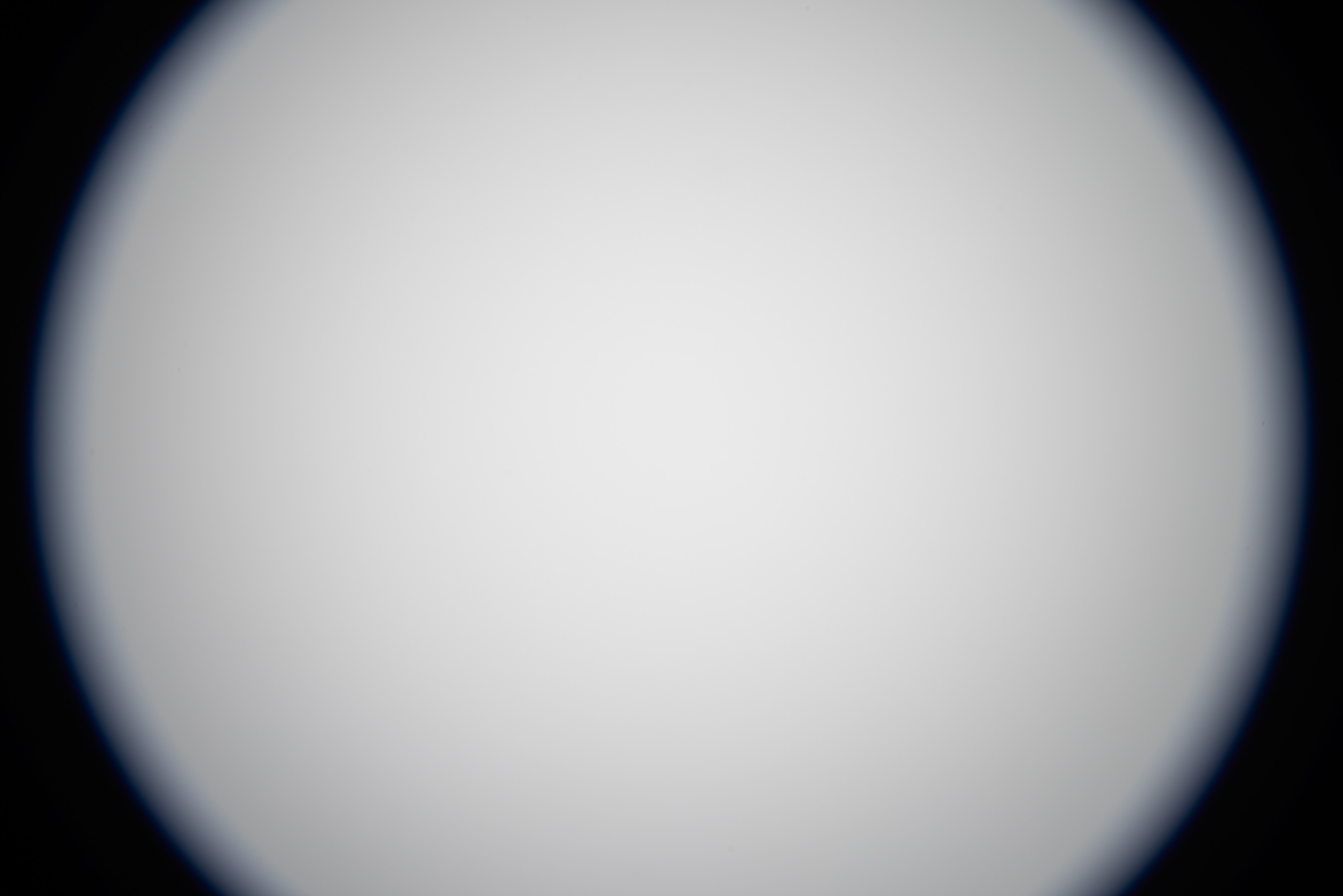
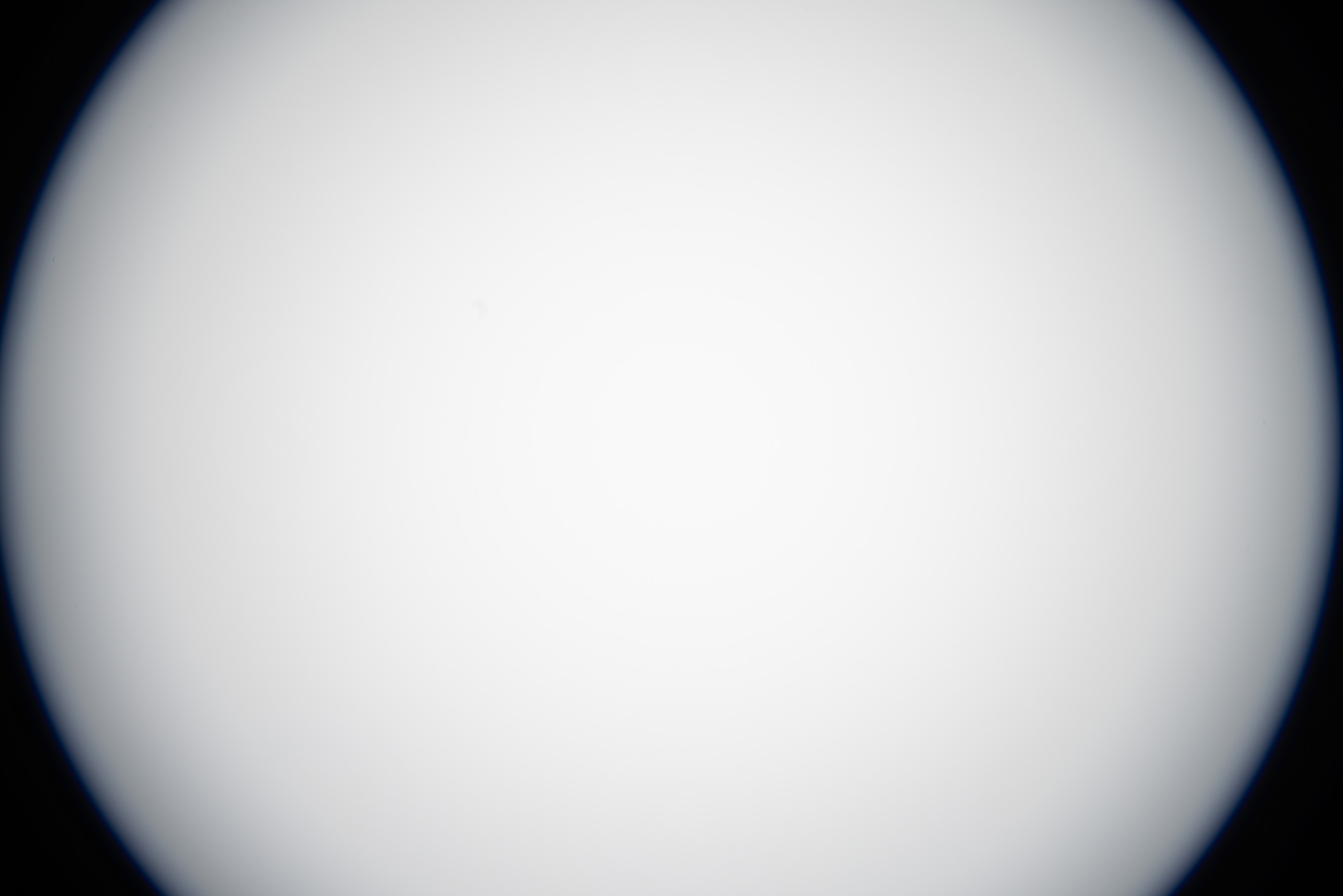
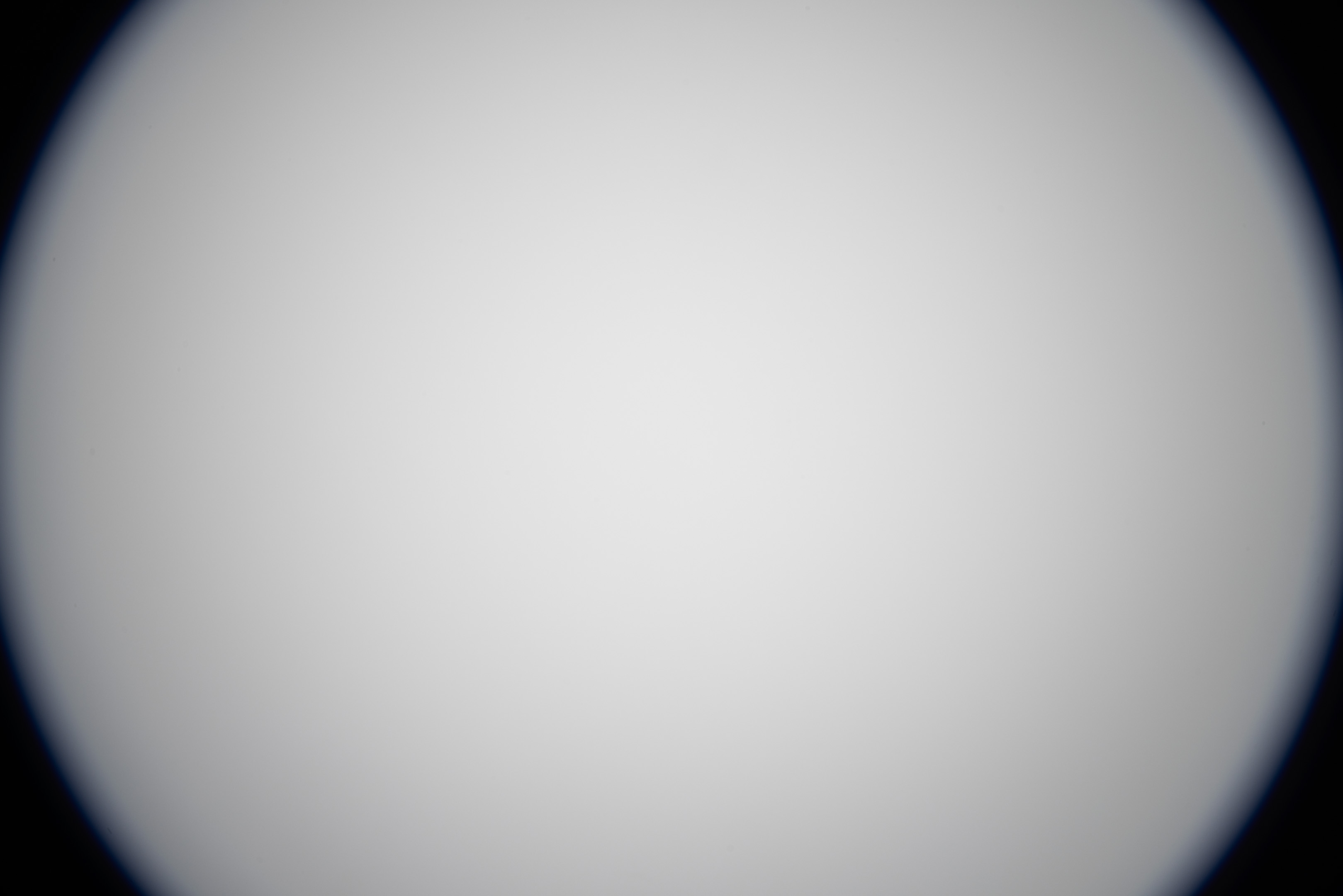
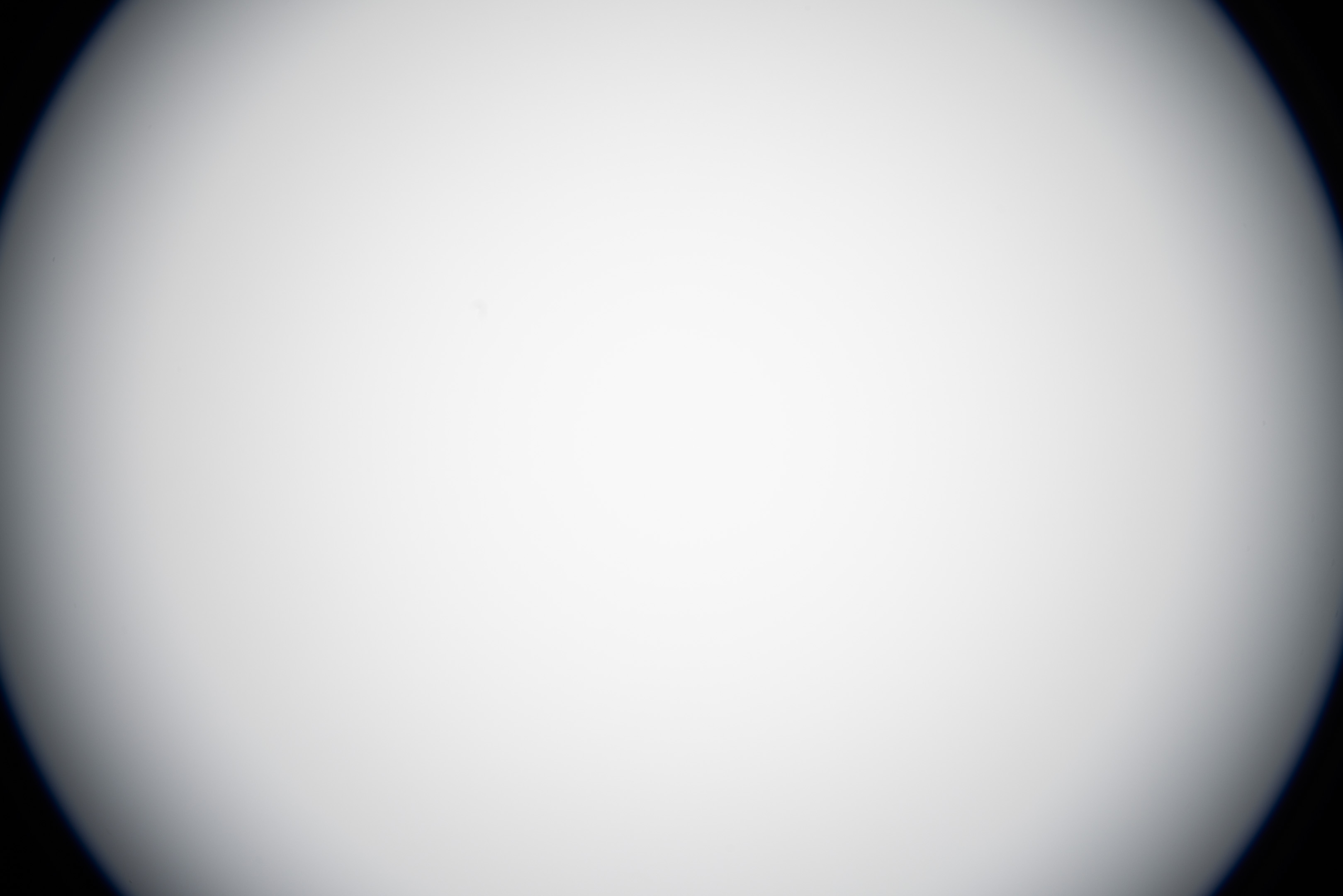
This test is to see if the EF mount conversion actually reduces vignetting at all, or if it makes no improvements other than allowing use of the lens on an adapter that is not compatible with EF-S lenses. These test shots are all full frame, not APS-C crops.
10-18mm
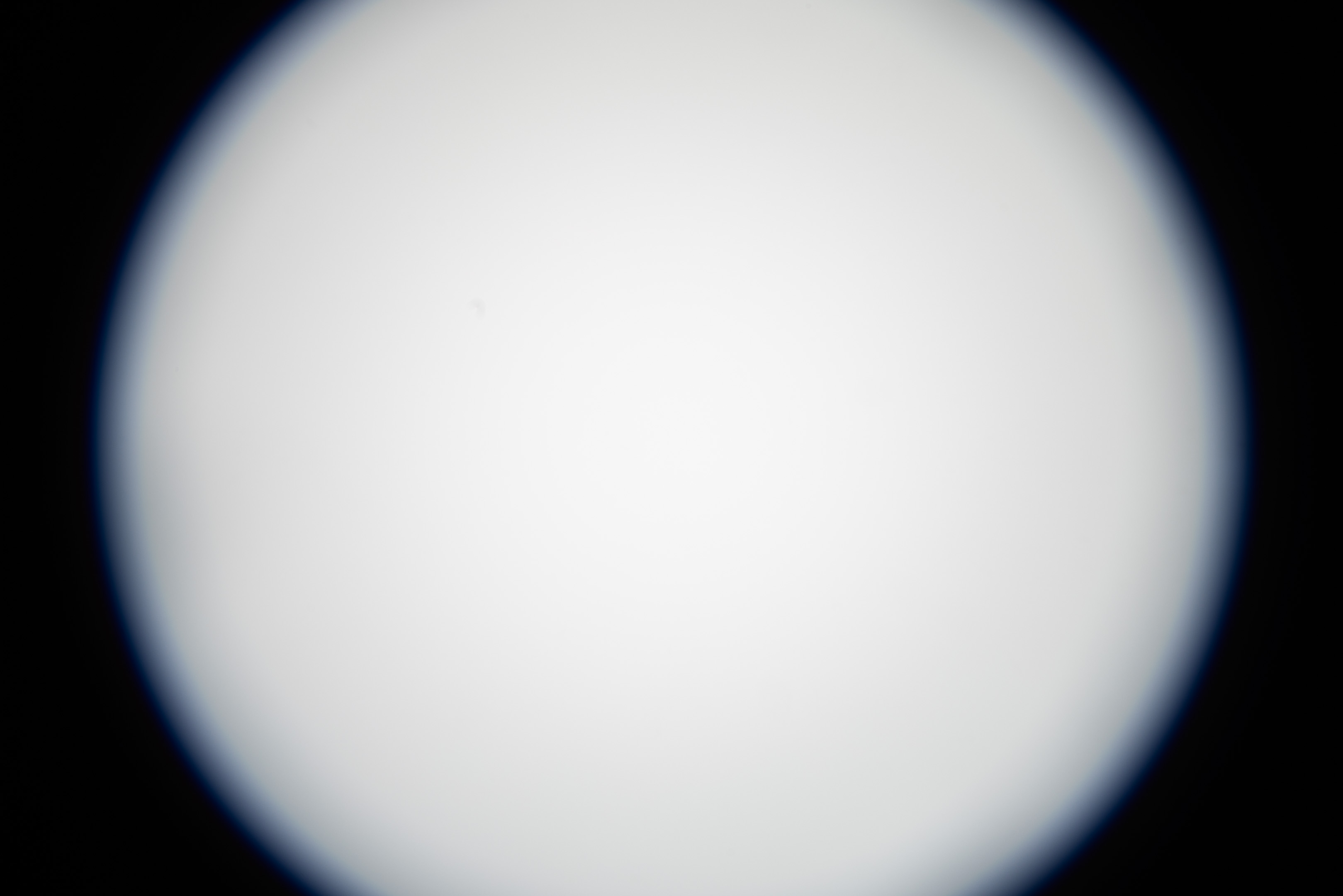
10mm before mod
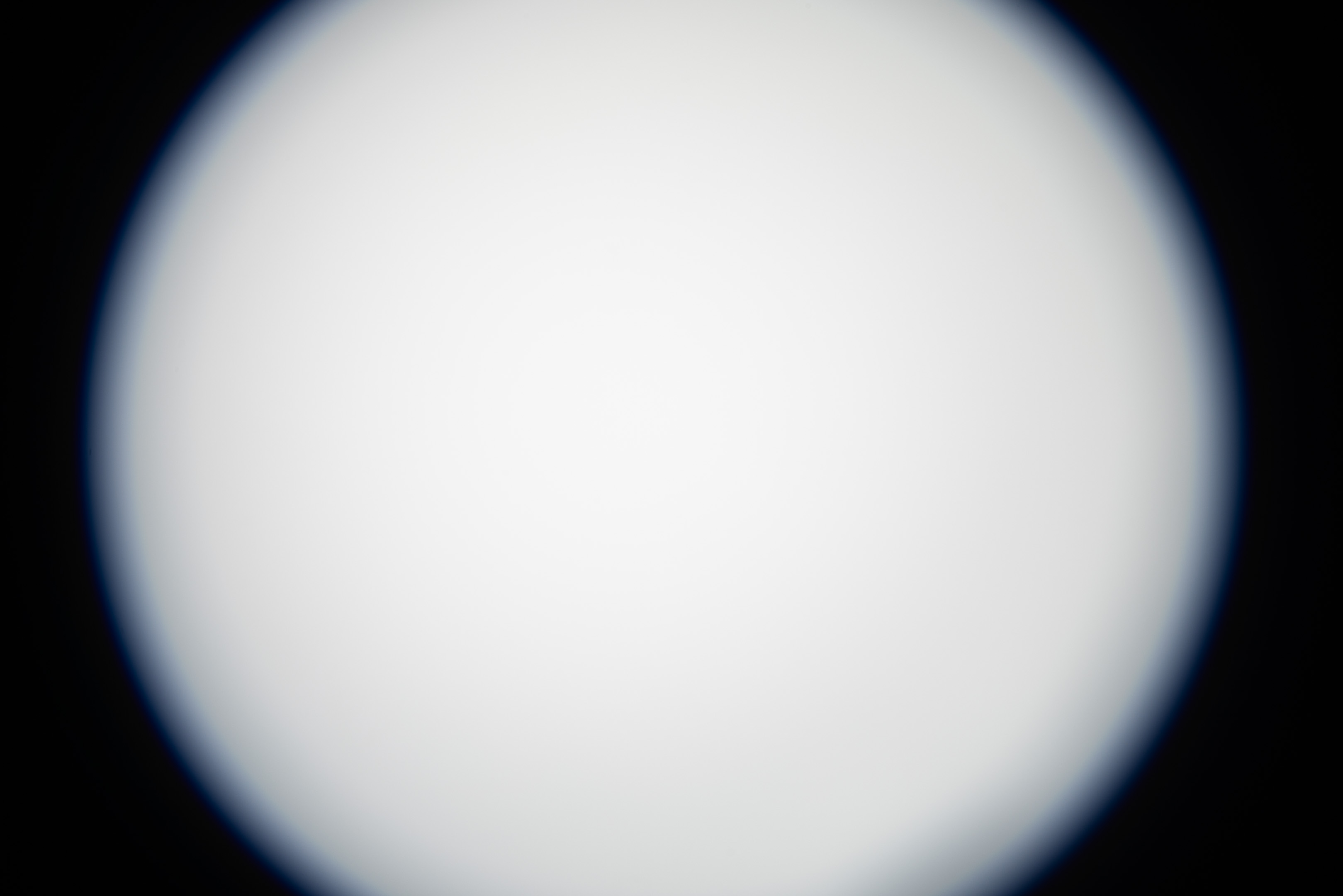
10mm after mod
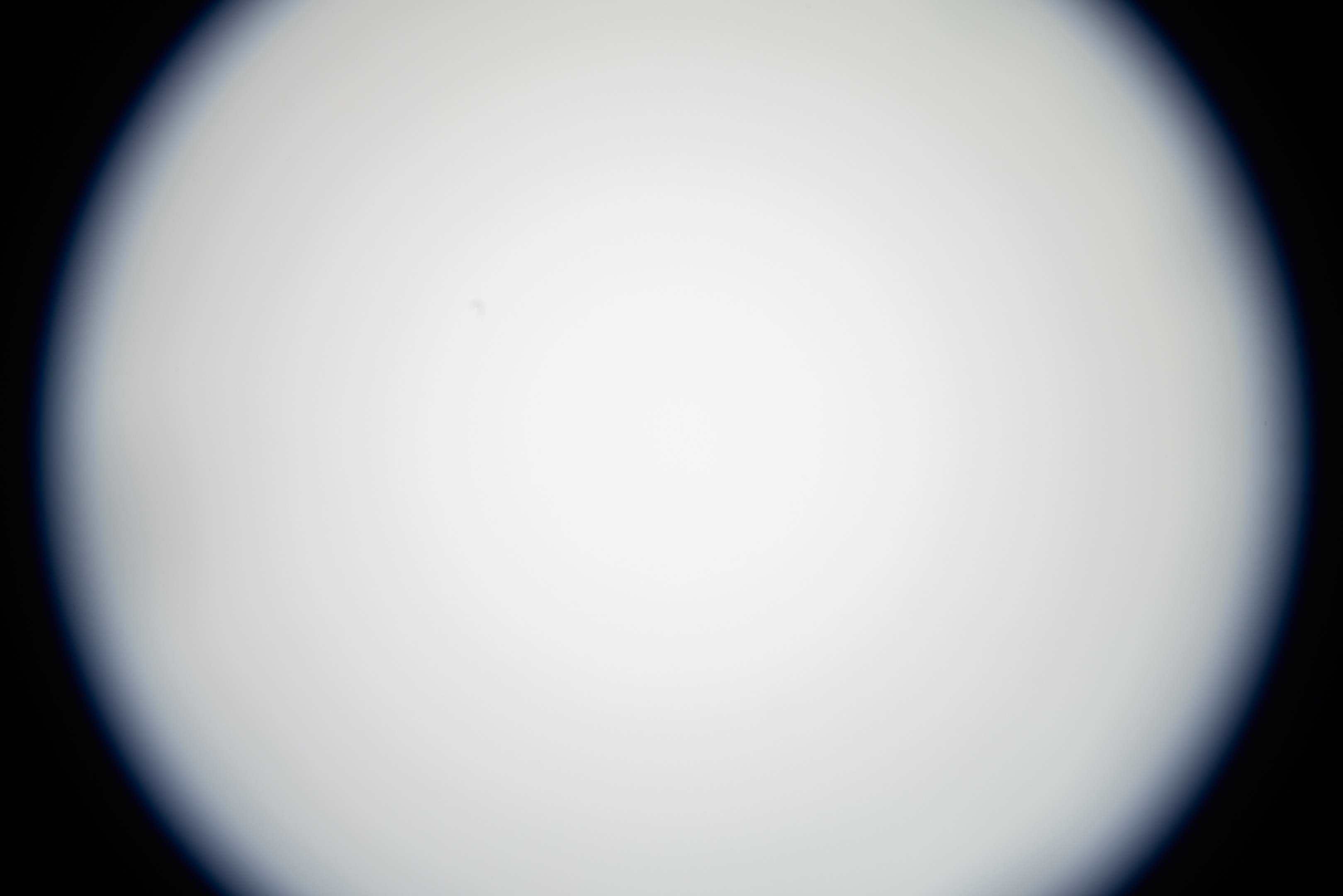
11mm before mod
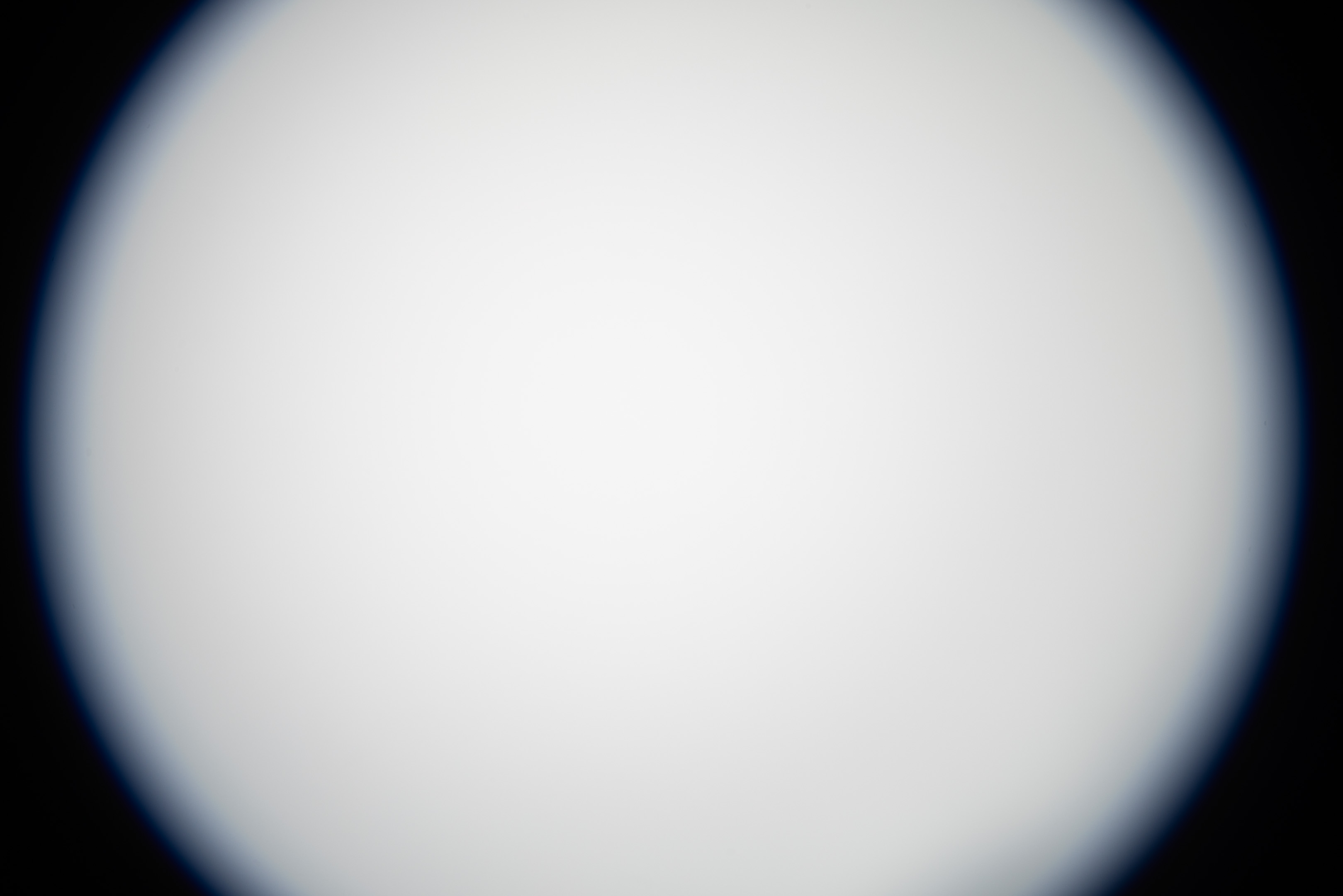
11mm after mod
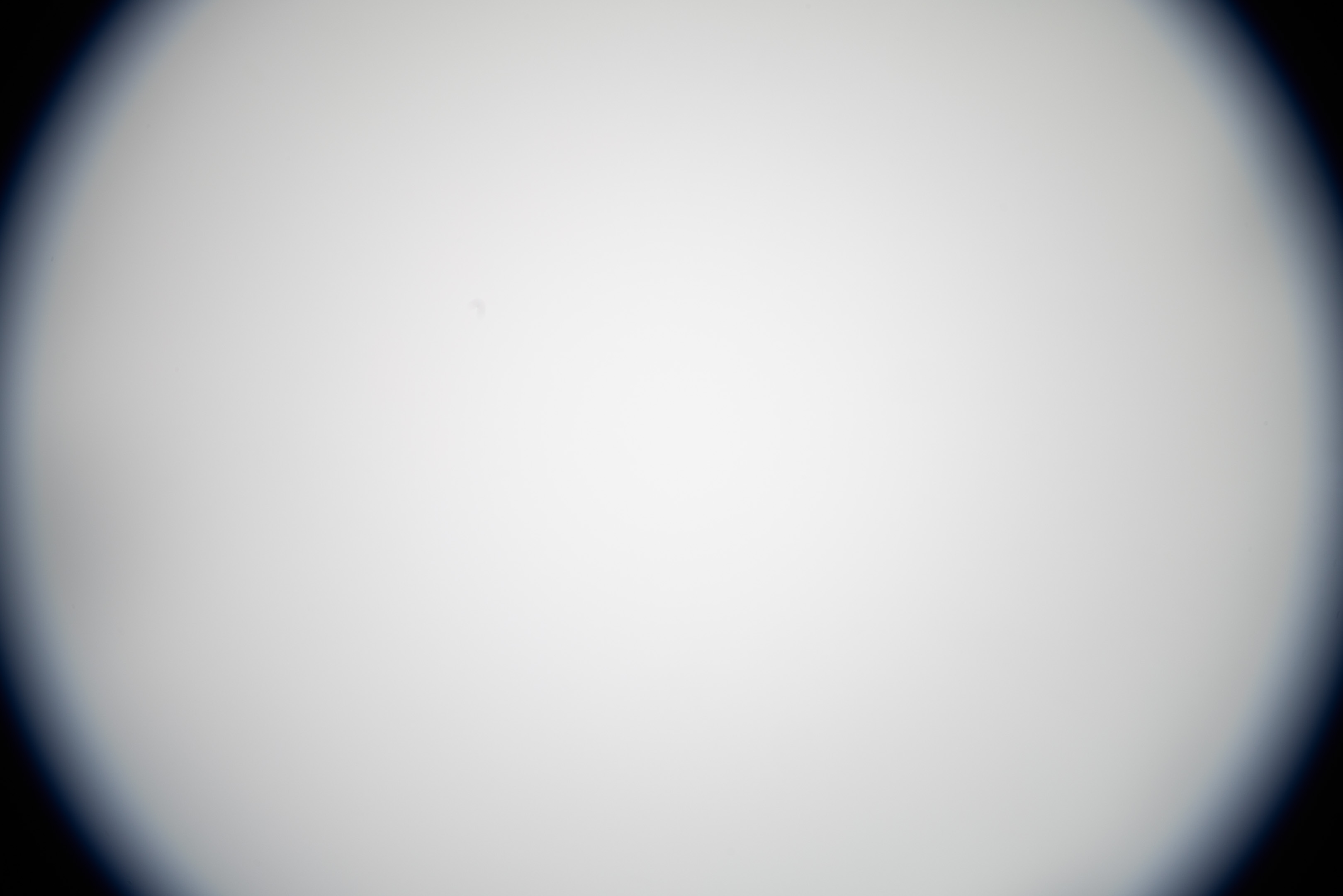
12mm before mod
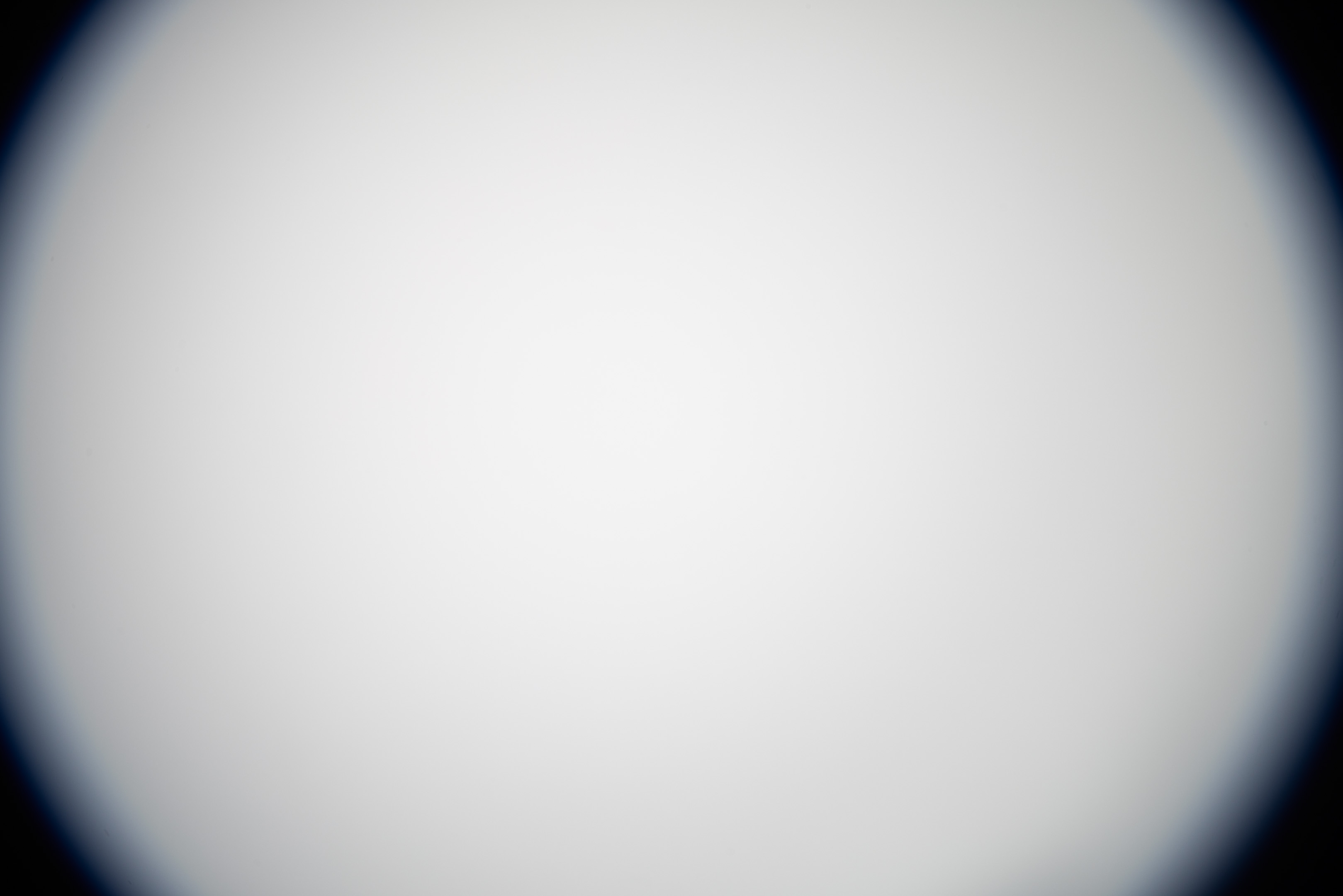
12mm after mod
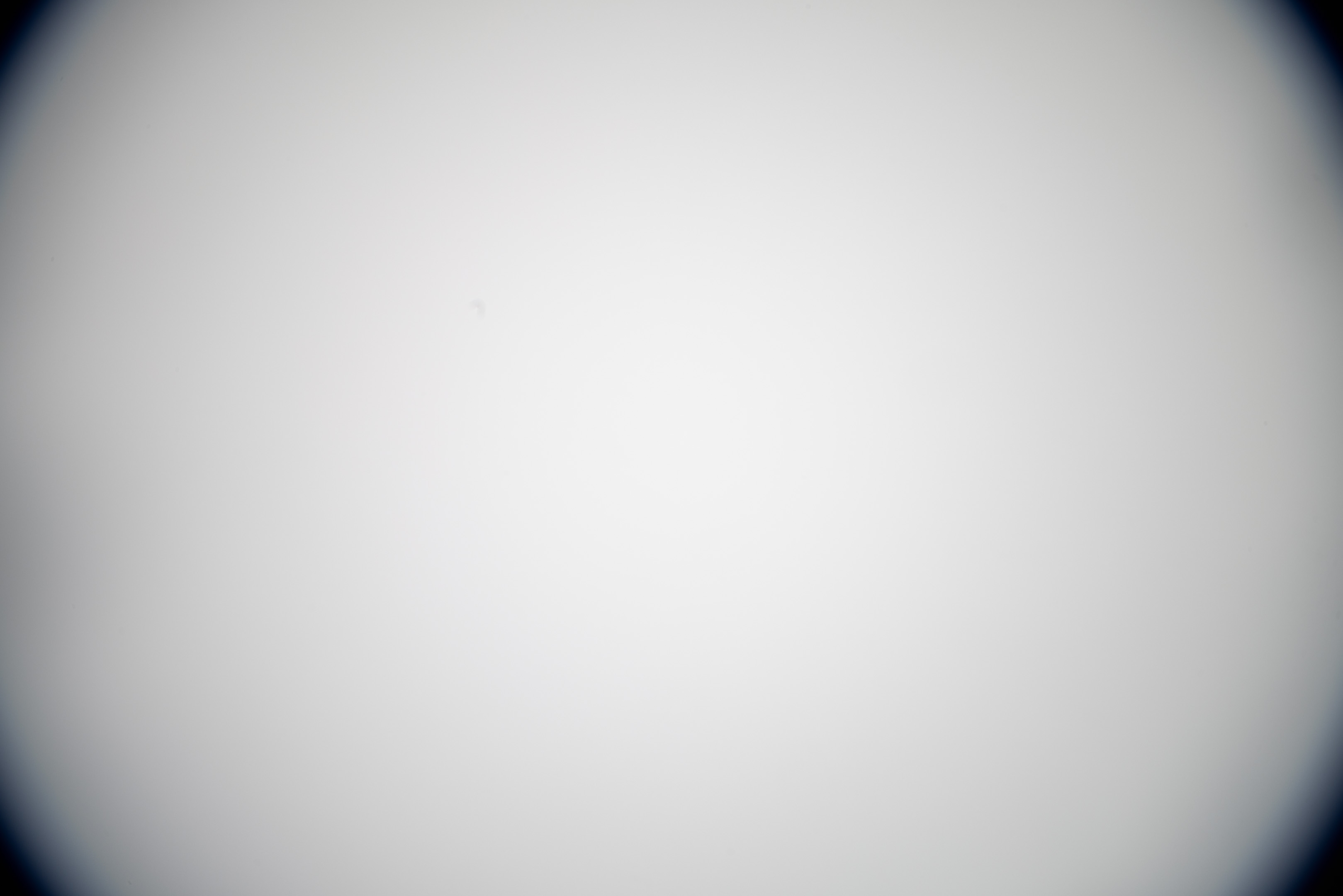
13mm before mod
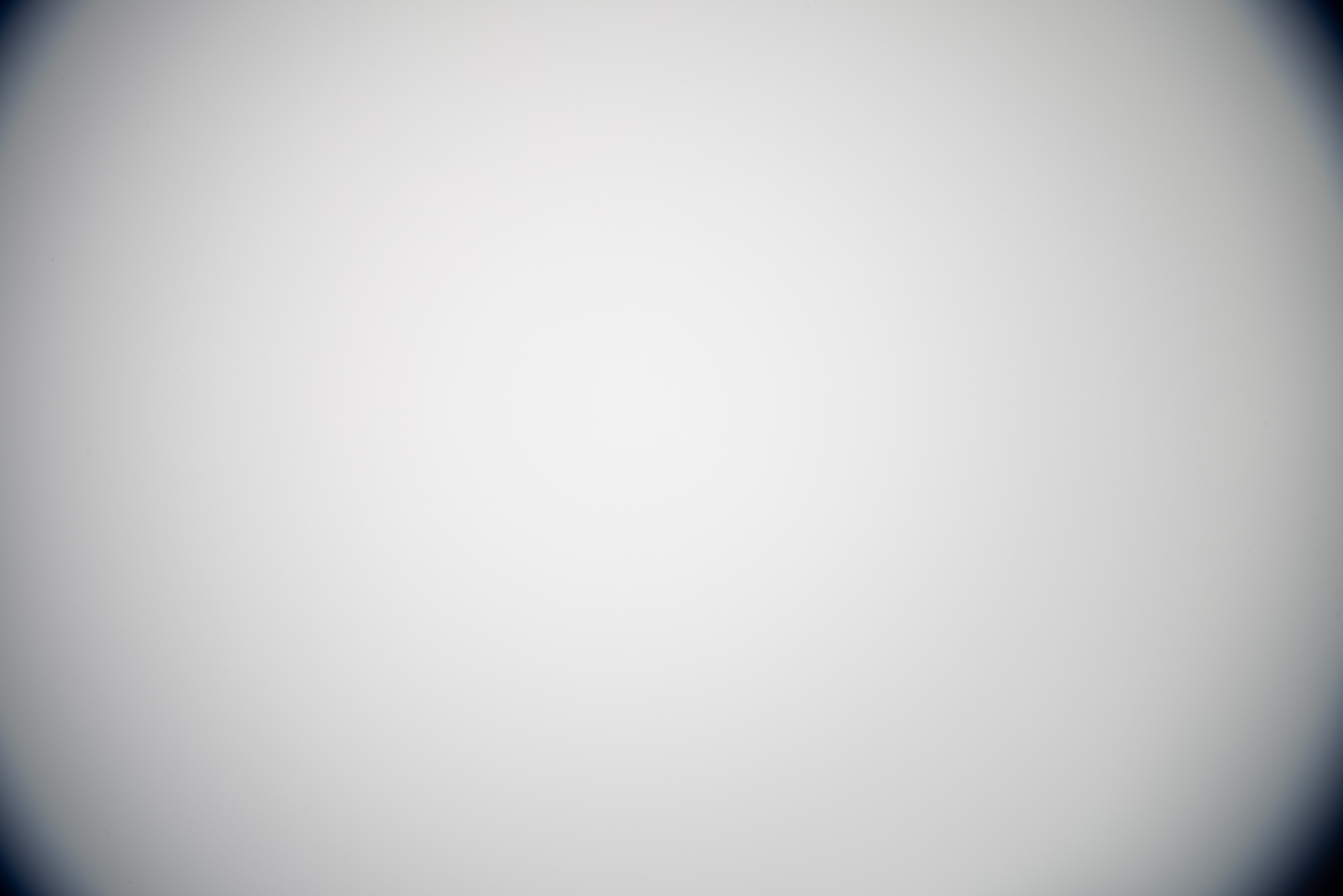
13mm after mod
14mm before mod

14mm after mod
15mm before mod

15mm after mod
16mm before mod

16mm after mod
17mm before mod

17mm after mod
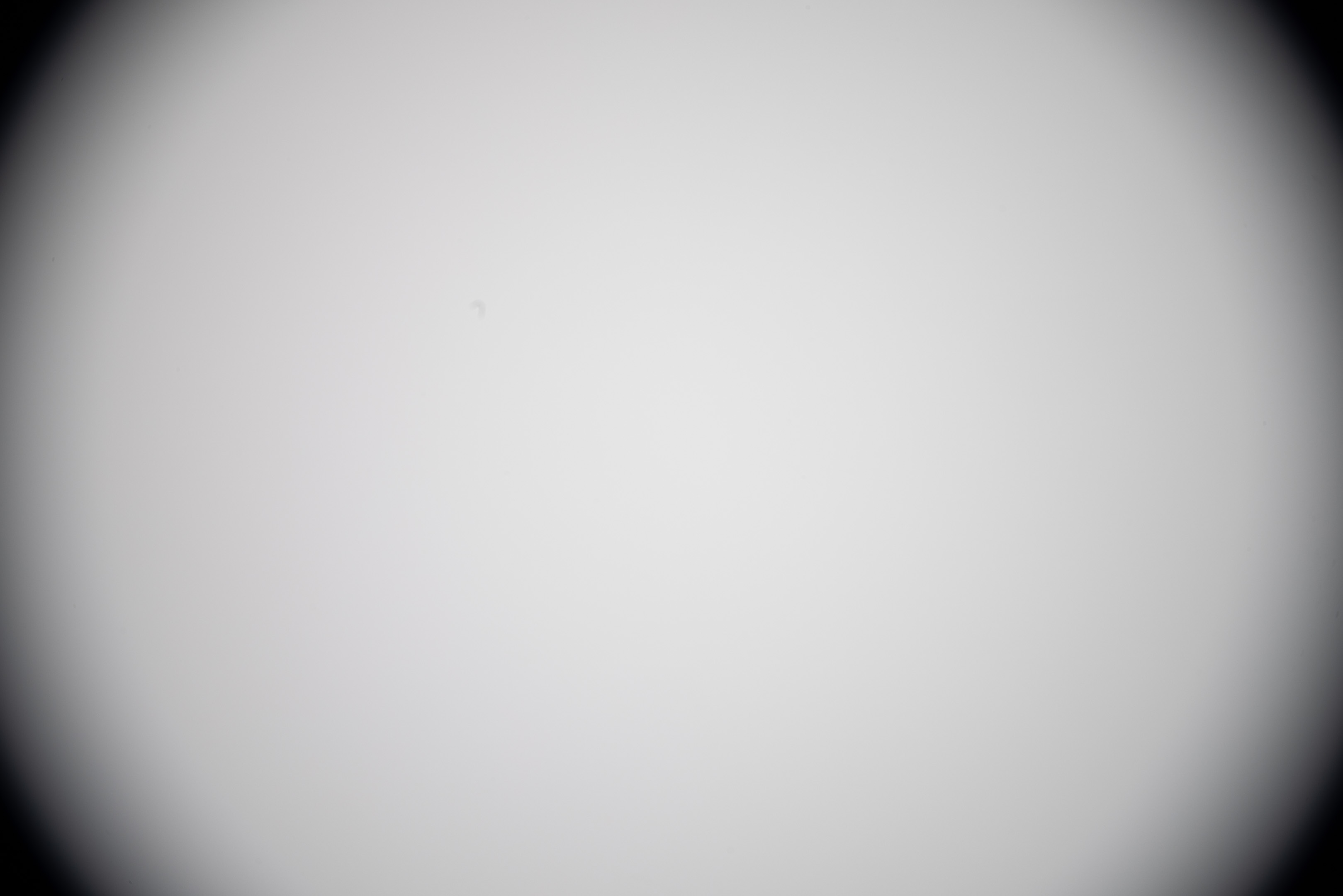
18mm before mod

18mm after mod
10-22mm
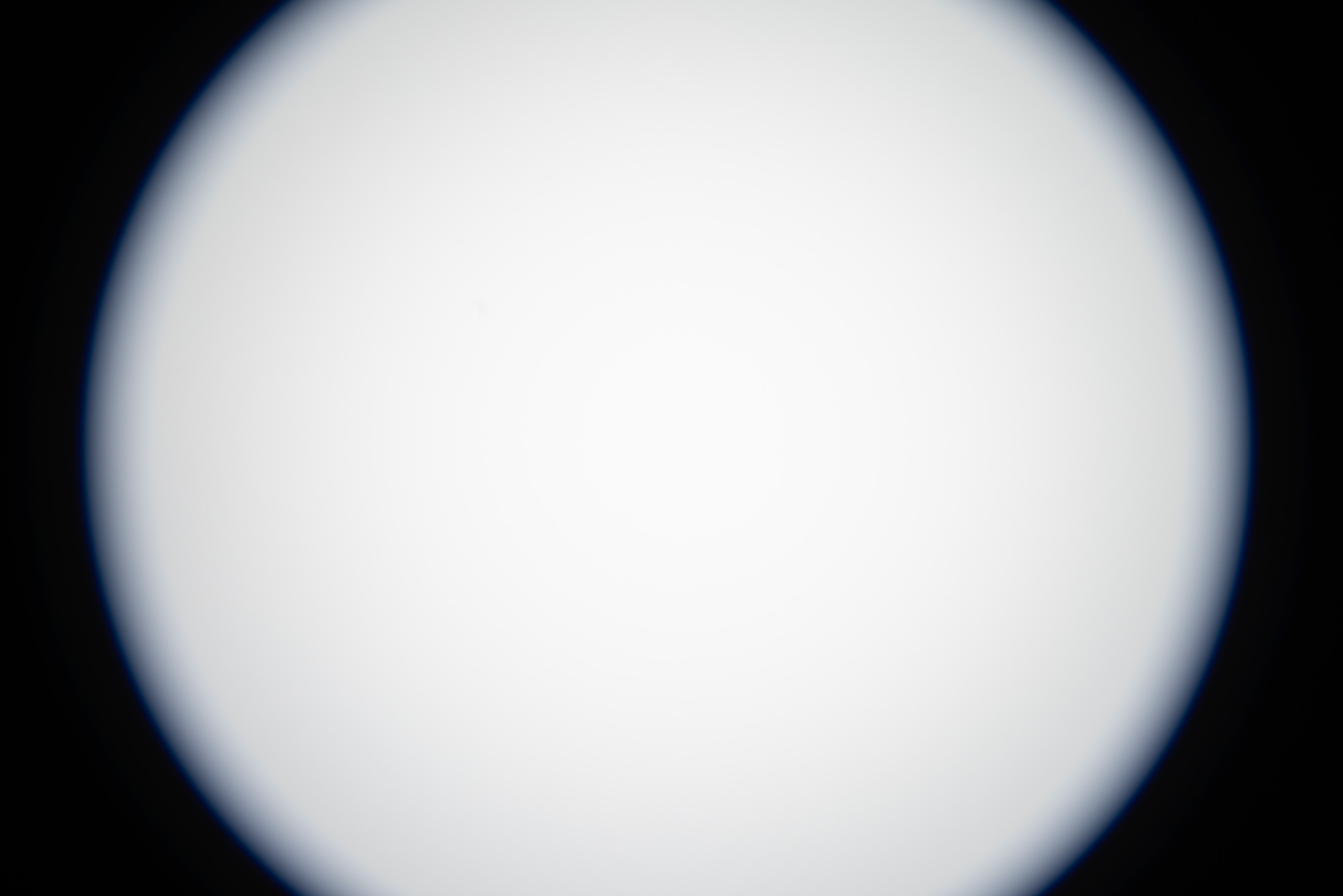
10mm before mod
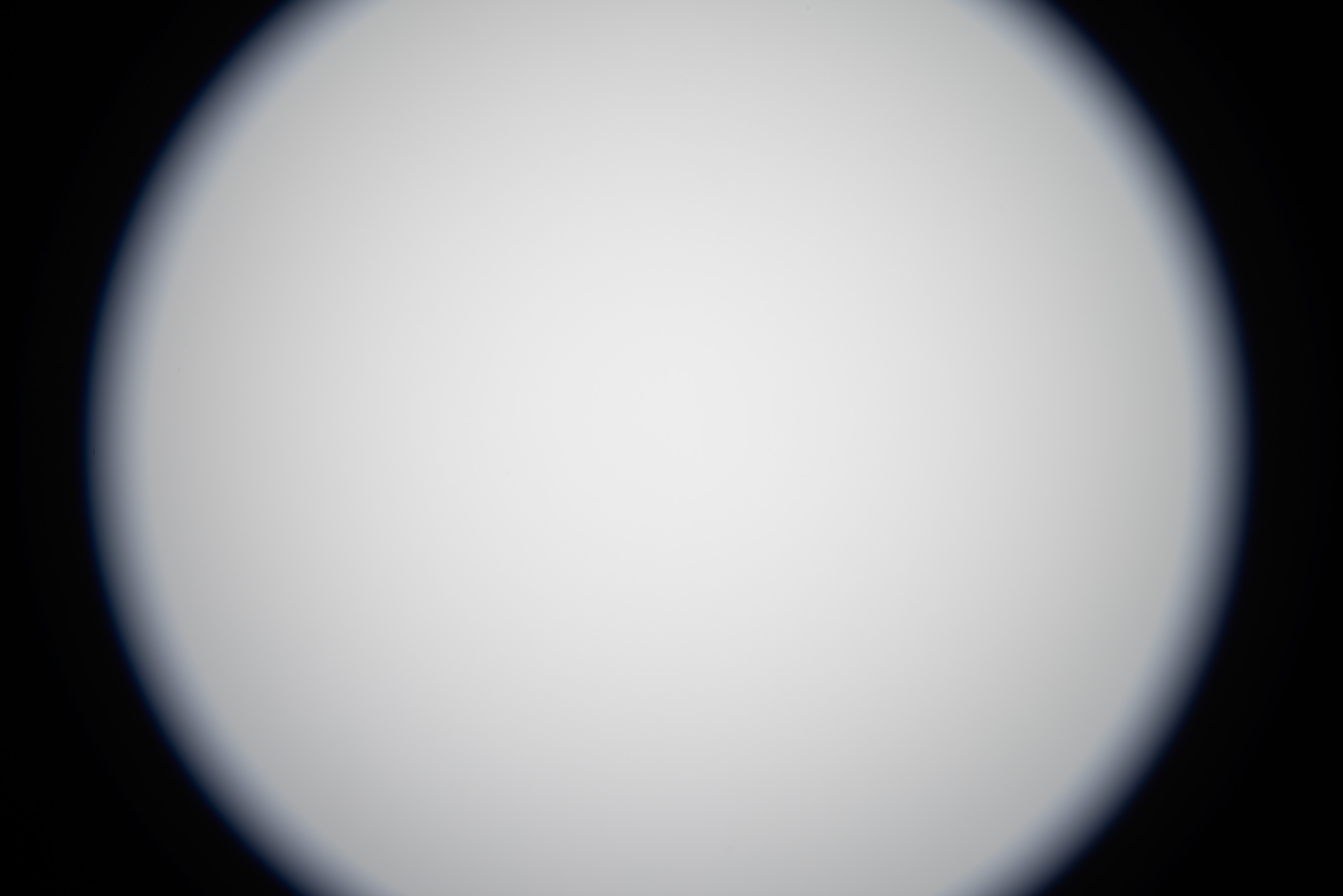
10mm after mod
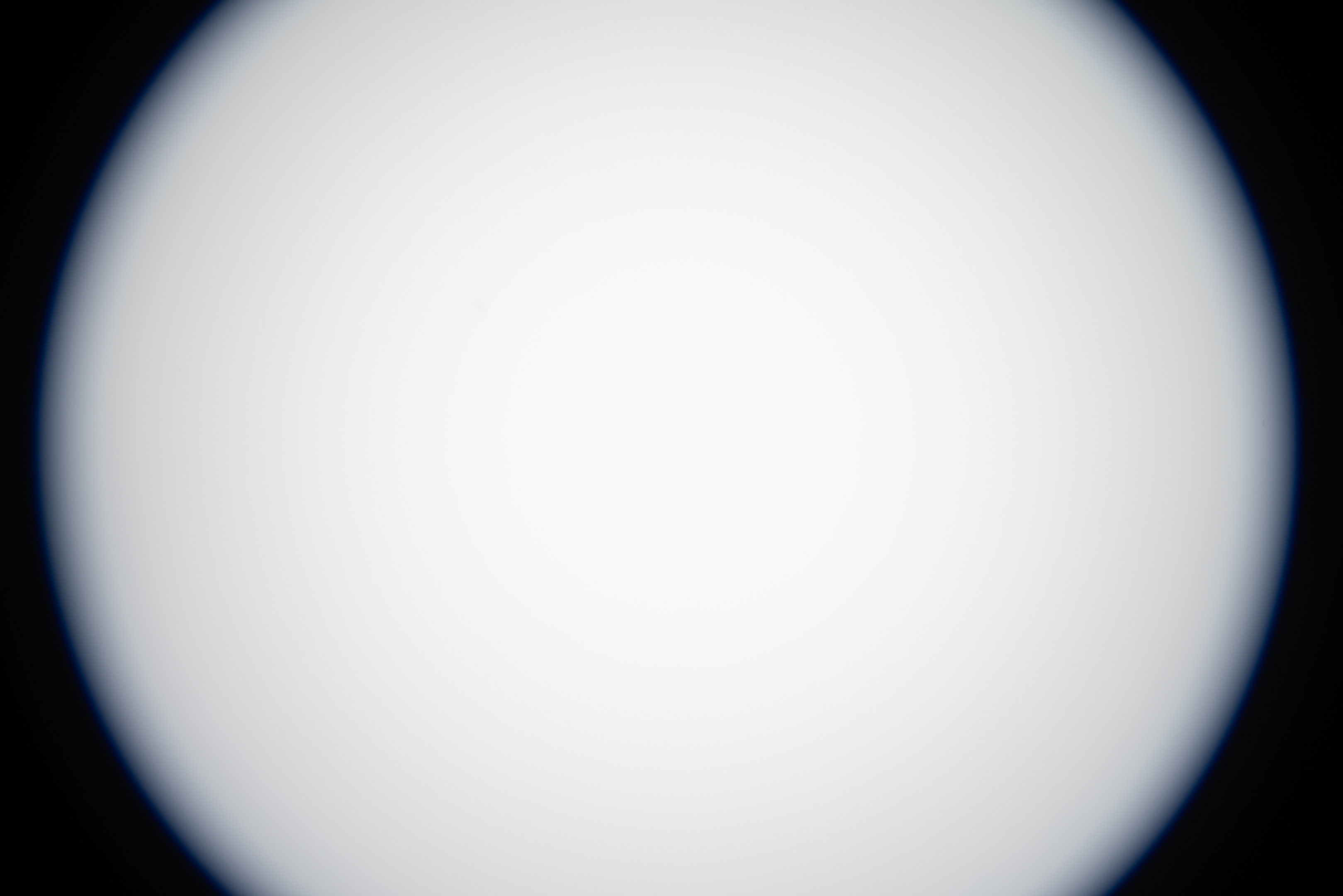
11mm before mod
11mm after mod
12mm before mod
12mm after mod
13mm before mod
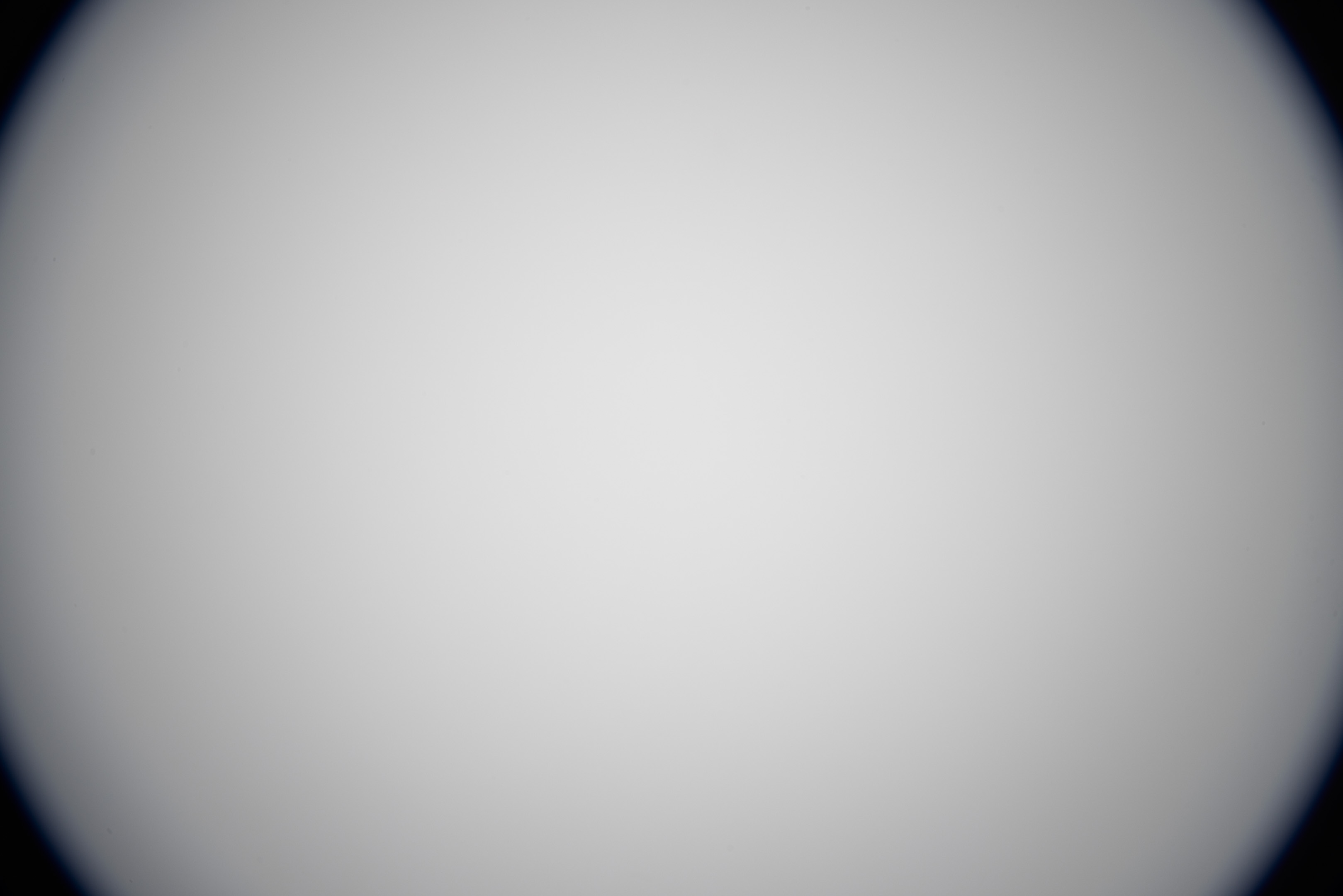
13mm after mod
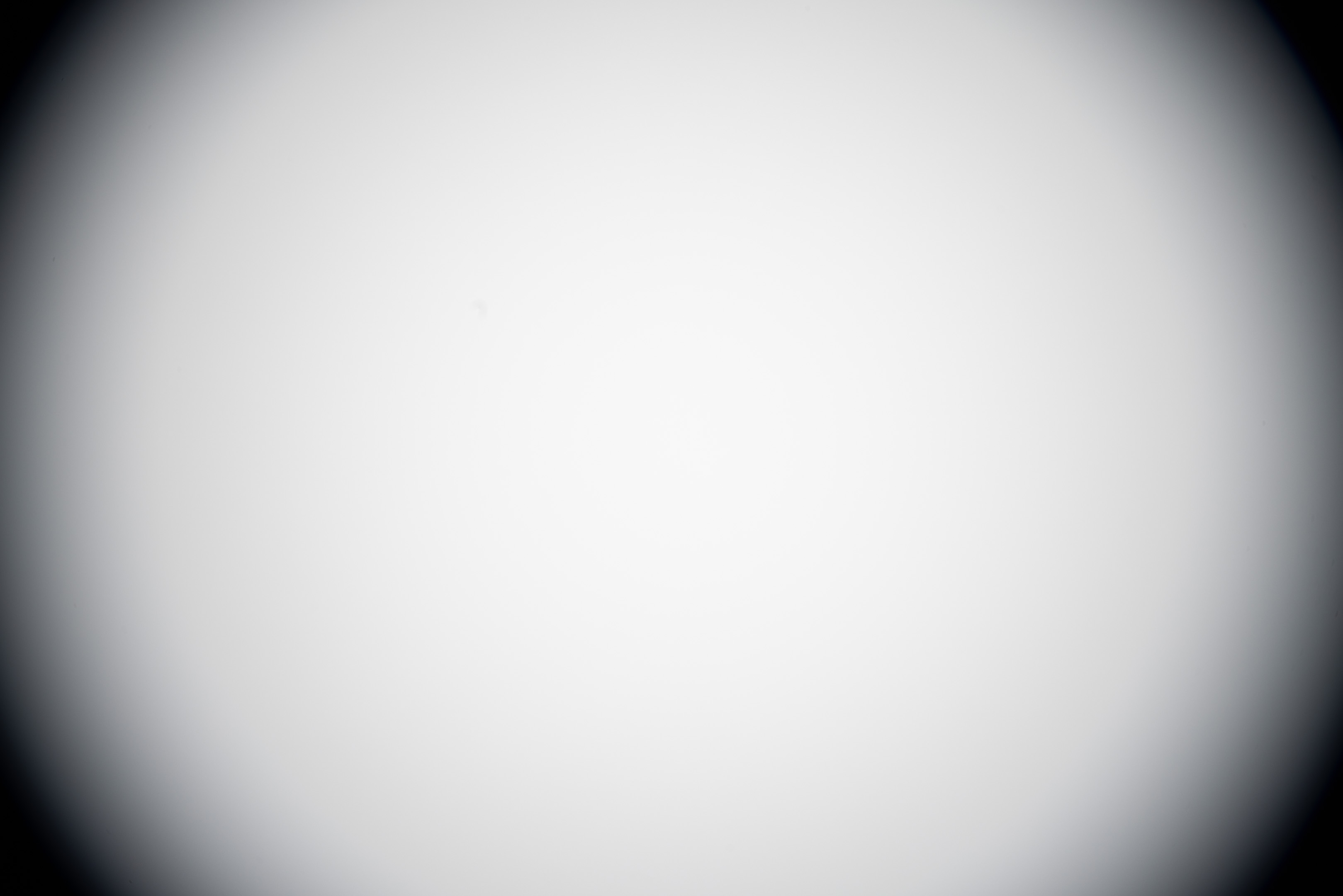
14mm before mod
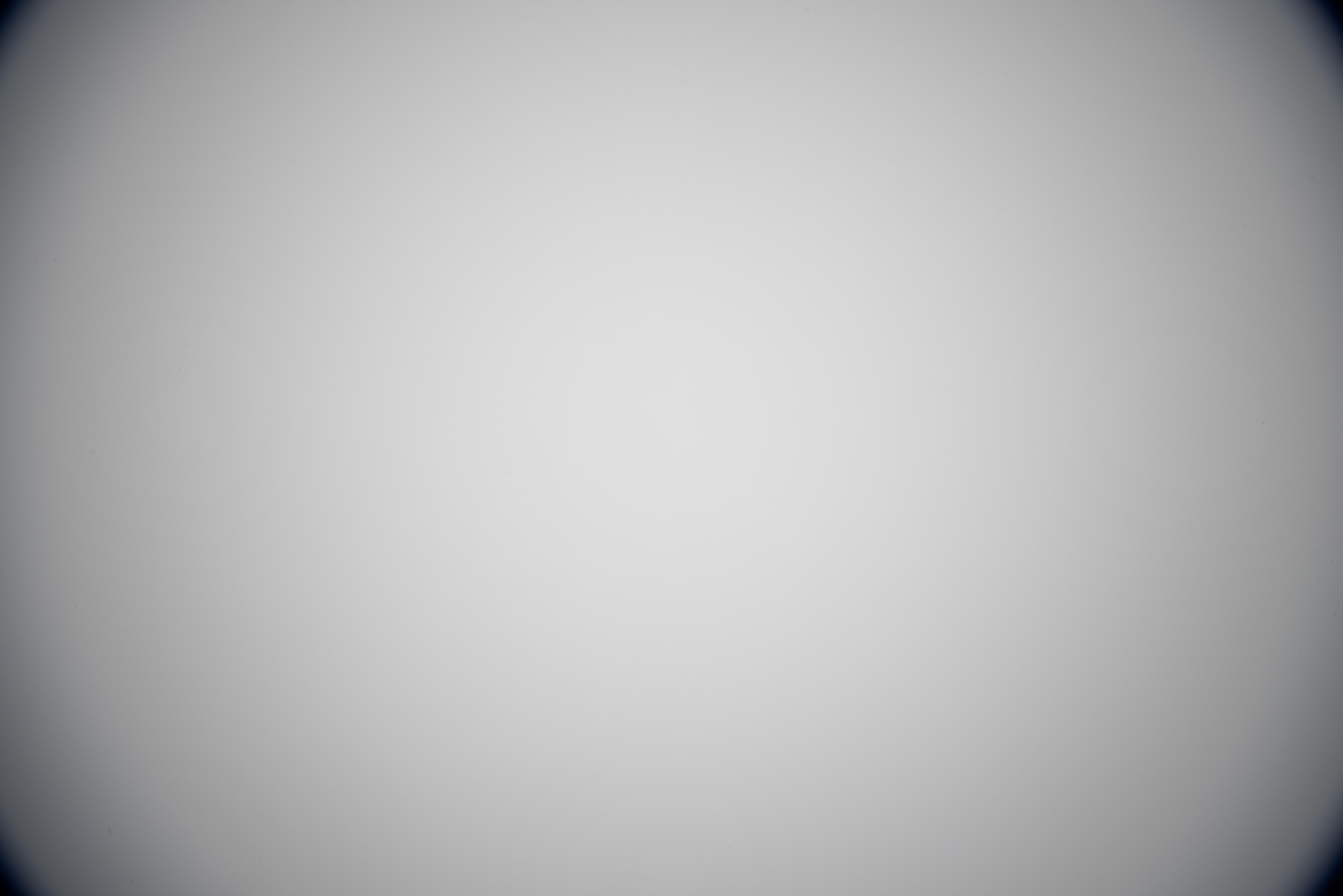
14mm after mod
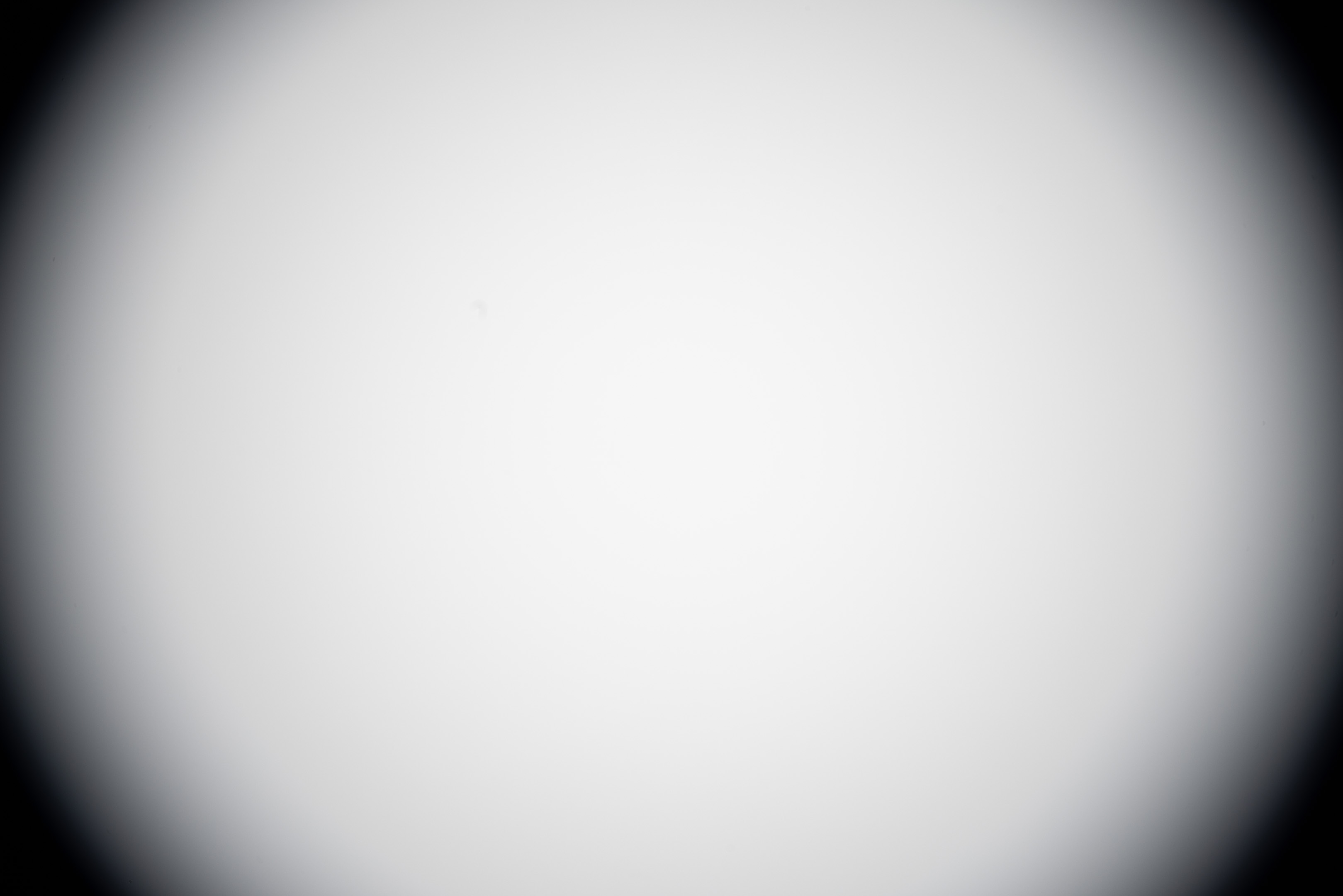
15mm before mod

15mm after mod
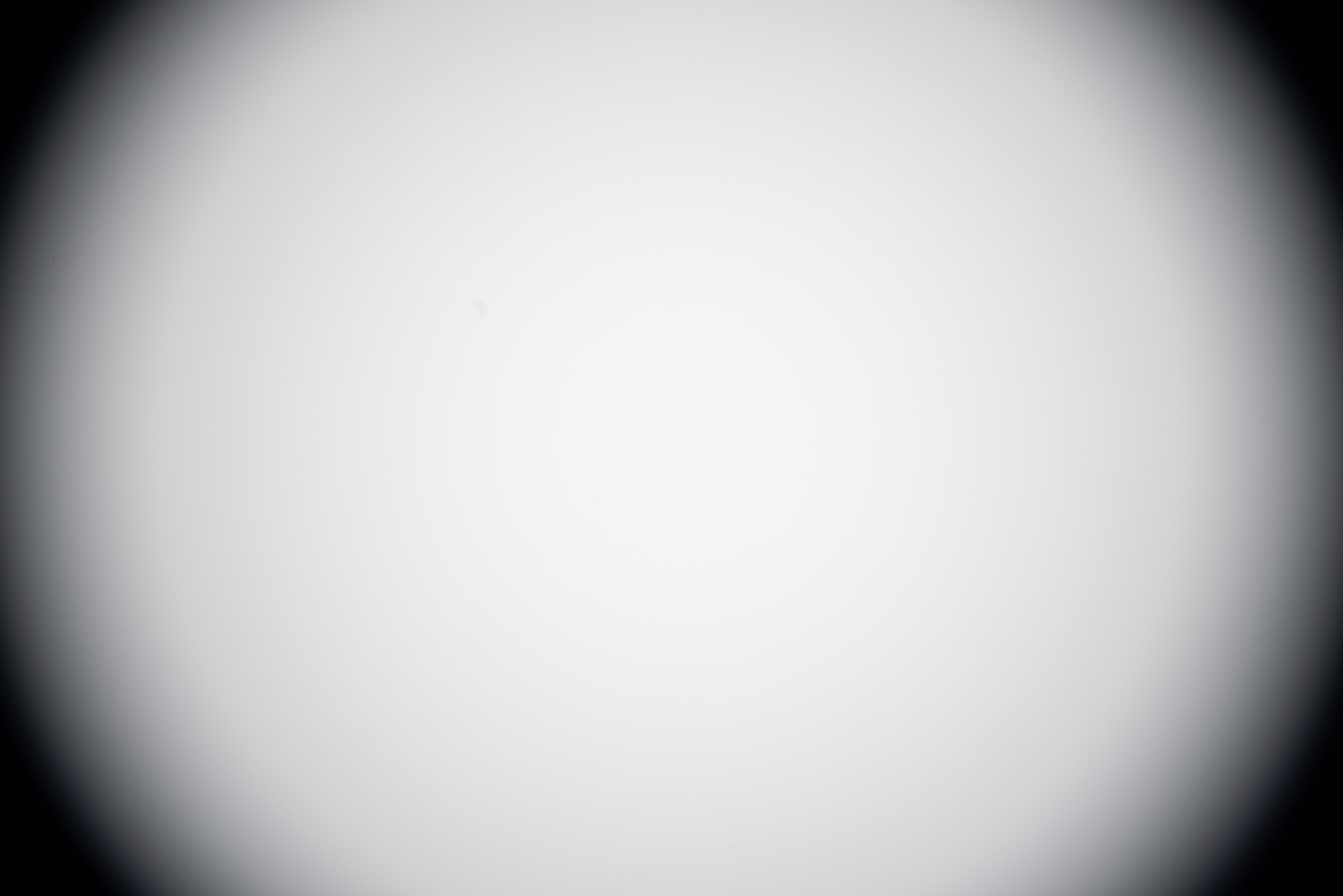
16mm before mod

16mm after mod
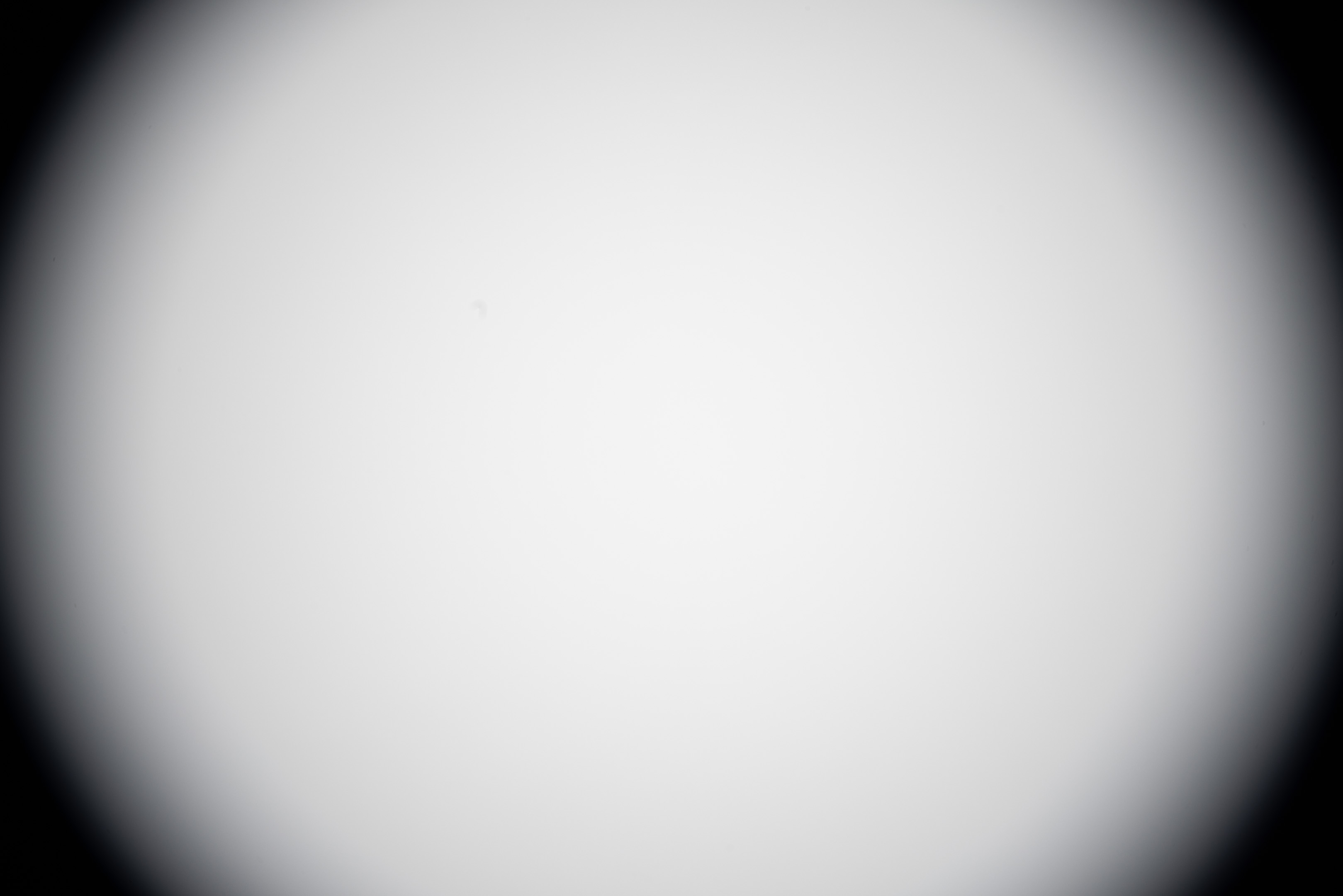
17mm before mod

17mm after mod
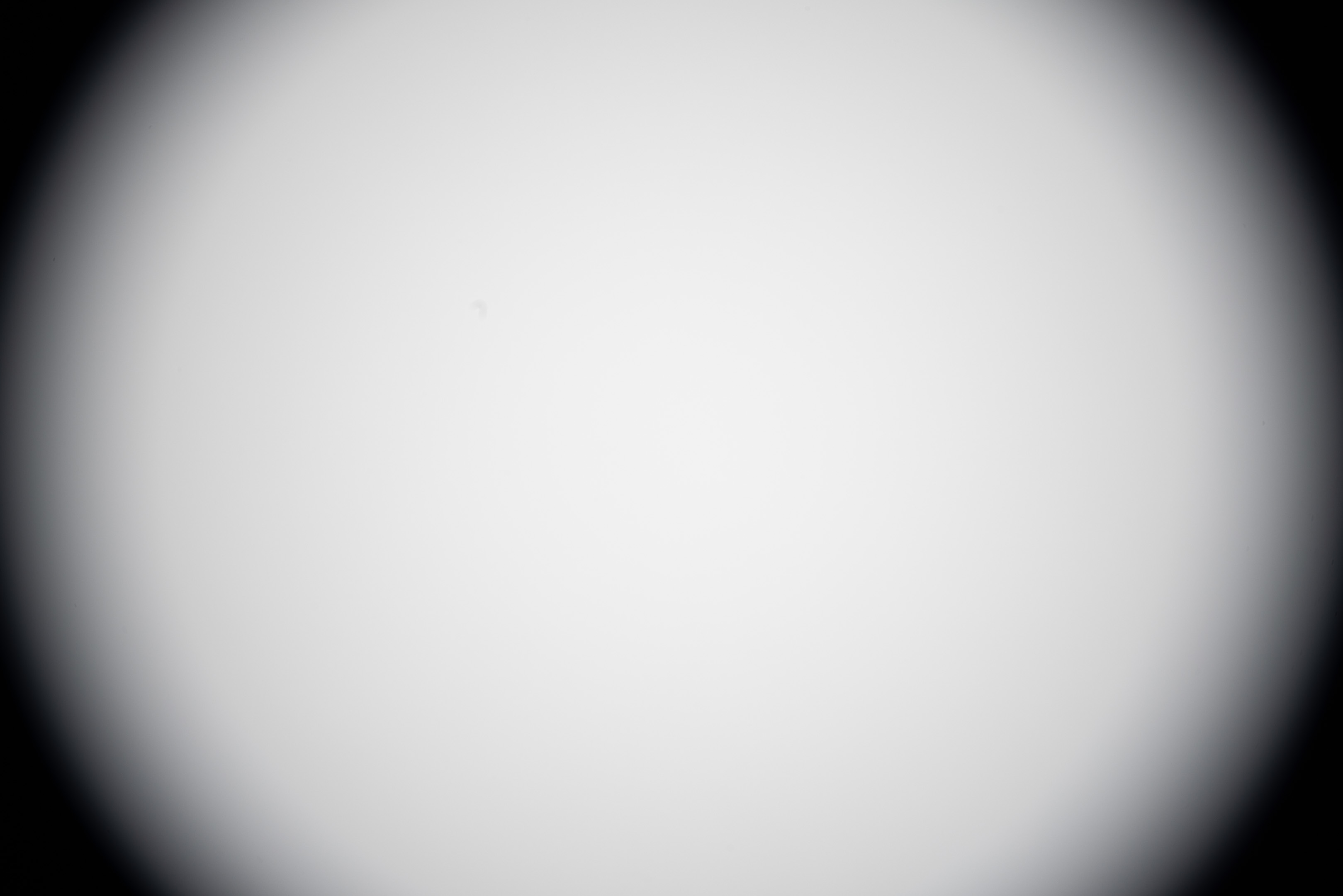
18mm before mod

18mm after mod
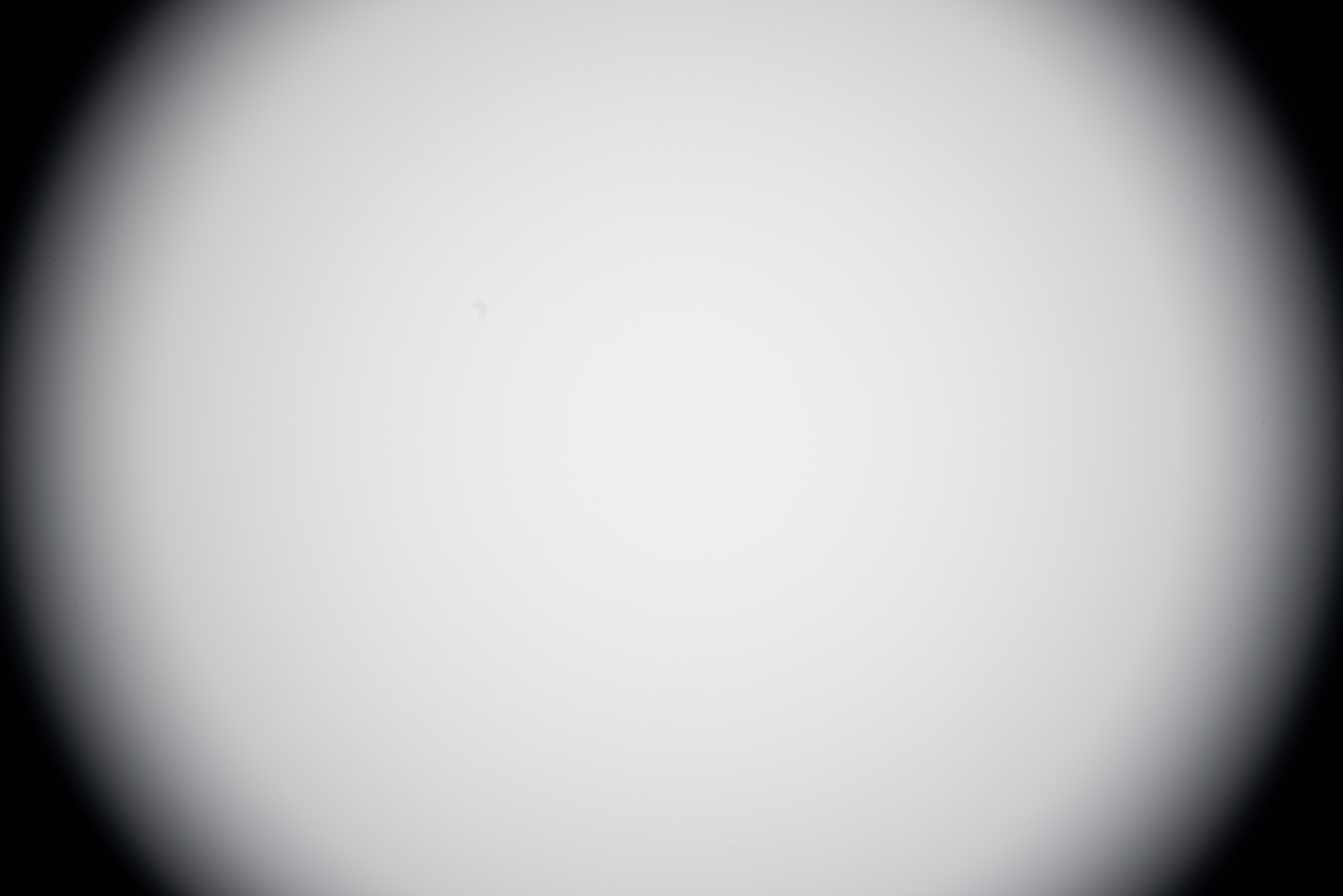
19mm before mod

19mm after mod
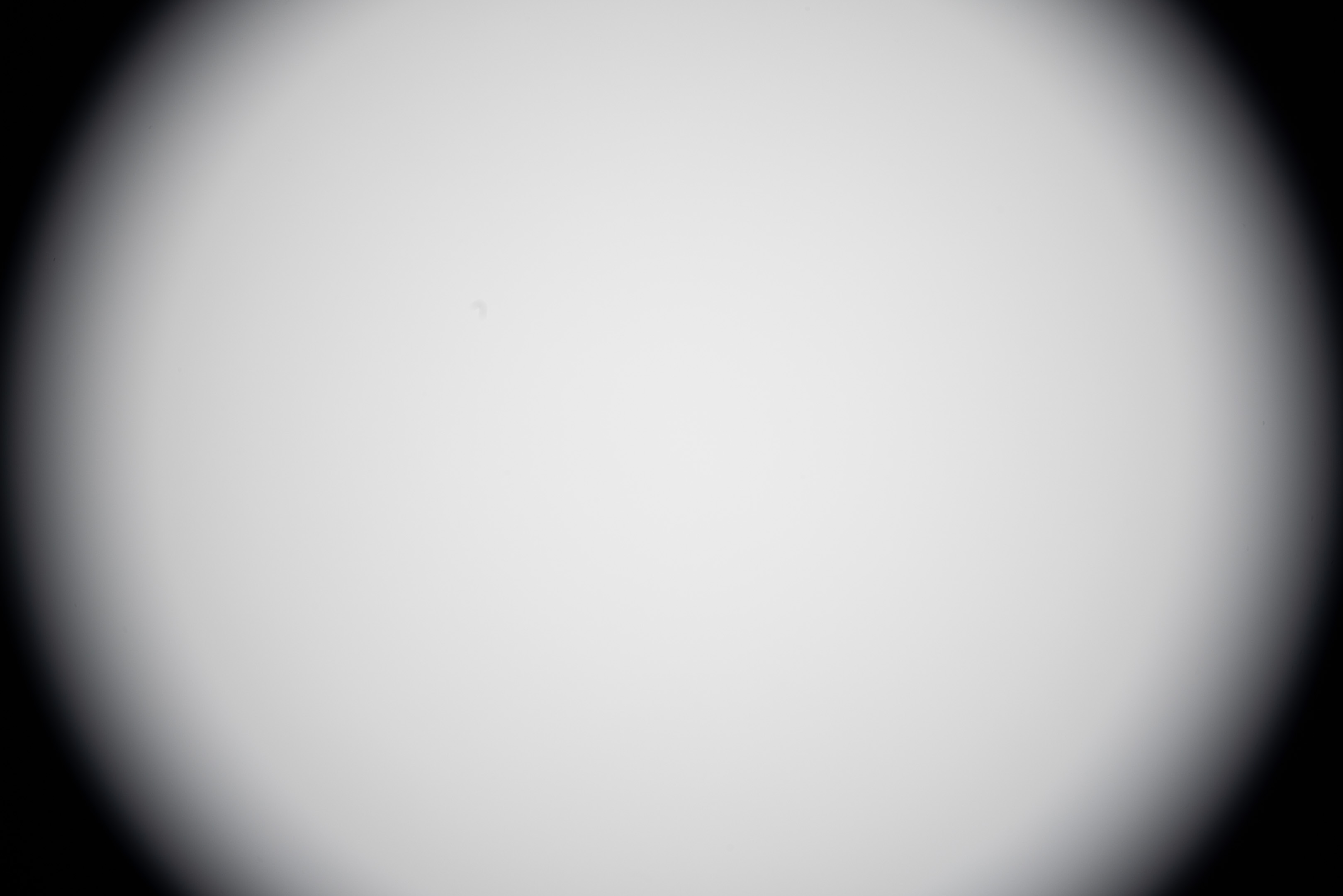
20mm before mod

20mm after mod
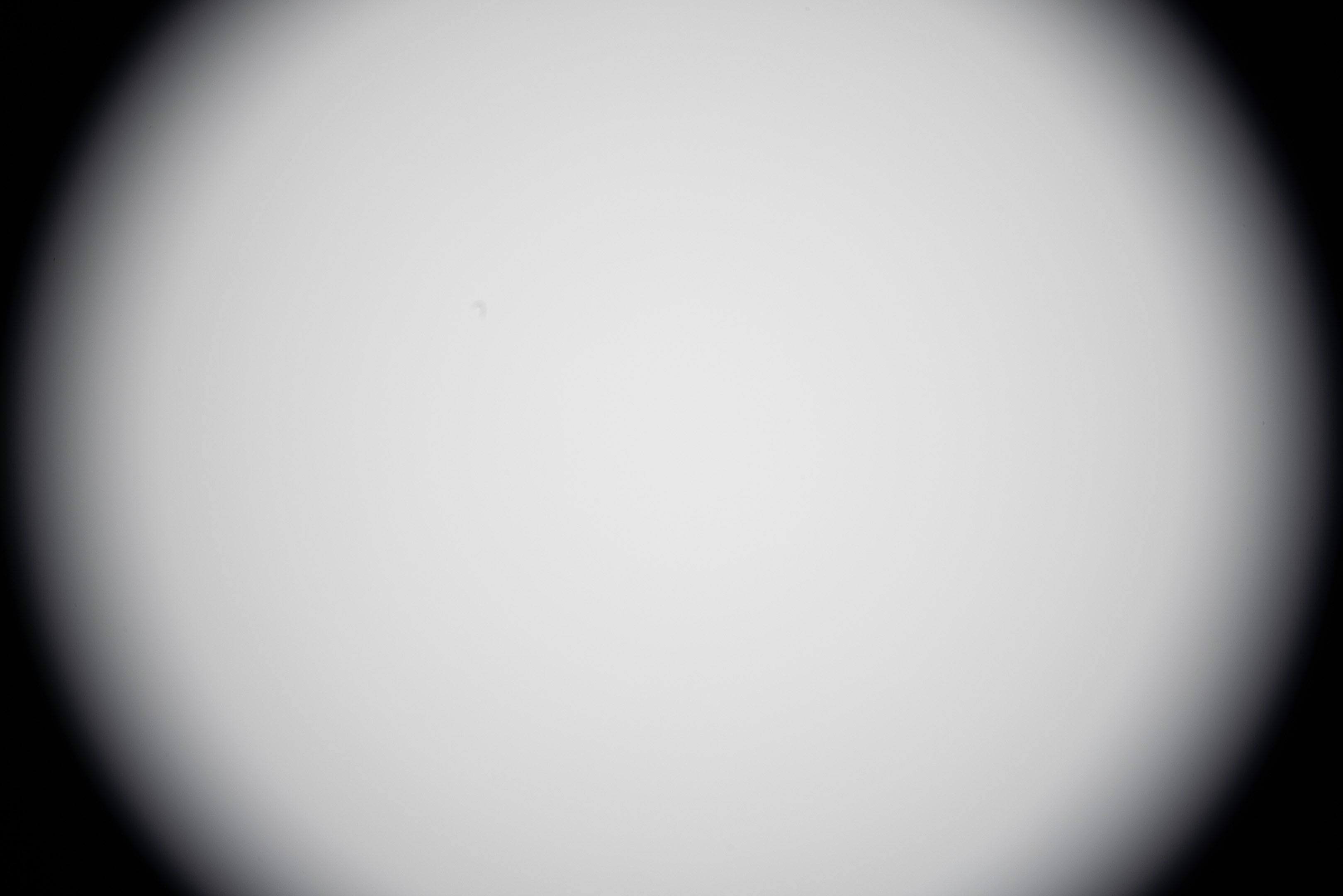
22mm before mod

22mm after mod
We can see from these that, yes, the EF mount conversion does reduce vignetting. It is not simply just making the lens so it can use an EF mount.
Using with dumb adapters / avoiding forced APS-C crop on Canon
Rather annoyingly, on Canon bodies when it detects an EF-S lens is attached, it will force an APS-C crop, with no way to turn this off. To avoid this you can dismount the lens slightly (just enough so it isn't locked). This breaks the electrical contact between the lens and body, and so the body no longer knows what lens is mounted and will not force an APS-C crop.
However, both lenses have electronic aperture, so you have no way of setting the aperture when used like this. And you have the same issue when you are using the lenses on a 'dumb' adapter with no electronic contacts like the Laowa MSC. And to make matters worse, the 10-18mm is a focus-by-wire lens, meaning you cannot adjust the focus without any electrical contact.
To work round this, you need to get the lens in a state where the aperture and focus are actually set at the correct values you want before you disconnect it from the camera body. This should be possible to do by dismounting the lens while holding the DoF preview button. However, on my R5 the DoF preview button doesn't seem to do anything, I'm not sure if this is normal or its just something wrong with my camera.
Instead you can set the focus and aperture, then remove the lens while taking a photo (meaning you'll need to set a few second exposure to give you enough time to disconnect the lens during the exposure). Or you can put the camera in video mode, and then disconnect the lens.
When using with a 'dumb' adapter, you will need a non-dumb adapter or another camera you can mount the lenses to so you can set the aperture and focus. For example, when taking the test photos with the MSC and 10-18mm lens, I first mounted the lens on my Sony camera with Sigma MC-11 adapter. I set the aperture and focus, then disconnected the lens while taking a 4s photo. I then moved the lens to my Canon camera with the MSC (as my MSC is RF mount), checked the focus was okay, then took the photo. If the focus was off, I would have to re-mount the lens on my Sony and repeat the process.
Focus drift when changing focal length
For these tests the lenses were focused at 10mm and then zoomed to their maximum focal length to see if the image would remain in focus or not. The main purpose of this test is to see if you focus the lens near infinity could you then use it on a dumb adapter at any focal length without worrying about having to refocus the lens. (Assuming you're happy having the lens focused near inifinity, which I would be for the majority of what I would use these lenses for).
Please note the images shown for this test are all grabbed from video, they were not shot as stills.
10-18mm
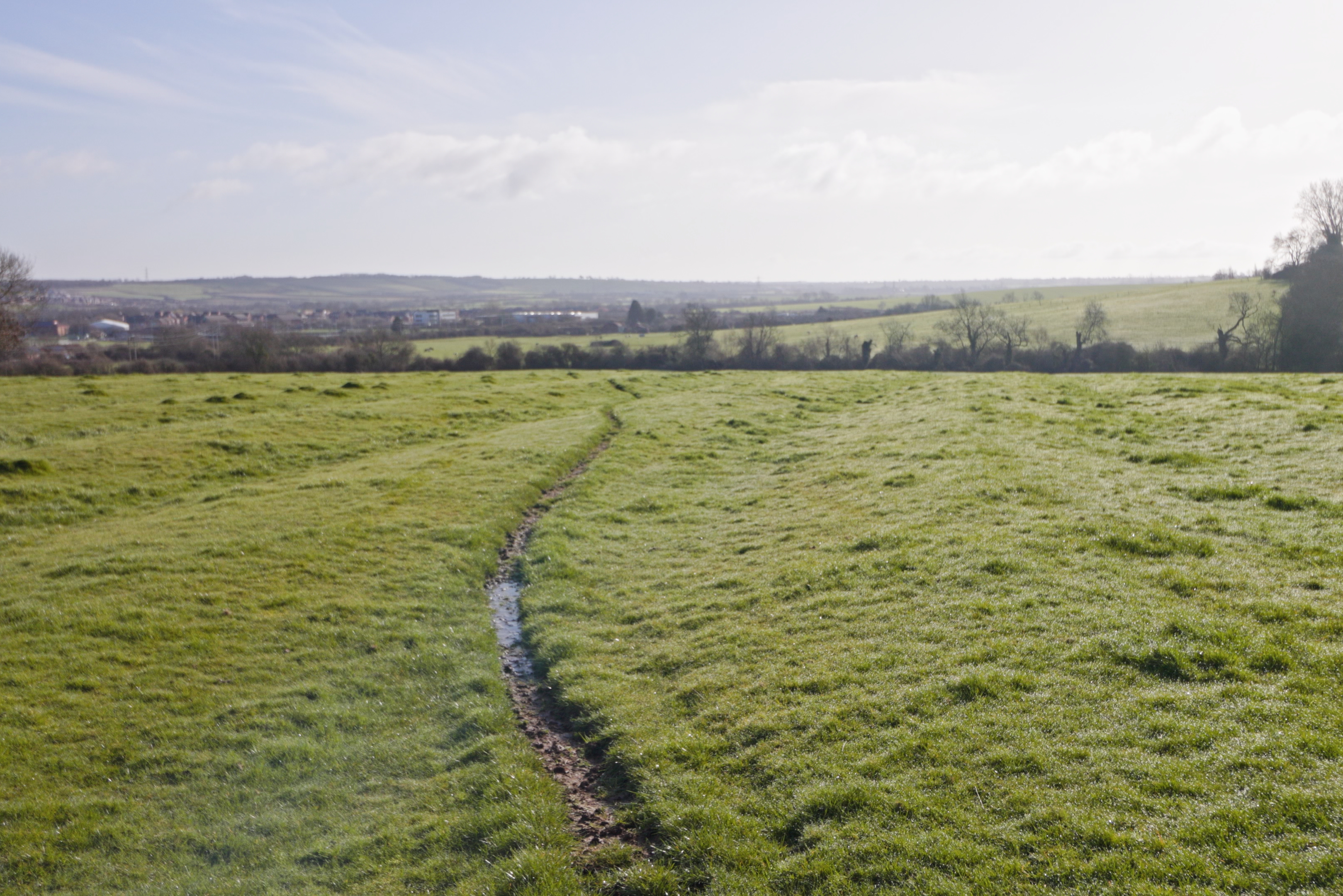
Camera set to continuous AF, lens focused at 10mm, zoom at 18mm (APS-C crop)
With the 10-18mm on my Canon R5 (which forces an ASP-C crop) with a Meike RF-EF adapter and continuous autofocus on, focus is adjusted as you zoom.
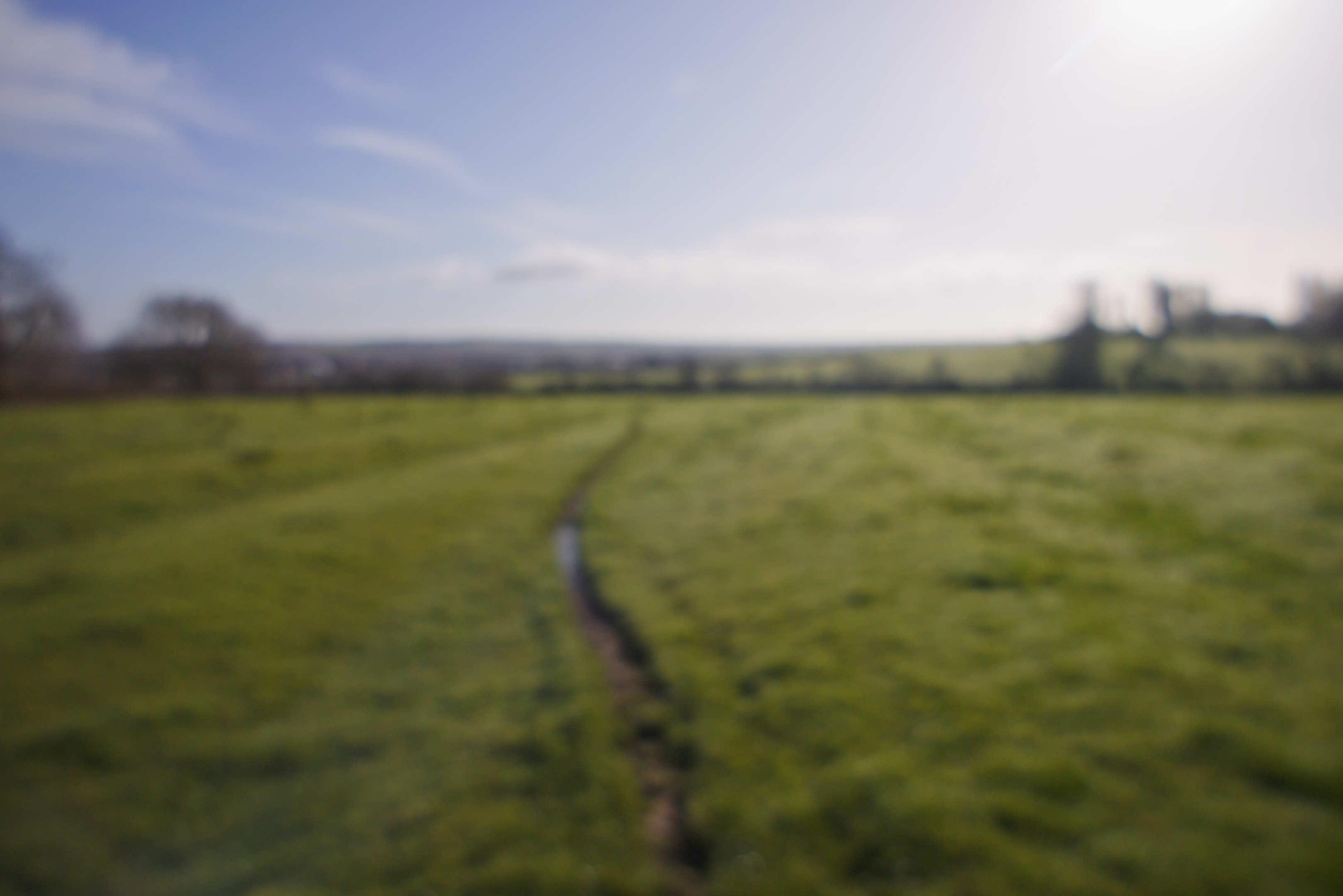
Lens disconnected (no AF), lens focused at 10mm, zoom at 18mm (full frame)
But with the lens disconnected we find that sadly the 10-18mm is very much not parfocal. Given the fact you can't manually adjust the focus on this lens without electronic communication this is a big shame. If the lens could just be set to near infinity and stay there throughout the focal range, this would make it much more usable on a dumb adapter in my opinion.
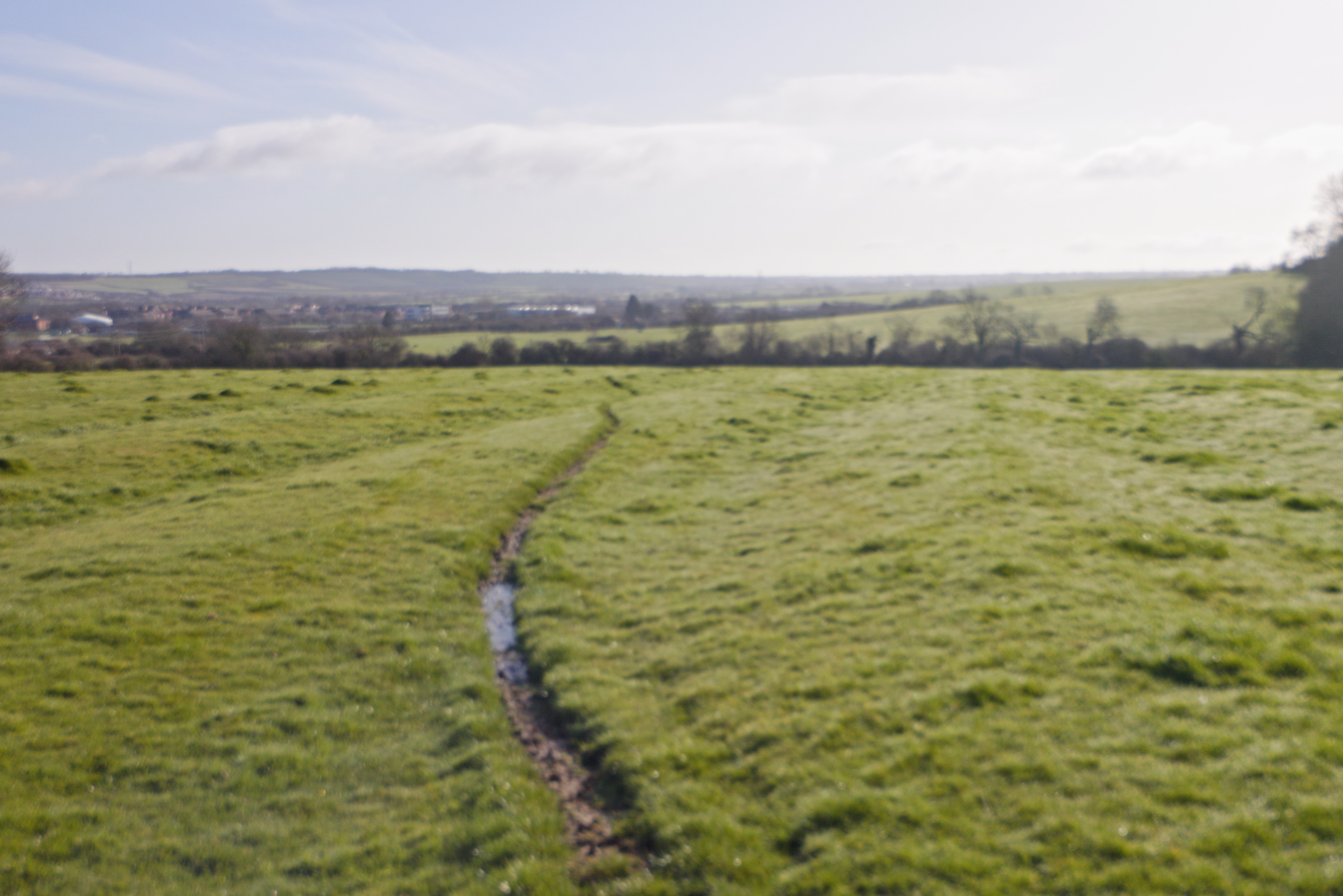
Manual focus, lens focused at 10mm, zoom at 18mm (APS-C crop)
When connected electronically to the camera, and with the lens set to manual focus, you still get focus shift when adjusting the zoom, but much less focus shift than when there is no electronic connection.
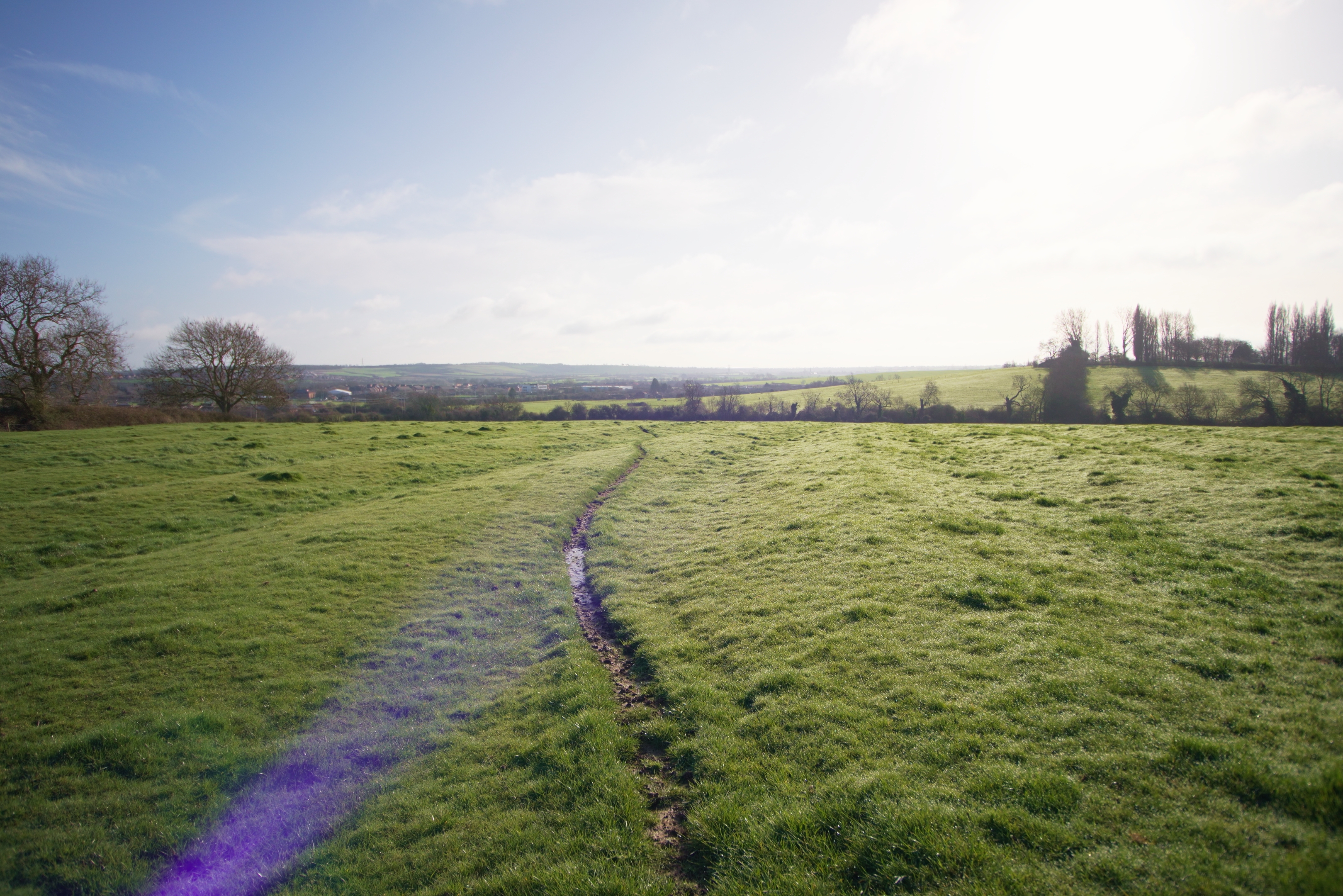
Sony A7IV with Sigma MC-11, Manual focus, lens focused at 10mm, zoom at 18mm (Full frame)
On my Sony camera with the Sigma MC-11 adapter (which does not support continuous AF for EF mount lenses), manual focus with the lens connected electronically does not cause any focus shift. So it actually works better than on Canon.
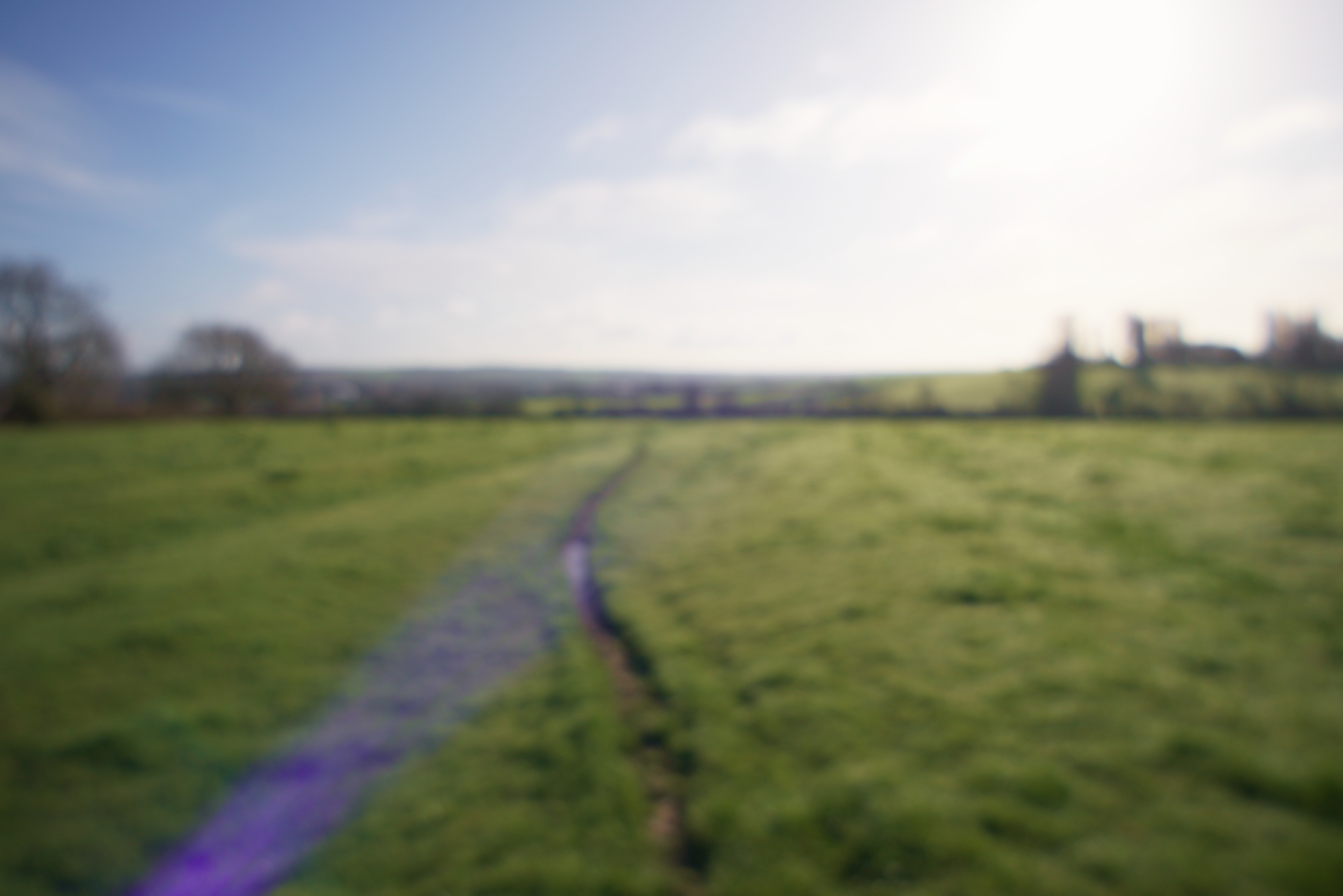
Sony A7IV with Sigma MC-11, lens disconnected (no AF), lens focused at 10mm, zoom at 18mm (full frame)
With the lens disconnected we see the same big shift in focus as you zoom.
10-22mm
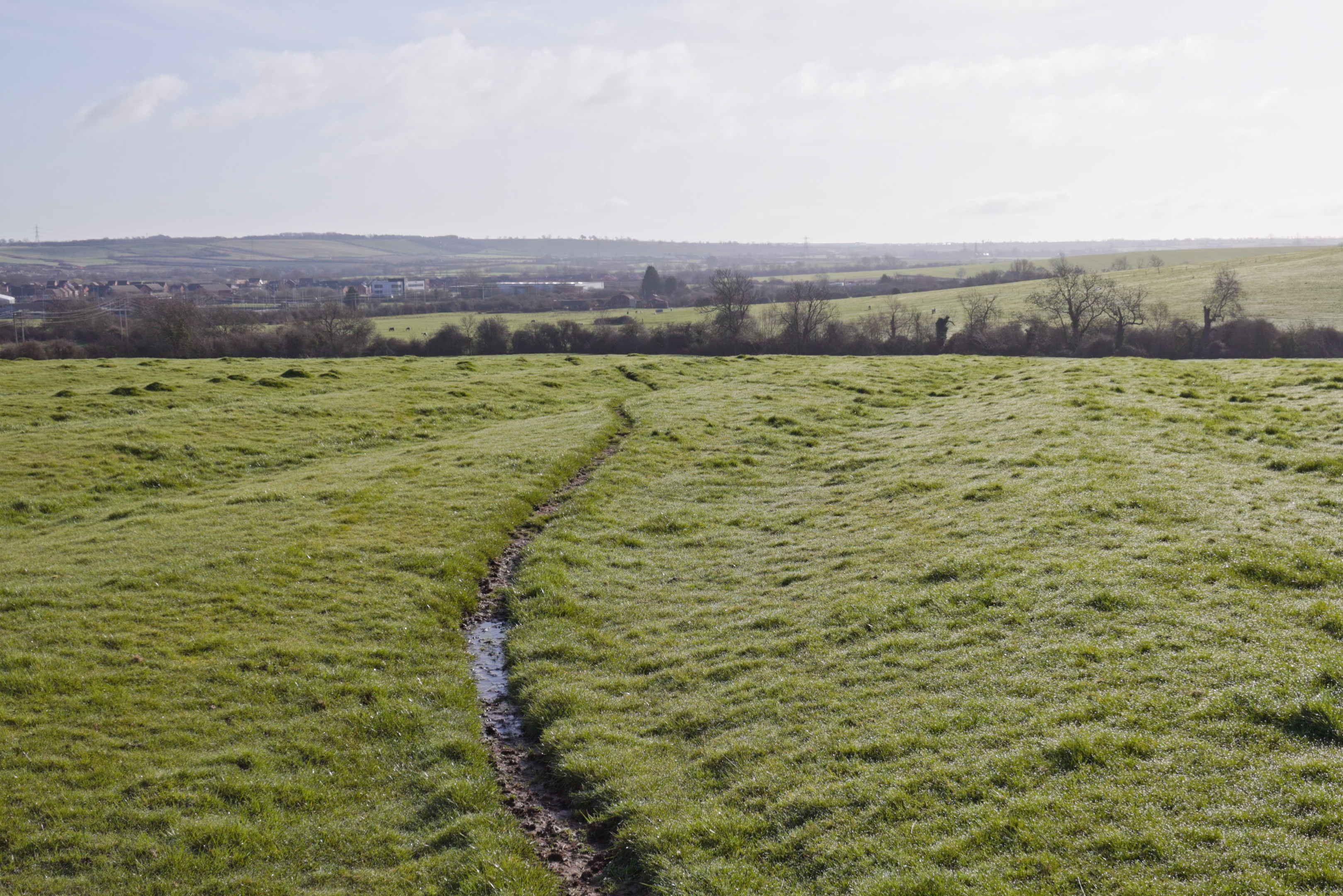
Camera set to continuous AF, lens focused at 10mm, zoom at 22mm (APS-C crop)
Similar to the 10-18mm, if you have continuous AF enabled, the 10-22mm will adjust focus as you zoom.
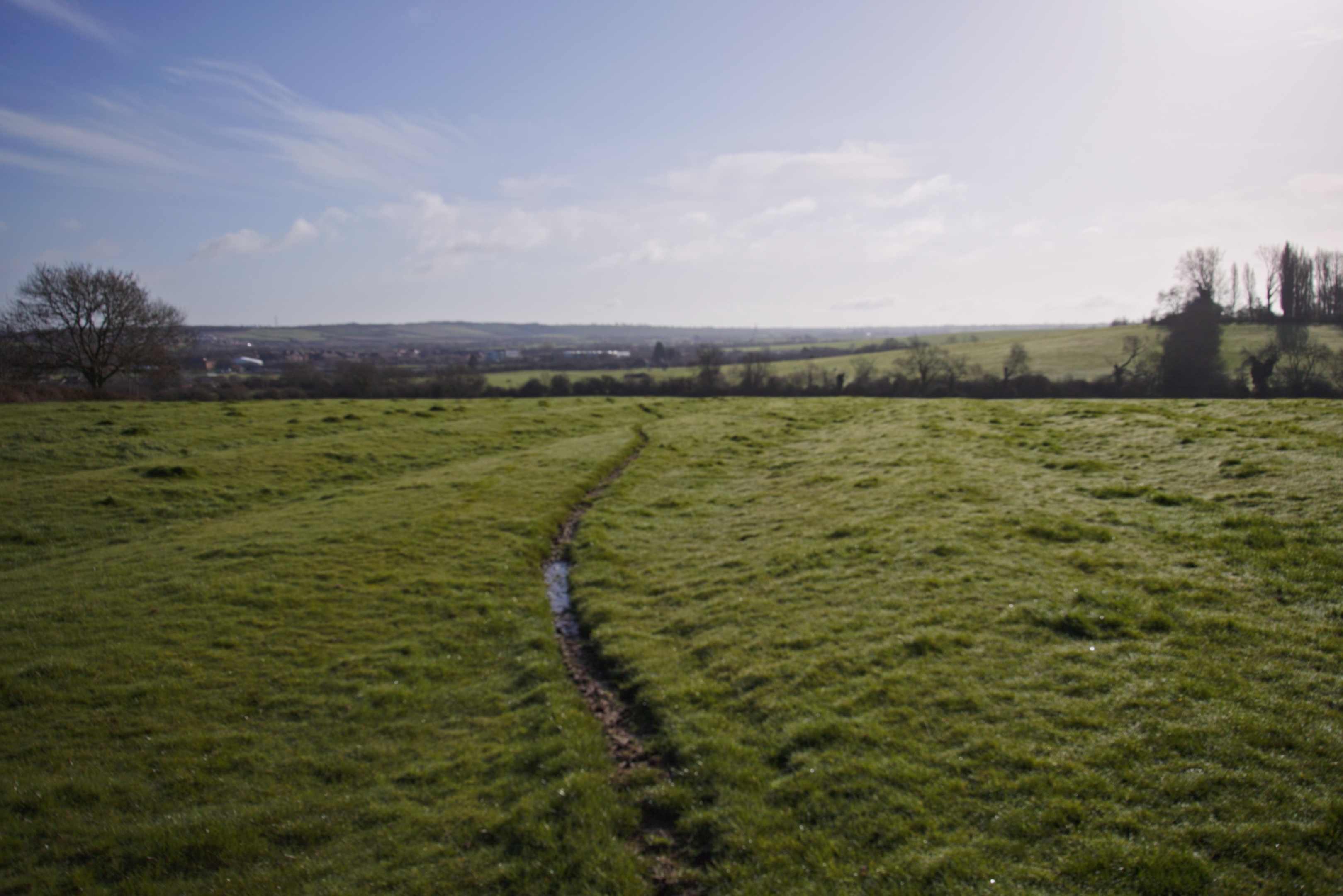
Lens disconnected (no AF), lens focused at 10mm, zoom at 22mm (full frame)
But with the lens disconnected the focus will drift as you zoom.
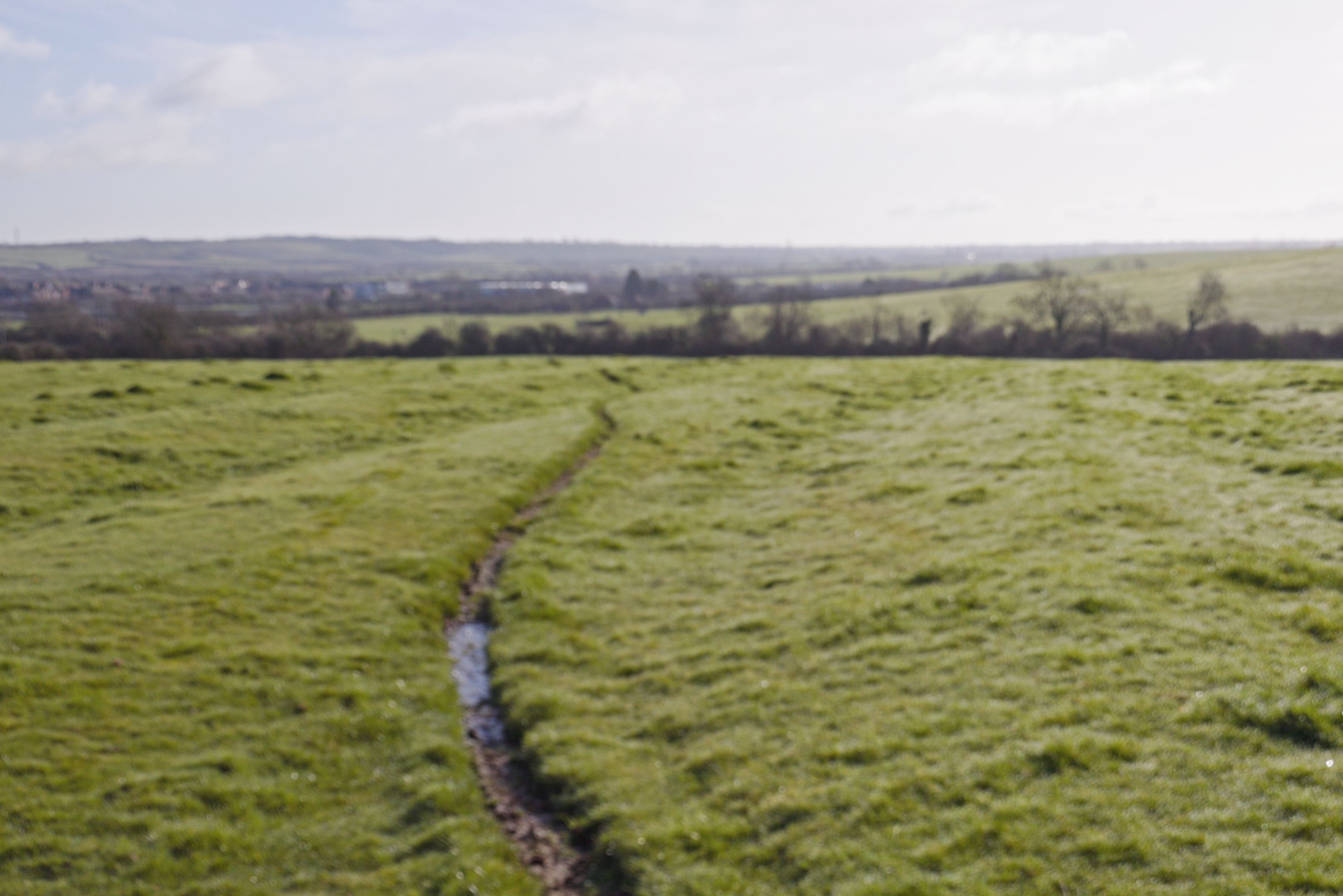
Manual focus, lens focused at 10mm, zoom at 22mm (APS-C crop)
When you use manual focus the focus drift while zooming is much the same as you see with the lens disconnected. The lens at 22mm actually looks more out of focus on the shot with the lens connected, but I think this is only because this is an APS-C crop, and so you are viewing a magnified image.
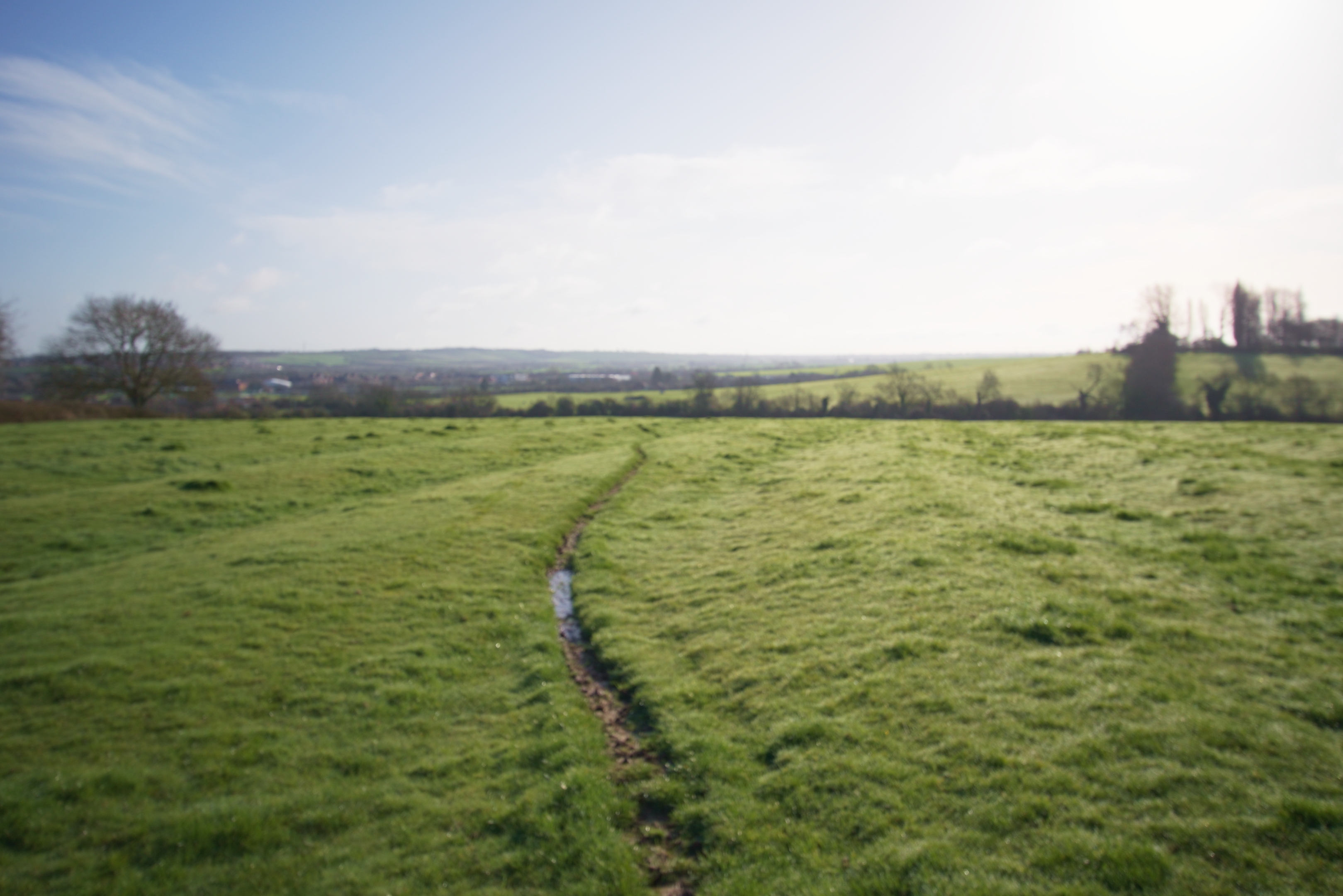
Sony A7IV with Sigma MC-11, Manual focus, lens focused at 10mm, zoom at 22mm (Full frame)
On Sony with the MC-11 adapter we do see focus shift.
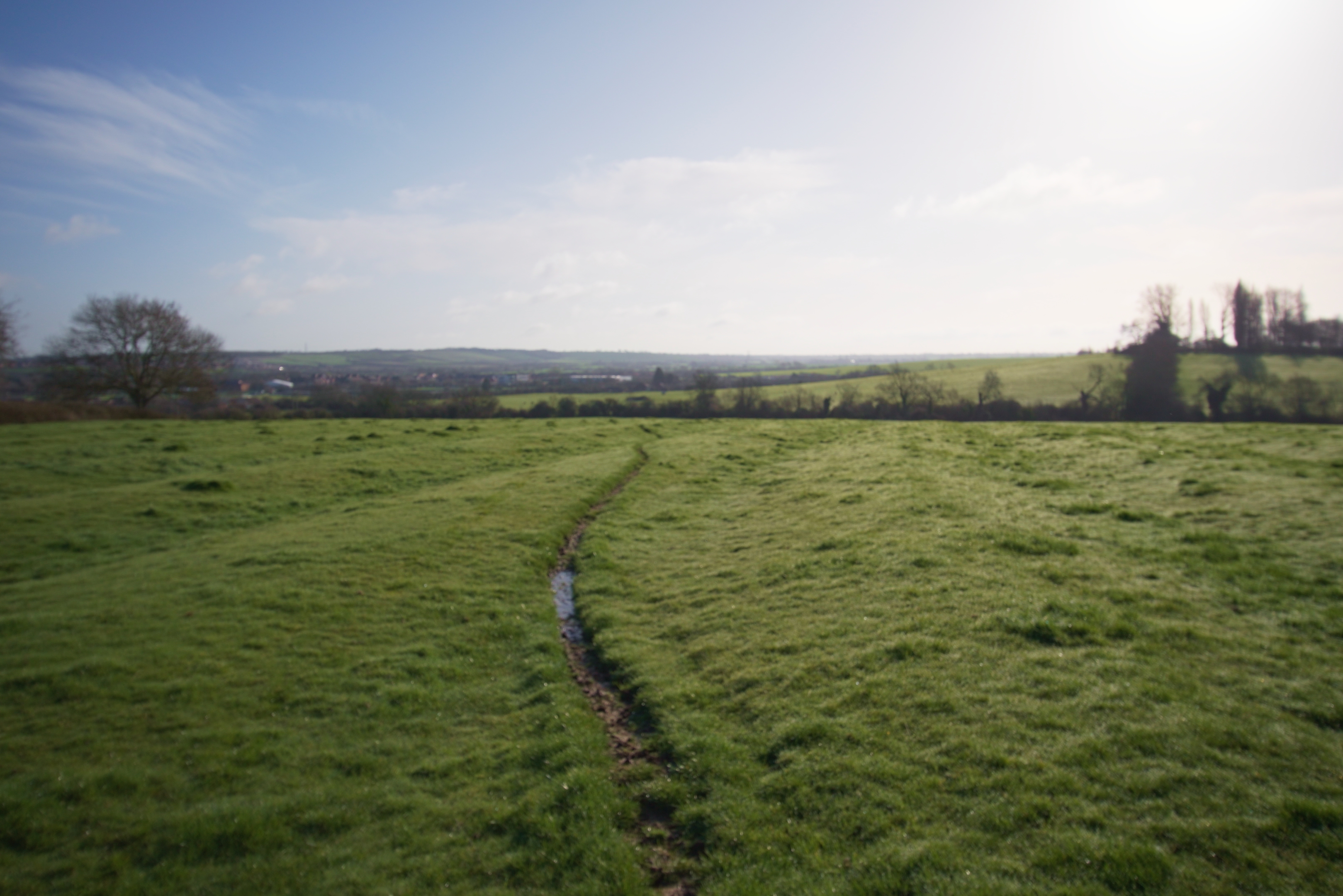
Sony A7IV with Sigma MC-11, lens disconnected (no AF), lens focused at 10mm, zoom at 22mm (full frame)
And disconnected on Sony we get the same result.
So the 10-22mm does not seem to be parfocal, however, it has much less focus drift than the 10-18mm. You can manually focus the lens on a dumb adapter anyway, so you can just adjust the focus.
One more thing to note is that when the lenses are electronically connected and zoomed while recording video, there is flickering, both on Sony and Canon. I would guess this is the lens adjusting the aperture as you zoom. This doesn't really bother me as it is extremely unlikely I would want to zoom either of these while recording video.
Image quality

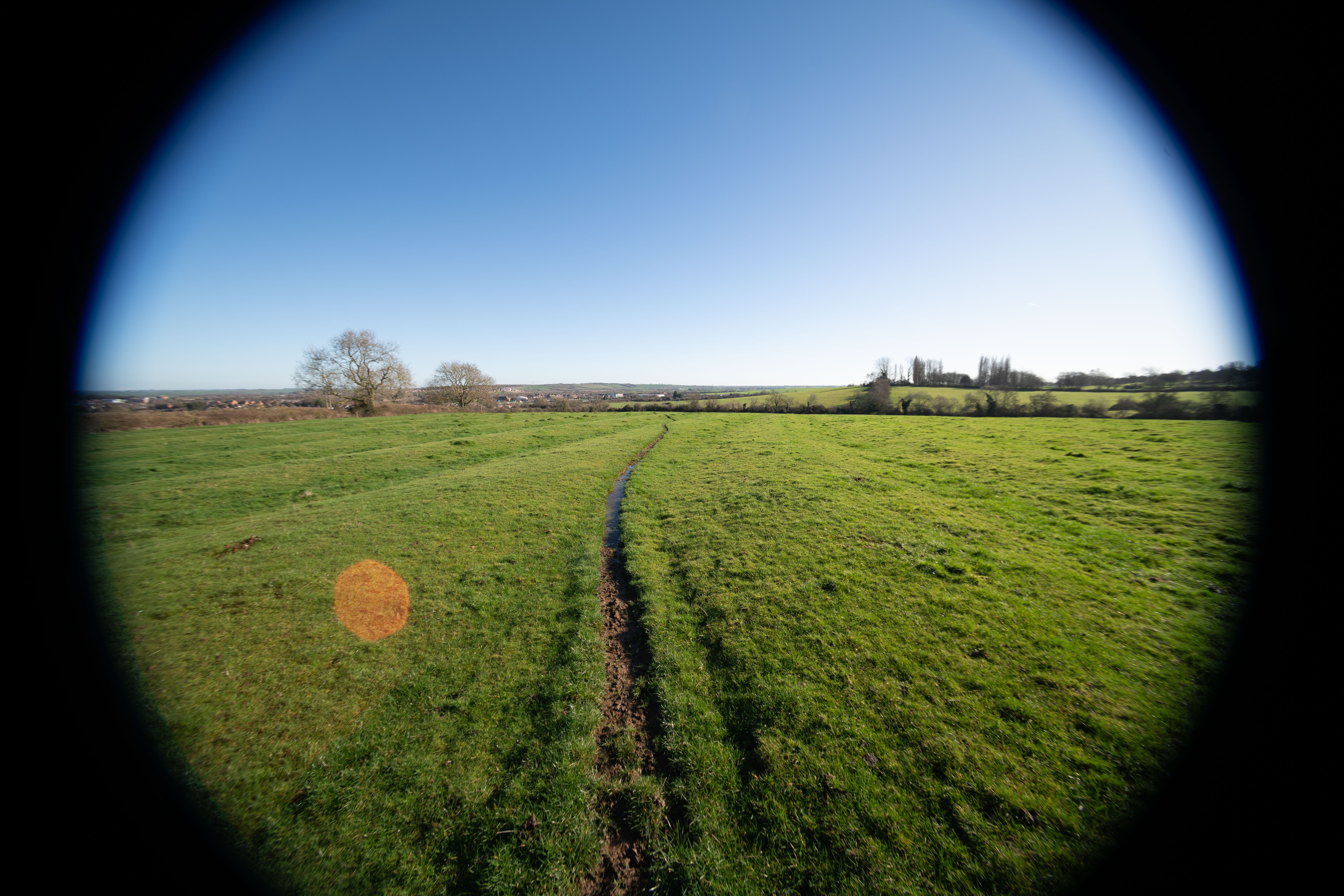
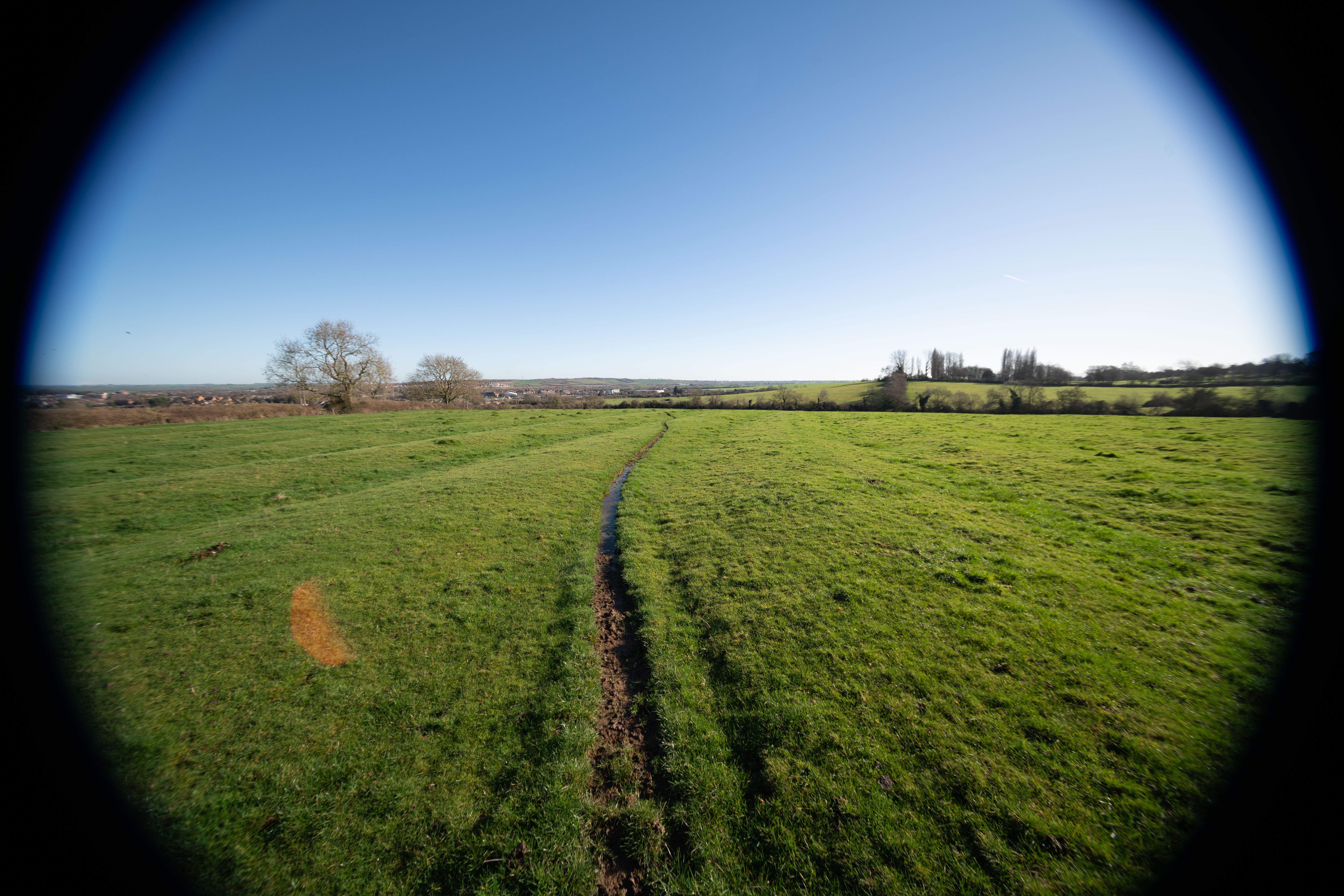

All the following test images were shot at f/8 and focused near infinity. The shots using the MSC and teleconverter were also shot at f/8, which is an effective aperture of f/11. Photos were shot in RAW and converted in Adobe Camera RAW with Chromatic Aberration correction turned on.
10-18mm on Full frame
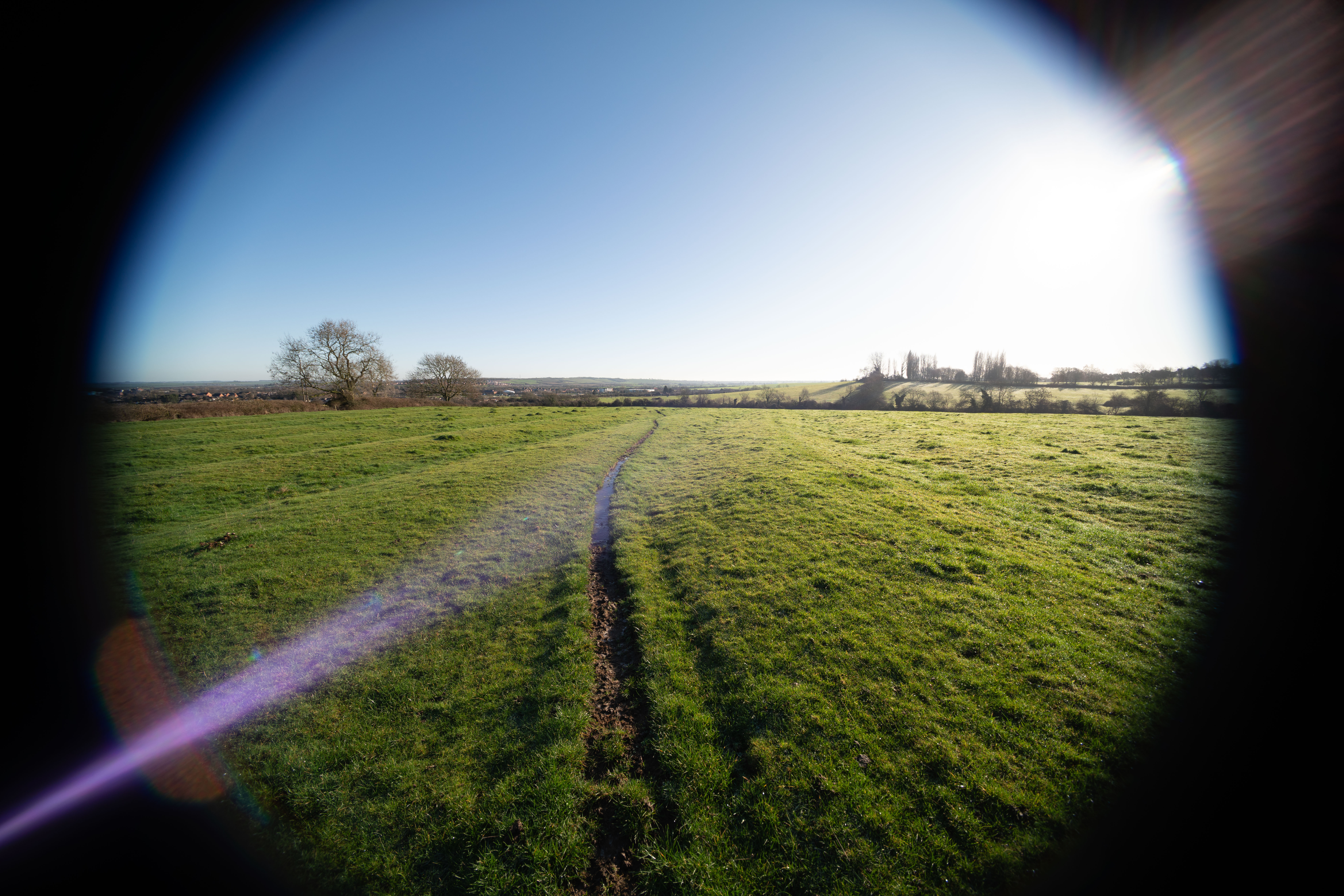
10mm
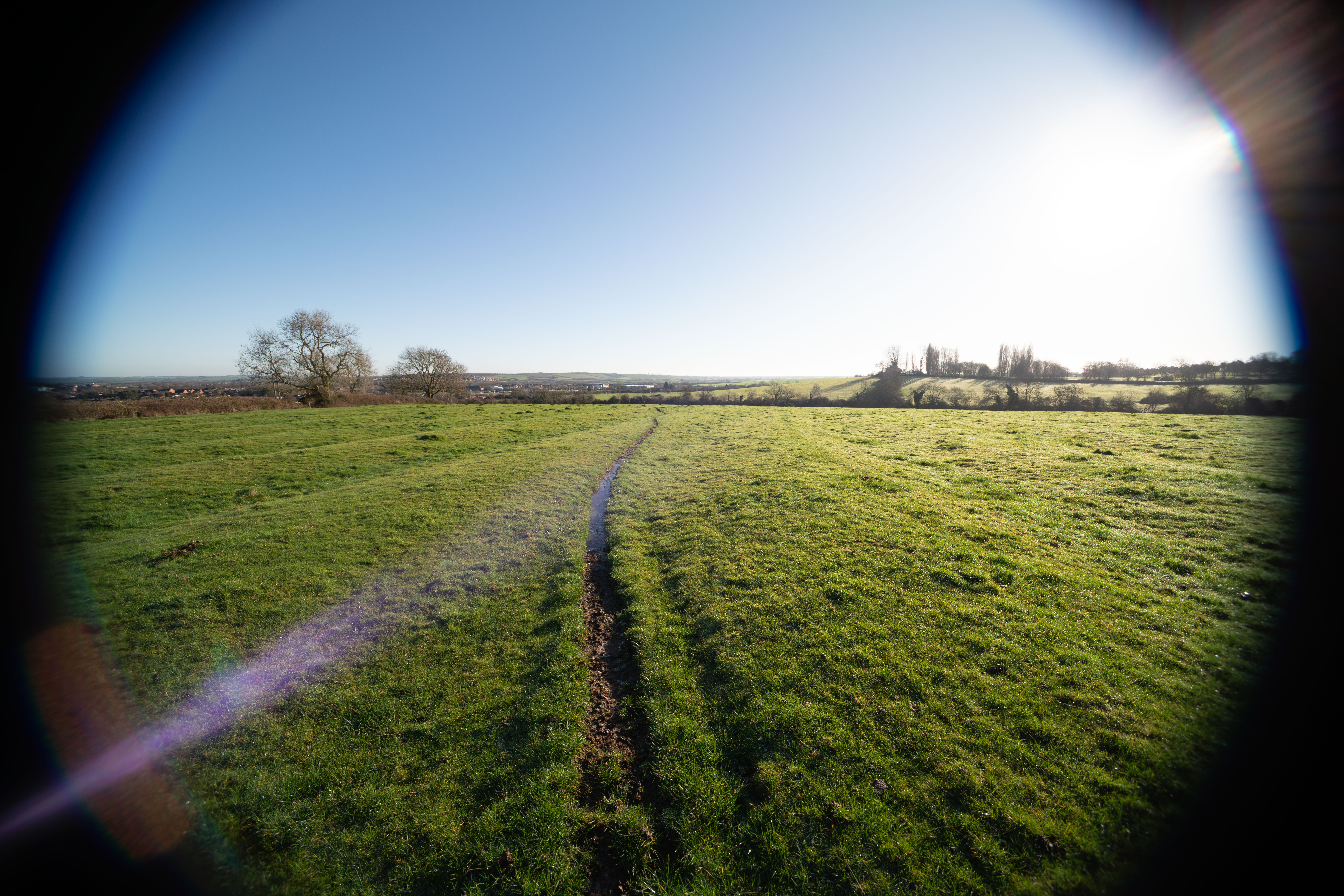
11mm
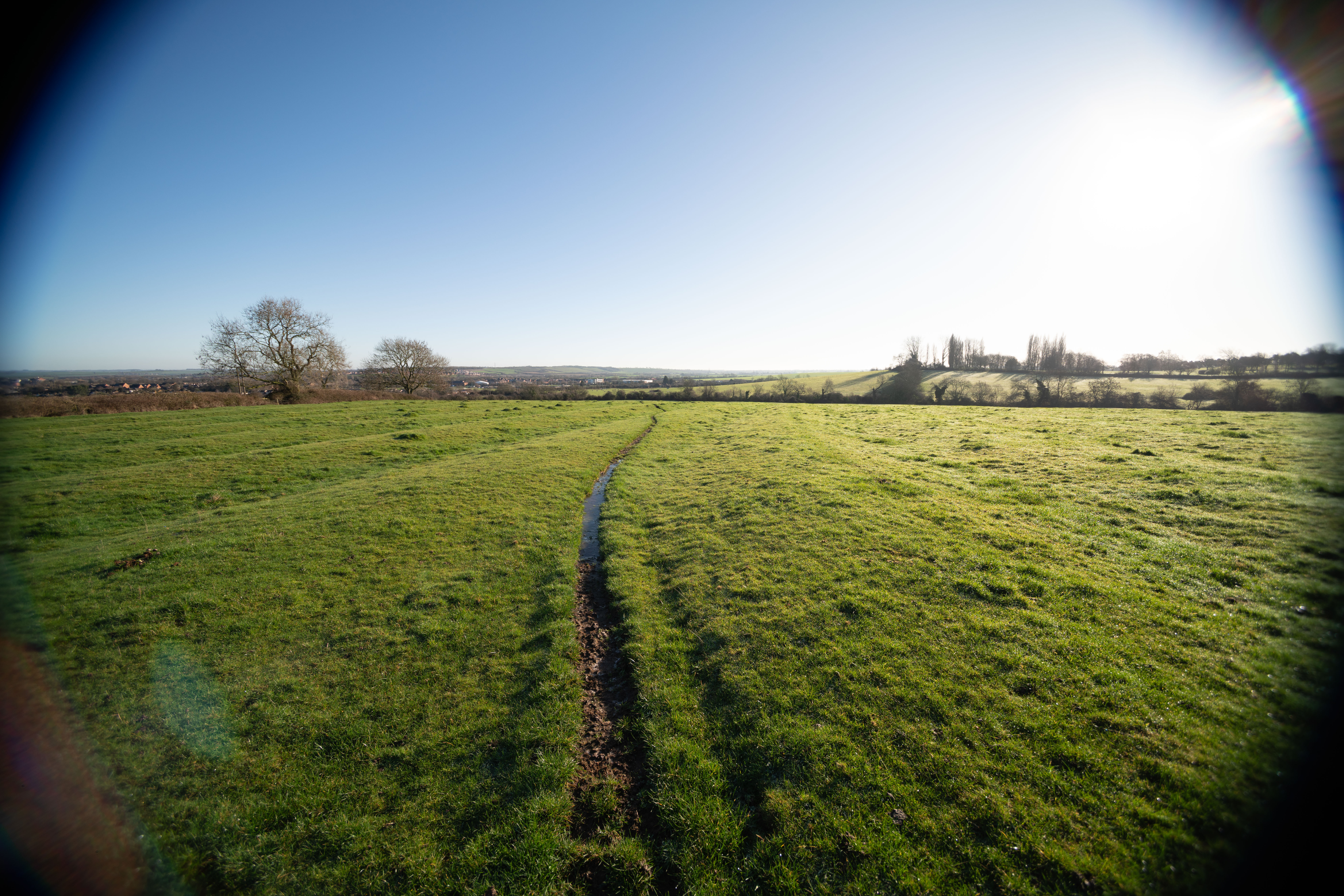
12mm
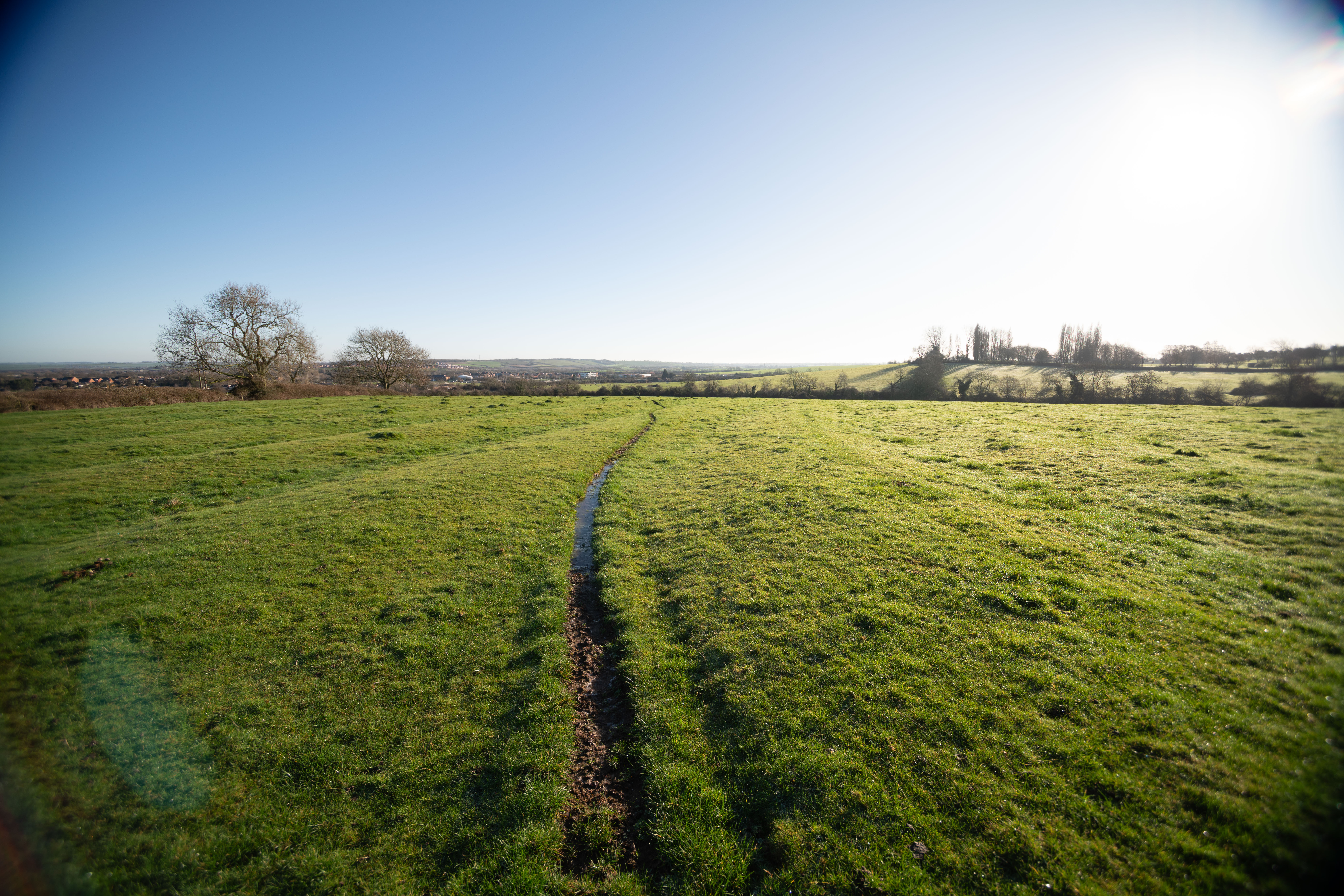
13mm
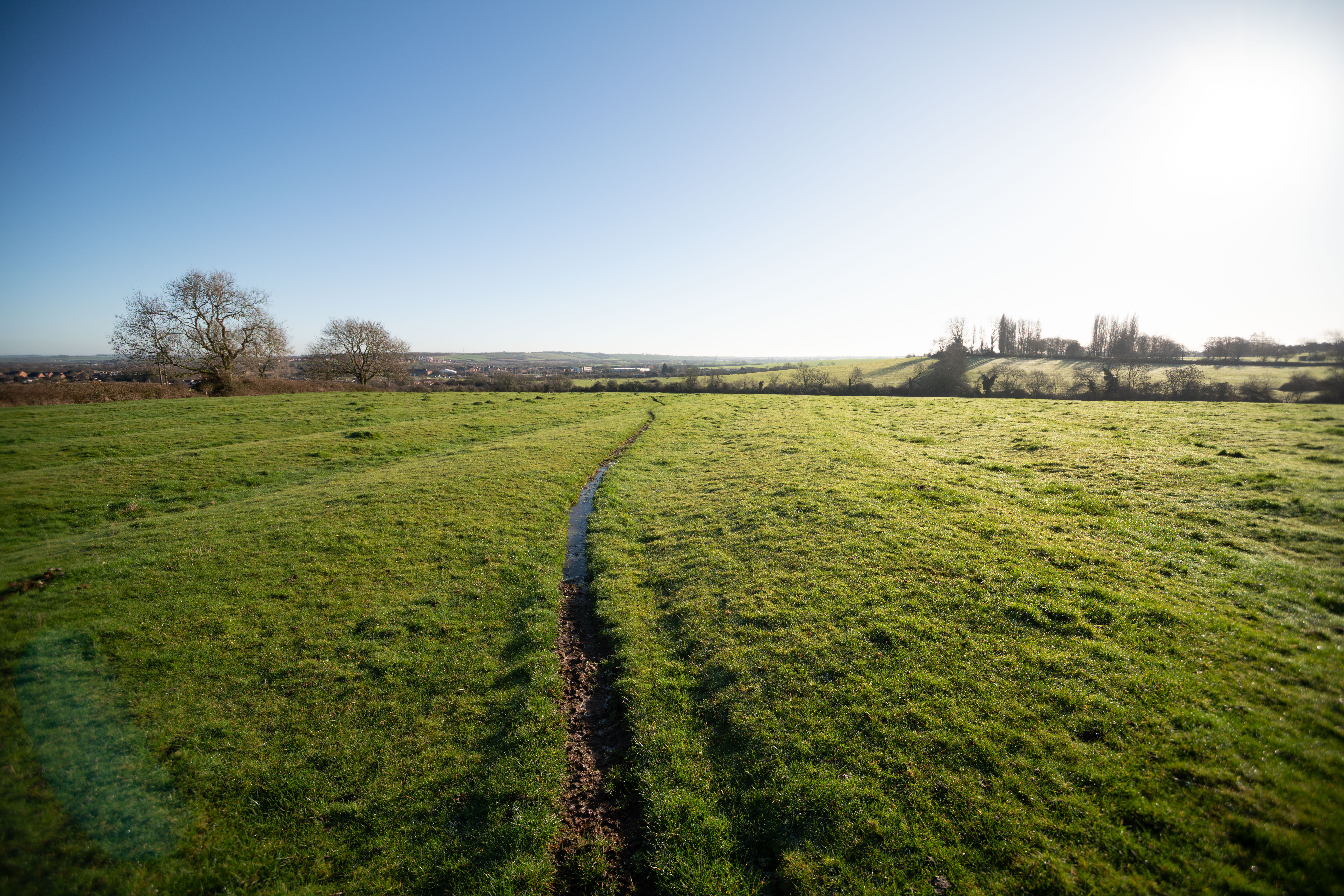
14mm
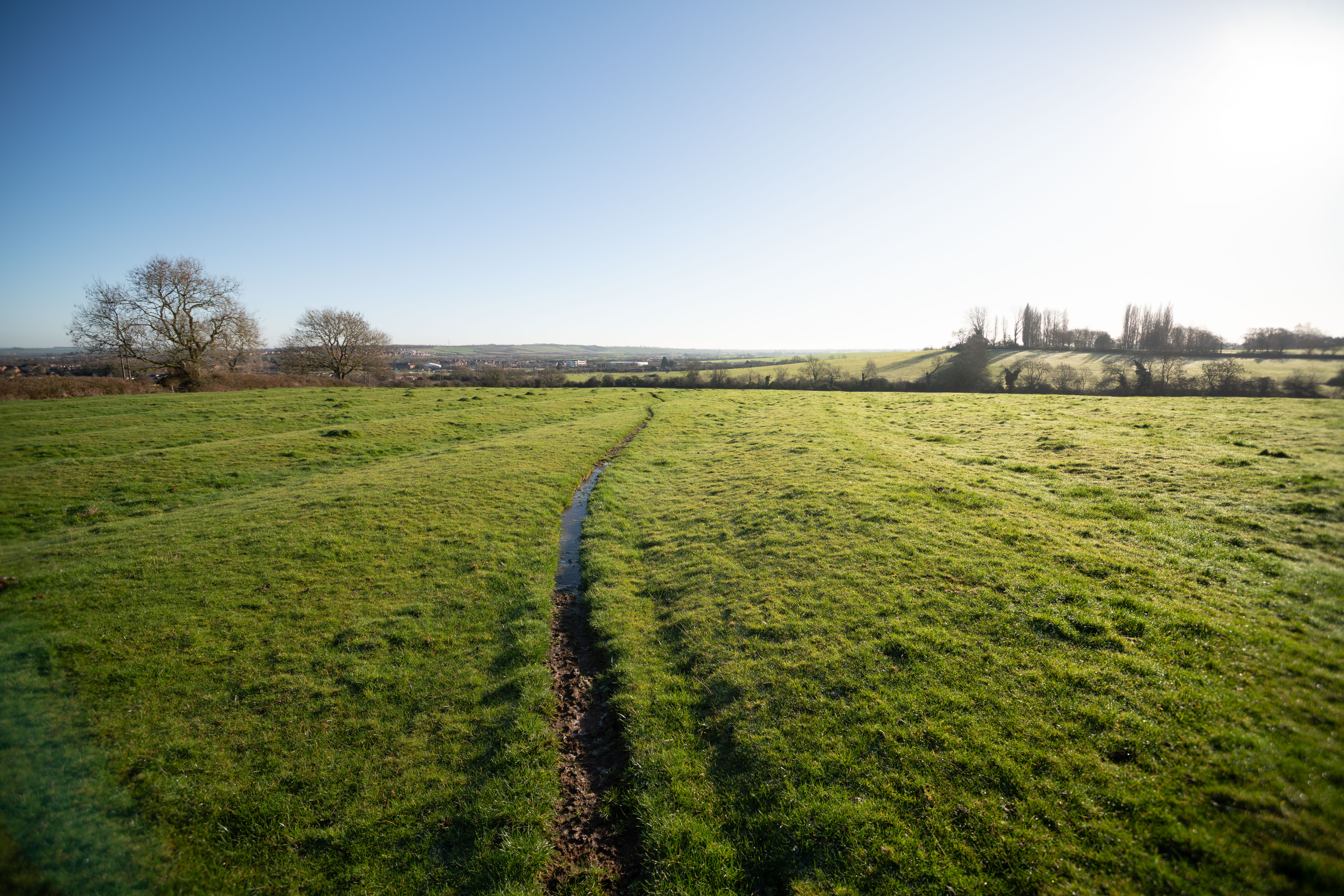
15mm
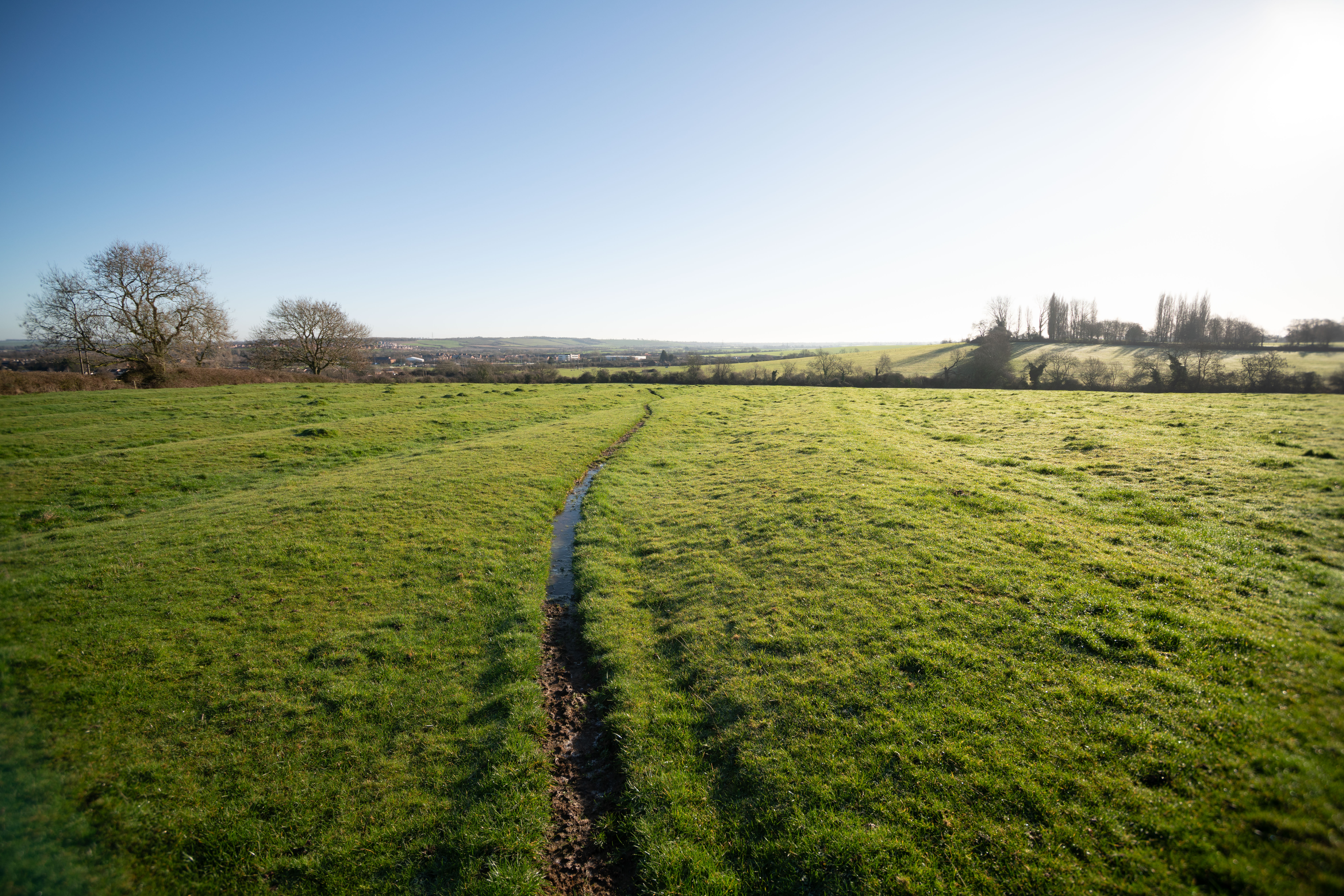
16mm
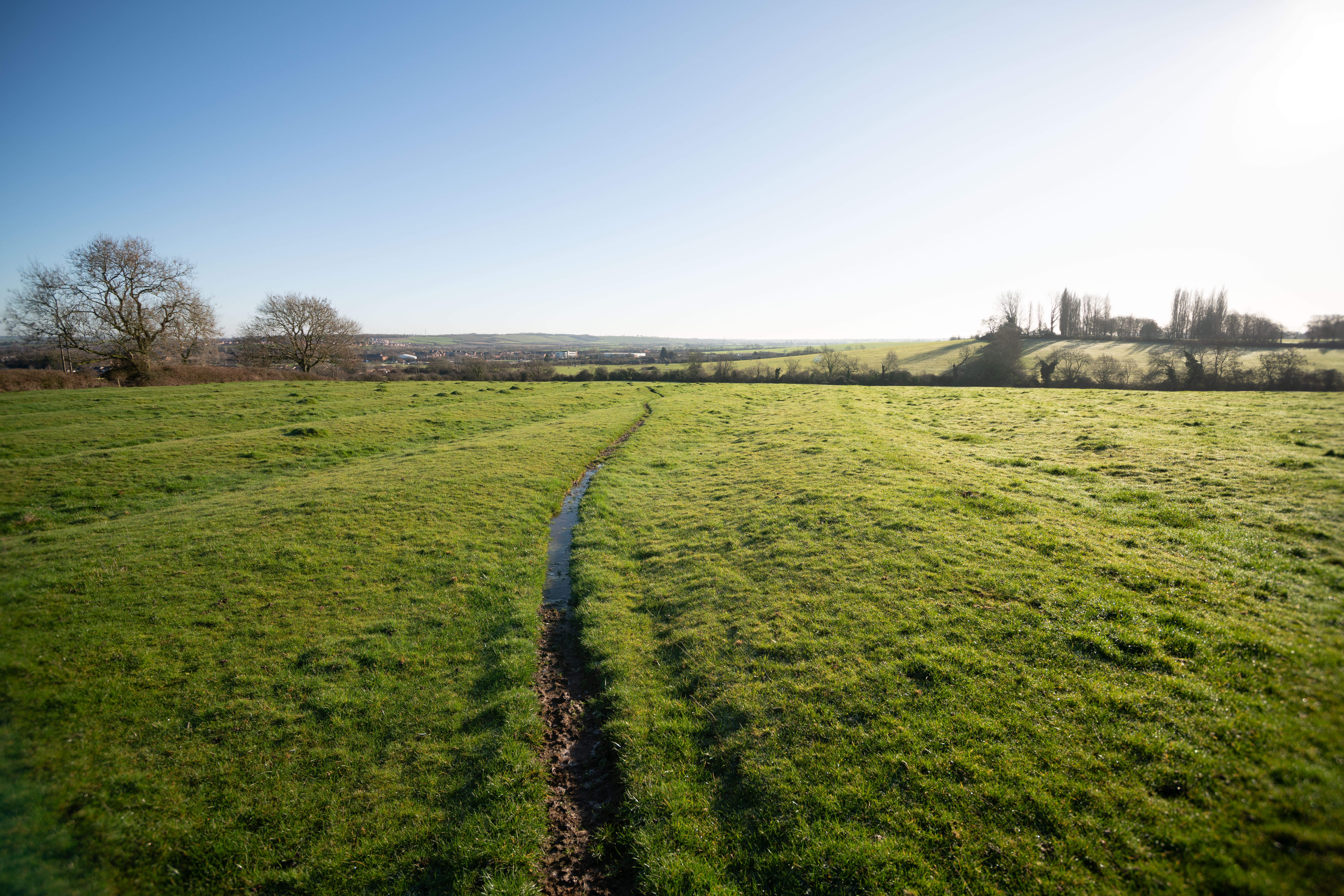
17mm
18mm
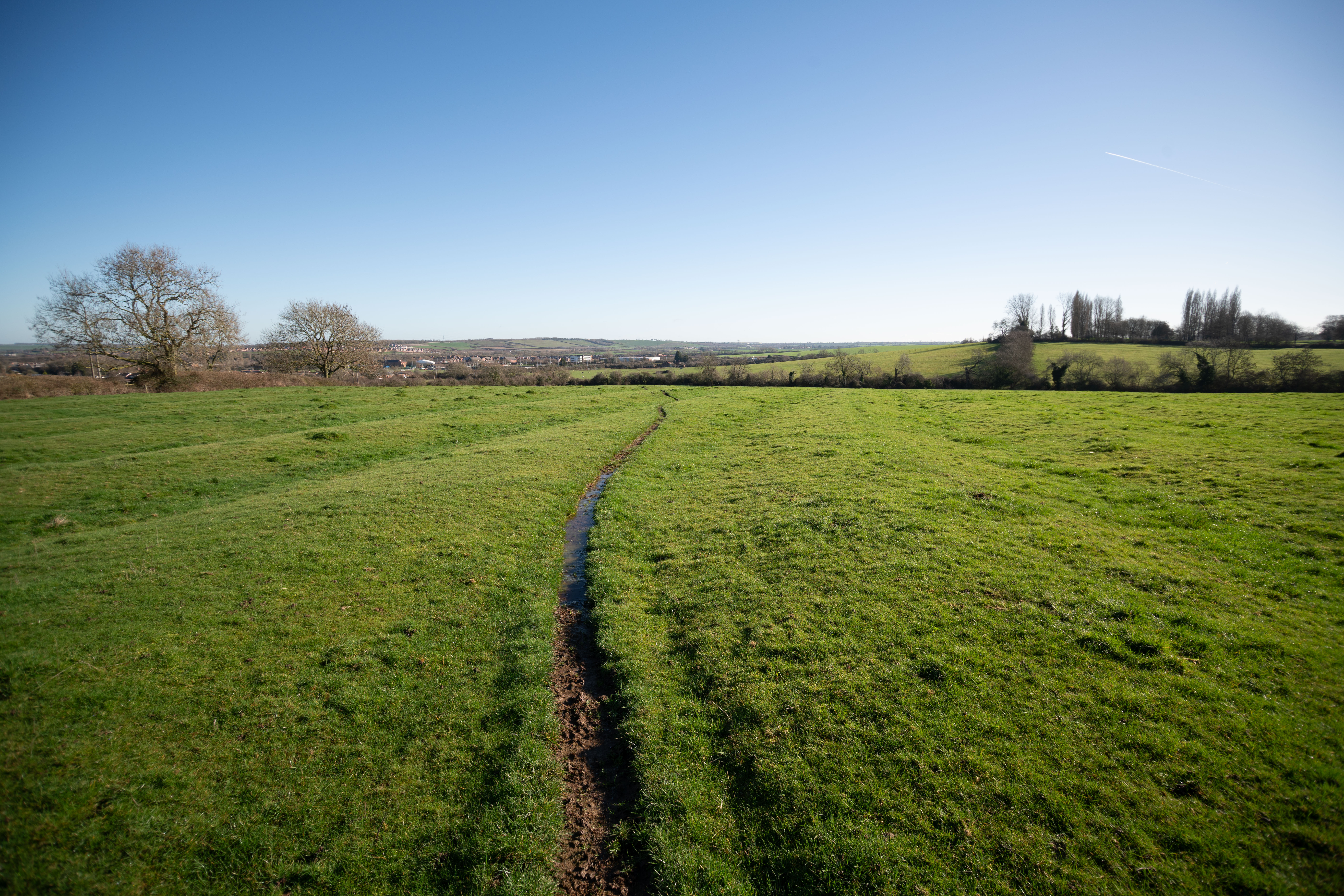
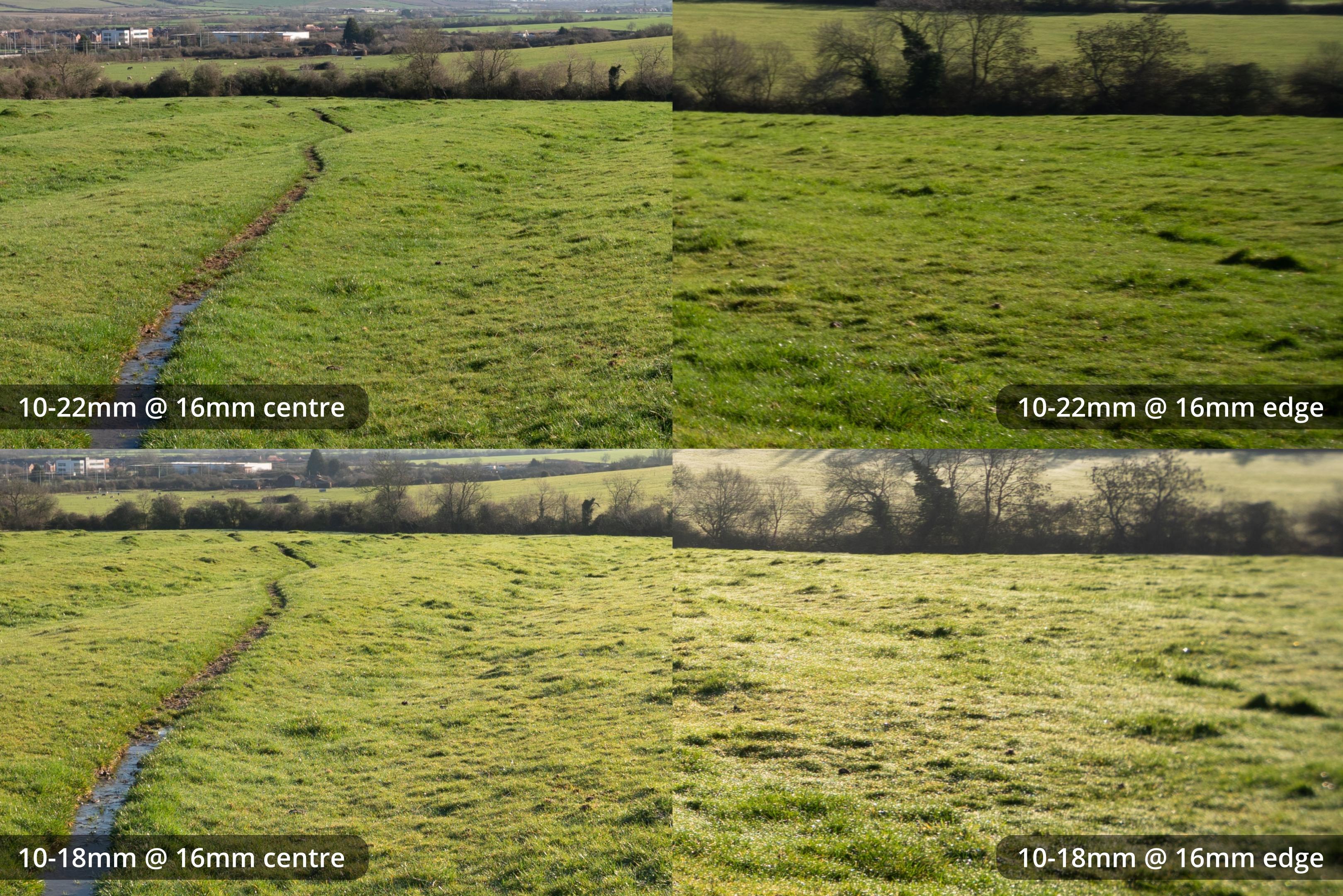
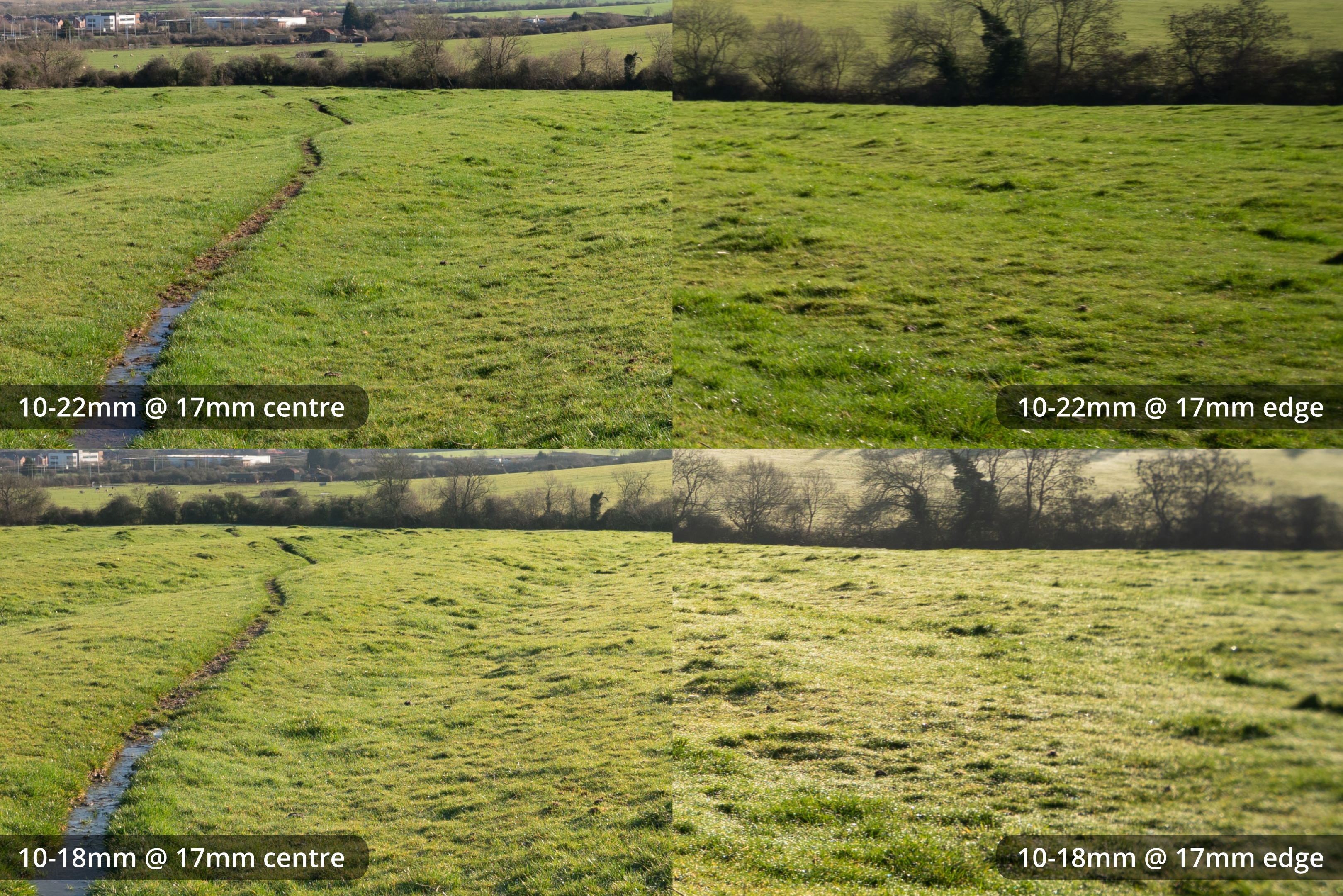
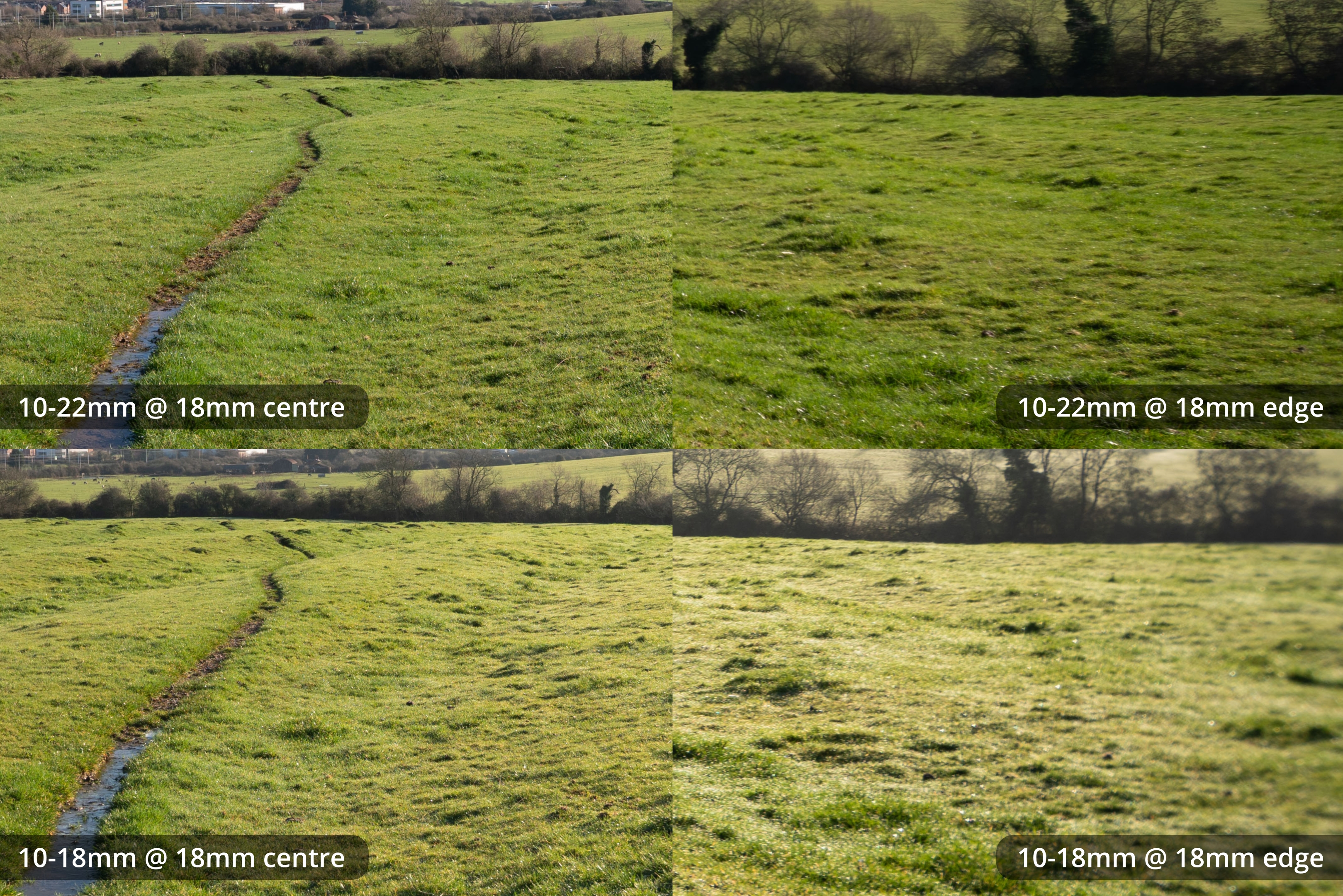
The EF-S 10-18mm on full frame is usable from 14mm but very soft at the edges. The longer the focal length, the better the edges get. But even at longer focal lengths the edges are still noticeably soft.
10-22mm on Full frame
10mm
11mm
12mm
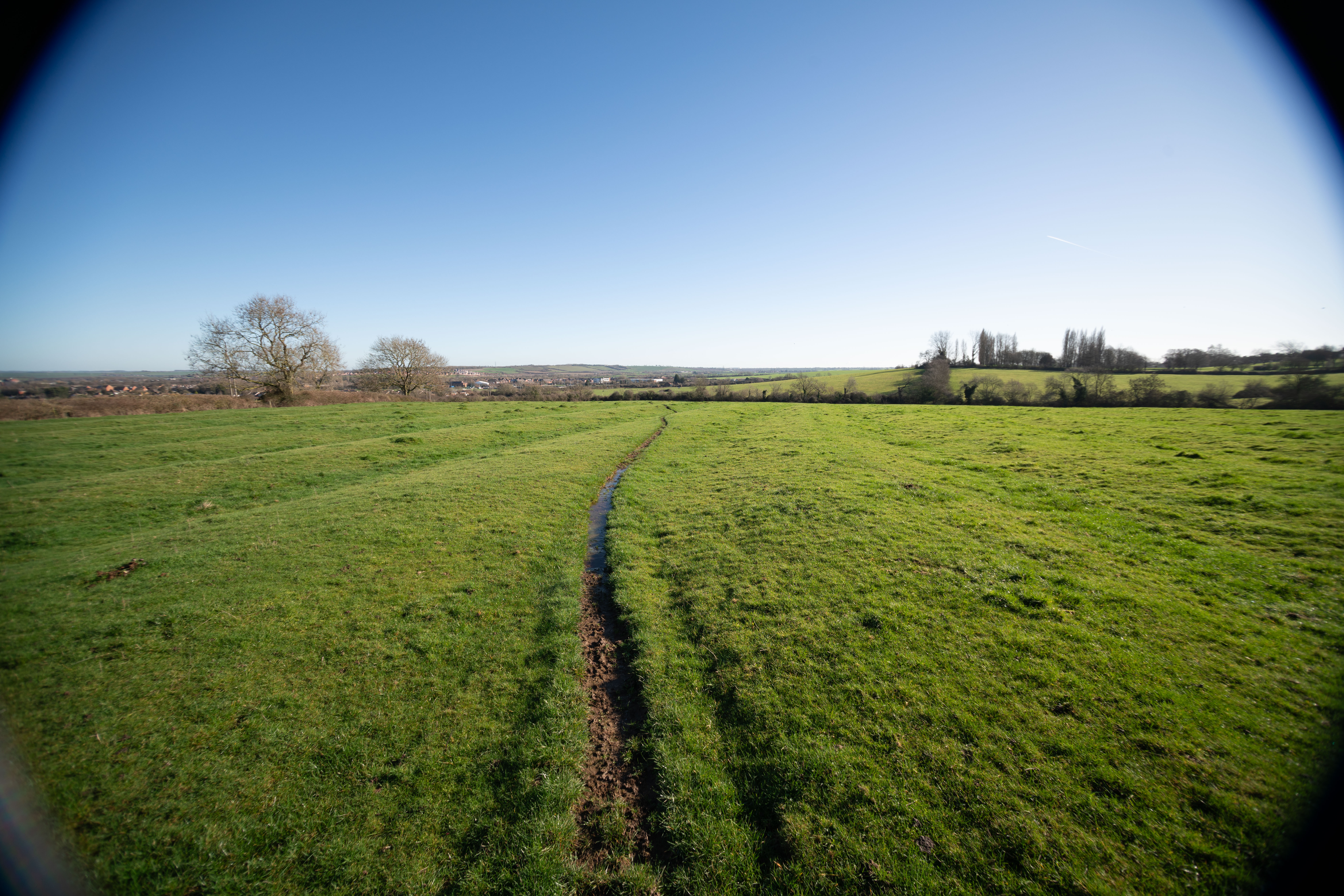
13mm
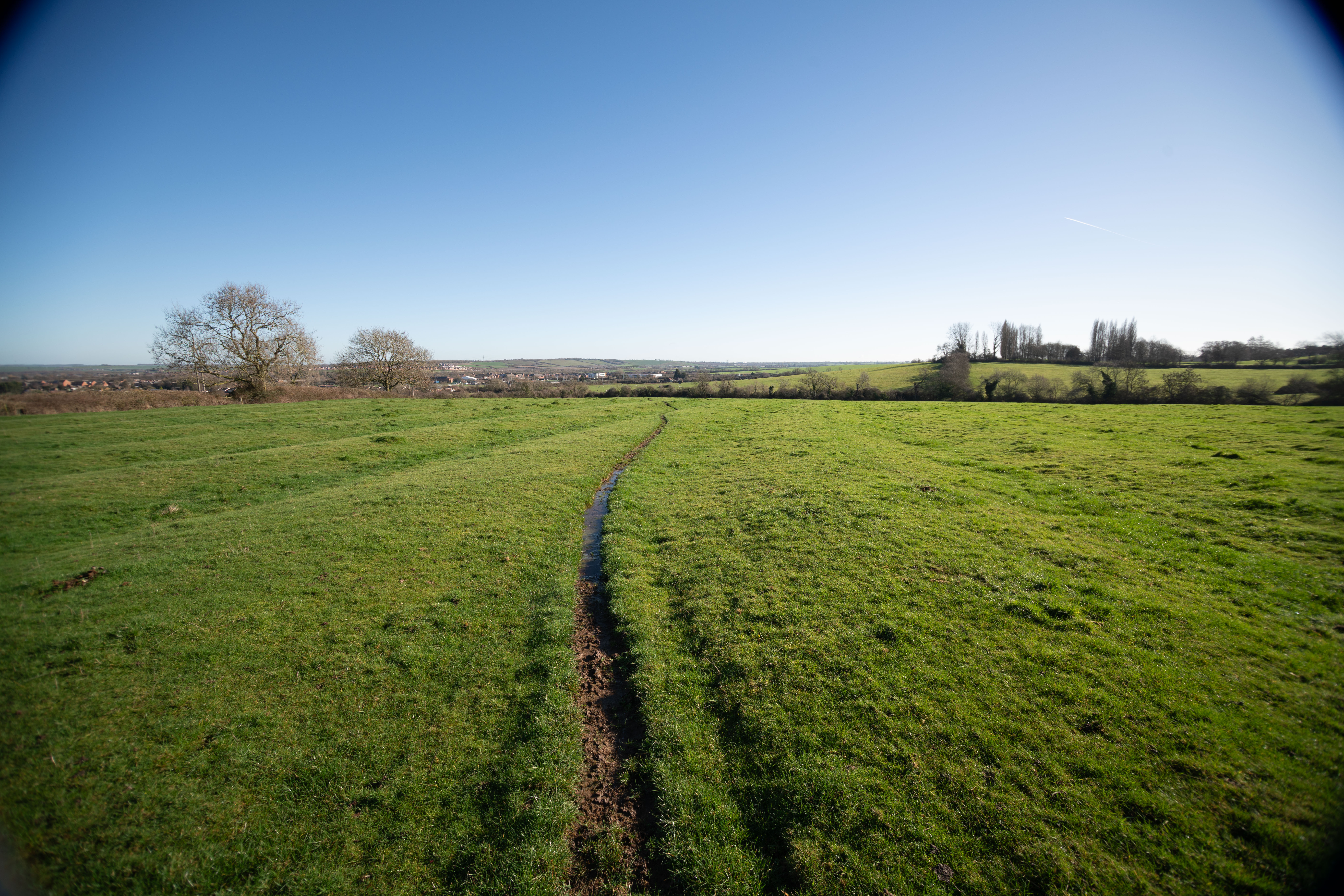
14mm
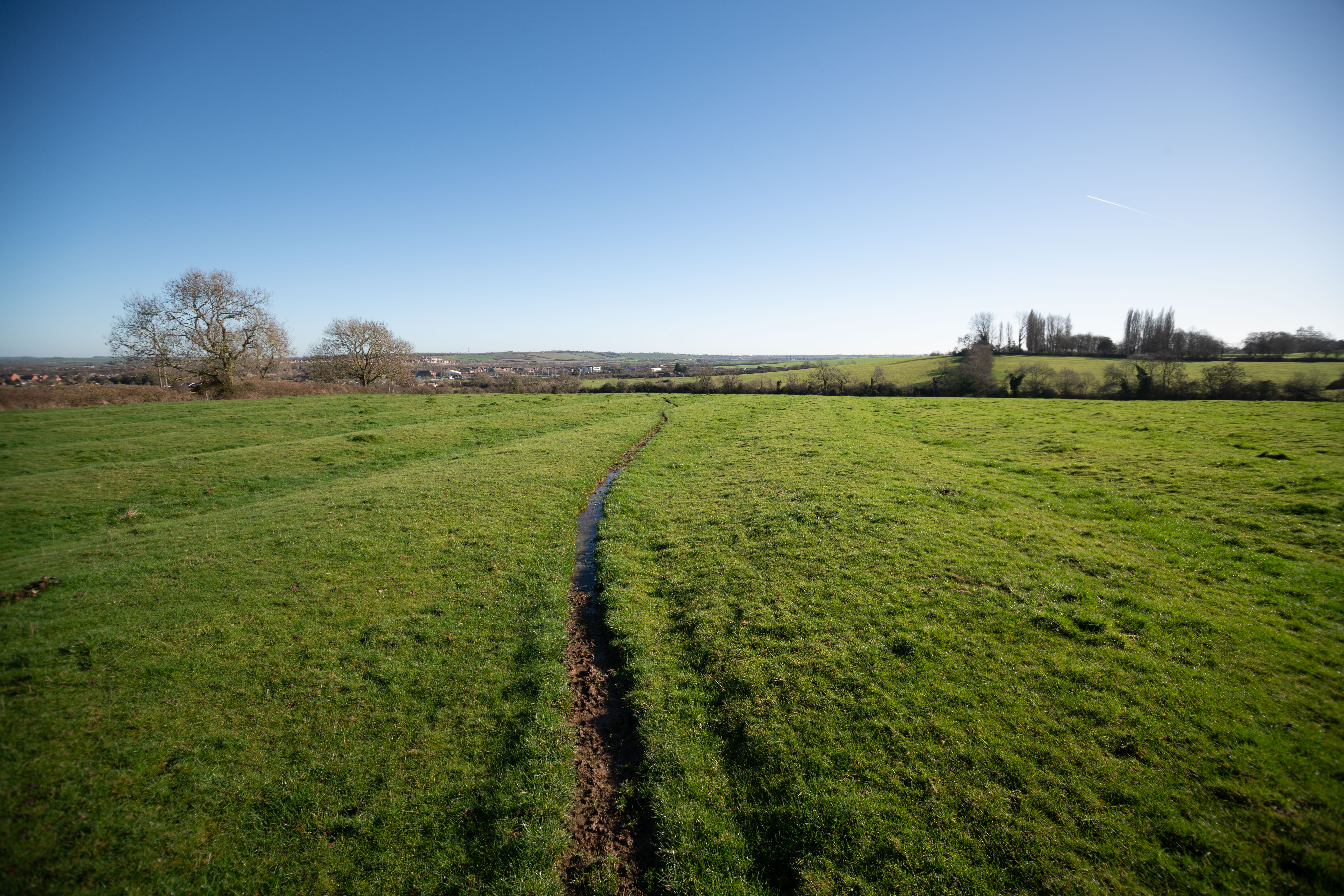
15mm

16mm
17mm
18mm
19mm
20mm
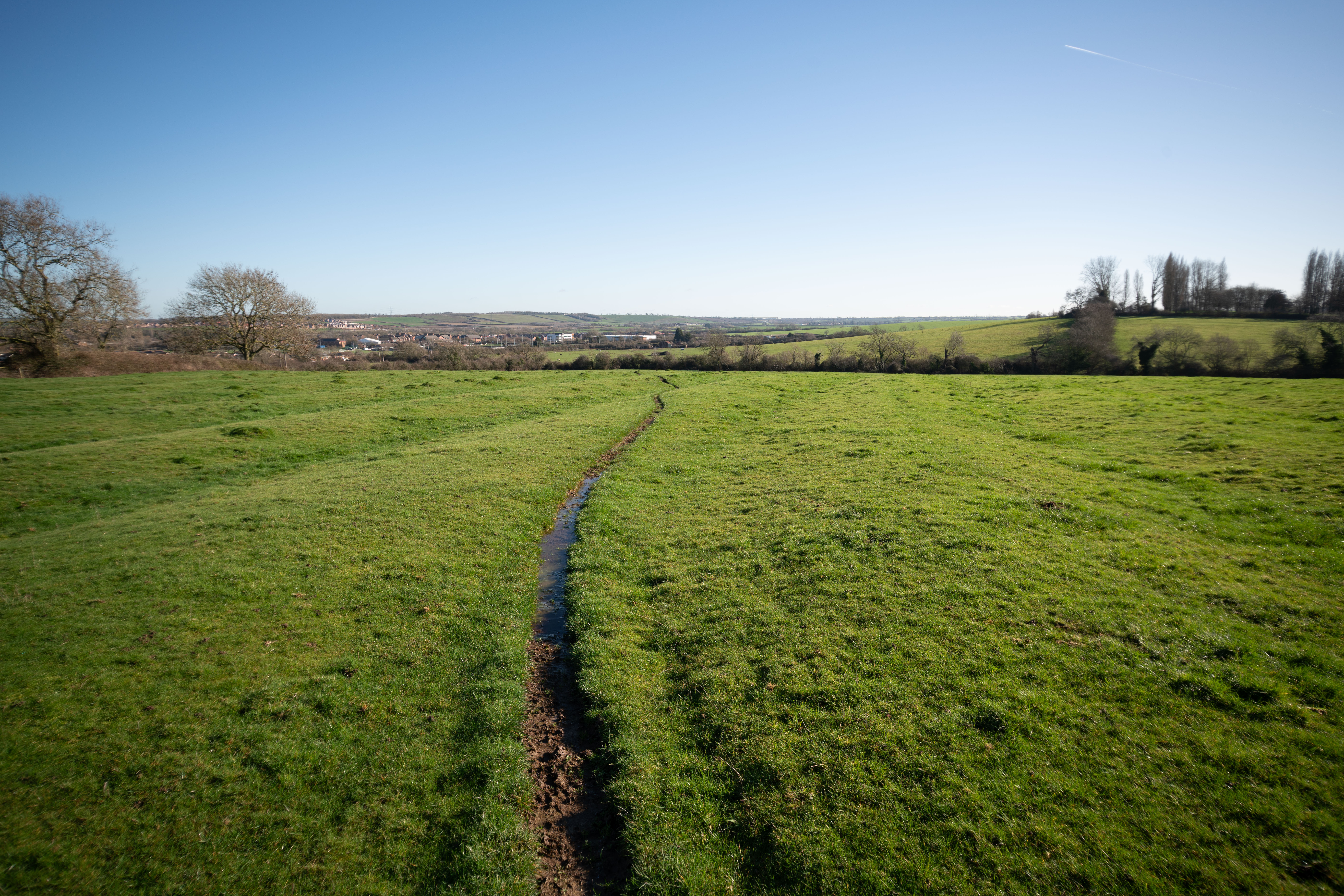
21mm
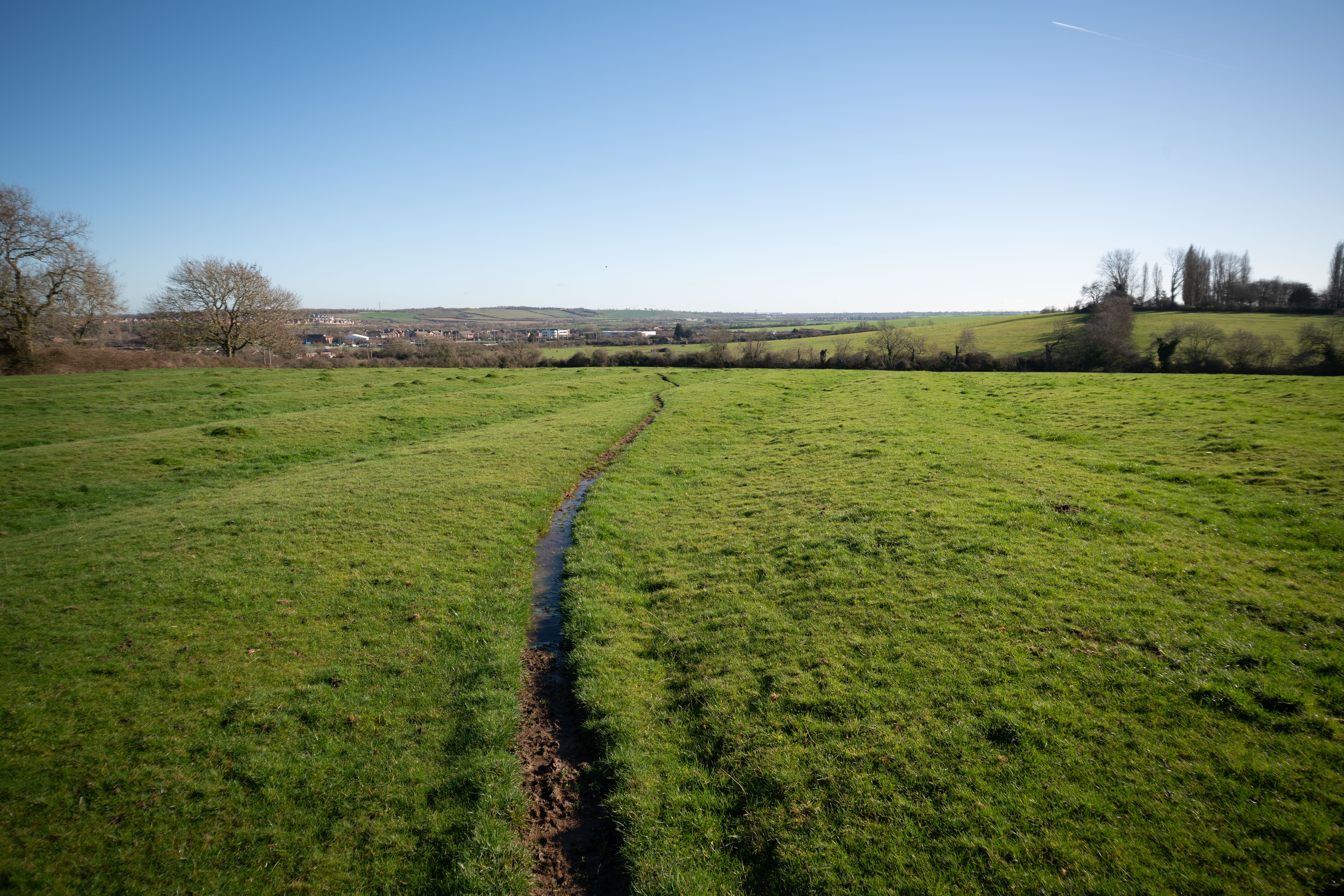
22mm
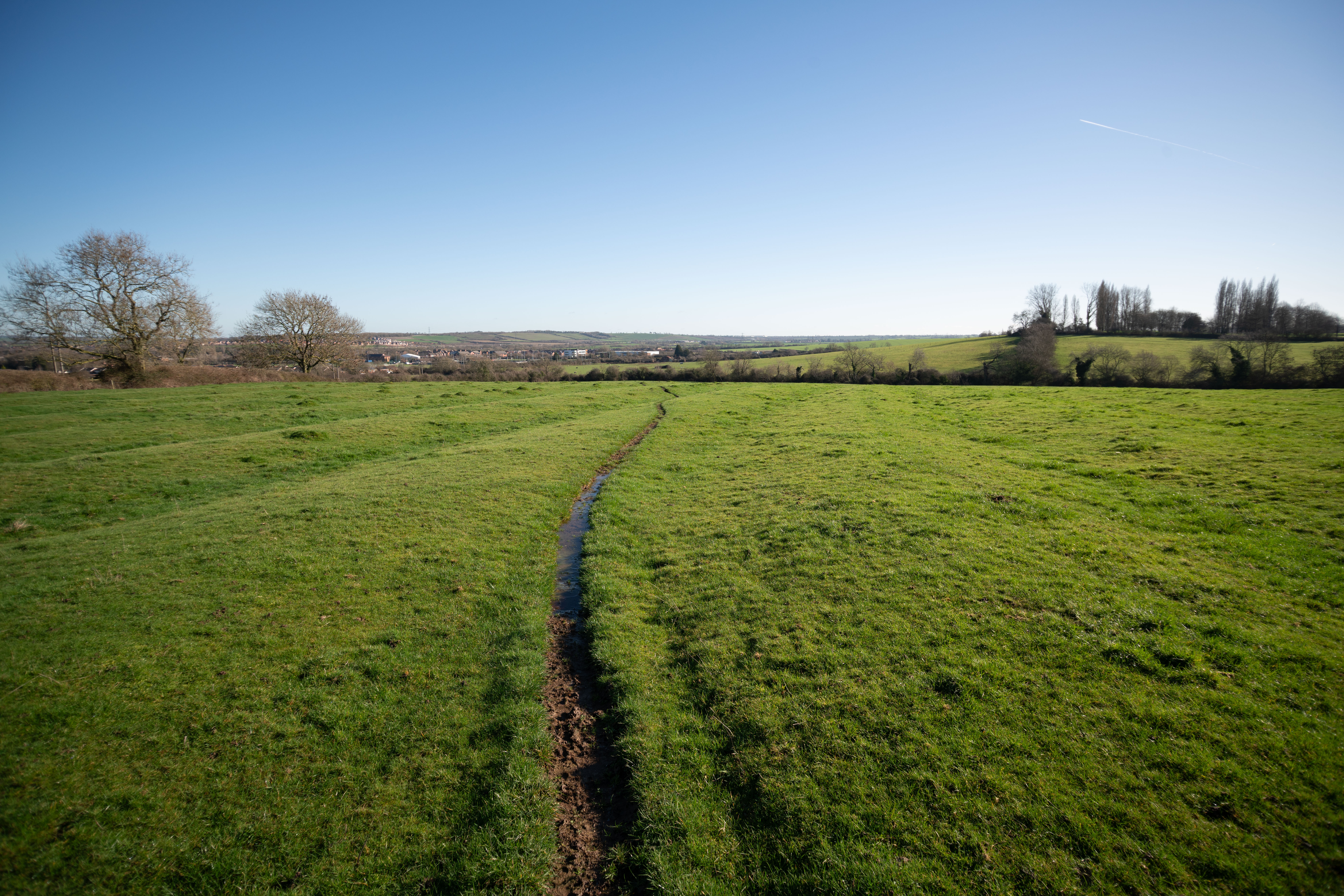
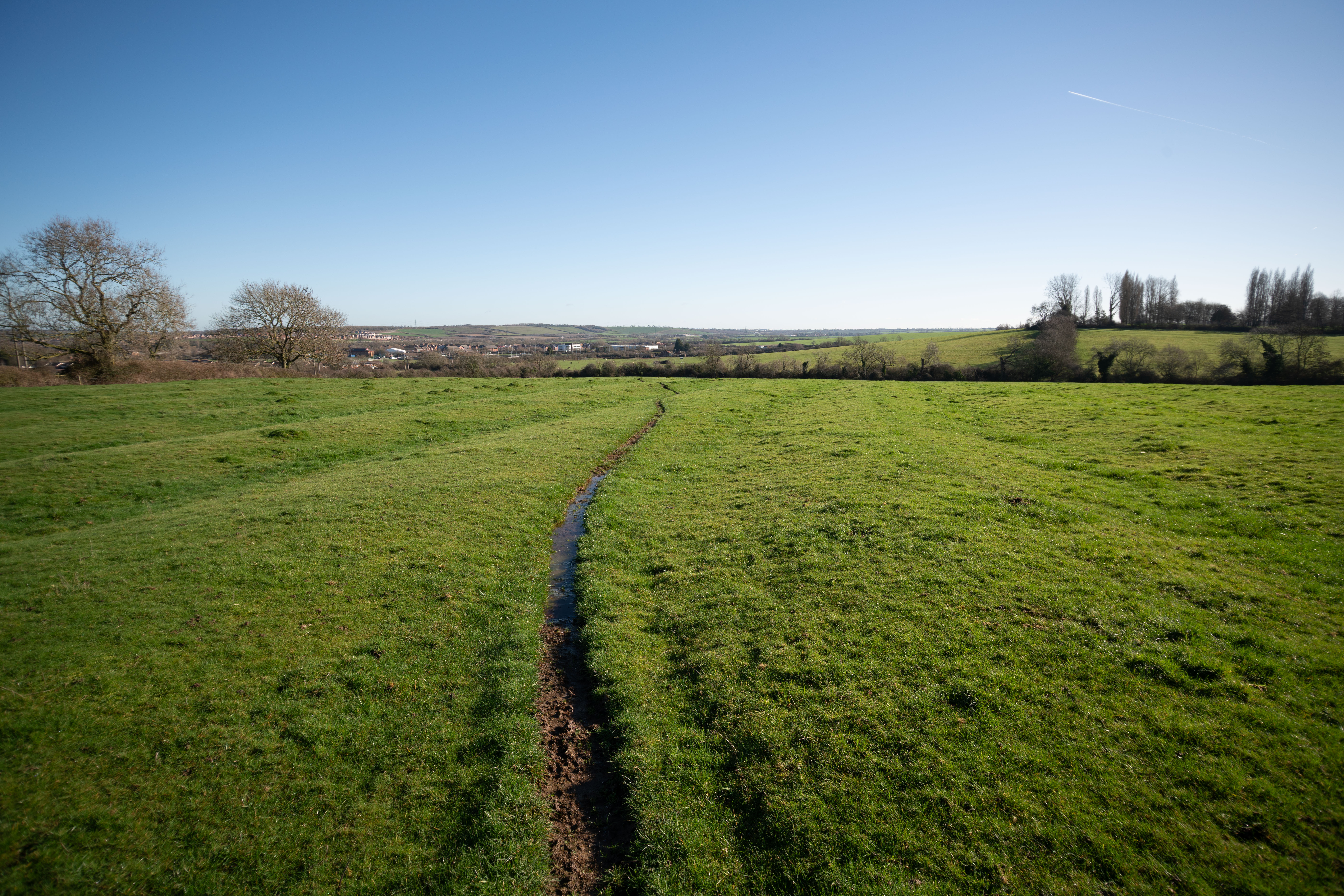

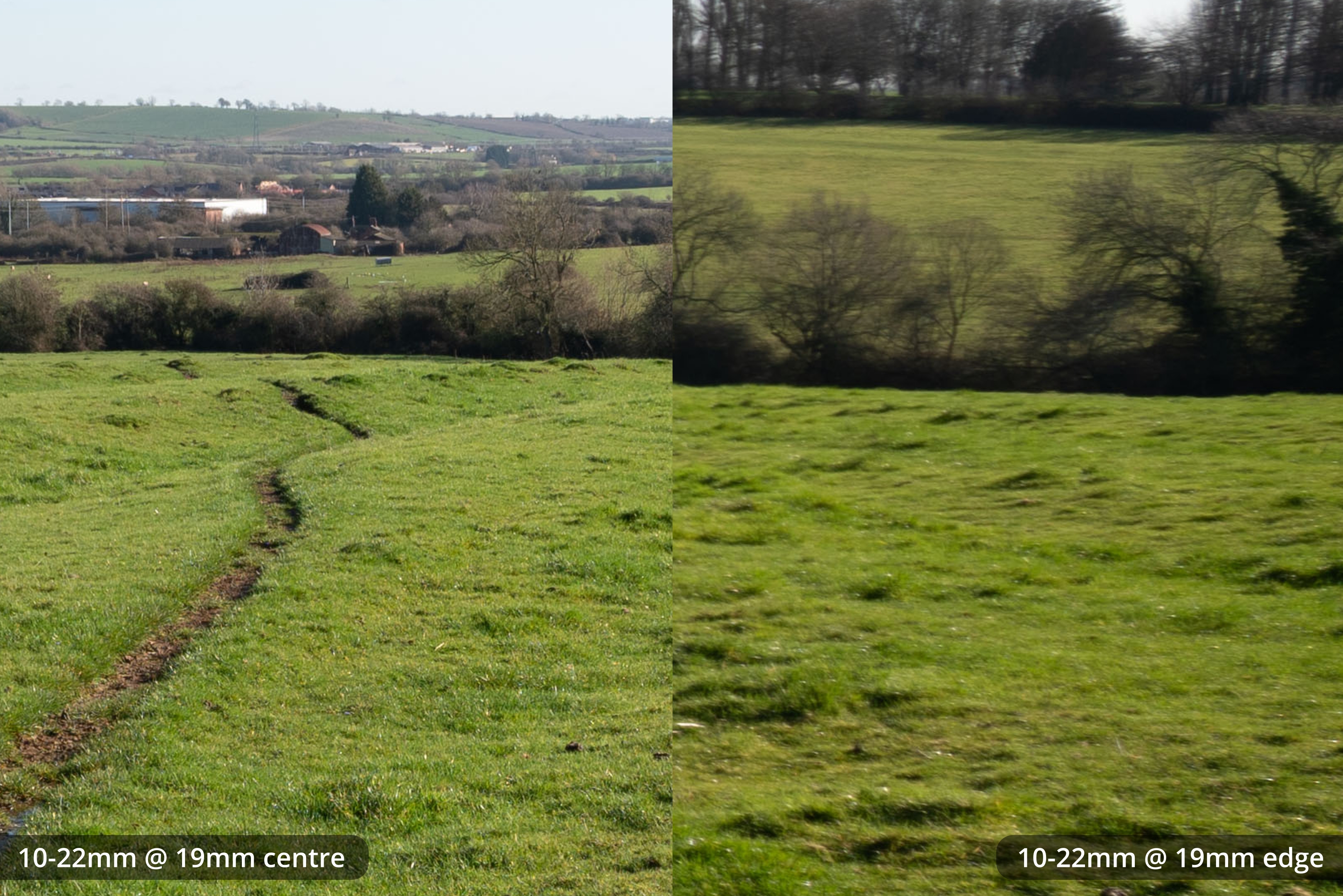
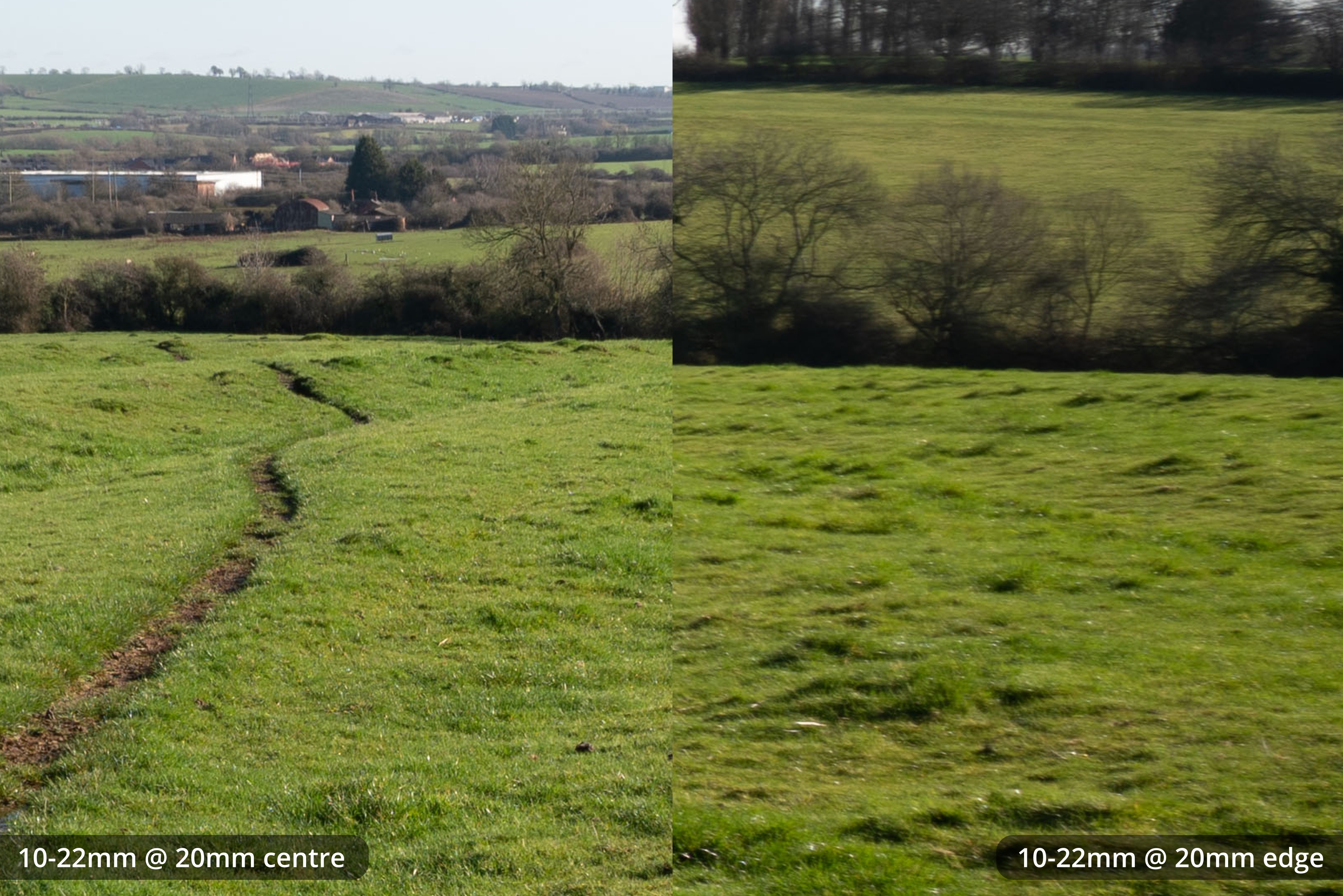
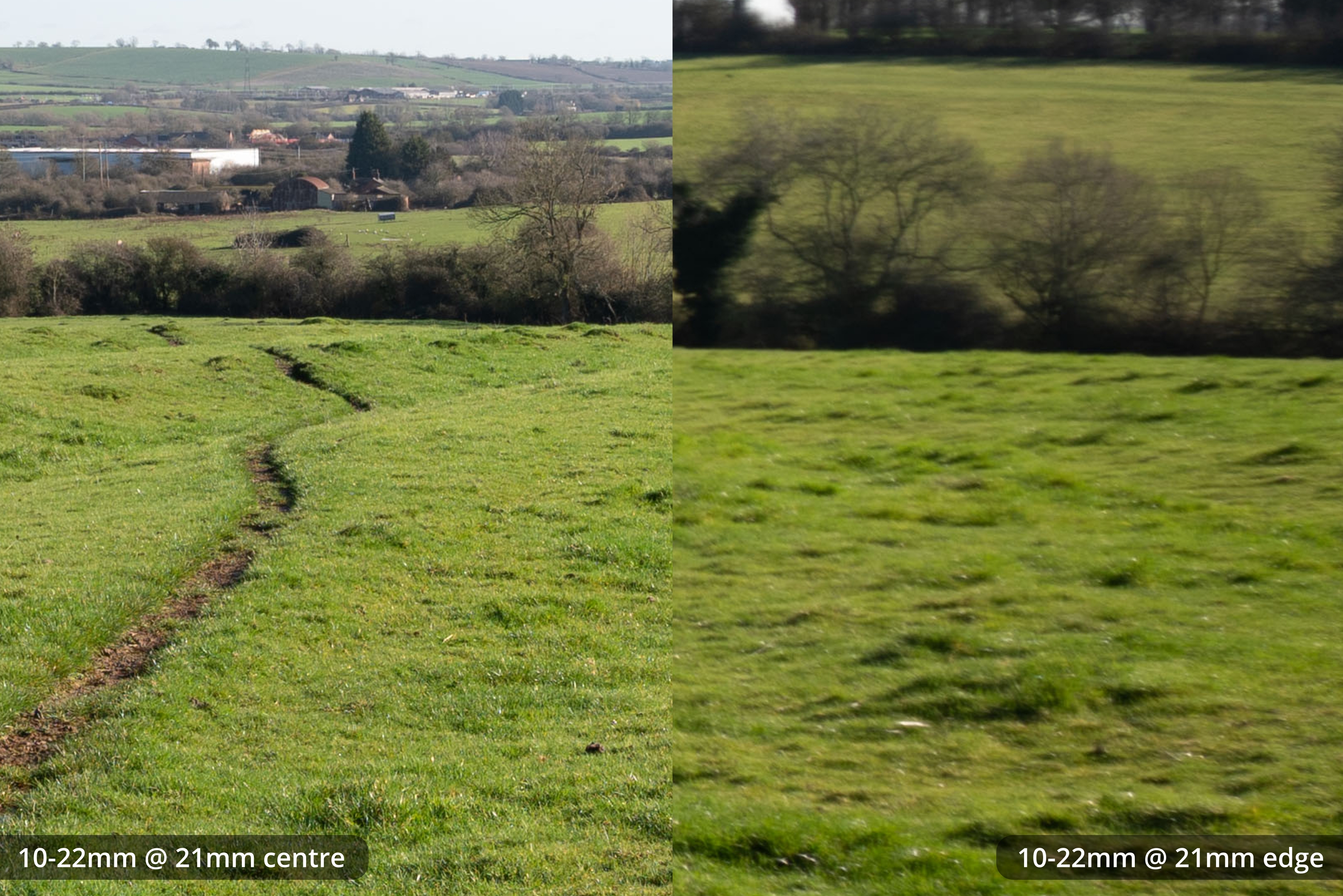
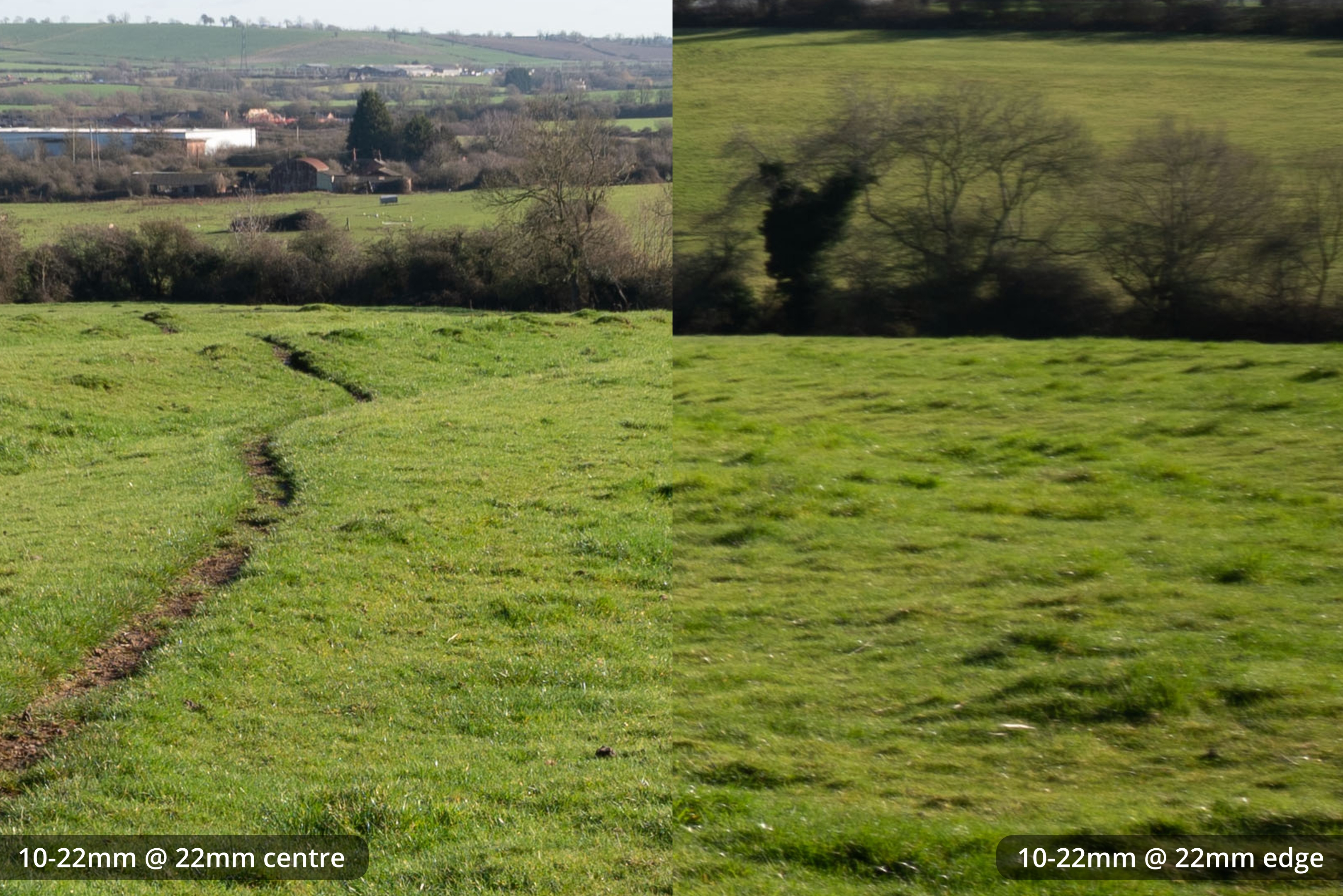
The EF-S 10-22mm on full frame is usable from 15mm onwards but very soft at the edges. Like the 10-18mm, the edges improve more the longer the focal length, but never get sharp.
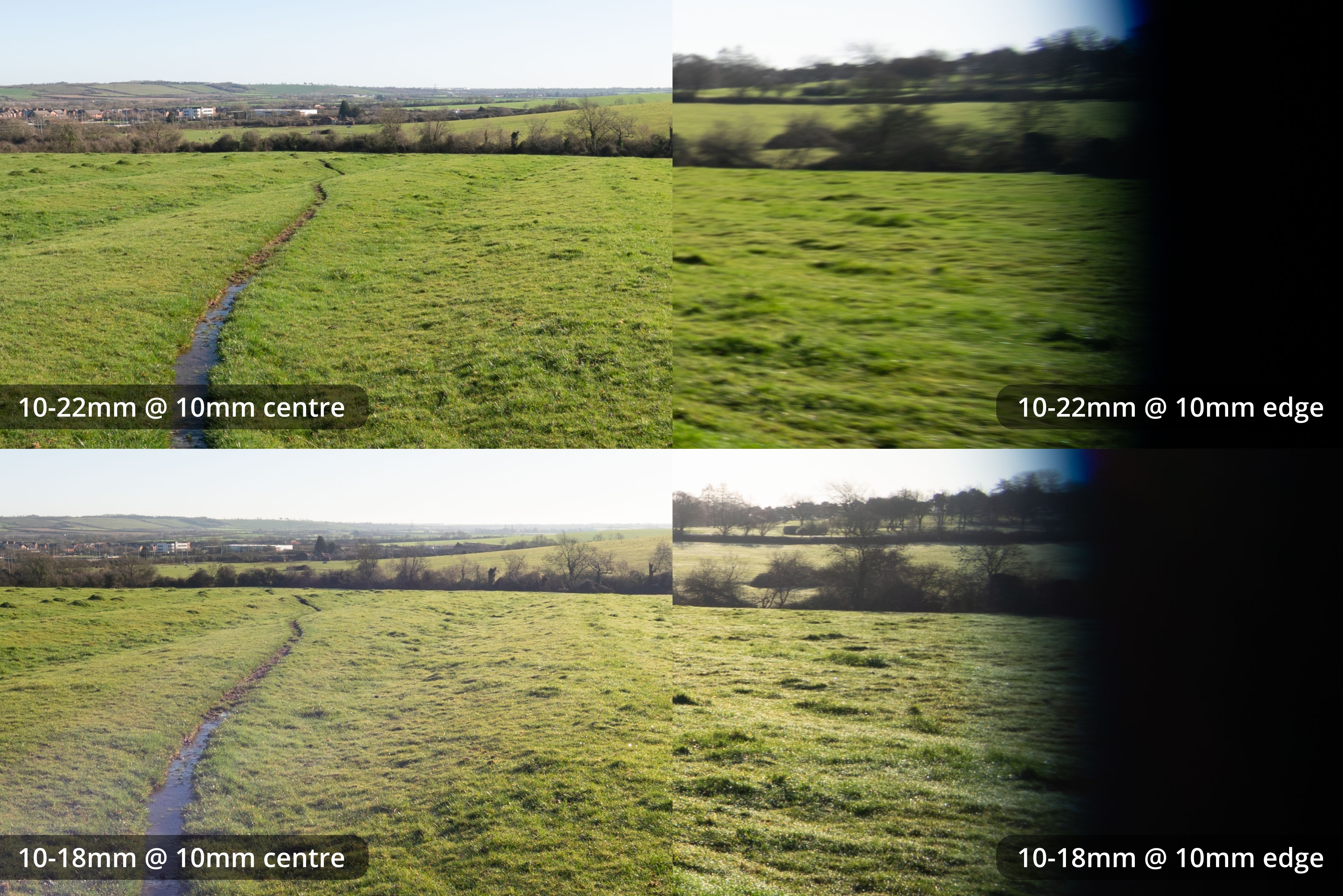
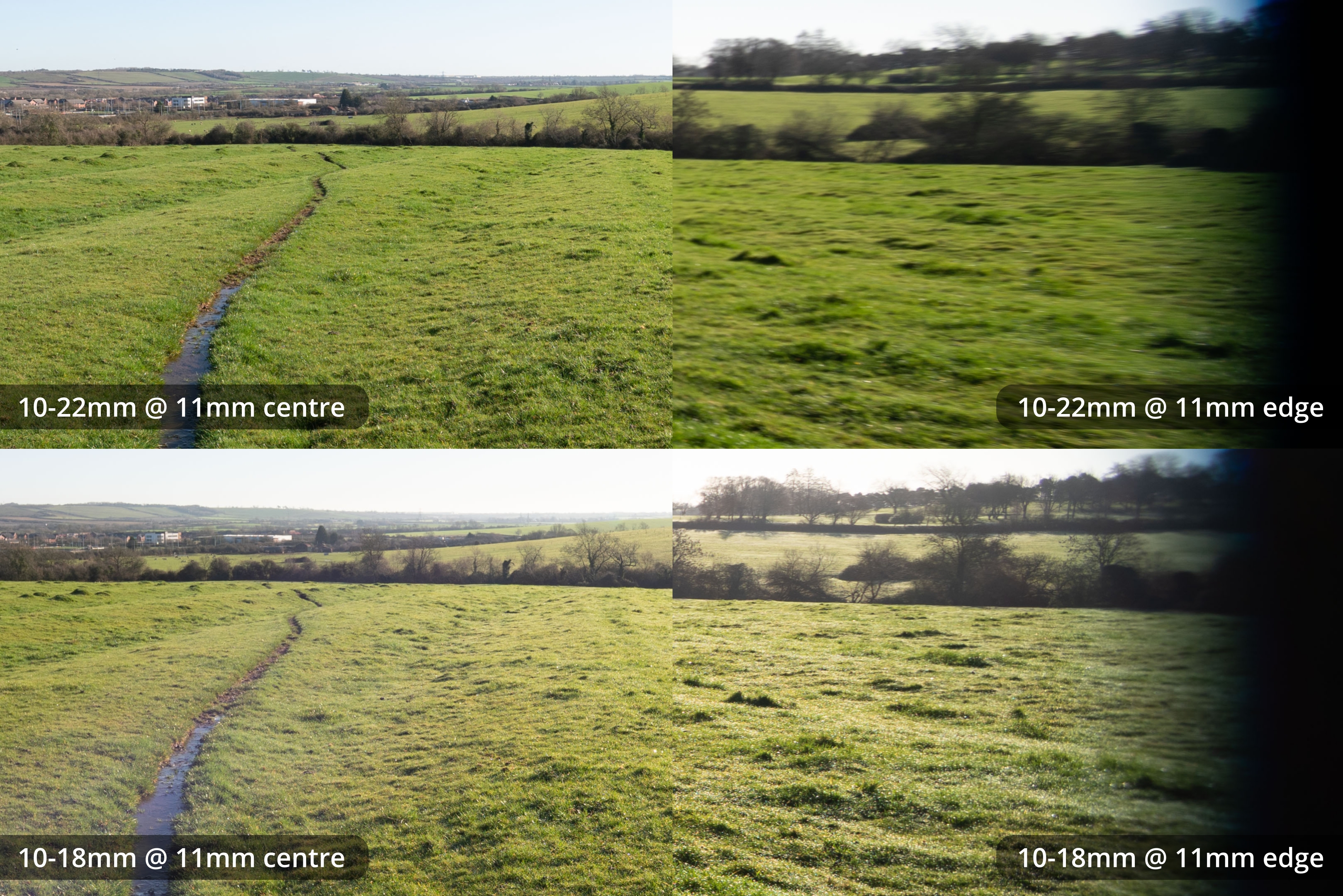
The 10-18mm @ 15mm on FF is noticeably sharper away from the centre than the 10-22mm @ 15mm.
Comparison crops
Here are some crops of the 10-18mm and 10-22mm comparing both lenses at the same focal lengths. Crops show the centre and right edge of the images above.
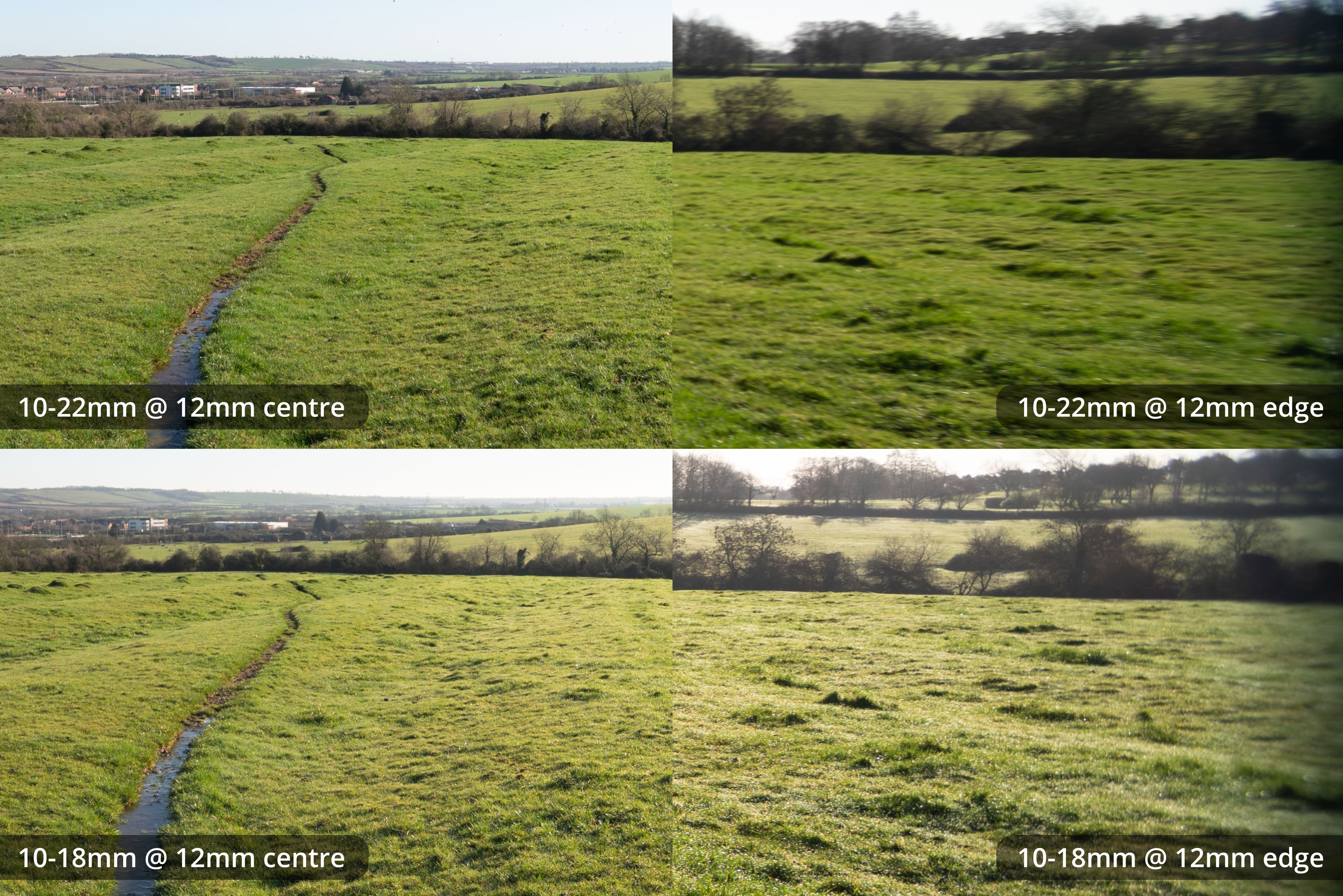
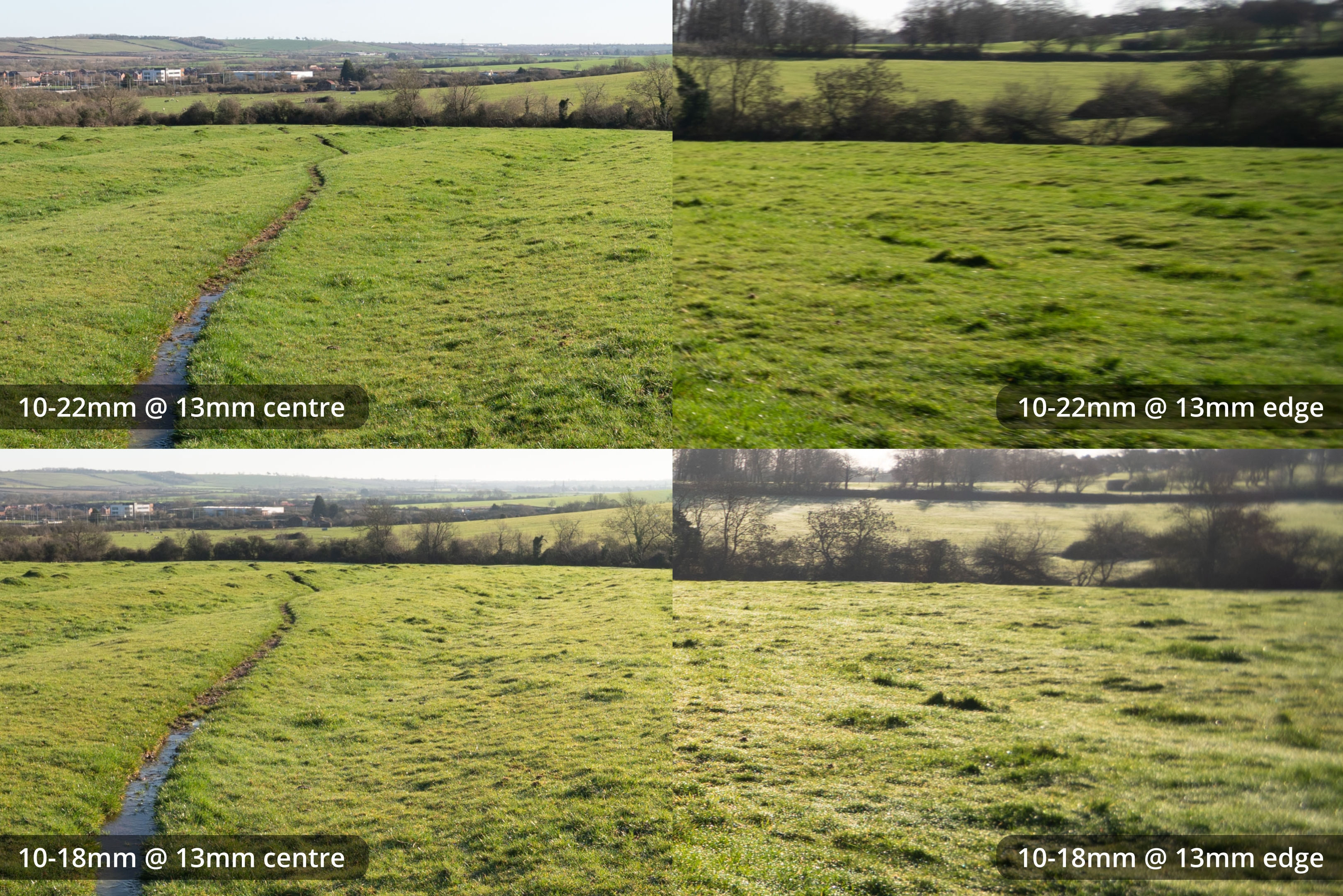
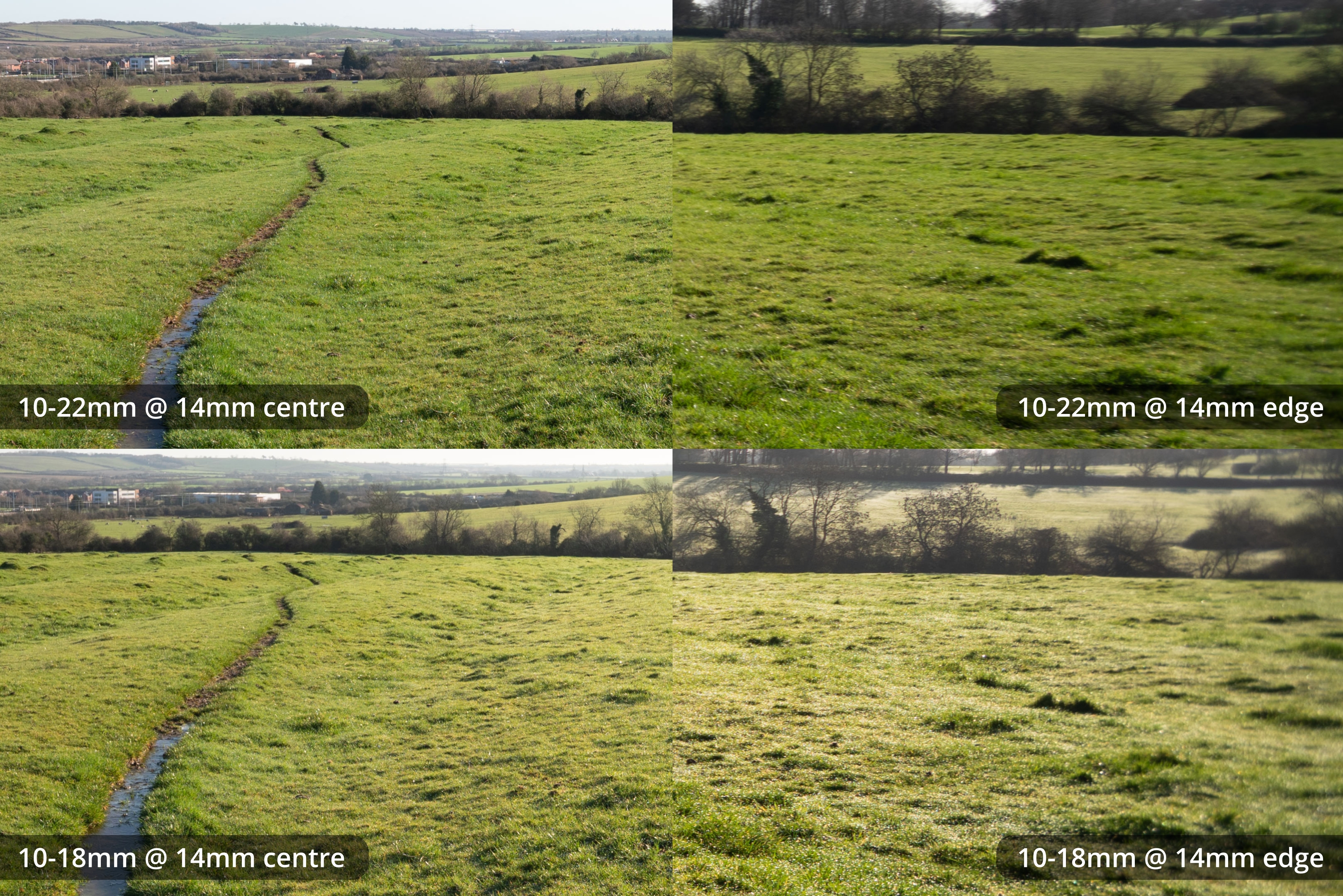
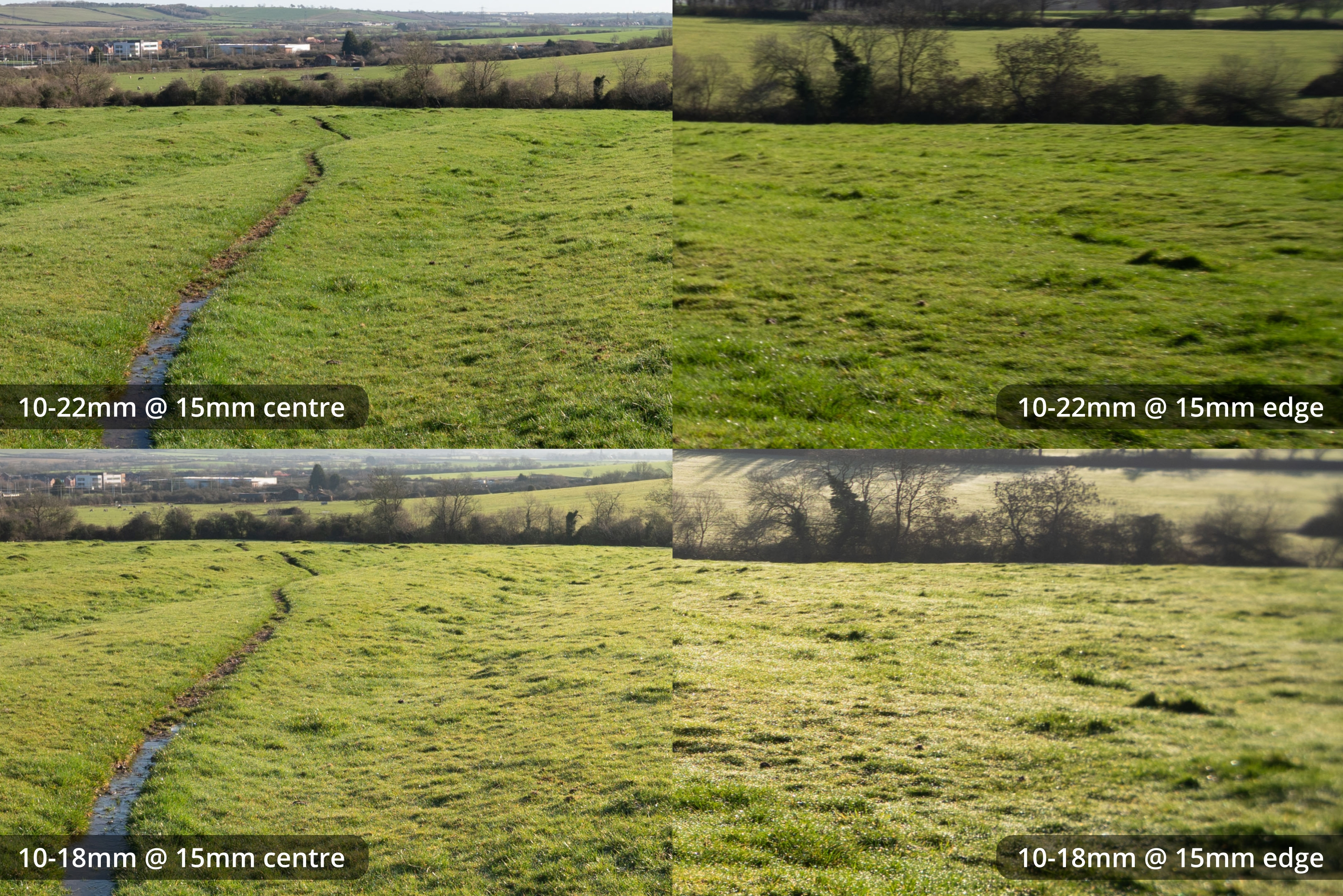
Versus APS-C / Lack of lens profile corrections
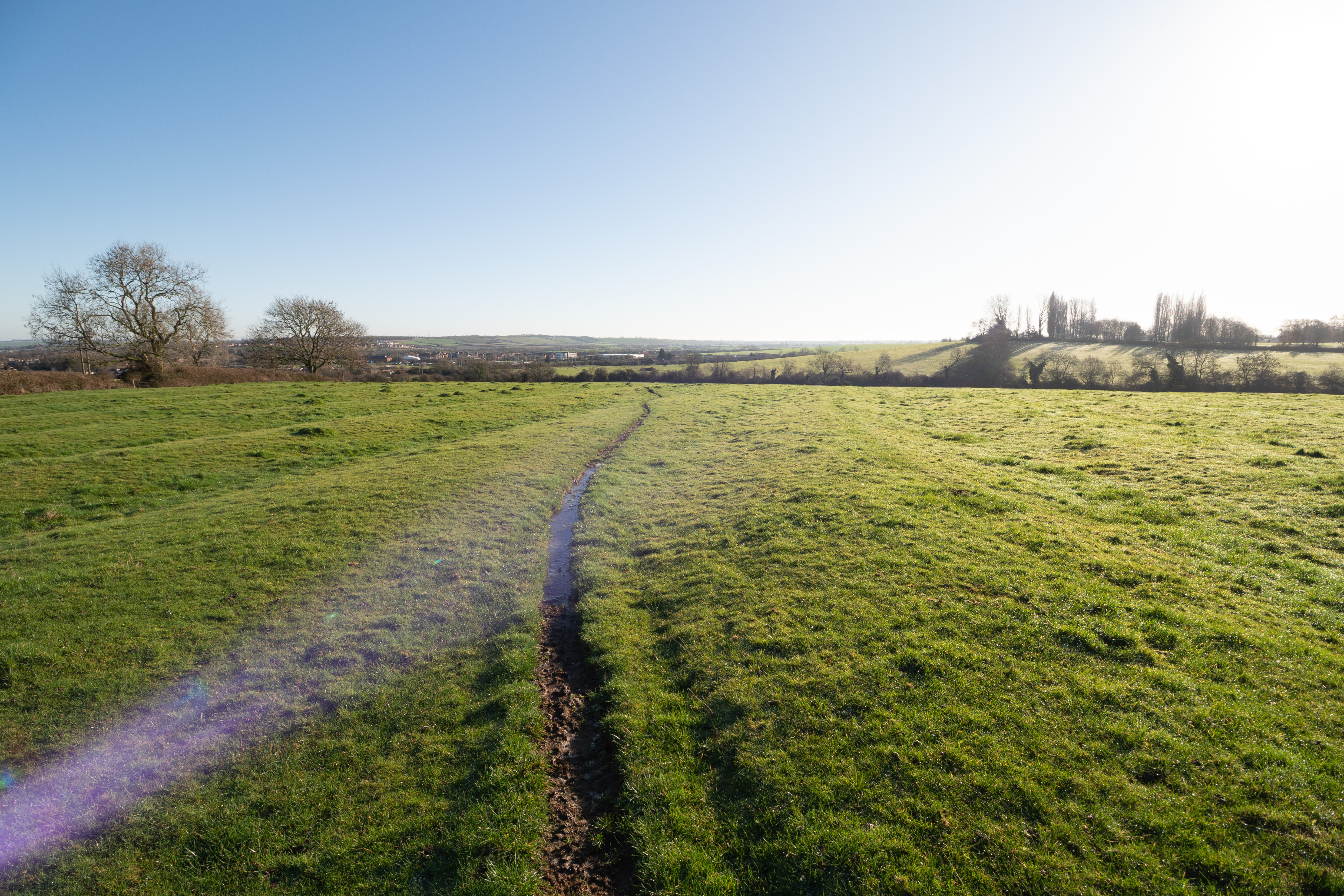
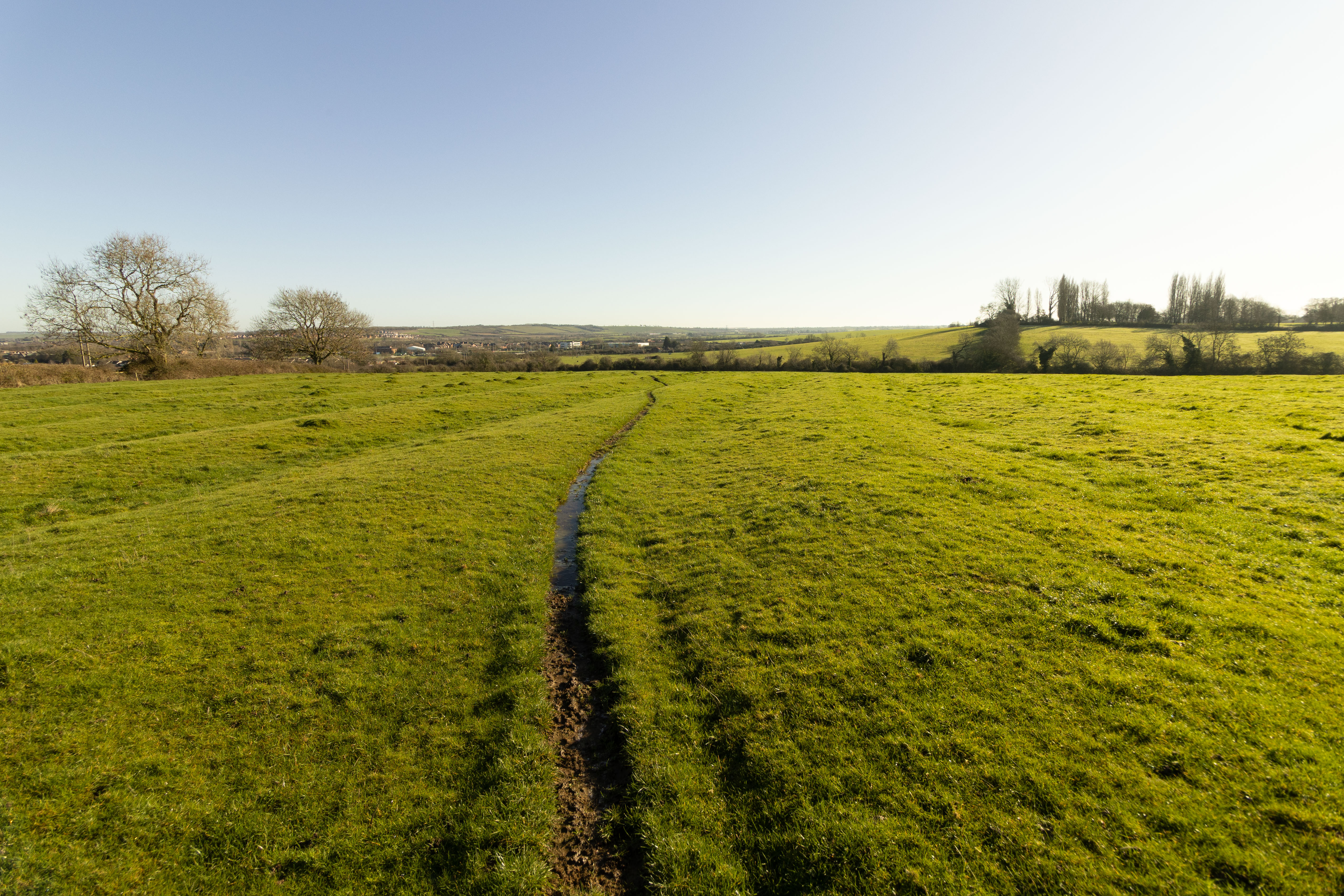
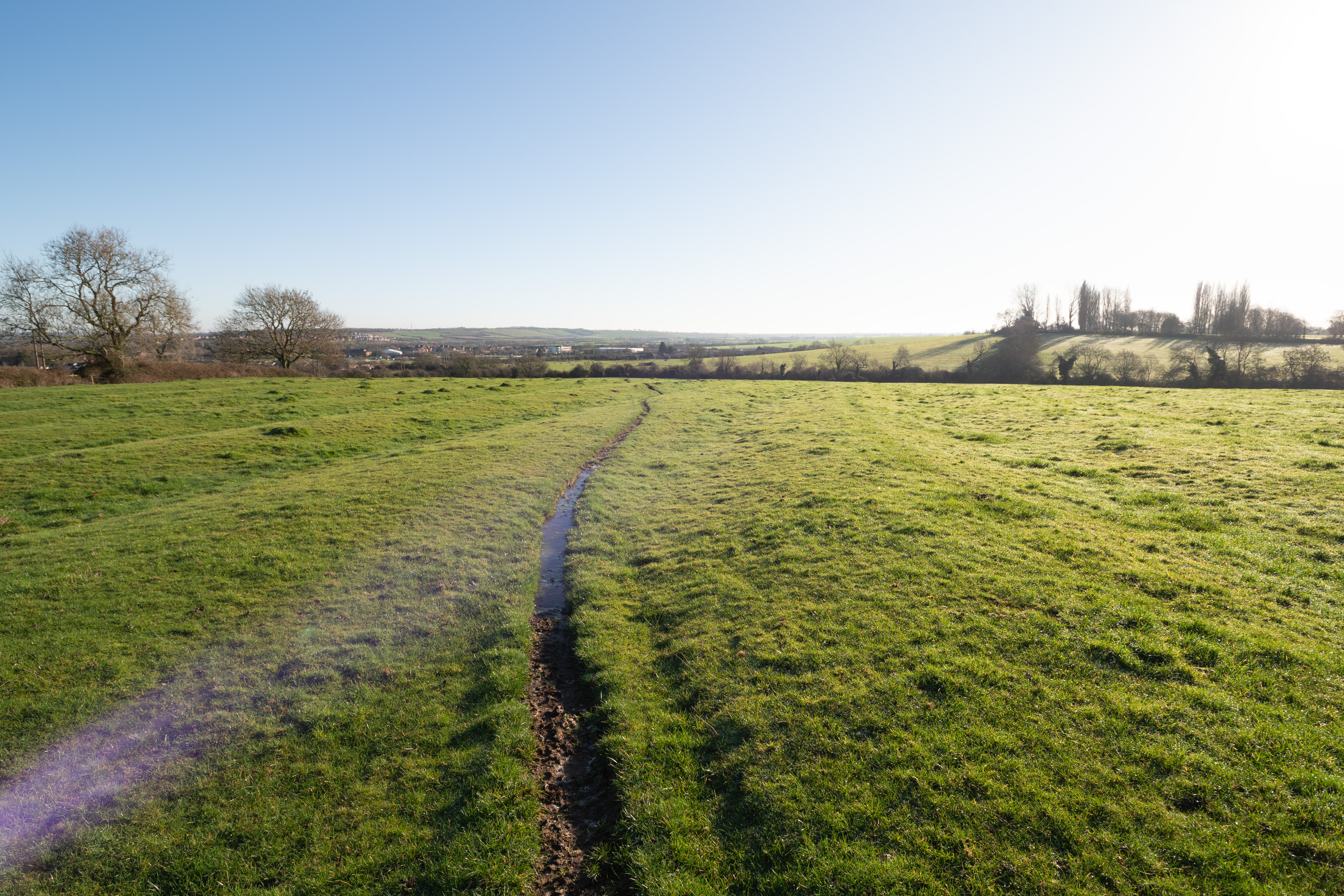
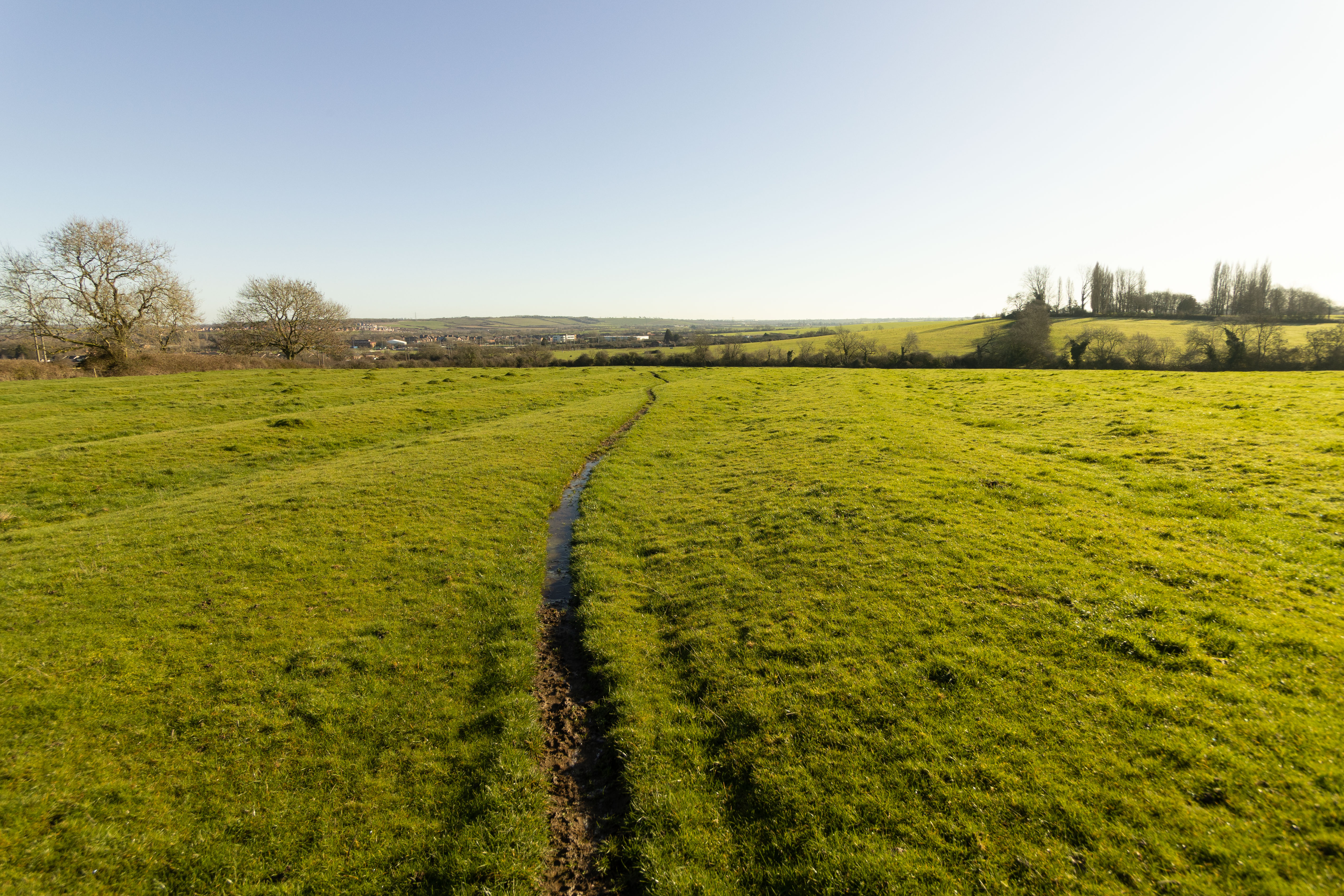
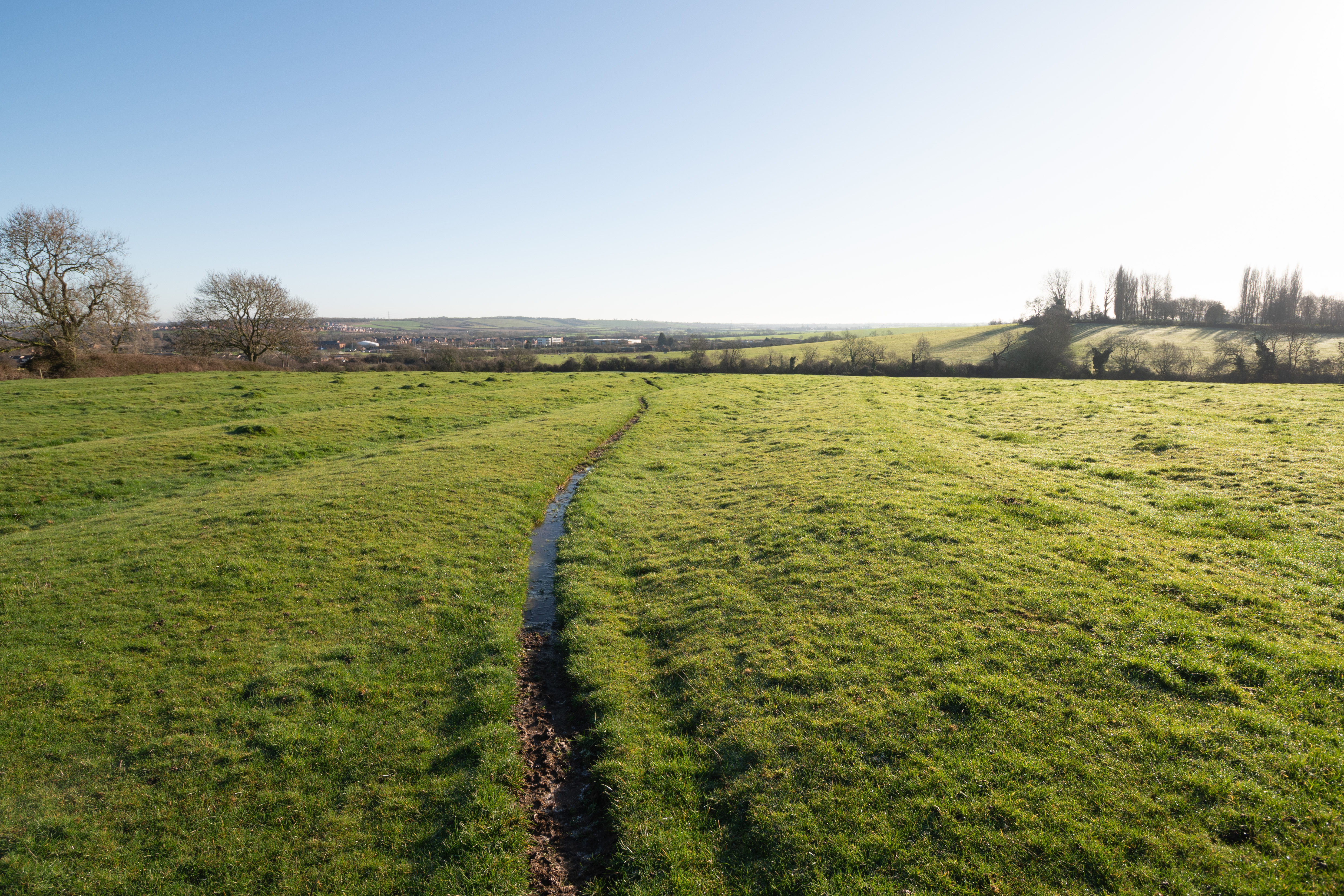
Now let's look at images shot full frame and then cropped in post by 1.6x versus images shot in-camera with an APS-C crop. The full frame images were shot on my Sony camera and the in-camera cropped ones were shot on Canon, so there are some colour differences between the two. But mainly I wanted to look at how the application of the lens profile corrections applied to the in-camera cropped images compare to the uncorrected manually cropped FF images.
10-18mm APS-C in-camera vs APS-C cropped FF
10mm FF cropped to APS-C in post (no lens corrections applied)
10mm shot in-camera in APS-C mode (lens corrections applied)
11mm FF cropped to APS-C in post (no lens corrections applied)
11mm shot in-camera in APS-C mode (lens corrections applied)
12mm FF cropped to APS-C in post (no lens corrections applied)
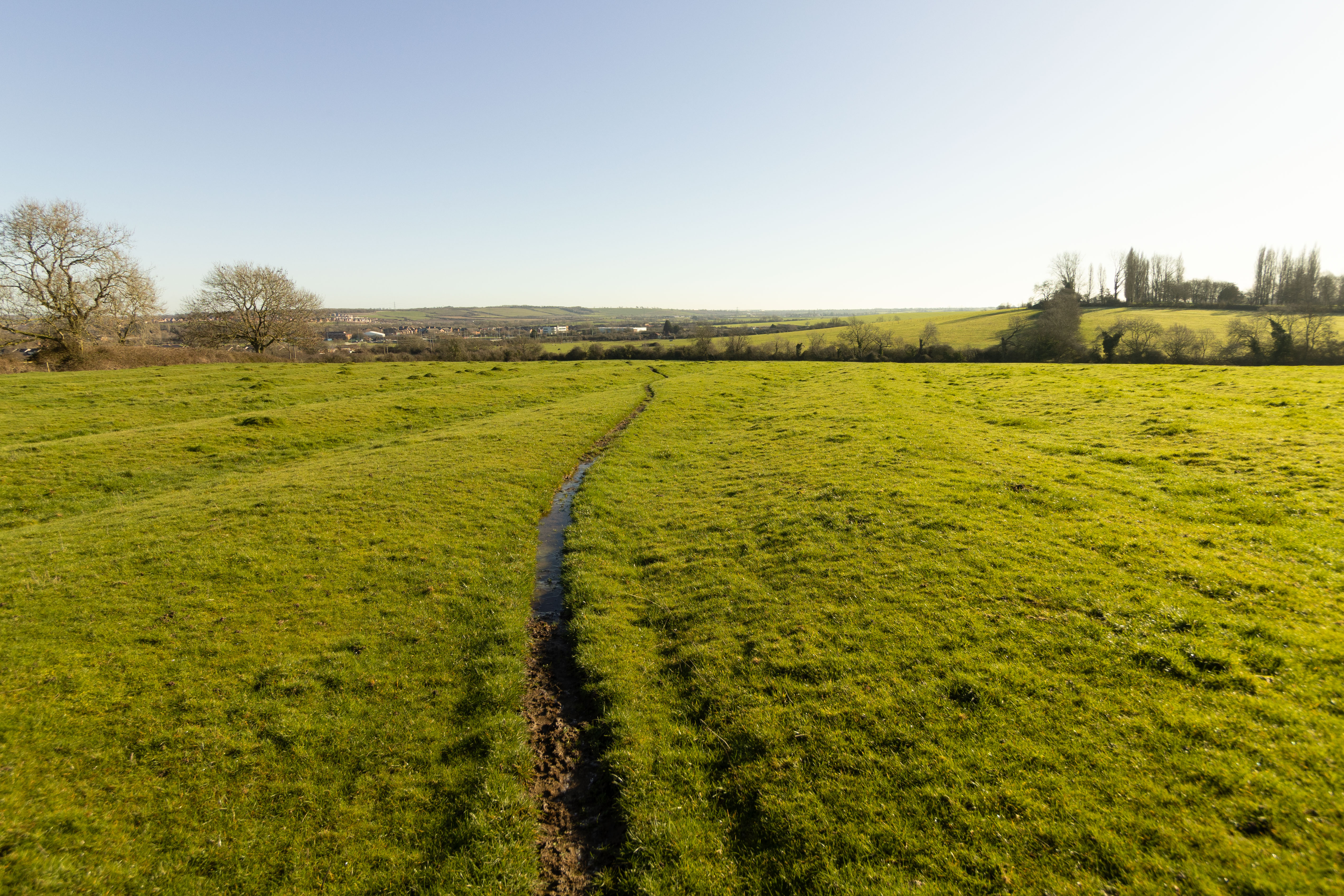
12mm shot in-camera in APS-C mode (lens corrections applied)
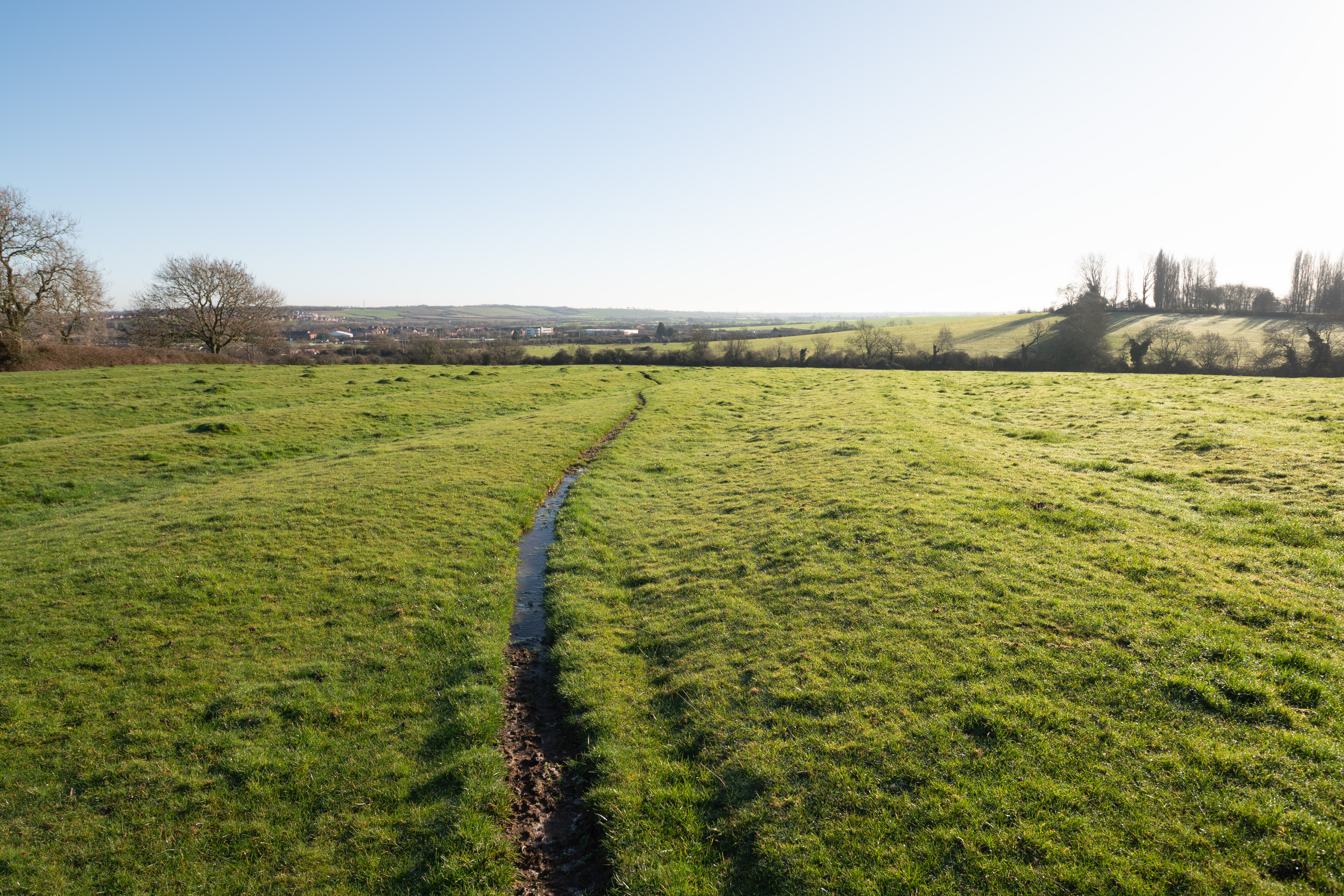
13mm FF cropped to APS-C in post (no lens corrections applied)
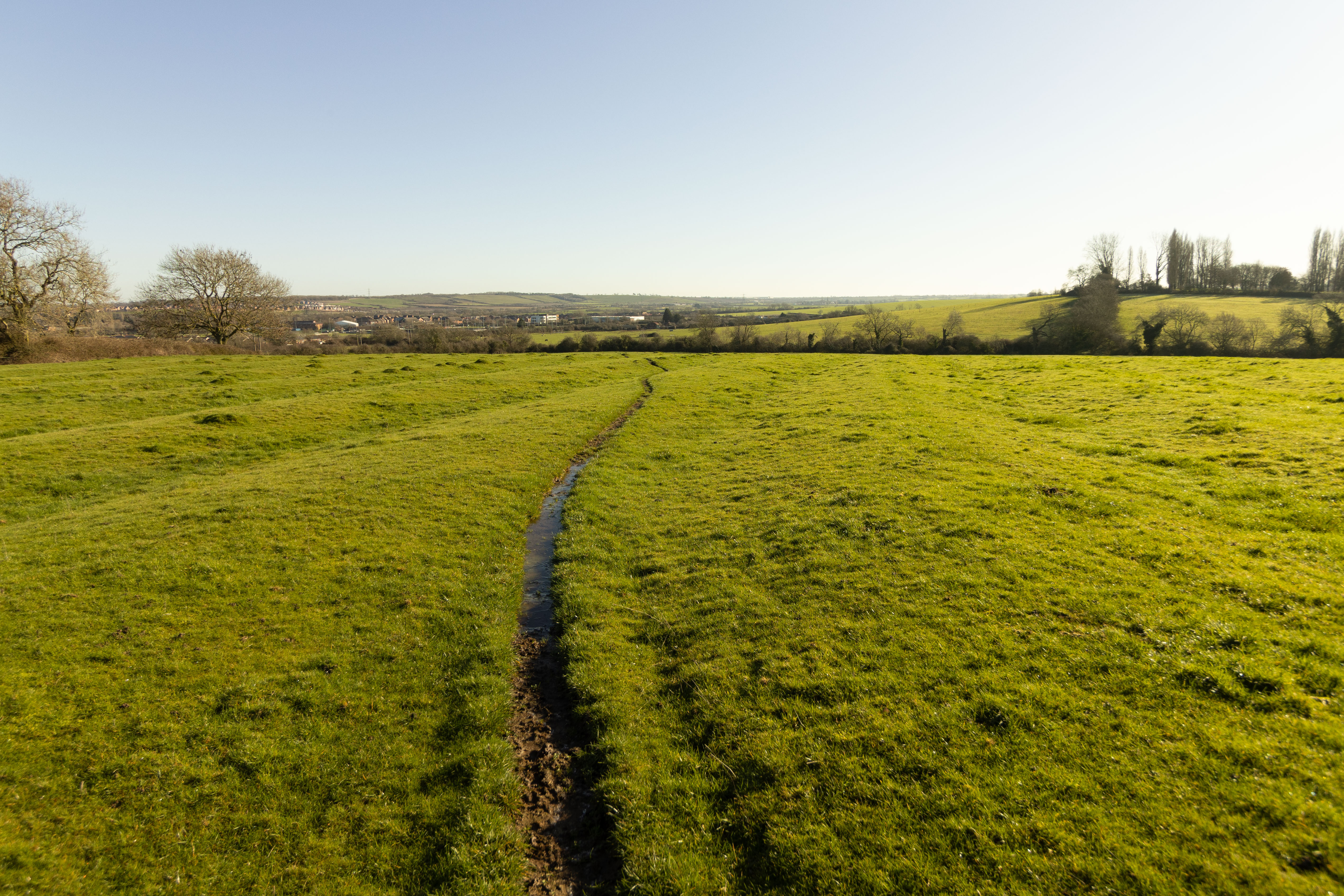
13mm shot in-camera in APS-C mode (lens corrections applied)
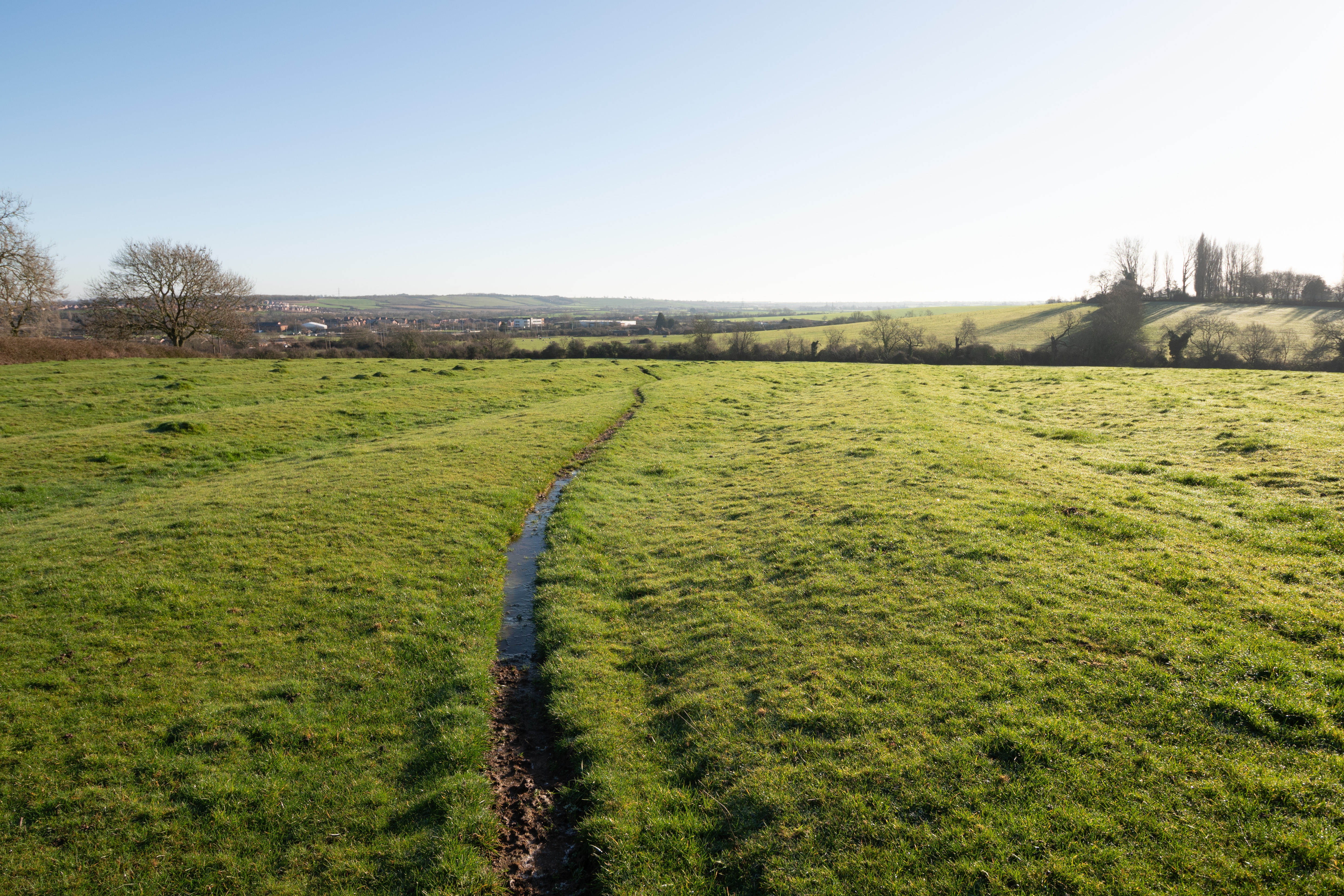
14mm FF cropped to APS-C in post (no lens corrections applied)
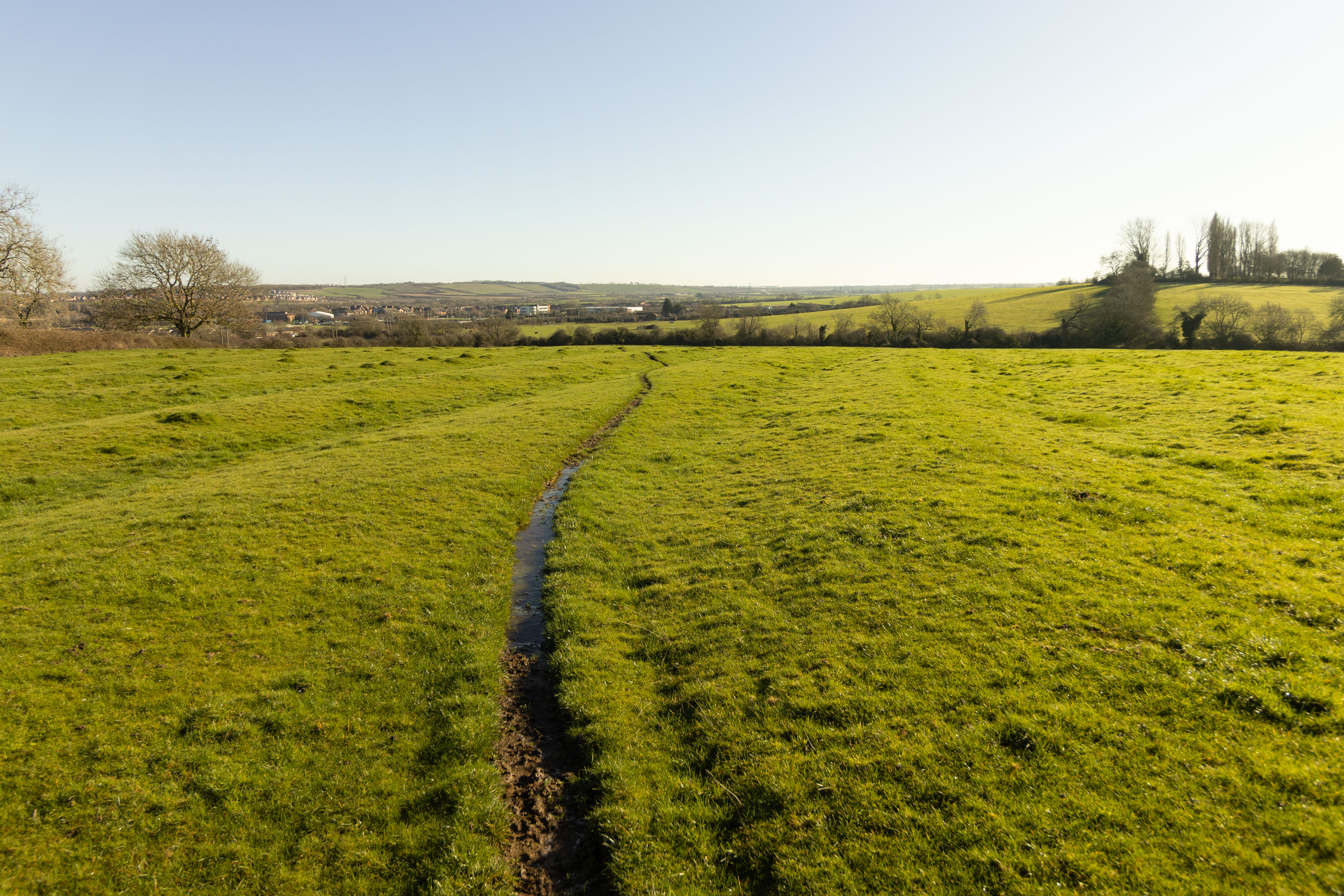
14mm shot in-camera in APS-C mode (lens corrections applied)
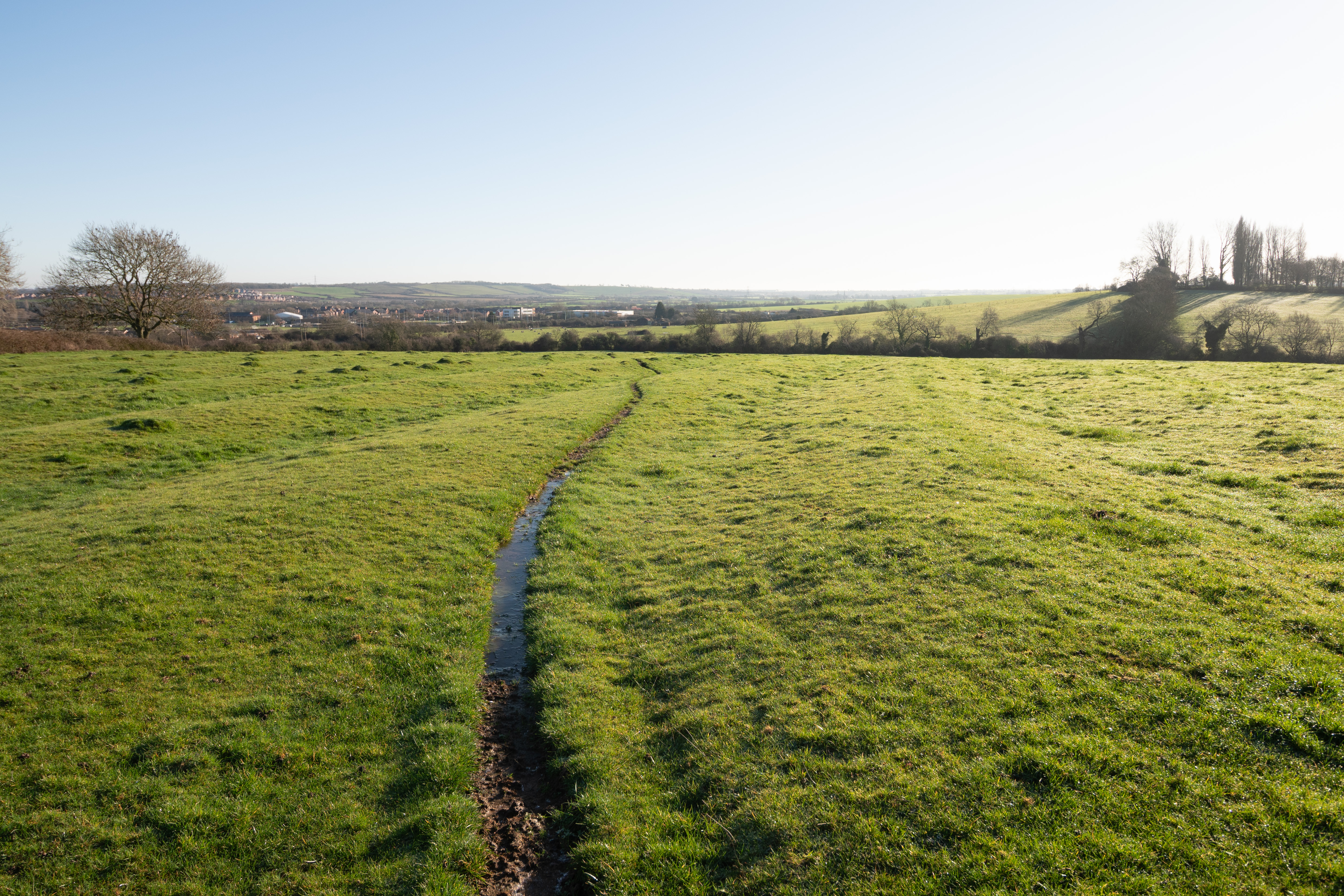
15mm FF cropped to APS-C in post (no lens corrections applied)
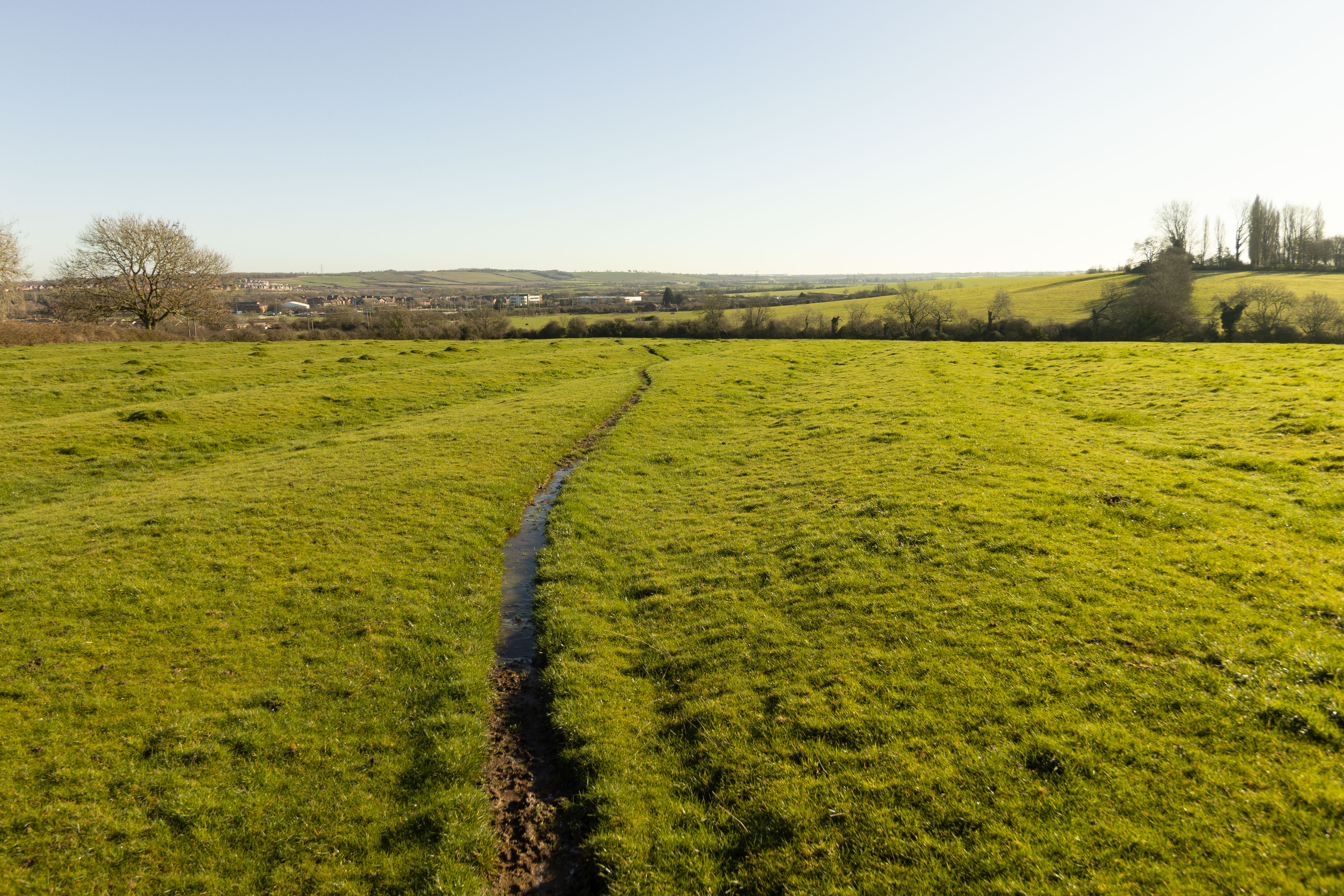
15mm shot in-camera in APS-C mode (lens corrections applied)
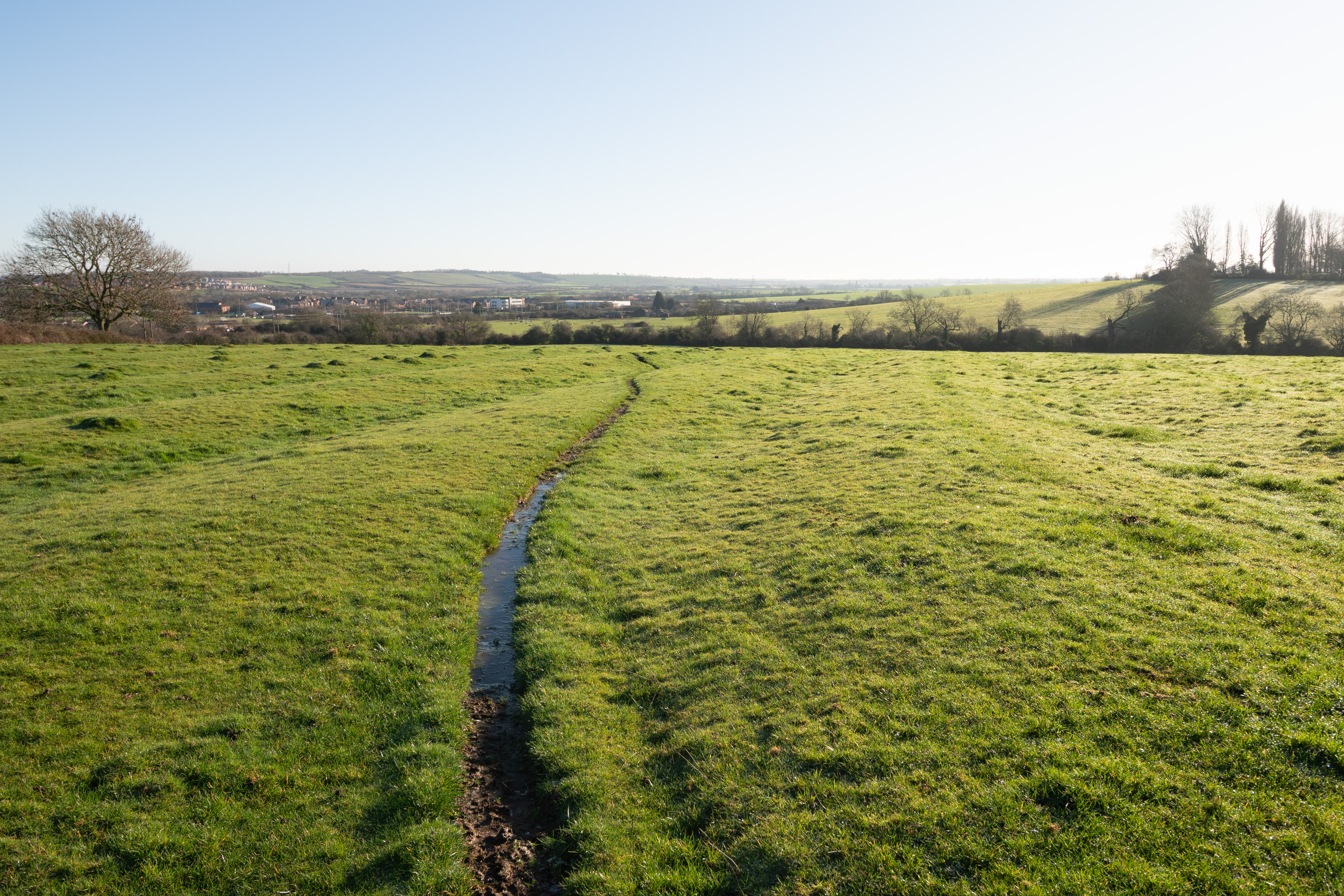
16mm FF cropped to APS-C in post (no lens corrections applied)
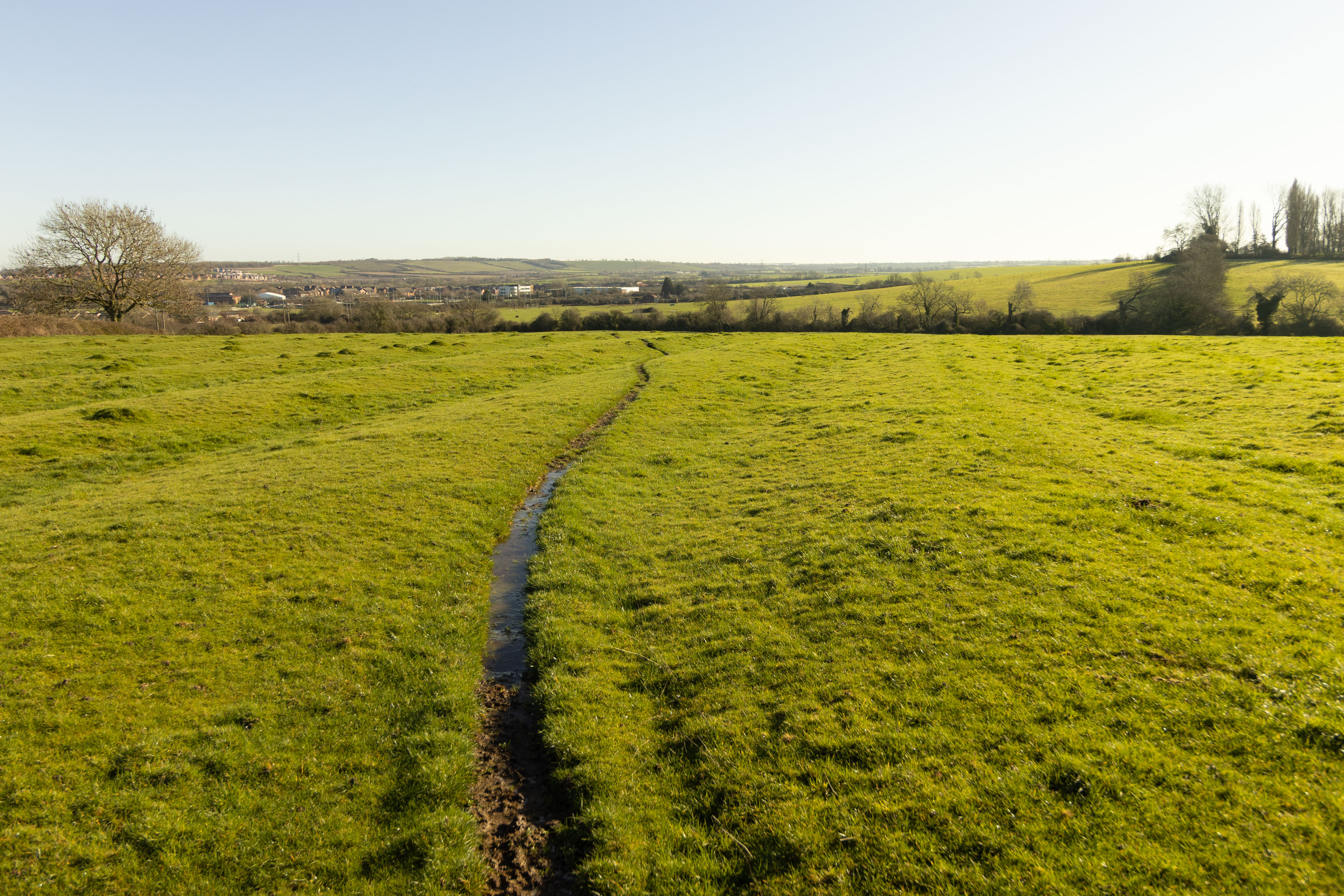
16mm shot in-camera in APS-C mode (lens corrections applied)
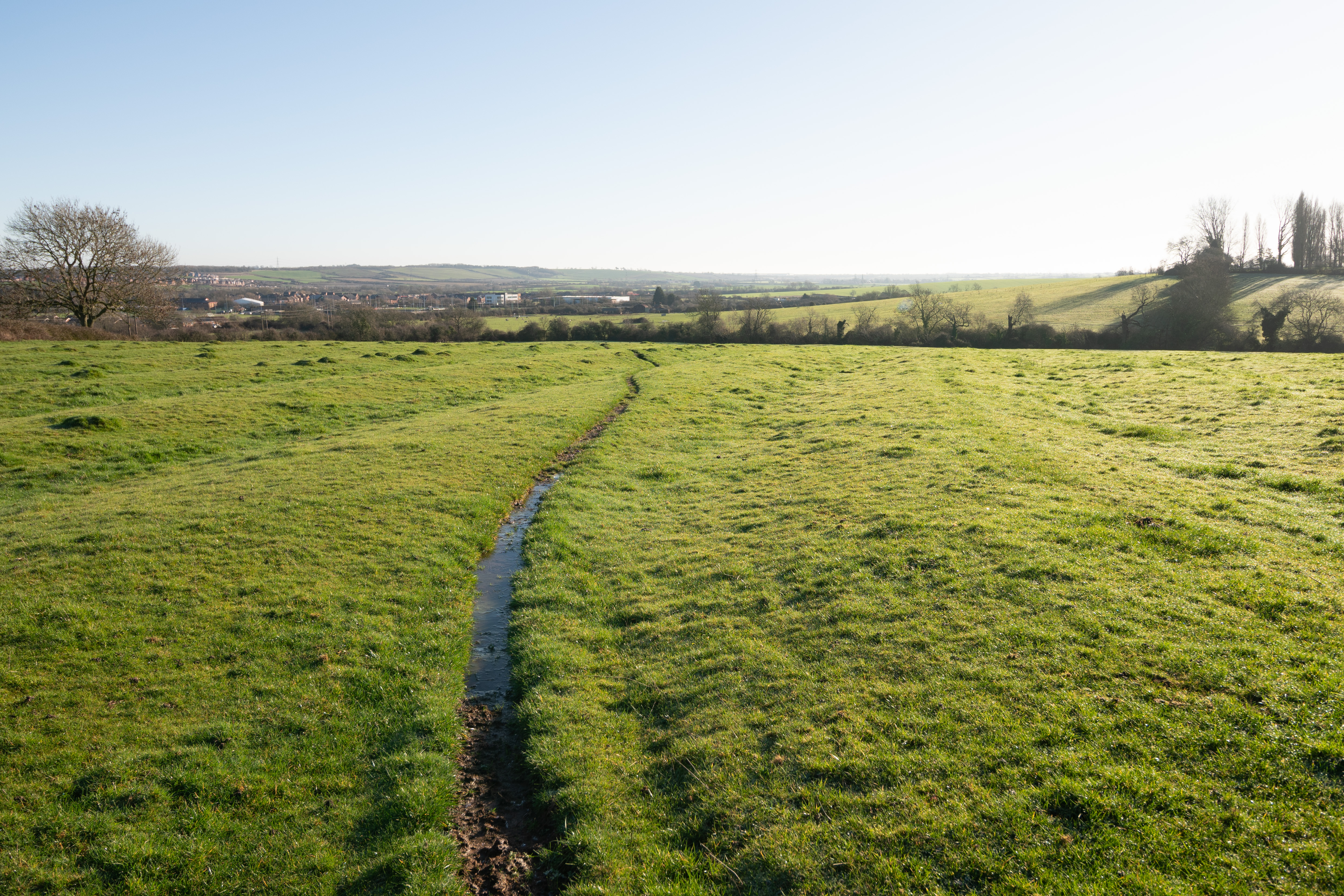
17mm FF cropped to APS-C in post (no lens corrections applied)
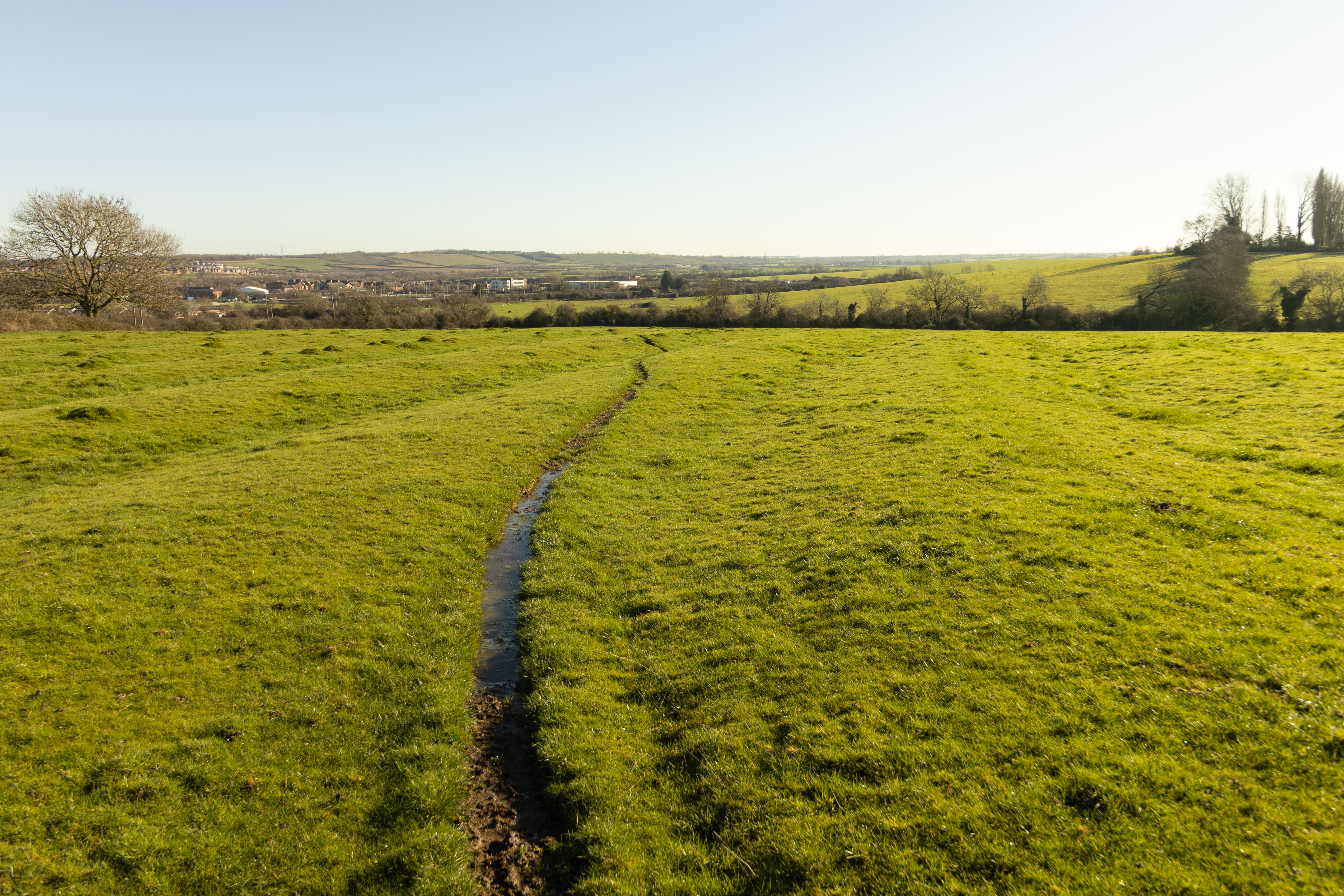
17mm shot in-camera in APS-C mode (lens corrections applied)
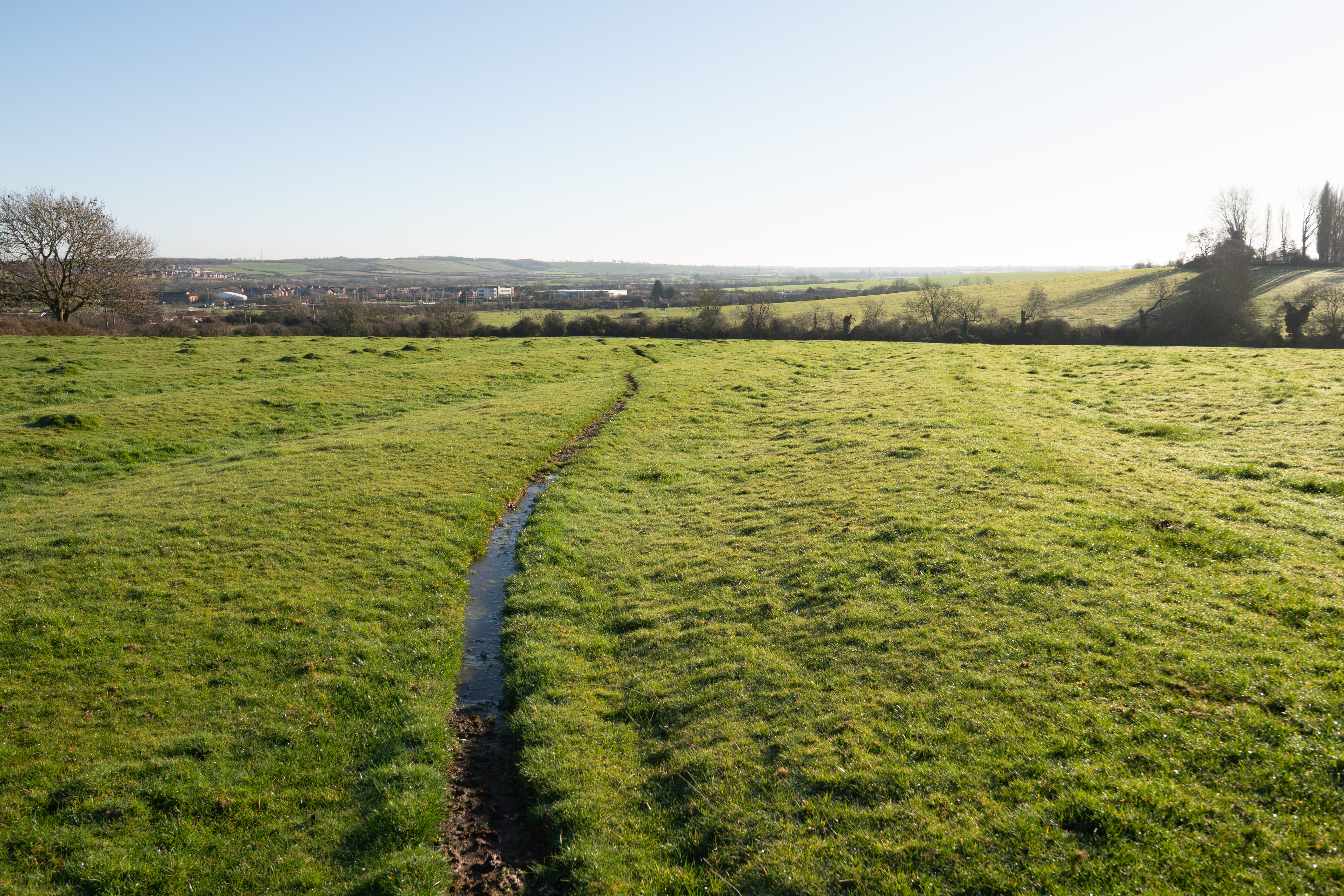
18mm FF cropped to APS-C in post (no lens corrections applied)
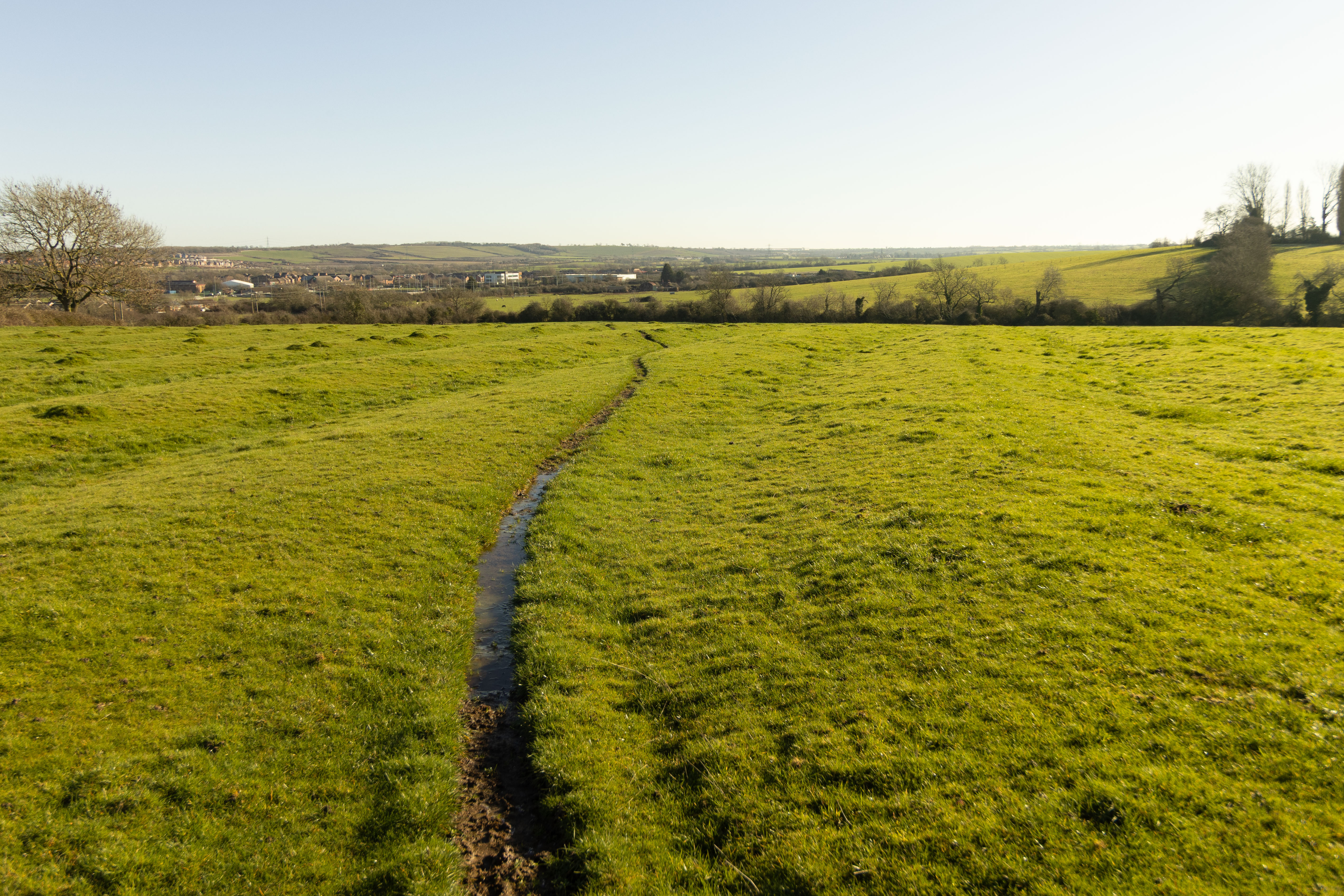
18mm shot in-camera in APS-C mode (lens corrections applied)
10-22mm APS-C in-camera vs APS-C cropped FF
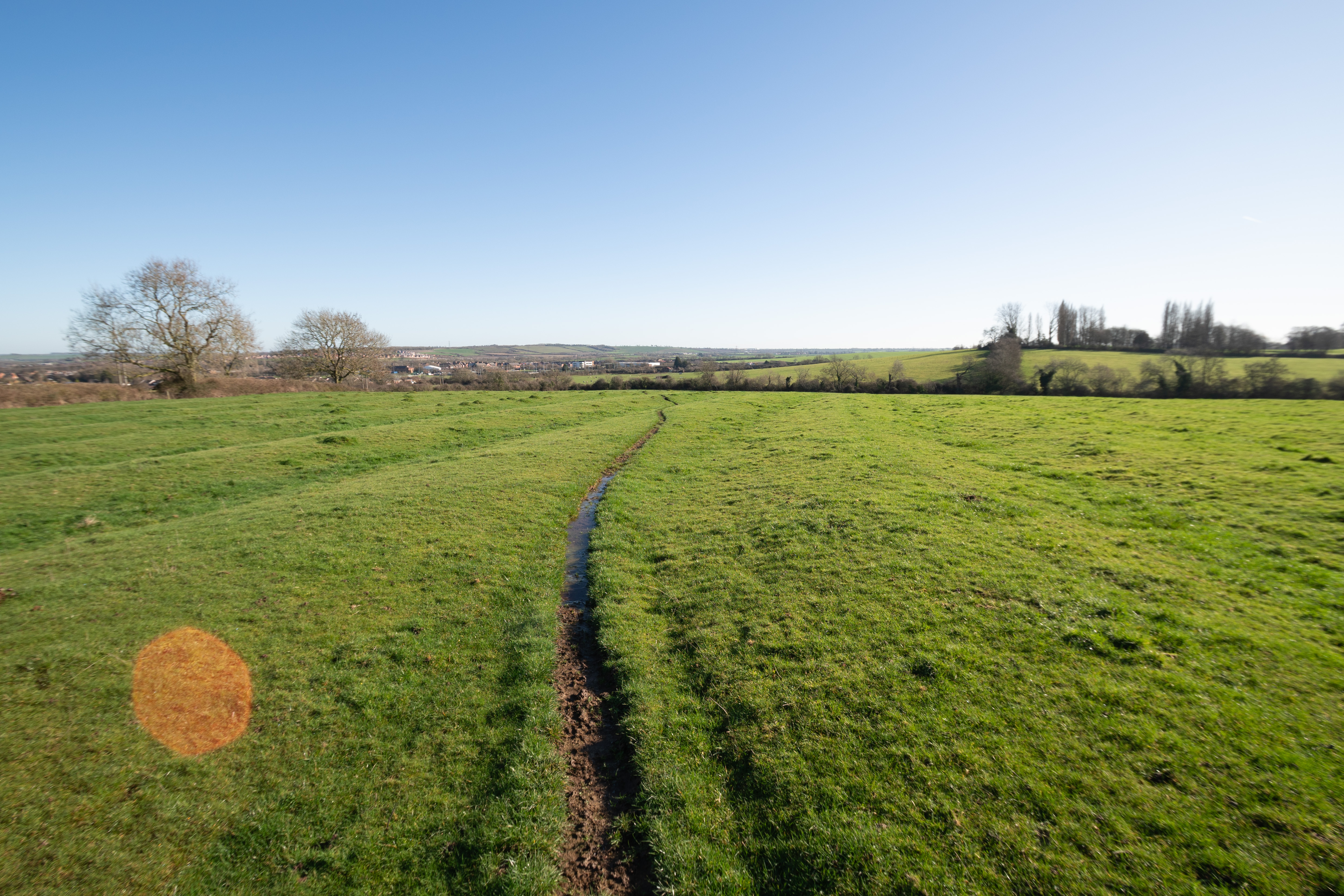
10mm FF cropped to APS-C in post (no lens corrections applied)
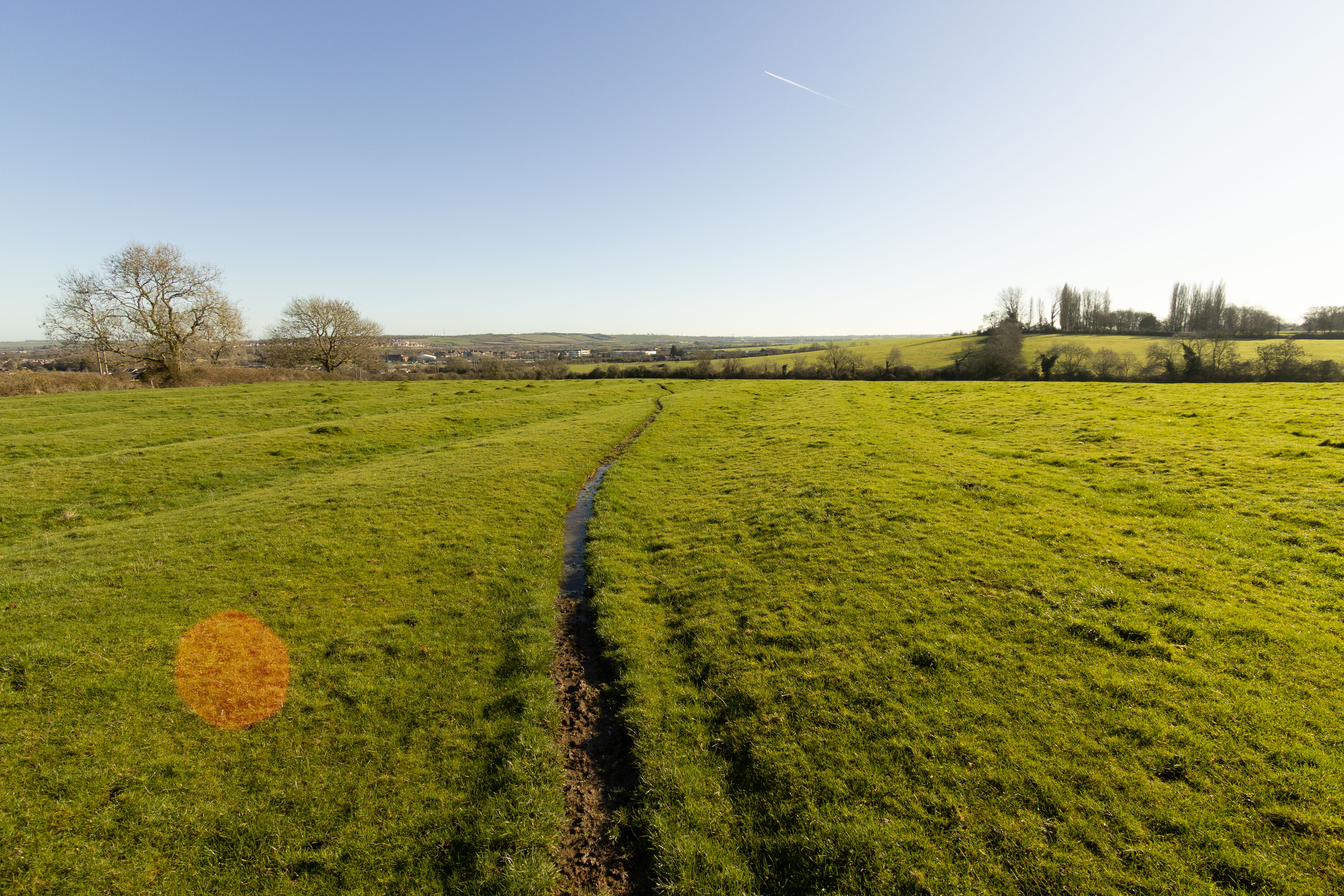
10mm shot in-camera in APS-C mode (lens corrections applied)
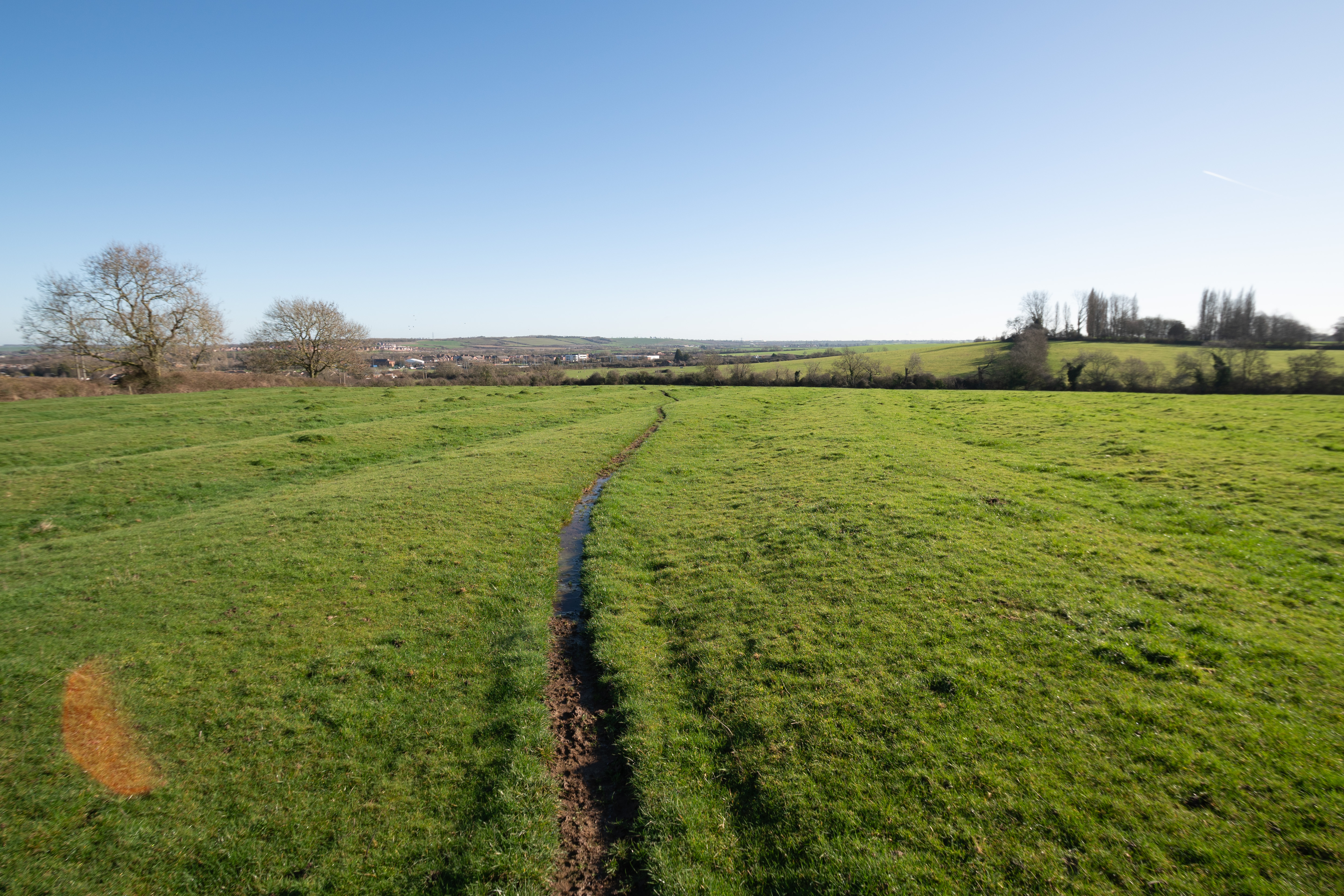
11mm FF cropped to APS-C in post (no lens corrections applied)
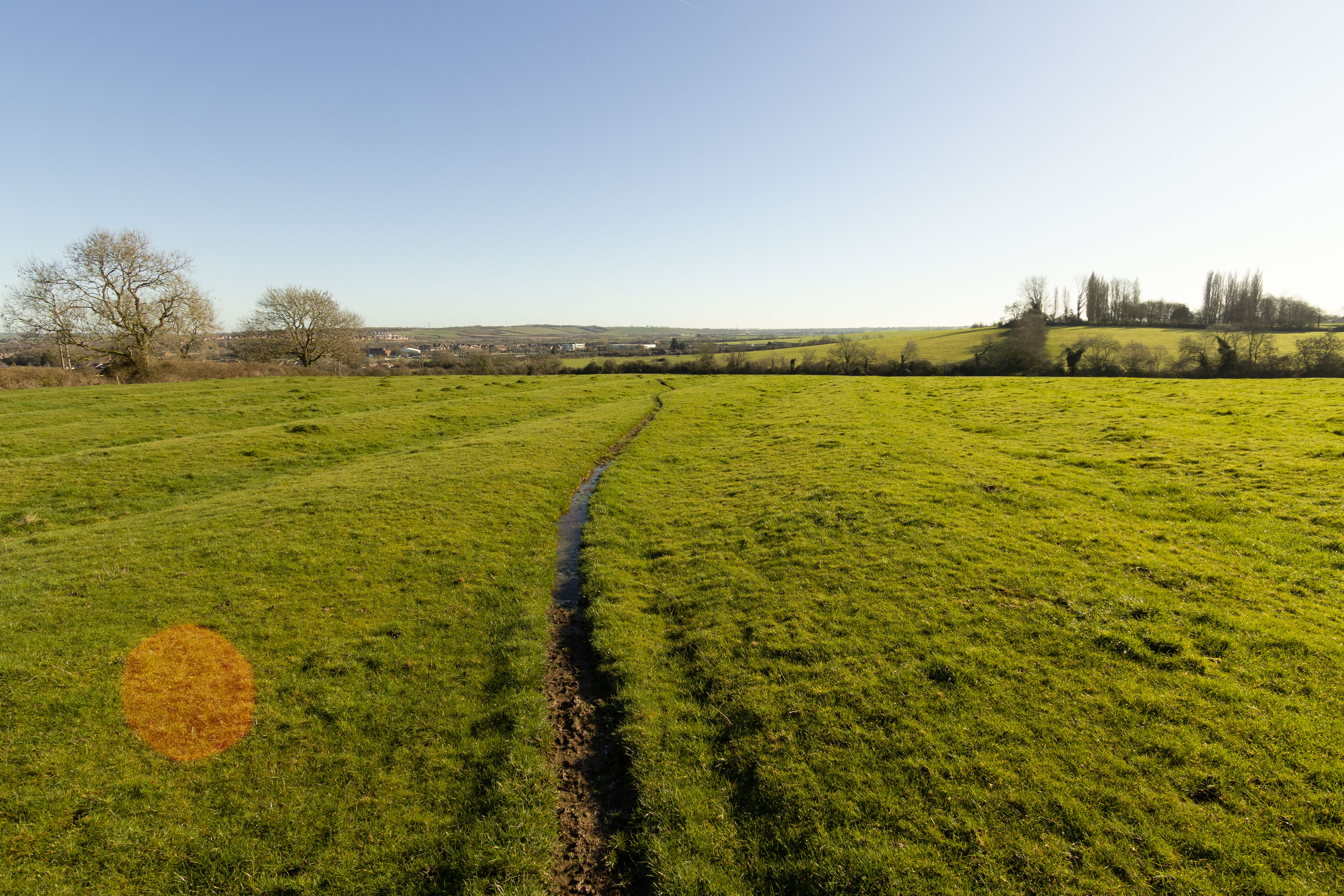
11mm shot in-camera in APS-C mode (lens corrections applied)
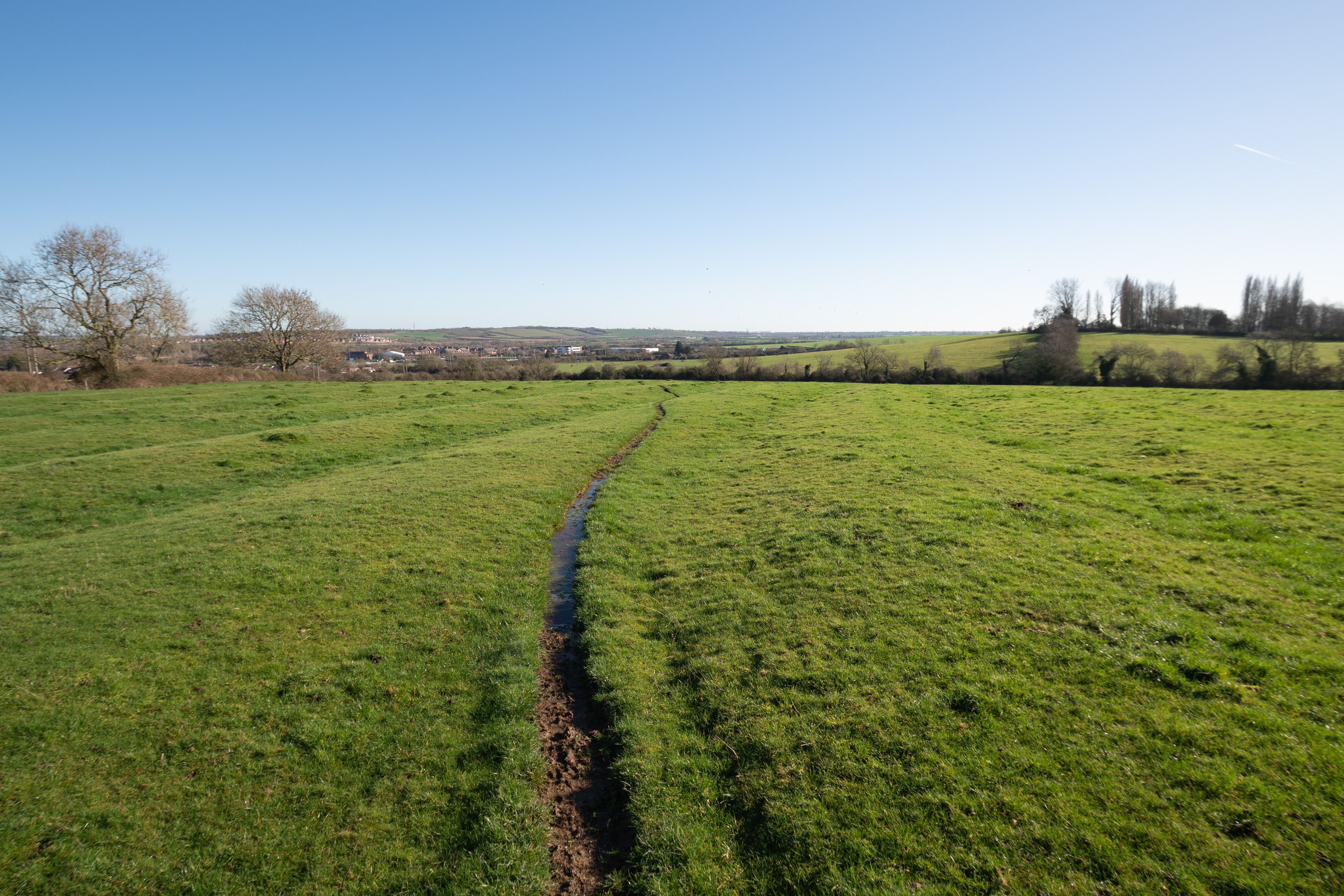
12mm FF cropped to APS-C in post (no lens corrections applied)
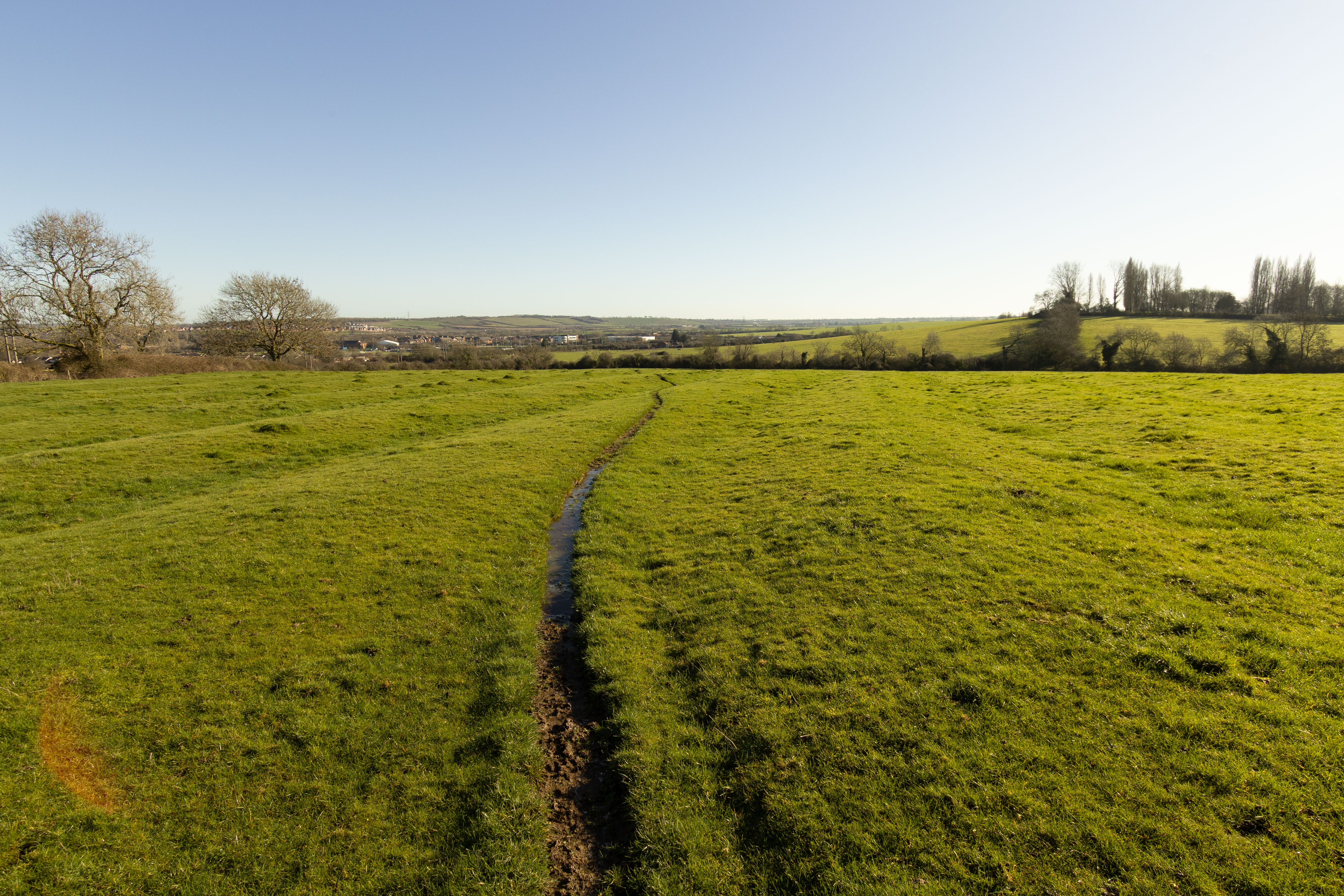
12mm shot in-camera in APS-C mode (lens corrections applied)
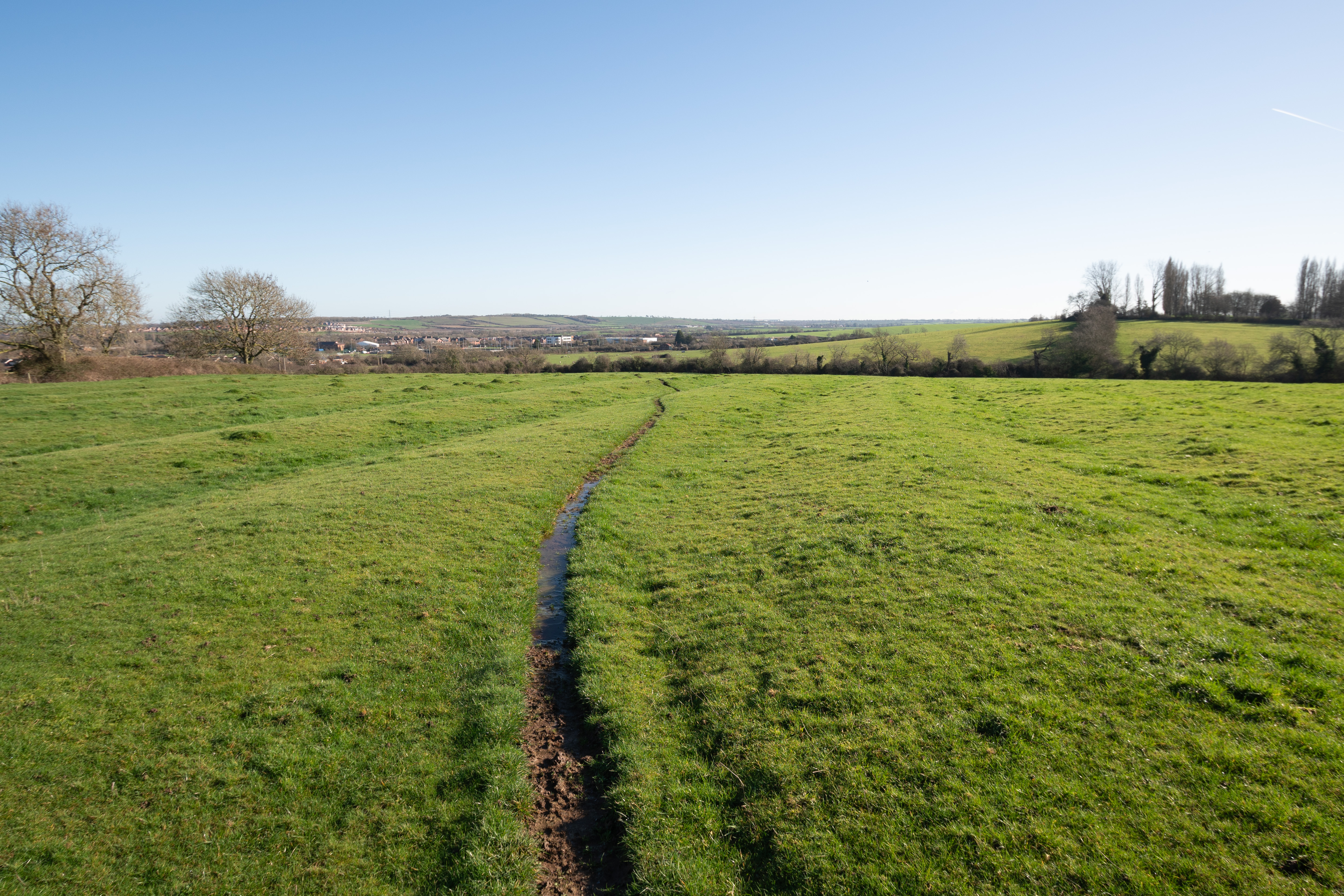
13mm FF cropped to APS-C in post (no lens corrections applied)
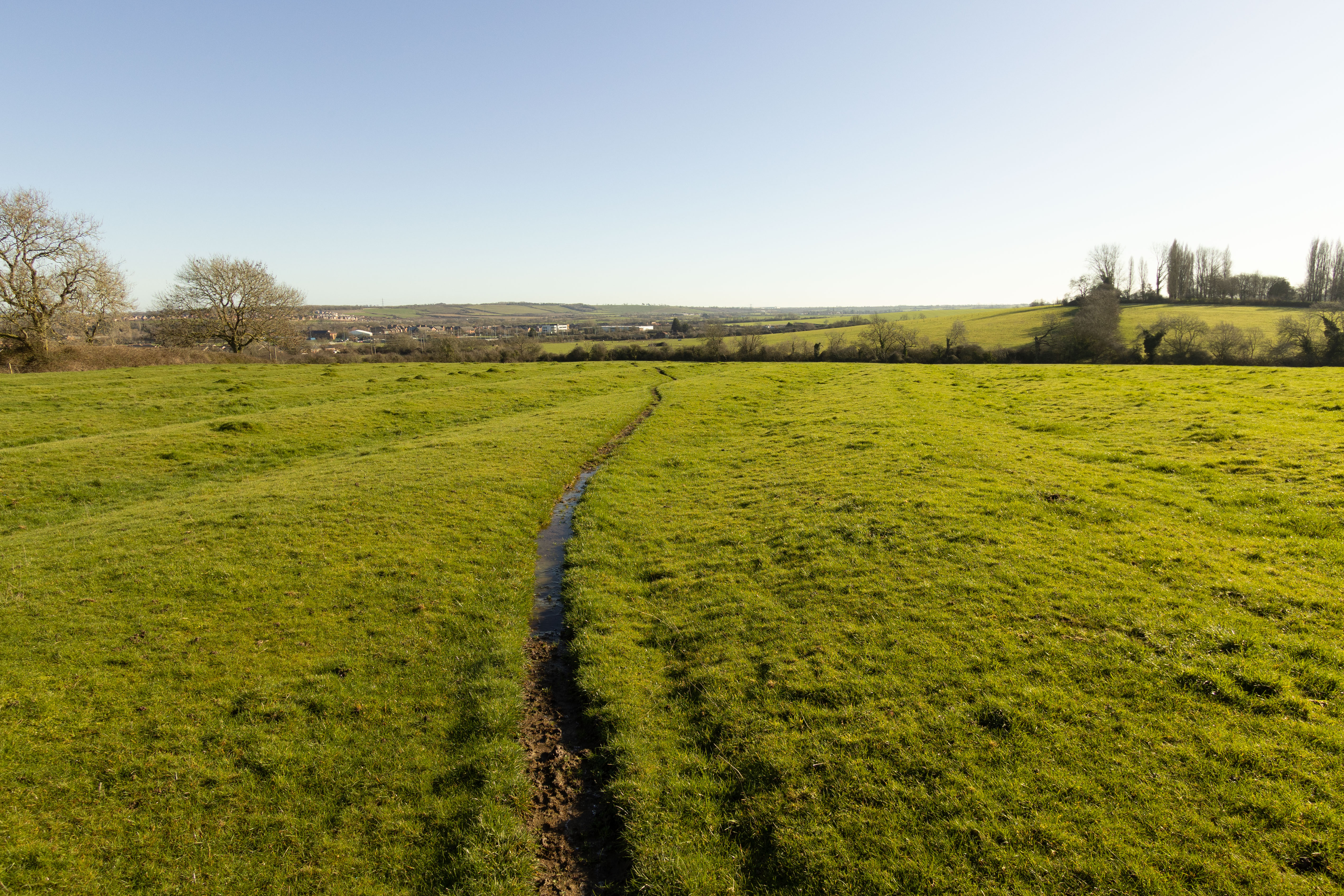
13mm shot in-camera in APS-C mode (lens corrections applied)
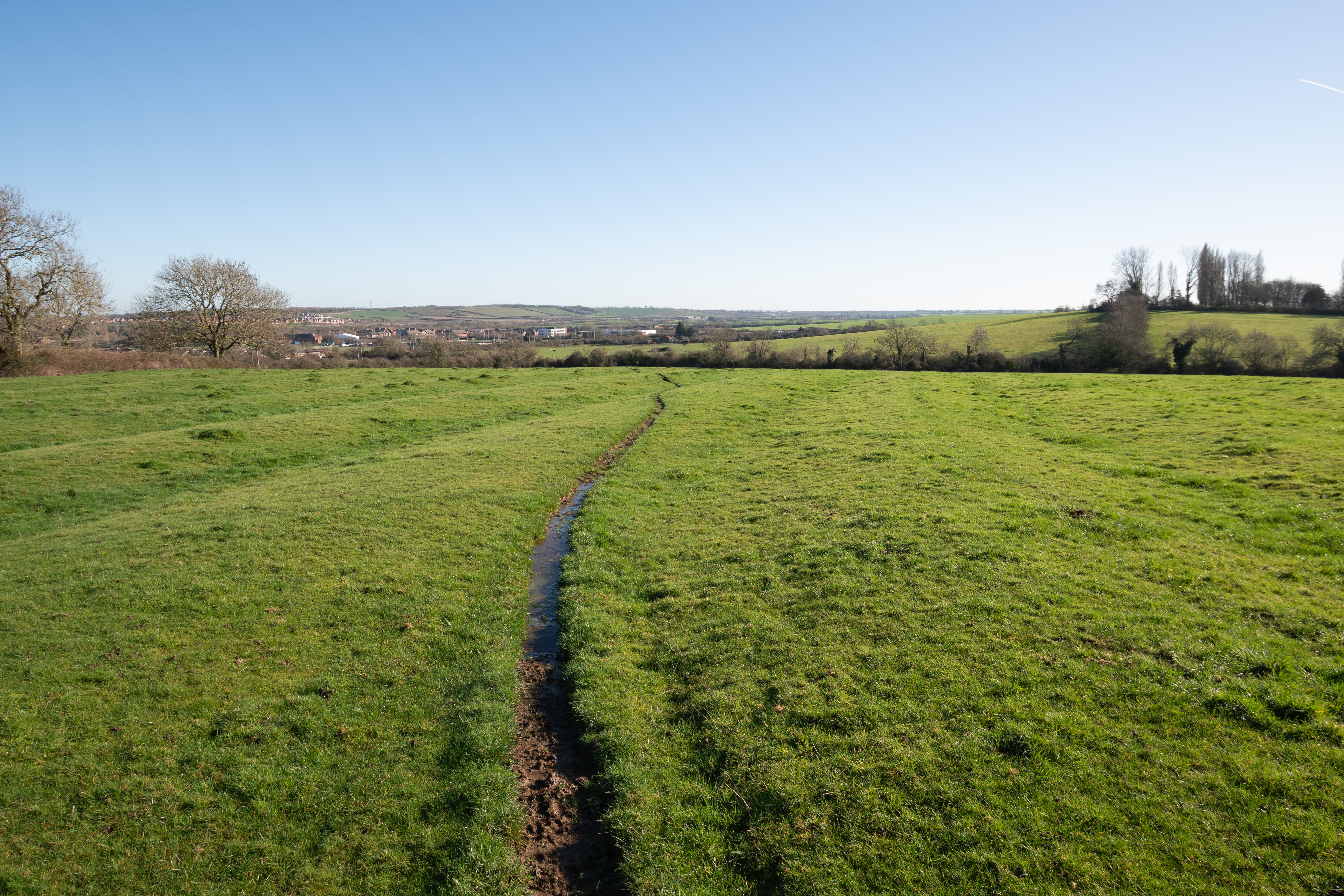
14mm FF cropped to APS-C in post (no lens corrections applied)
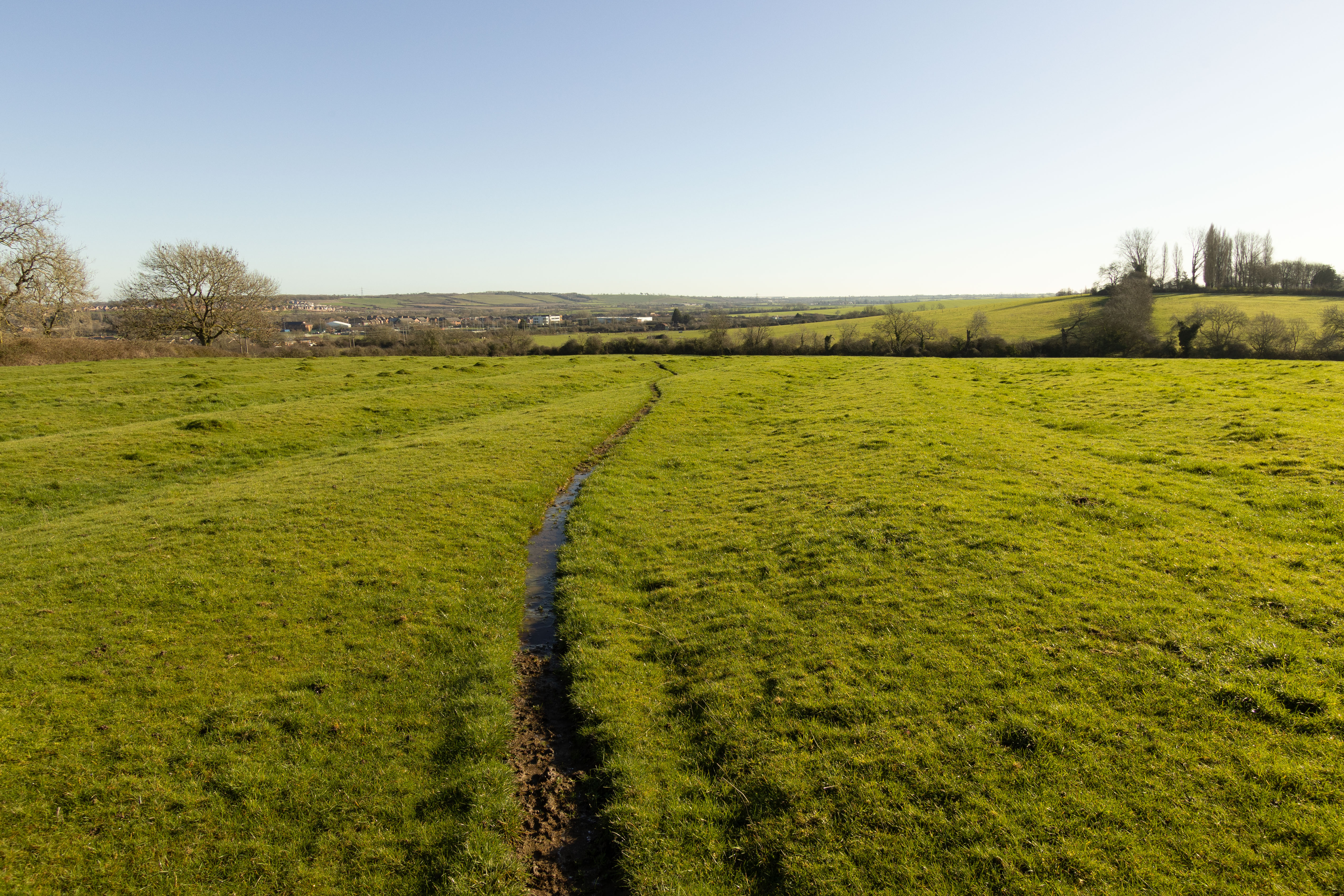
14mm shot in-camera in APS-C mode (lens corrections applied)
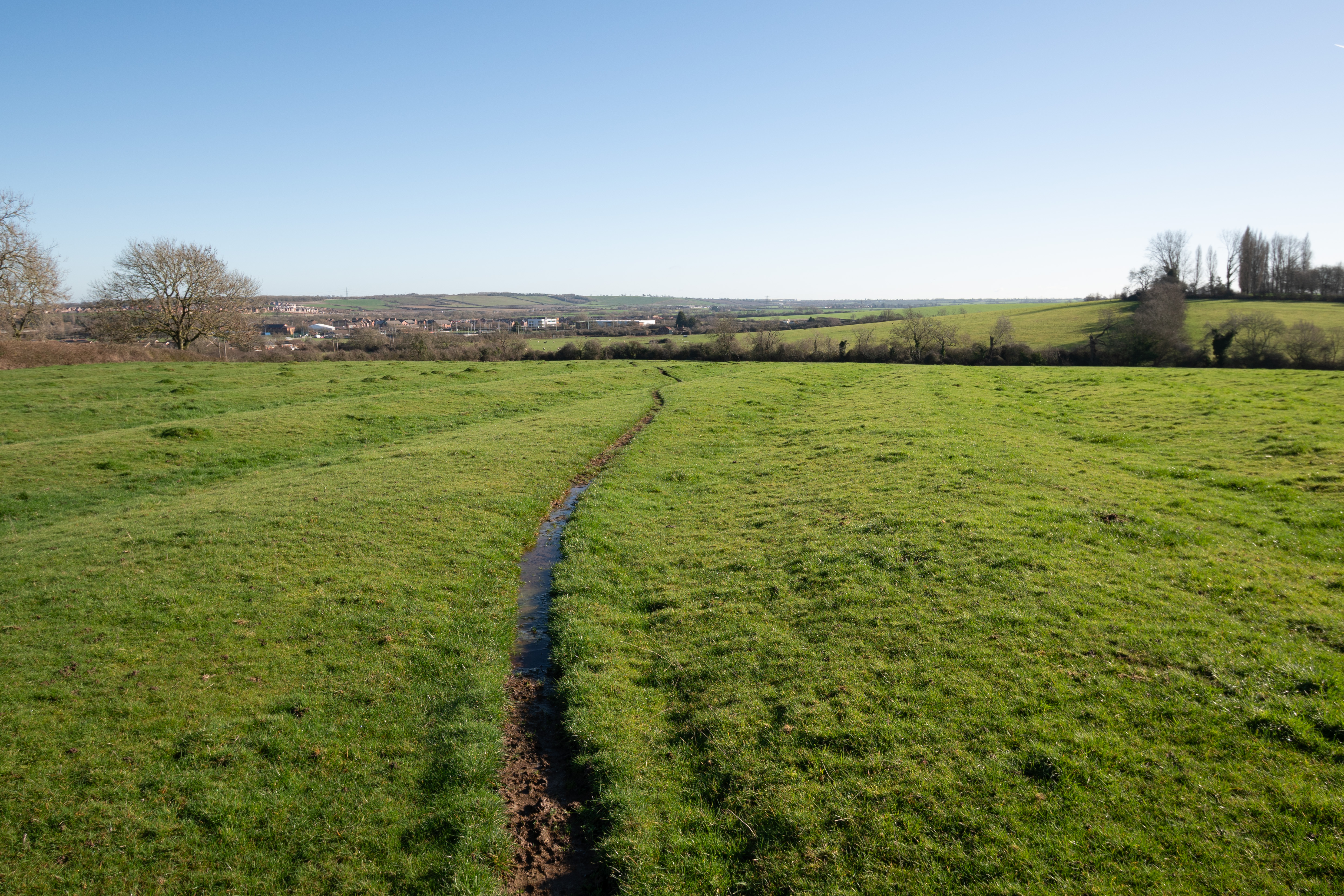
15mm FF cropped to APS-C in post (no lens corrections applied)
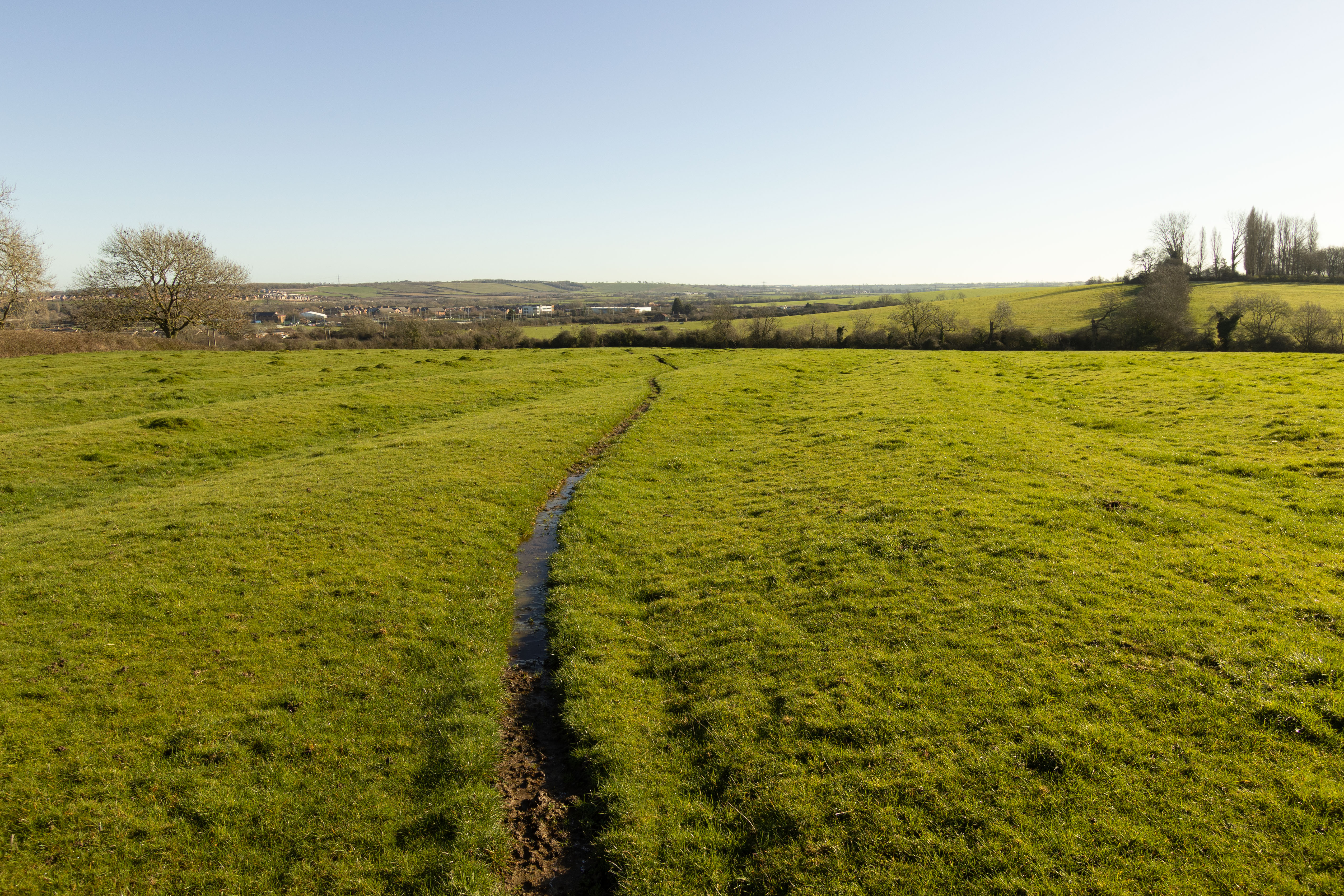
15mm shot in-camera in APS-C mode (lens corrections applied)
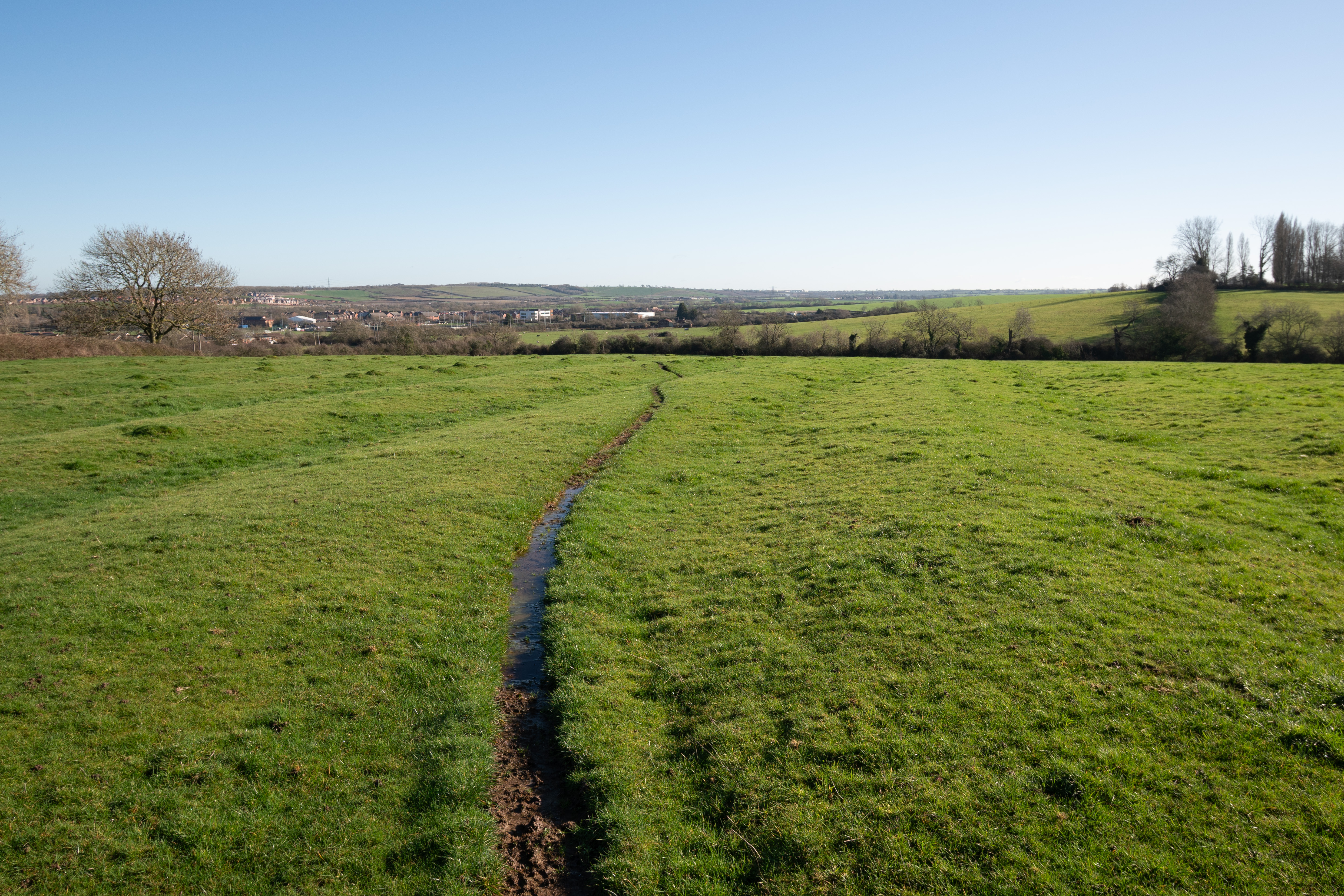
16mm FF cropped to APS-C in post (no lens corrections applied)
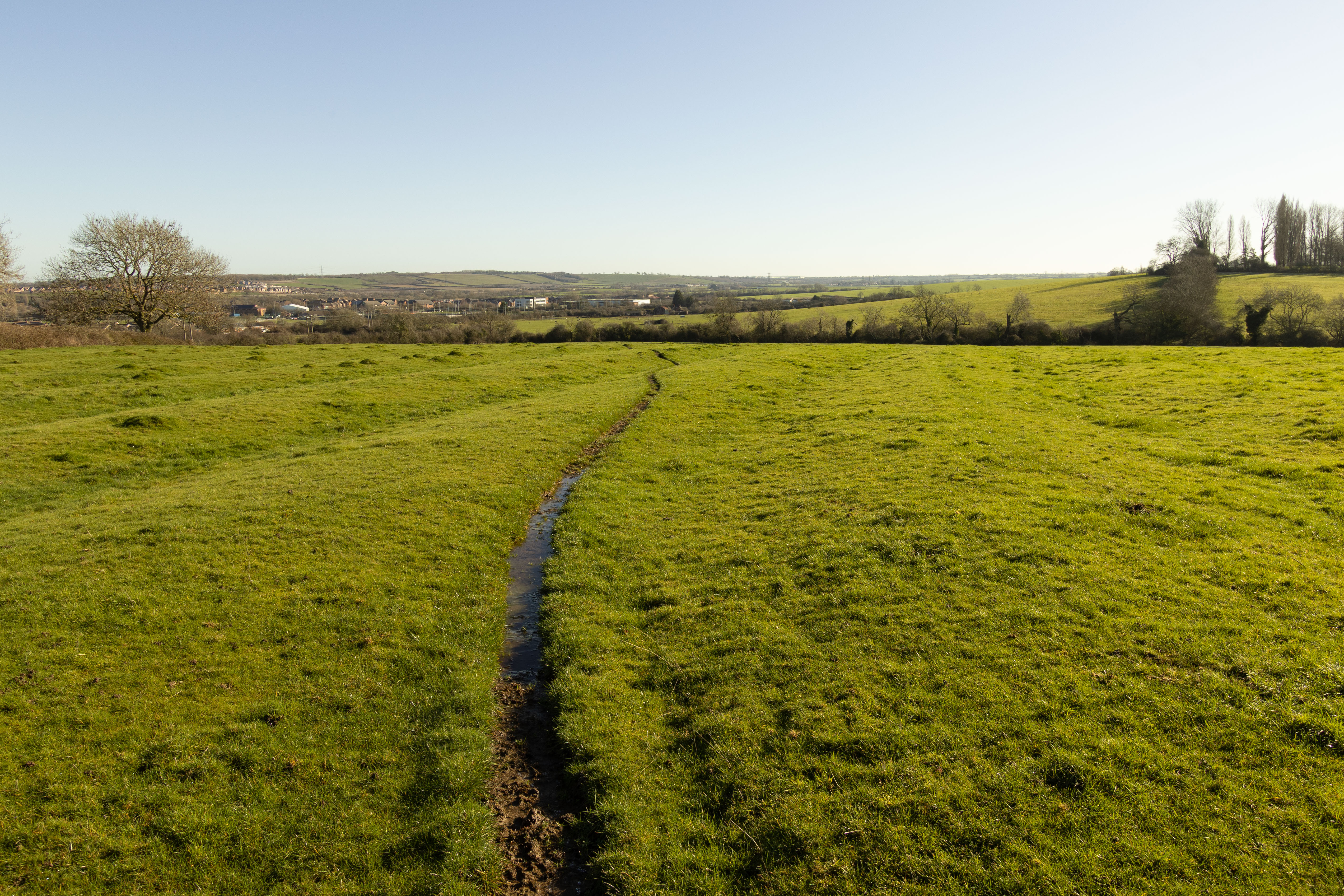
16mm shot in-camera in APS-C mode (lens corrections applied)
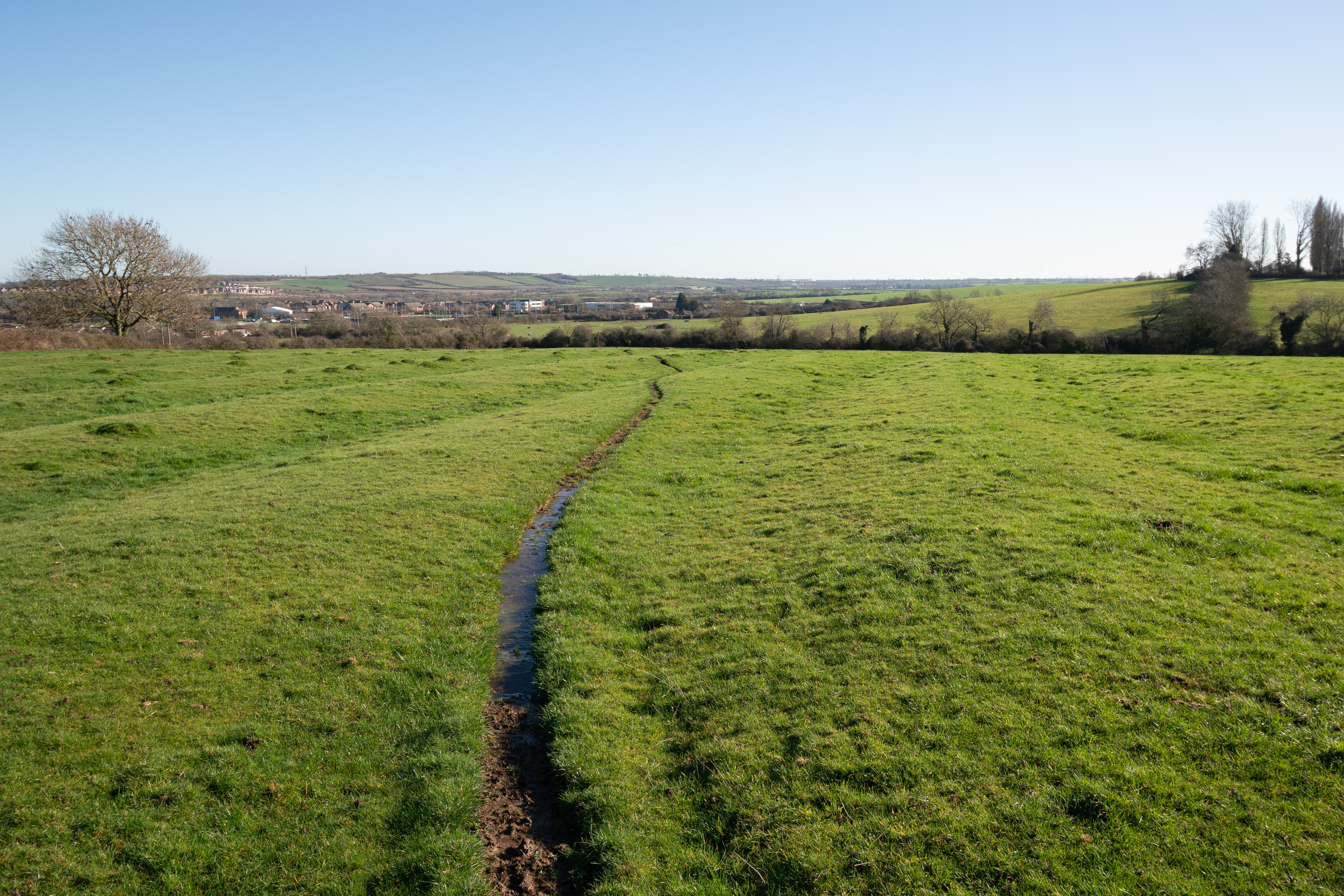
17mm FF cropped to APS-C in post (no lens corrections applied)
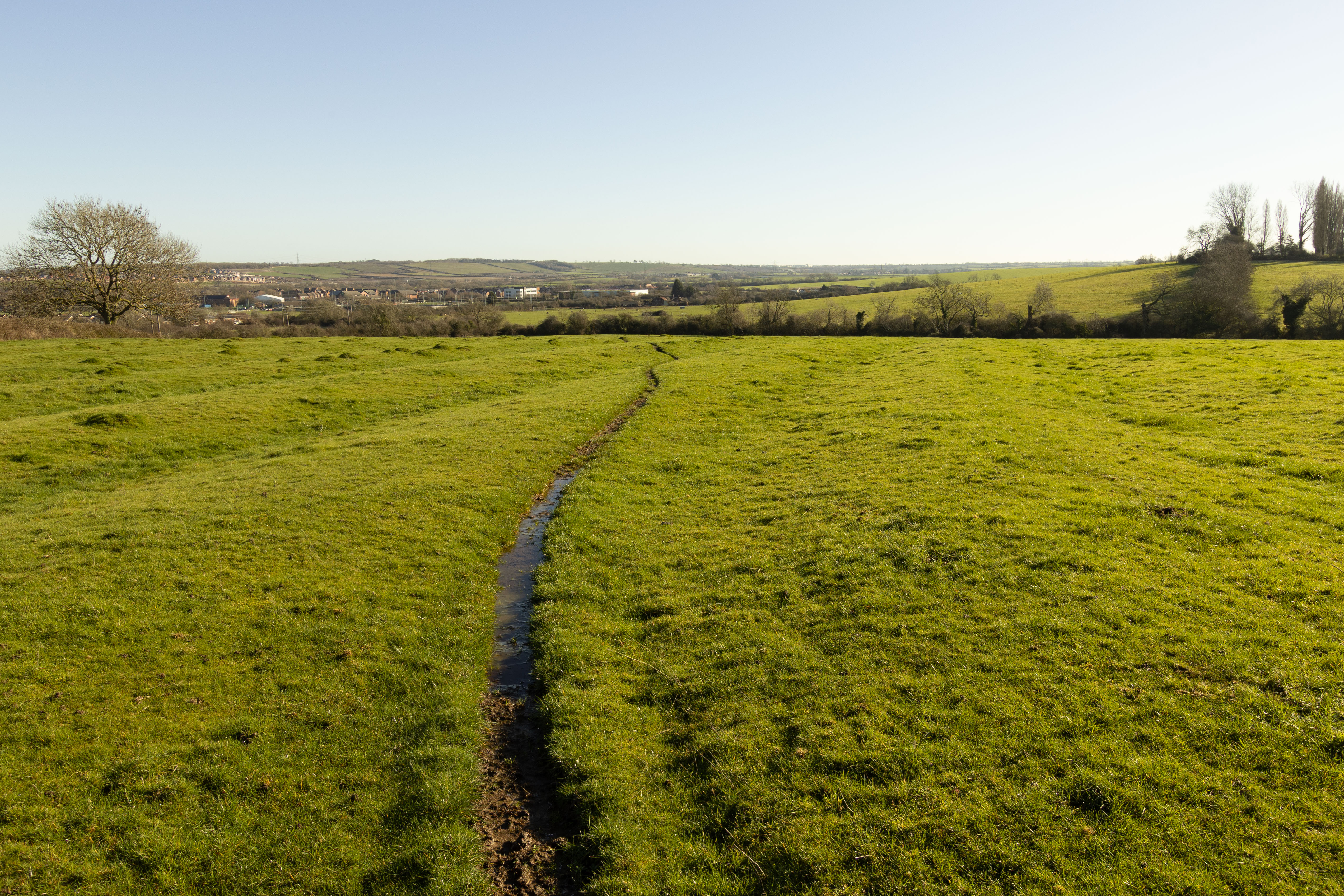
17mm shot in-camera in APS-C mode (lens corrections applied)
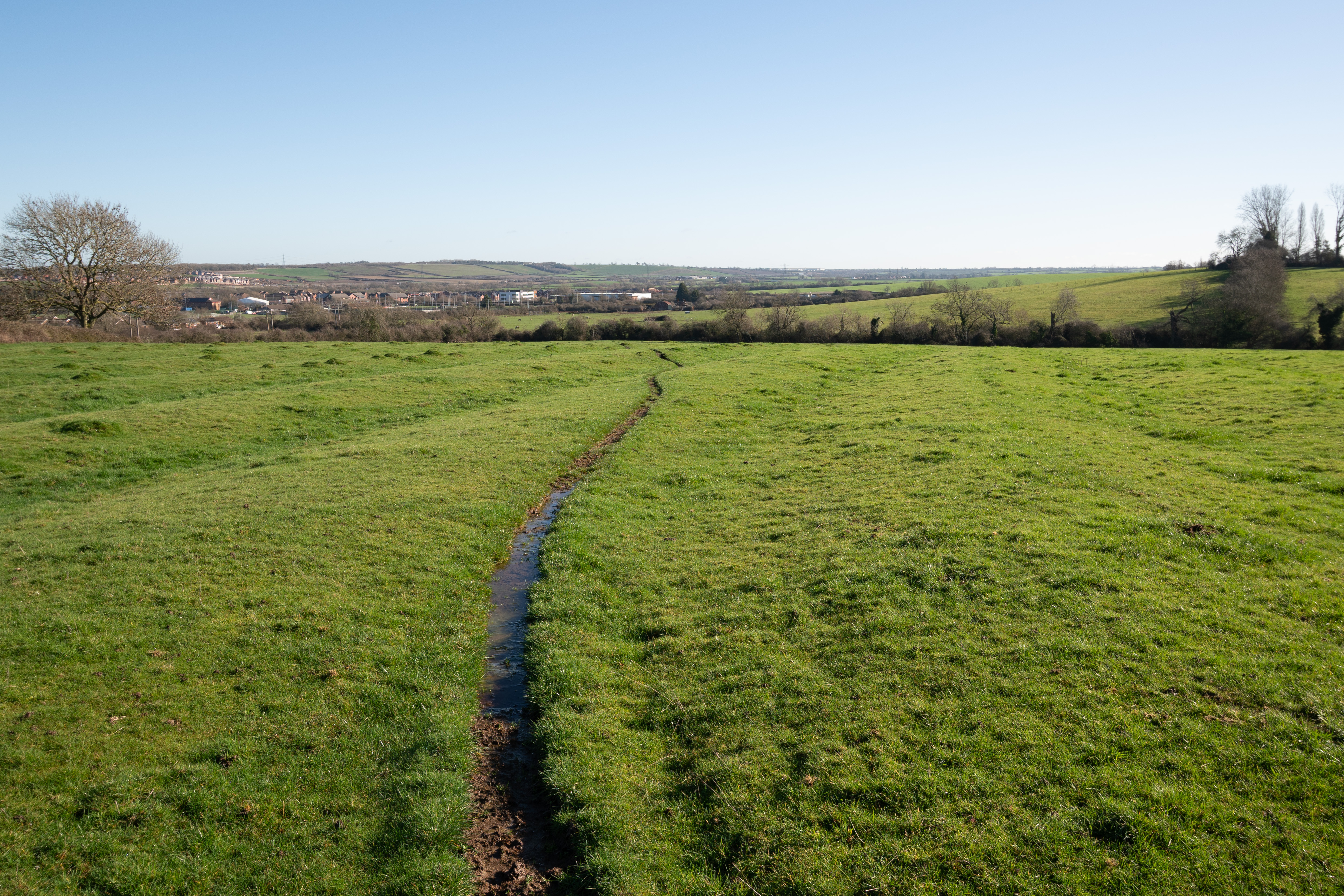
18mm FF cropped to APS-C in post (no lens corrections applied)
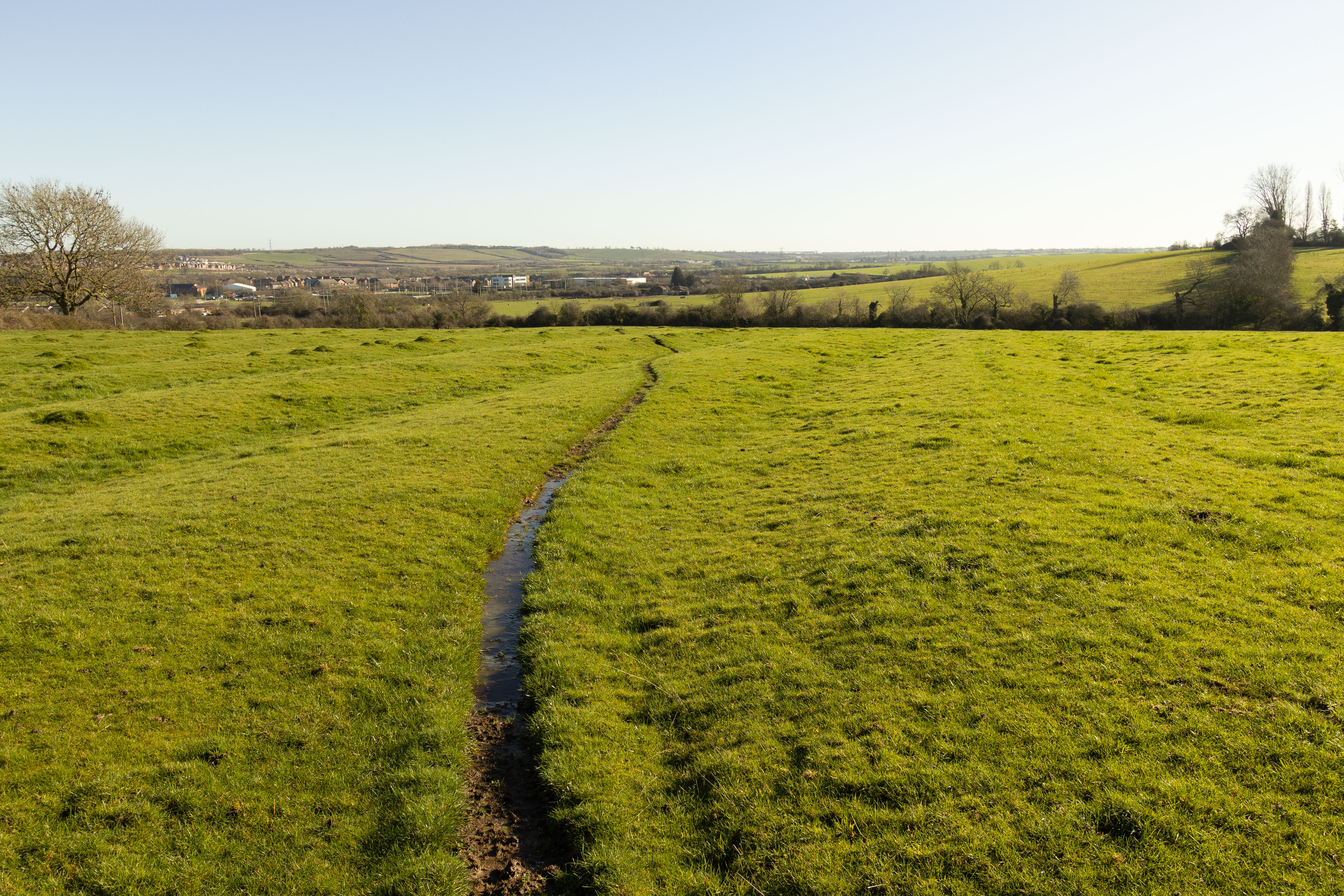
18mm shot in-camera in APS-C mode (lens corrections applied)
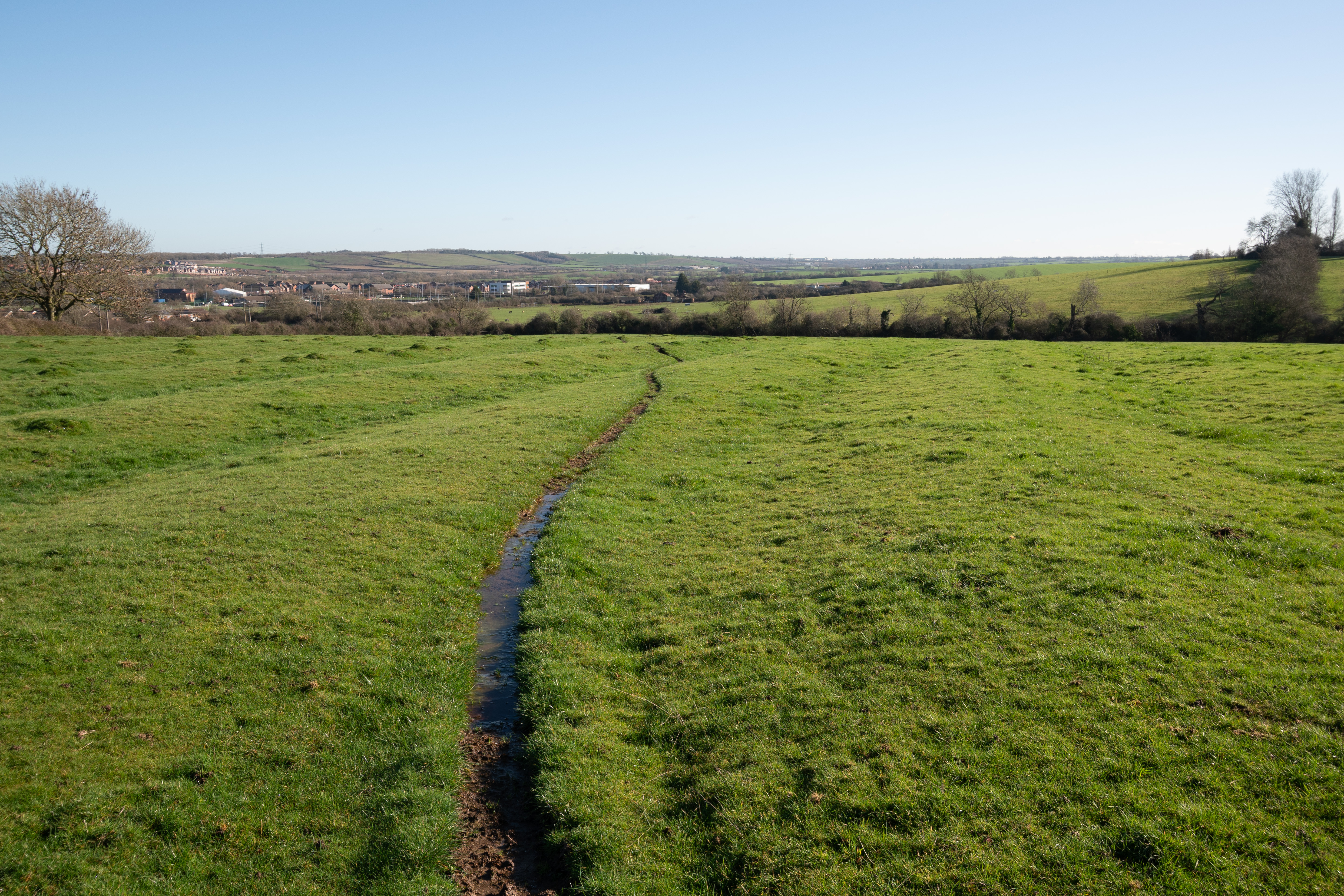
19mm FF cropped to APS-C in post (no lens corrections applied)
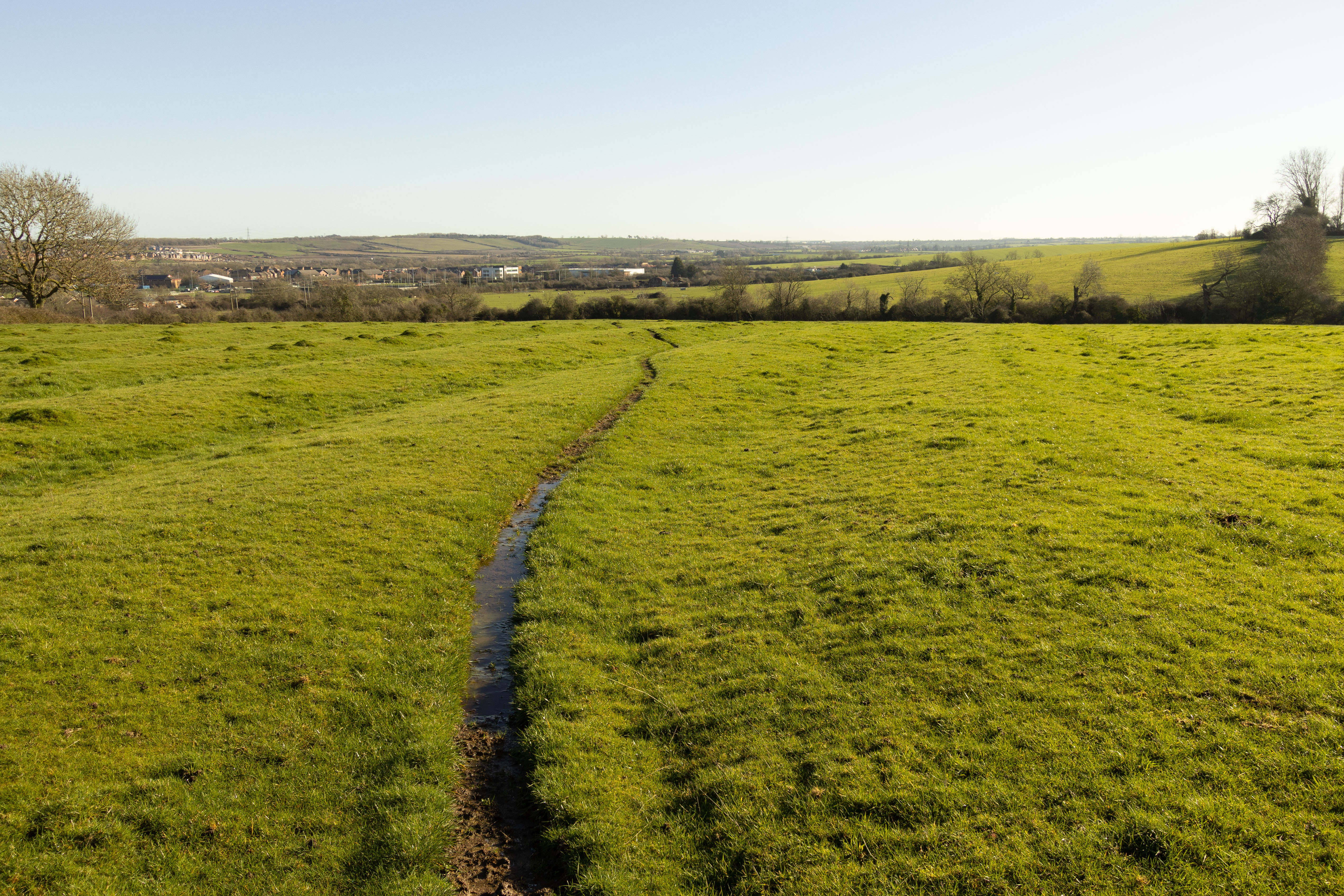
19mm shot in-camera in APS-C mode (lens corrections applied)
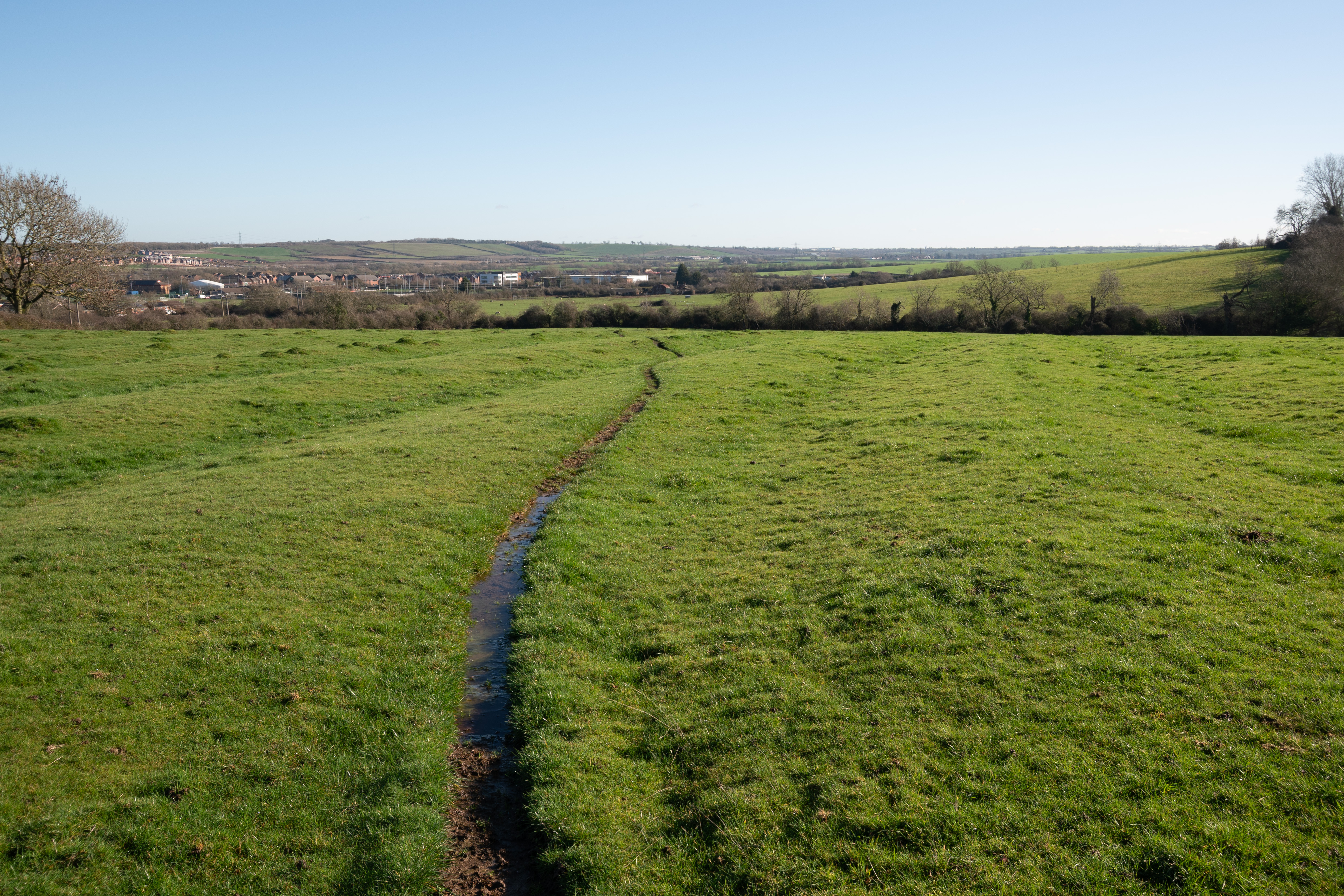
20mm FF cropped to APS-C in post (no lens corrections applied)
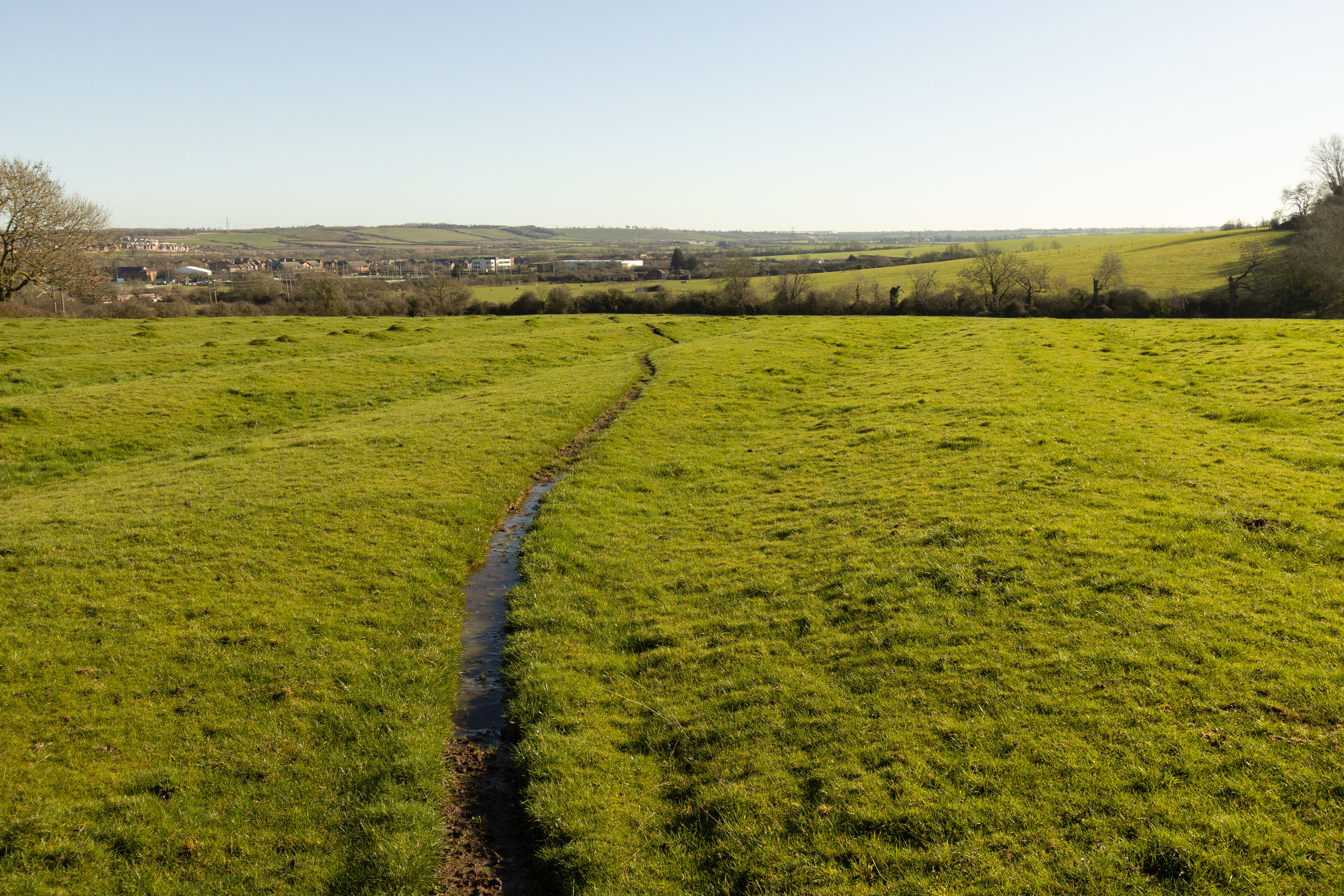
20mm shot in-camera in APS-C mode (lens corrections applied)
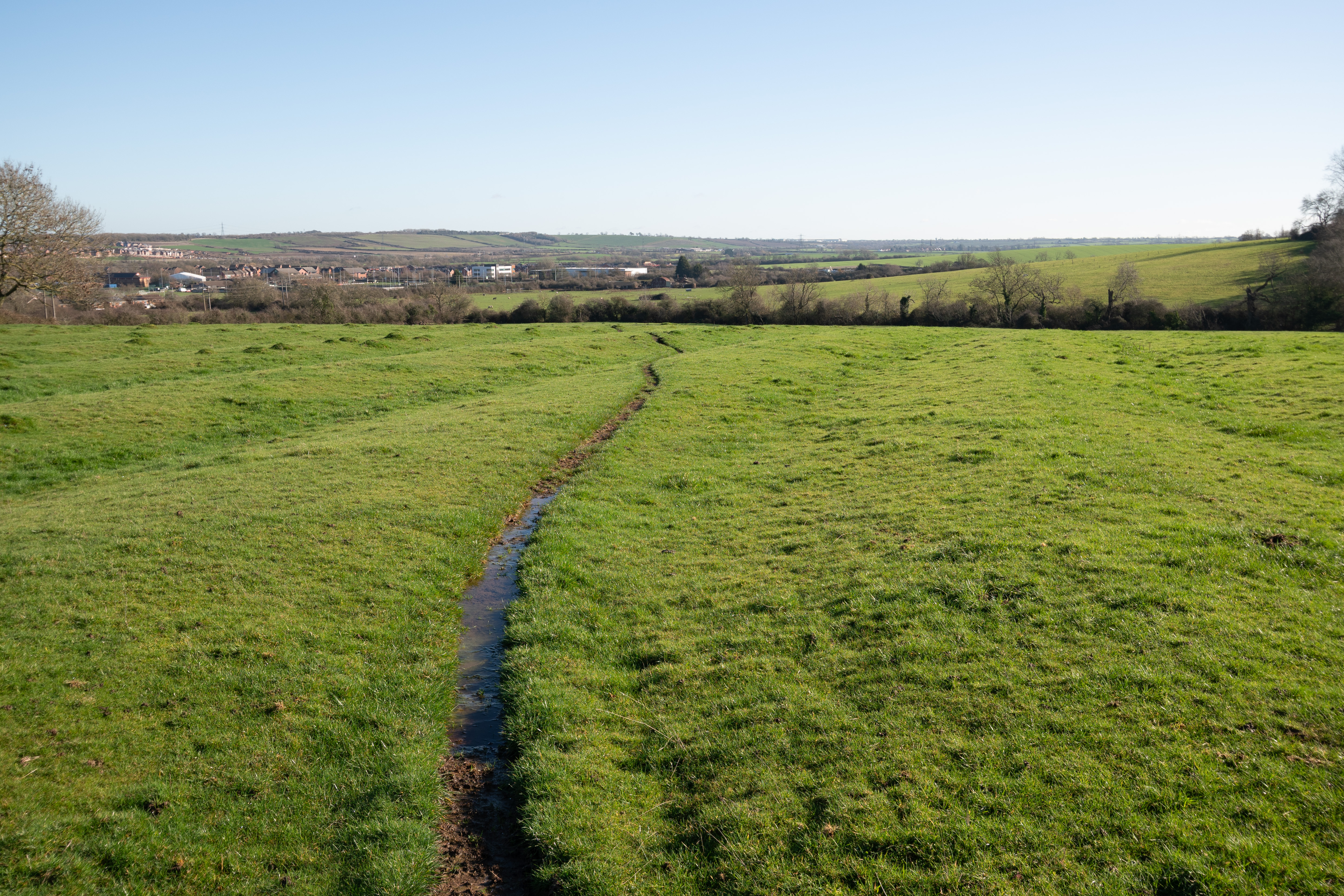
21mm FF cropped to APS-C in post (no lens corrections applied)
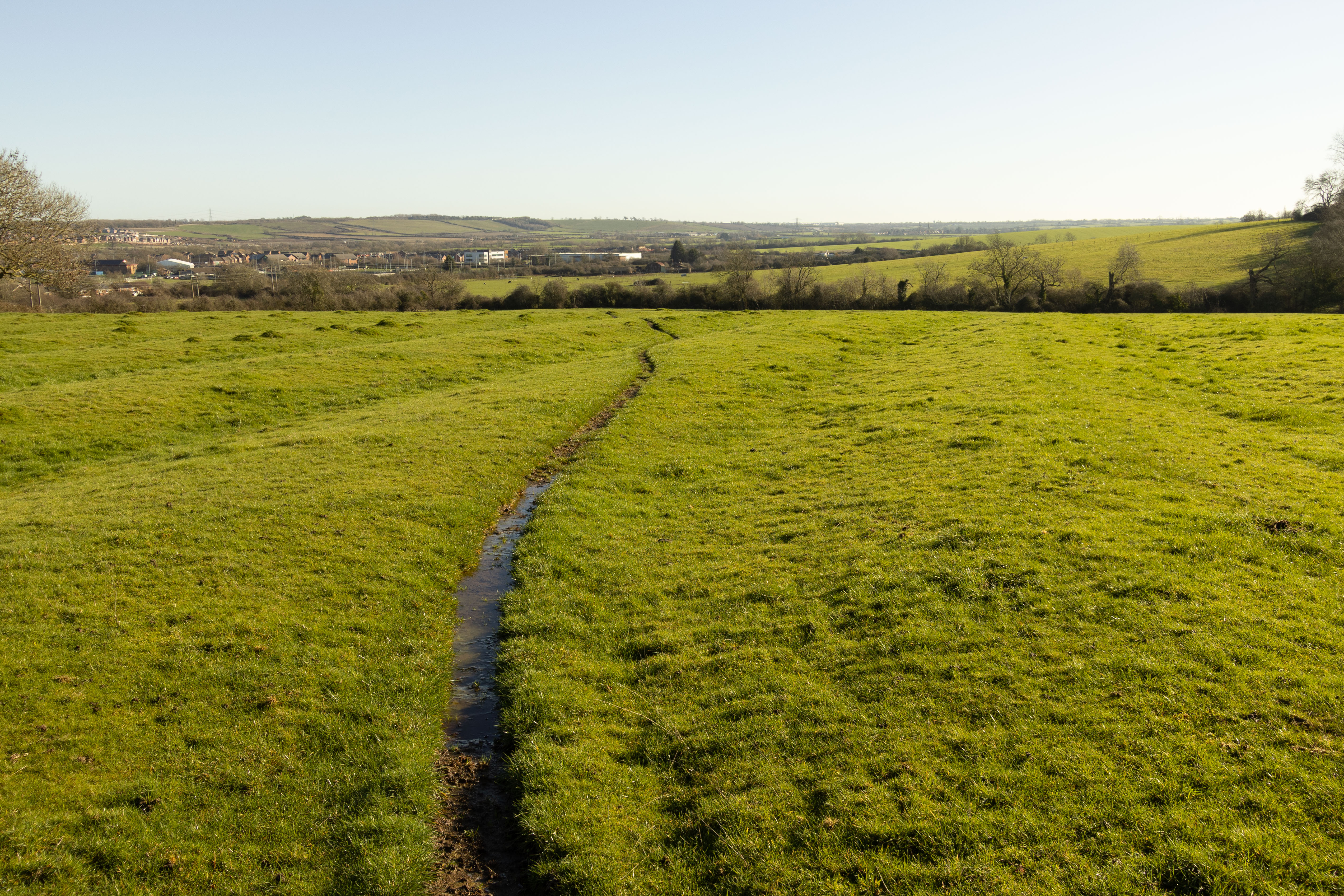
21mm shot in-camera in APS-C mode (lens corrections applied)
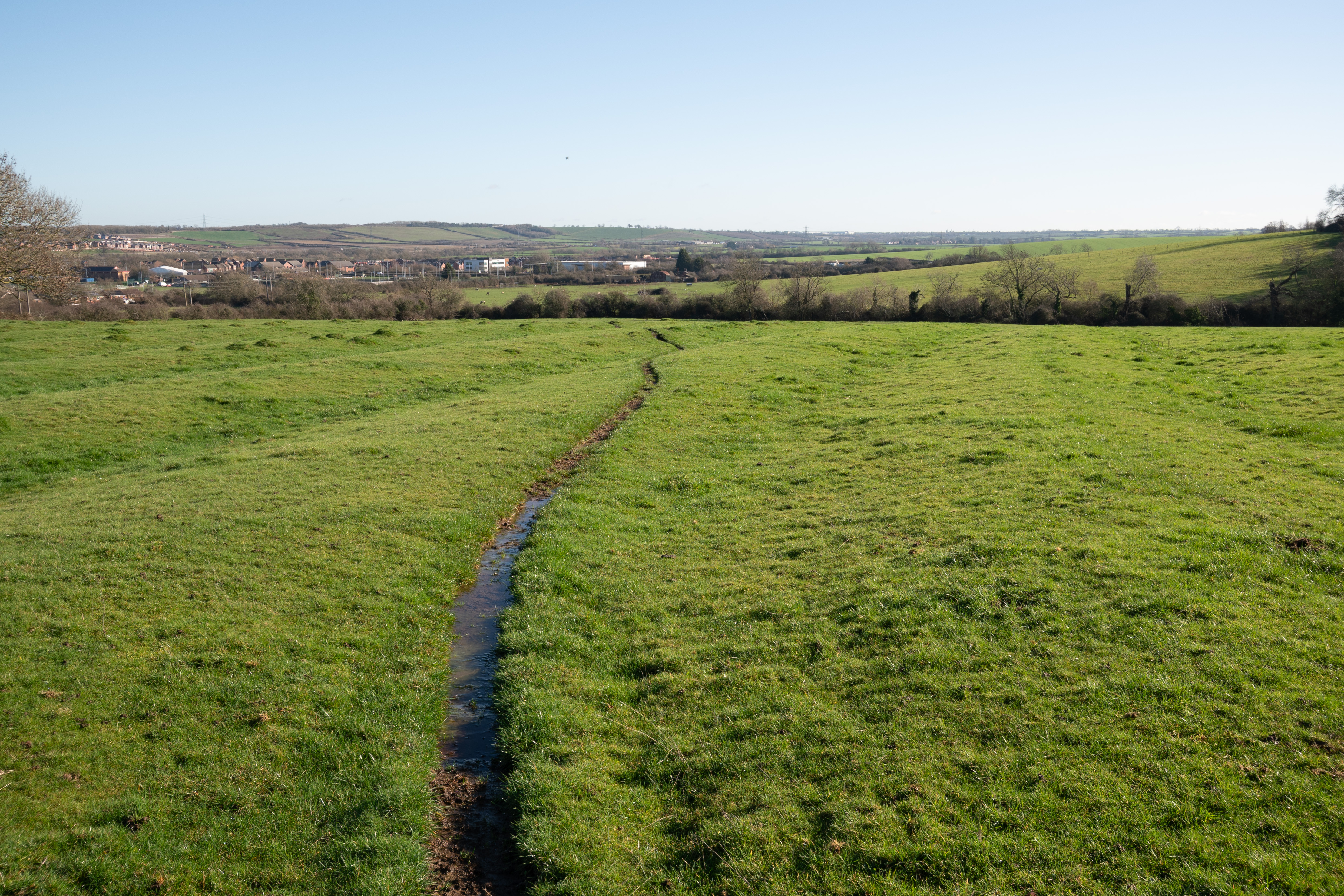
22mm FF cropped to APS-C in post (no lens corrections applied)
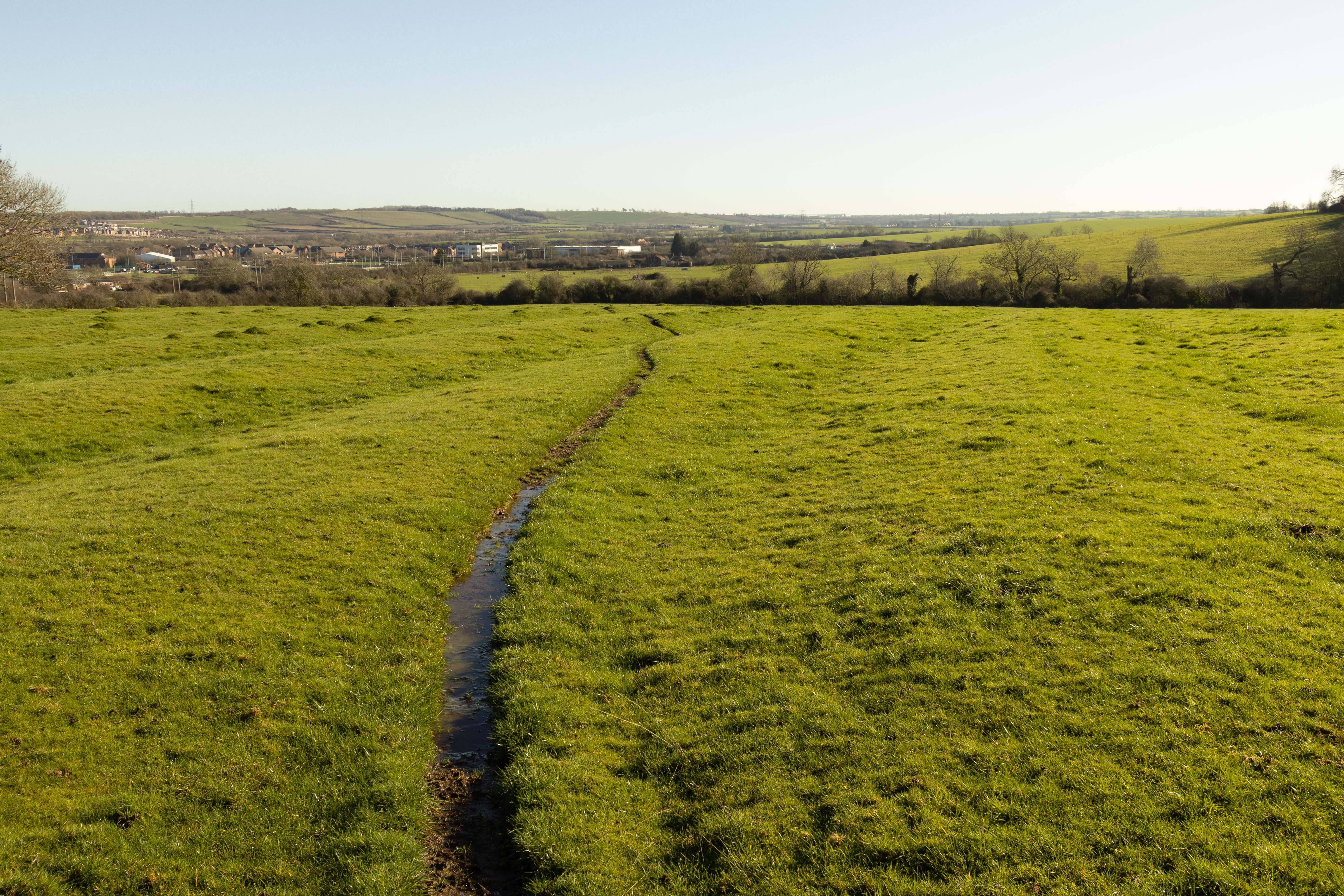
22mm shot in-camera in APS-C mode (lens corrections applied)
When comparing native APS-C shots from the lenses versus full frame shots cropped to APS-C in post I don't see much of a difference.
I assume that applying one of the lens profiles to a FF image taken with the lens applies an APS-C lens profile. And so distortion and vignetting corrections would not be correct. However, unlike some modern lenses designed for mirrorless, these lenses do not appear to rely heavily on software corrections. I can't detect things getting overly warped or stretched wrongly when looking at these test images and adding a lens profile.
10-18mm @ 14mm FF no lens profile
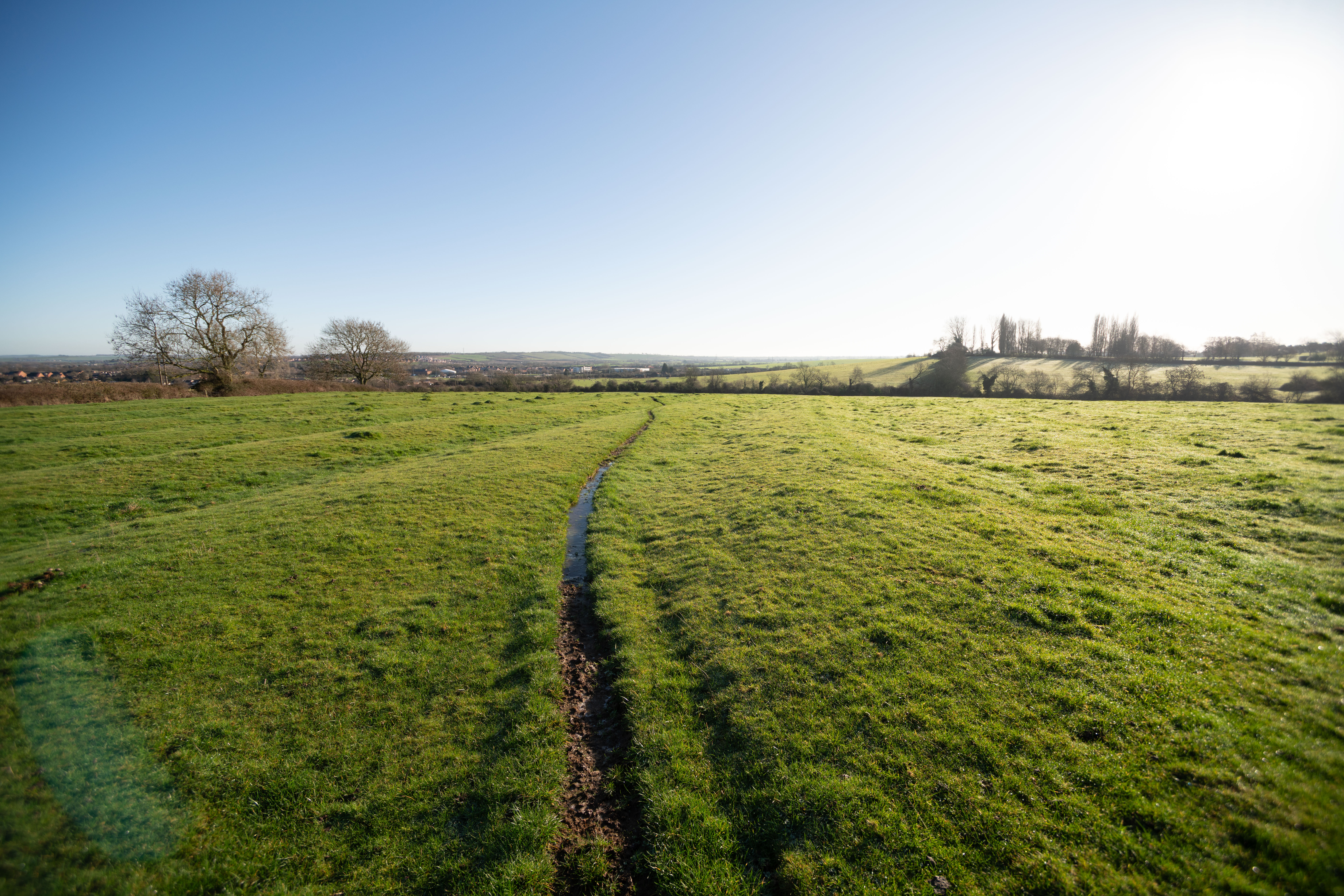
10-18mm @ 14mm FF with lens profile (presumably meant for APS-C crop)
10-18mm @ 14mm shot in-camera in APS-C mode (lens corrections applied)
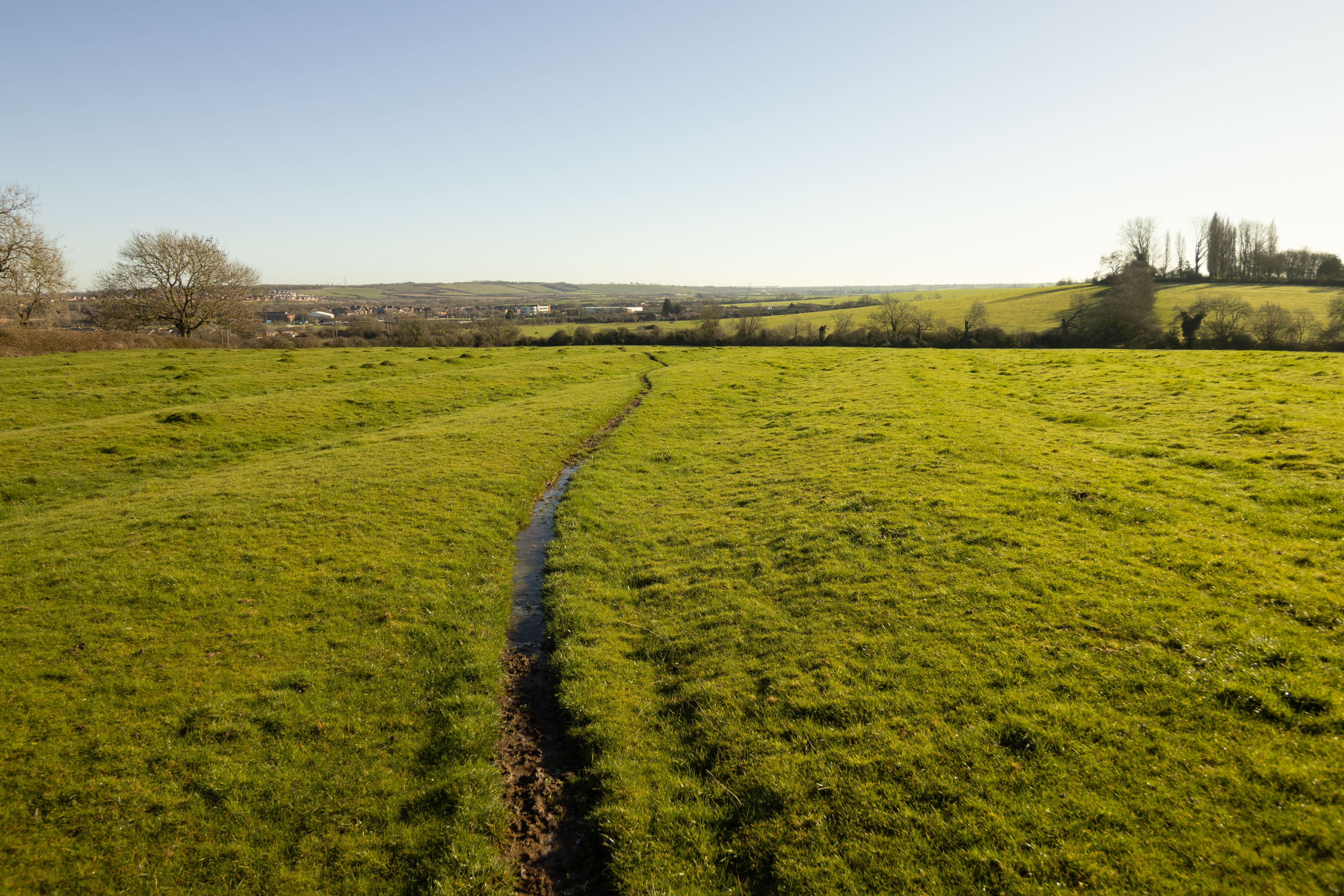
10-18mm @ 14mm shot in-camera in APS-C mode, lens profile turned off
10-22mm @ 14mm FF no lens profile
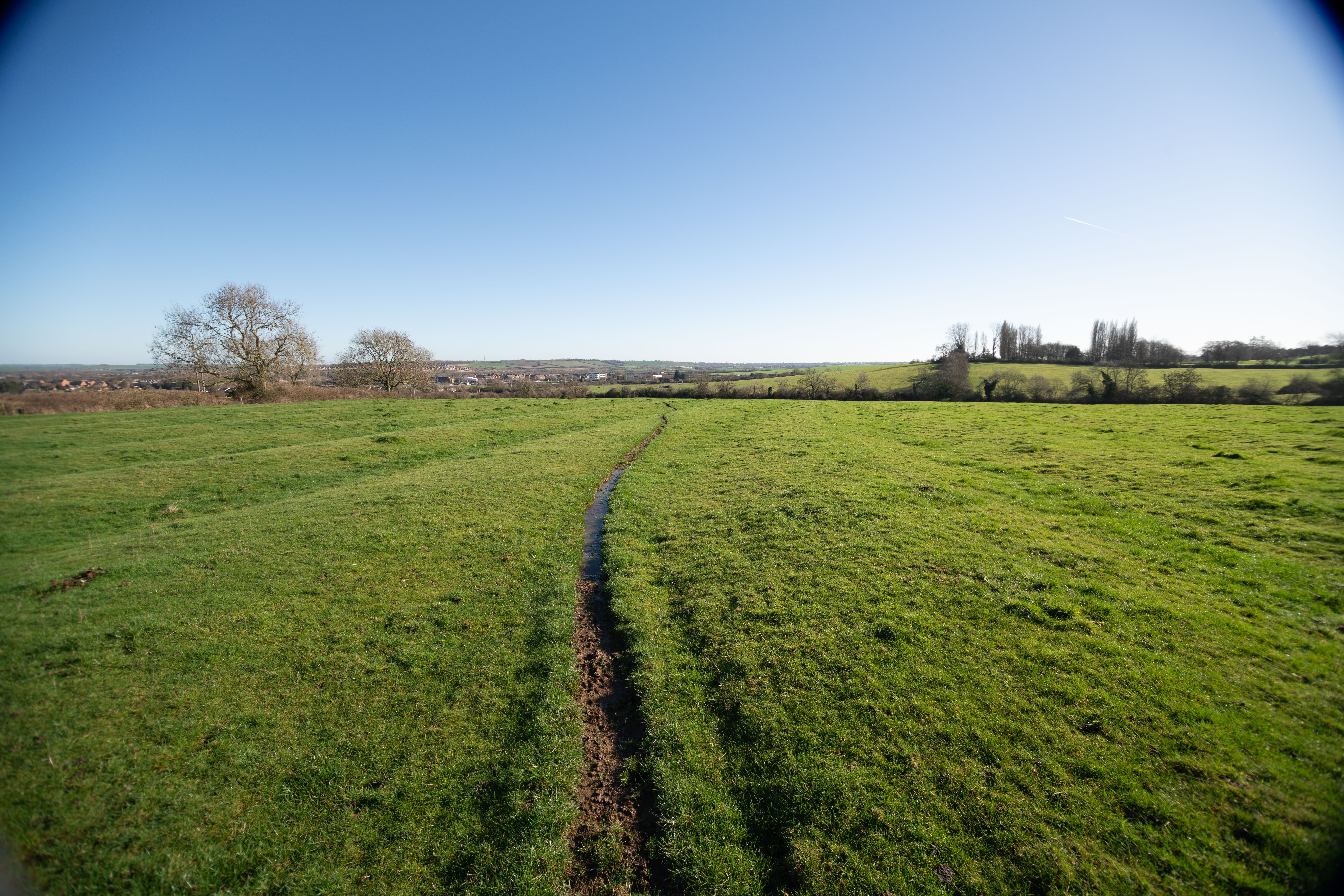
10-22mm @ 14mm FF with lens profile (presumably meant for APS-C crop)
10-22mm @ 14mm shot in-camera in APS-C mode (lens corrections applied)
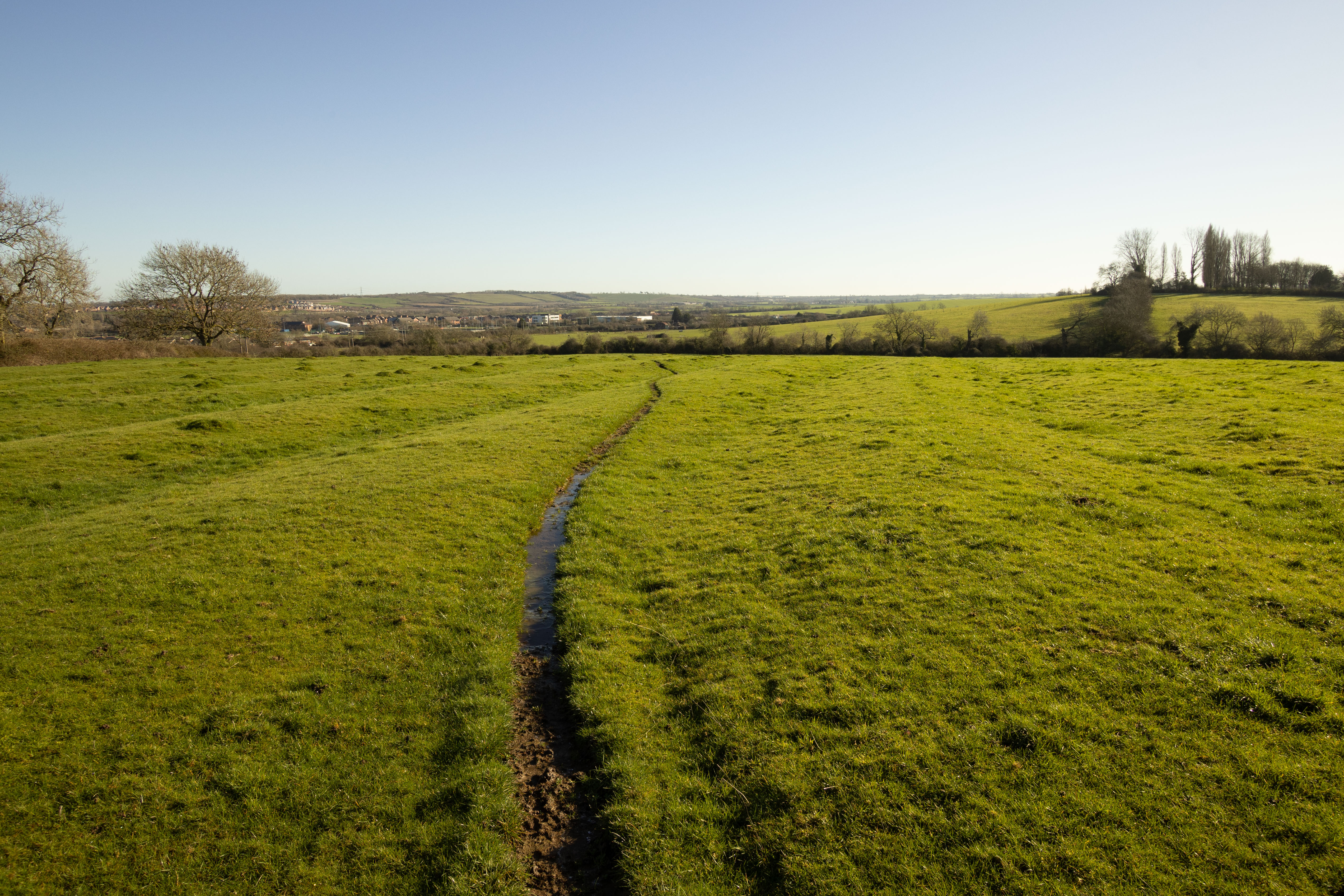
10-22mm @ 14mm shot in-camera in APS-C mode, lens profile turned off
Laowa Magic Shift converter
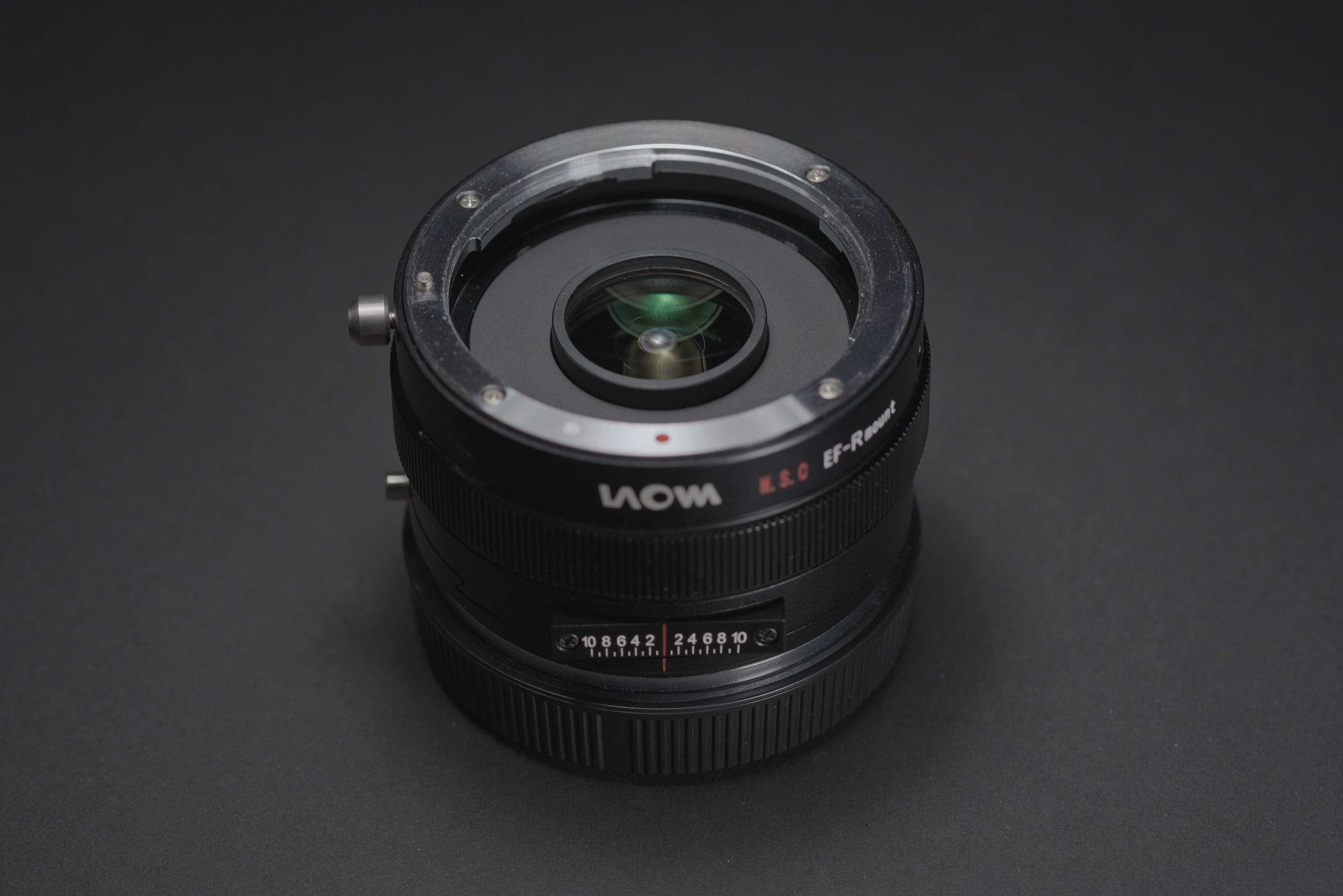
This adapter allows mounting an EF lens on on a Canon RF mount camera. They also offer the same adapter with a Nikon F lens mount, and on the camera mount side it is also available for Sony E and Nikon Z mounts. What is special about this adapter is that it includes a 1.4x teleconverter and allows shifting the lens.
The idea is that you use a full frame lens with it, and the 1.4x magnification enlarges the image circle of the lens enough to allow you to shift the lens without really bad vignetting.
When using it with a lens designed for APS-C instead, what happens is that it enlarges the image circle so that it just about covers full frame. (Canon APS-C is a 1.6x crop compared to the 1.4x magnification of the MSC). While I did also take test shots with shift on the MSC, I am not including these below for each focal length as the image quality when shifted is so bad you would not want to use these lenses like that.
The MSC has no electrical contacts. Using the 10-18mm lens on it was a nightmare to try and get the focus set correctly.
Both the 10-18mm and 10-22mm cannot be used at their widest focal lengths as the rear glass of the lens physically touches the glass of the MSC. For the 10-18mm this is at 11mm, so 12mm onwards should be safe to use, and for the 10-22mm this is at 12mm, so 13mm onwards should safe to use.
The Laowa MSC has a noticeable cool colour shift compared to the same lens on a standard adapter, however we see the colour temperature warm back up when shifting the lens. This could potentially be down to the filter I was using on the lens? (My Canon R5 this test was done on is full spectrum converted and so requires a filter to get normal visible light images).
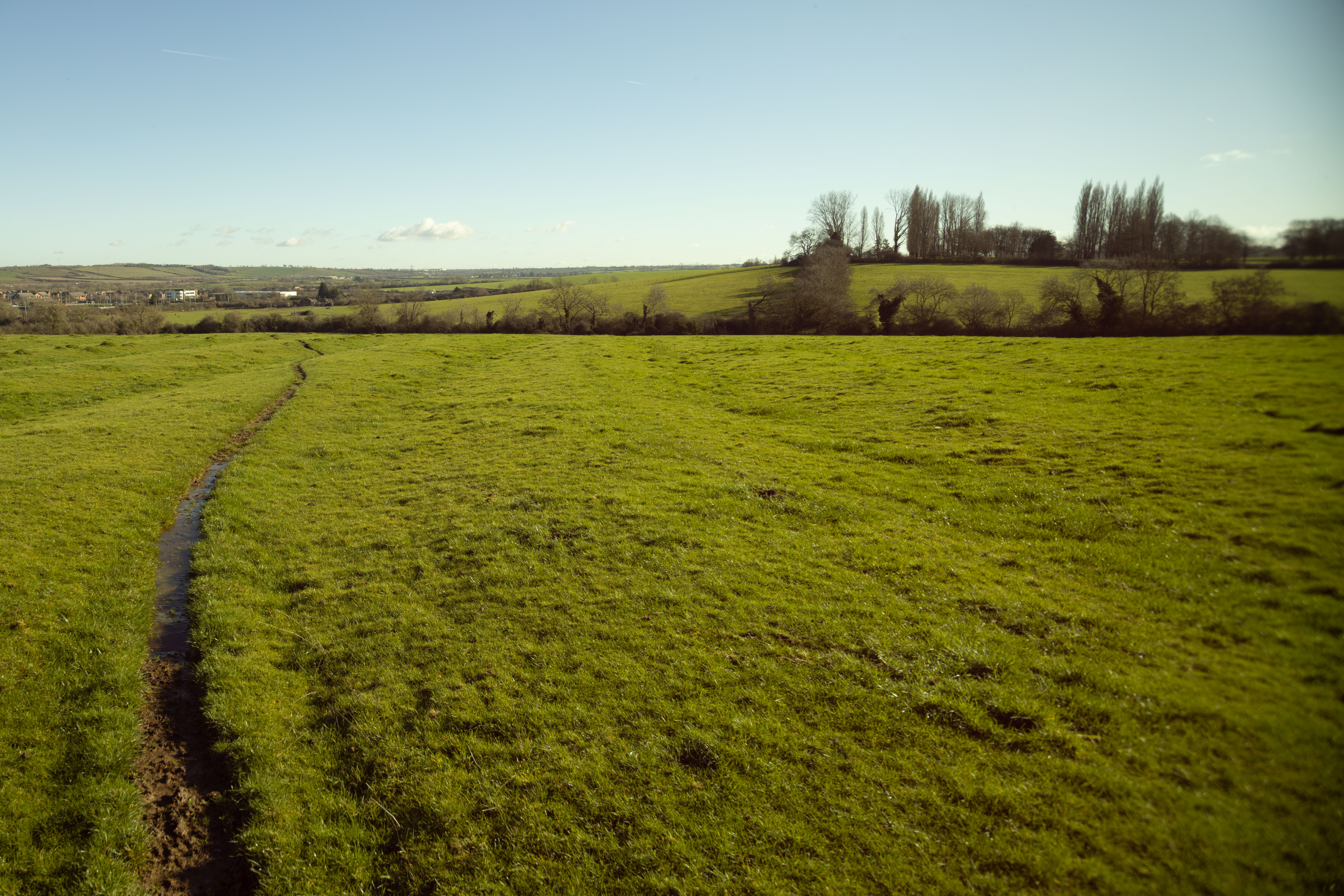
EF-S 10-18mm lens at 18mm on Laowa MSC with max shift - a much warmer colour balance than the unshifted images below.
Note with these images a step-up ring and 82mm filter was mounted on the lens, and so vignetting may be worse than you would get without a filter.
If you were to use shift, one potential problem is that lateral CA becomes more difficult to correct. Since the lens is no longer centred, the CA will be stronger on one side of the image than the other. However I don't see any bad CA with these lenses and the MSC, and as I mentioned previously, they are too soft at the edges to use with shift anyway in my opinion.
Also note that you lose a stop of light with the MSC.
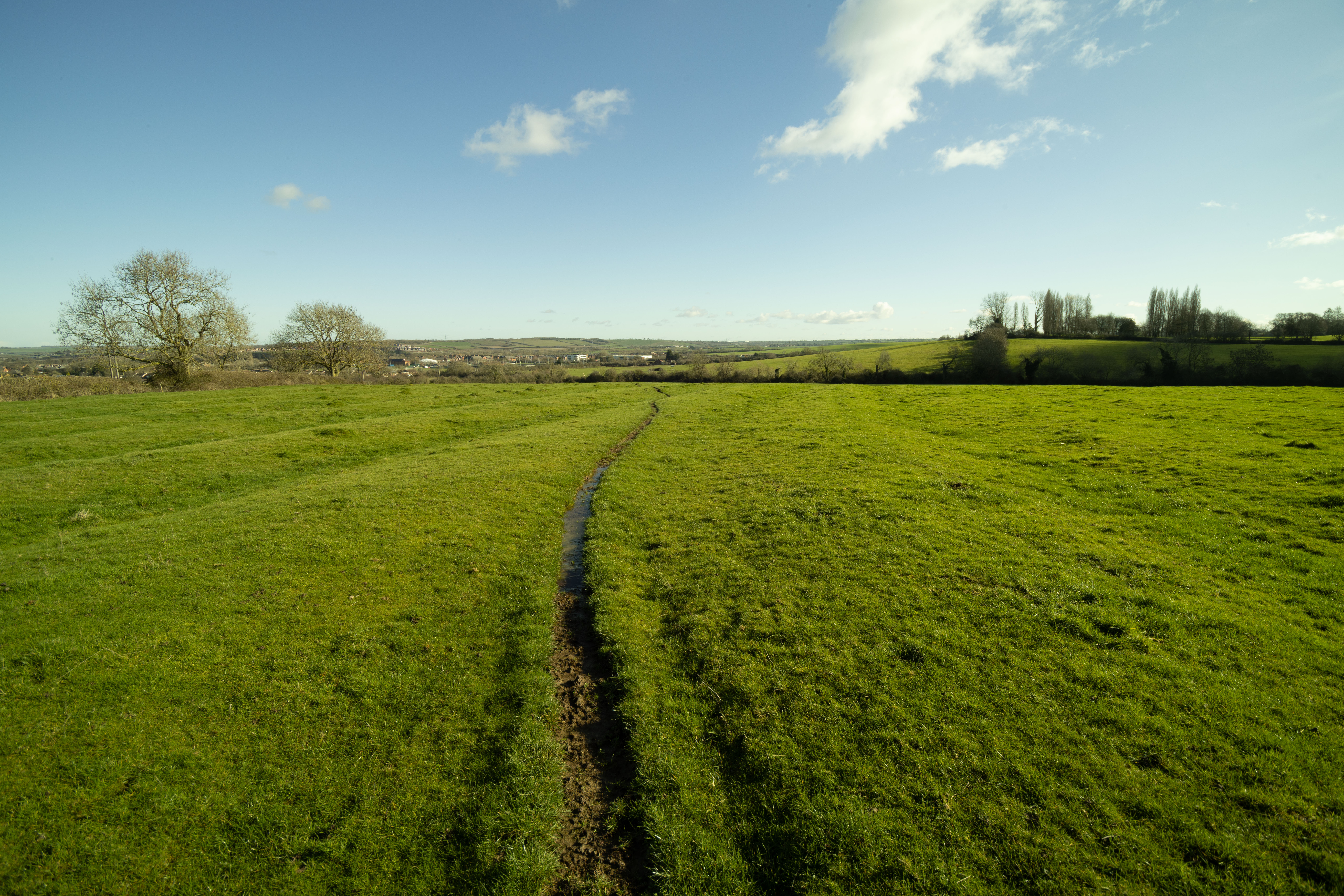
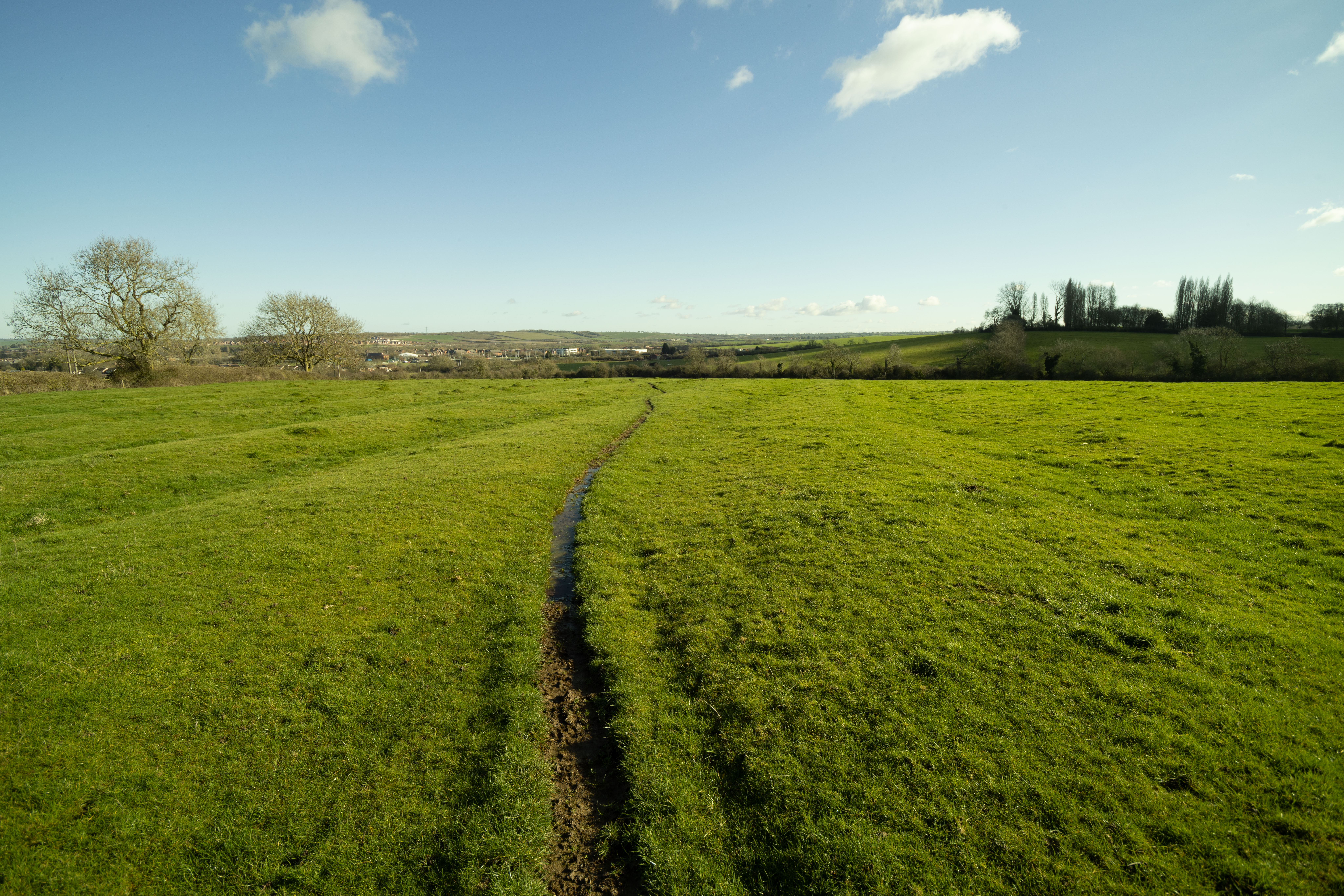

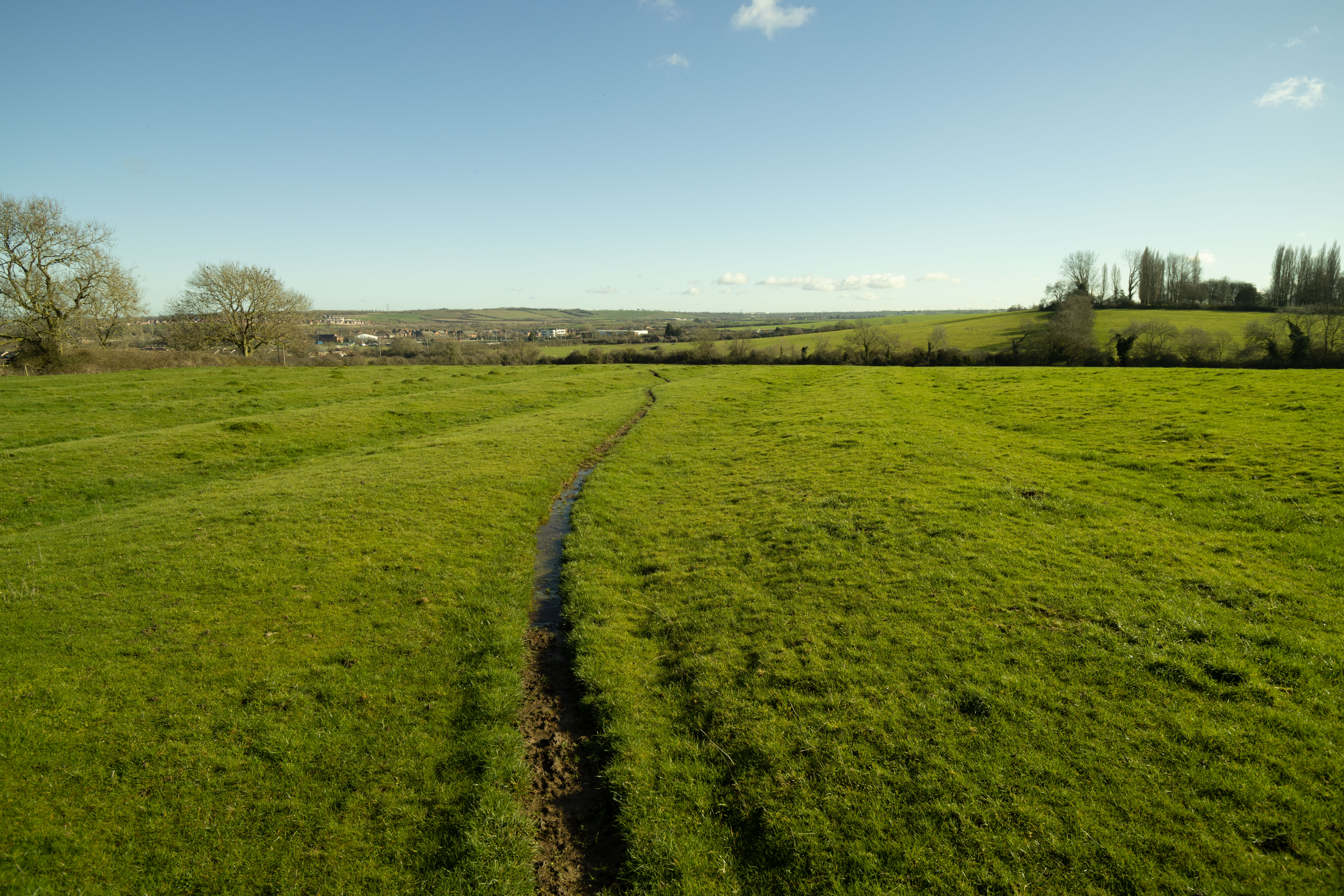
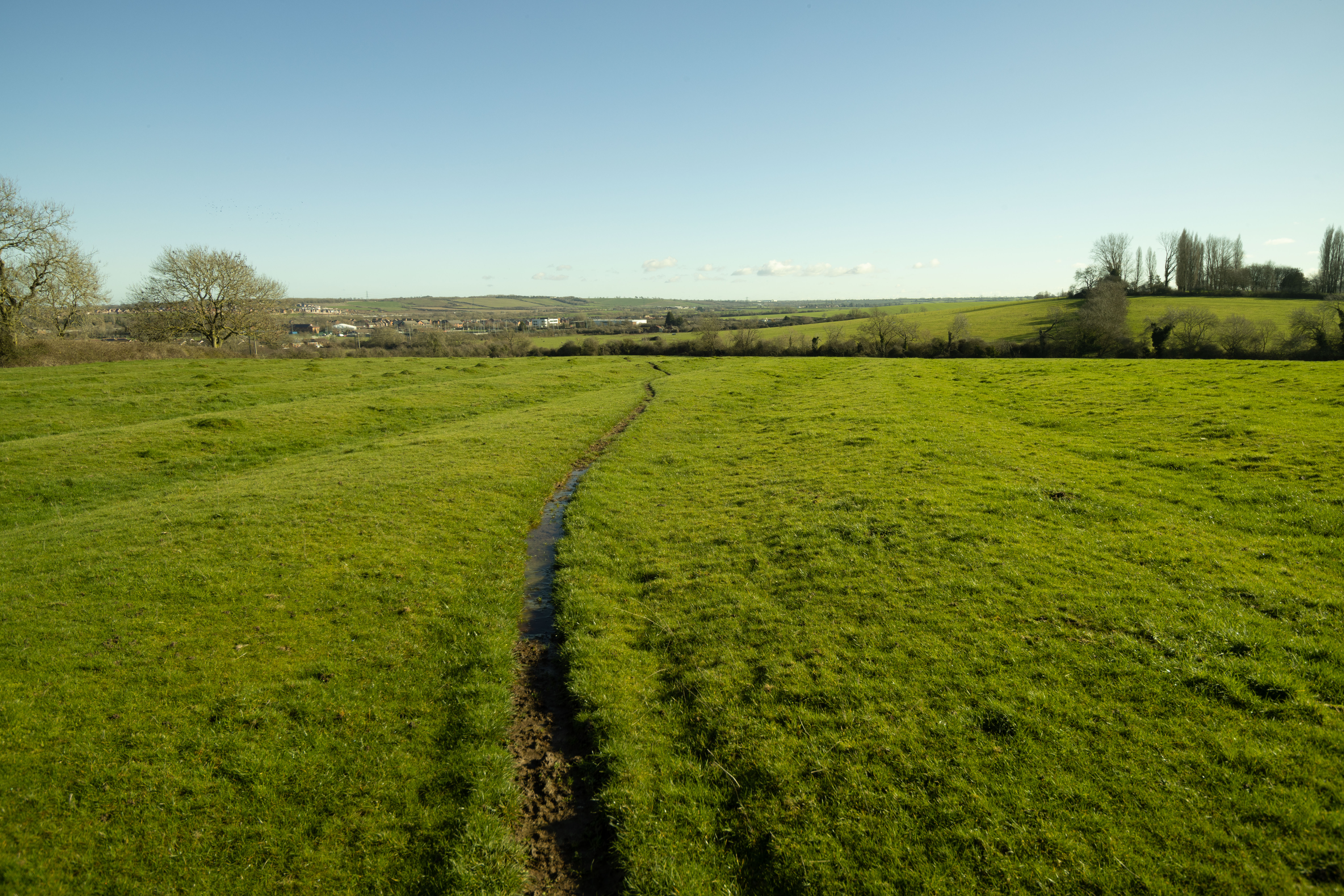
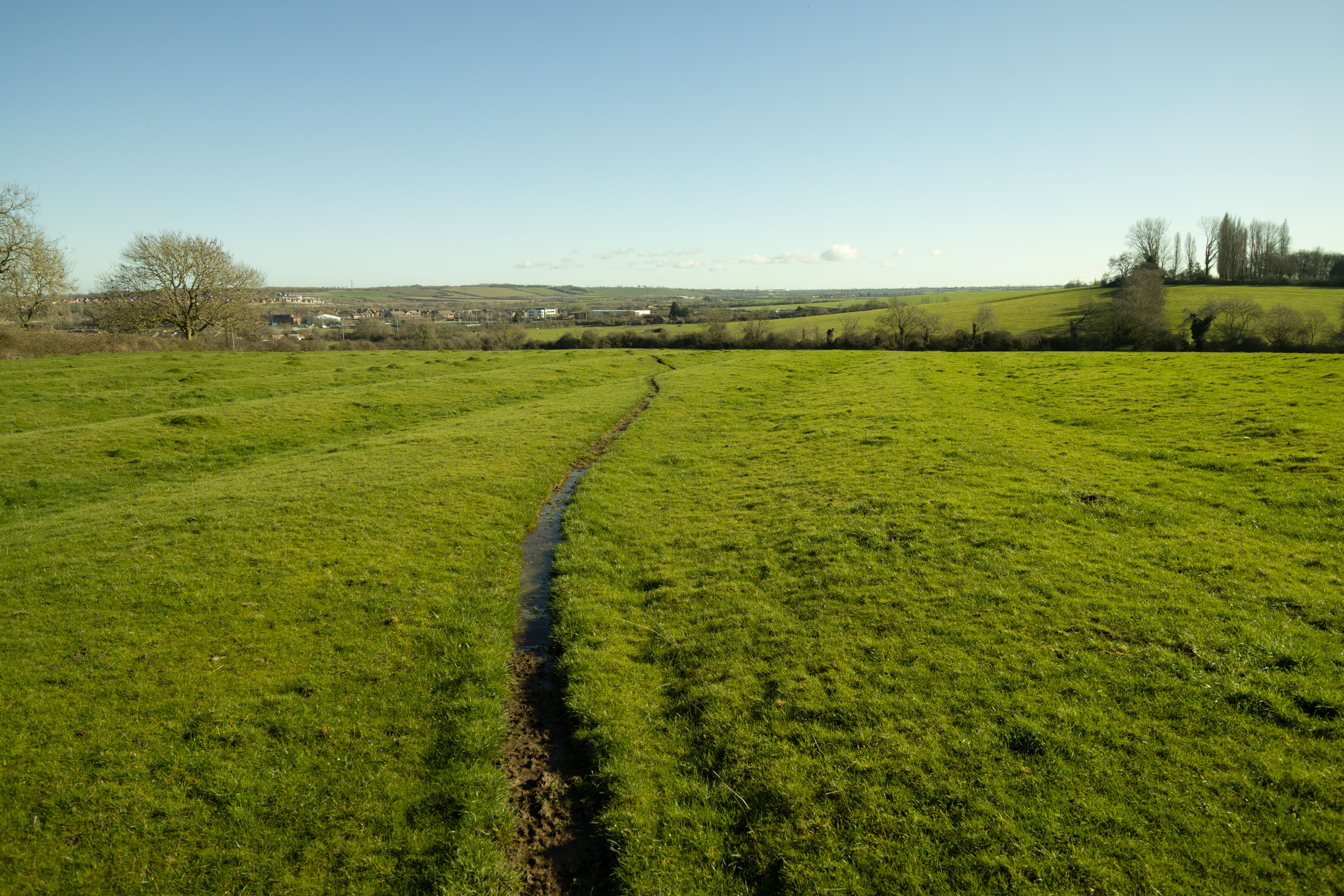
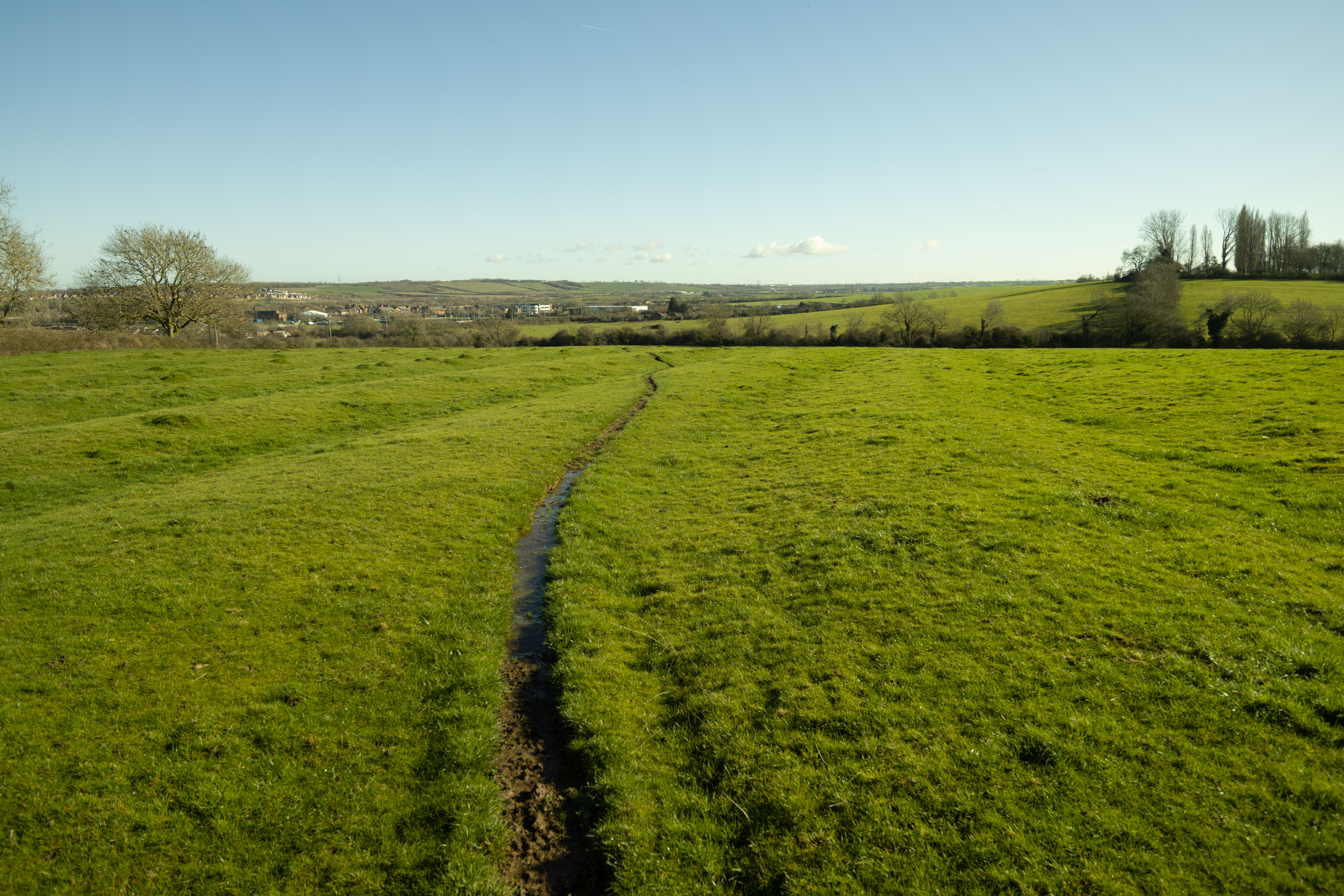
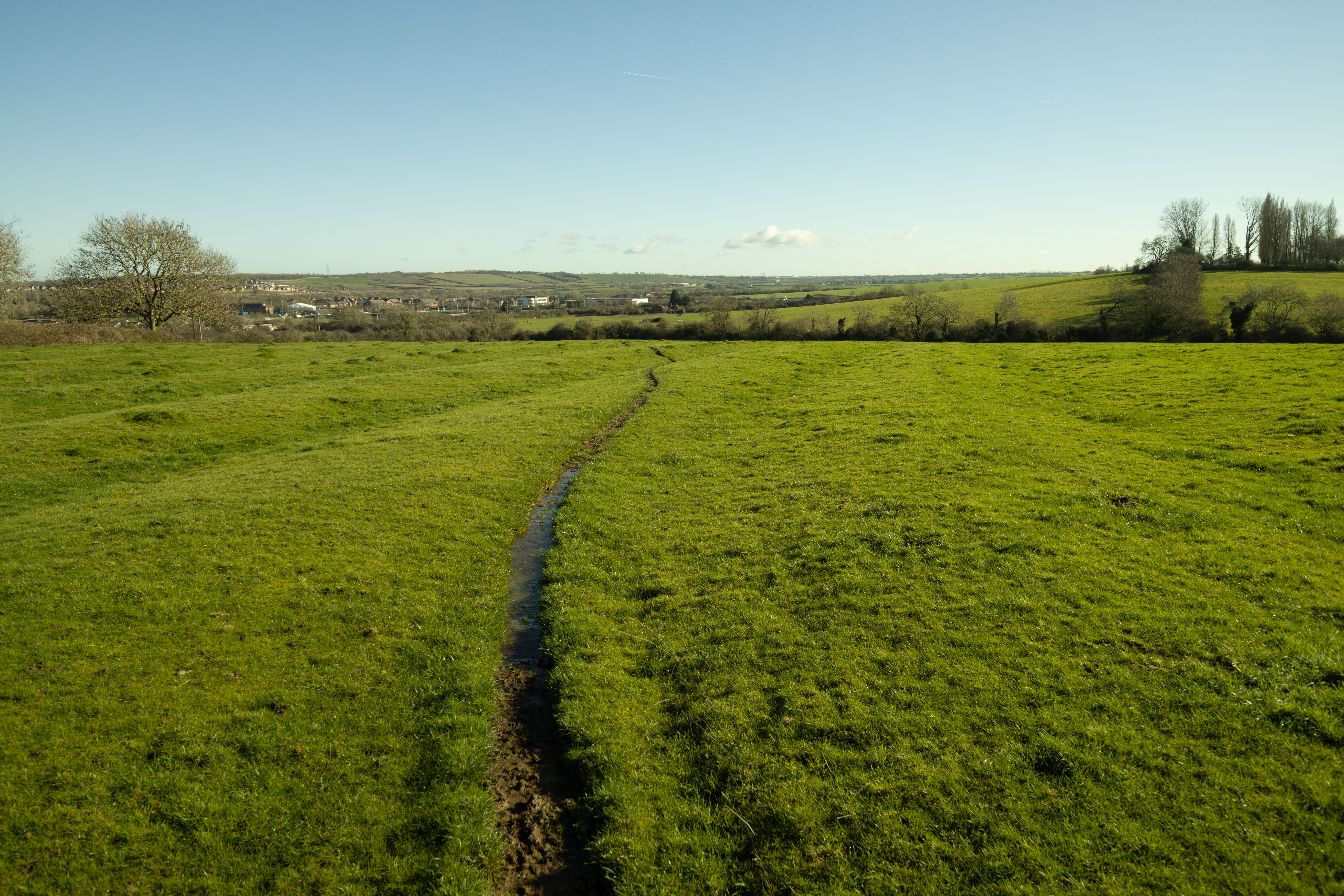
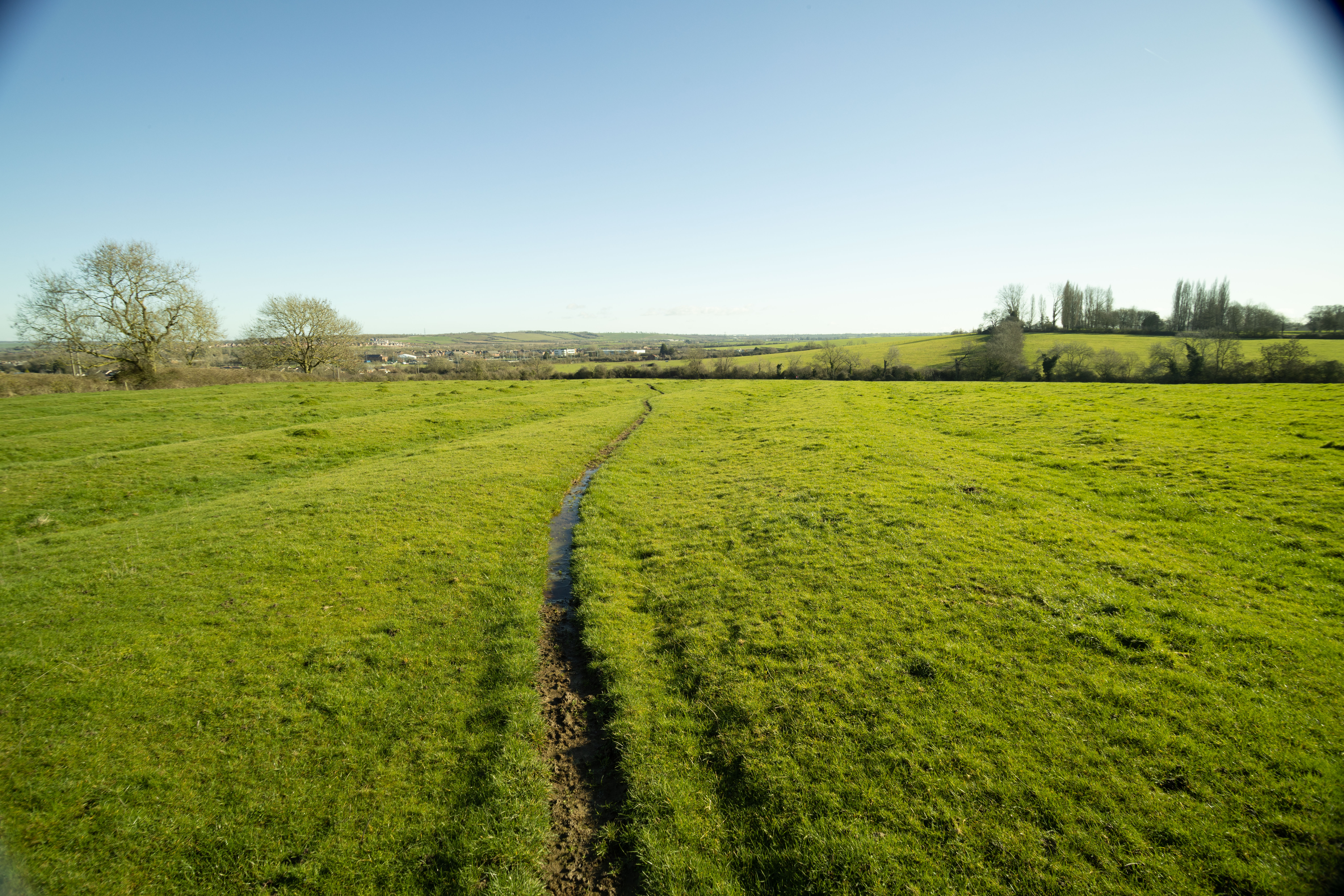

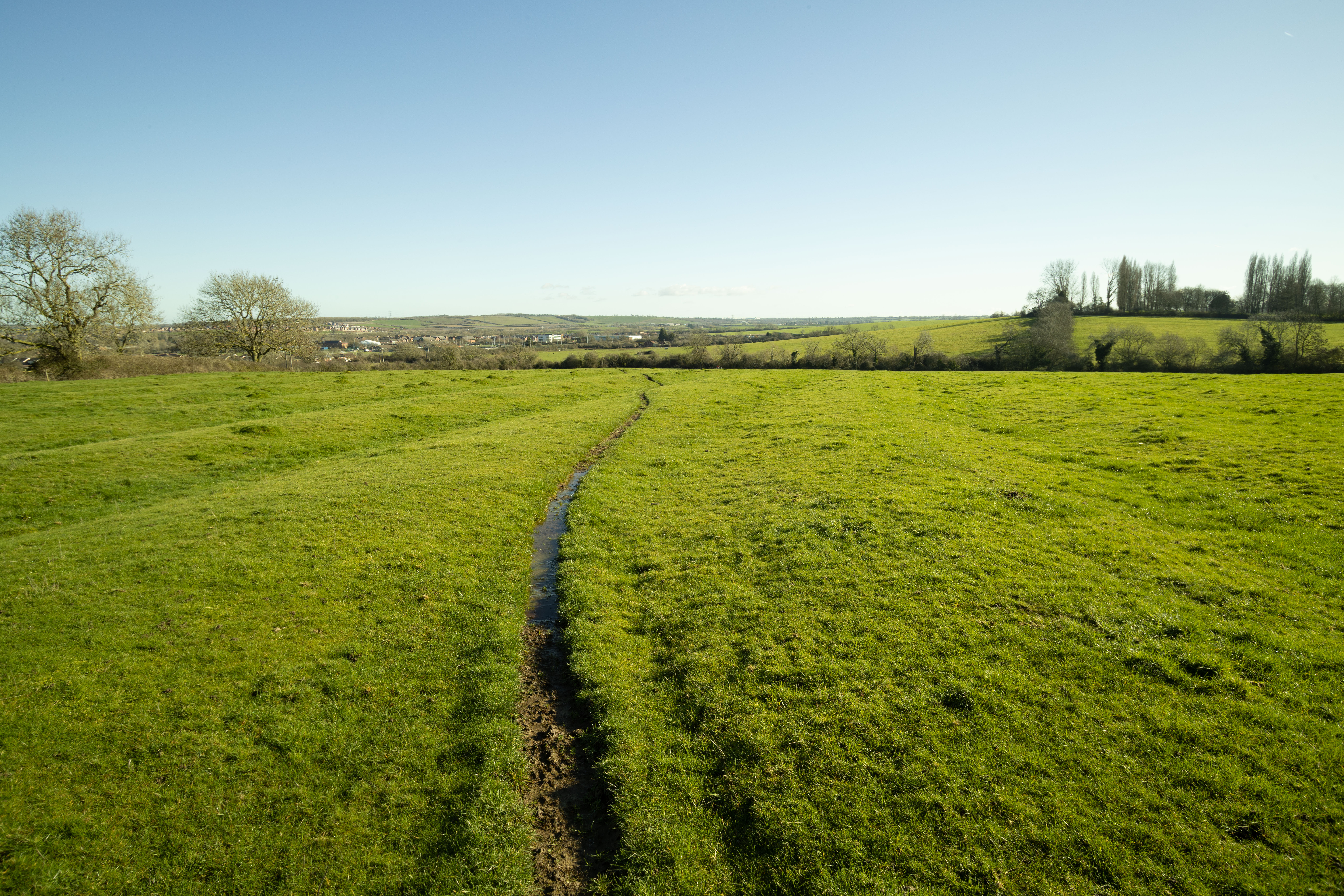
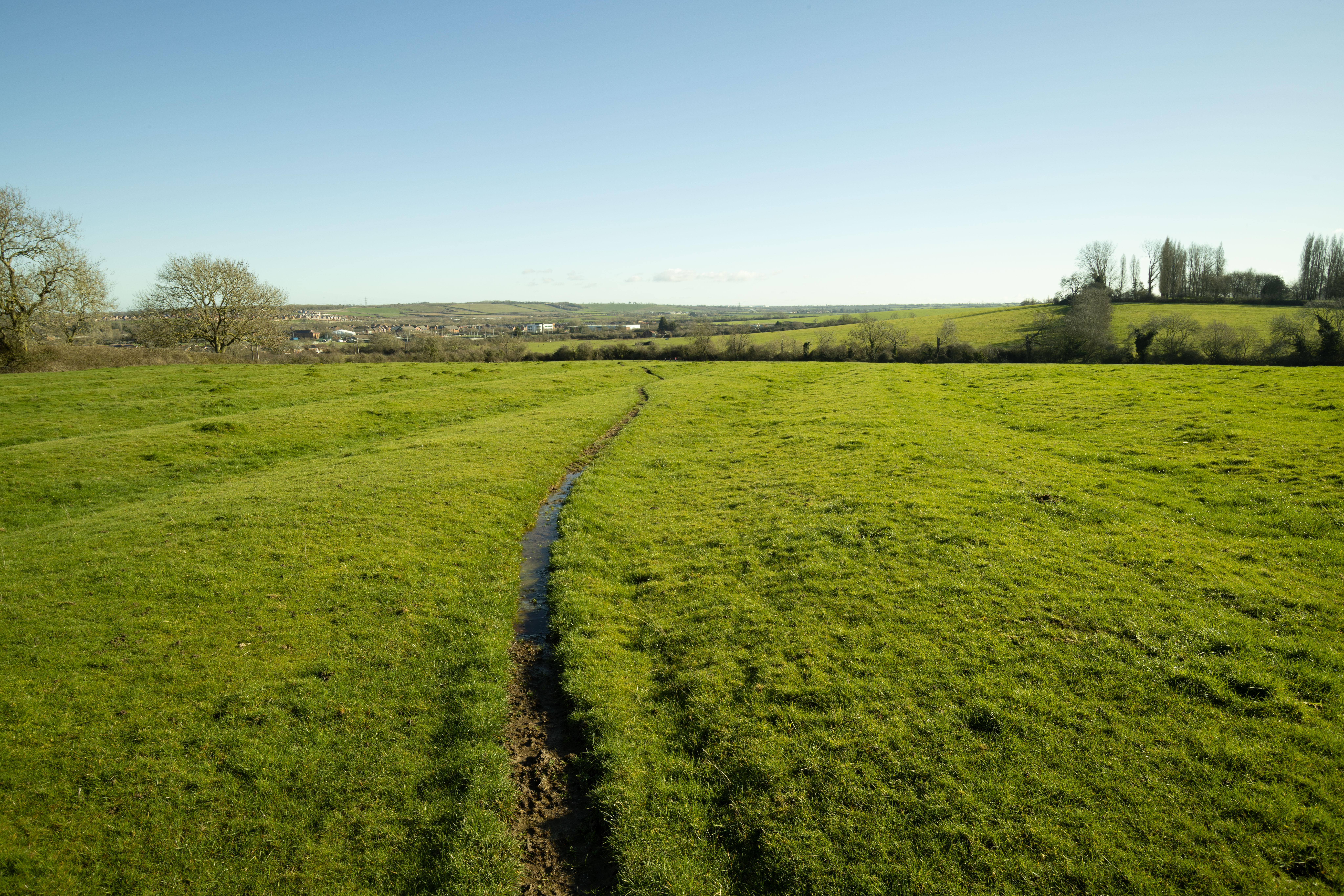
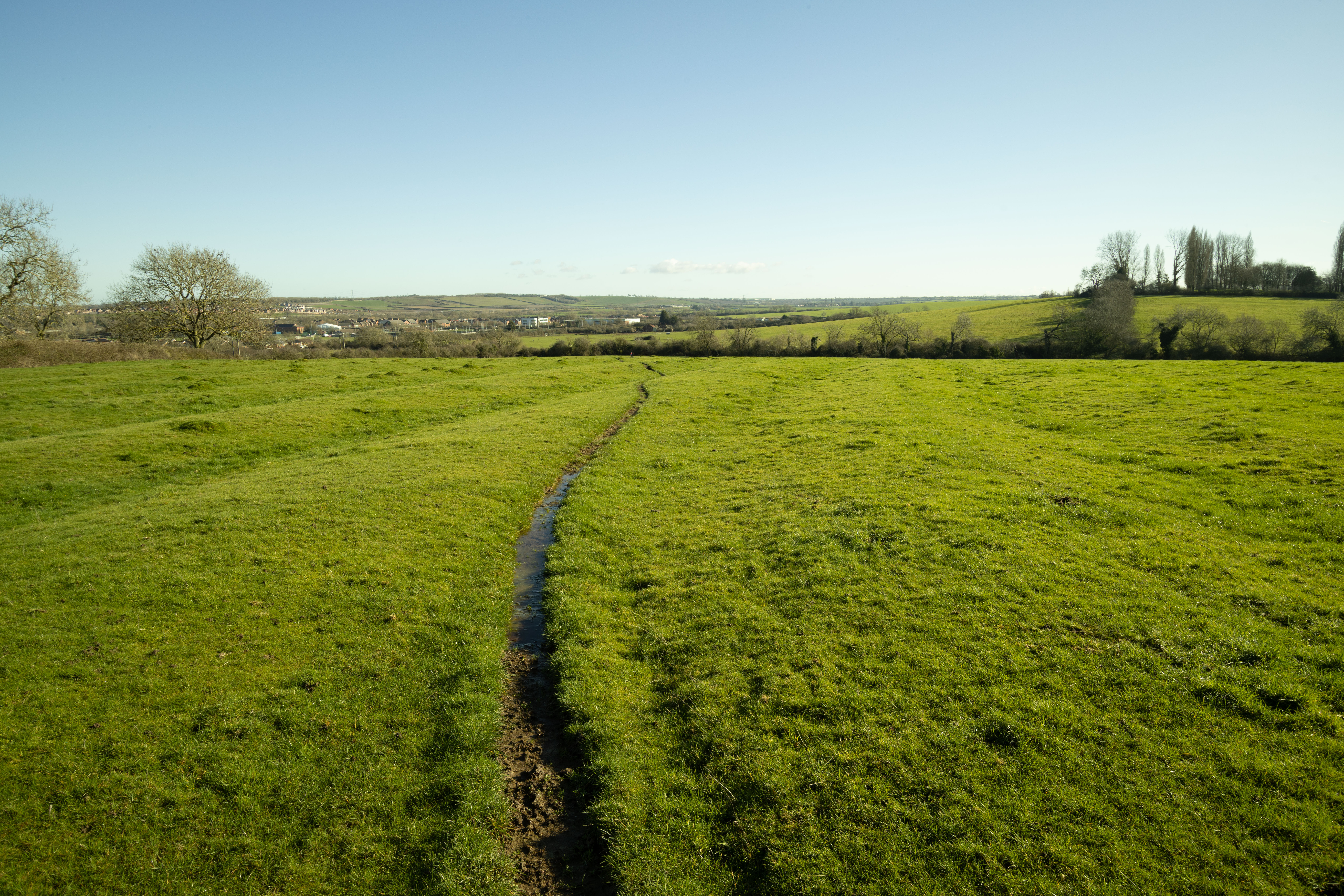
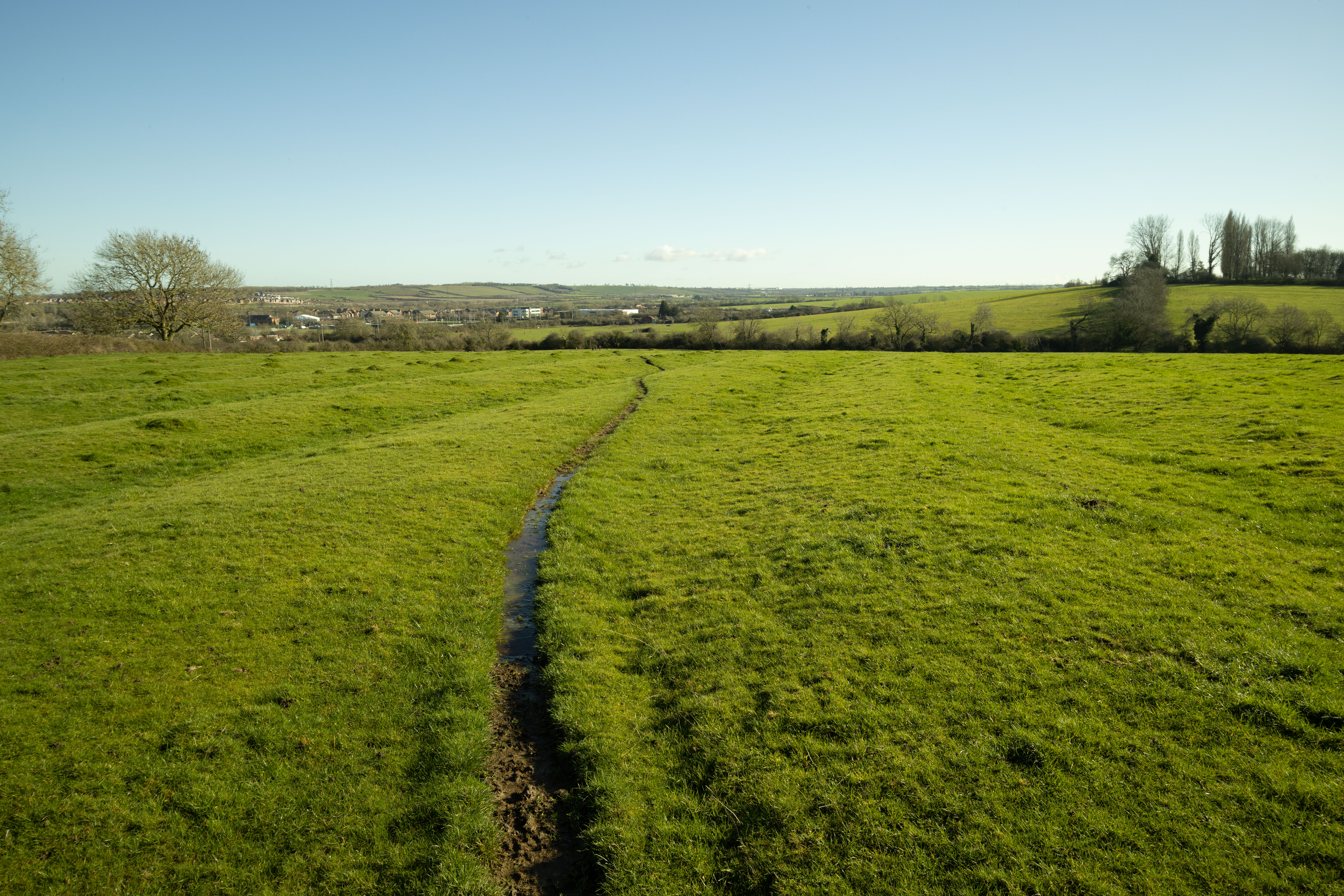
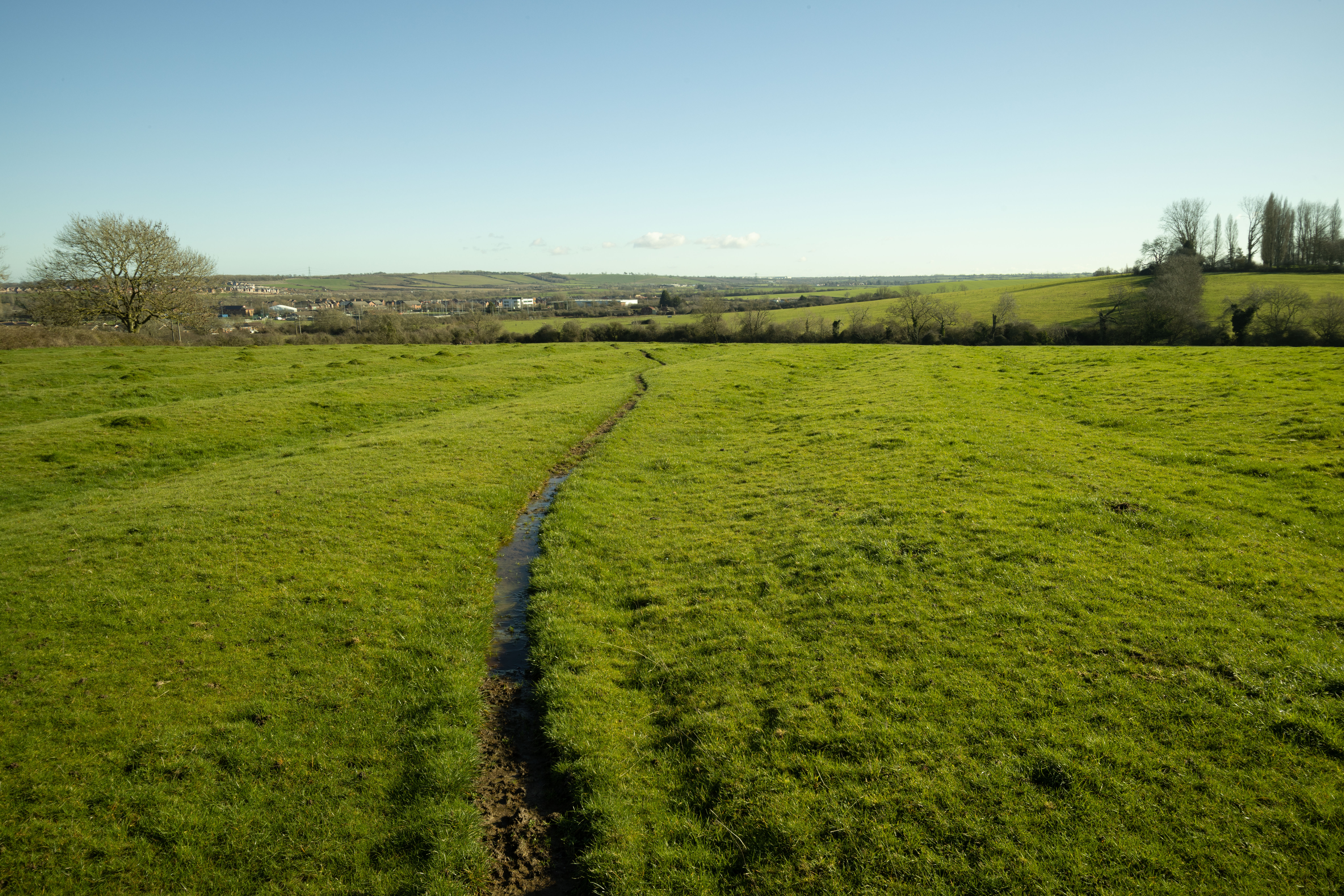
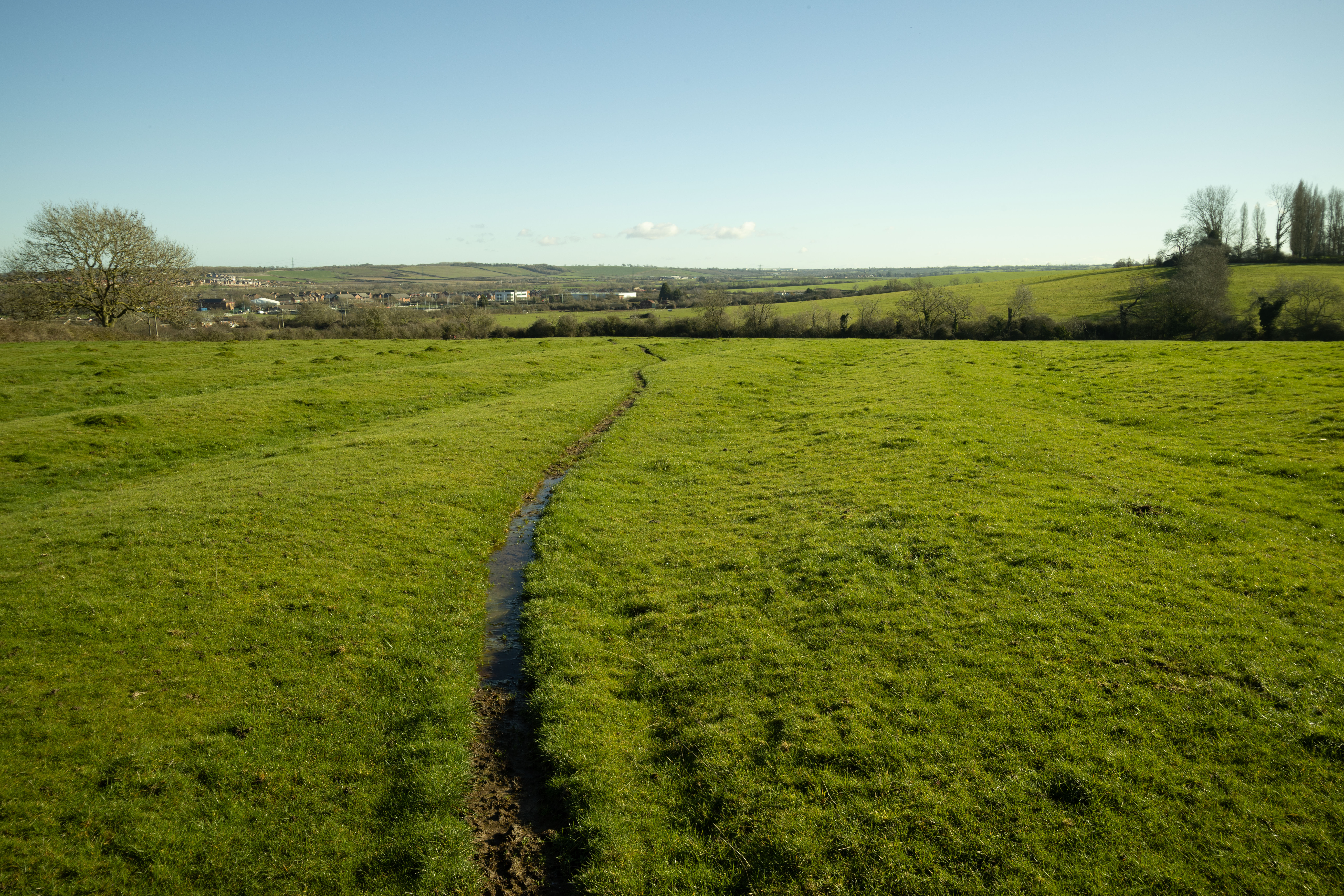
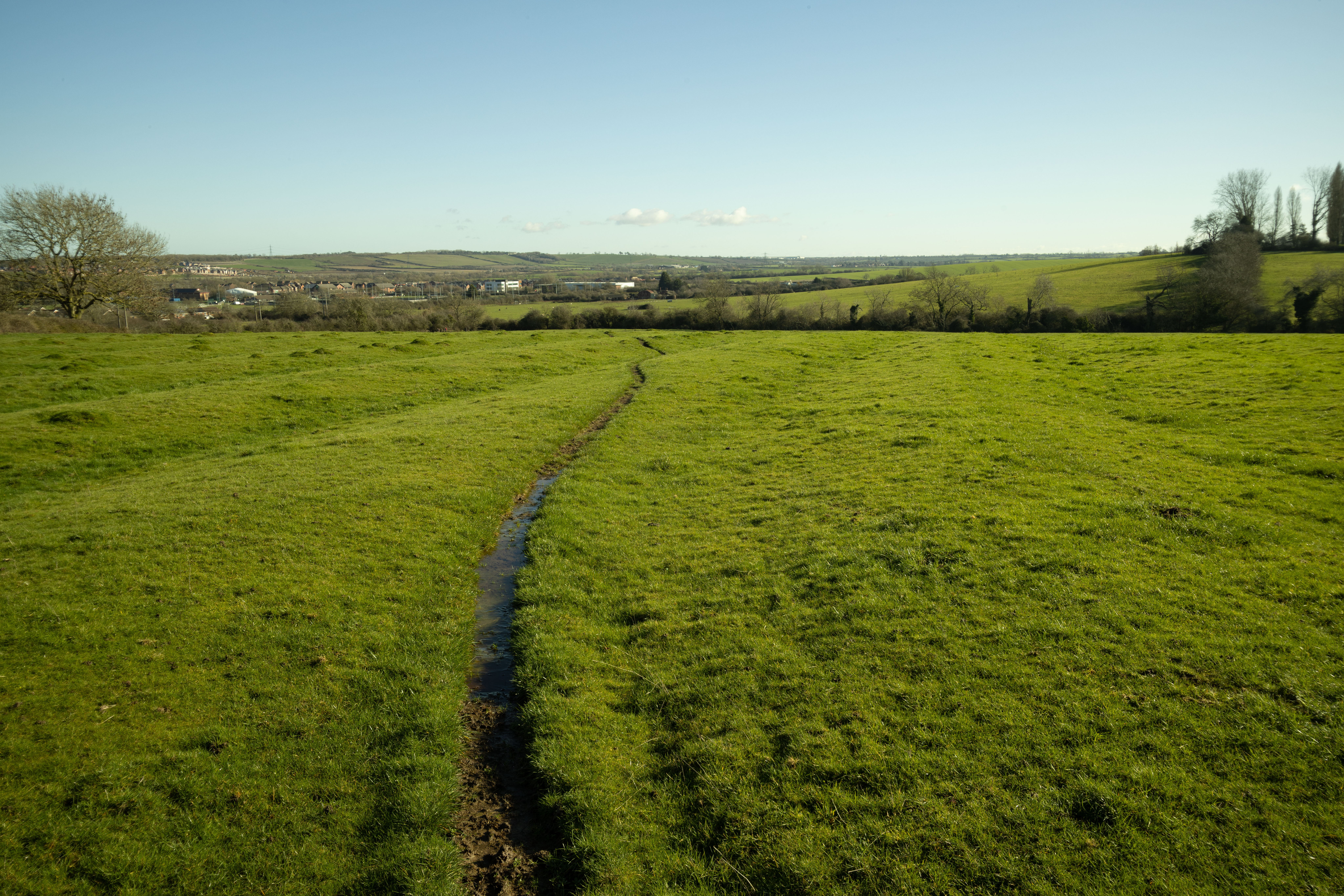
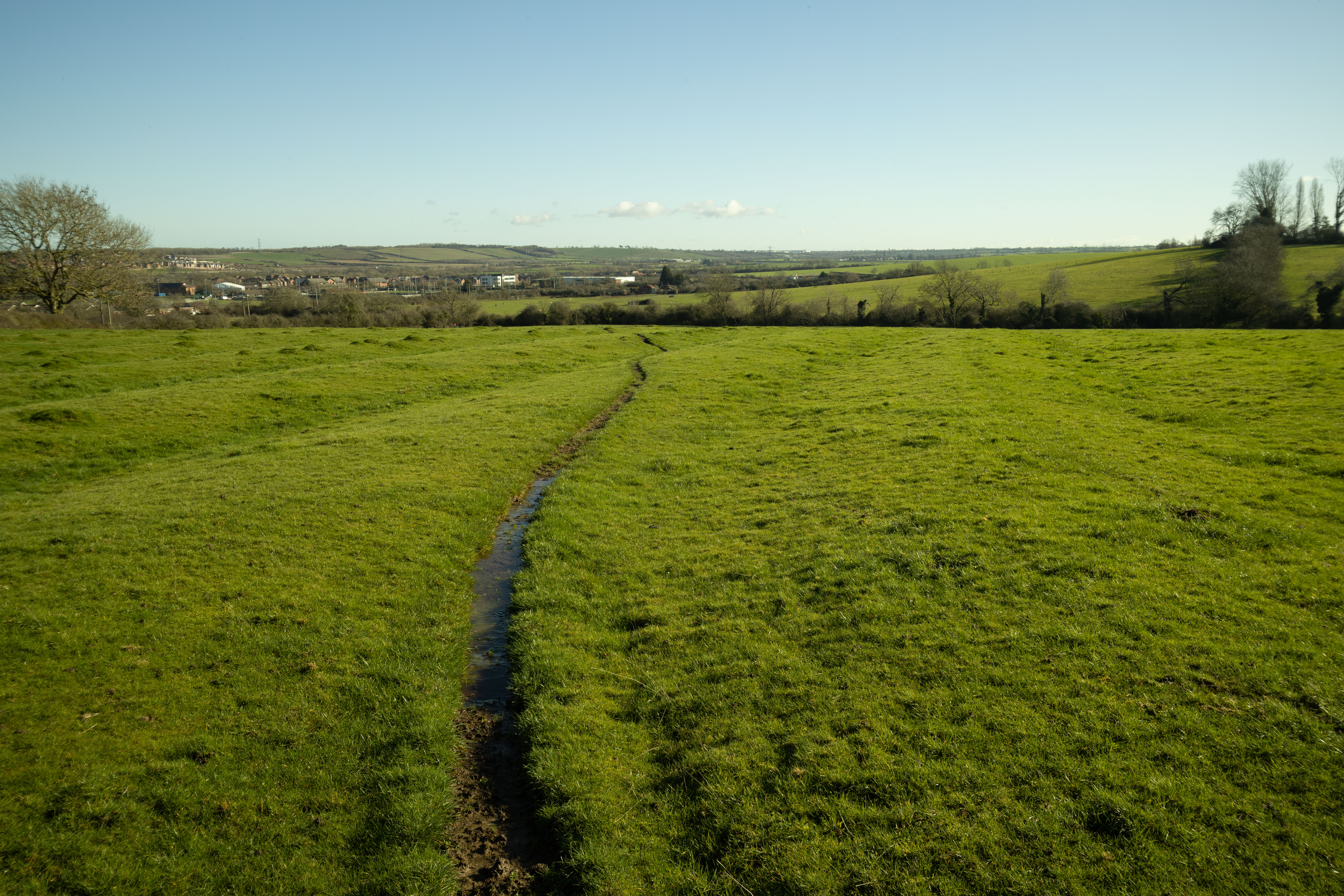
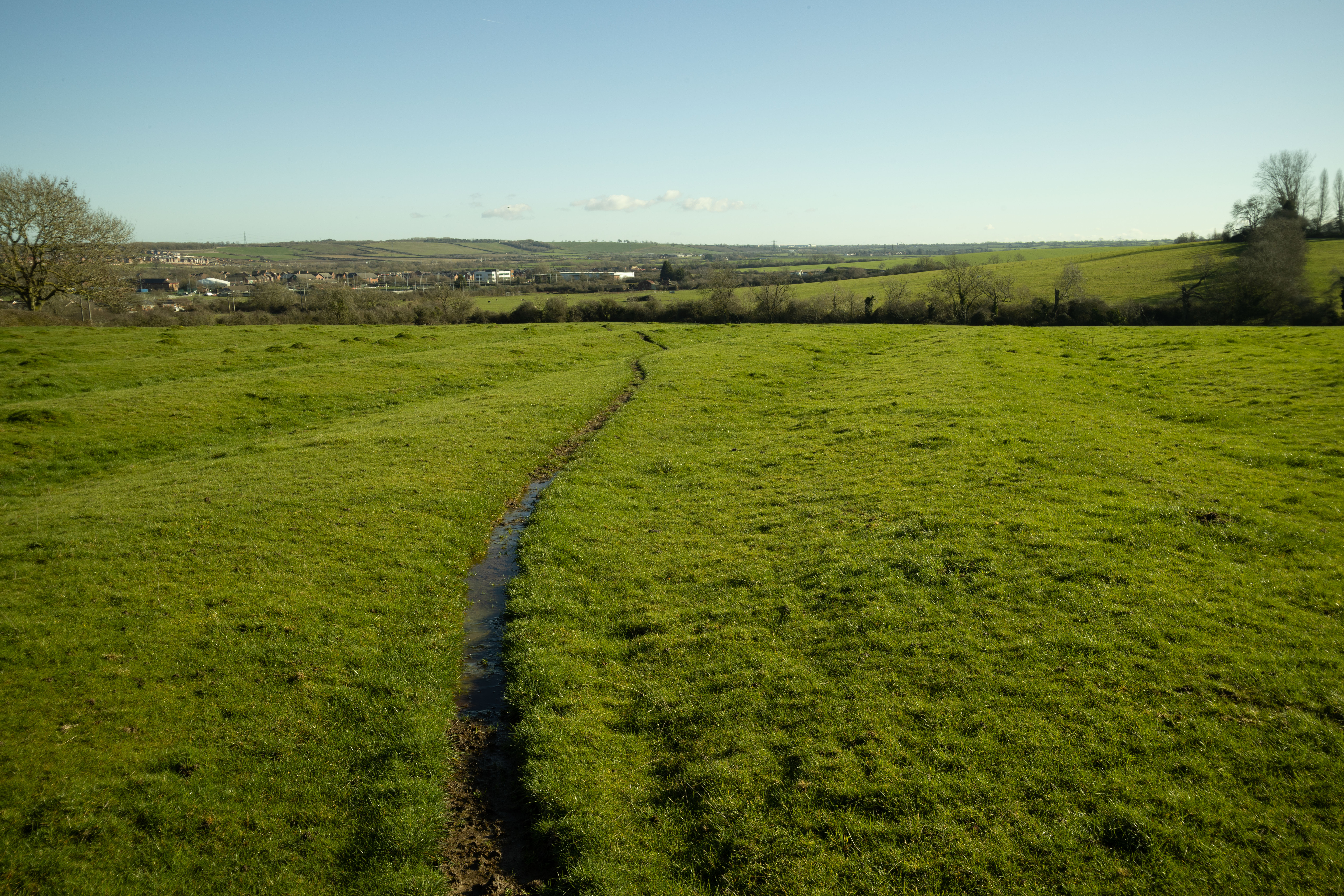
10-18mm + Laowa MSC vs 10-18mm APS-C comparison crops
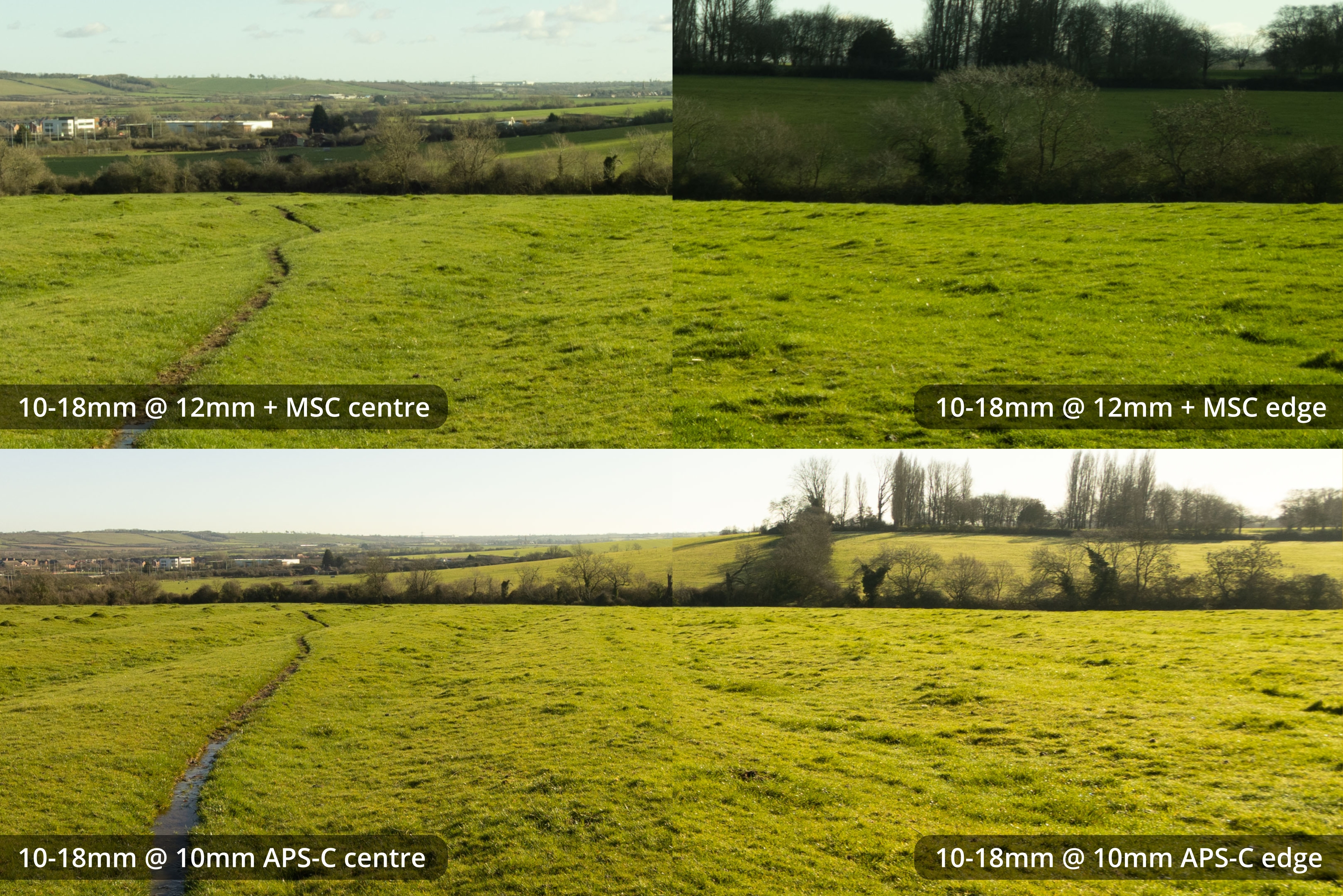
12mm MSC vs 10mm APS-C - same level of pixel zoom, not size normalised
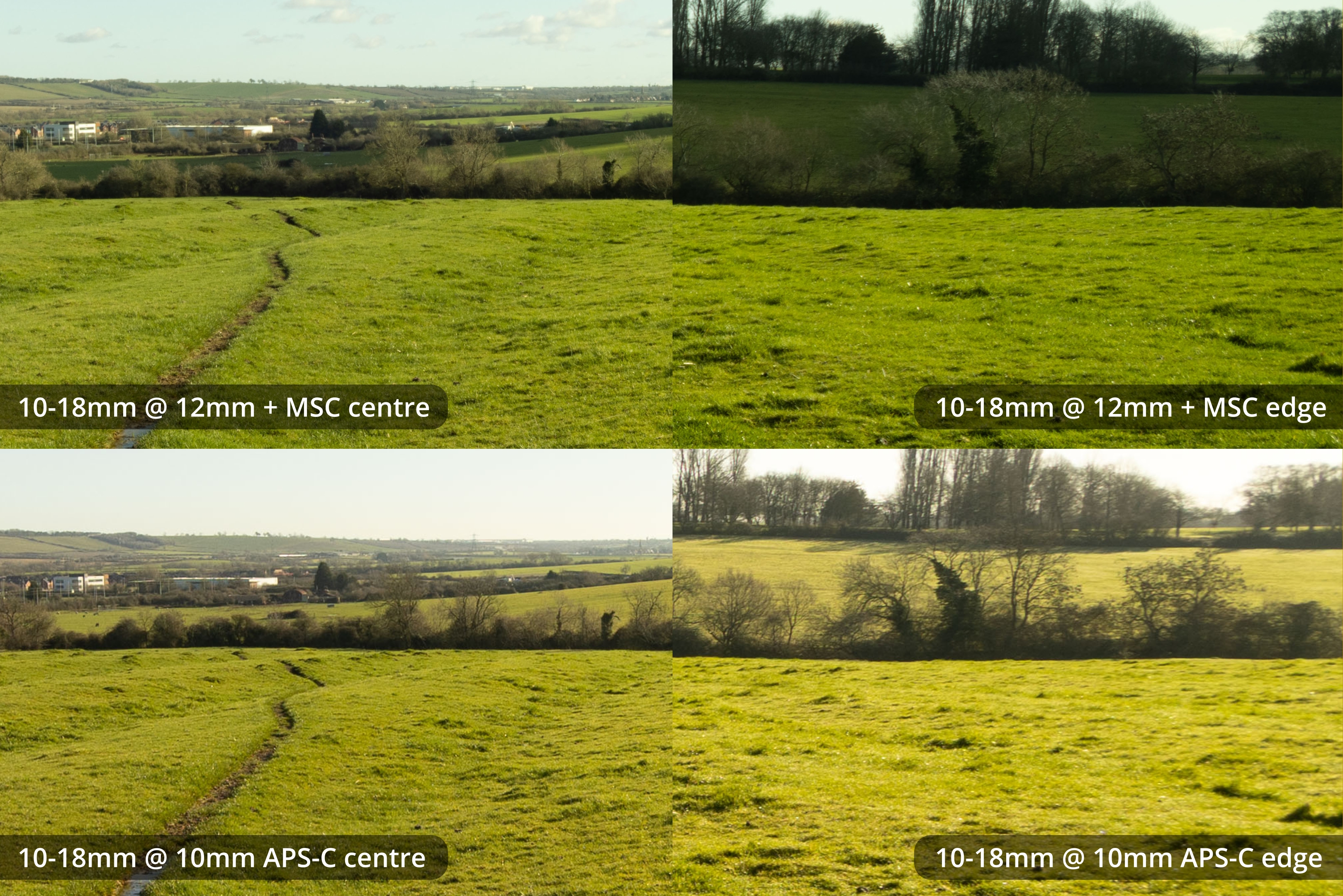
12mm MSC vs 10mm APS-C - size normalised
(The rest of these comparisons are all size normalised).
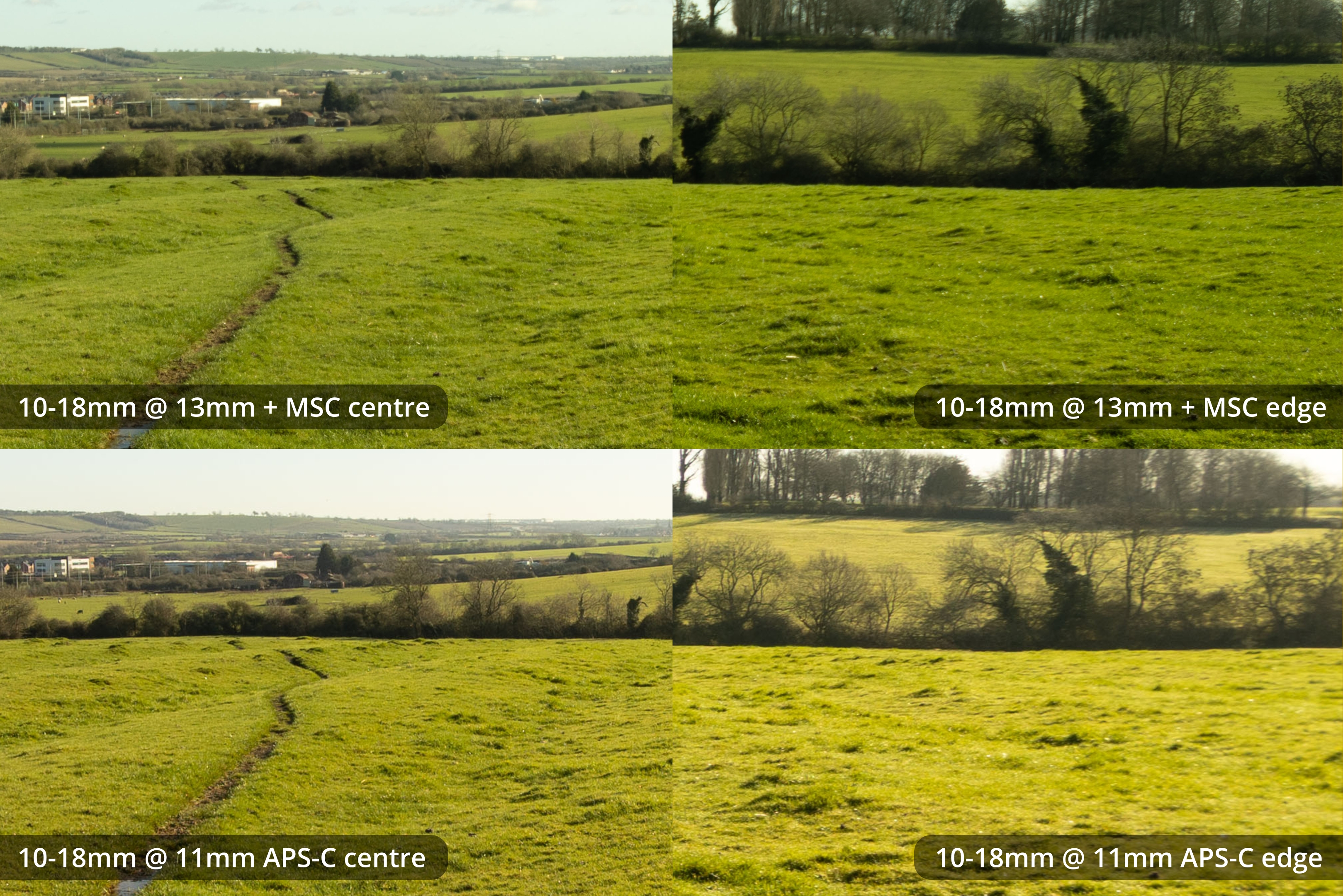
13mm MSC vs 11mm APS-C
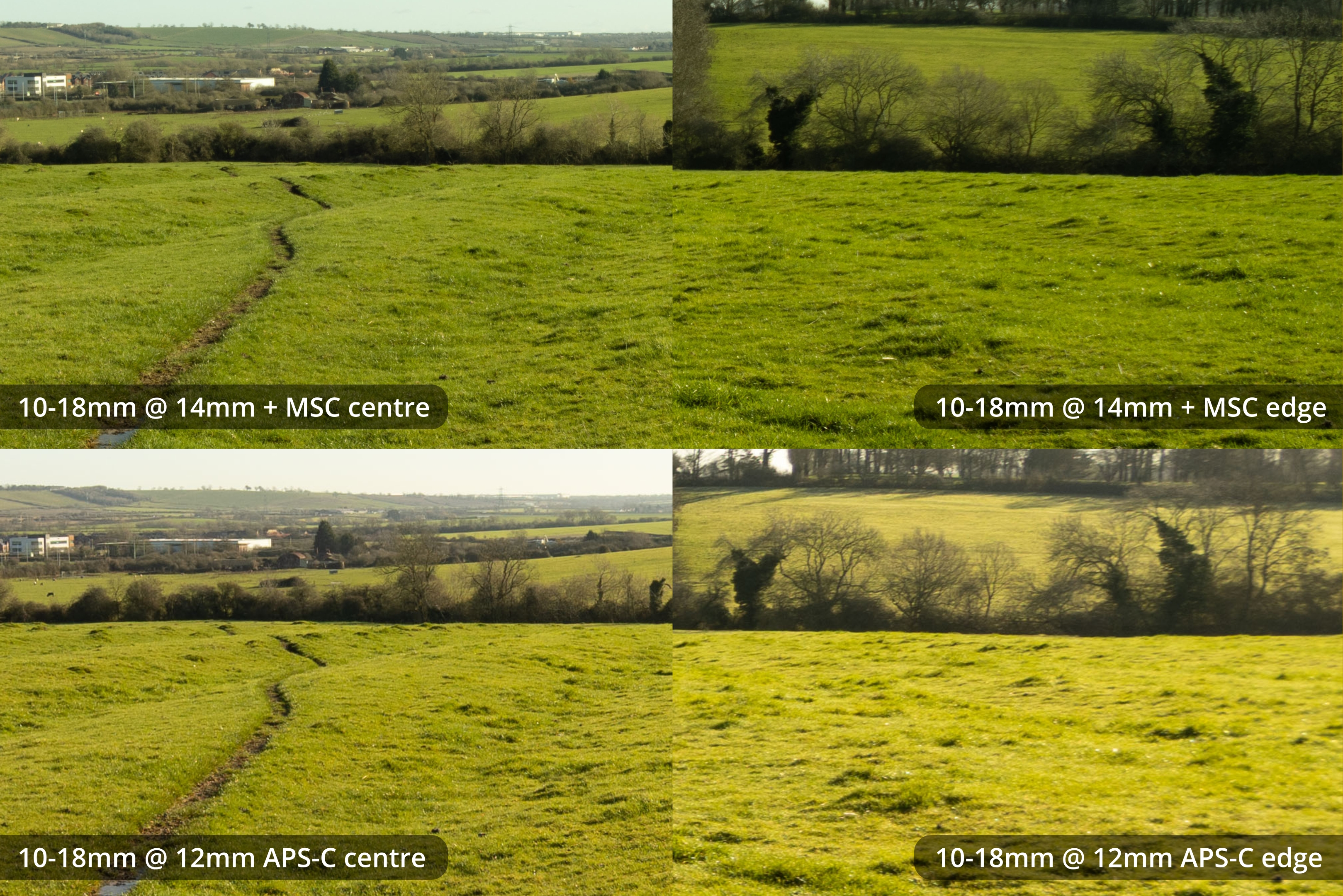
14mm MSC vs 12mm APS-C
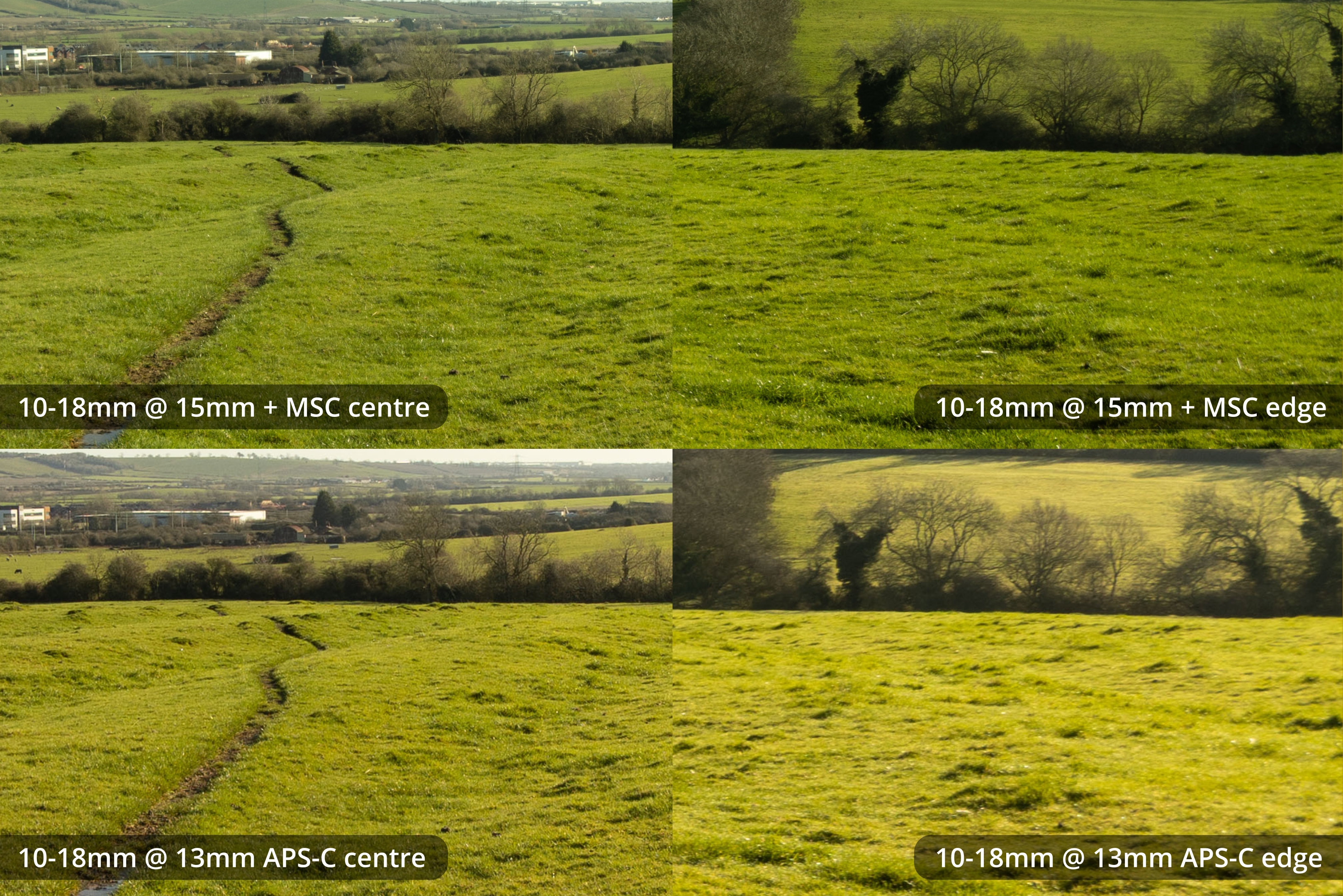
15mm MSC vs 13mm APS-C
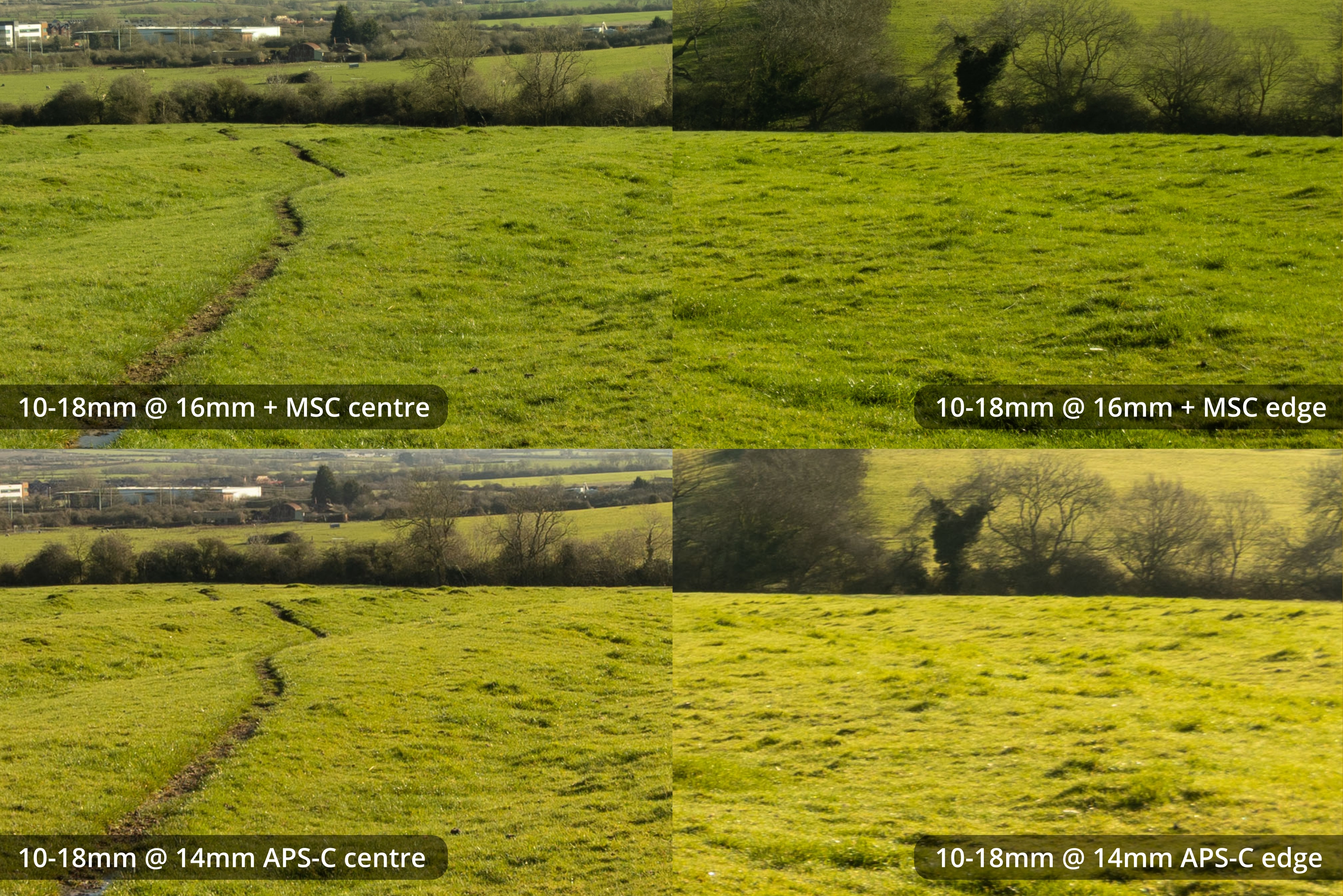
16mm MSC vs 14mm APS-C
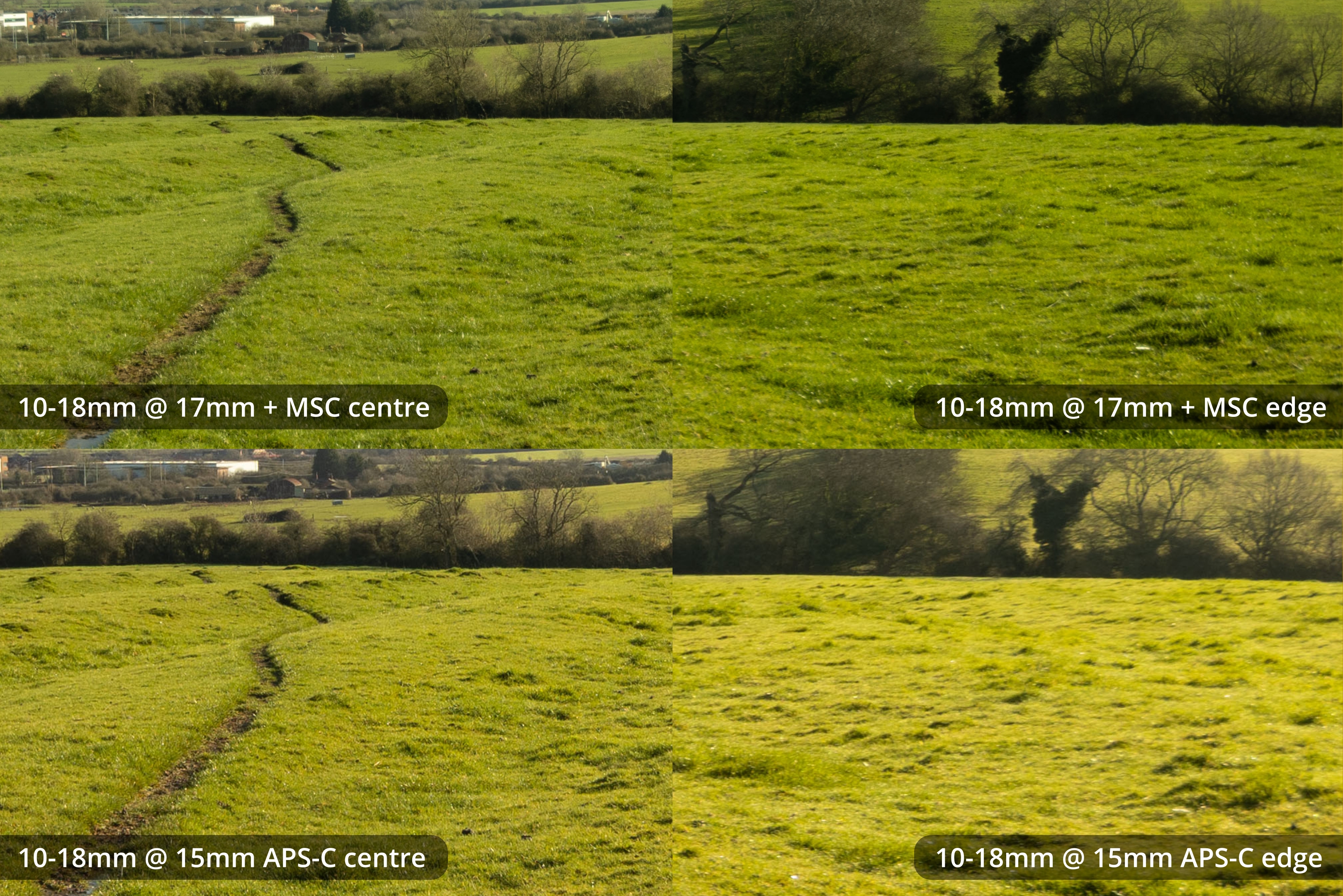
17mm MSC vs 15mm APS-C
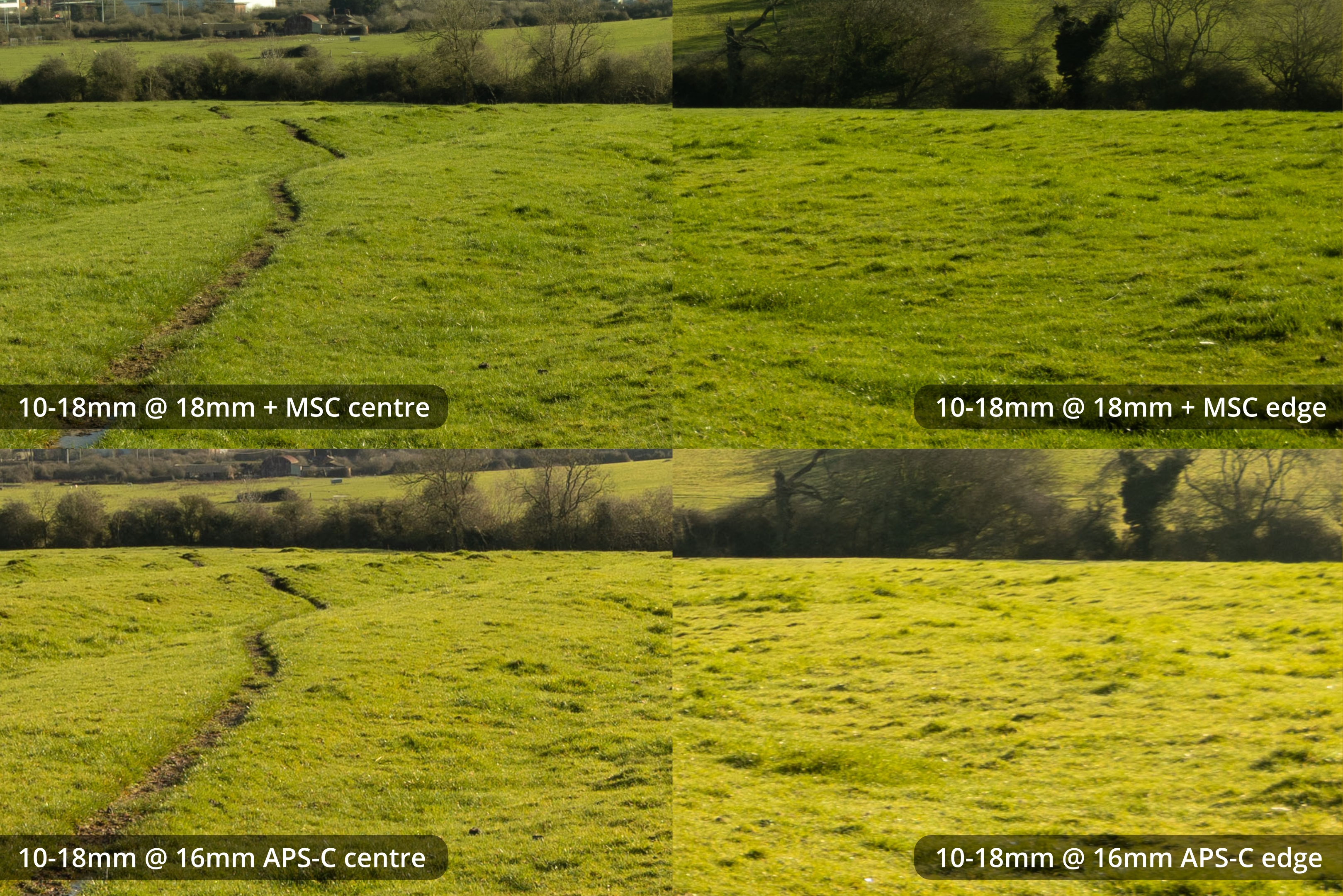
18mm MSC vs 16mm APS-C
FoV on the MSC is wider than same focal length APS-C cropped. This makes sense since the MSC is a 1.4x magnification while Canon APS-C is a 1.6x crop. I would say 11mm on the MSC is a bit wider than 10mm APS-C, which matches up to the calculated effective focal lengths (11 x 1.4 = 15.6, 10 x 1.6 = 16).
The MSC looks softer at the pixel level than APS-C, but looks quite a bit better when both are matched to the same display size.
10-22mm + Laowa MSC vs 10-22mm APS-C comparison crops
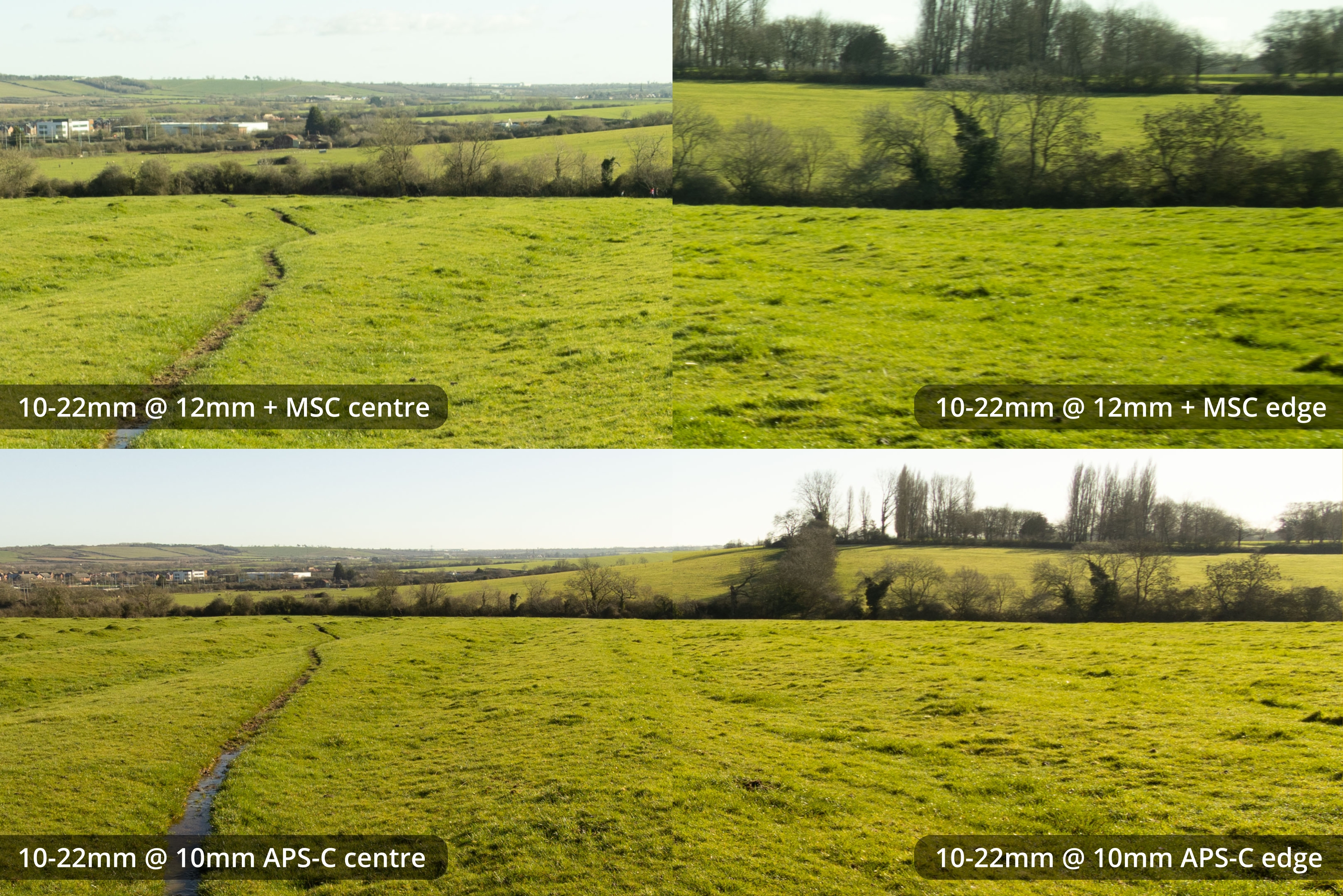
12mm MSC vs 10mm APS-C - same level of pixel zoom, not size normalised
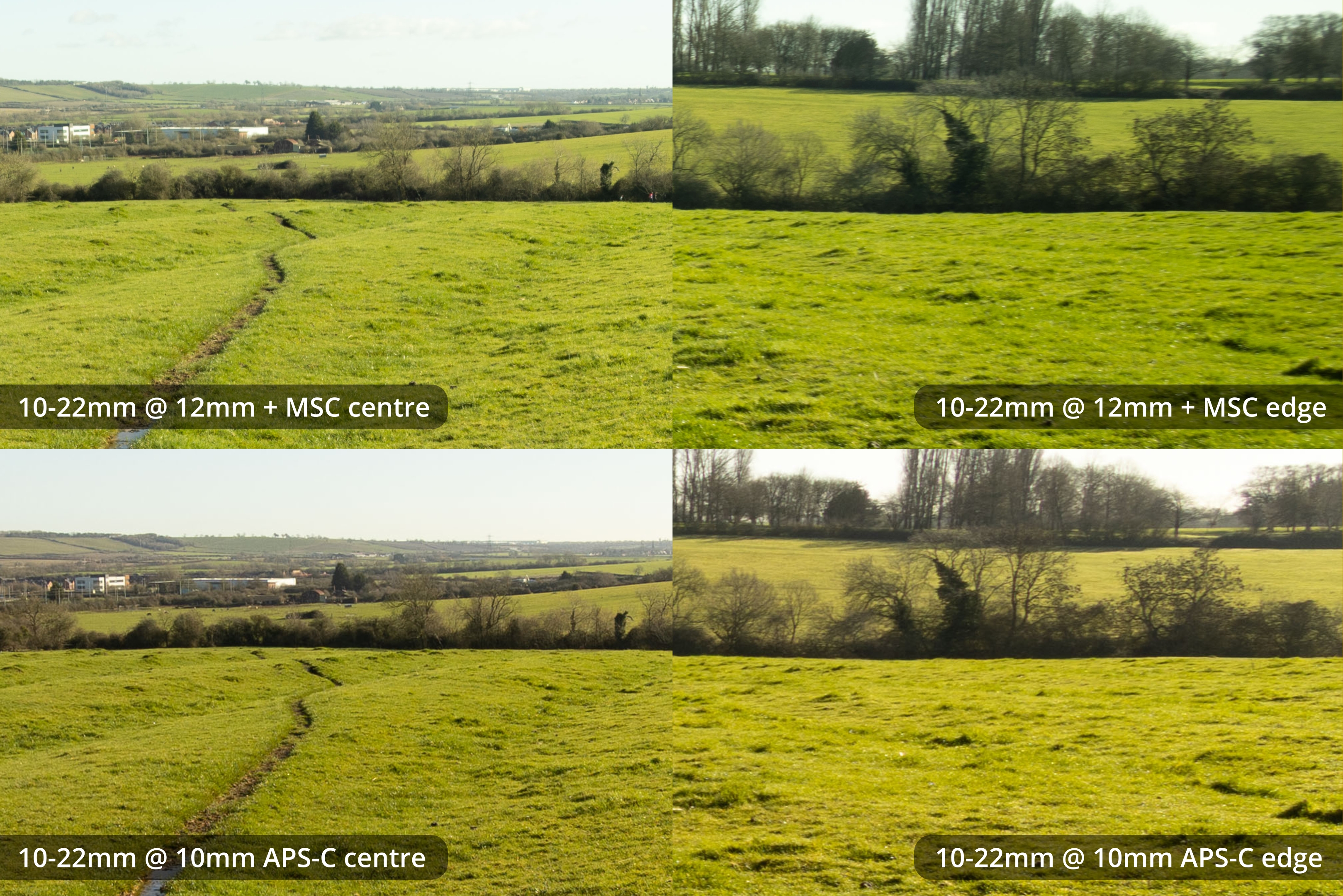
12mm MSC vs 10mm APS-C - size normalised
(The rest of these comparisons are all size normalised).
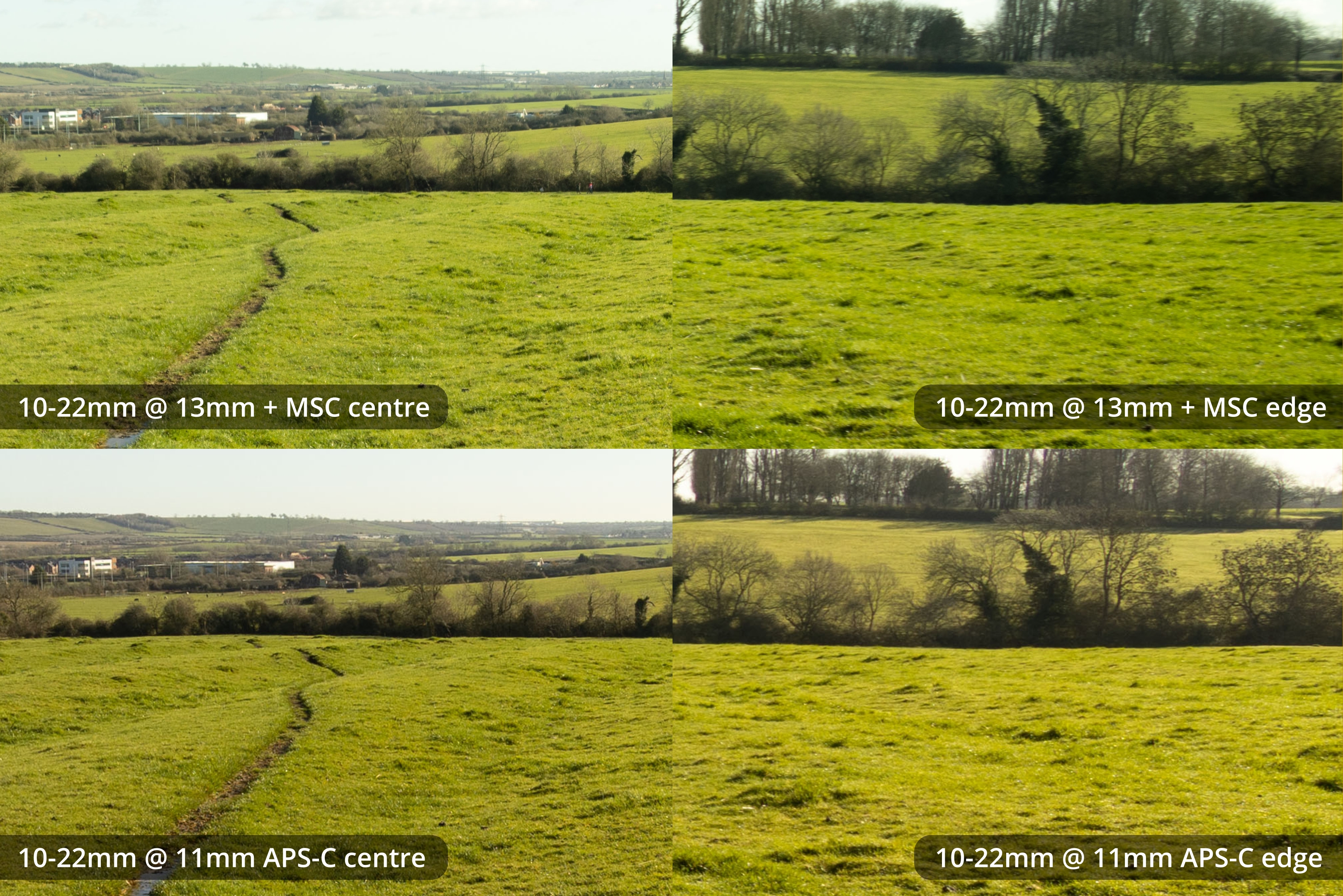
13mm MSC vs 11mm APS-C
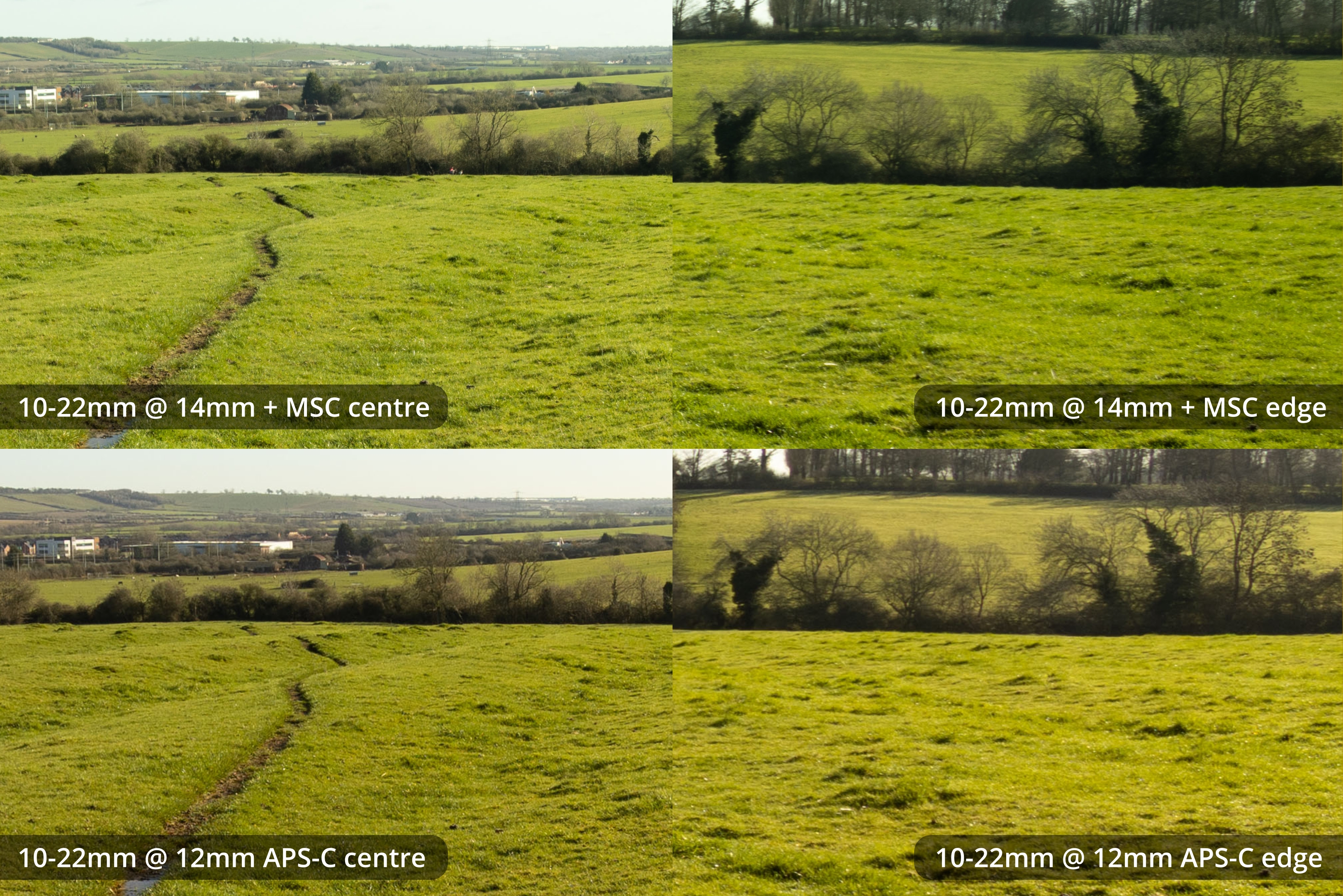
14mm MSC vs 12mm APS-C
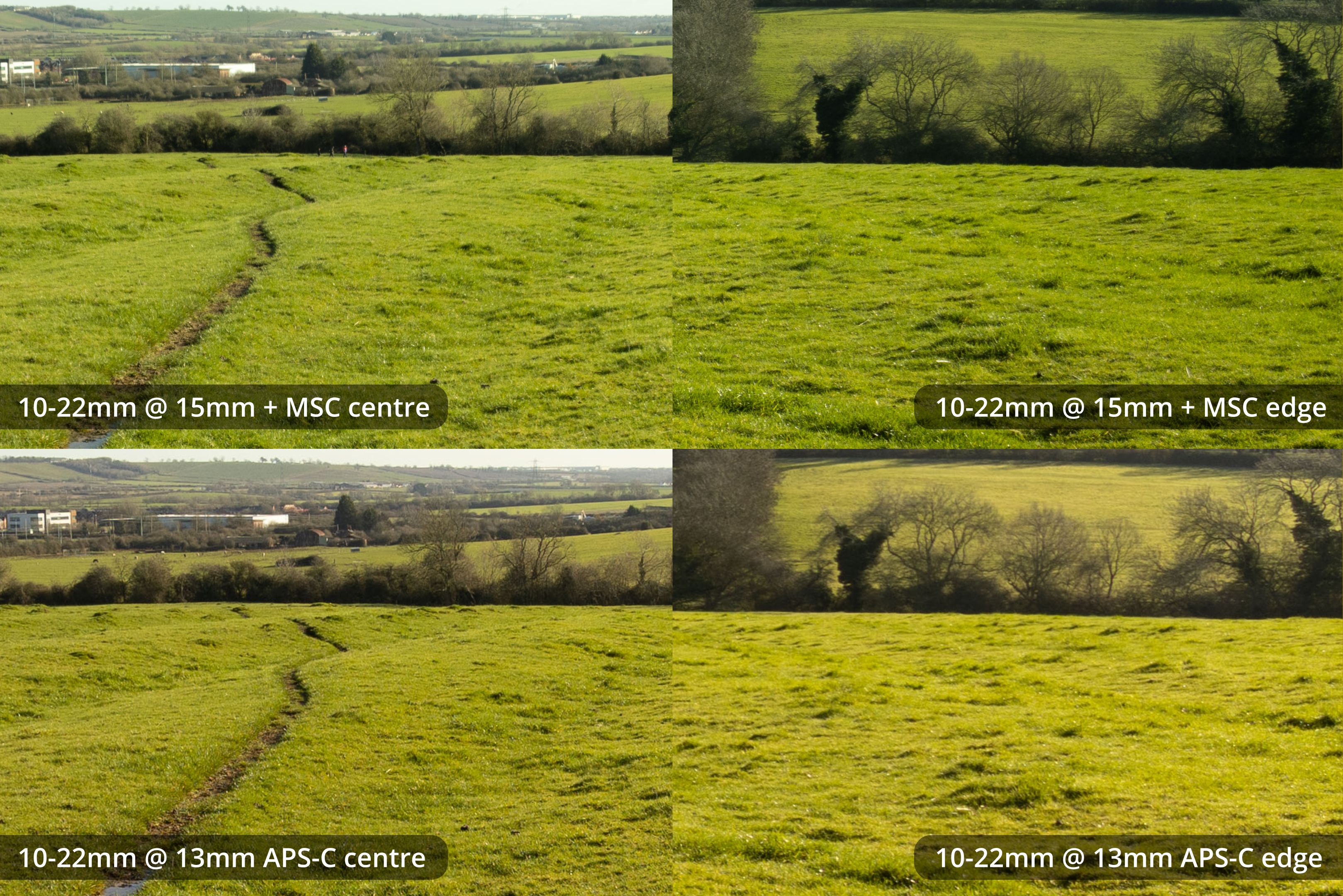
15mm MSC vs 13mm APS-C
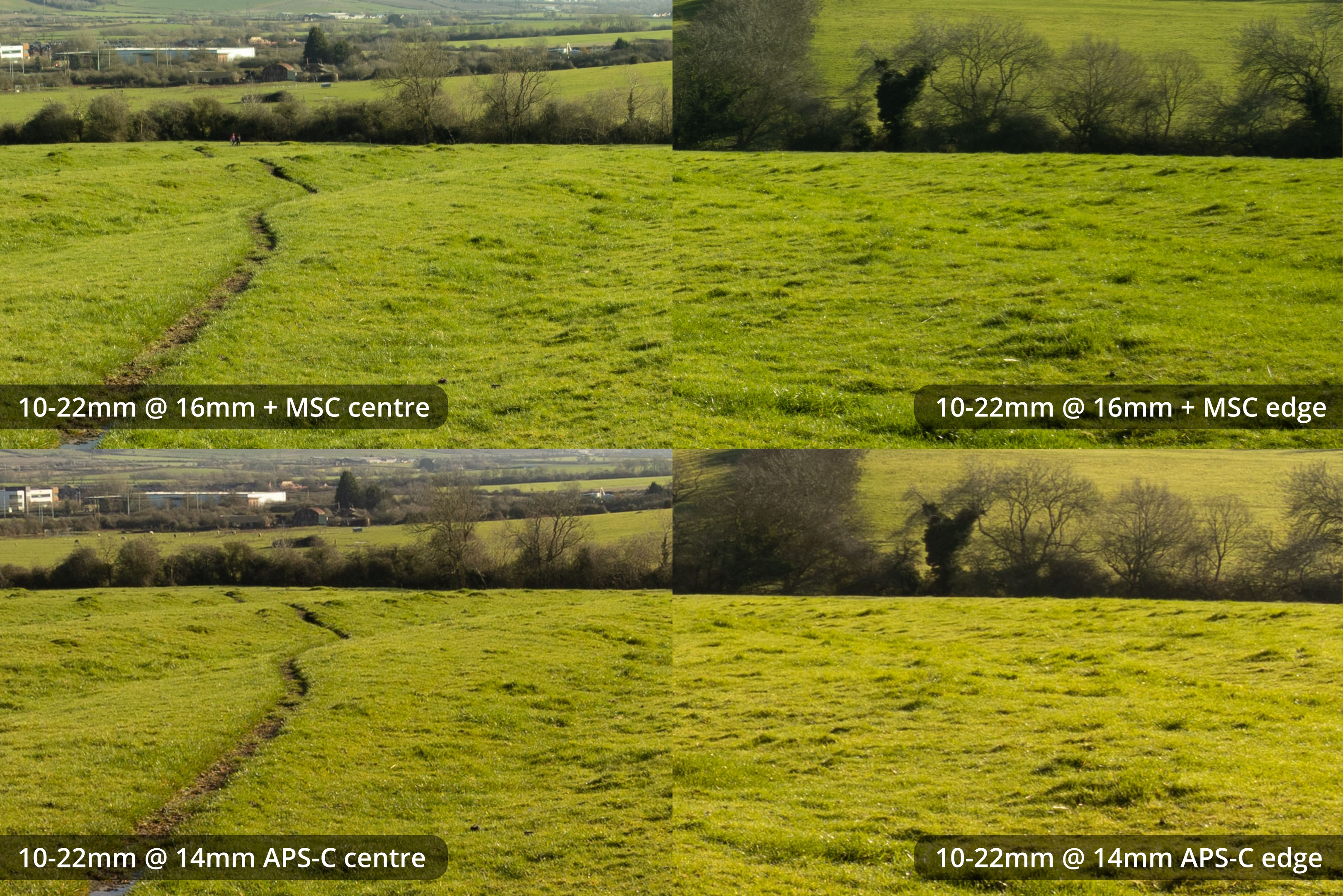
16mm MSC vs 14mm APS-C
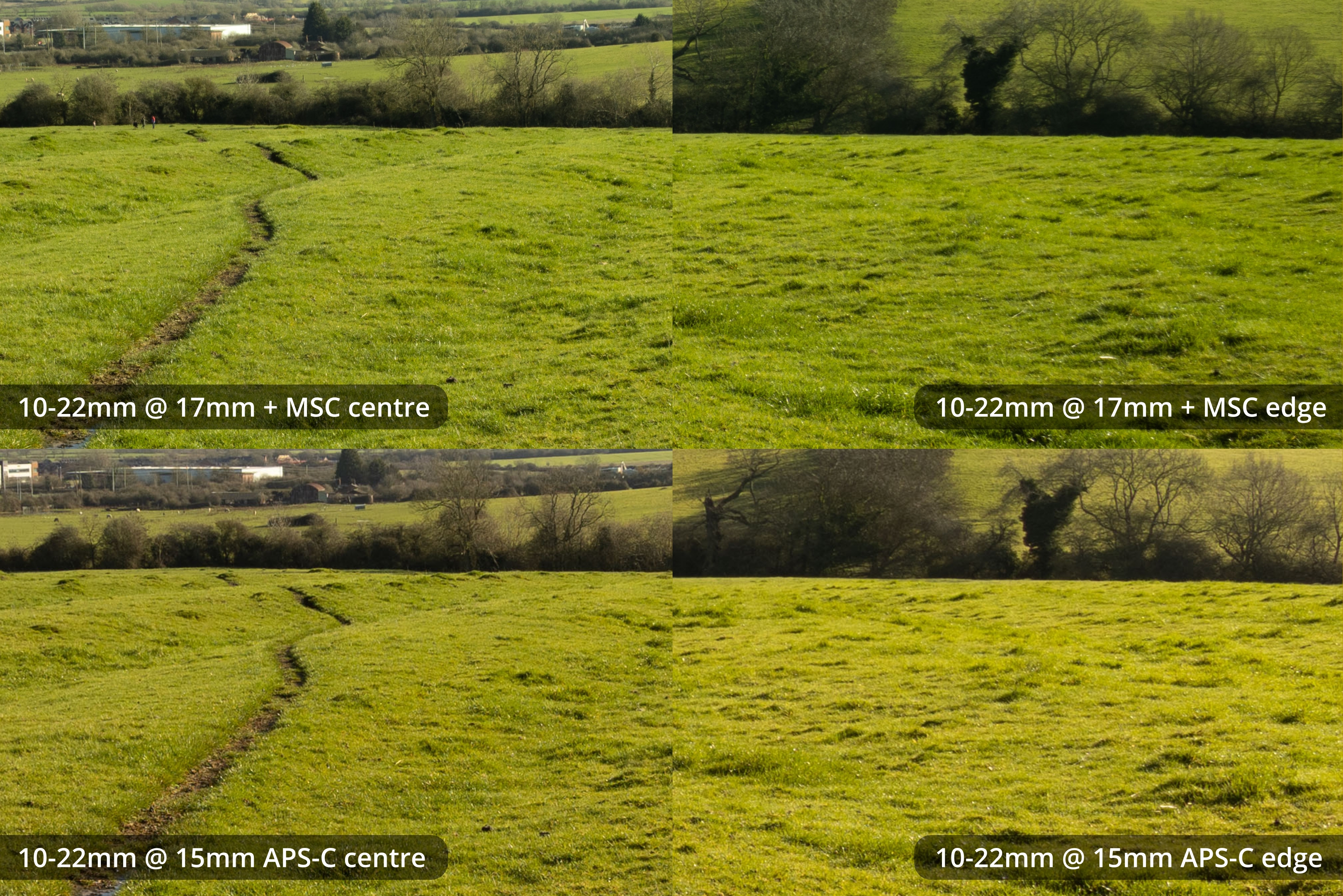
17mm MSC vs 15mm APS-C
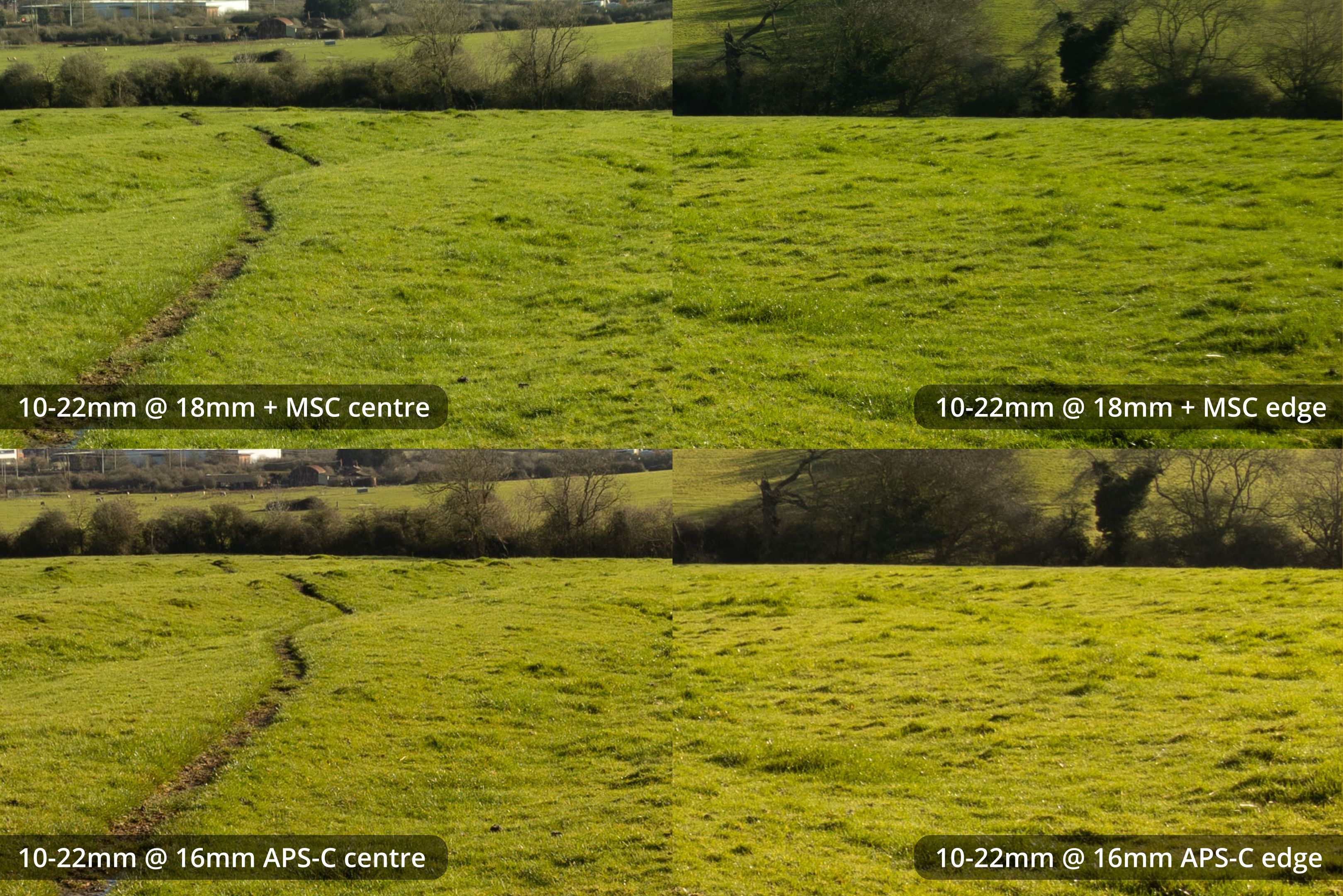
18mm MSC vs 16mm APS-C
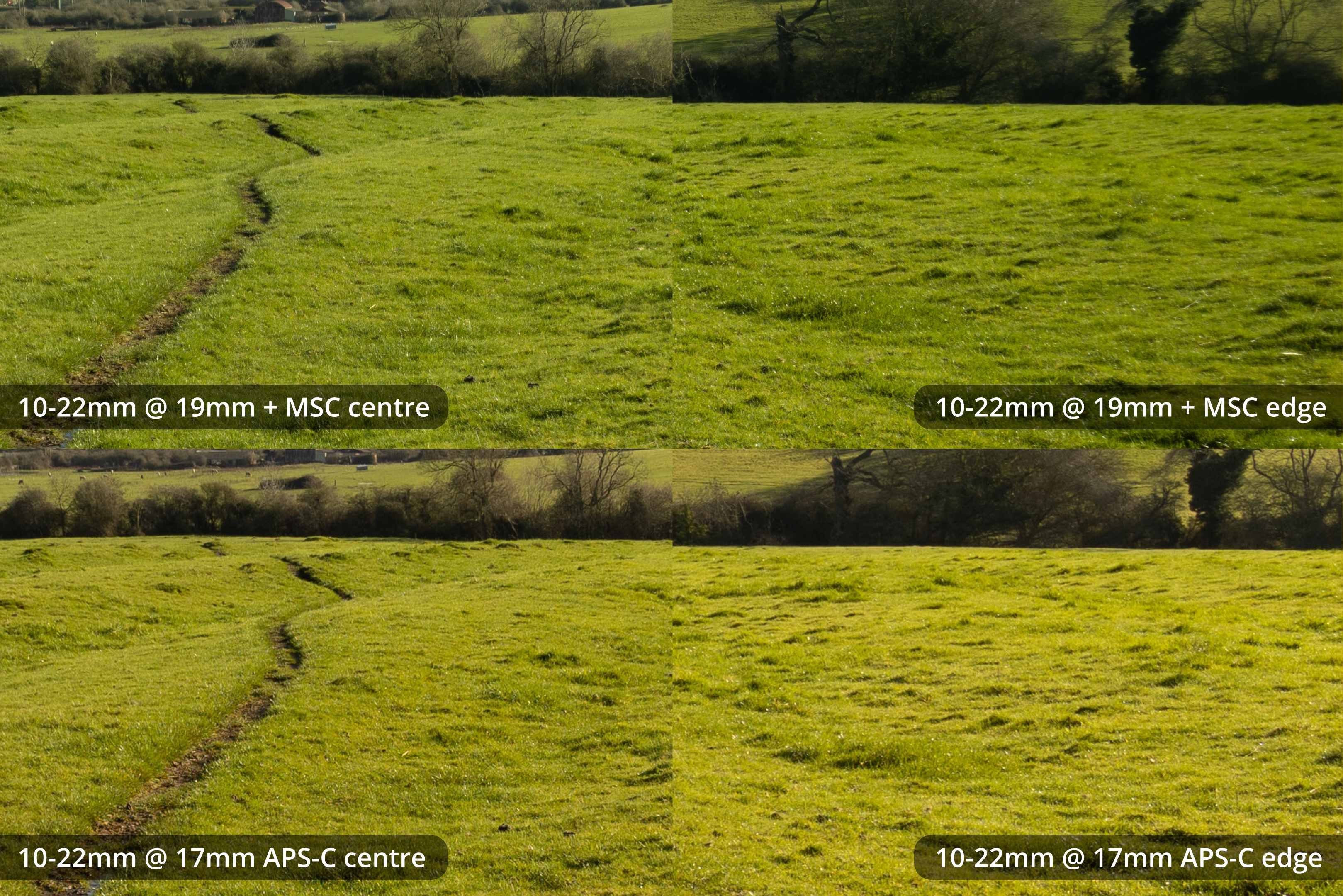
19mm MSC vs 17mm APS-C
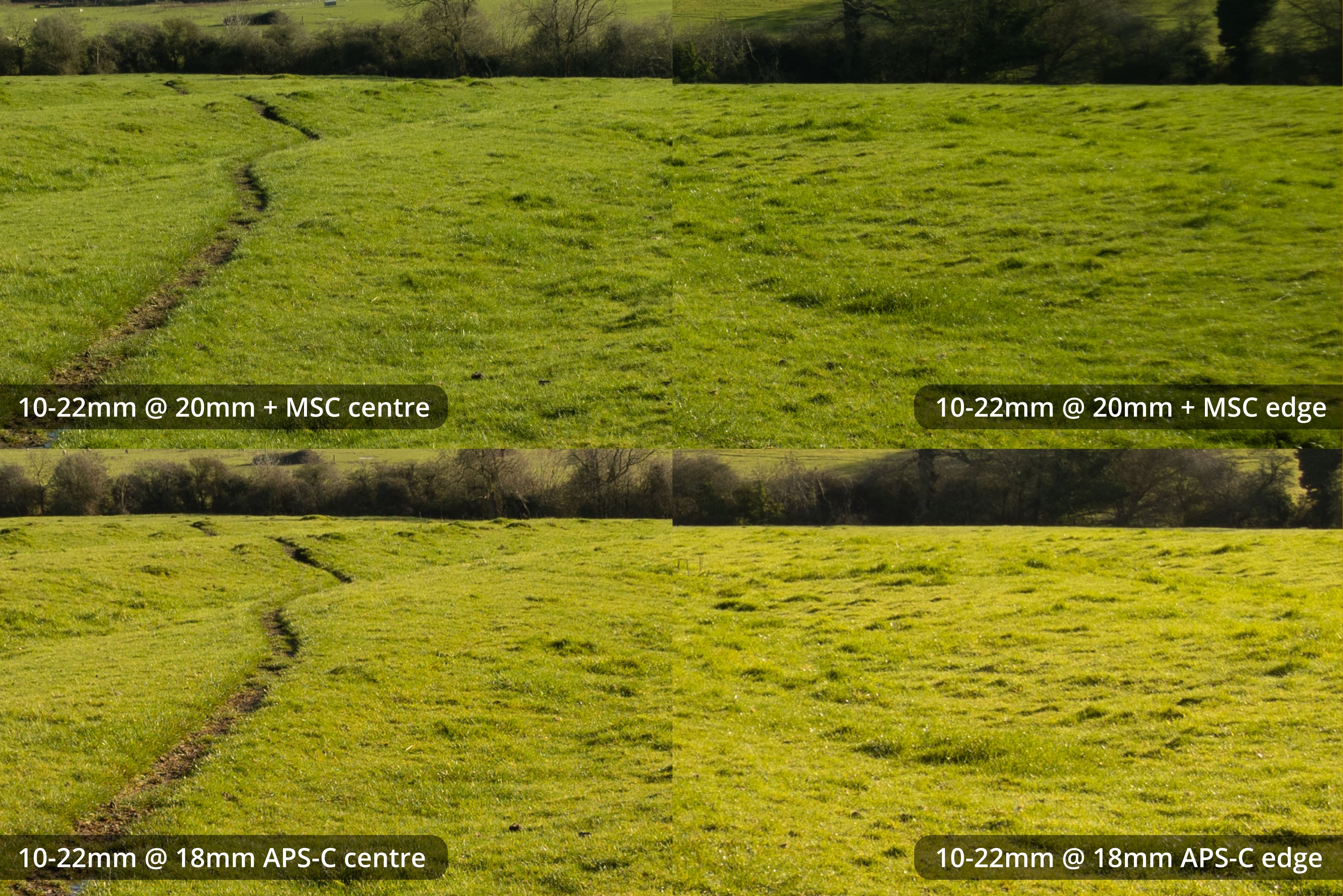
20mm MSC vs 18mm APS-C
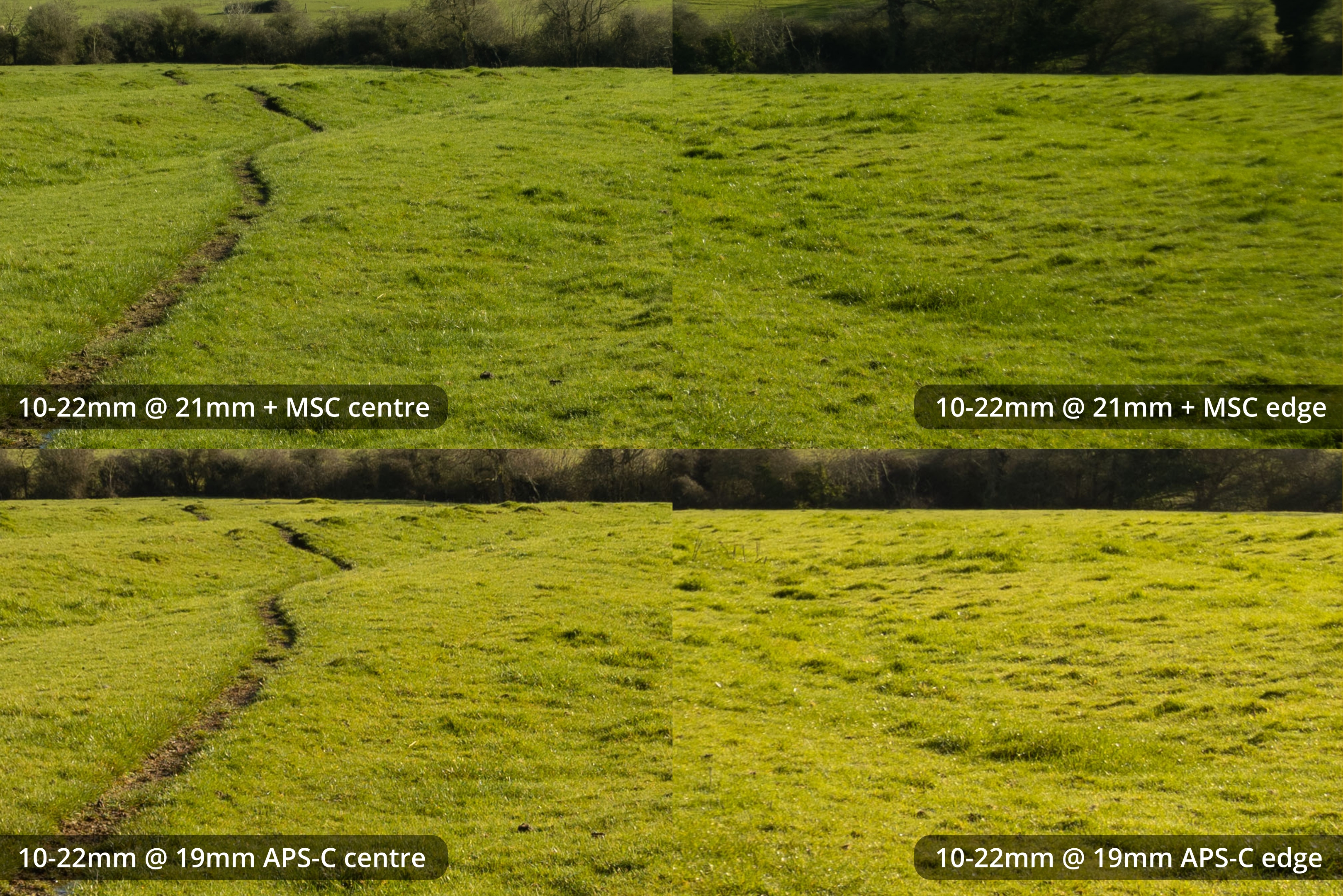
21mm MSC vs 19mm APS-C
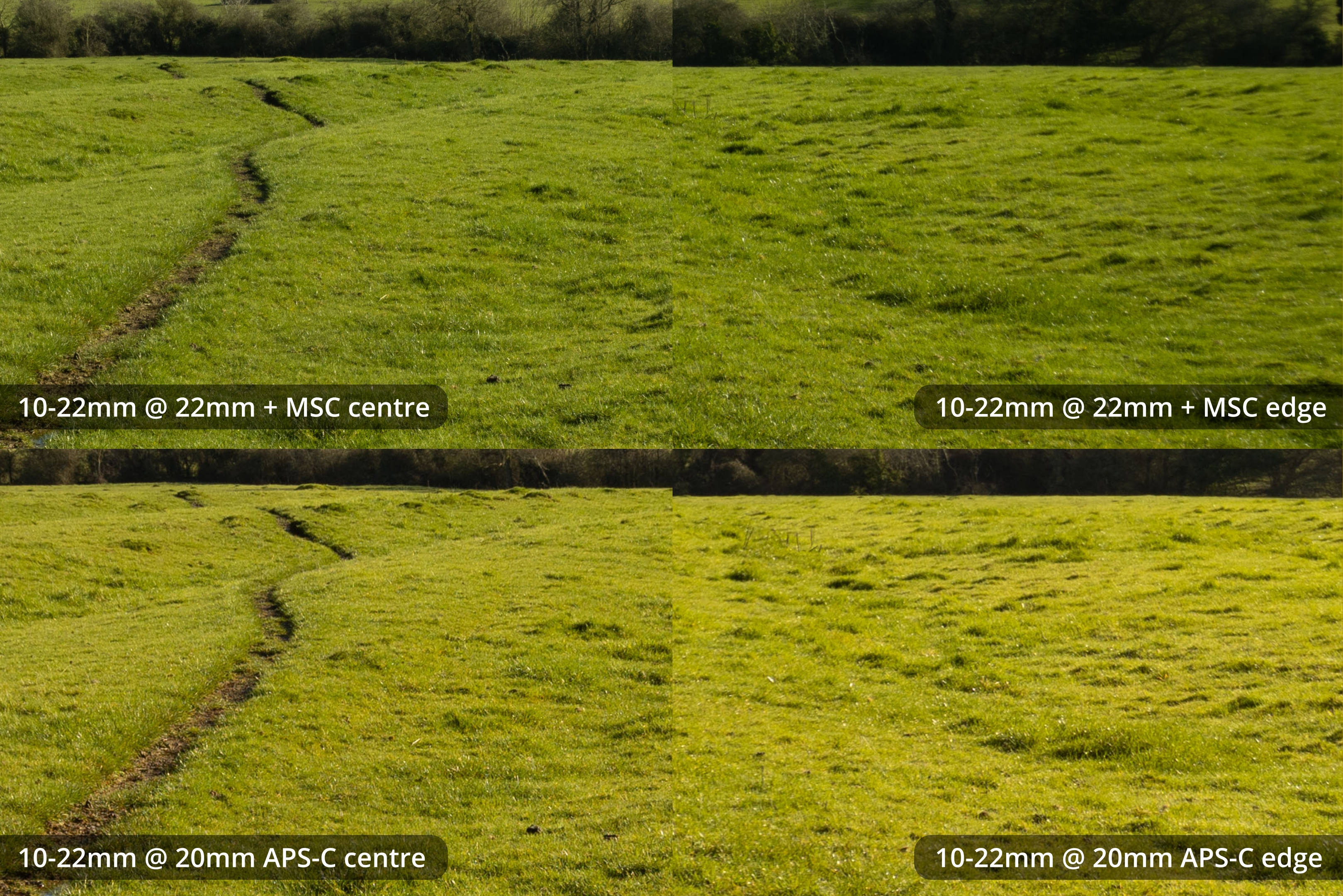
22mm MSC vs 20mm APS-C
The results here are pretty much the same as with the 10-18mm. The lens used normally with an APS-C crop has better pixel level sharpness than when shot full frame with the MSC. But when normalised to the same display size the images with the Laowa have more detail. With the possible exception of the very edges and corners of the frame, which I think look a bit better in the APS-C image.
EF-S lenses + MSC vs 16-35 FF lens comparison crops
I took test shots with my Canon 16-35mm f/4 lens so we can compare against a lens that is designed for full frame. I took test shots with this lens on both my Sony and Canon cameras, however some of the 16-35mm images on the R5 were quite front-focused, which is probably down the to EF adapter I used. So comparisons here are the EF-S lenses with the Laowa MSC on my Canon R5 versus the EF 16-35mm on my Sony A7R2 with Sigma MC-11.
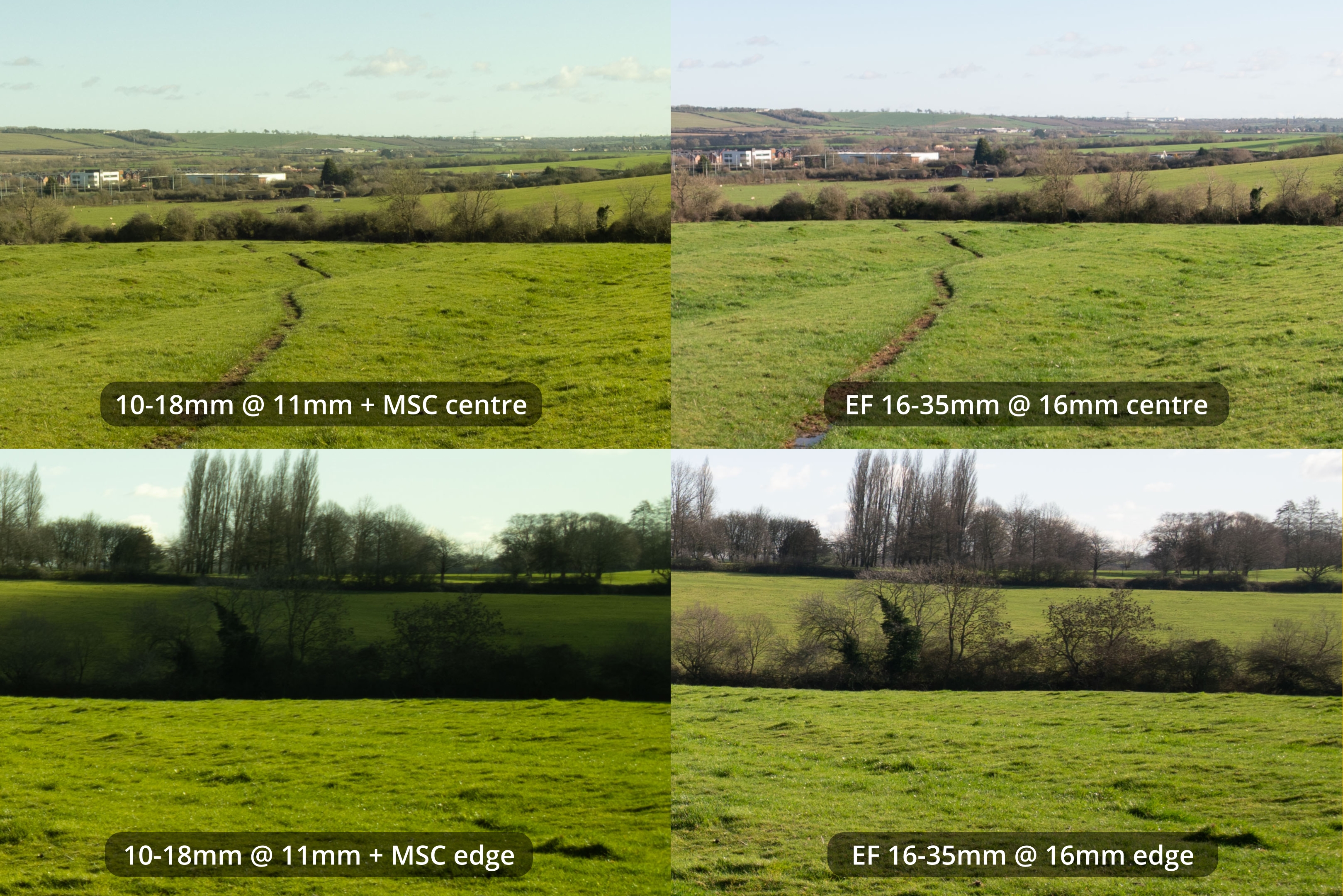
10-18 + MSC at 11mm vs EF 16-35 at 16mm
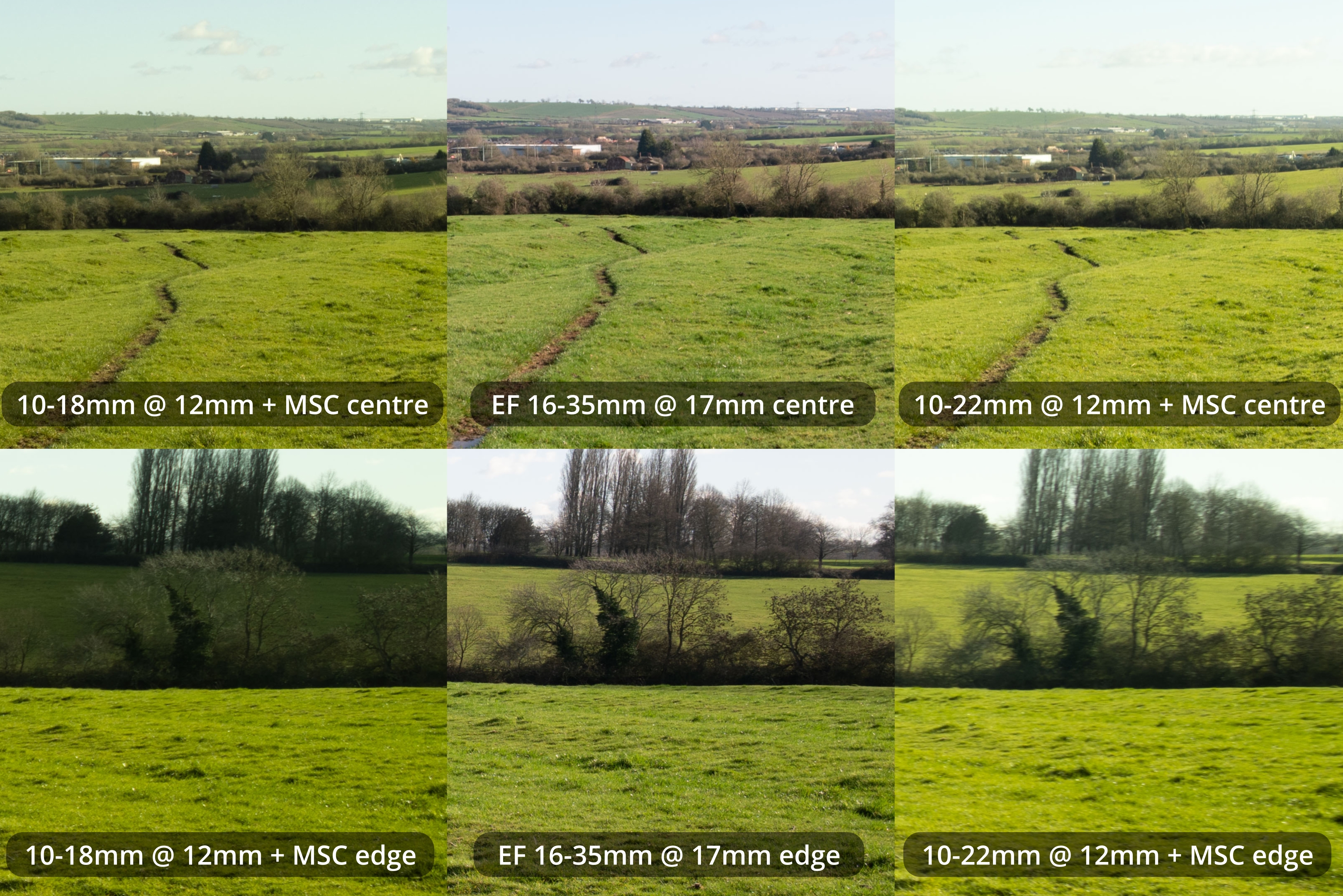
10-18 & 10-22 + MSC at 12mm vs EF 16-35 at 17mm
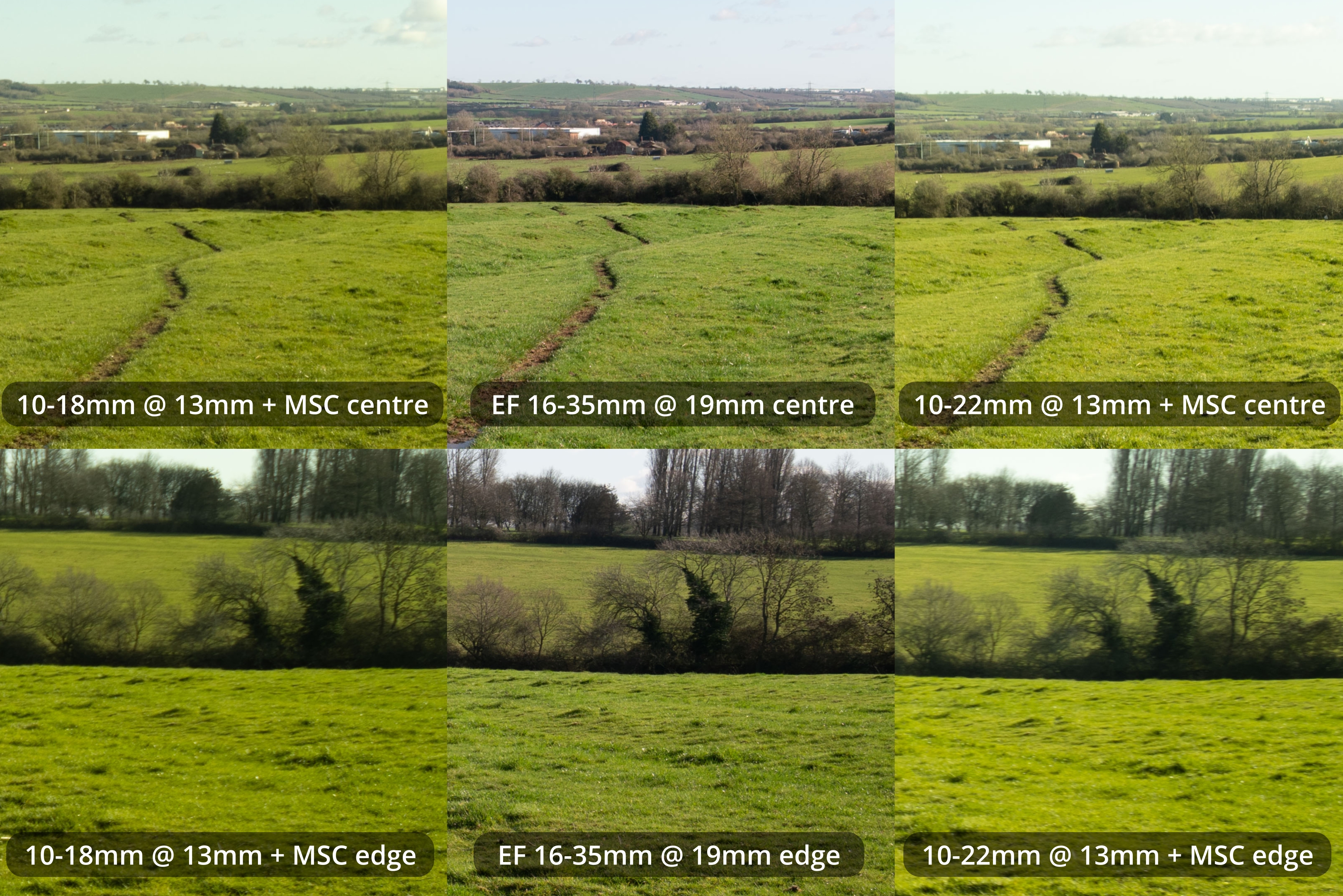
10-18 & 10-22 + MSC at 13mm vs EF 16-35 at 19mm
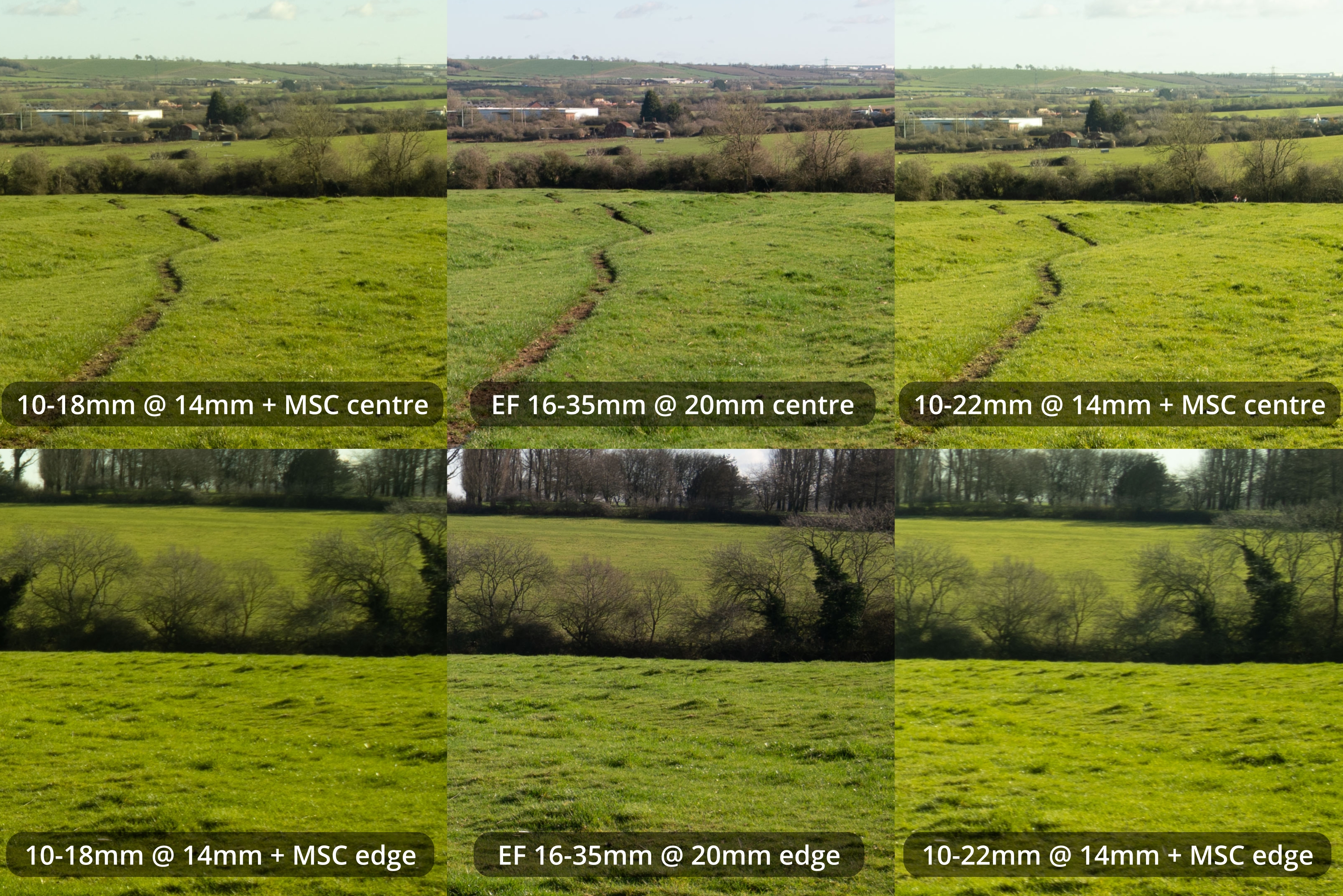
10-18 & 10-22 + MSC at 14mm vs EF 16-35 at 20mm
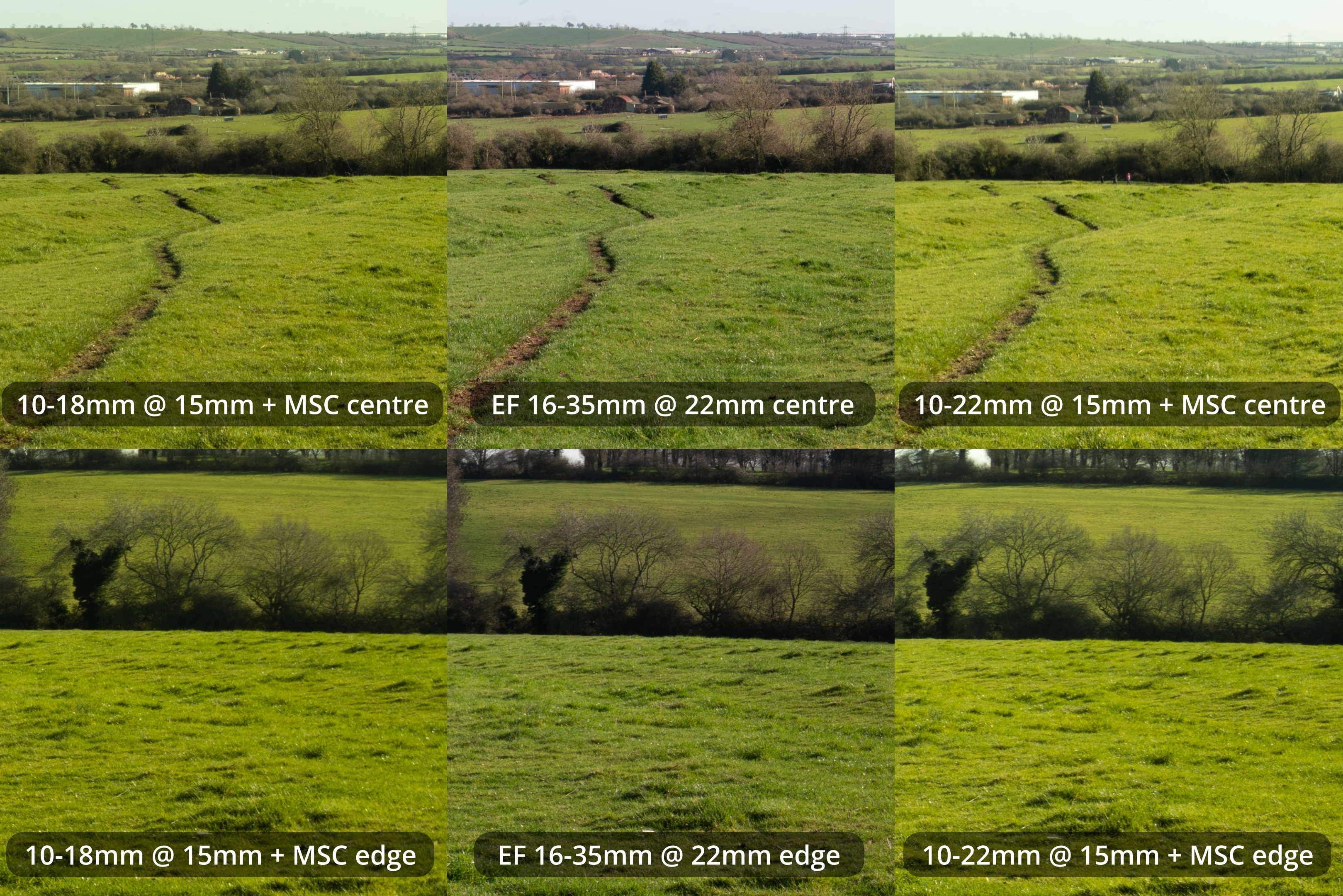
10-18 & 10-22 + MSC at 15mm vs EF 16-35 at 22mm
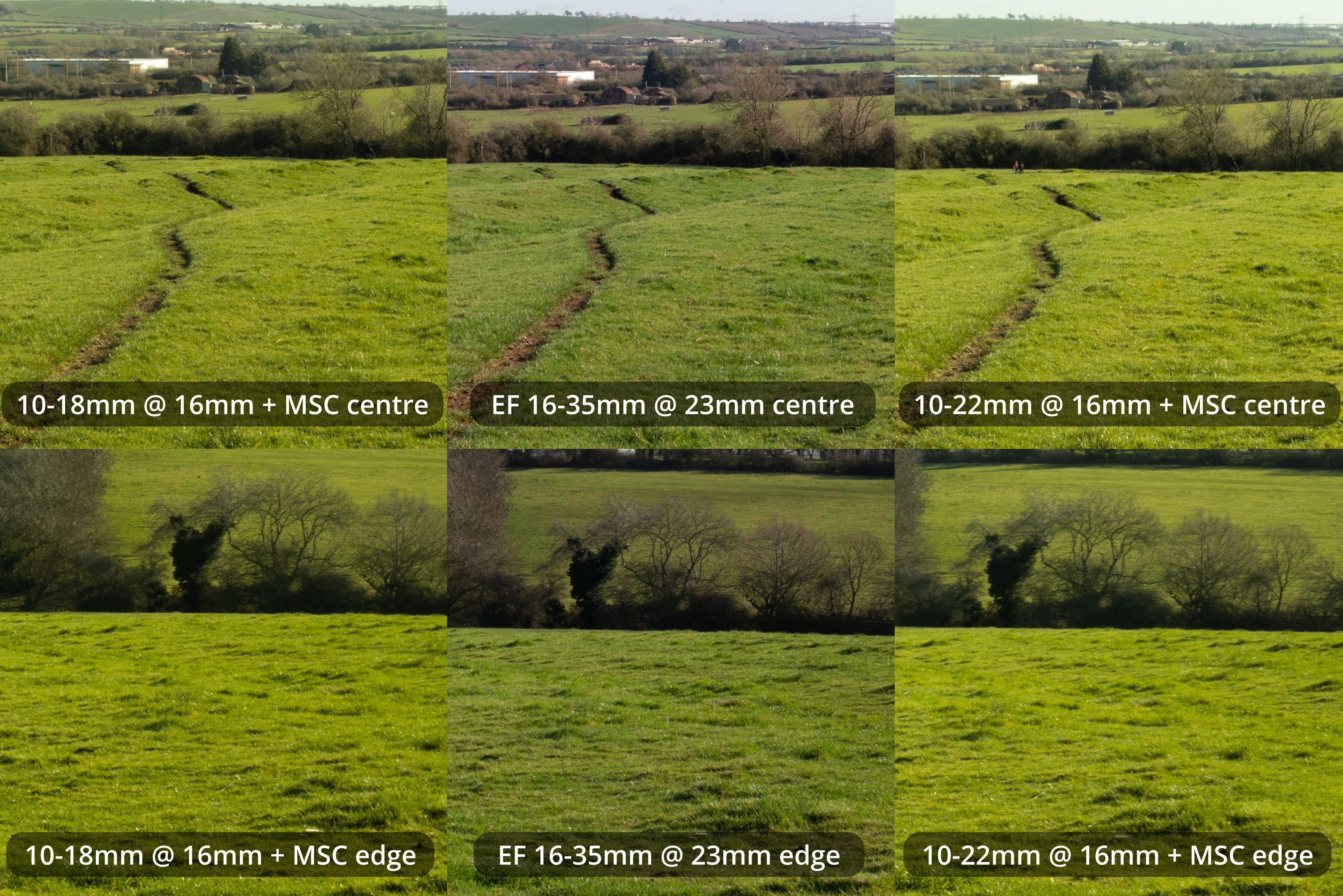
10-18 & 10-22 + MSC at 16mm vs EF 16-35 at 23mm
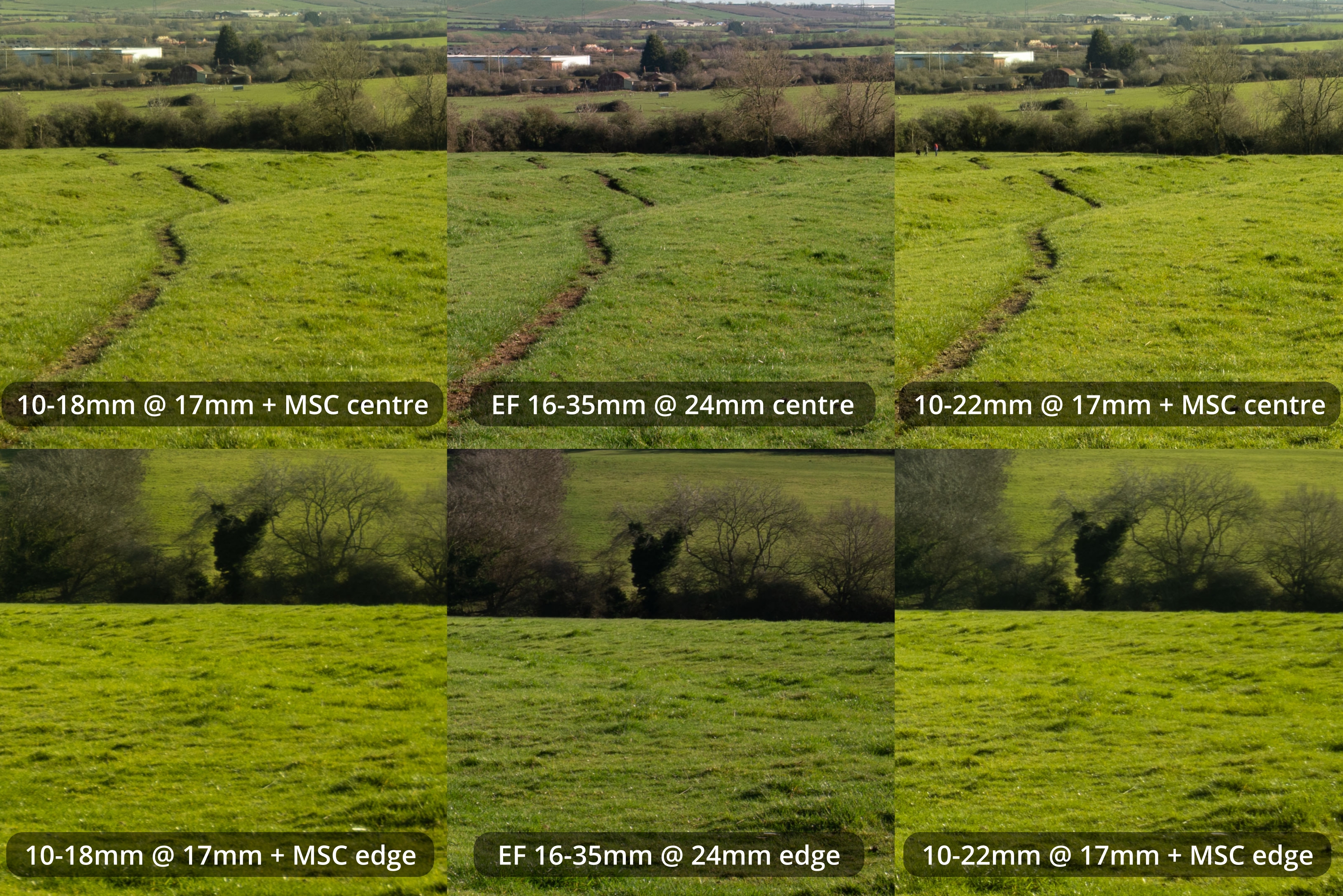
10-18 & 10-22 + MSC at 17mm vs EF 16-35 at 24mm
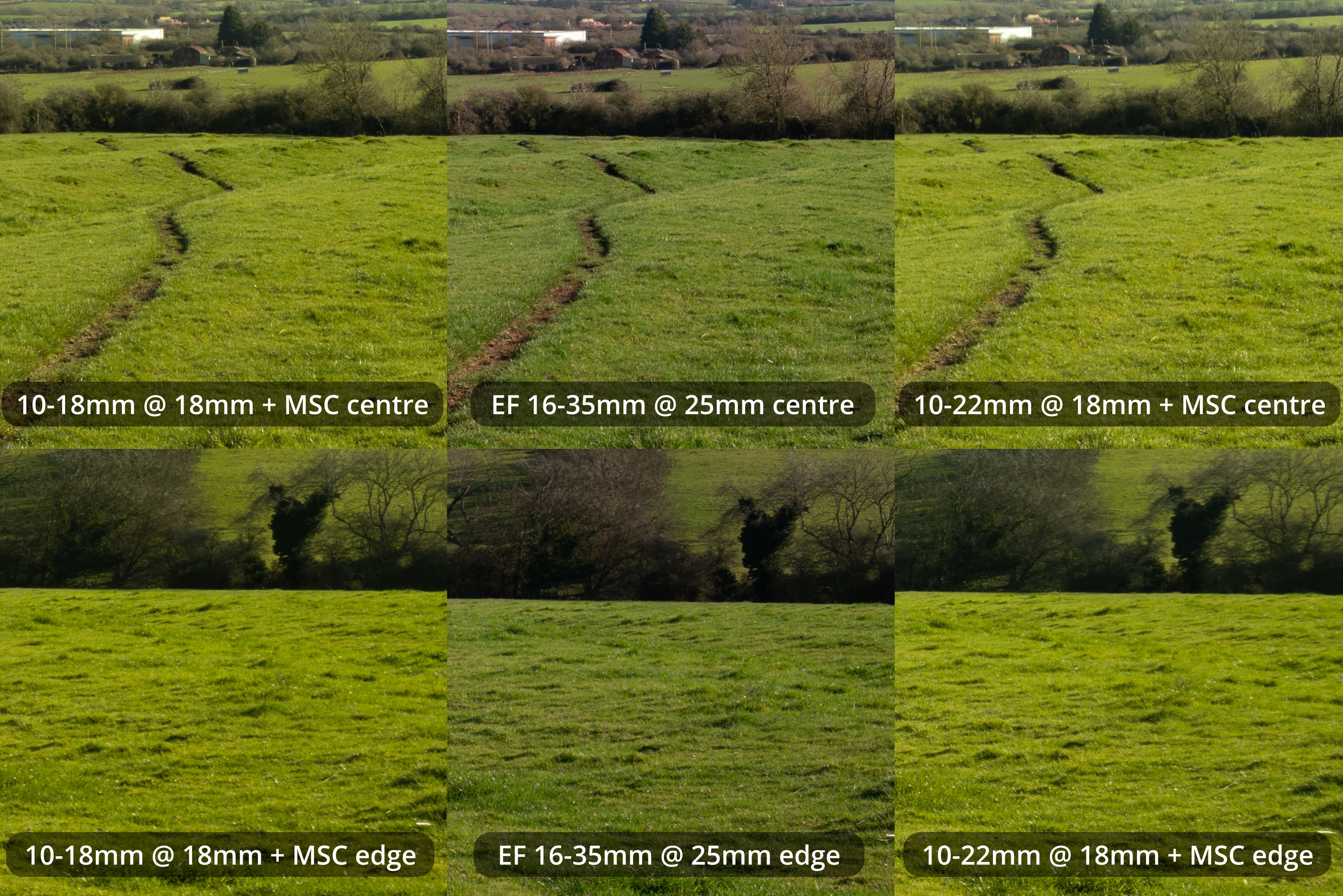
10-18 & 10-22 + MSC at 18mm vs EF 16-35 at 25mm
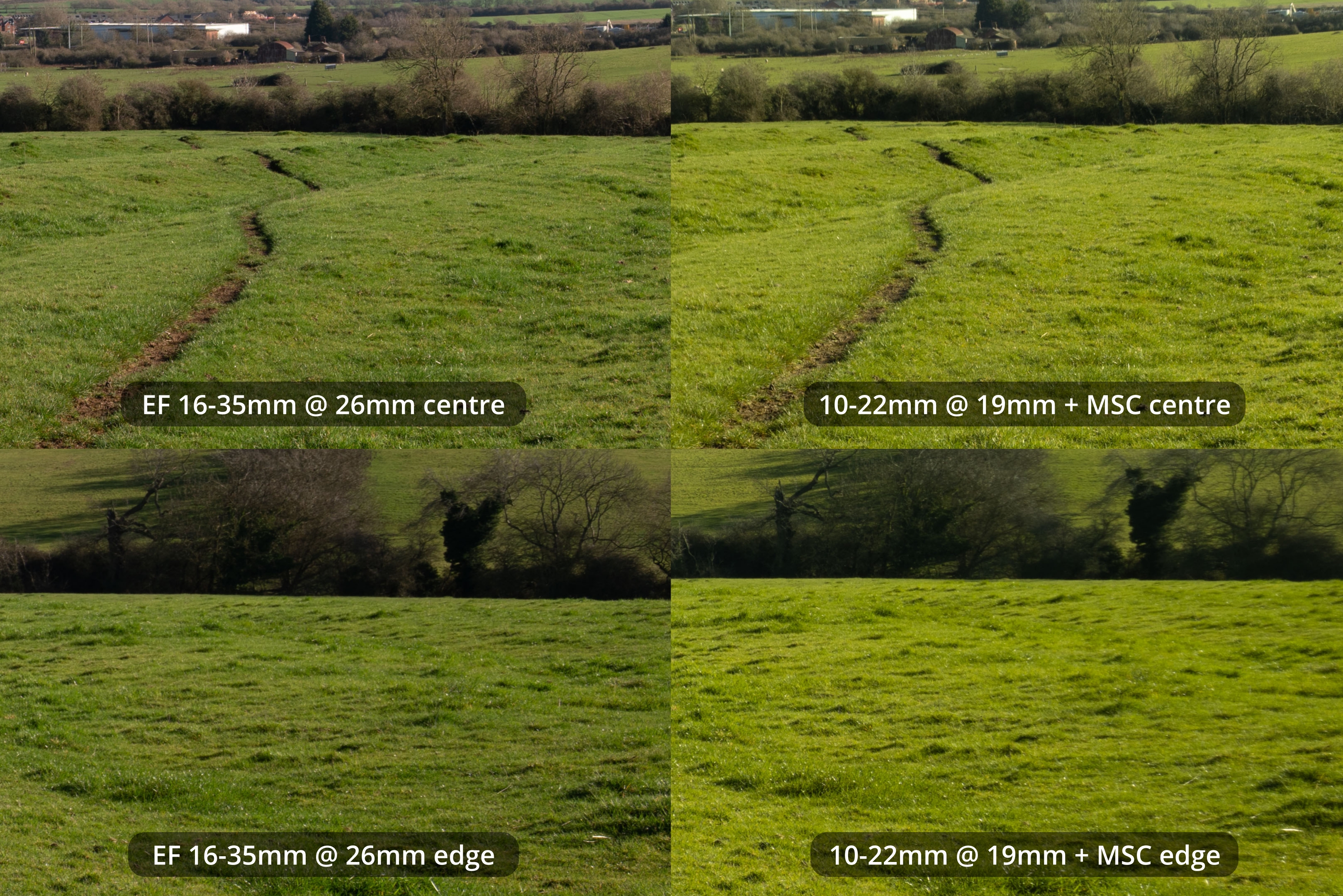
10-22 + MSC at 19mm vs EF 16-35 at 26mm
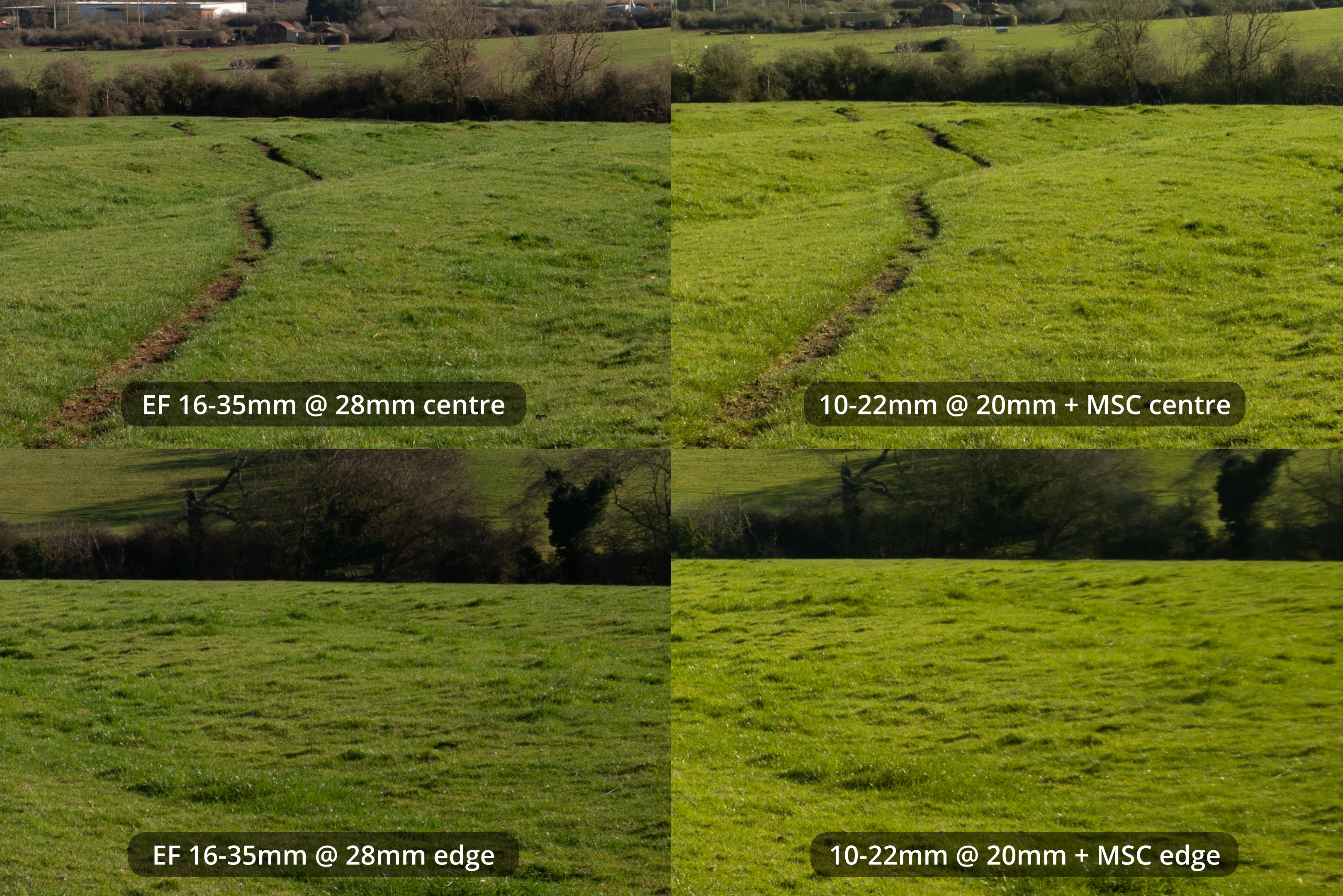
10-22 + MSC at 20mm vs EF 16-35 at 28mm
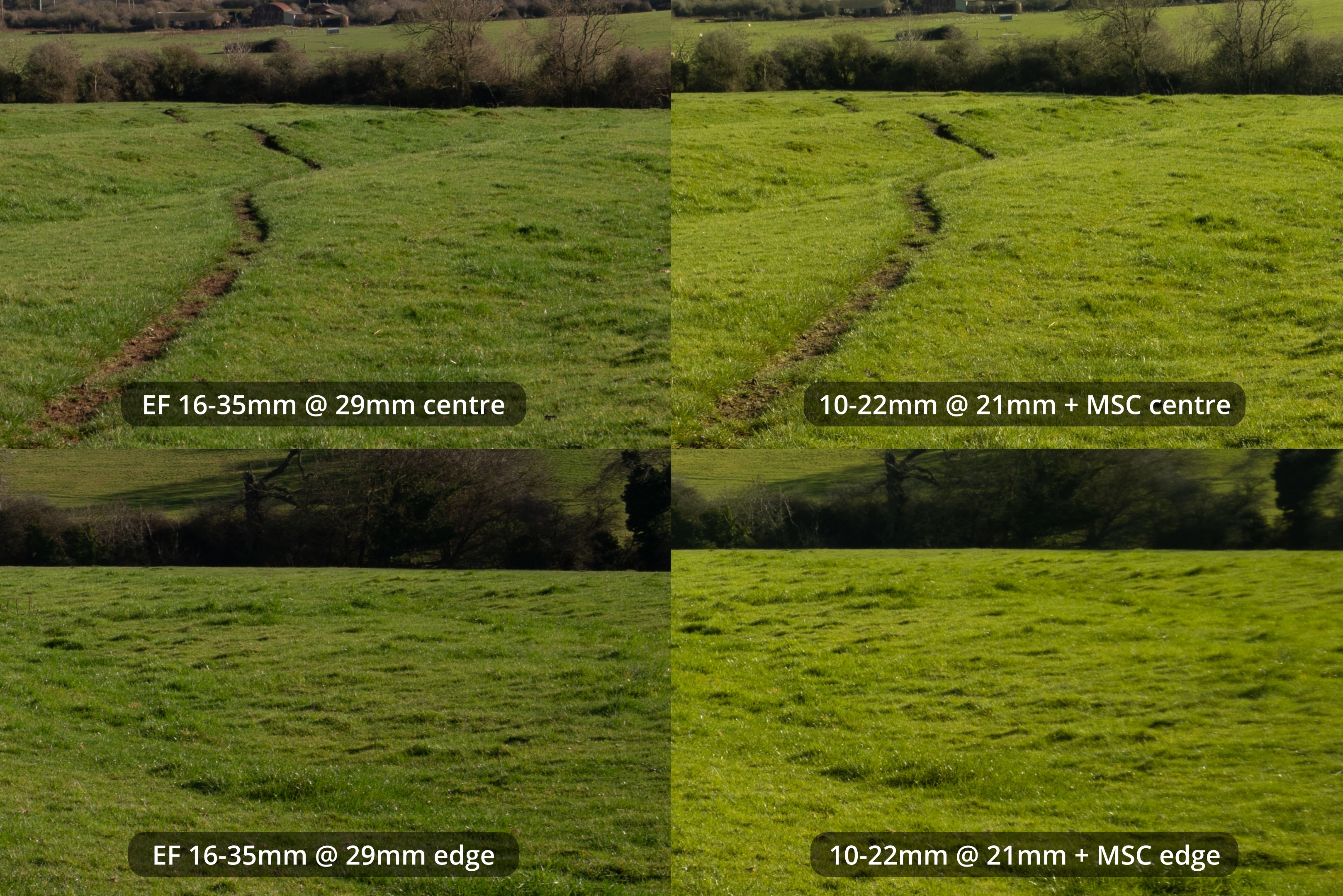
10-22 + MSC at 21mm vs EF 16-35 at 29mm
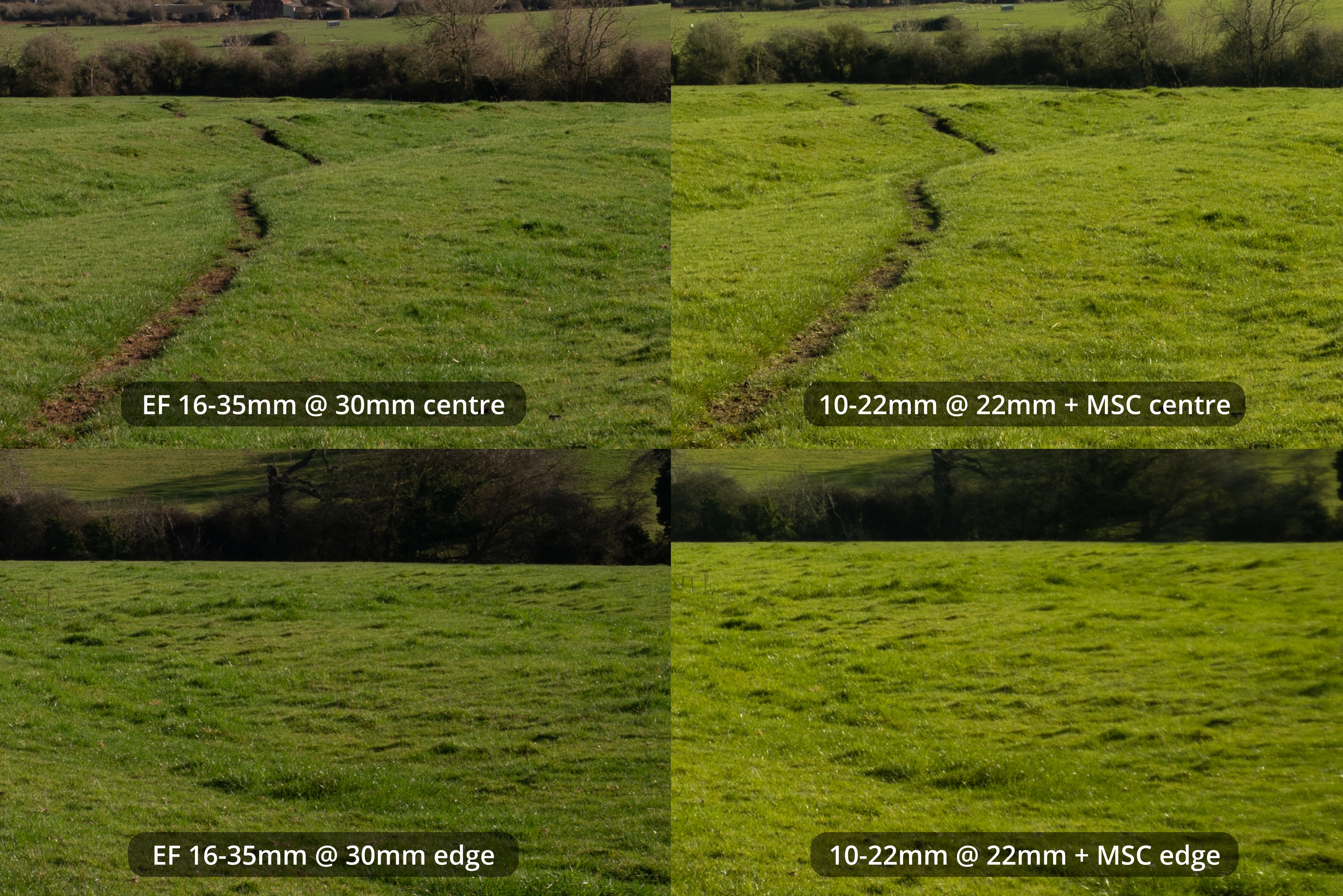
10-22 + MSC at 22mm vs EF 16-35 at 30mm
The 16-35mm on the Sony is sharper than the 10-22mm + MSC. It also seems sharper than the 10-18mm + MSC, but it is more difficult to compare there due to the difficulty of focusing that lens.
EF-S lenses with a teleconverter
What about if we simply use a teleconverter to increase the image circle of the lenses to cover full frame? Unfortunately my Sony TC is not compatible with my E mount EF lens adapters. However, I do have an EF mount Kenko C-AF 1.4x DGX teleconverter, which is specially designed for use with EF-S lenses. Note that you lose a stop of light with a 1.4x TC.
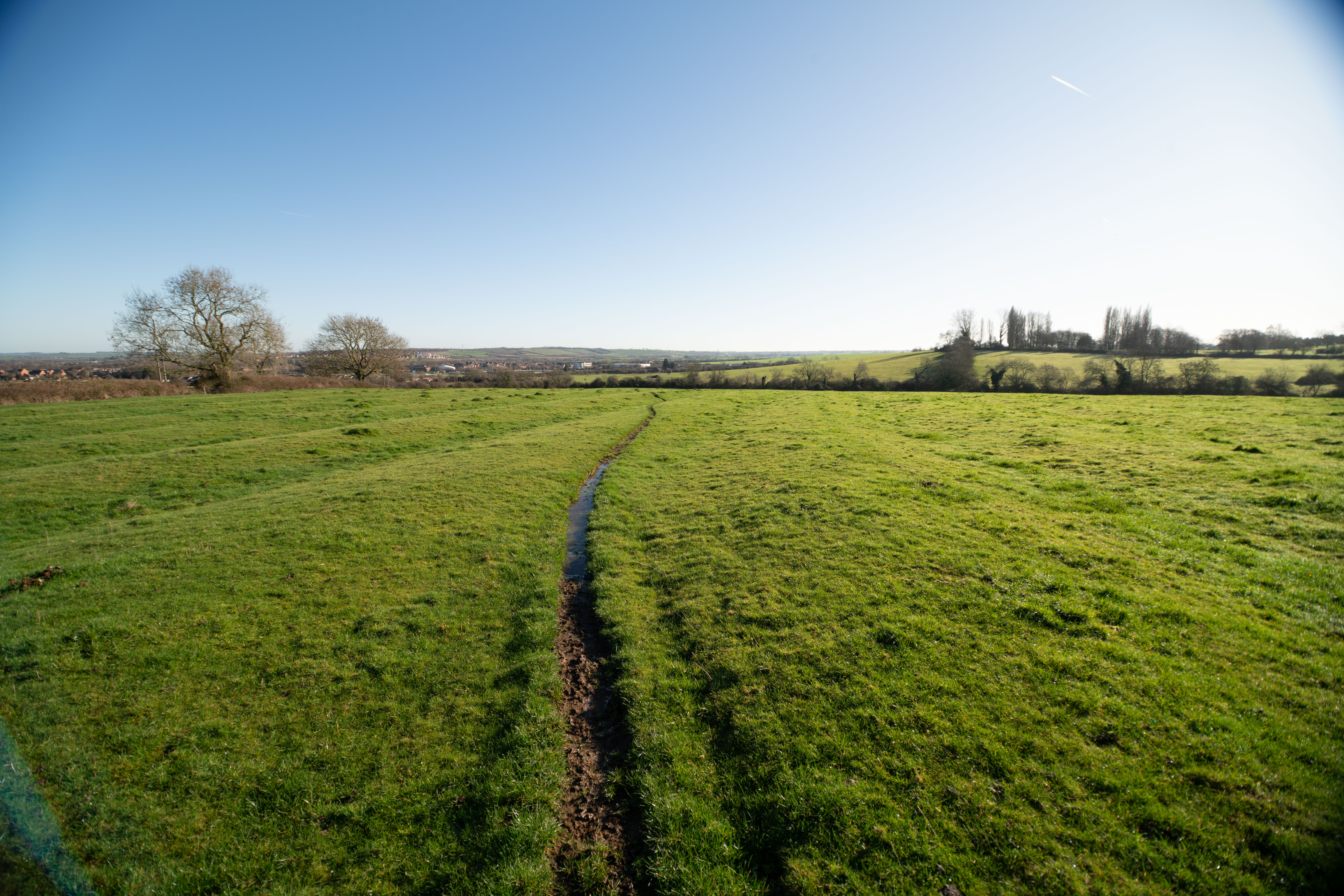
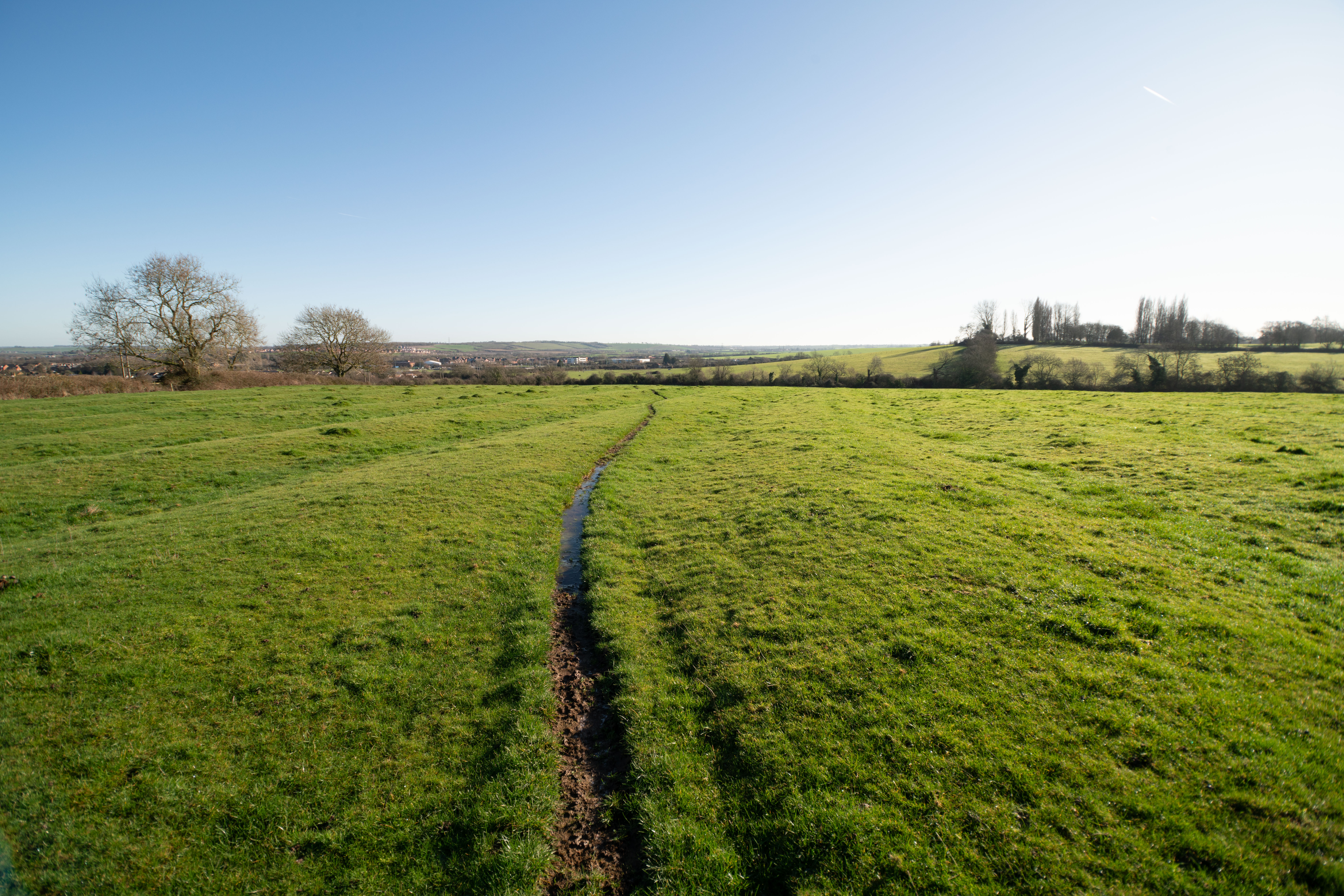
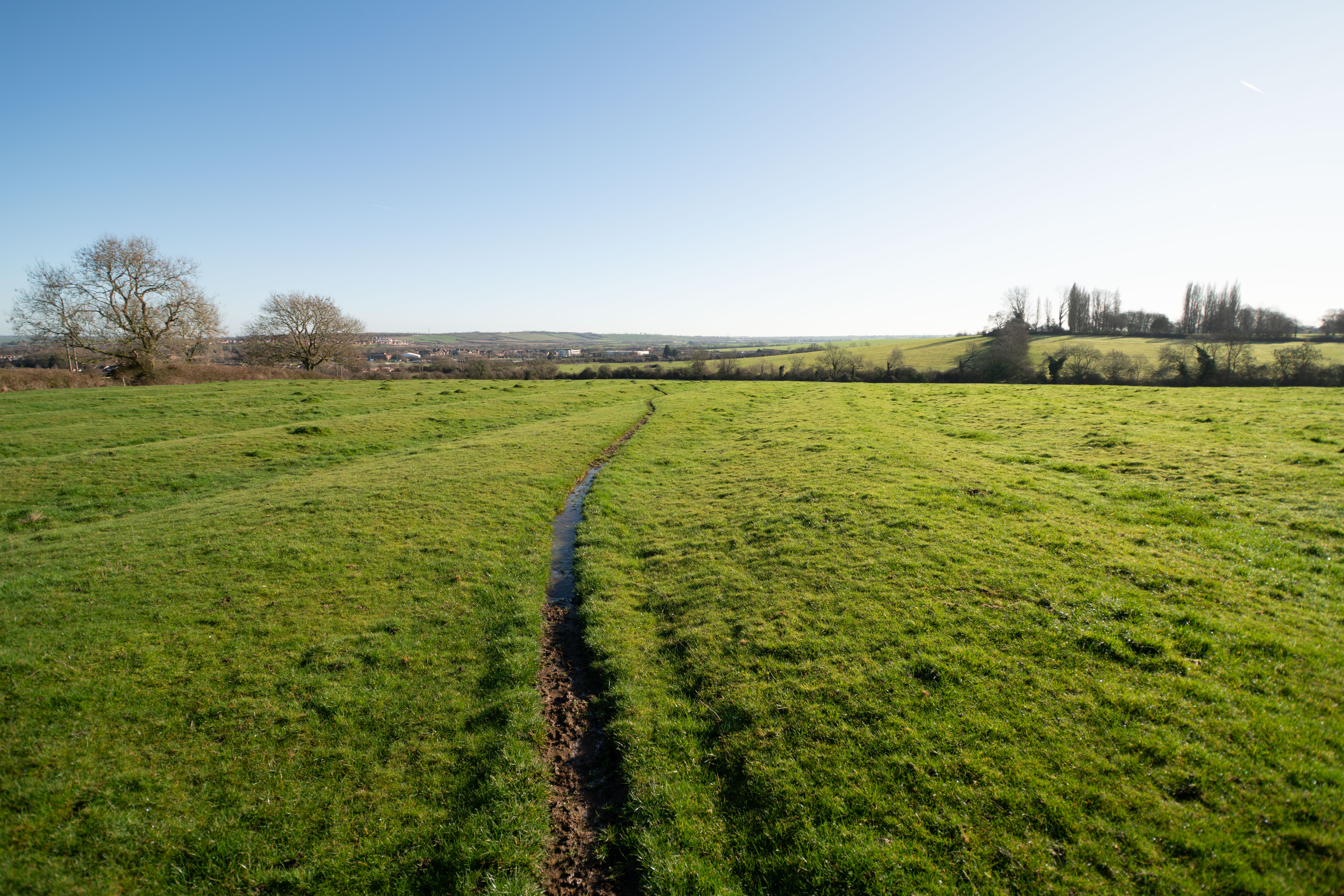
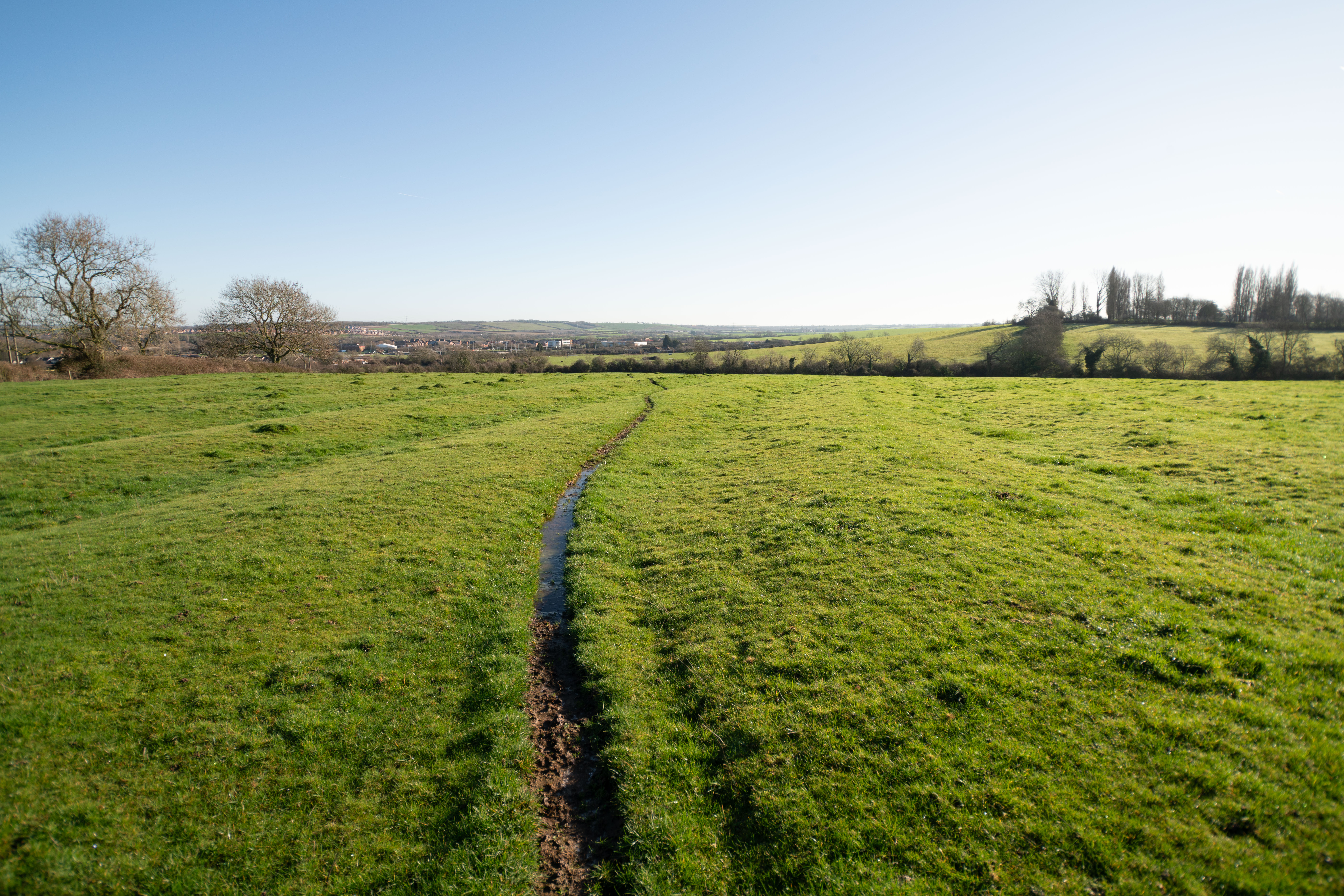
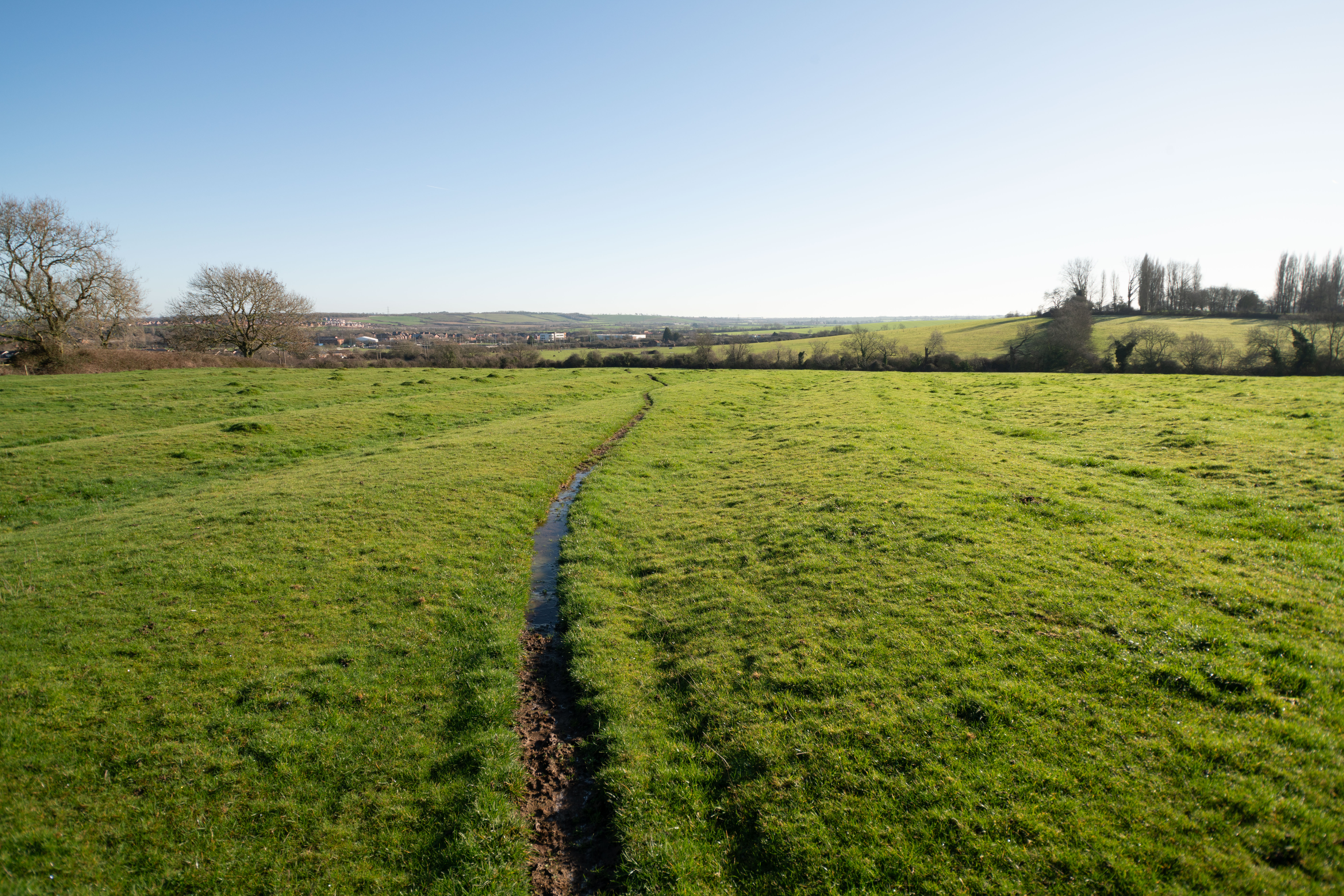
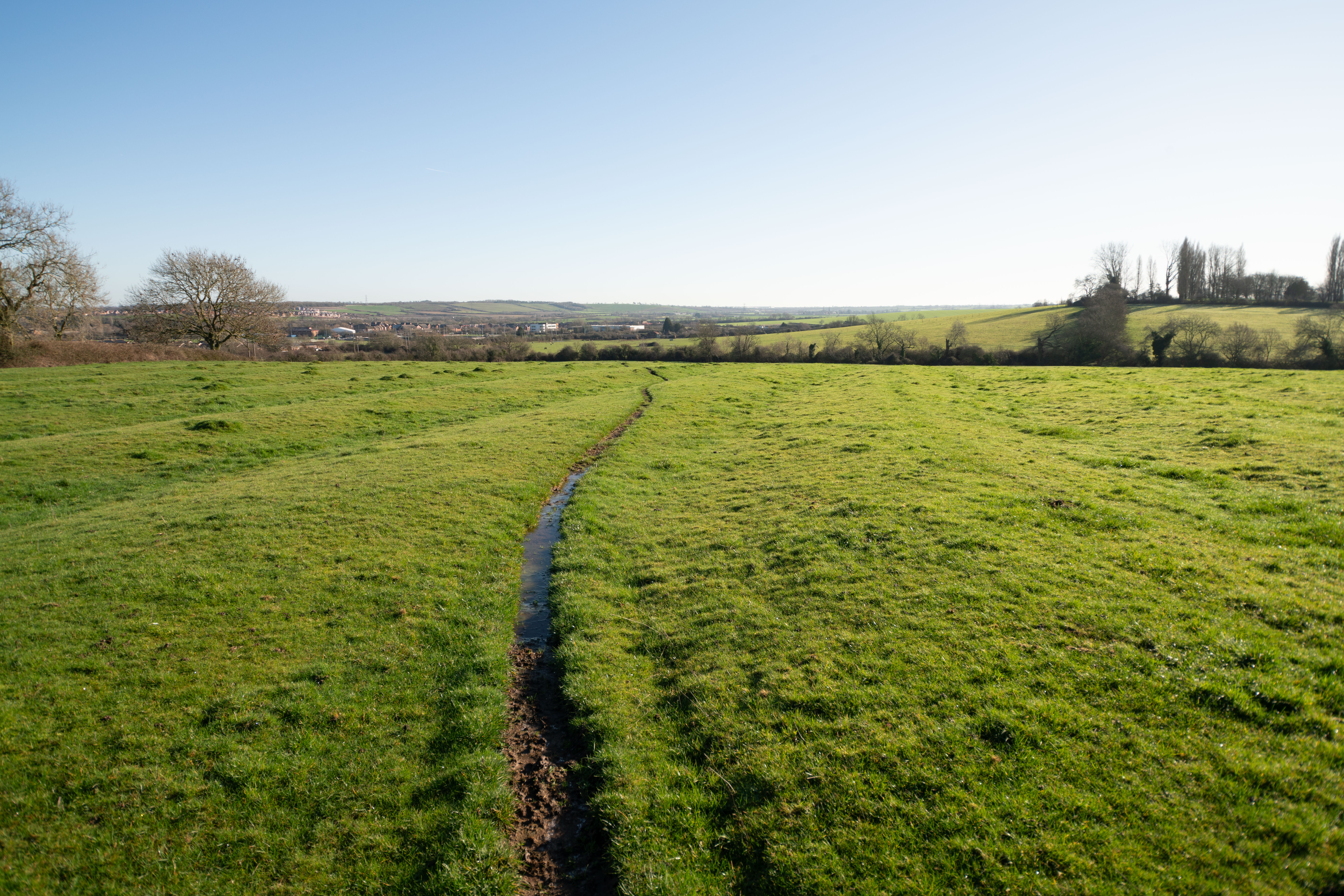
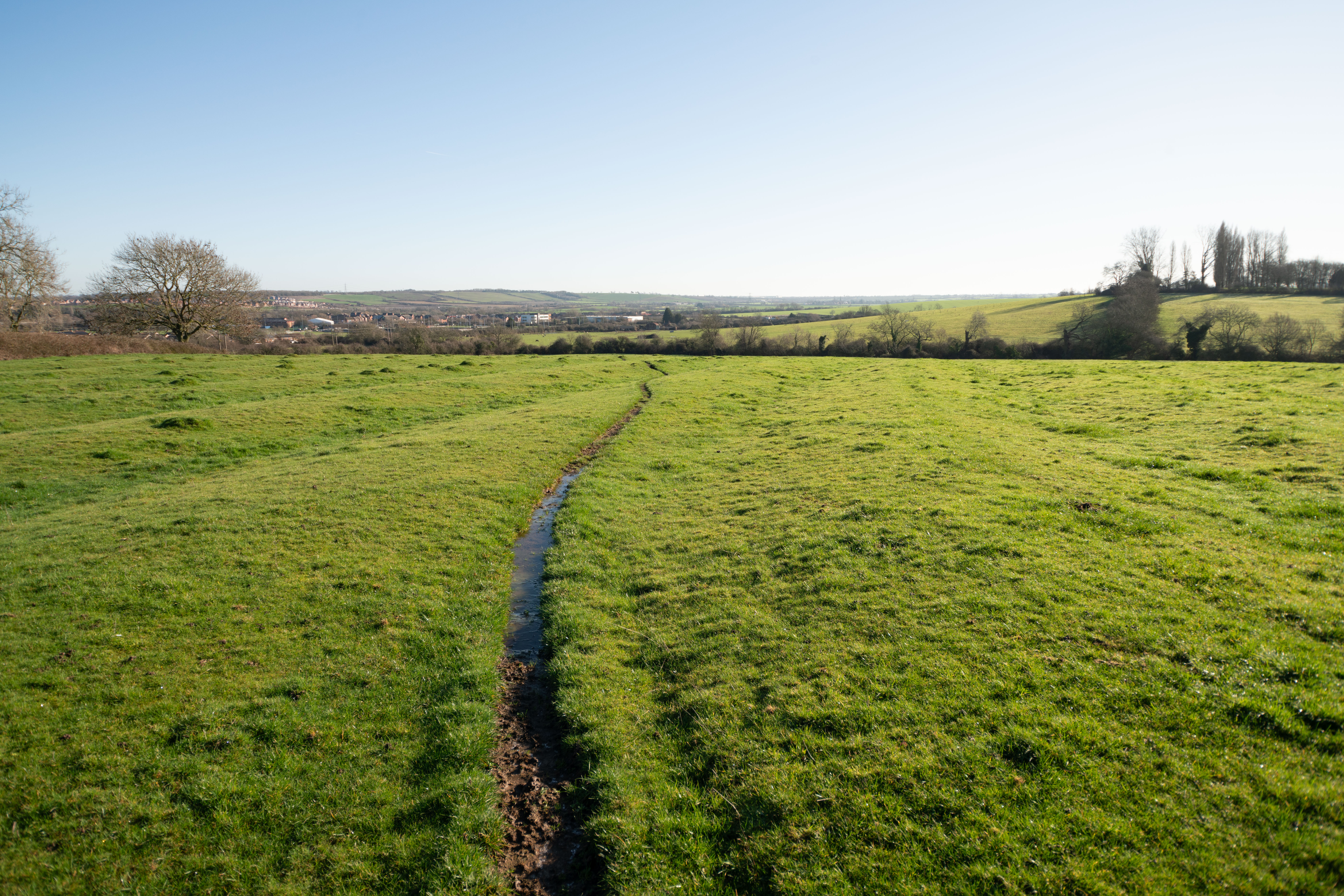
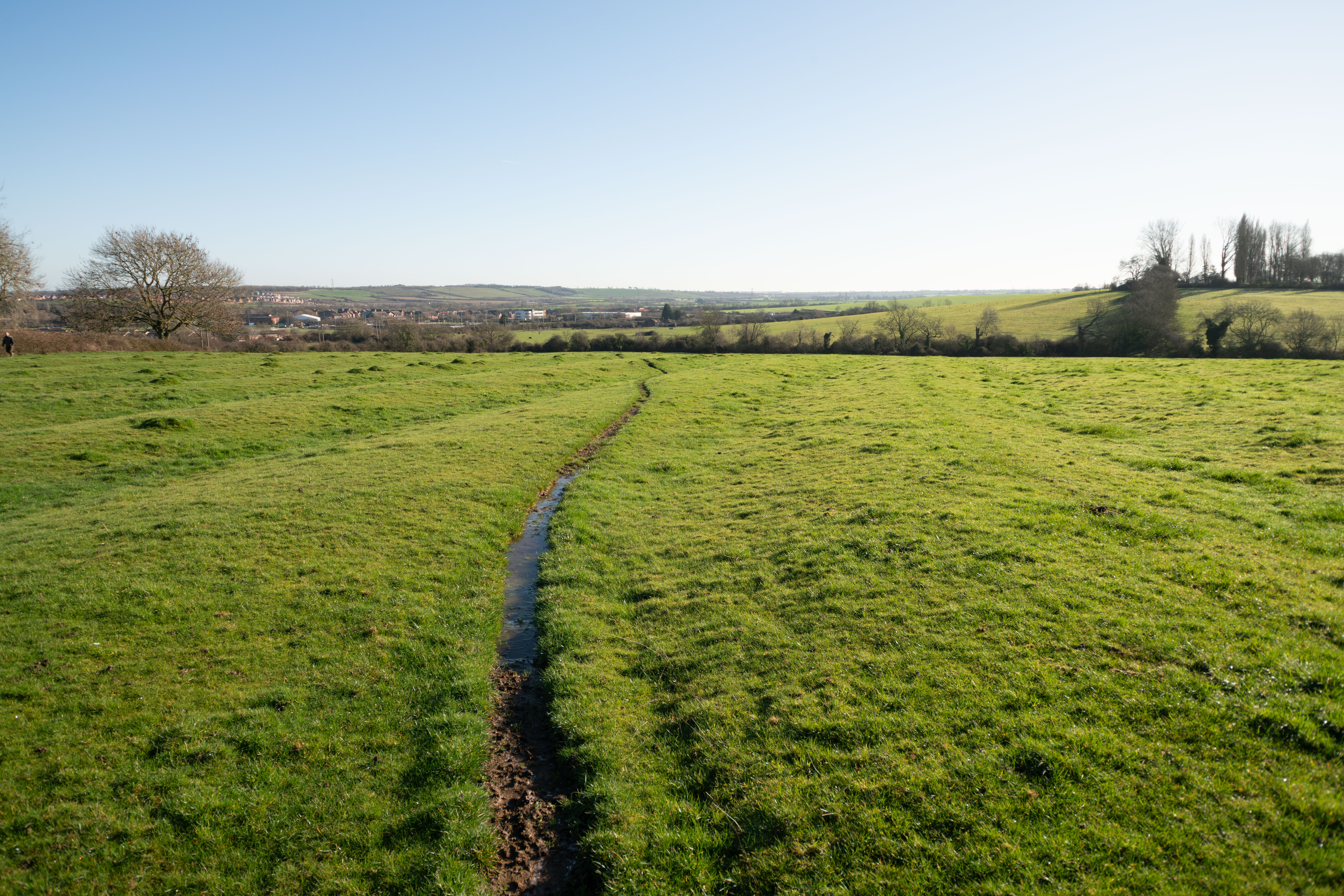
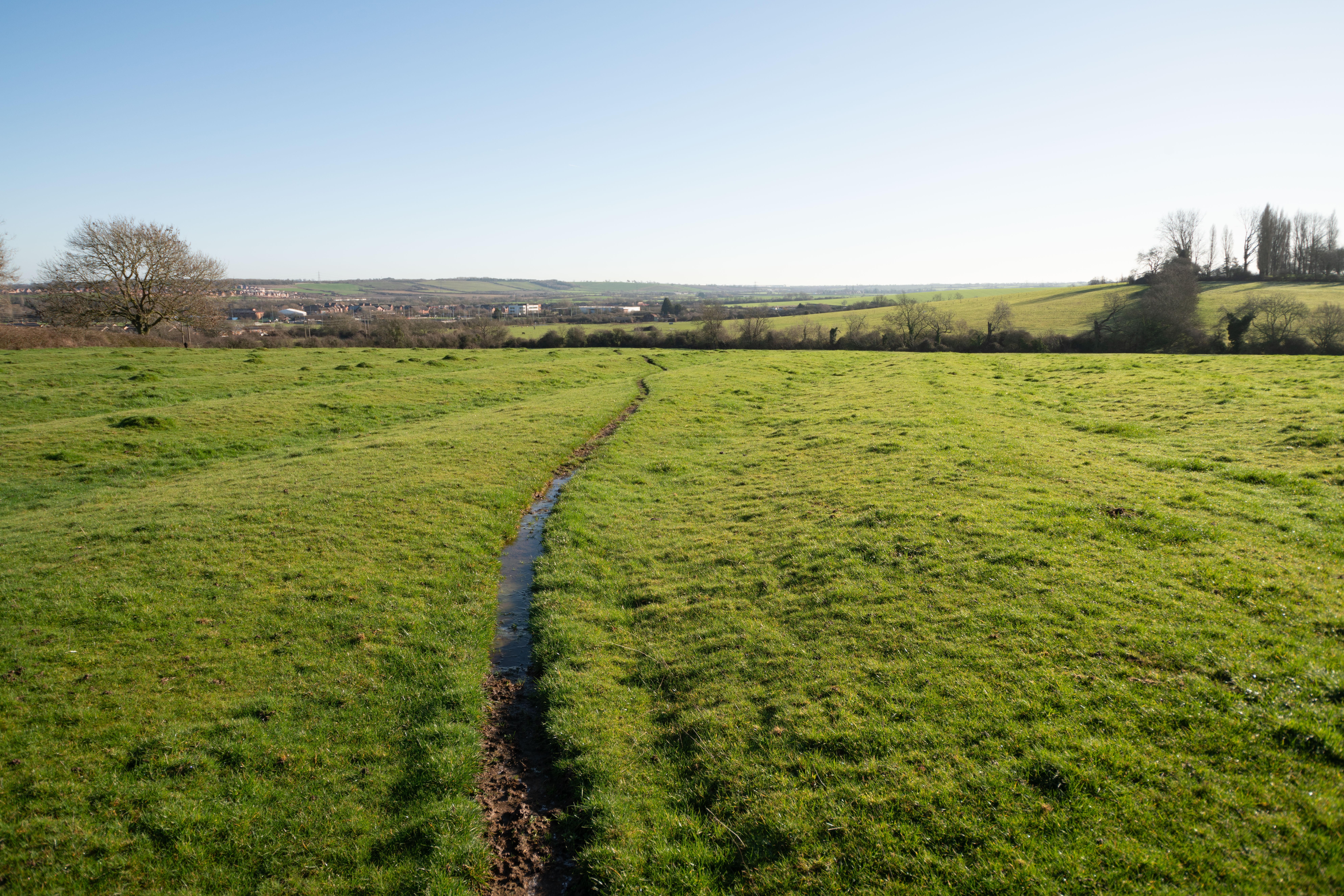
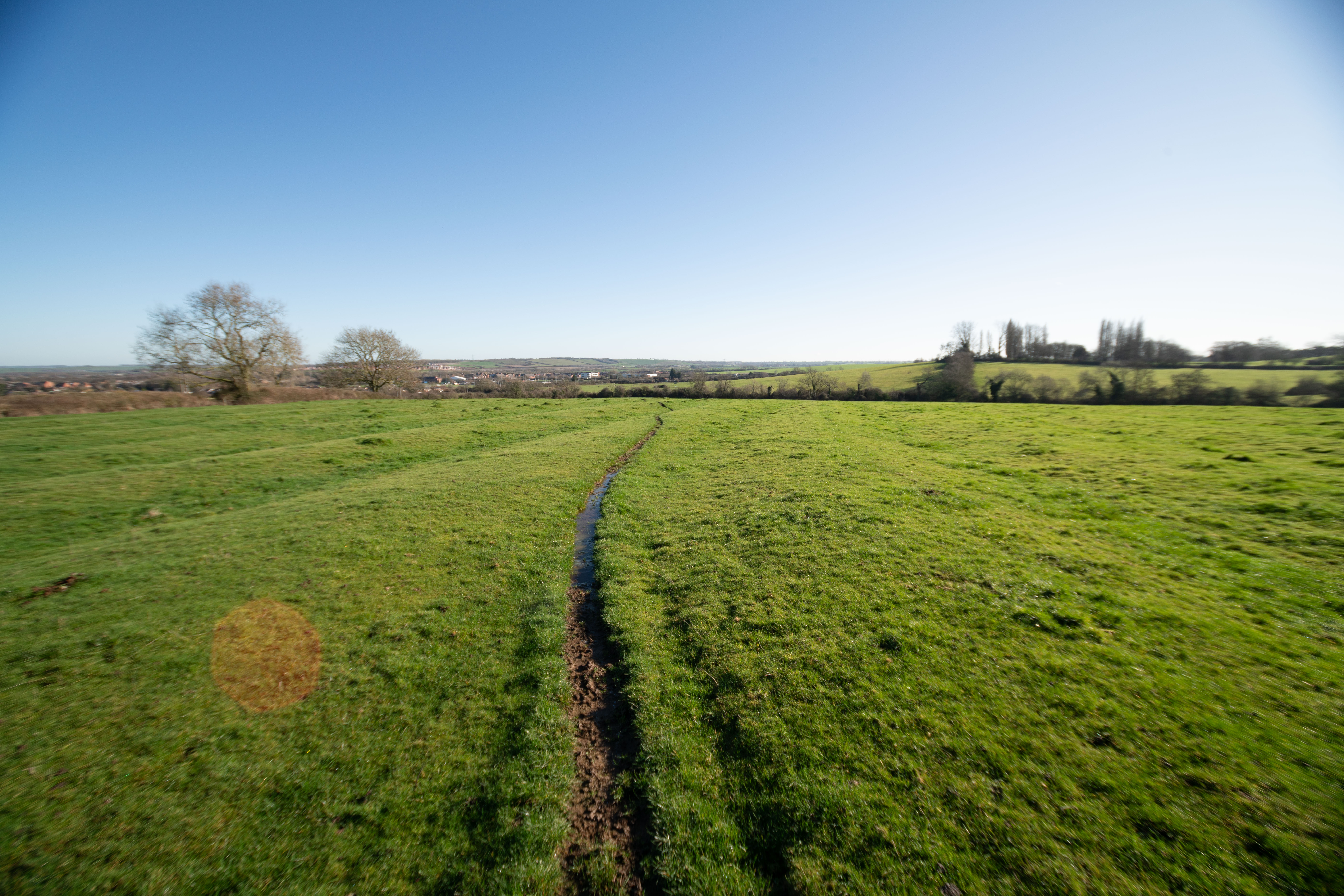
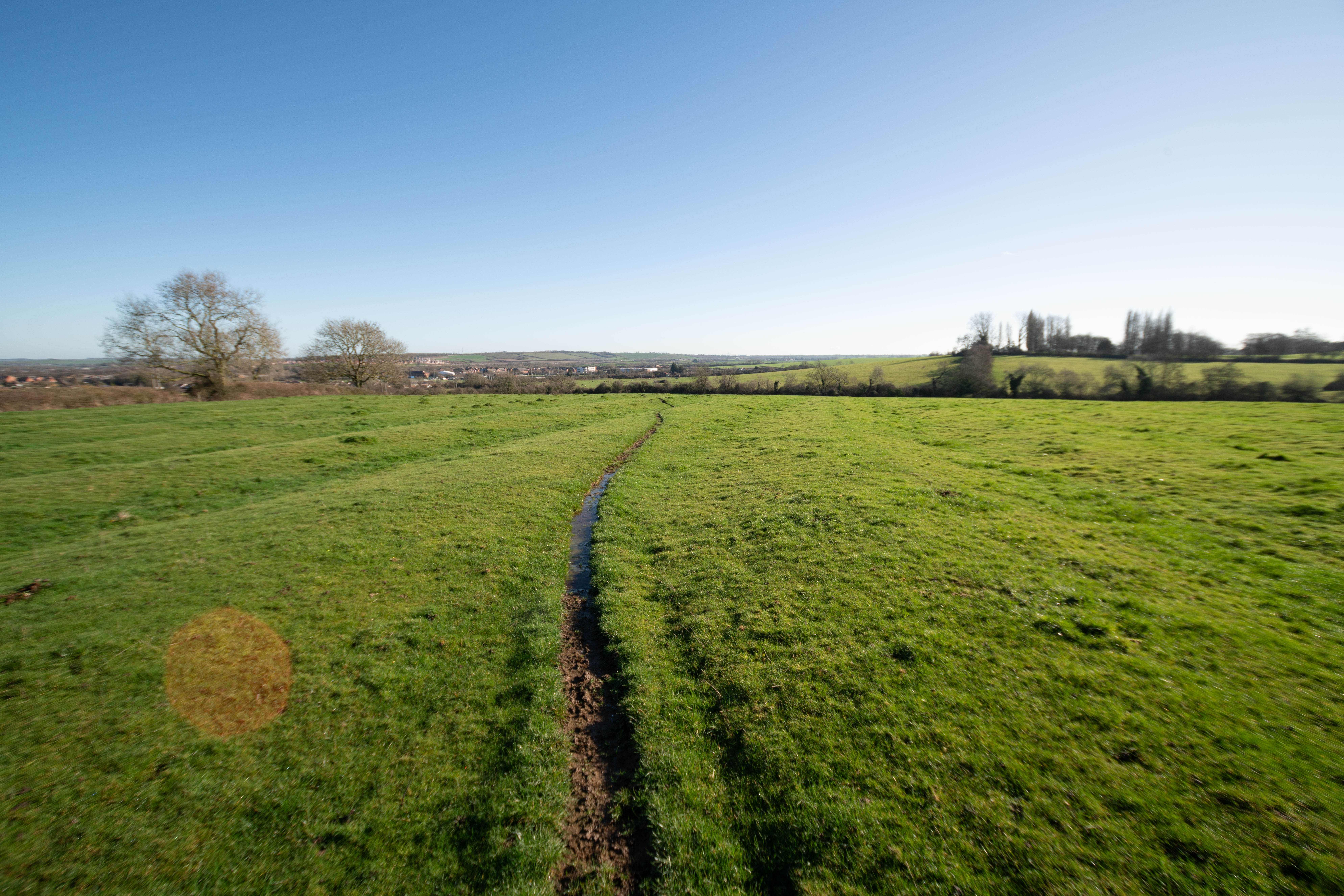
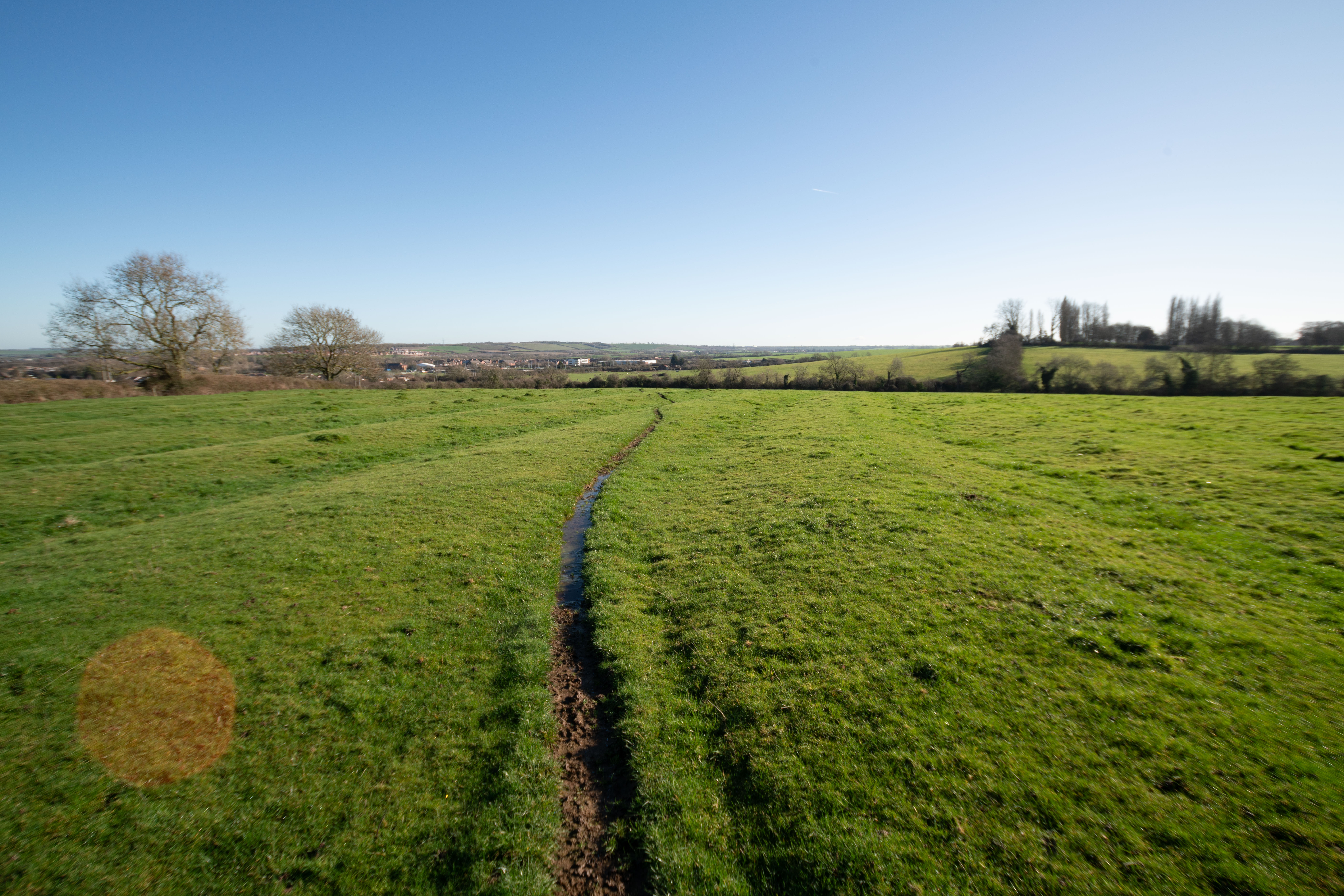
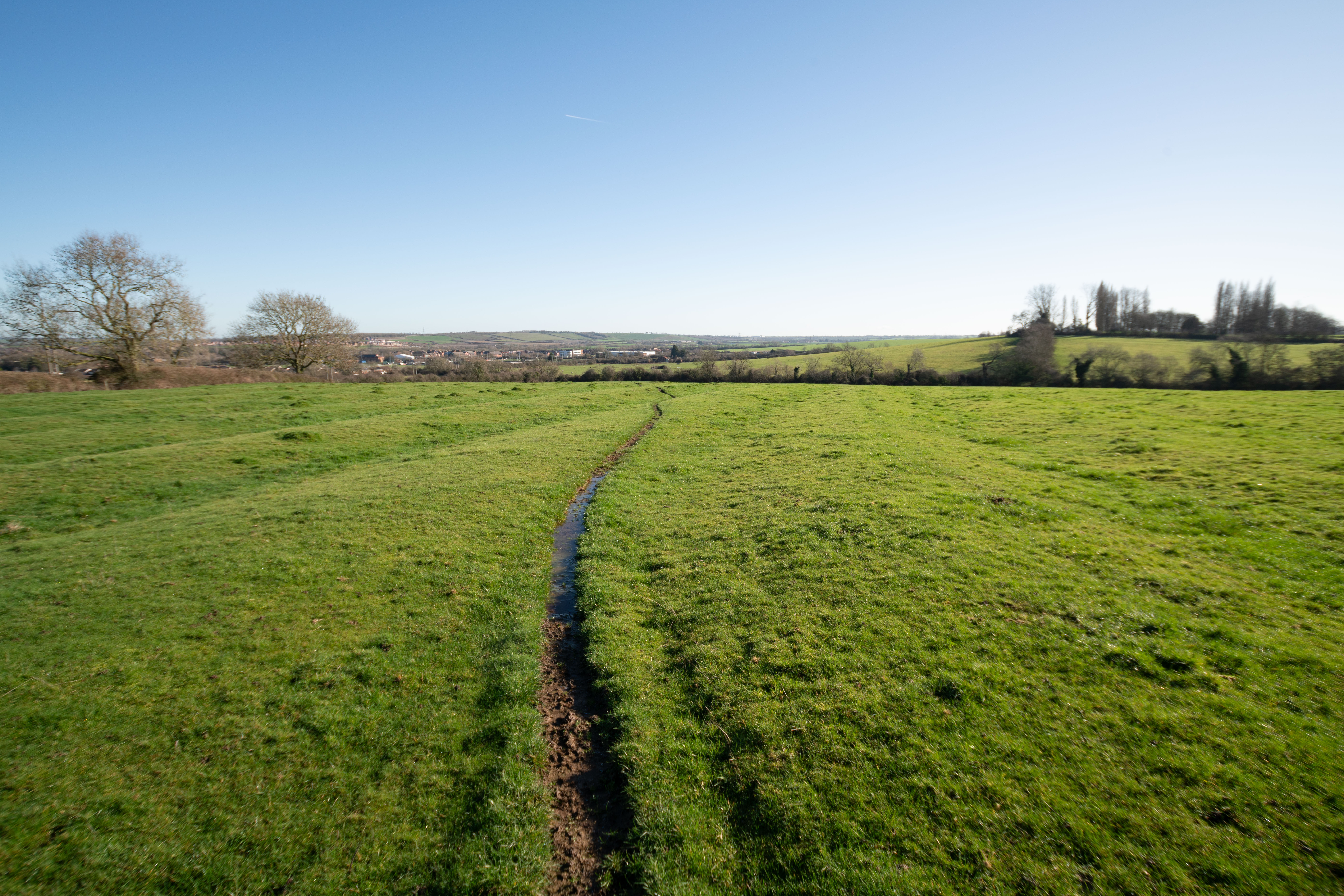

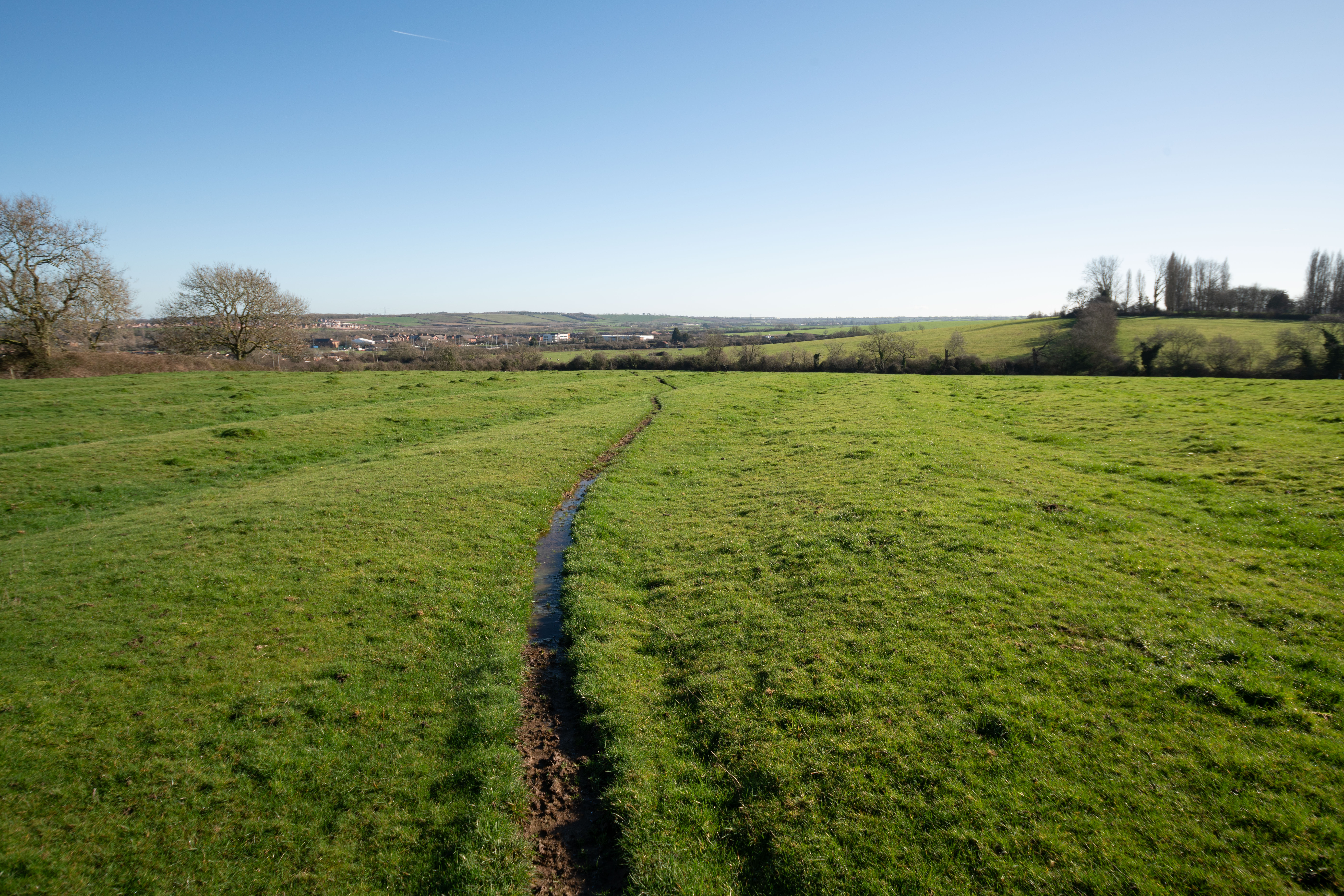
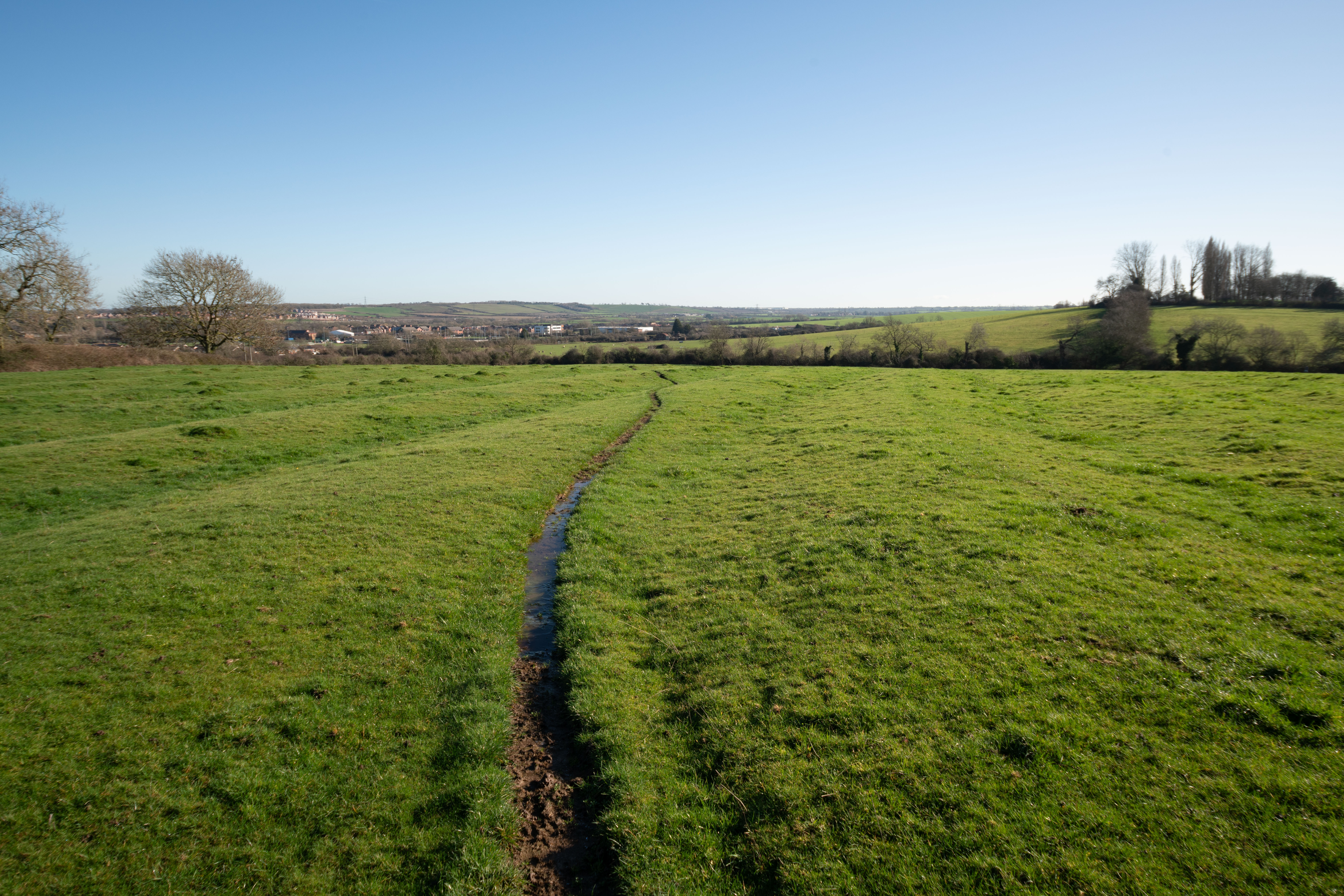
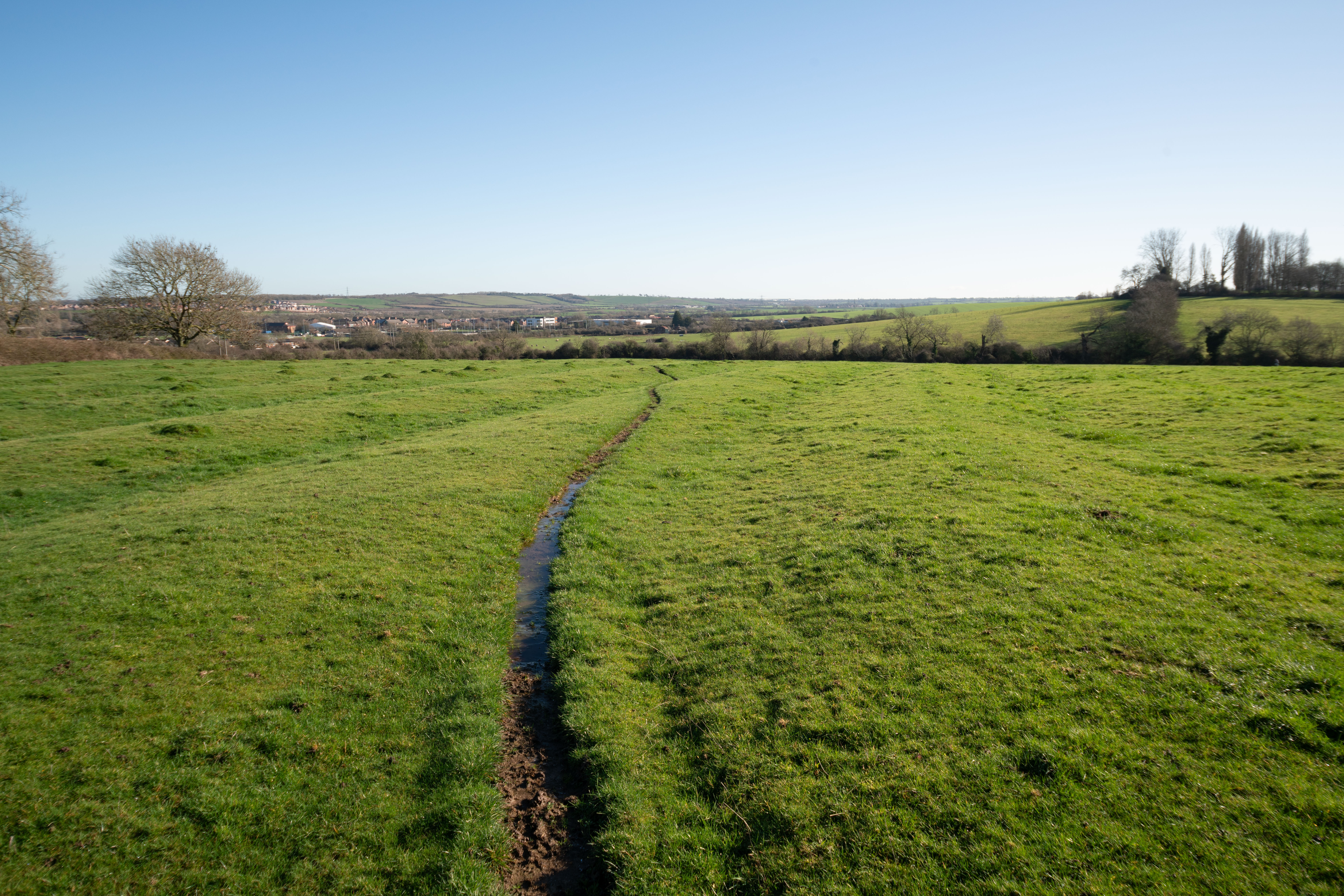
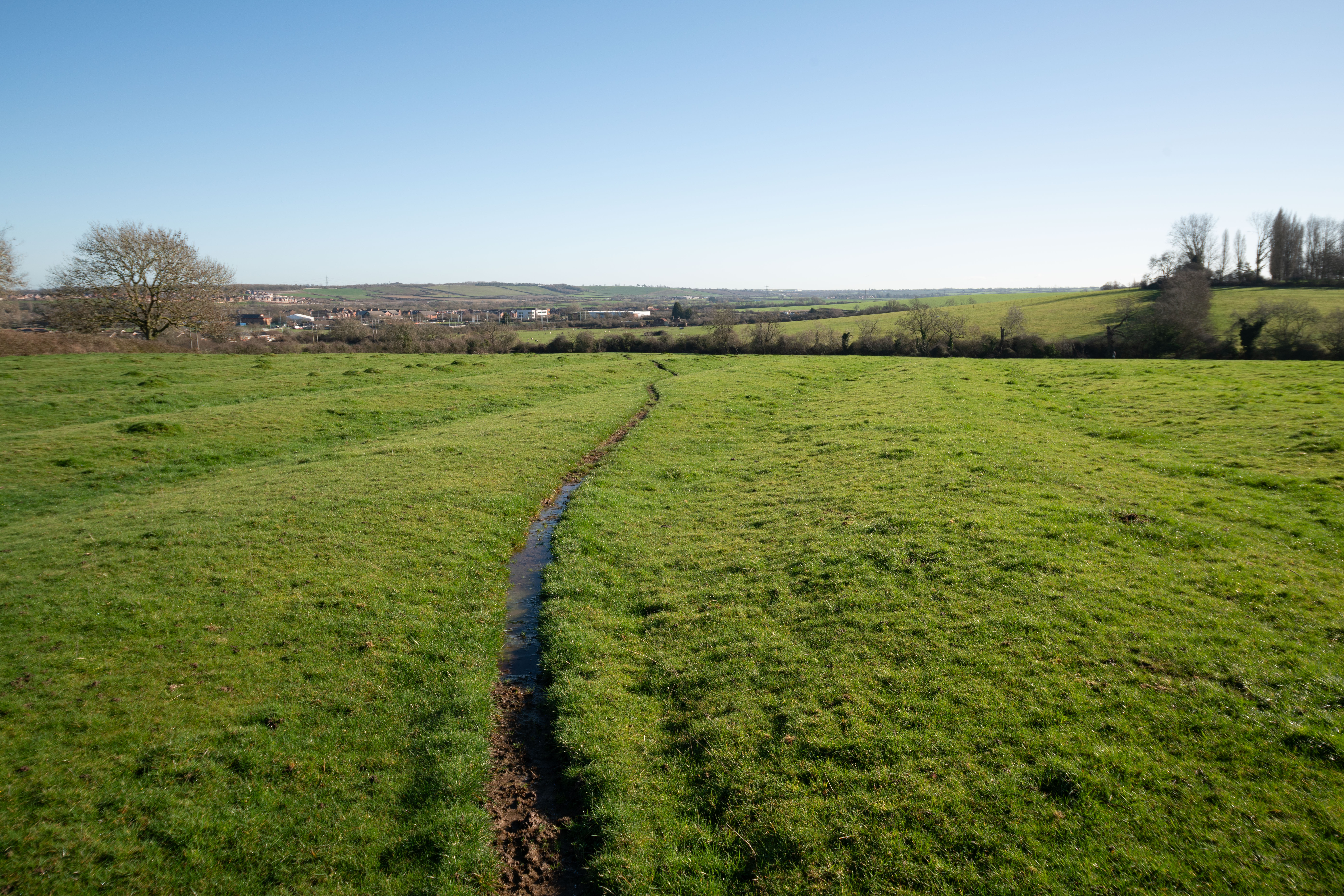
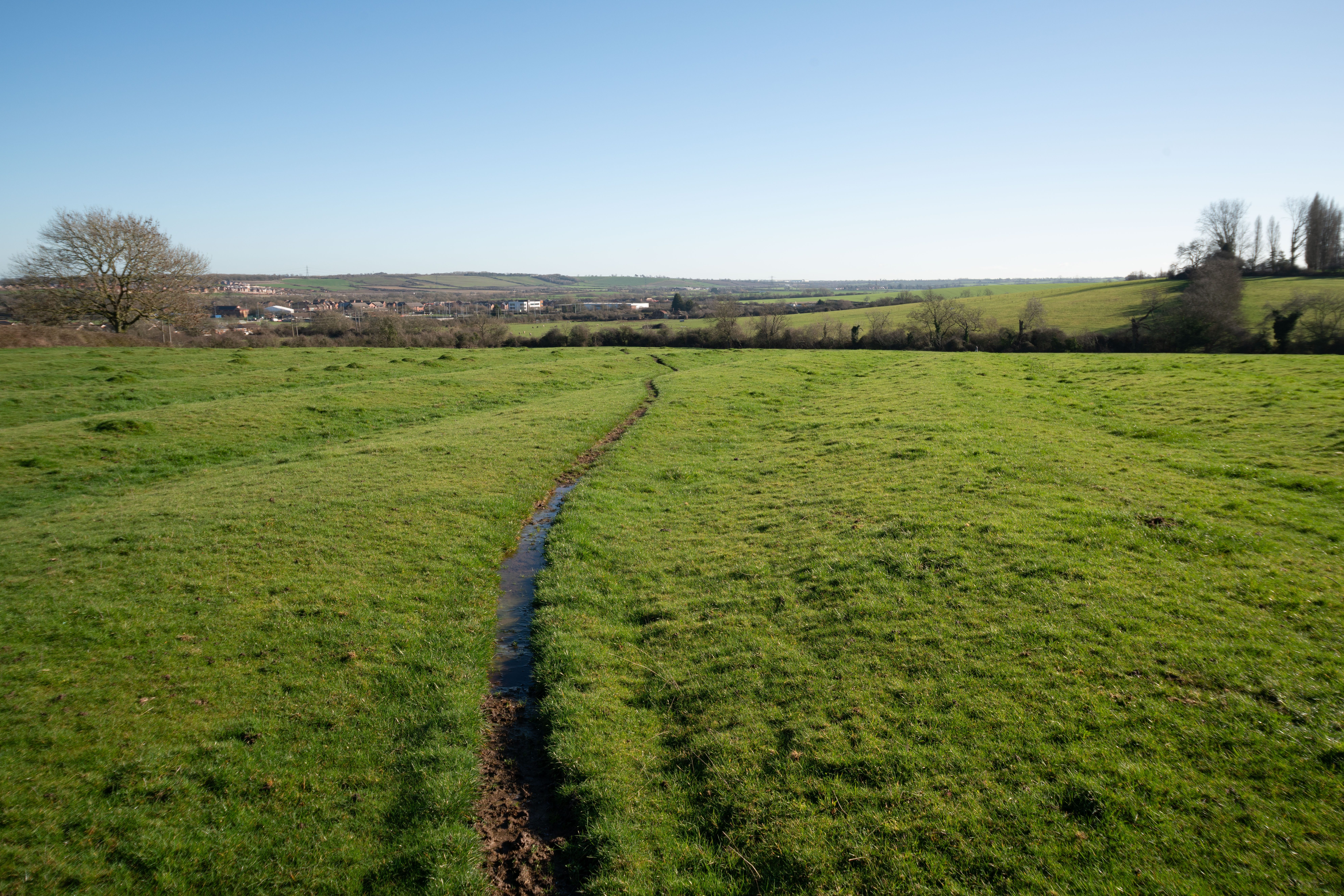
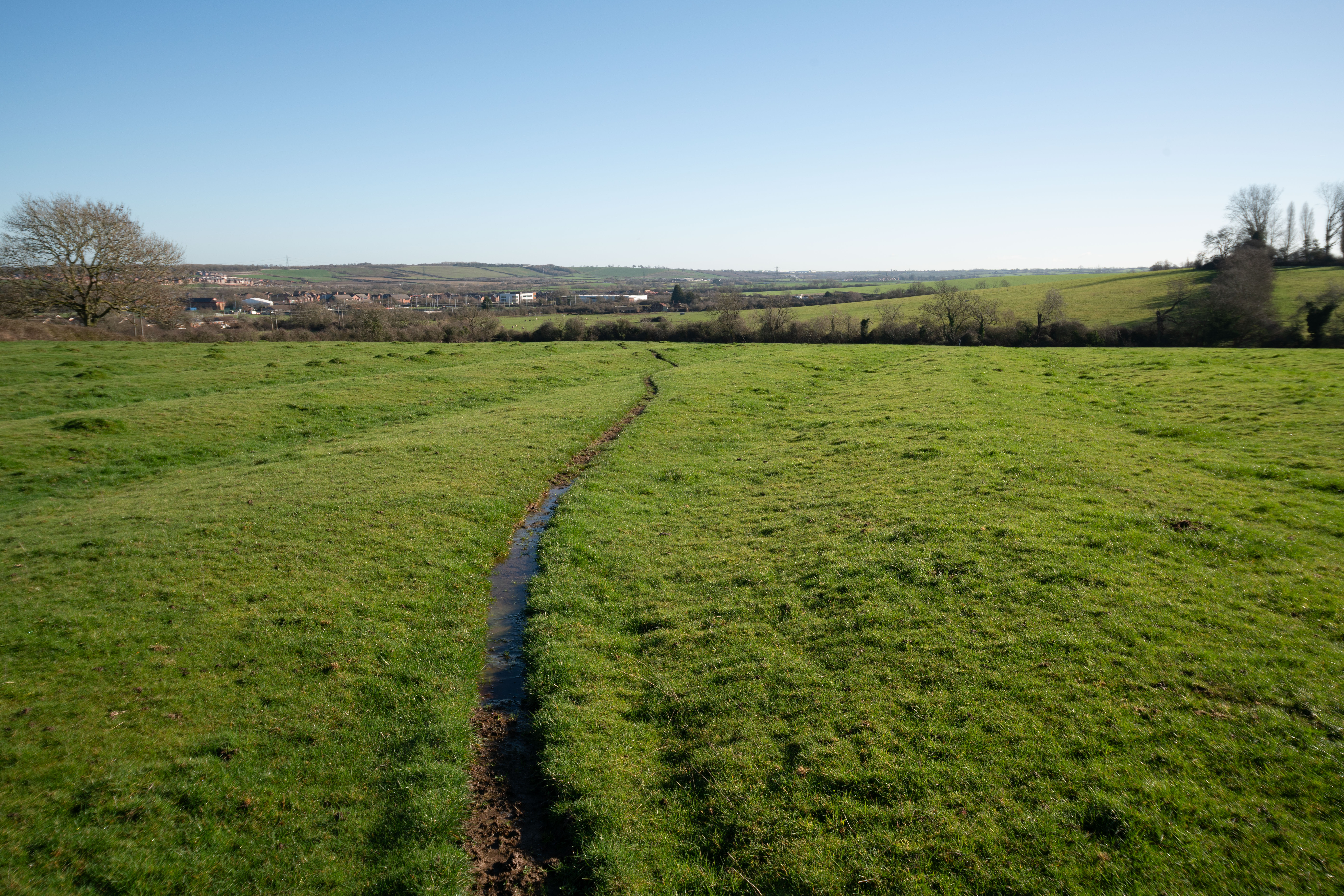
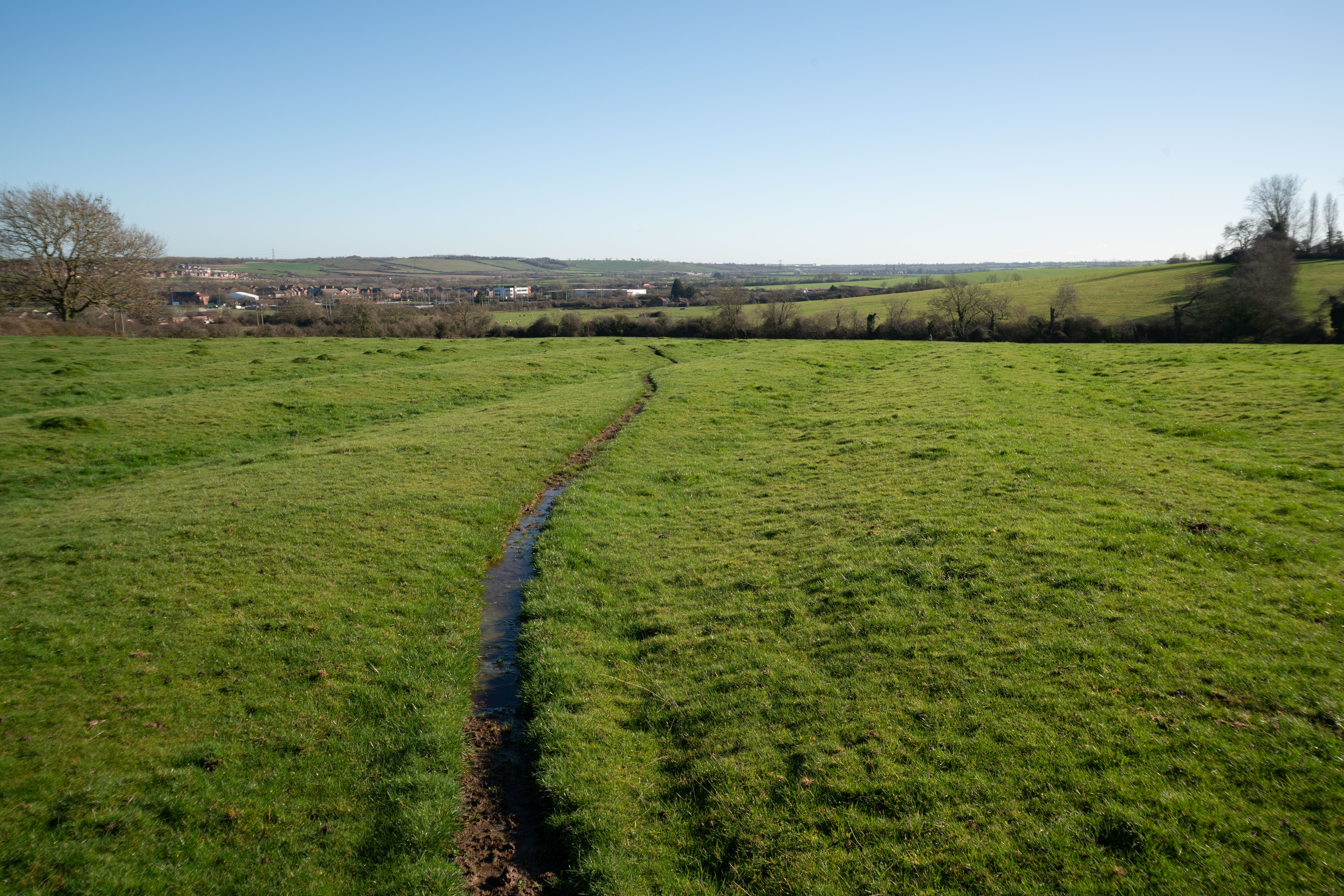
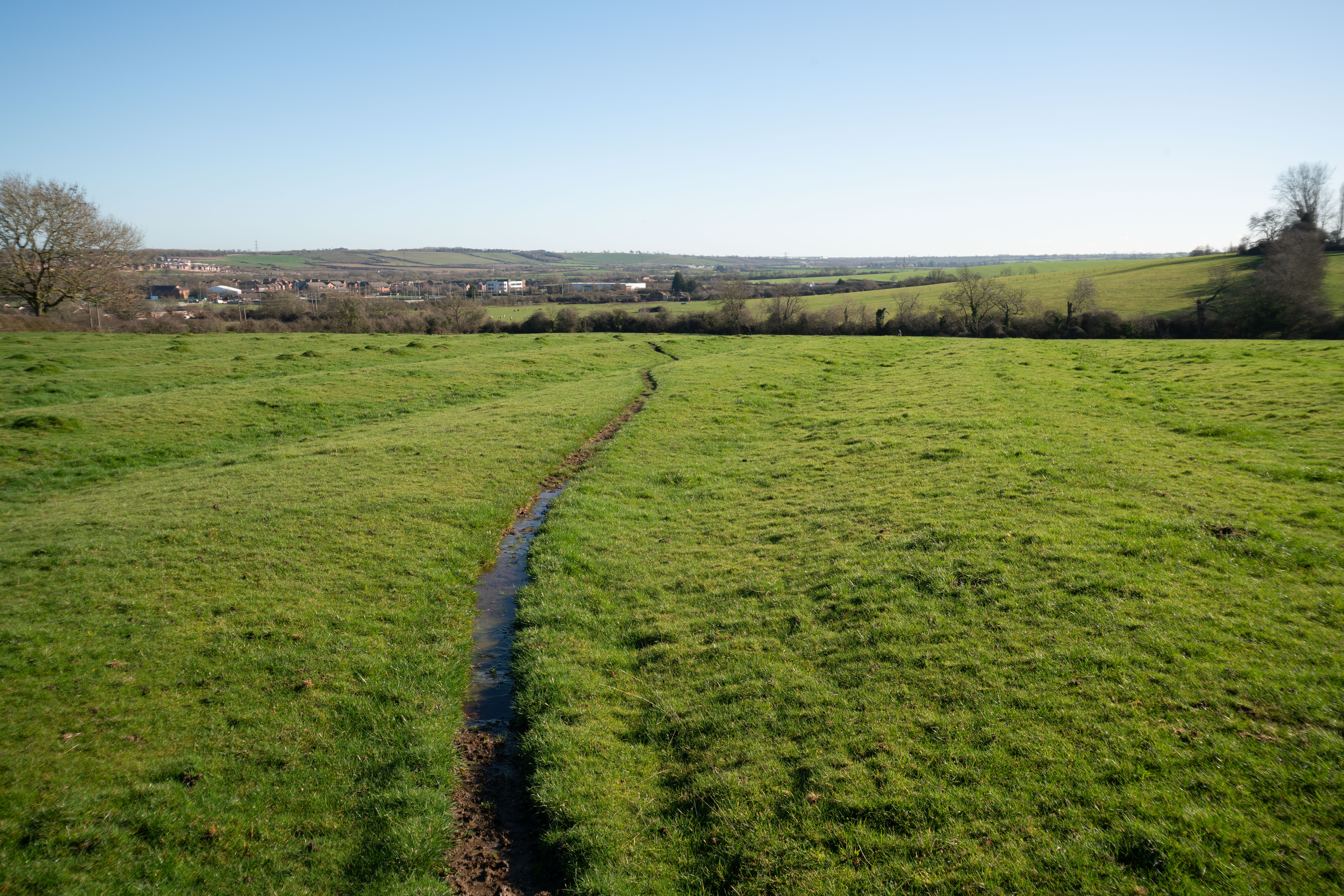
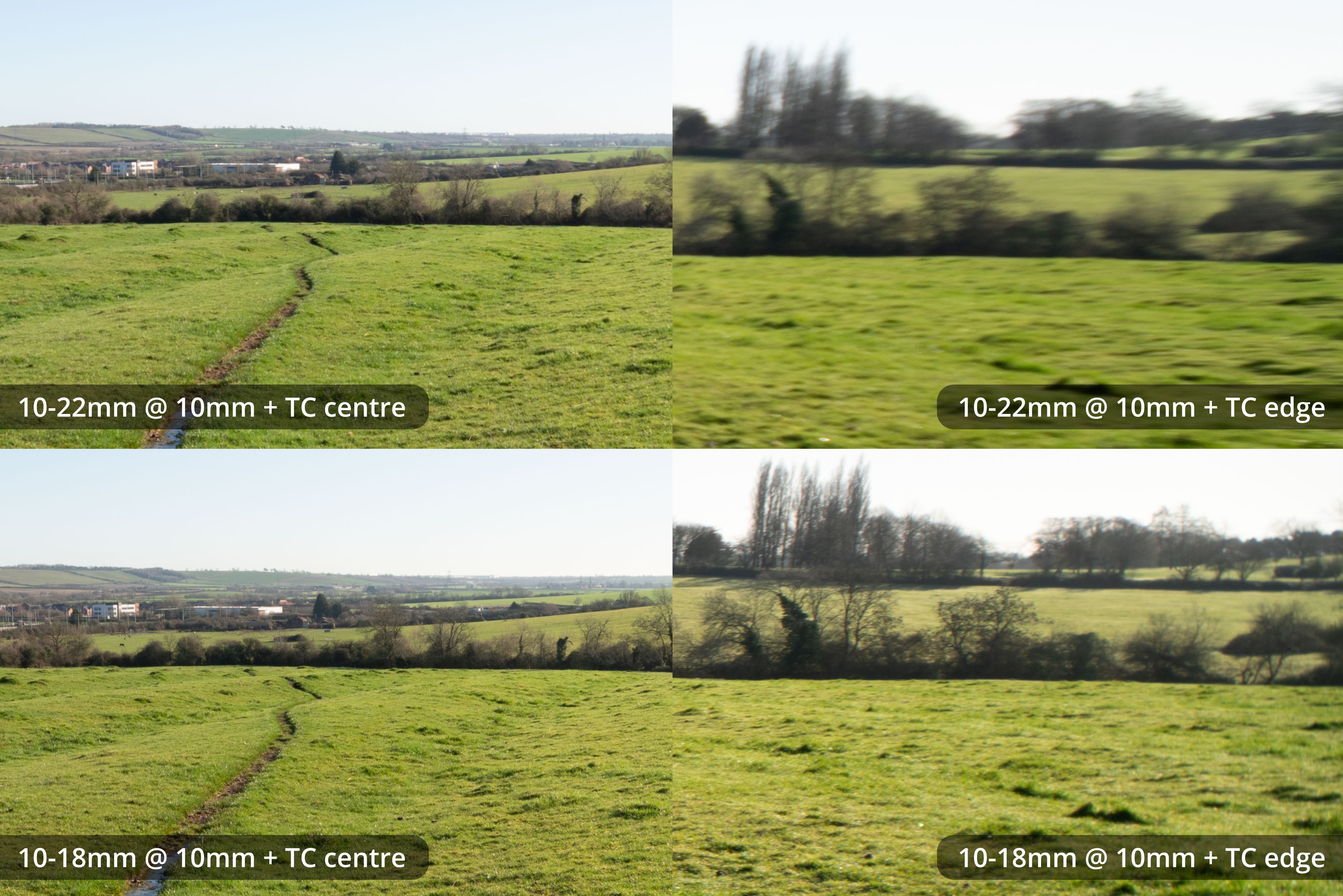
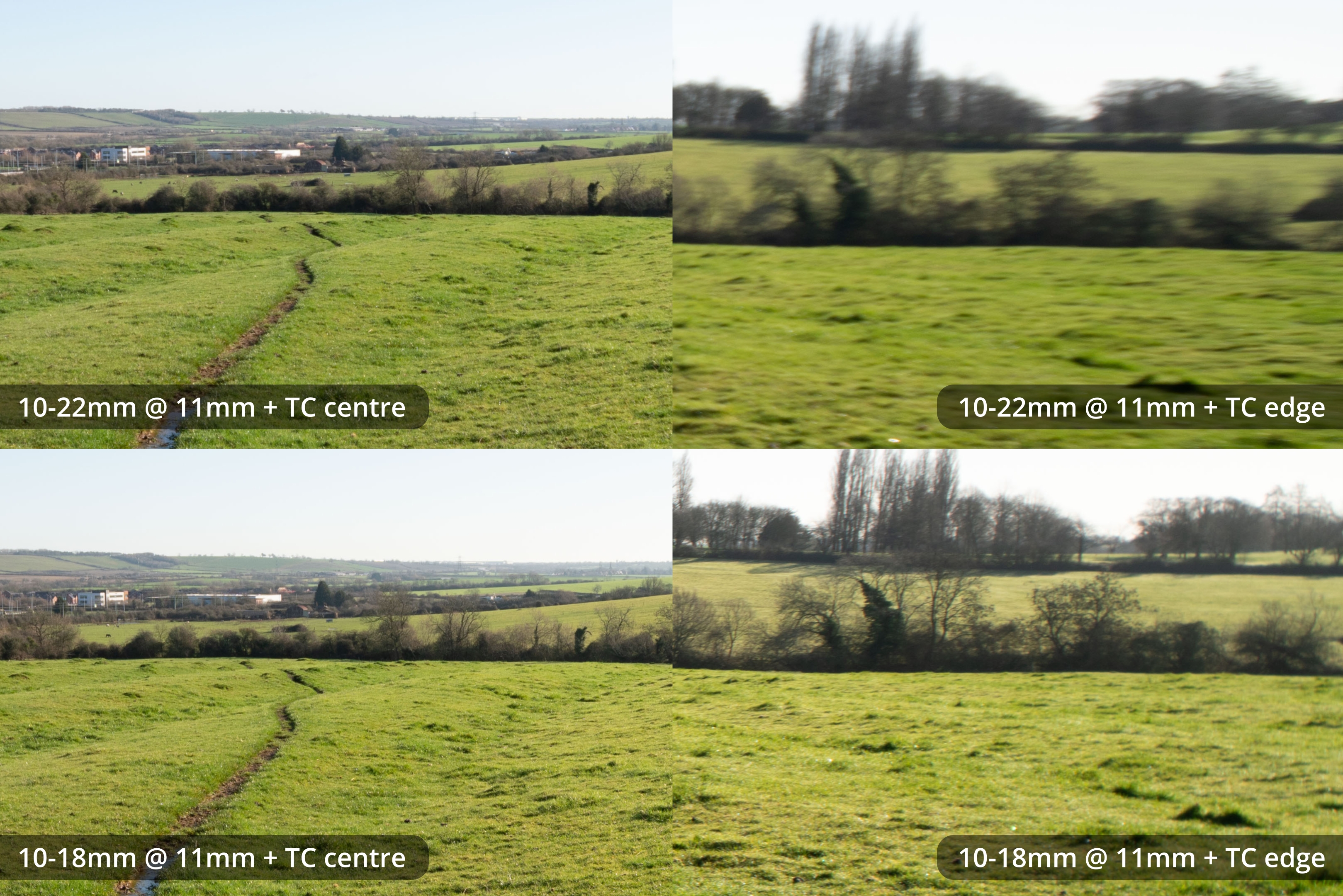
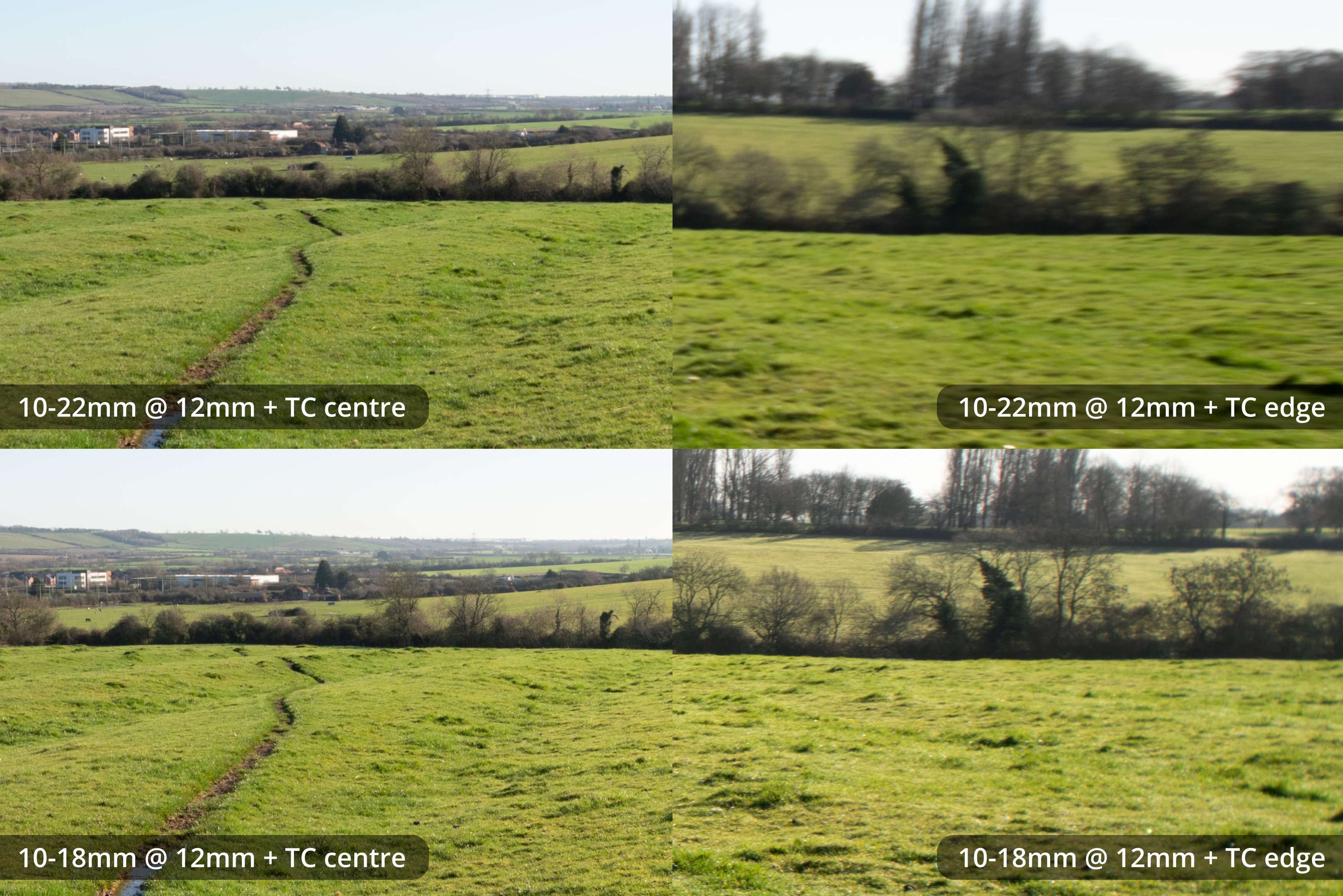
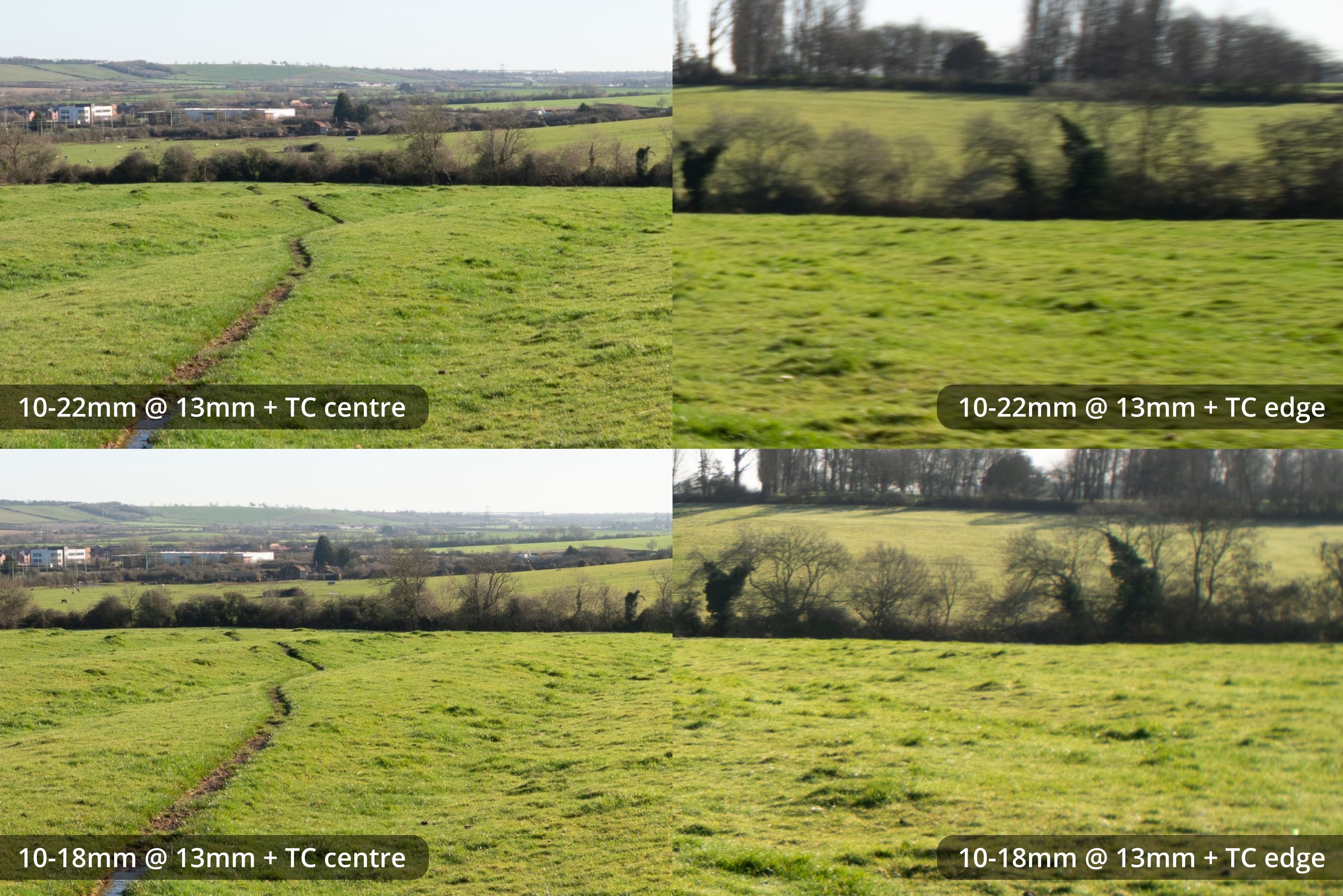
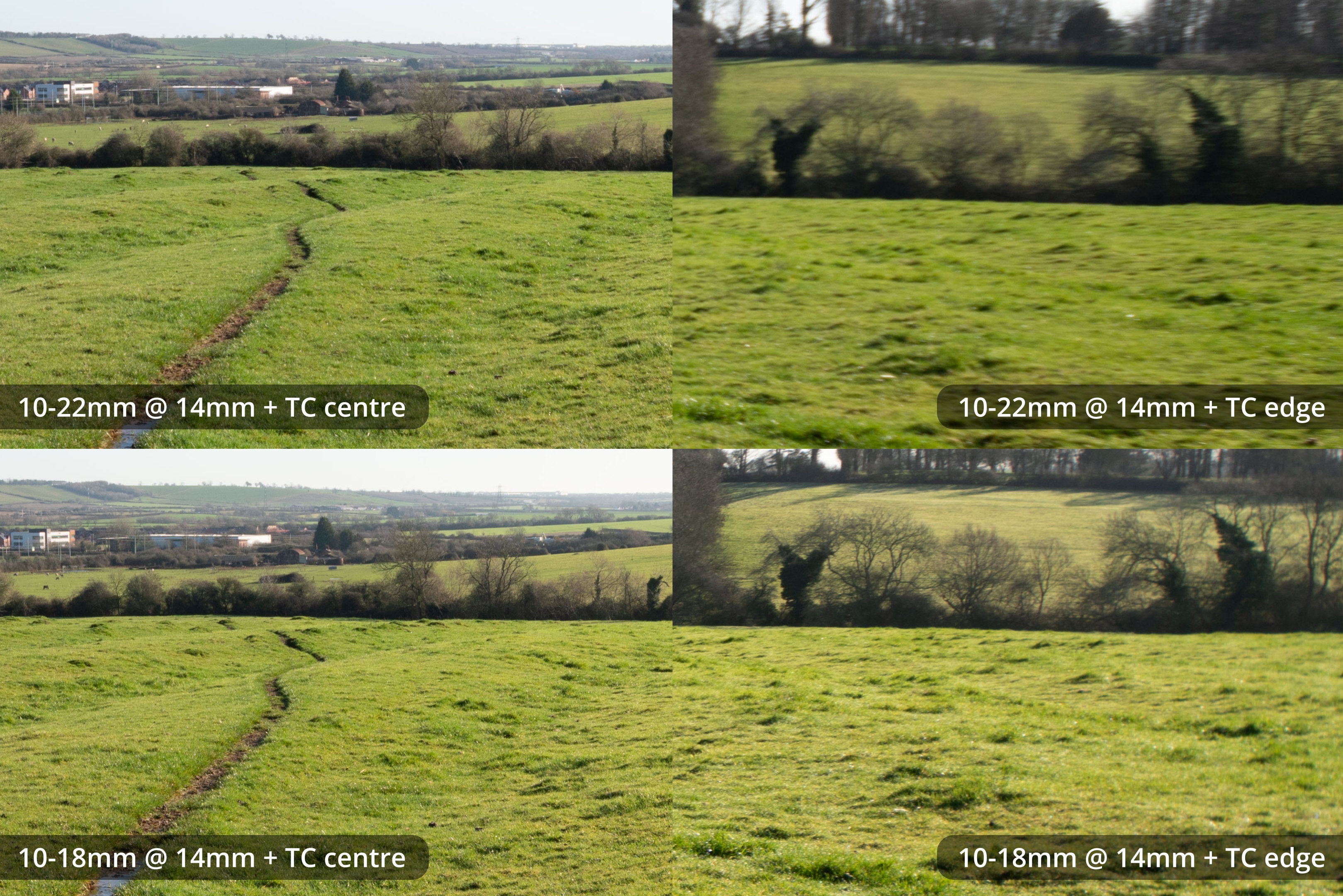
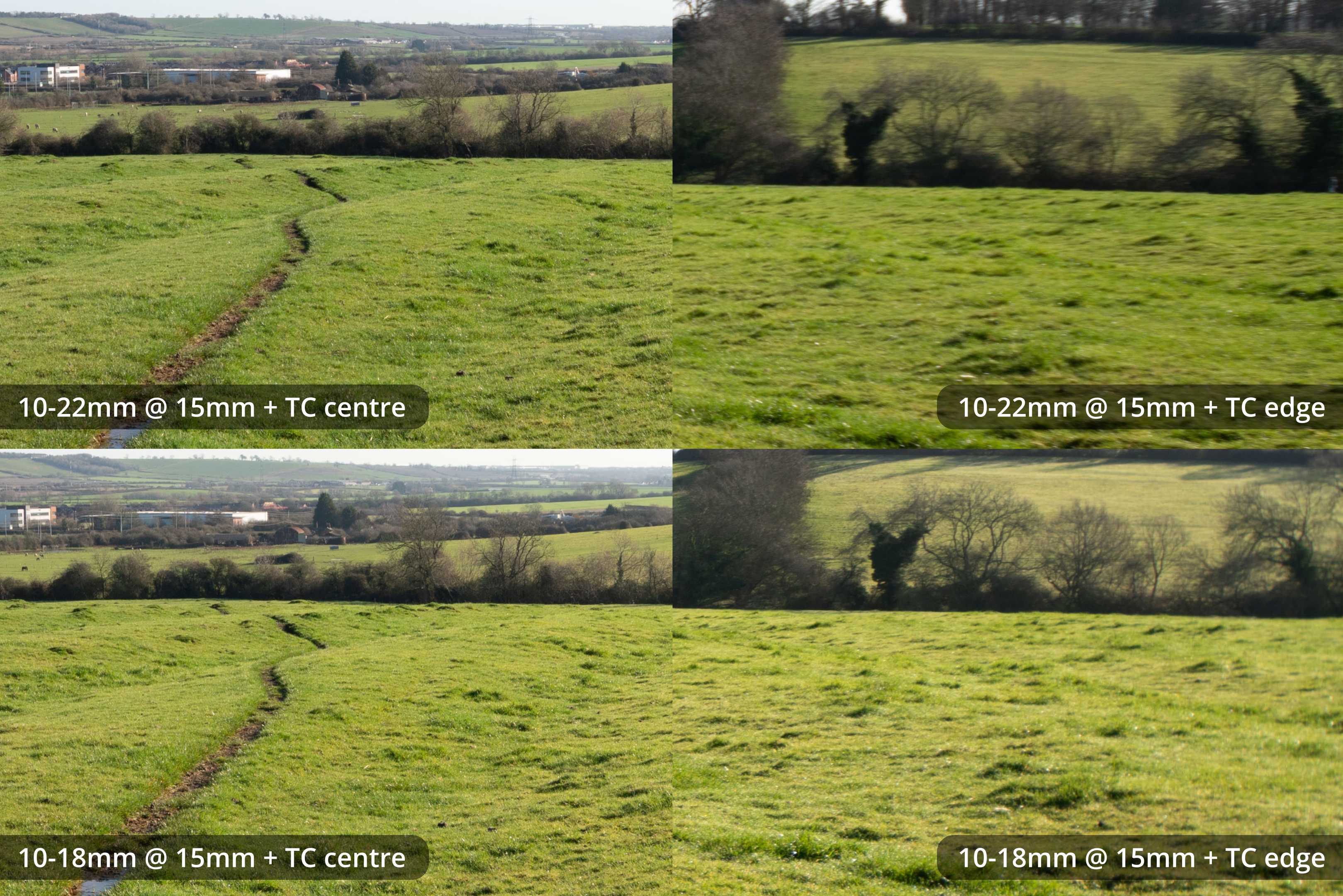
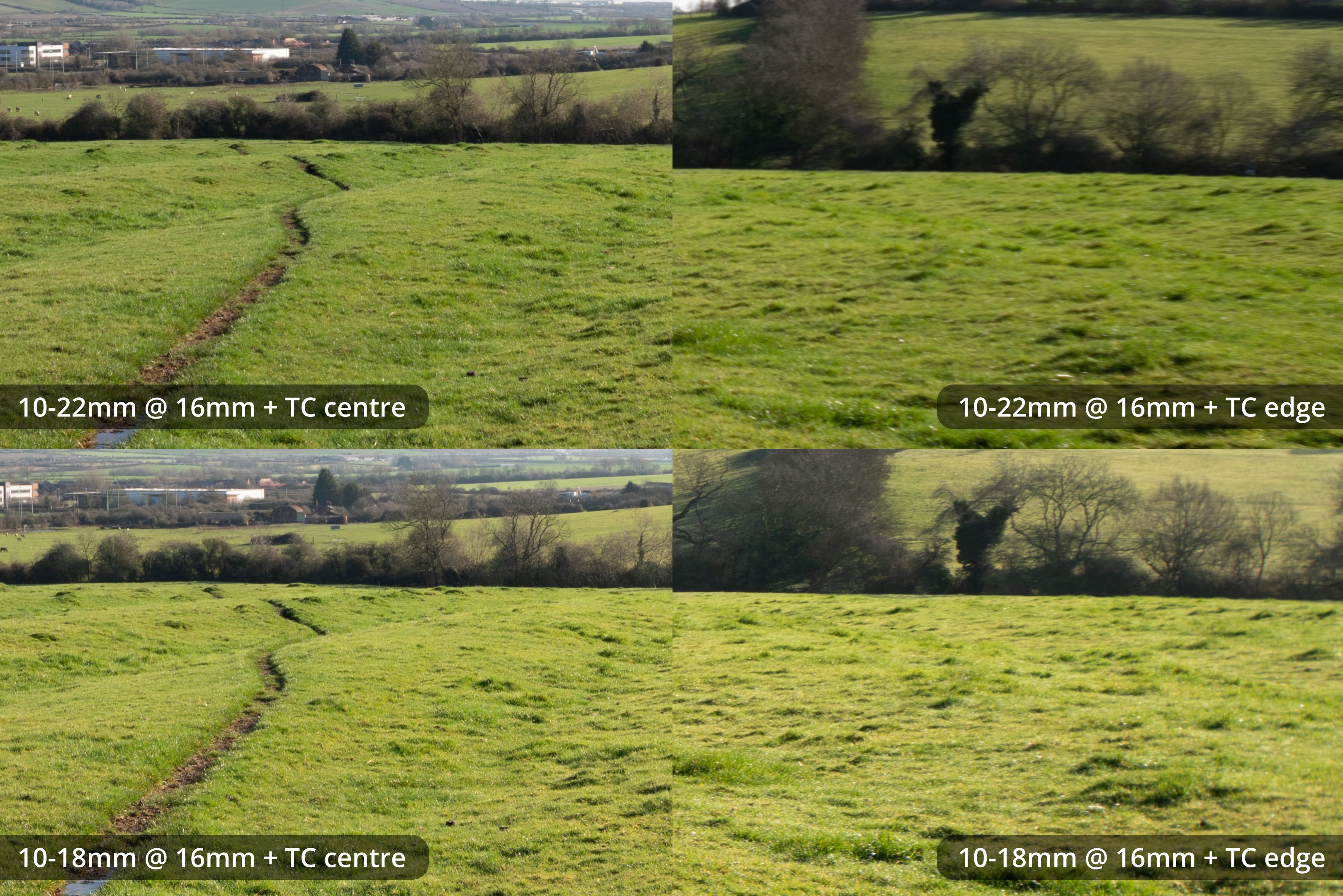
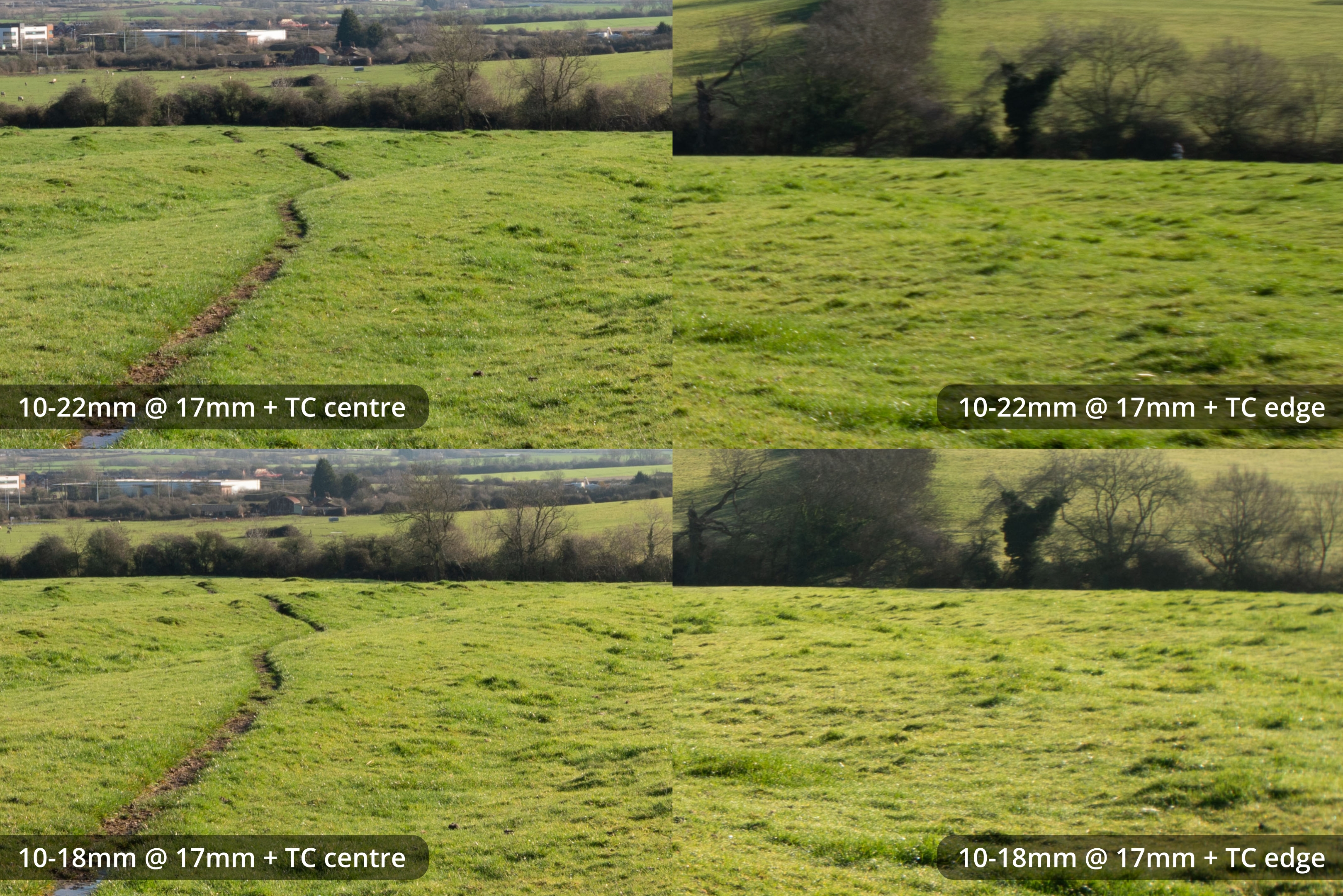
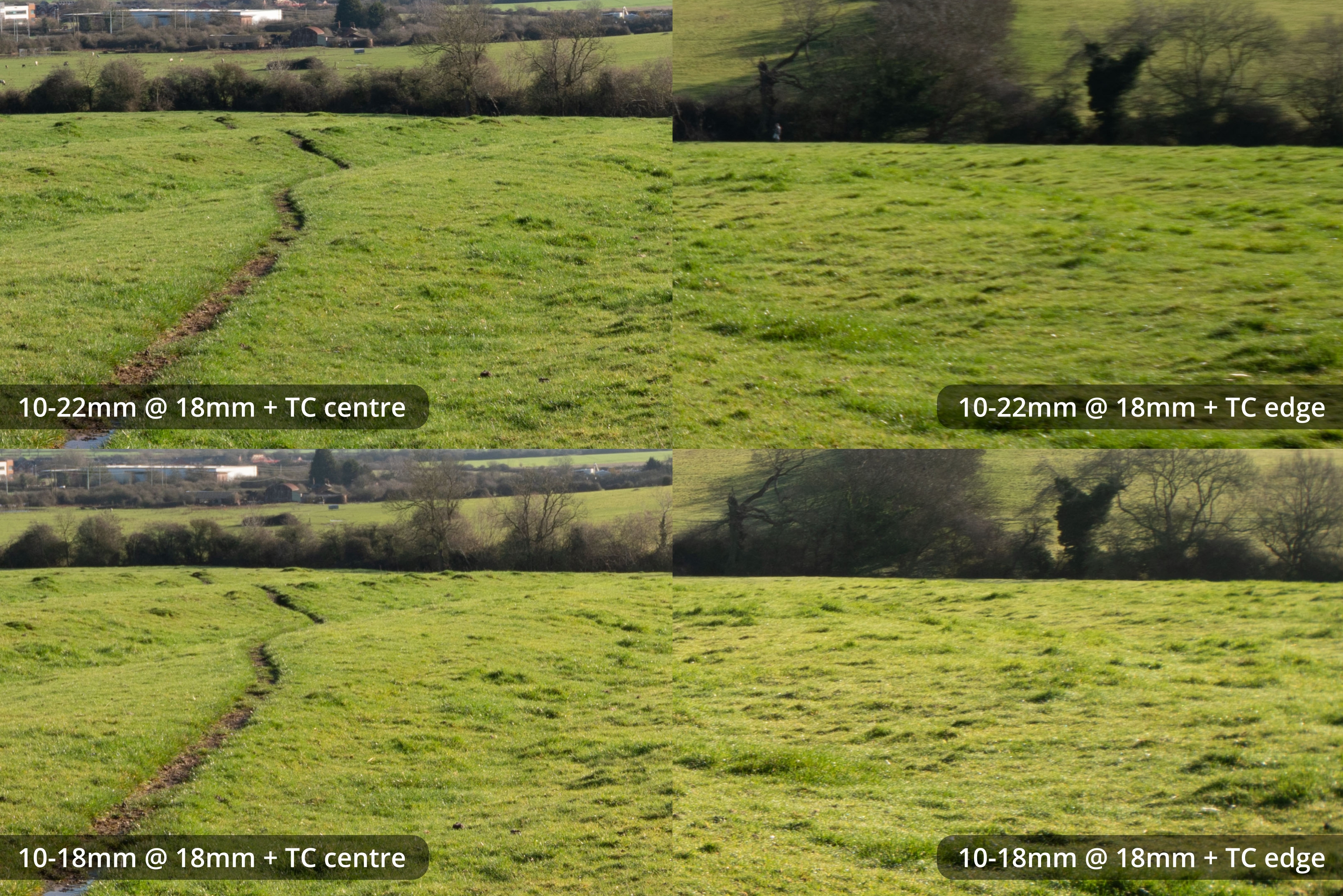
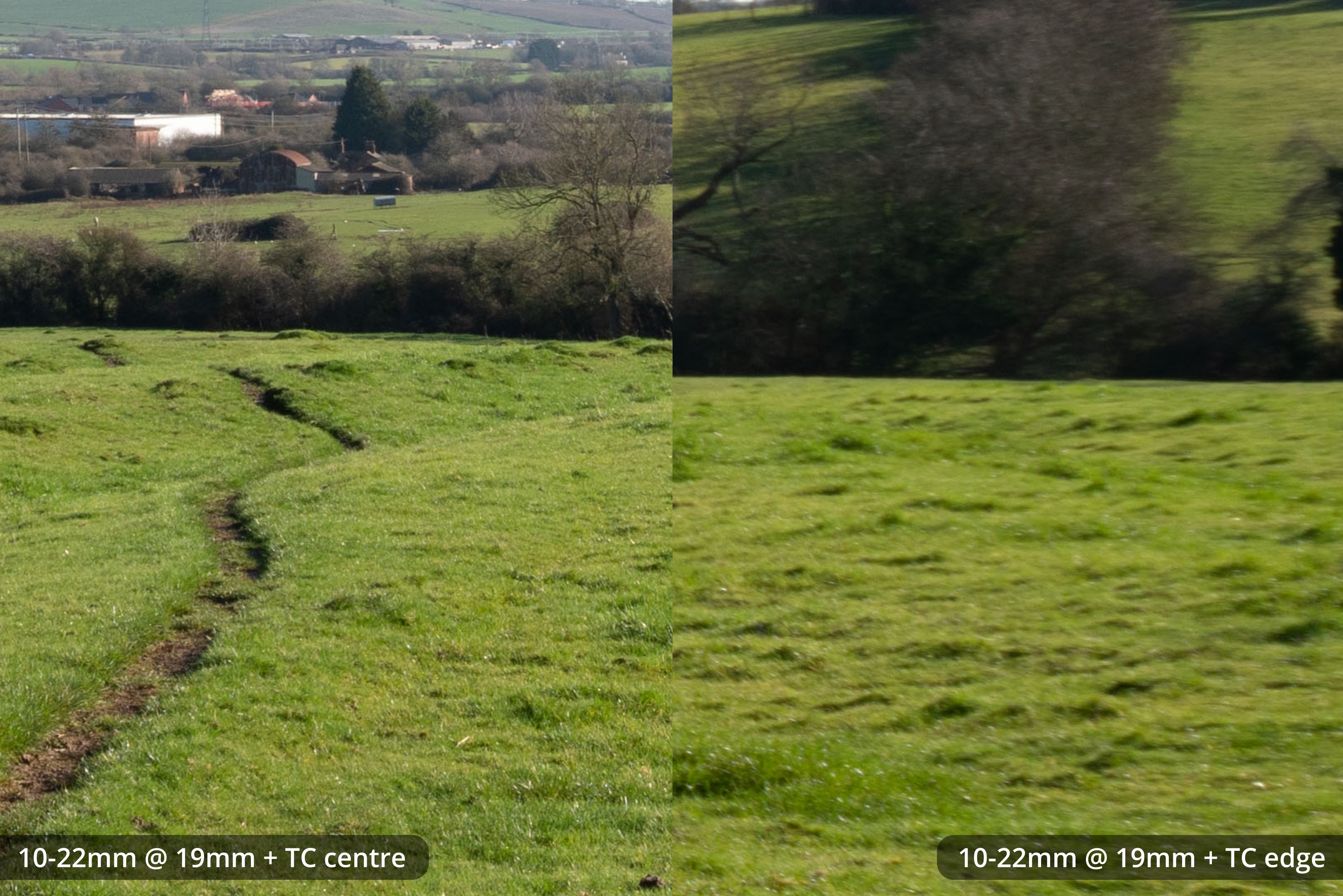
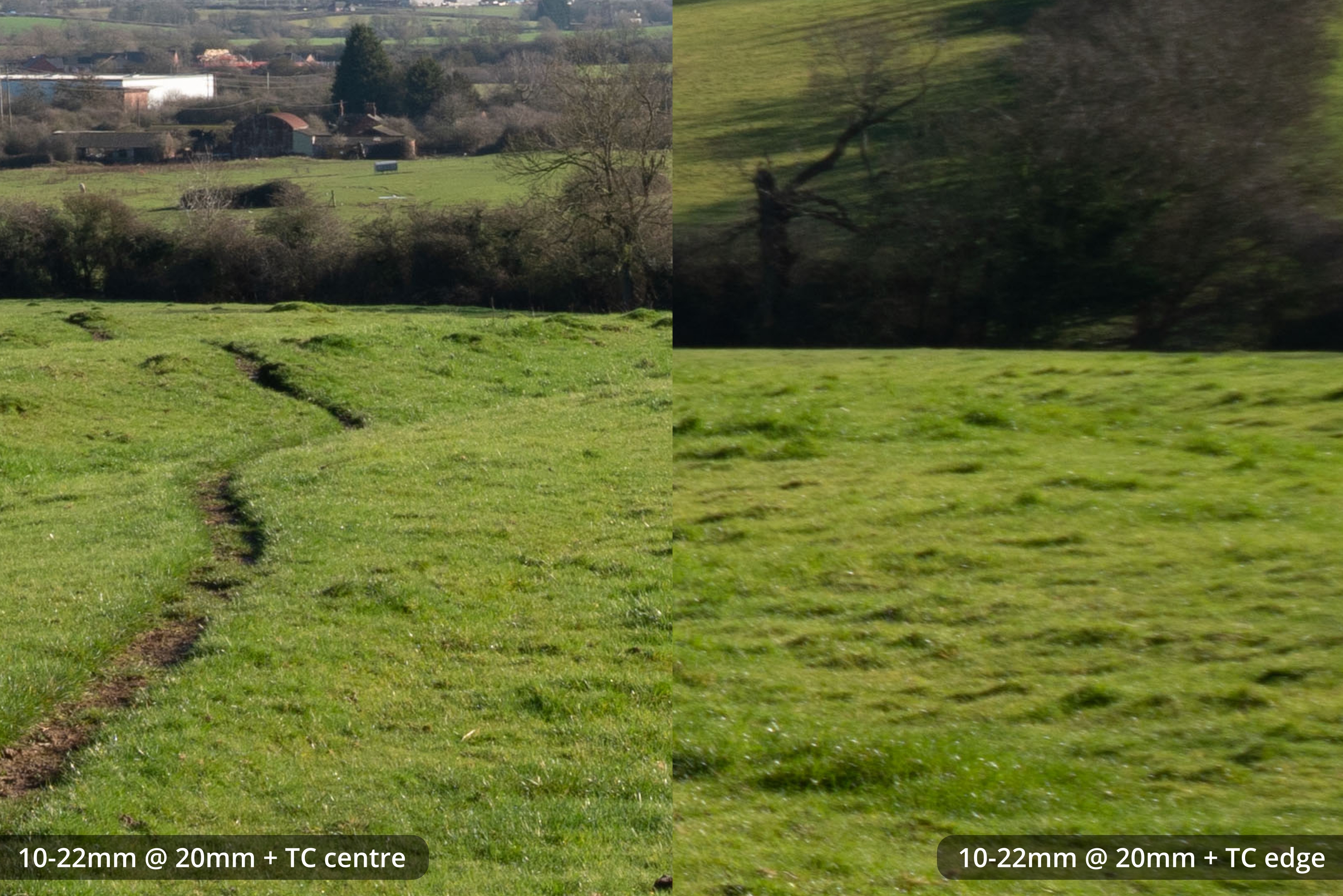
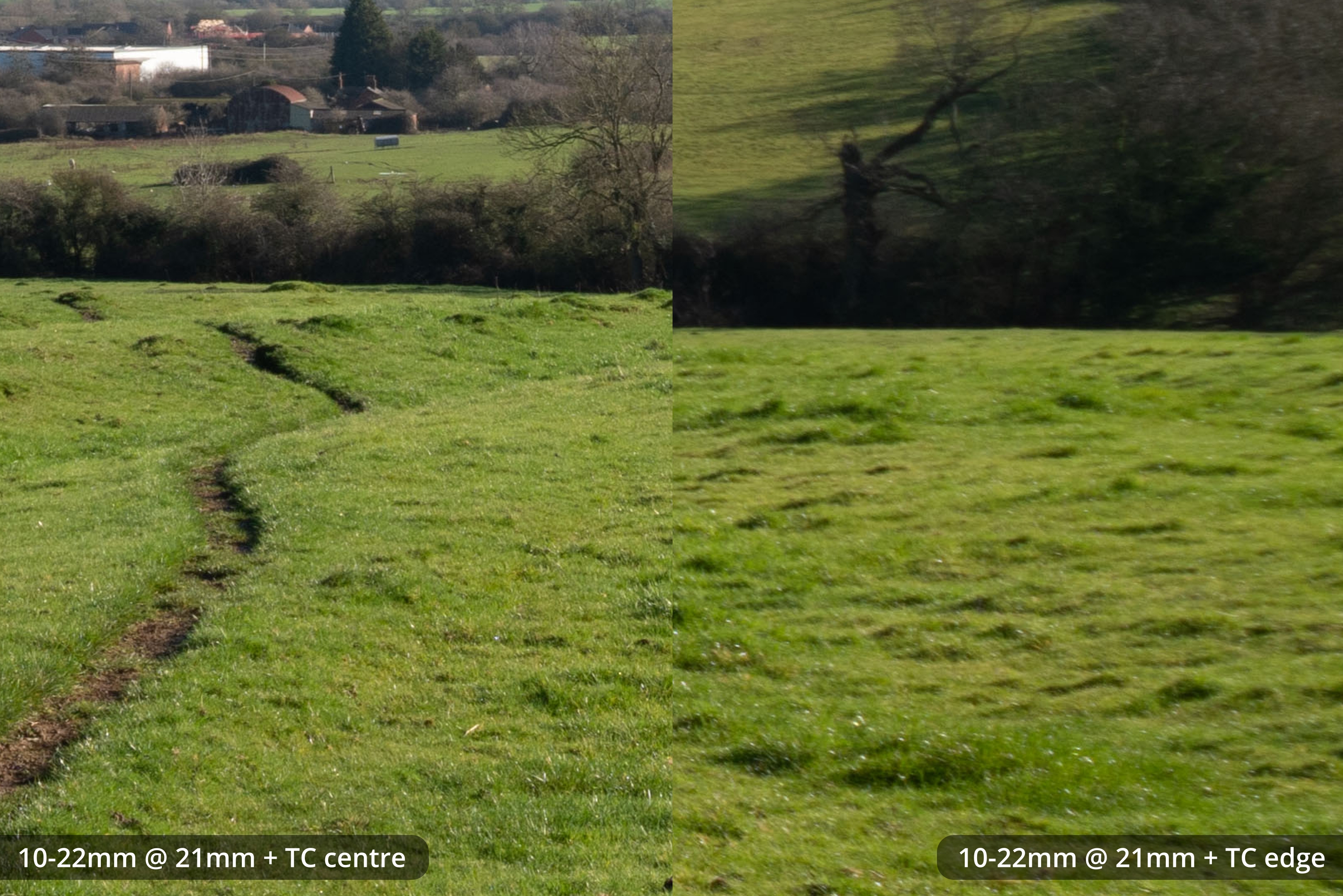
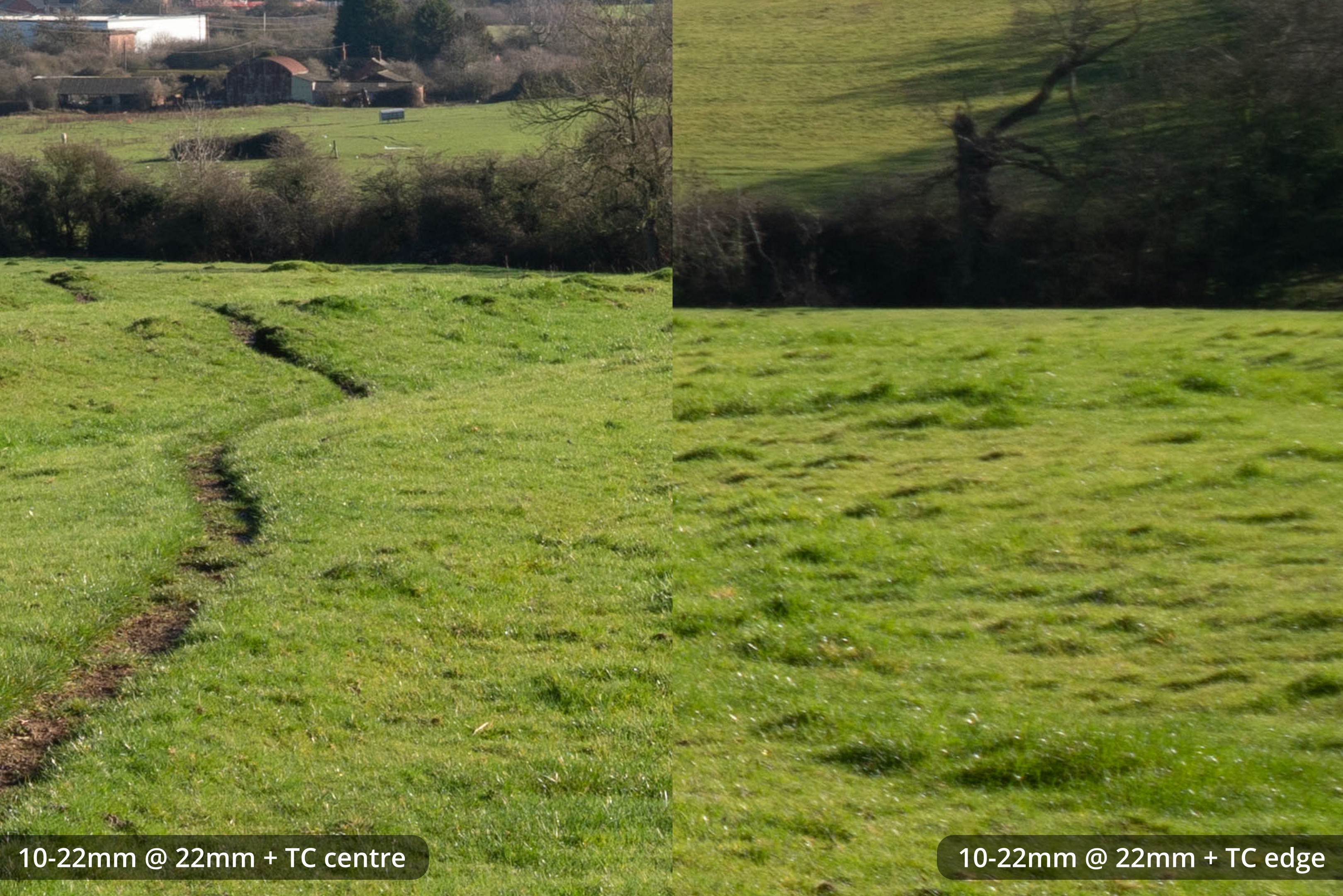
With the TC, images are sharp in the centre but soft at the edges, particularly with the 10-22mm. There is also more CA.
Images with the MSC are better than with the TC.
Comparison between all
Here I'm comparing uncorrected images with lens profile corrections turned off and Chromatic aberration correction off.
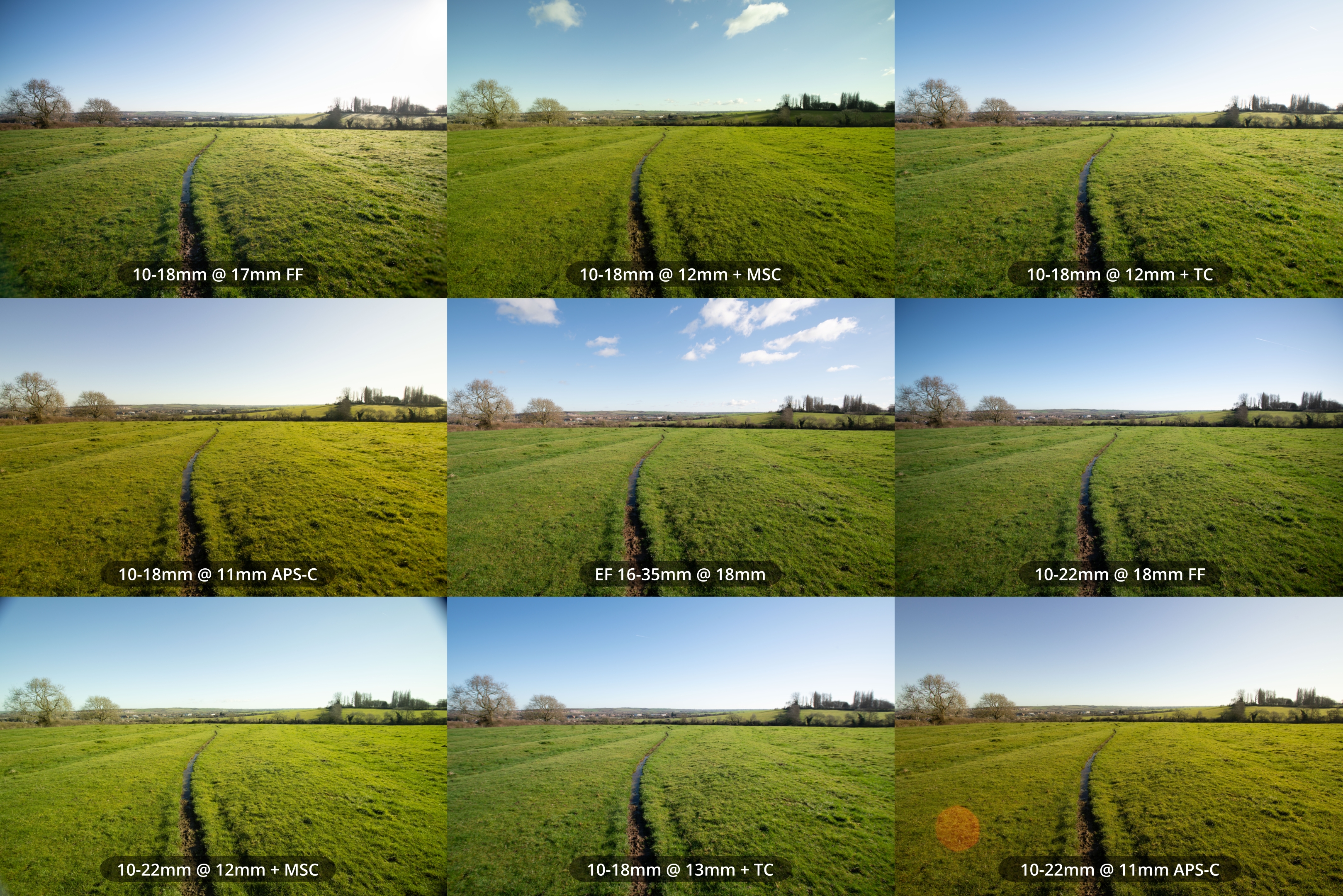
Various lens, crop, and adapter combinations compared that all give a similar FoV
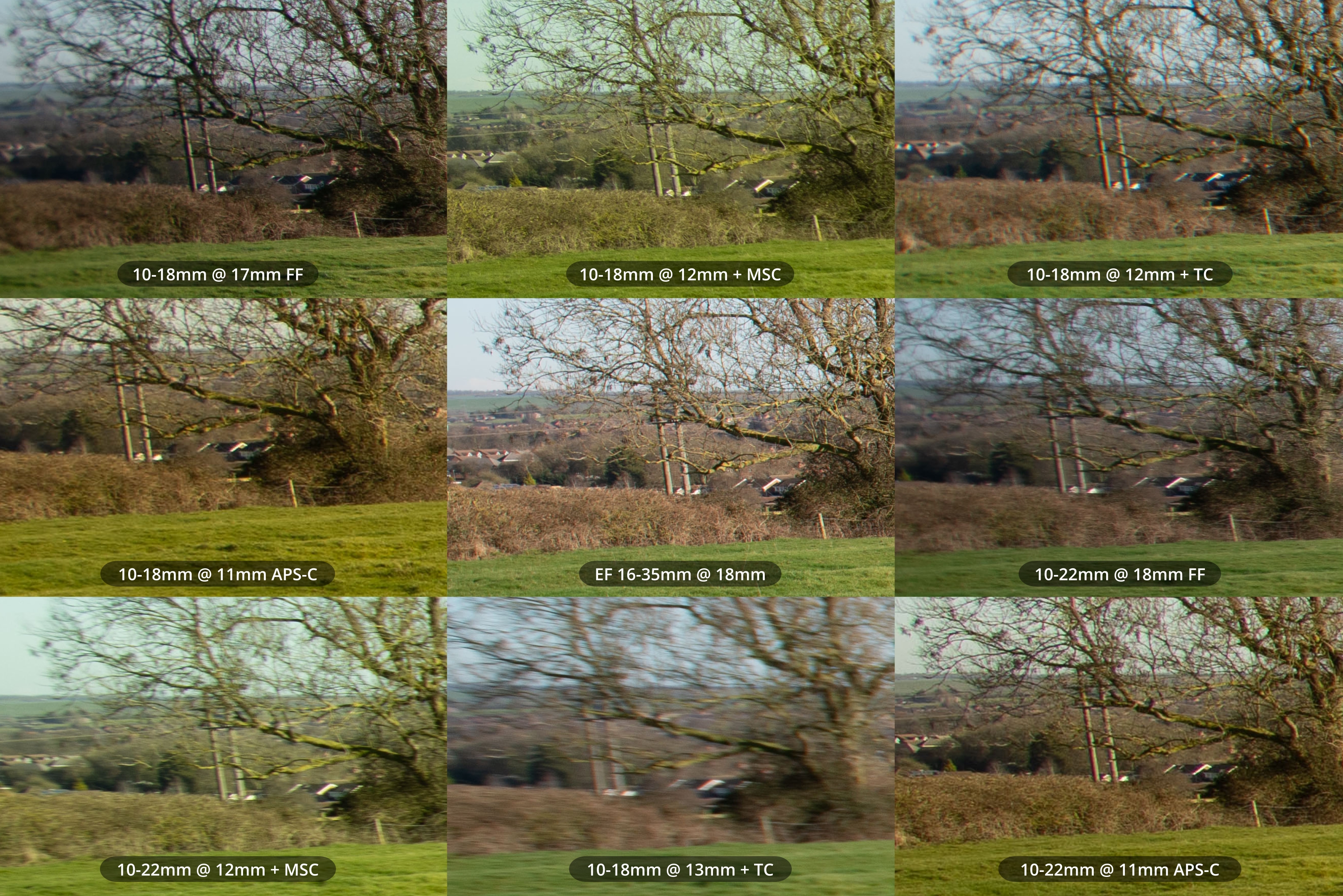
Crops from left edge
From the crops you can see neither lens has particularly bad lateral CA. Adding the Kenko DGX teleconverter does cause quite a bit of CA, but all other combinations look pretty good.
Flare
10-18mm
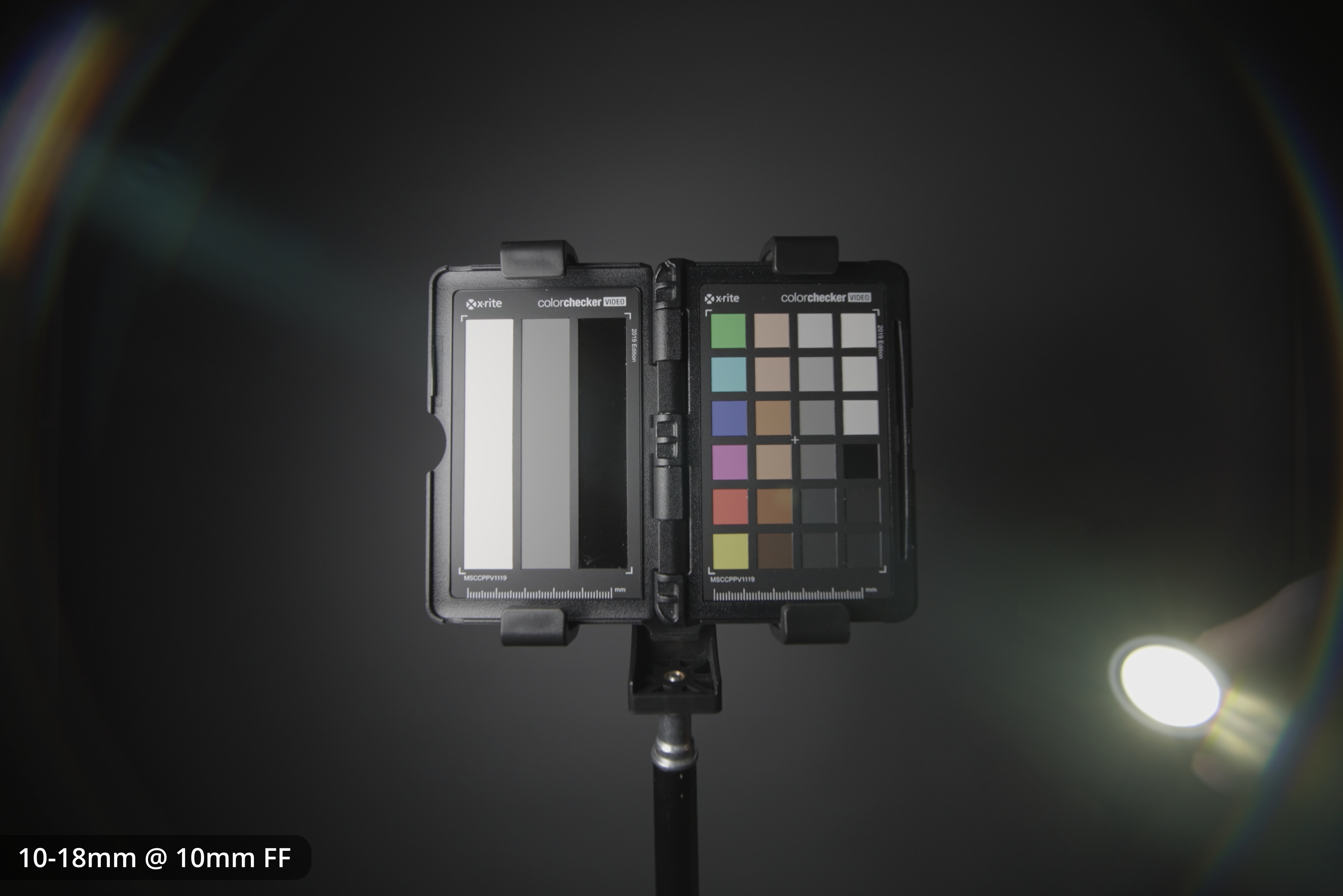
10-18mm on FF at 10mm
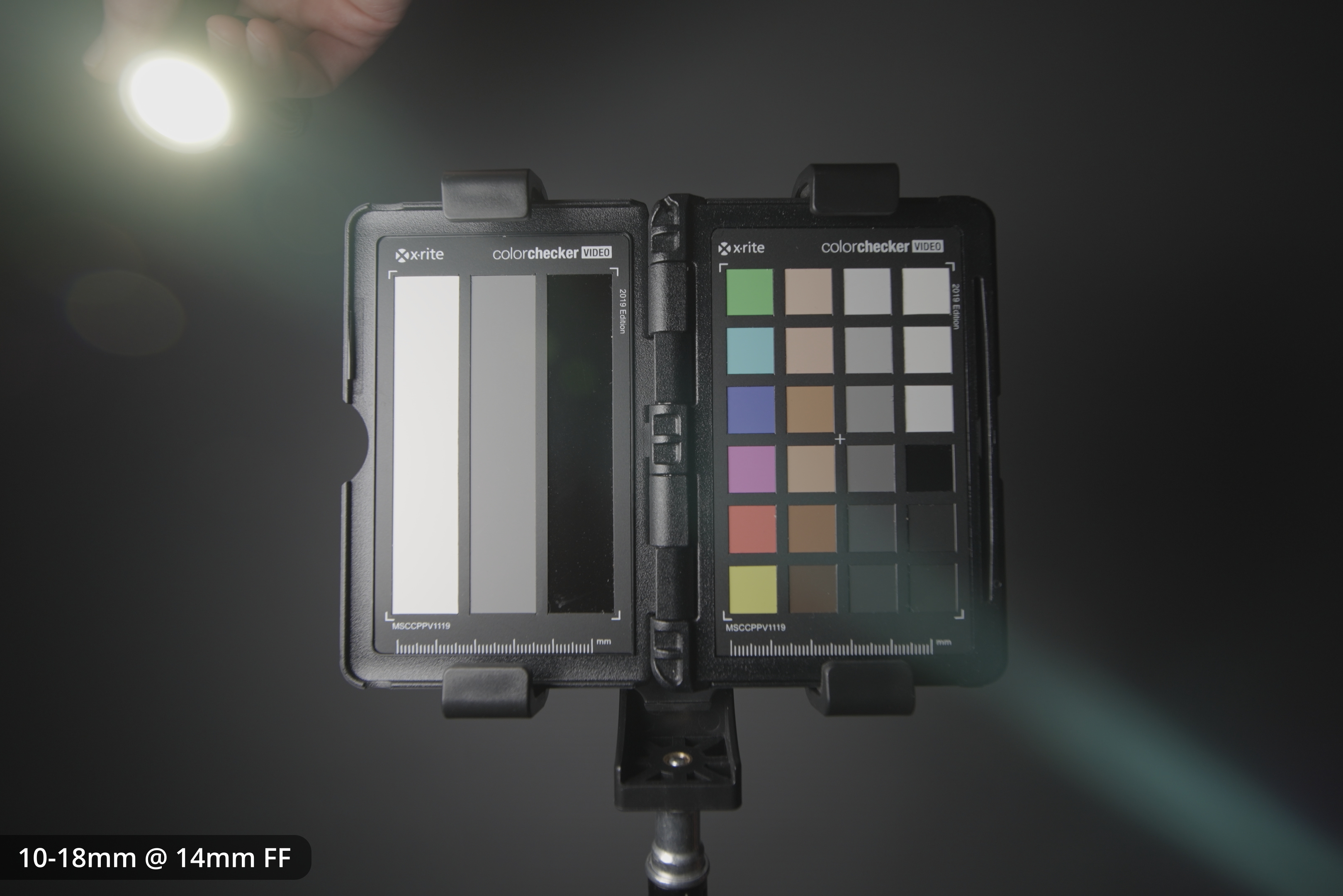
10-18mm on FF at 14mm
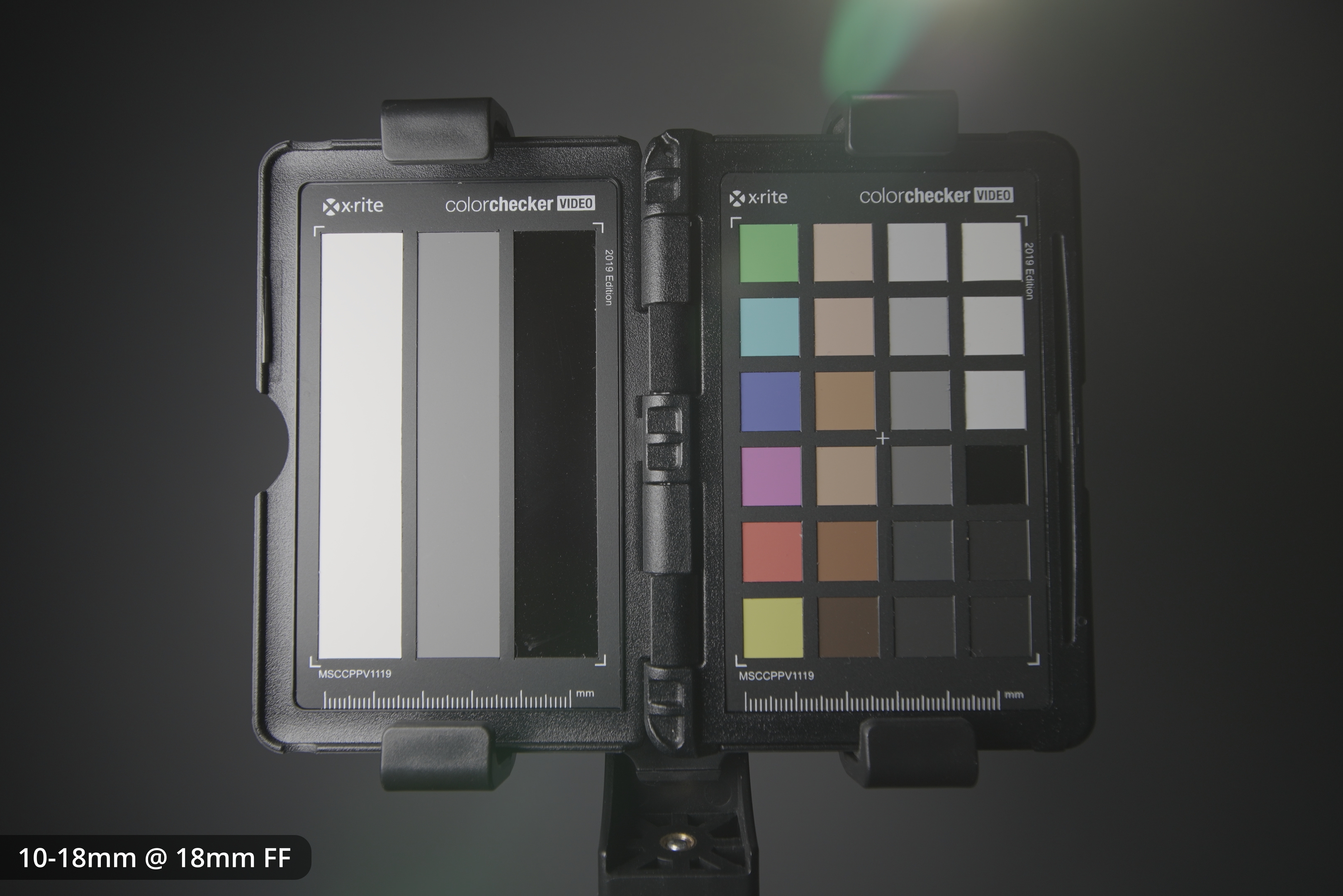
10-18mm on FF at 18mm
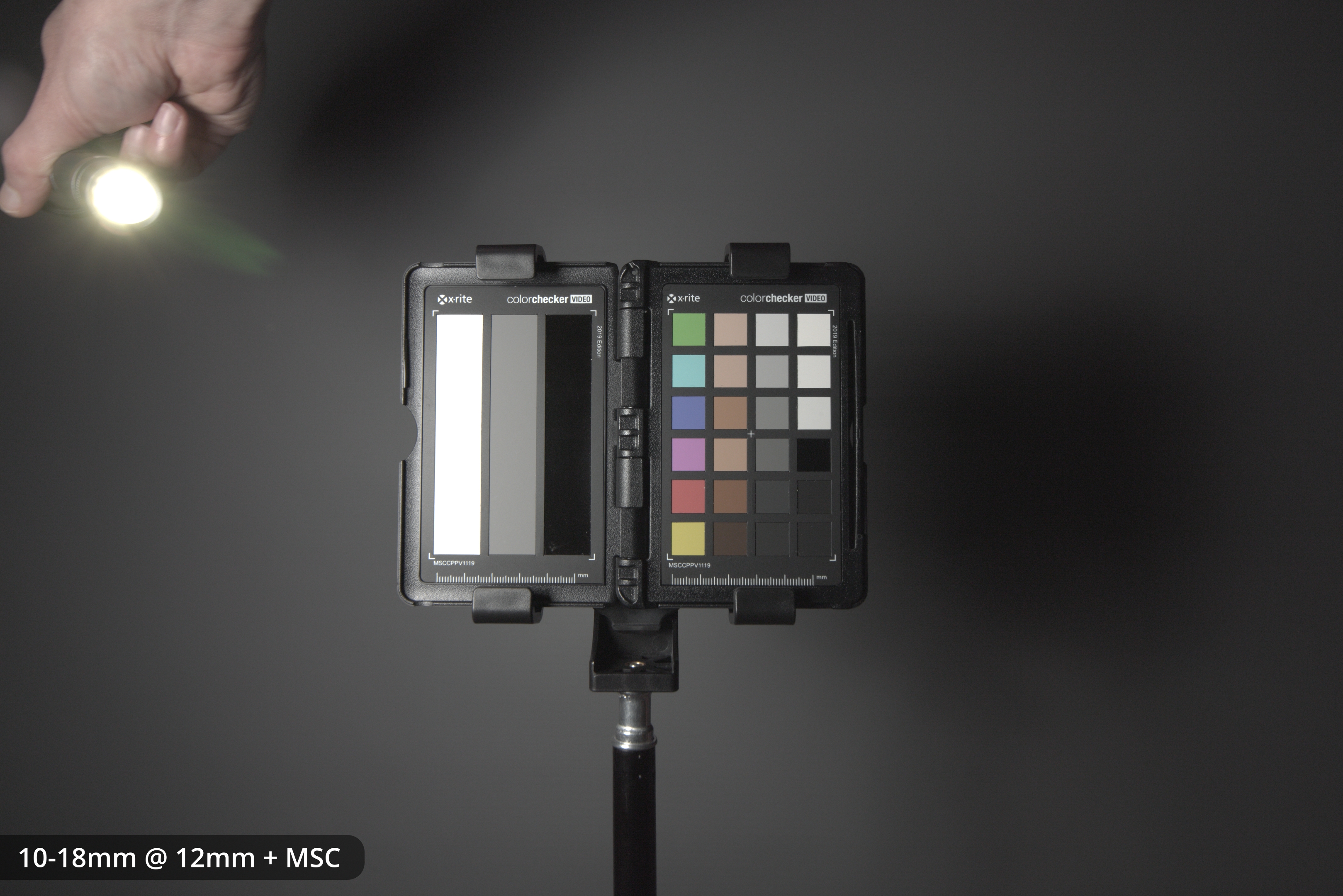
10-18mm on FF with Laowa MSC at 12mm
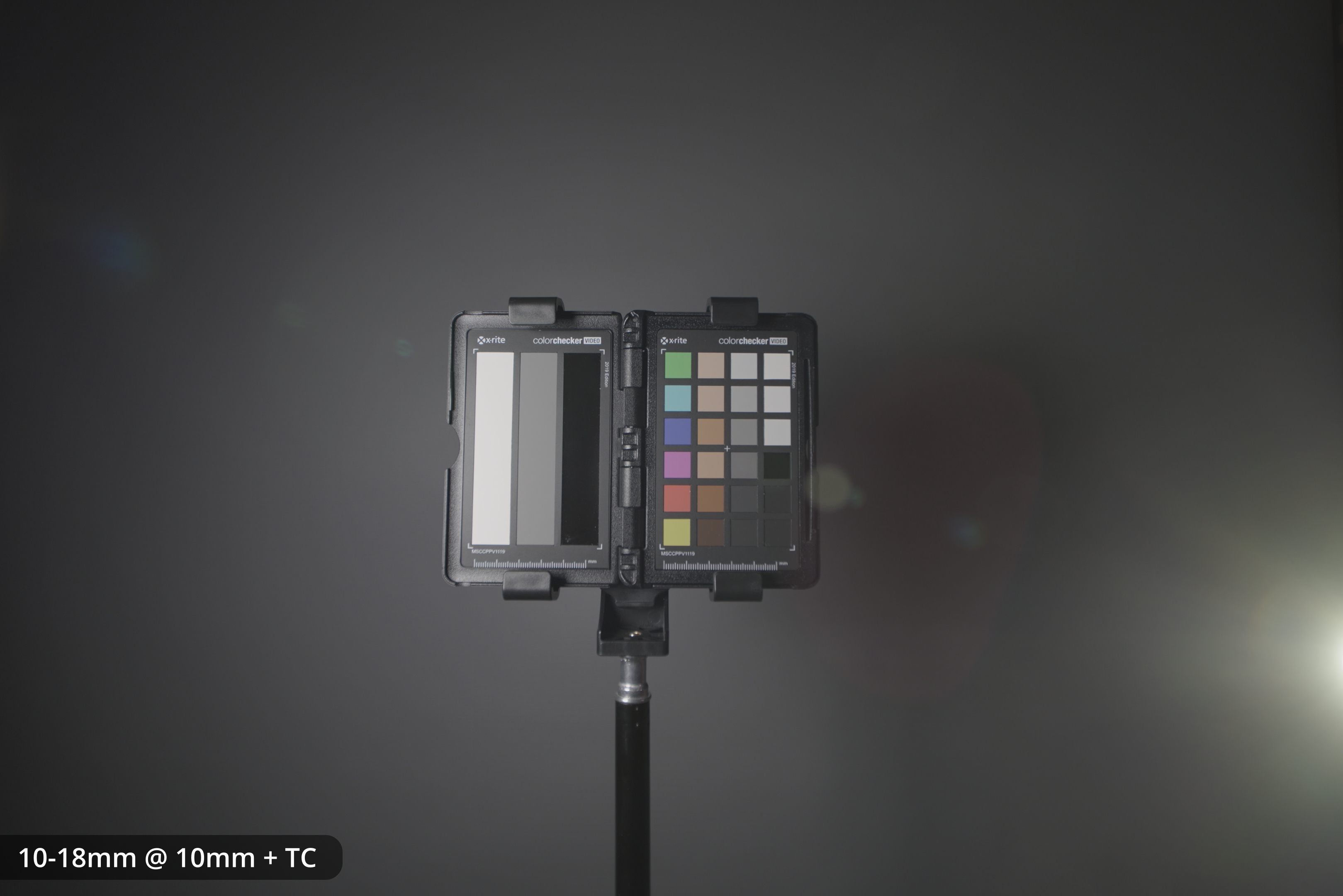
10-18mm on FF with 1.4x TC at 10mm
10-22mm
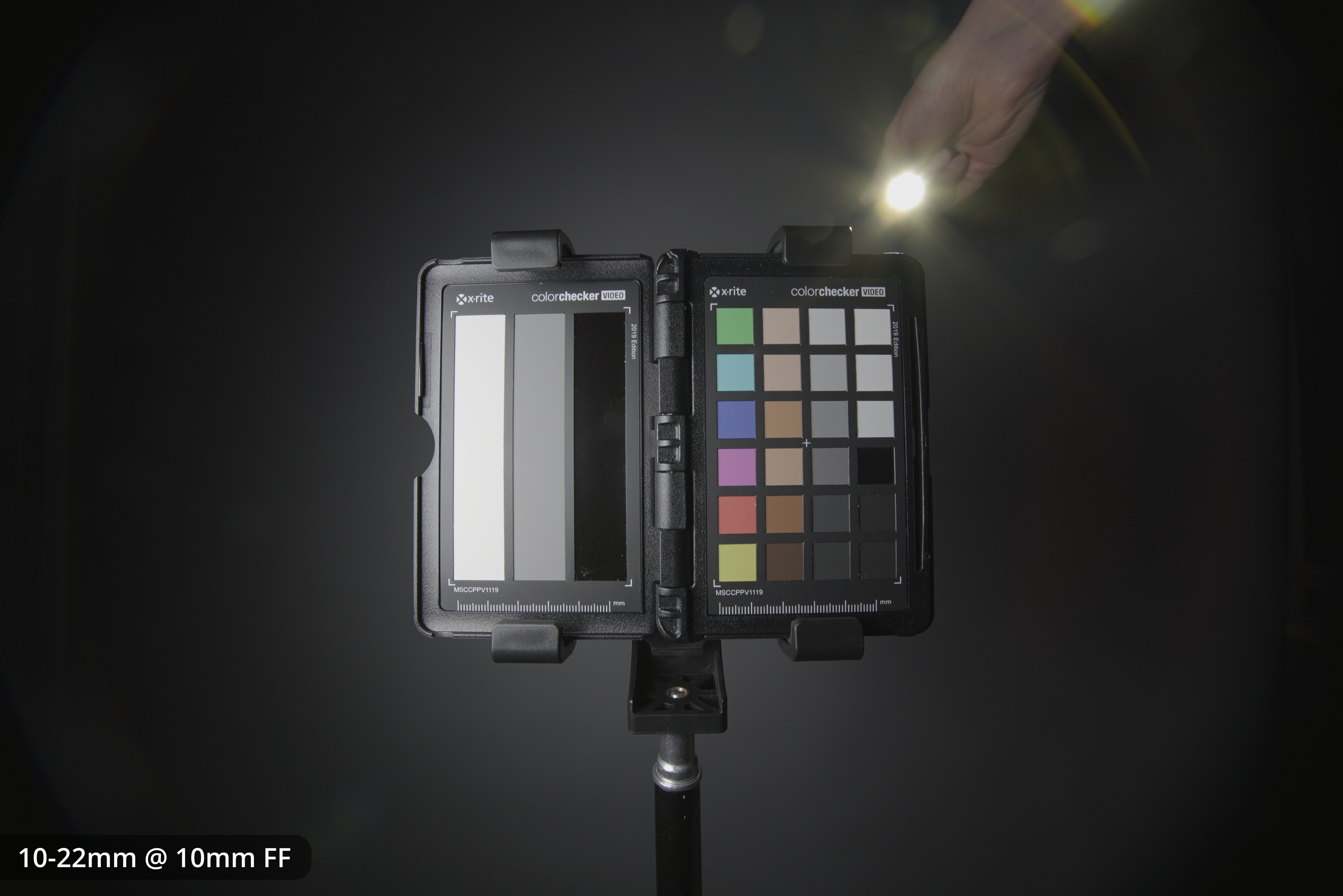
10-22mm on FF at 10mm
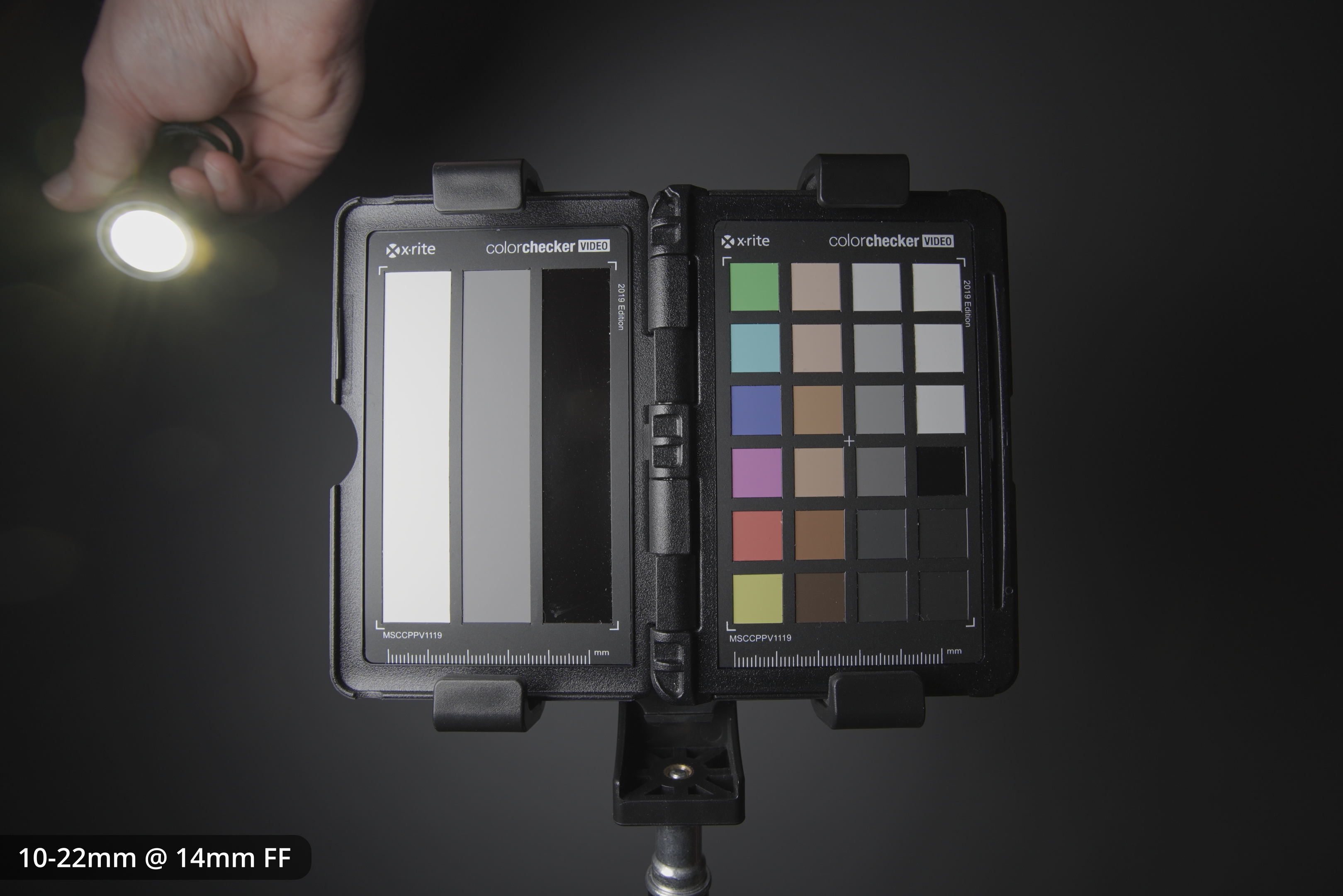
10-22mm on FF at 14mm
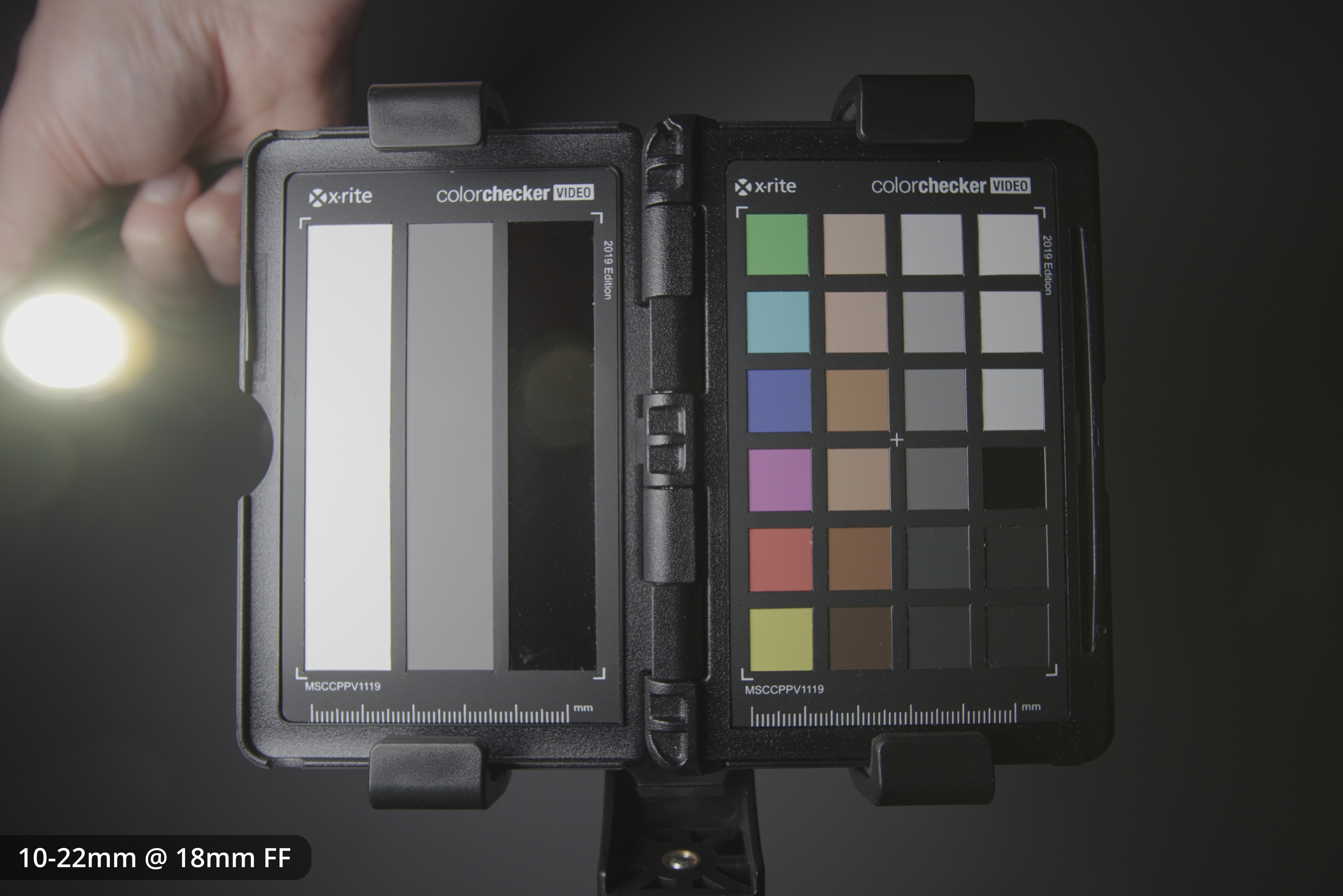
10-22mm on FF at 18mm
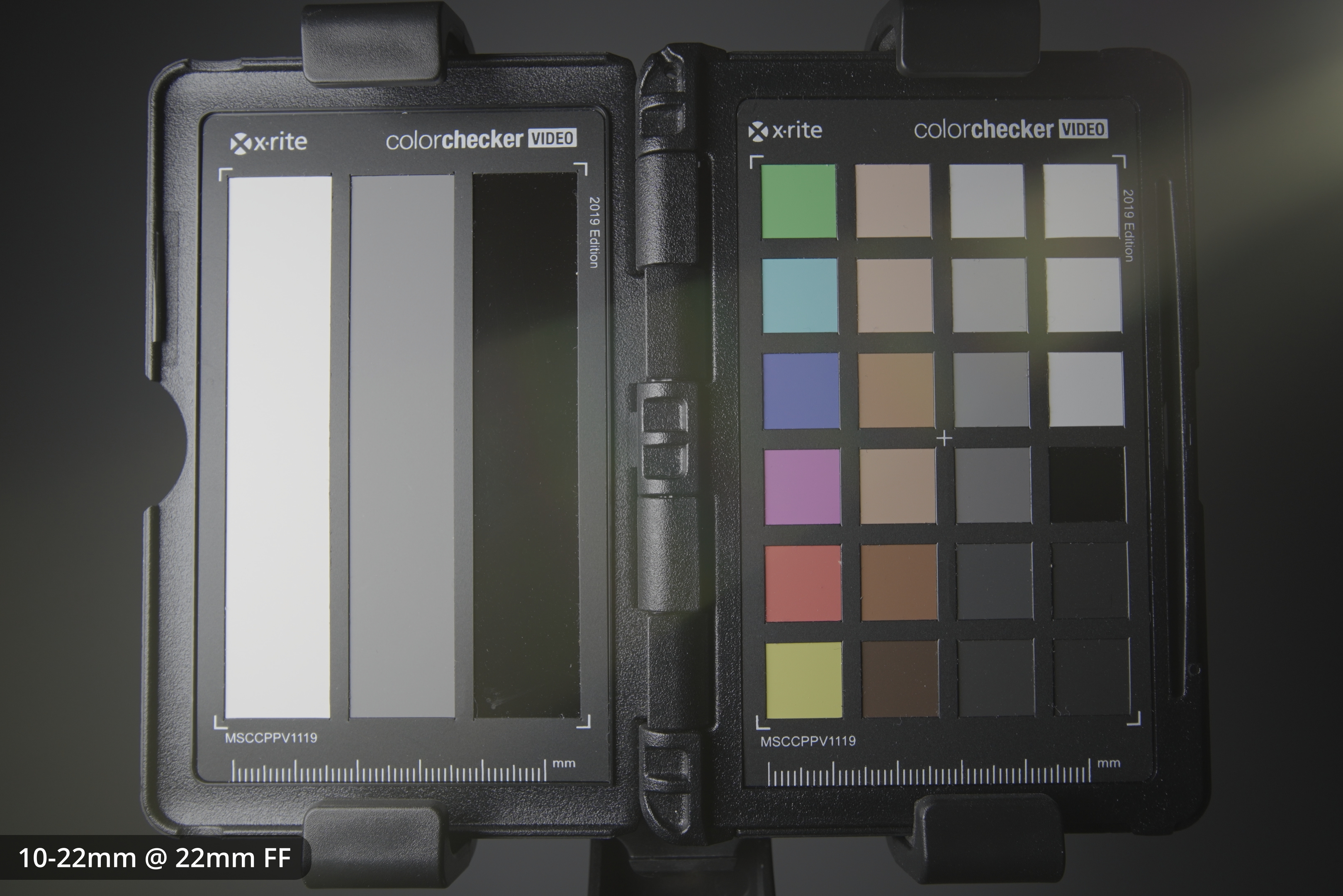
10-22mm on FF at 22mm
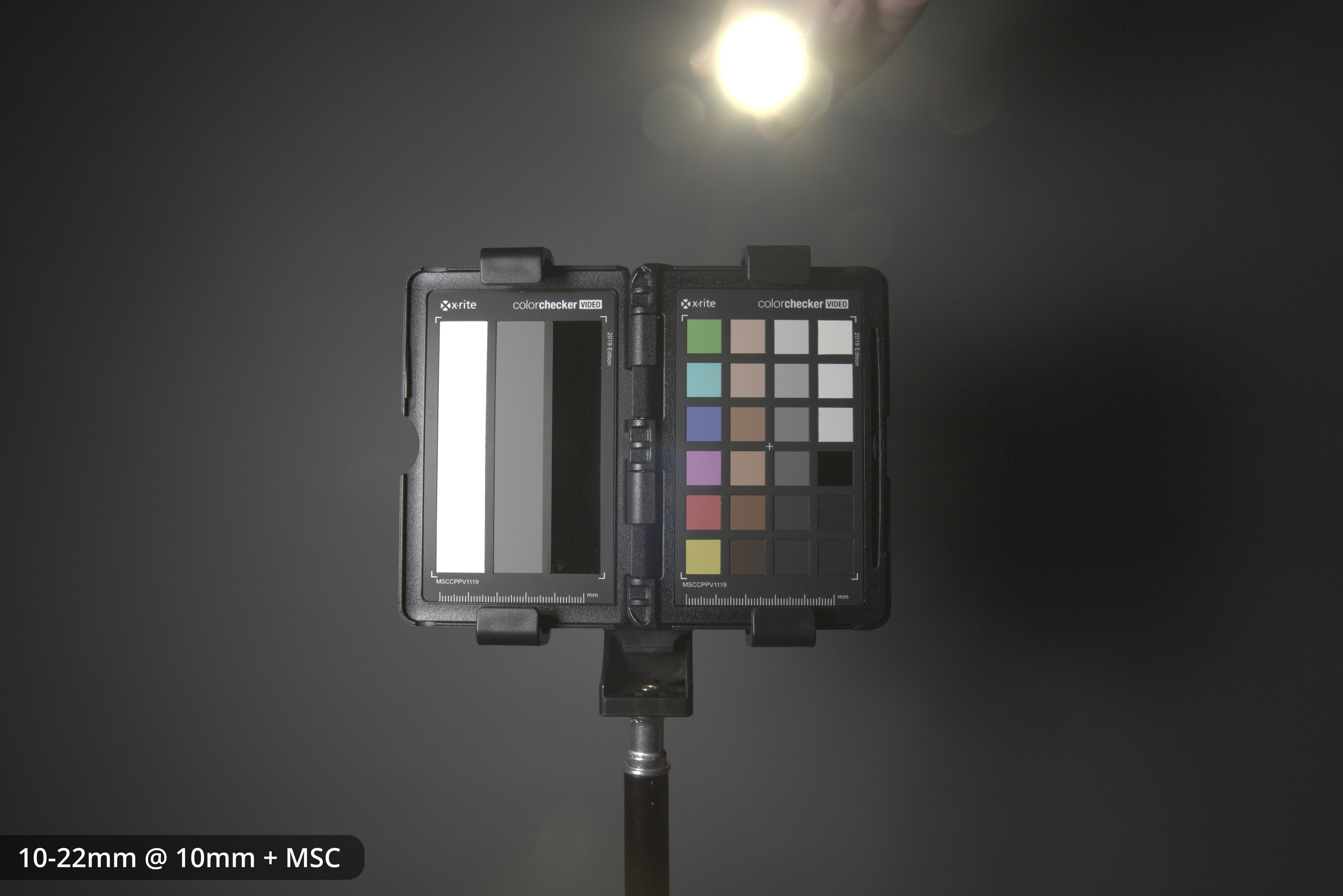
10-22mm on FF with Laowa MSC at 12mm
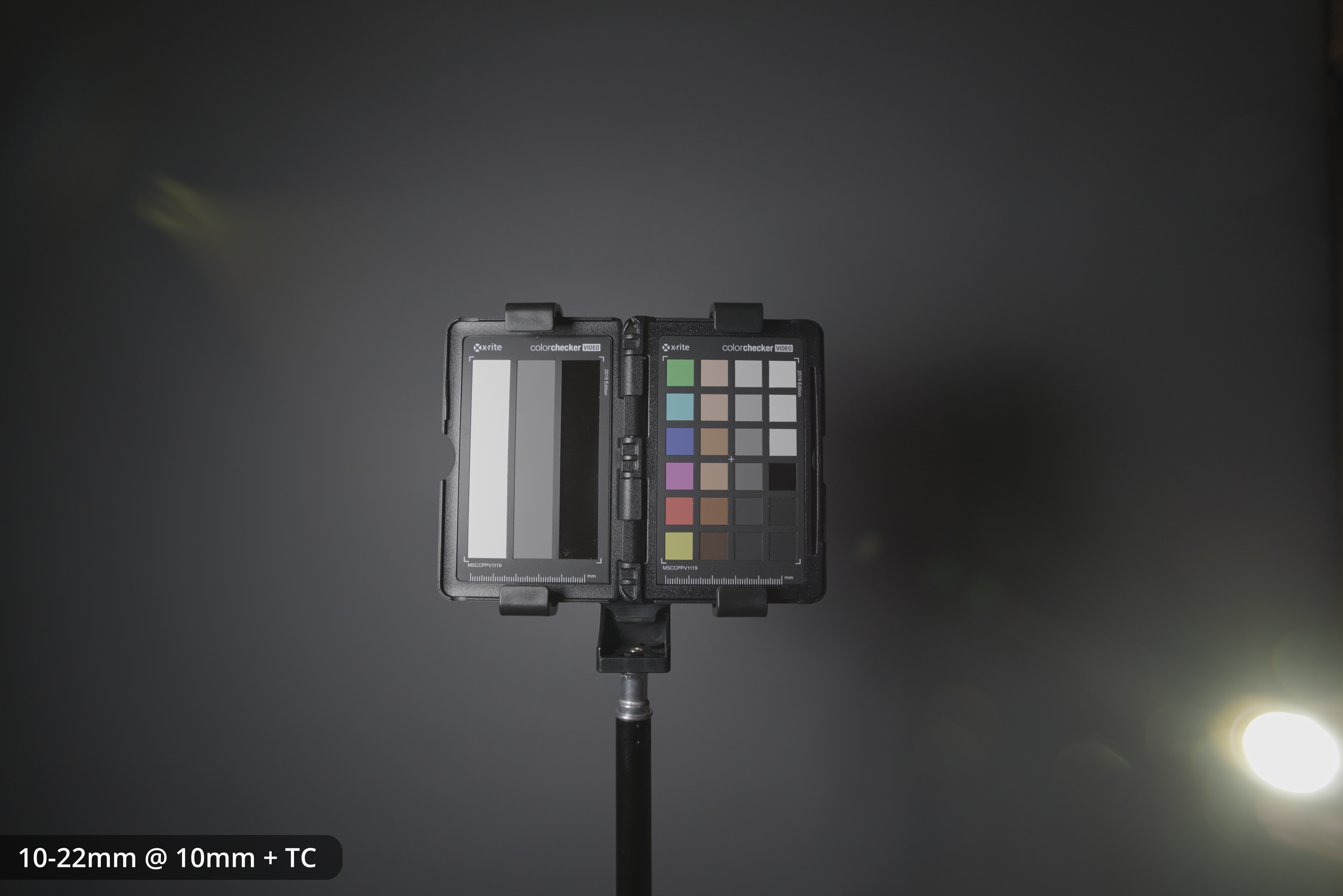
10-22mm on FF with 1.4x TC at 10mm
The 10-18mm seemns to have more flare than the 10-22mm. However, at least with my copy of the 10-22mm it has ugly flare that looks a bit like the lens is covered in raindrops. I can't see anything on the front or rear elements, so I assume this is dust inside the lens causing this effect.
Lens hood
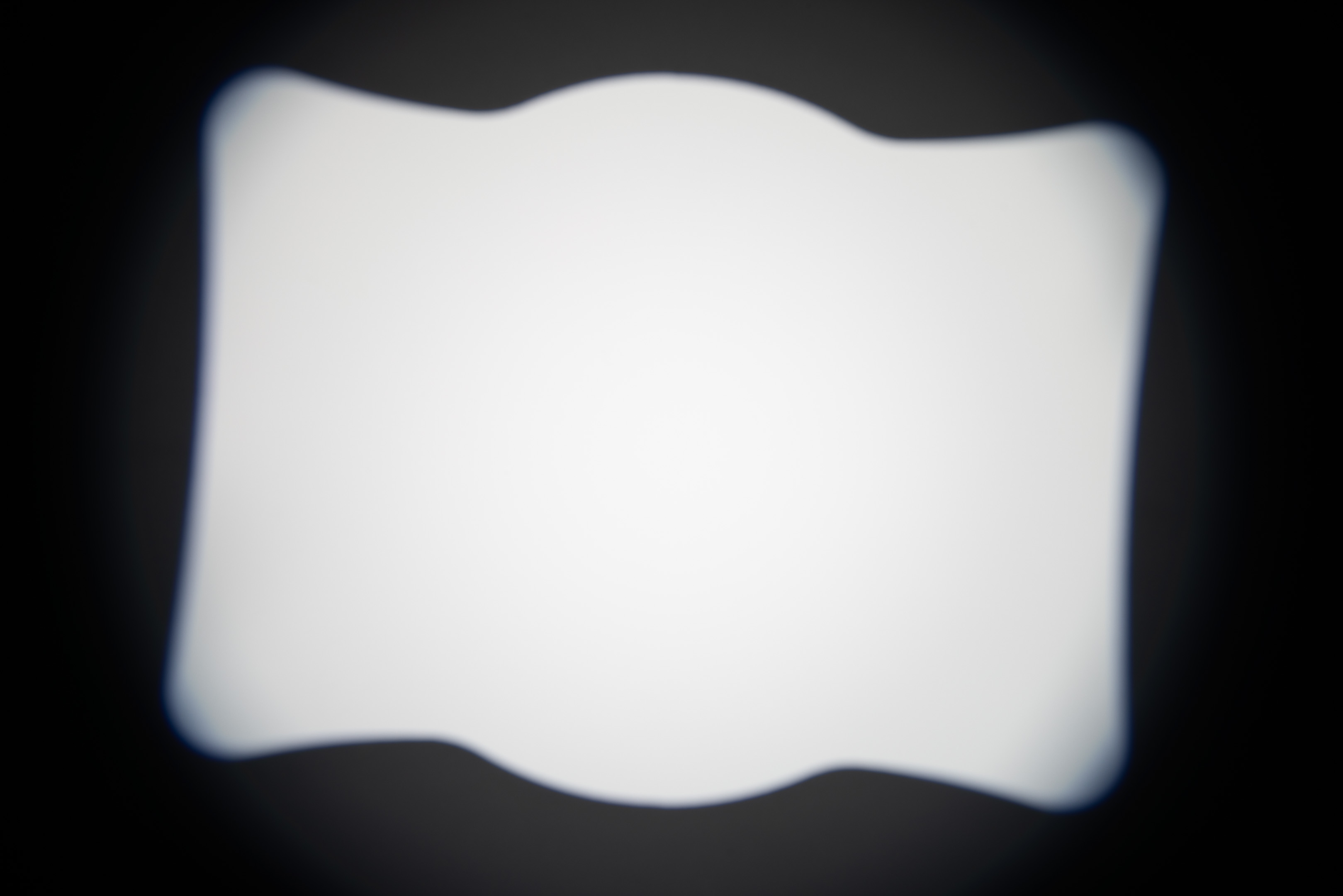
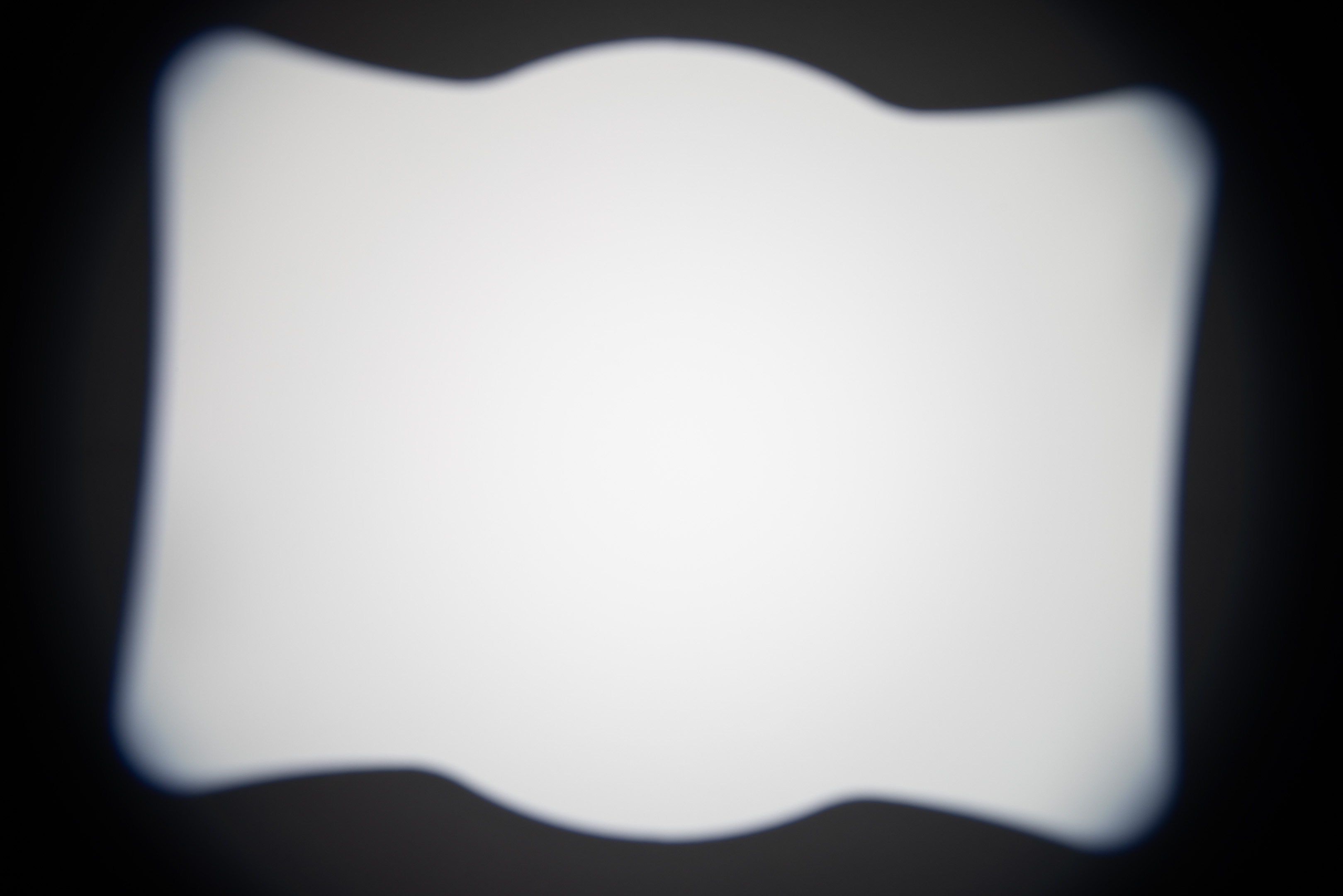
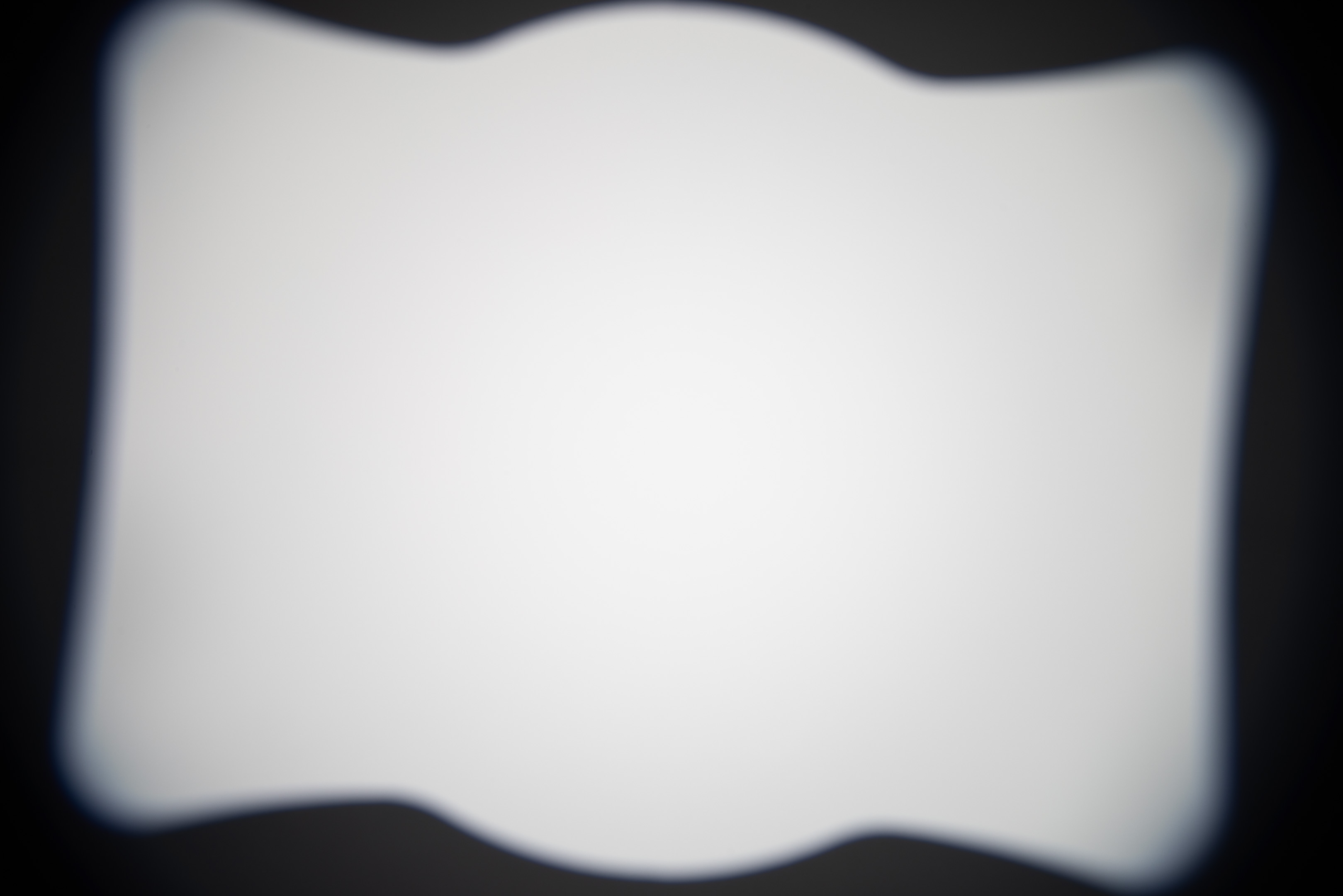
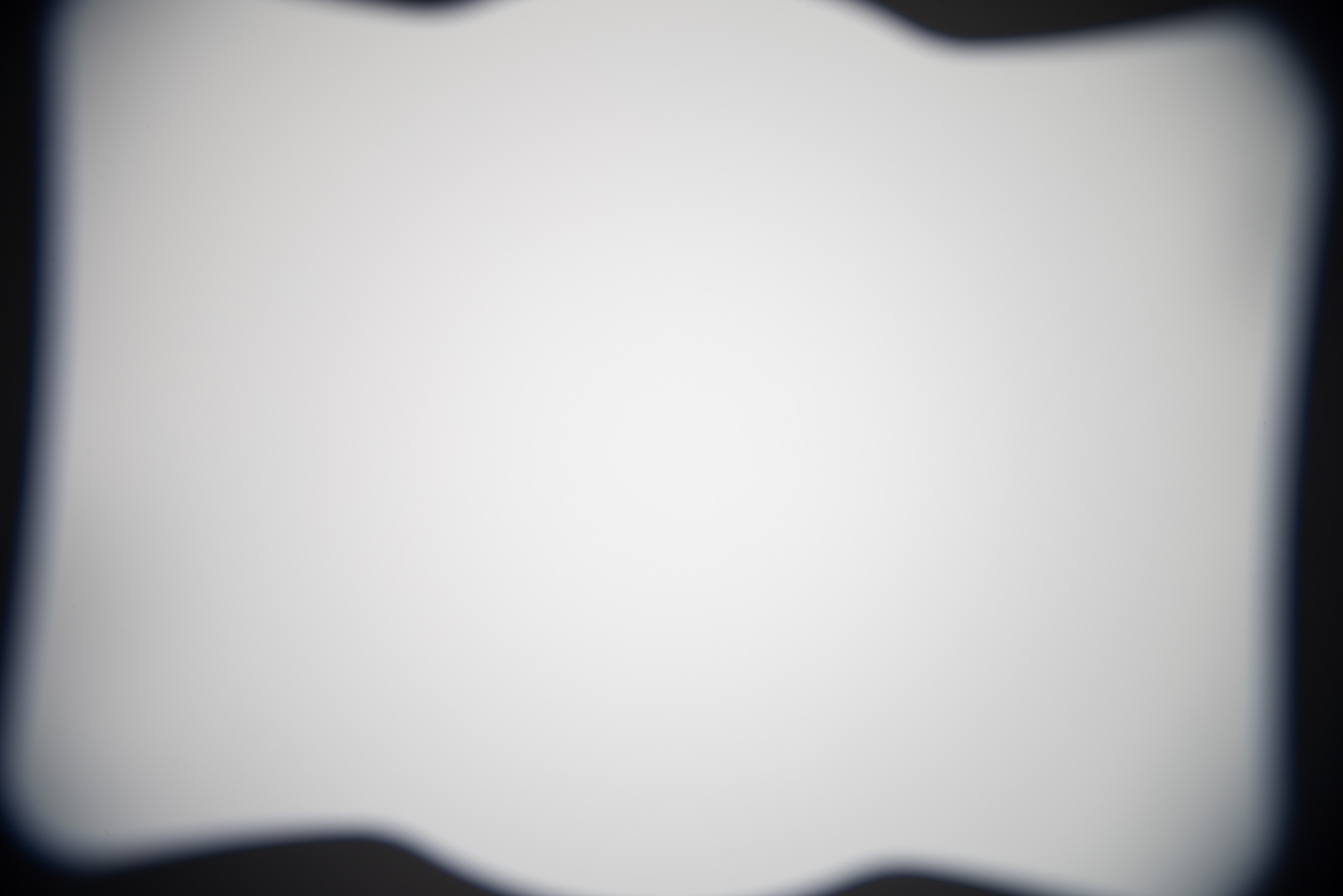
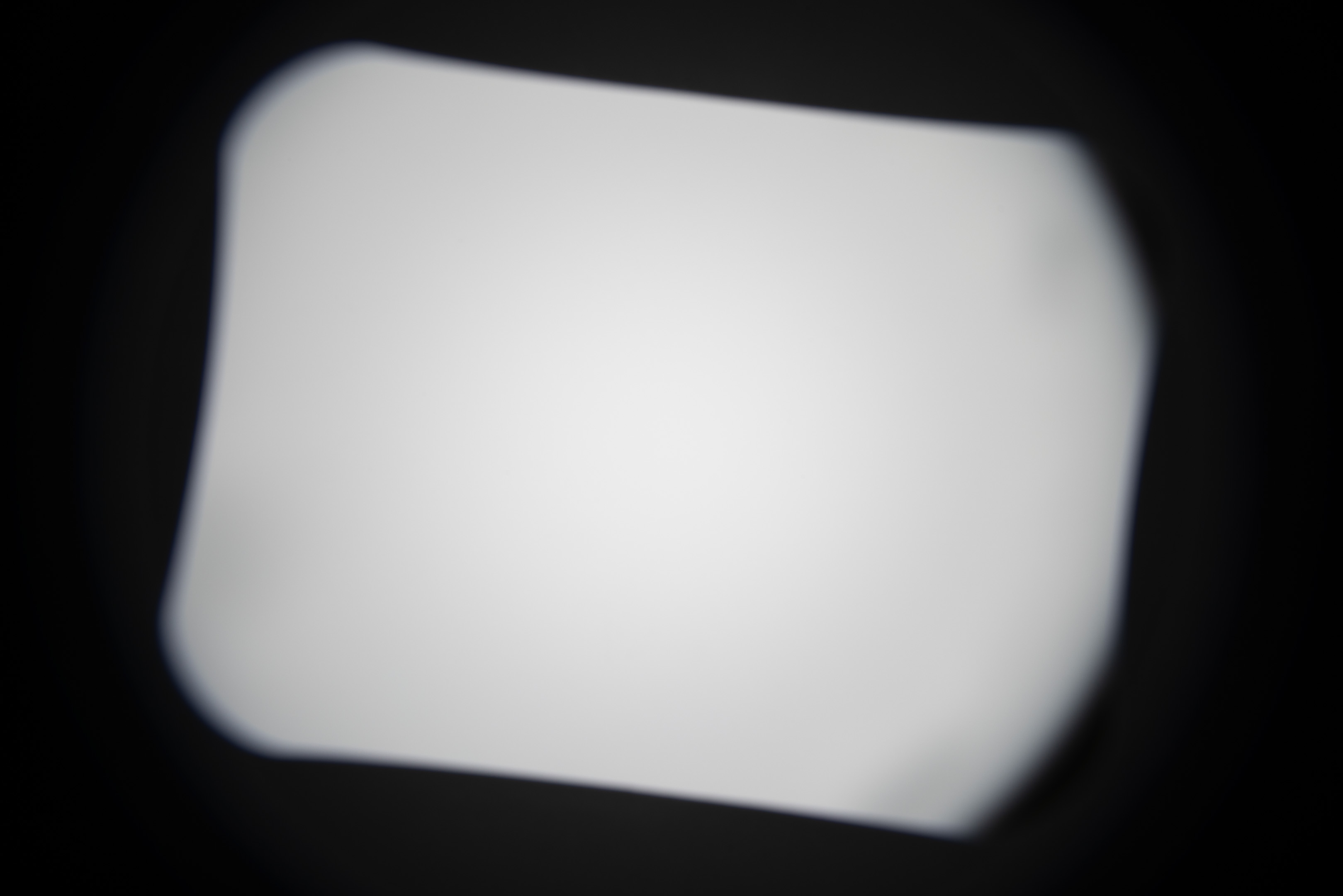
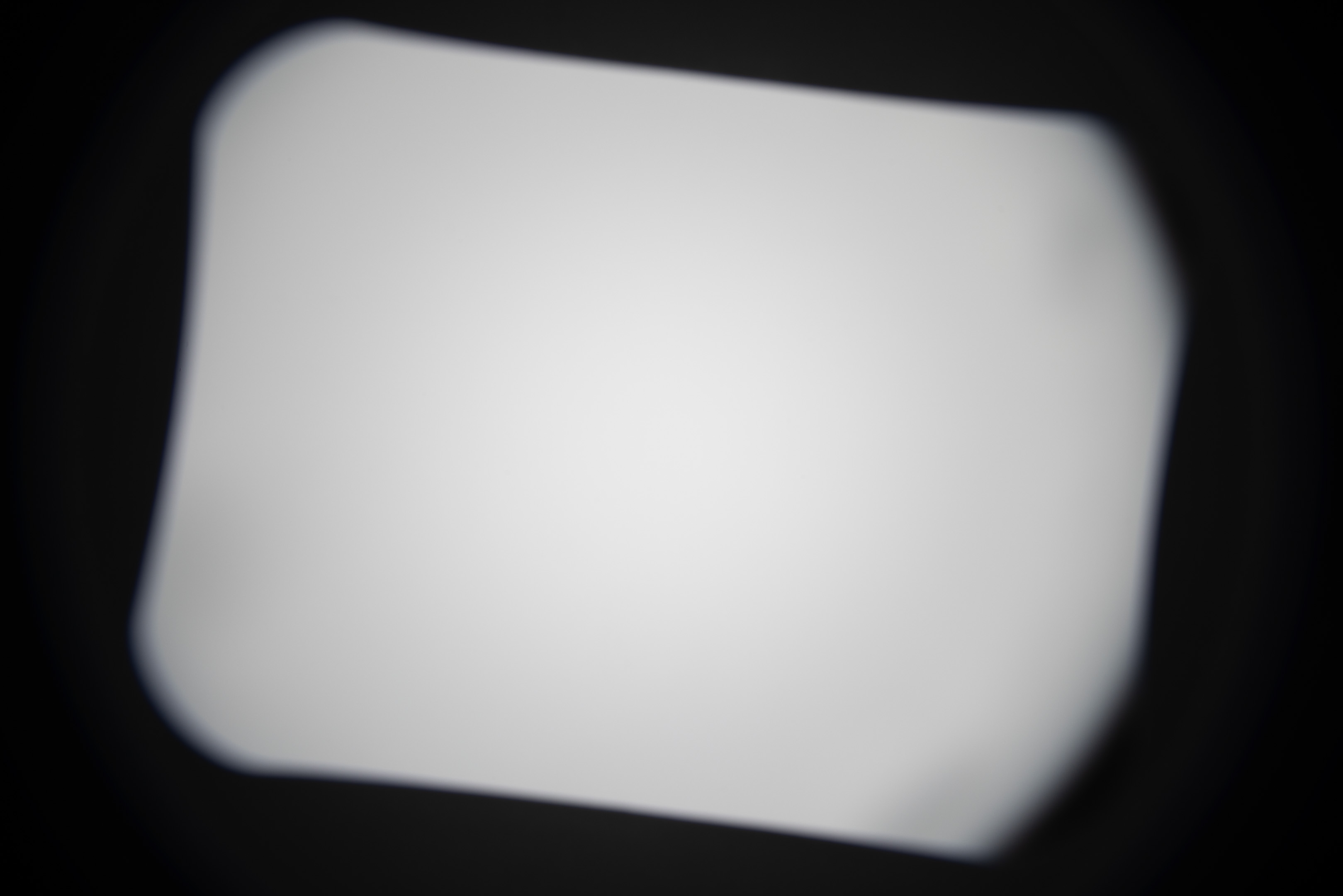
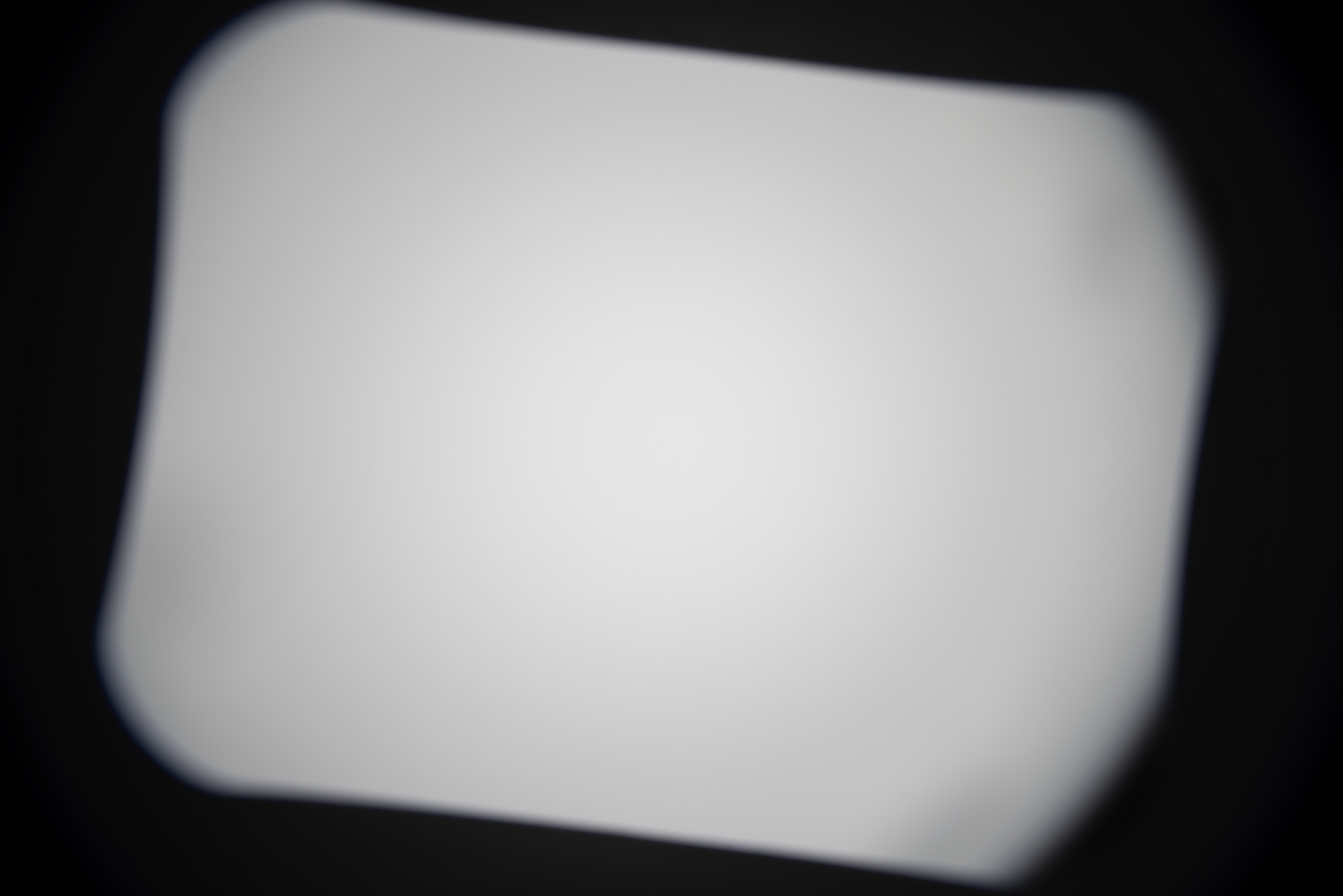
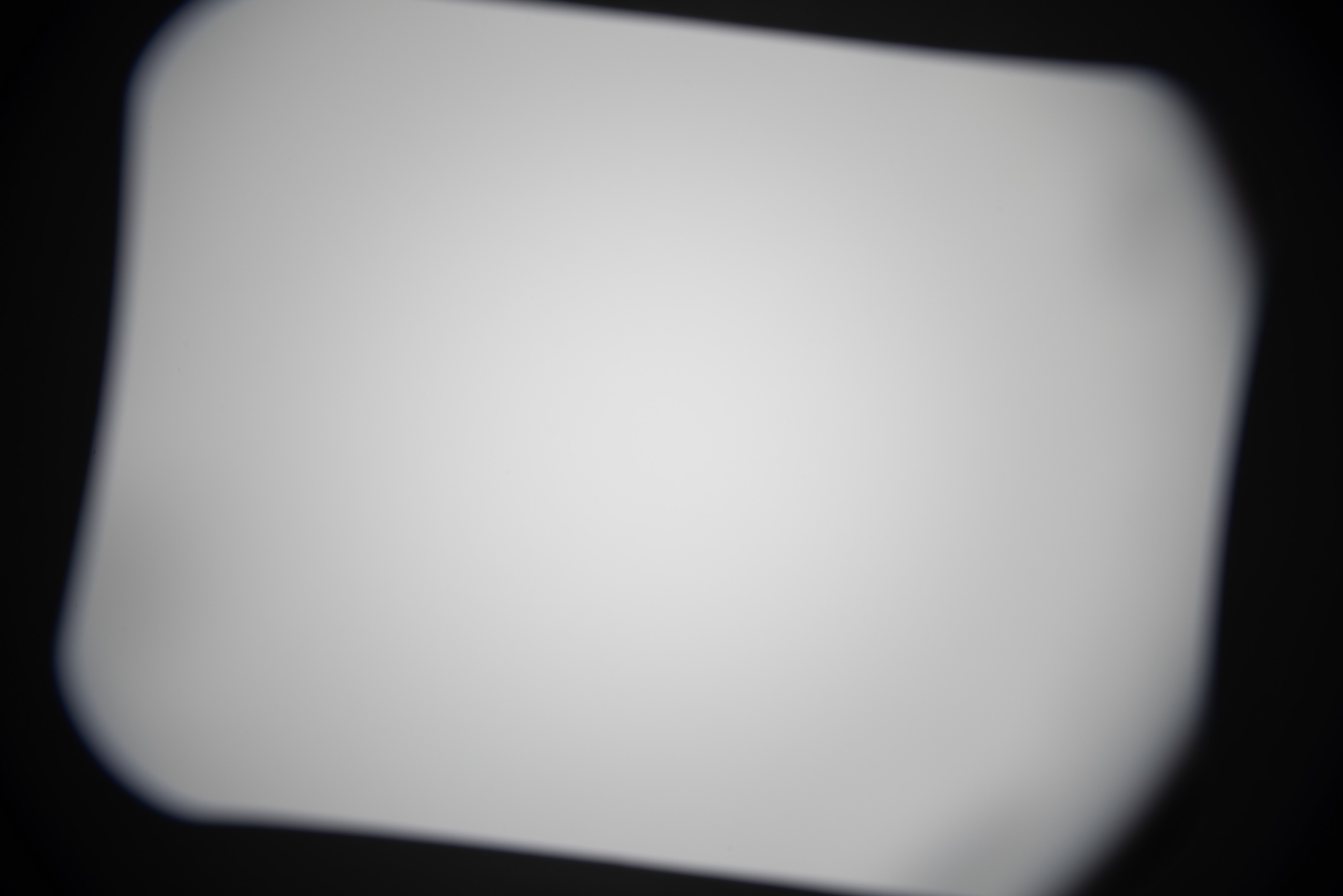
As you might imagine, the lens hoods for both lenses are designed for an APS-C image circle. And so using the lens hoods on full frame will just give you a lot of vignetting. Note that these images were taken on my Canon camera, so they are at a slight angle due to the lens being not quite fully mounted in order to avoid the forced APS-C crop Canon does.













Conclusion
The lenses can be used full frame, but they are a bit soft at the edges for my liking. You could use something like an APS-H crop and get a wider FoV than you would in APS-C mode for a given focal length, while retaining decent image quality. However, at least with my cameras, framing images for a 1.3x crop would be difficult as there is no way to do this in-camera. And other than increased resolution there is little benefit over just using the lens in APS-C mode at a wider focal length.
The 10-18mm is a better lens in terms of image quality, weight, and size than the 10-22mm. But if you want to use the lens on an adapter without electronic contacts, the focus by wire 10-18mm is extremely difficult to use, and the 10-22mm lens is a much better choice.
The Laowa MSC is okay, but you're much better off just getting a full frame lens than using an APS-C lens with the MSC to make it cover full frame. Image quality is better with an FF lens, and for electronic lenses they are much easier to use when connected to the camera. (Laowa do market their adapter for use with their fully manual lenses, and using APS-C lenses on full frame is not its intended purpose either).
Image quality with the teleconverter is not good enough to be worthwhile.
So while you could technically use an EF-S wide-angle zoom lens for both APS-C and full frame, it does not work out as well in practice as I had hoped.

Leave a Reply